AI Summoning Succubus
Our AI tool turns a single picture into a stunning summoning circle video with automated effects and smooth pacing. Experience quick, magical transformations for captivating results.
This is an example of what AI can create. Generate your own video now!
Why Choose This AI Video Tool?
Advanced AI Models
Powered by cutting-edge AI including Sora, Kling, VEO for superior video quality.
Easy to Use
No technical skills needed. Simply describe your vision and let AI create magic.
Custom Styles
Choose from multiple art styles and aspect ratios to match your creative vision.
Fast Processing
Generate high-quality videos in minutes with our optimized AI pipeline.
What Is the AI Summoning Succubus Tool?
The AI Summoning Succubus tool is a browser-based video generator that transforms a single static image into a short, cinematic video featuring a magical summoning circle. It automates the visual effects, creature animation, and scene pacing to create a captivating, dark fantasy sequence in minutes, without any manual video editing.
Summoning Succubus AI Generator: Instant Magical Video Creation
In the world of digital content, few aesthetics are as compelling as dark fantasy. The allure of the arcane, the pull of the unknown, and the visual drama of a summoning ritual create an instantly engaging experience. Until recently, producing this kind of high-concept video required expensive software, 3D modeling skills, and hours of rendering. The AI Summoning succubus tool changes that entirely. It puts the power of a visual effects studio into your browser, allowing you to generate a complete magical narrative from a single photograph.
This guide explores how this innovative tool works, why it’s capturing the attention of creators, and how you can use it to produce stunning, shareable content. Whether you're a marketer looking for unique visuals, a gamer creating lore, or a social media enthusiast wanting to stand out, this AI video generator offers a fast track to professional-grade results.
How Does the AI Succubus Video Generator Work?
At its core, this tool simplifies a complex process known as AI video generation. You provide the input—a single image—and the system handles the rest through a process called scene creation and automated video rendering. Here’s a breakdown of the magic happening behind the scenes:
- Image Analysis: You upload a portrait or a clear picture of a subject. The AI model, such as the advanced Sora 2 or the versatile Veo 3.1, instantly analyzes the facial features, pose, and lighting of the subject.
- Prompt Integration: The tool automatically applies a base prompt centered around the summoning theme. This prompt acts as a creative director, instructing the AI to transform the subject into a mythical entity and to generate a glowing, intricate summoning circle around them.
- Effect Automation: The system doesn't just paste effects; it generates them. It creates particle effects, ethereal glows, and shadowy tendrils that interact realistically with your subject. The pacing is also automated, ensuring the circle forms smoothly and the creature's presence builds to a climax within the chosen duration, typically 10 seconds.
- Fast Rendering: The entire sequence is then processed and rendered. While complex AI rendering can take hours, this tool is optimized for speed. Most videos are generated and ready for download in approximately 1 to 3 minutes, making it a practical online tool for rapid content creation.
When and Why to Use This Style & Effects Tool
The AI Summoning succubus tool isn't just a novelty; it's a practical solution for a variety of creative needs. Its primary value lies in its ability to convert a simple concept into a powerful visual story. You need this tool when you want to:
- Elevate Social Media Content: In a sea of standard posts, a short video of a person transforming into a demonic entity within a magical circle is guaranteed to stop the scroll. It’s perfect for TikTok, Instagram Reels, and YouTube Shorts, where quick, high-impact visuals are key.
- Create Unique Visual Metaphors: Marketers and creators can use this to visually represent concepts like "temptation," "power," "transformation," or "the forbidden." It’s a powerful way to make an abstract idea concrete and memorable.
- Enhance Storytelling Projects: Writers, game masters for TTRPGs like Dungeons & Dragons, and indie game developers can use these videos to visualize characters, create lore videos for their worlds, or generate engaging promotional material.
- Produce Fast Prototypes for Video Concepts: Before committing to a full-scale production, directors and visual artists can use this tool to quickly storyboard and visualize the mood and effect of a dark fantasy scene.
The primary problem it solves is the barrier to entry. Manual video editing for such complex effects is a time-consuming skill. This tool makes the process efficient and accessible to everyone.
Key Features and Technical Advantages
This AI generator is built on a foundation of powerful technology designed for both quality and ease of use. Its standout features include:
- Multiple AI Models: You have a choice in the engine that powers your creation.
- Sora 2: OpenAI's advanced model, excellent for generating videos up to 15 seconds with a strong grasp of complex scenes and multiple artistic styles. It requires 3 credits per generation.
- Veo 3.1: Google's powerful model supports input from 1-2 images, offering different stylistic interpretations and costing 6 credits per generation. This flexibility allows you to choose the "look" that best fits your vision.
- Aspect Ratio Options: Whether you need a landscape format (16:9) for widescreen viewing or a vertical format (9:16) optimized for mobile-first platforms, the tool adapts seamlessly.
- Controlled Duration: The standard 10-second output is ideal for social media, providing a complete, impactful loop that captures attention without overstaying its welcome.
- Browser-Based Processing: Because it’s an online tool, there’s no software to install. The entire process is handled on secure servers, ensuring client-side processing is light and your device isn't bogged down.
A Step-by-Step Guide to Your First Summoning
Ready to create your own magical video? The workflow is incredibly straightforward, designed to get you from image to video in minutes.
- Prepare Your Image: Select a clear, well-lit photo. A portrait with a centered subject and a clean background often yields the best results, as the AI can more easily distinguish and transform the main figure.
- Upload and Configure: Go to the tool on
text2vid.organd upload your image. Select your desired aspect ratio (e.g., 9:16 for Stories) and the AI model you wish to use (Sora 2 or Veo 3.1). The tool will automatically apply the "summoning succubus" theme. - Generate and Review: Click the generate button. The system will begin its work, a process that is both fast and secure. In about one to three minutes, your video will be ready.
- Download and Share: Preview the result. You'll see your subject transformed, surrounded by a dynamic, glowing summoning circle. Once you're satisfied, download the video file and share it directly to your favorite platforms.
Frequently Asked Questions
What exactly does the AI Summoning succubus tool do?
It's an AI video generation tool that takes a single photograph and automatically transforms it into a short video. It overlays and animates a magical summoning circle around the subject, adding visual effects that turn them into a dark fantasy creature. The entire process, from upload to final video, is automated and takes only a few minutes.
How long does it take to generate a video?
The video generation process is designed for speed. Typically, you can expect your video to be fully rendered and ready for download in 1 to 3 minutes. This fast turnaround makes it ideal for quick content creation.
What kind of images work best with this tool?
For optimal results, use a clear, high-quality image where the main subject is in focus. Portraits with a simple background work best, as this helps the AI models accurately identify the subject and seamlessly integrate the summoning effects around them.
Can I use the AI Summoning succubus generator for commercial projects?
Yes, you can use the videos you create for a wide range of projects, including social media content, marketing materials, and creative storytelling. It's always a good practice to review the specific terms of service on the website for any platform-specific guidelines.
Is my uploaded data safe and private?
Yes. As a professional online tool, data security is a priority. The platform processes your images on secure servers for the sole purpose of generating your video. Your data is handled with care and is not used for other purposes without your consent.
What is the difference between the Sora 2 and Veo 3.1 models?
The choice between these two AI models gives you creative control. Sora 2 is excellent for generating videos with a strong sense of physical reality and complex motions. Veo 3.1 offers different stylistic interpretations and can sometimes better handle the transformation based on multiple image inputs. Experimenting with both on the same image can yield two distinct and interesting results.
Do I need any video editing experience to use this tool?
None at all. The tool is built for everyone. It automates every complex step, from effect generation to scene pacing. You simply provide the image, and the AI Summoning succubus generator handles the rest, making professional-style video effects accessible to all skill levels.
In conclusion, the AI Summoning succubus tool represents a significant leap in making complex video effects accessible. It empowers creators to quickly produce unique, high-quality content that captures the imagination. By combining powerful AI models with an intuitive interface, it turns the complex art of magical video creation into a simple, fast, and enjoyable experience.
Start Creating AI Videos Instantly
Turn simple text prompts into engaging videos using our powerful AI video generator. No editing skills required — just describe your idea and let AI do the work.
Generate Your First AI VideoMore AI Video Tools
Explore more AI-powered video creation tools to expand your creativity
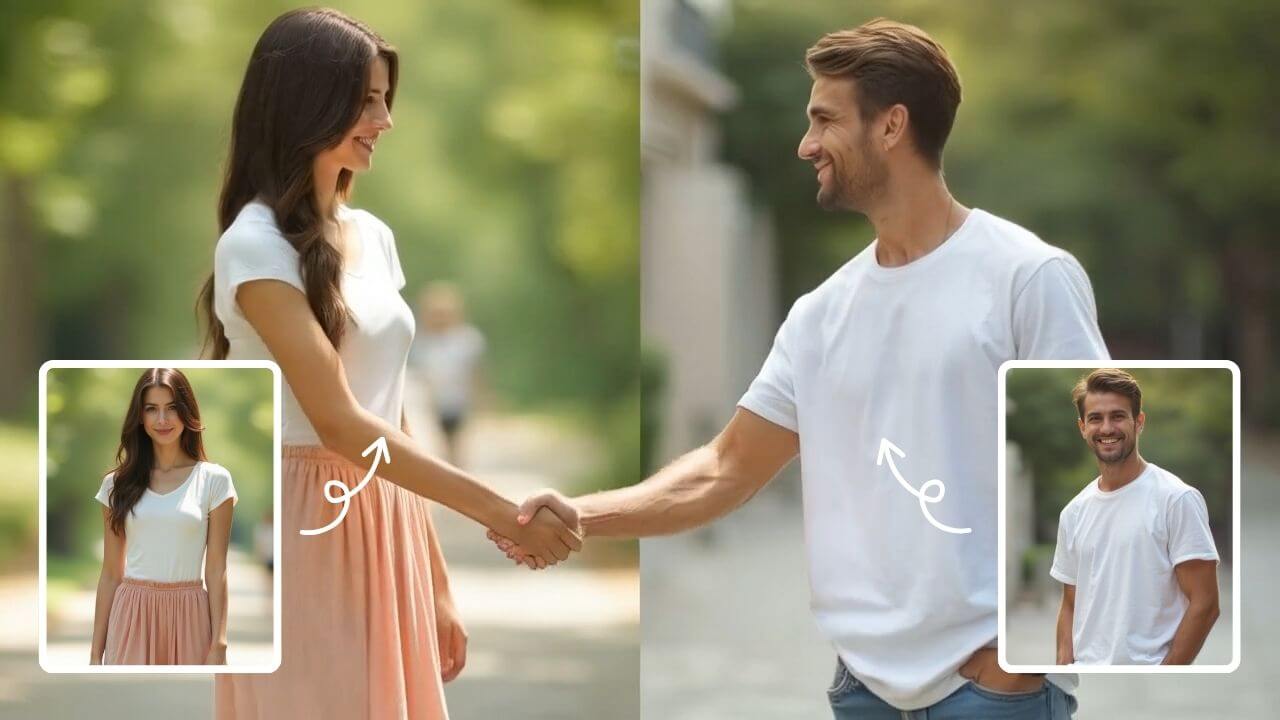
AI Handshake
AI Handshake revolutionizes digital communication with smart, adaptive connectivity. It delivers tailored experiences through AI-driven personalization, ensuring faster, more intuitive online interactions. Boost efficiency and engagement effortlessly with cutting-edge technology designed for modern users.
Try Now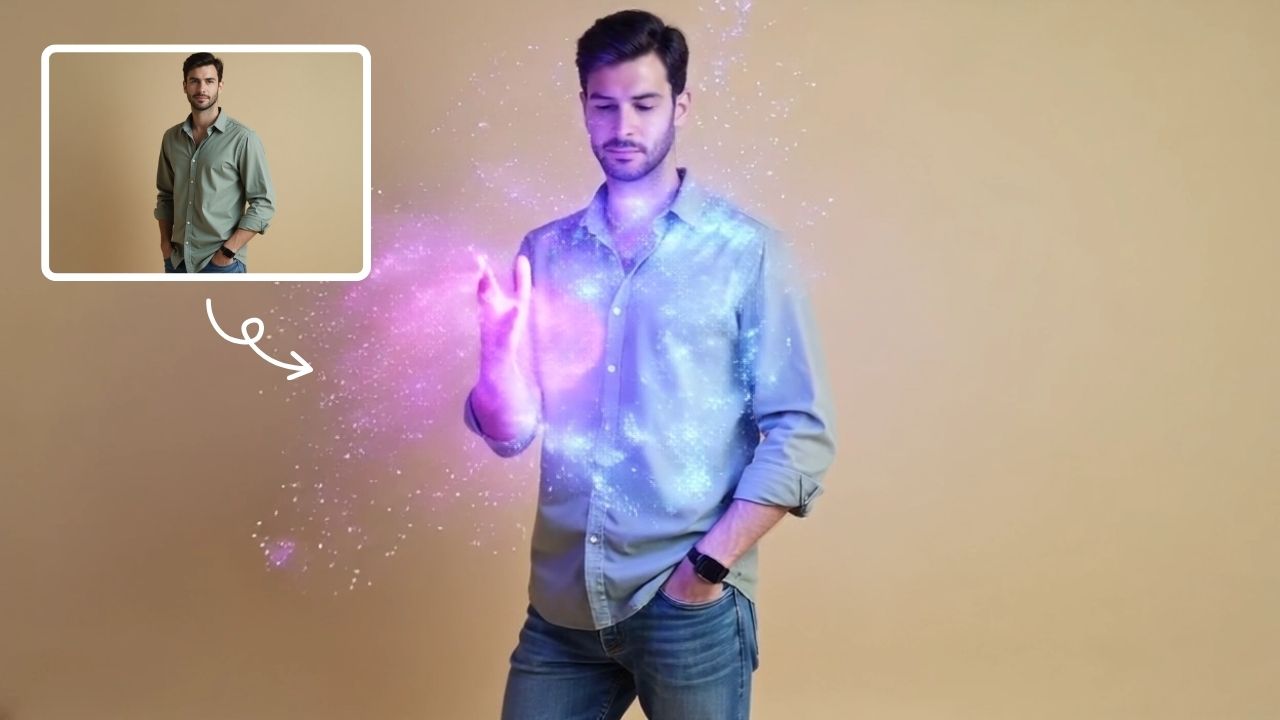
AI Magic
AI Magic instantly converts your photos into sorcerer images with a burst of light and energy. Highlighting unique powers and visual appeal, it offers quick, enchanting transformations for social media or personal use, making magic accessible to all.
Try Now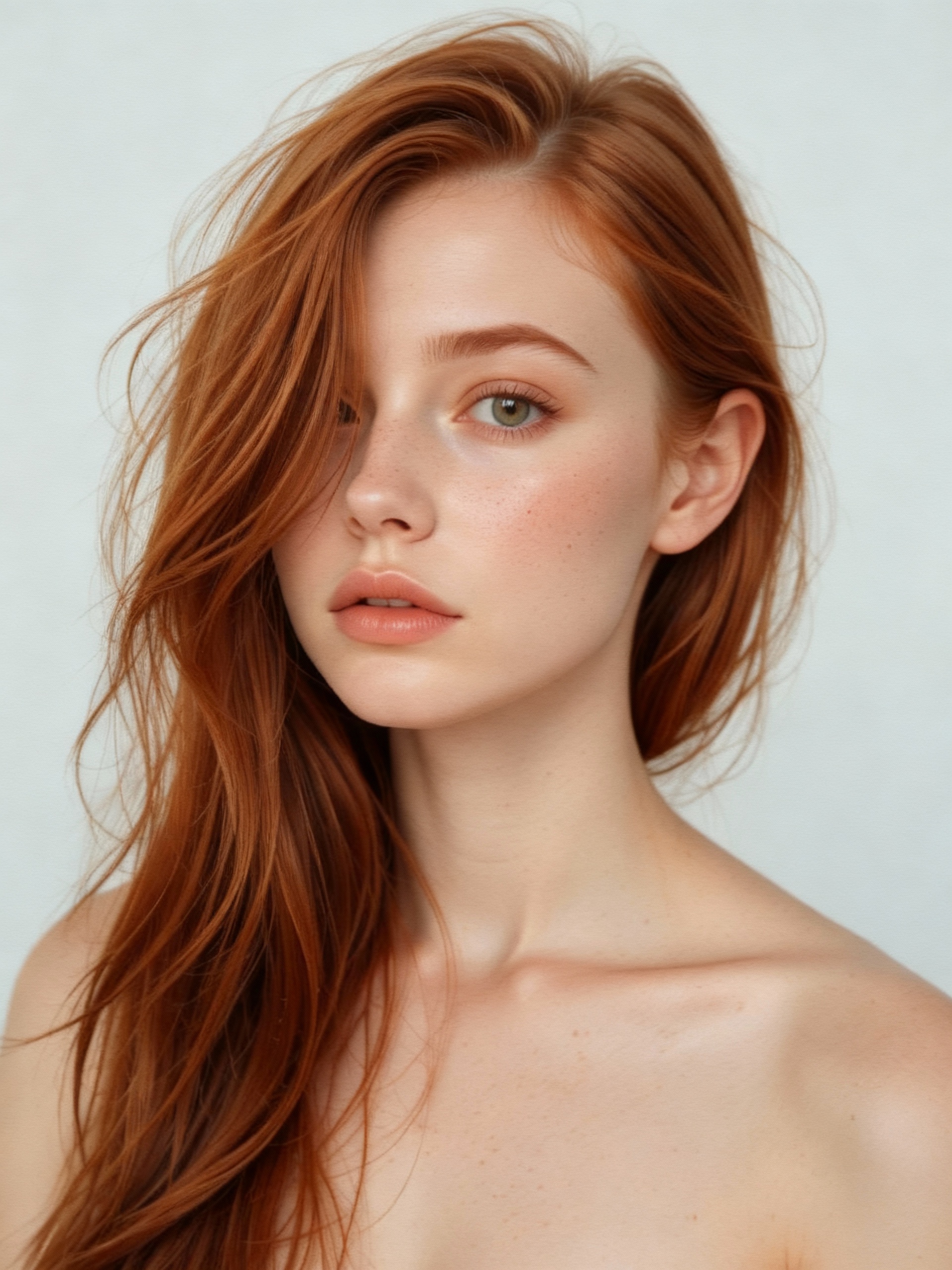
AI Vampire
AI Vampire Generator uses advanced AI to transform any selfie into realistic vampire makeup instantly. Perfect for Halloween, costume parties, or spooky social media content—no editing skills needed. Download your vampire makeover for free and stand out with eerie, professional-looking results!
Try Now
AI Talking Photo
AI Talking Photo by Supermaker AI instantly converts any portrait into a realistic talking video. Enjoy easy, free online animation—no downloads needed. Perfect for adding fun and engagement to photos with lifelike results.
Try Now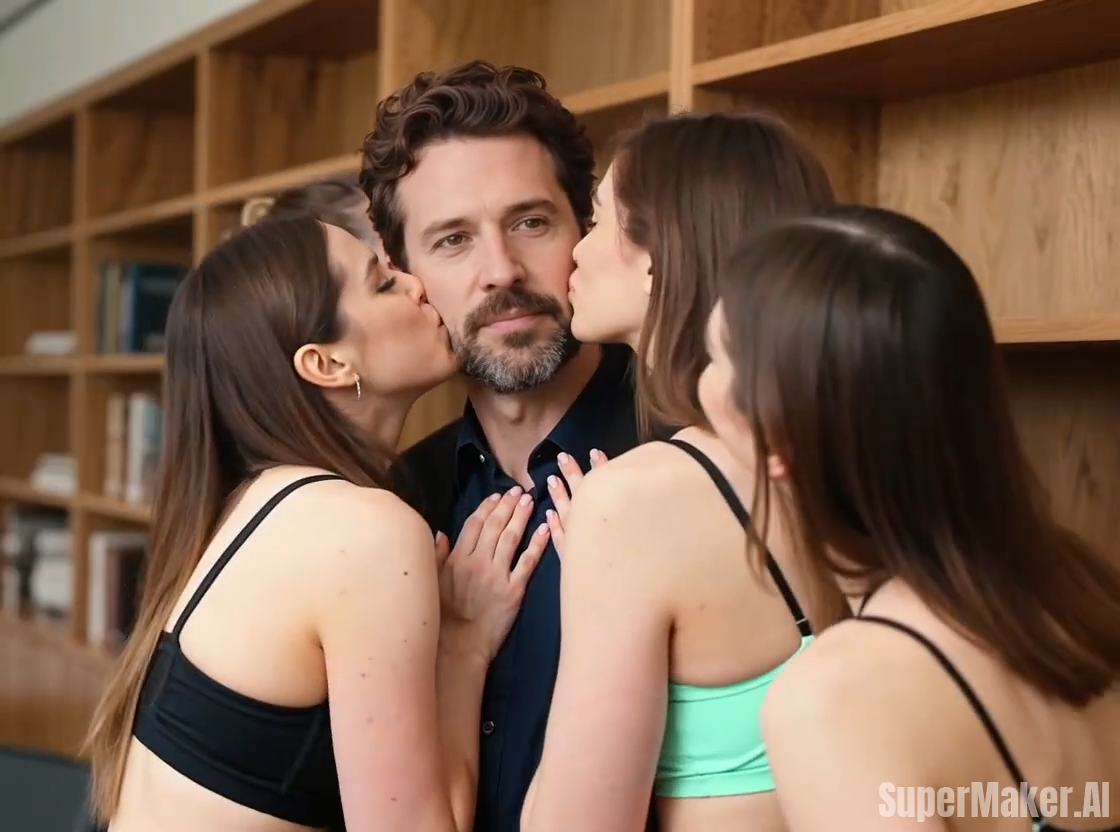
Kiss Me More
Kiss Me More AI by Supermaker AI lets you create captivating kiss-themed videos instantly. Our advanced AI technology offers intuitive effects, transforming your ideas into mesmerizing visual stories. Experience seamless video generation with unique customization options, perfect for social media sharing and creative expression.
Try Now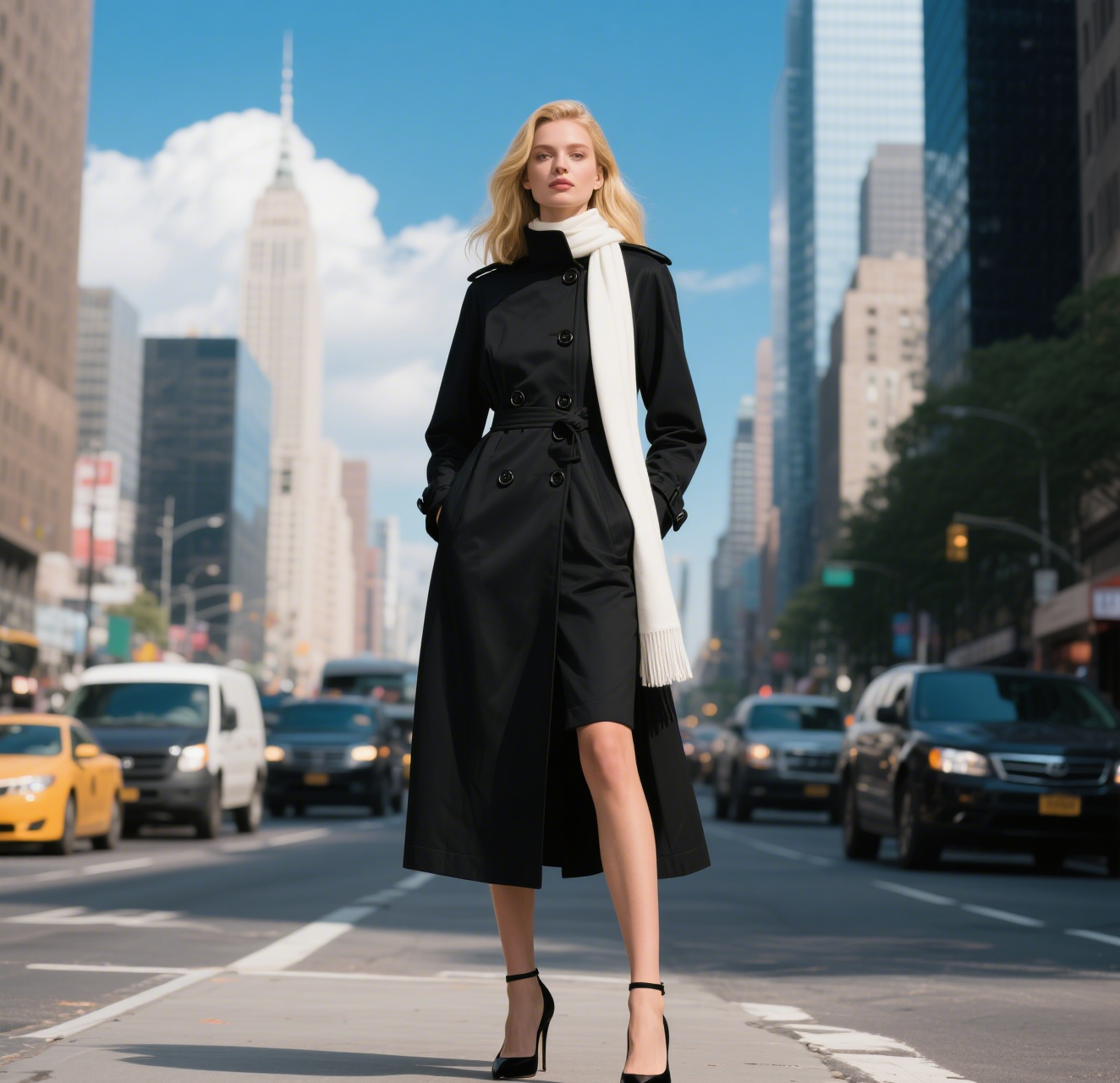
AI Walking Video
AI Walking Video by Supermaker AI transforms still images into natural walking animations using advanced AI. Simply upload a photo to get smooth, professional results in minute—ideal for digital content, presentations, and more. Save time and boost engagement with easy, high-quality video generation.
Try Now
AI Fake Boyfriend
Fake Boyfriend Filter lets you generate a personalized AI boyfriend in videos. Simply upload your photo and detail your desired scenes—like hugging or kissing. The tool crafts realistic interactions for entertainment or content creation, offering unique, engaging experiences powered by advanced AI technology.
Try Now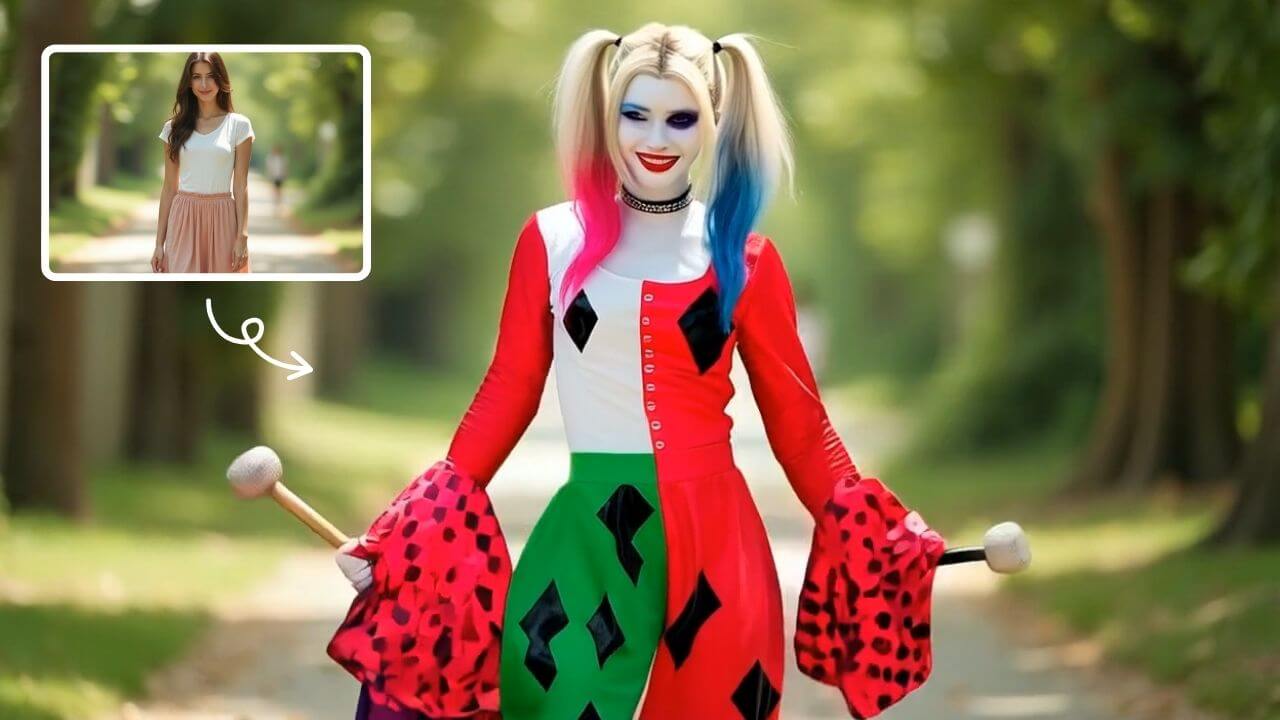
AI Harley Quinn Transformation
AI Harley Quinn Transformation lets you upload your photo and instantly generate a dynamic video where you become Harley Quinn. Experience her signature style, playful animations, and unique flair in an easy, fast process. Perfect for fans seeking a fun, personalized transformation without any hassle.
Try Now Continue with Google