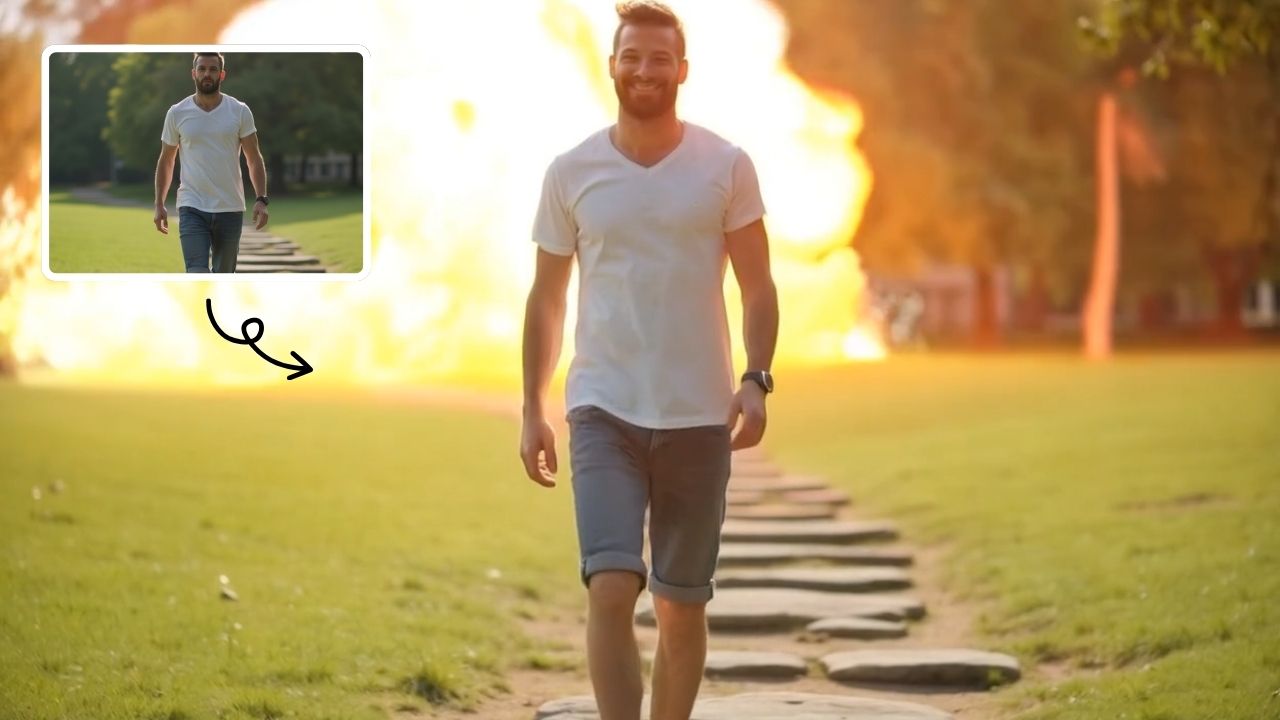
Zoom Out Video Effect

Zoom Out Video Effect offers intuitive AI templates for instant video creation. Easily transform images/text into dynamic videos with zoom effects. Save time with one-click editing while enhancing visual storytelling. Perfect for marketers and creators seeking professional results without complexity.

Drag & Drop or Ctrl+V to paste

Support PNG, JPG, WEBP up to 10MB (Max 2 images)

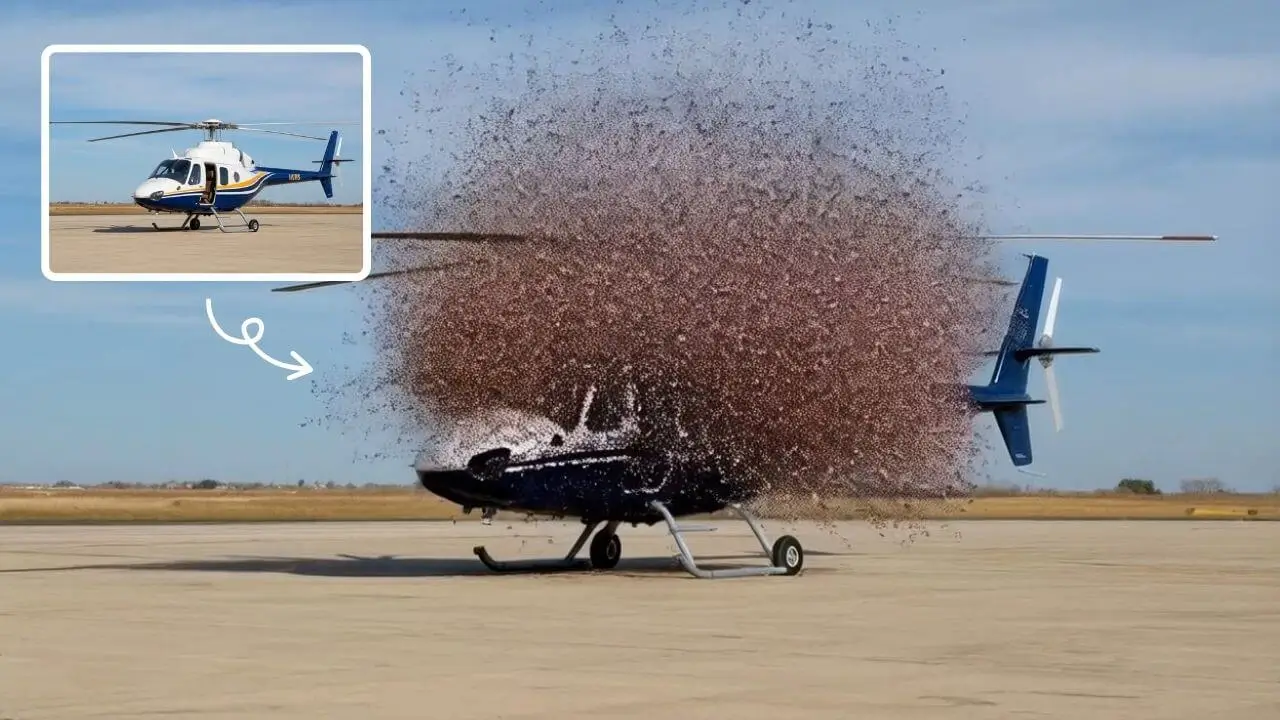
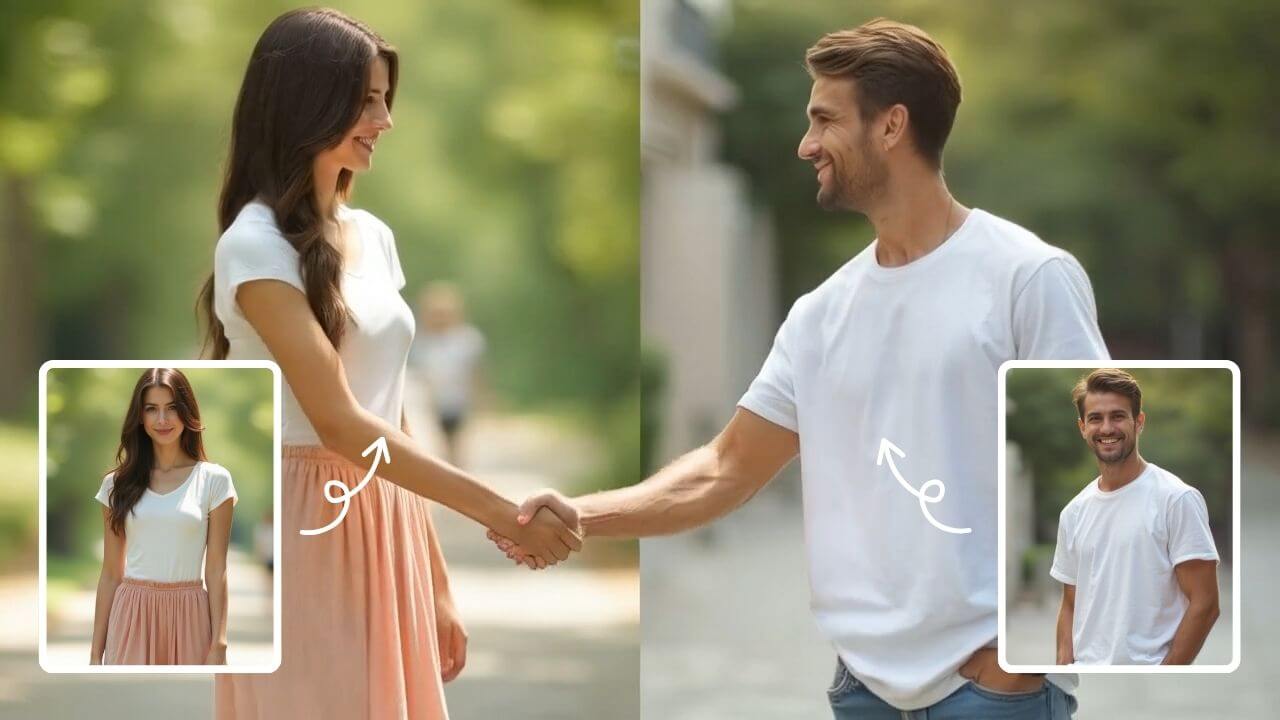
This is an example of what AI can create. Generate your own video now!

What Is a Zoom Out Video Effect?

A zoom out video effect is a cinematic technique where the camera appears to pull away from a subject, gradually revealing more of the surrounding environment. In the context of AI-powered creation, this effect is used to transform a static image or text prompt into a dynamic video clip. Instead of manually keyframing a camera path in complex editing software, modern AI tools automate the entire process. They intelligently extrapolate the background of your image, simulating a seamless camera pullback that adds depth and context to your visual story.

Understanding the Zoom Out Video Effect Tool

For content creators, marketers, and hobbyists, achieving a professional-looking zoom out effect traditionally required a solid grasp of video editing software, multiple layers, and a lot of time. The Zoom Out Video Effect tool changes that paradigm entirely. It is a browser-based platform that leverages advanced AI models, such as Sora 2 and Veo 3.1, to generate high-quality videos from simple inputs. You provide an image or a text description, select your desired parameters, and the AI handles the complex task of video generation, creating a smooth zoom-out sequence in a matter of minutes.

This tool bridges the gap between a creative idea and a finished video asset. It's designed to make video creation accessible, allowing you to focus on your story rather than the technical hurdles of animation and rendering. The core function is to take a central subject and dynamically expand the viewer's perspective, making it ideal for intros, reveals, and adding a sense of scale to your visuals.

How the AI-Powered Zoom Out Video Generation Works

The process of creating a video with this effect is surprisingly simple, yet it relies on complex machine learning models. Here is a breakdown of the typical workflow:

Step 1: Input Your Source Material

You begin by providing the AI with the seed of your video. This can be either an image you've uploaded or a detailed text prompt. If you're using an image, the AI analyzes its key elements—the main subject, colors, lighting, and composition. For text prompts, the AI generates the initial scene based on your description before applying the zoom effect.

Step 2: Configure Your Settings

The tool offers a few key customizations to tailor the output to your needs. You can select the aspect ratio, choosing between landscape (16:9) for platforms like YouTube or portrait (9:16) for TikTok, Instagram Reels, and YouTube Shorts. You also set the desired duration, typically up to 10 seconds, which is the sweet spot for engaging short-form content. Finally, you can choose your preferred AI model, such as the versatile Sora 2 or Google's Veo 3.1, depending on the complexity and style you're aiming for.

Step 3: AI Processing and Rendering

Once you hit generate, the AI model gets to work. For the zoom out effect, the model's primary task is to "extrapolate the background logically and seamlessly." It must invent the areas outside the original frame in a way that is coherent with the existing scene. This requires a deep understanding of perspective, spatial relationships, and visual consistency. The processing time is efficient, with most videos being generated in one to three minutes.

Step 4: Review and Download

After the rendering is complete, you can preview your video. The result is a smooth clip where the camera pulls back from your initial subject or scene, creating a professional and engaging visual narrative. You can then download the video and use it directly in your projects.

Why Creators and Marketers Need This Effect

The zoom out effect is more than just a stylistic flourish; it's a powerful storytelling device. Here’s why it's an essential tool in a modern creator's arsenal:

  • Establishes Context: By starting close on a subject and pulling back, you immediately answer the viewer's unspoken question, "Where is this happening?" It grounds your subject in its environment, adding layers of meaning to the scene.
  • Creates Engagement and Surprise: This technique builds anticipation. The viewer is focused on the initial subject, and the reveal of the wider world creates a moment of discovery, making the content more memorable.
  • Adds Professional Polish: A smooth, cinematic camera move elevates the perceived production value of your content. It signals quality and attention to detail, helping your videos stand out in a crowded feed.
  • Saves Hours of Manual Work: Recreating this effect manually is a tedious process of setting keyframes, masking, and finding extended background elements. This tool automates the heavy lifting, turning a task that could take hours into a few clicks.

Practical Use Cases for the Zoom Out Effect

The versatility of this effect makes it applicable across various content types and industries. Here are some common scenarios where it excels:

Social Media Content Creation

For influencers and brands on TikTok and Instagram, grabbing attention in the first second is critical. Use the zoom out effect on a product shot to reveal it in a stylish room, or on a person to show the event or location they're in. It’s a perfect hook for short-form video.

Marketing and Advertising

Marketers can use this tool to create compelling video ads without a large production crew. Start with a tight shot of a product's logo or a key feature, then zoom out to show the product being used in a real-world scenario. This visually communicates both the item and its benefit.

Educational and Explainer Videos

In educational content, the zoom out effect can be used to show relationships. For example, start on a specific cell diagram and zoom out to place it within the context of a larger organ or organism. This helps viewers understand how individual parts fit into a larger system.

Key Features and Advantages of an AI-Driven Approach

Using a dedicated AI tool for the Zoom Out Video Effect offers distinct advantages over traditional methods:

  • Intelligent Scene Extrapolation: The AI doesn't just scale the image; it generates new visual information. It understands perspective and creates a background that realistically extends from the original image, which is impossible to achieve with simple scaling.
  • One-Click Editing and Speed: The entire process, from idea to video, is condensed into minutes. This rapid video generation allows for quick iteration and experimentation with different ideas.
  • No Specialized Skills Required: You don't need to be a video editor or motion graphics artist. The tool handles the technical complexity, making professional video effects available to everyone.
  • Browser-Based and Accessible: Since it's an online tool, there's no need to download or install heavy software. It works directly in your browser, allowing for client-side processing and quick uploads.
  • Multiple AI Models: The choice of models, like Sora 2 or Veo 3.1, gives you flexibility in terms of style, processing speed, and credit cost, allowing you to choose the best tool for your specific project.

Frequently Asked Questions

What exactly is a Zoom Out Video Effect tool?

It's a browser-based application that uses artificial intelligence to automatically create videos where the camera appears to pull back from a subject. You provide an image or text, and the AI generates new background content to make the zoom out look smooth and realistic, saving you from manual video editing.

How long does it take to generate a video with this effect?

The video generation process is designed to be fast and efficient. Typically, you can expect a video to be rendered and ready for download within one to three minutes, depending on the complexity of the scene and the chosen AI model.

Do I need video editing experience to use the Zoom Out Video Effect?

No, absolutely not. The entire purpose of this AI tool is to remove the technical barriers to video creation. The interface is intuitive, requiring you only to upload an image or write a prompt, select your settings, and click generate. The AI does all the complex work.

What kind of inputs can I use to create the video?

You have two primary options for creating your video. You can upload an existing image, and the AI will animate a zoom out from that picture. Alternatively, you can write a detailed text prompt, and the AI will first generate an image based on your description and then apply the zoom out effect to it.

Is my data safe when using this online tool?

Reputable AI video tools, like the one described, prioritize user privacy and data security. While specific policies can vary, the underlying principle is to ensure that your uploaded images and generated videos are processed securely and are not misused. It's always good practice to review the platform's privacy policy for specific details on data handling.

Can I use the generated videos for commercial purposes?

Yes, the videos created with this tool are intended for a wide range of uses, including marketing and advertising. The platform is designed for creators and marketers seeking professional results, and the output can typically be used in commercial projects. It's always recommended to check the specific terms of service for the tool to confirm usage rights.

What are the benefits of using AI for a zoom out effect compared to doing it manually?

The primary benefits are speed, ease of use, and quality. Manually creating a zoom out requires advanced editing skills, layering, and often results in a flat, scaled image. AI intelligently extrapolates new background details, creating a more realistic and cinematic result in a fraction of the time, making this powerful effect accessible to everyone.

Conclusion

The Zoom Out Video Effect tool represents a significant leap forward in accessible video creation. By harnessing the power of AI, it transforms a complex editing technique into a simple, fast, and intuitive process. Whether you're a marketer looking to create impactful ads, a social media creator aiming for higher engagement, or an educator needing to visualize concepts, this tool empowers you to produce professional-quality videos without the steep learning curve. It effectively solves the problem of adding cinematic depth and context to your visuals, allowing you to concentrate on what matters most: telling your story.

Start Creating AI Videos Instantly

Turn simple text prompts into engaging videos using our powerful AI video generator. No editing skills required — just describe your idea and let AI do the work.

Generate Your First AI Video

More AI Video Tools

Explore more AI-powered video creation tools to expand your creativity

AI Bikini

AI Bikini

Our AI Bikini Generator lets you instantly create personalized beachwear designs. Simply input your preferences, and watch AI craft unique bikini styles tailored to you. Enjoy hassle-free customization, save time, and discover your perfect look without any cost or sign-up. Ideal for fashion lovers seeking quick, innovative solutions for summer outfits!

Try Now
AI Iron Man

AI Iron Man

AI Iron Man Transformation lets you instantly turn into Tony Stark by uploading your photo. Generate a dynamic Iron Man video , showcasing your superhero avatar with realistic effects. Enjoy quick, fun transformations and share your unique Iron Man identity easily.

Try Now
AI Legged Runaway

AI Legged Runaway

AI Legged Runaway uses advanced AI to animate any object in your photos, giving them legs and a runaway personality. Simply upload an image, and watch as everyday items transform into escaping characters, providing endless entertainment. Perfect for creating viral content, surprising friends, or adding a twist to your photos. Experience the magic of AI-driven creativity today

Try Now
AI Harley Quinn

AI Harley Quinn

AI Harley Quinn Transformation uses advanced AI to turn your photo into a Harley Quinn video instantly. Upload any photo, and watch as it transforms with her signature look and action-packed effects. Enjoy a unique, personalized experience that highlights your fun side, perfect for sharing on social media.

Try Now
AI Dance Video

AI Dance Video

AI Dance Video by Supermaker AI instantly animates your photos into professional dance videos. Generate viral TikTok trends or K-pop moves with realistic animation. It's free, user-friendly, and perfect for creating engaging content that stands out online—no expertise required!

Try Now
AI Face Punch

AI Face Punch

AI Face Punch offers intuitive AI video templates that let you transform text or images into engaging videos instantly. Its key features include diverse template options, one-click generation, and seamless customization, saving time while enhancing visual content quality. Perfect for marketers and creators seeking fast, professional results without technical skills.

Try Now
AI Harley Quinn Transformation

AI Harley Quinn Transformation

AI Harley Quinn Transformation lets you upload your photo and instantly generate a dynamic video where you become Harley Quinn. Experience her signature style, playful animations, and unique flair in an easy, fast process. Perfect for fans seeking a fun, personalized transformation without any hassle.

Try Now
AI Demon Transform

AI Demon Transform

AI Demon Transform revolutionizes video creation with intuitive AI templates. Convert text or images into engaging videos in one click. Enjoy free access to trending styles, fast processing, and user-friendly tools. Boost your content with unique, high-quality results—perfect for creators and marketers seeking efficiency and innovation.

Try Now
×

Unlock Premium AI Video Generator Features

Sign in with Google to access advanced editing tools, save your creations, and enjoy unlimited image enhancements.