AI Surf Video
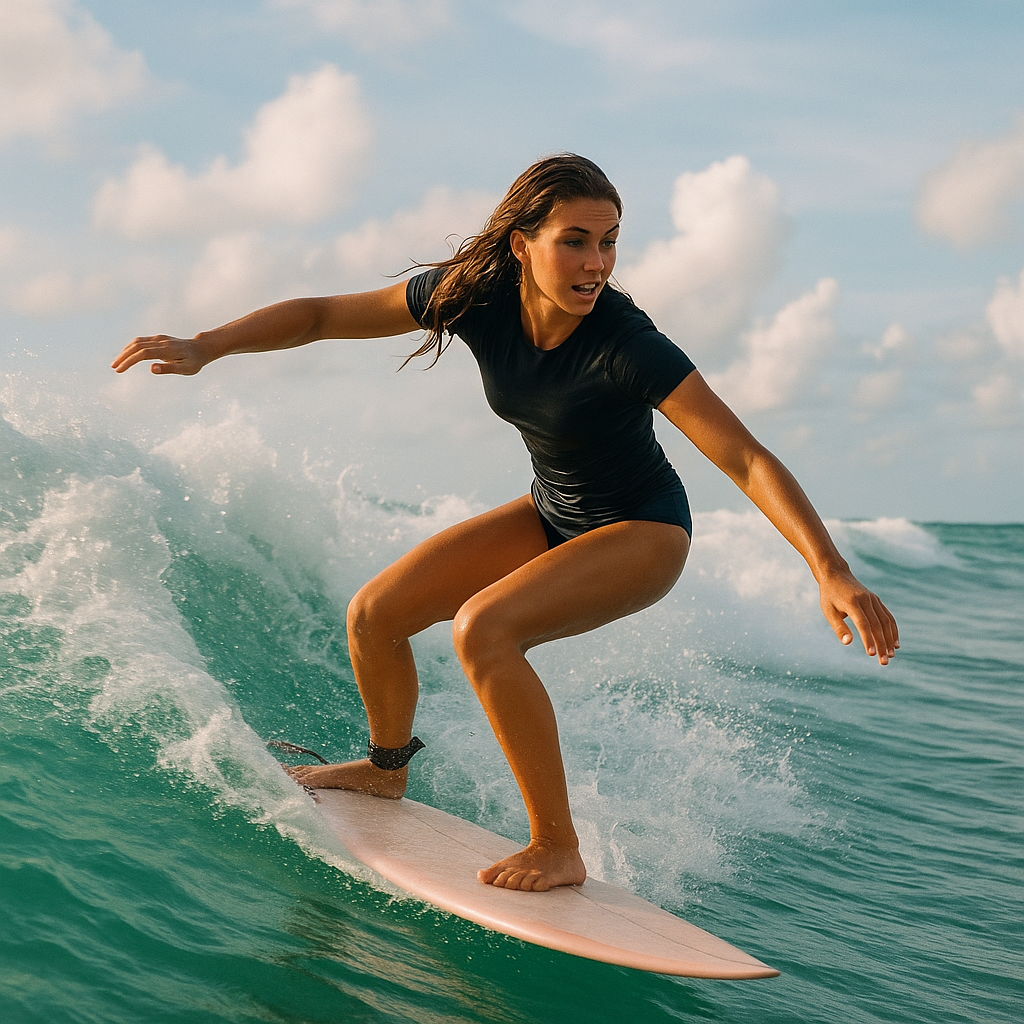
AI Surf Video by Supermaker AI transforms your ideas into high-energy surfing videos. Using advanced AI, it produces realistic surfing actions, seamless motion, and consistent characters with dynamic waves. Experience quick, professional-quality videos that highlight your skills or creative vision, making it perfect for content creators and surf enthusiasts.
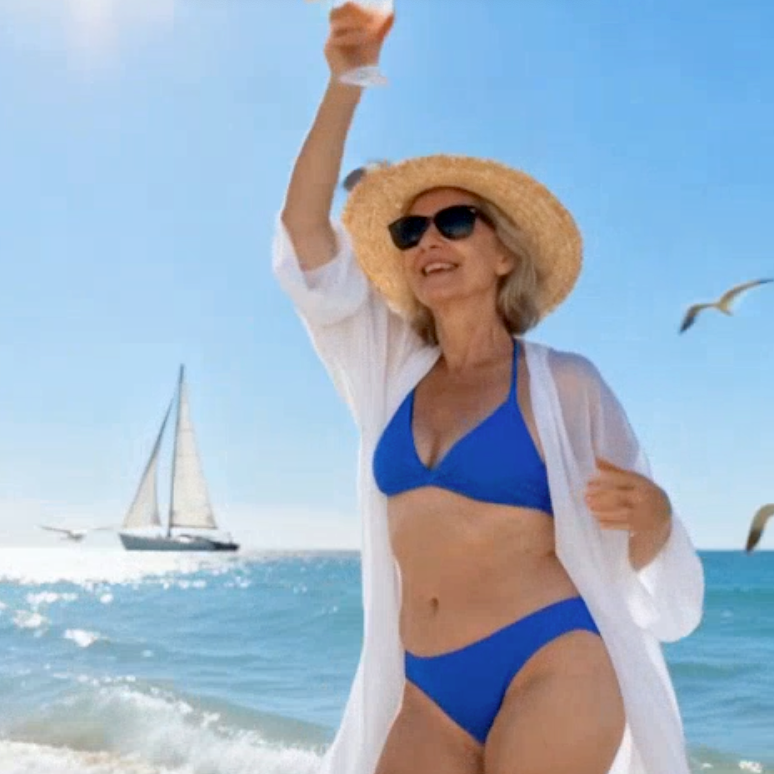
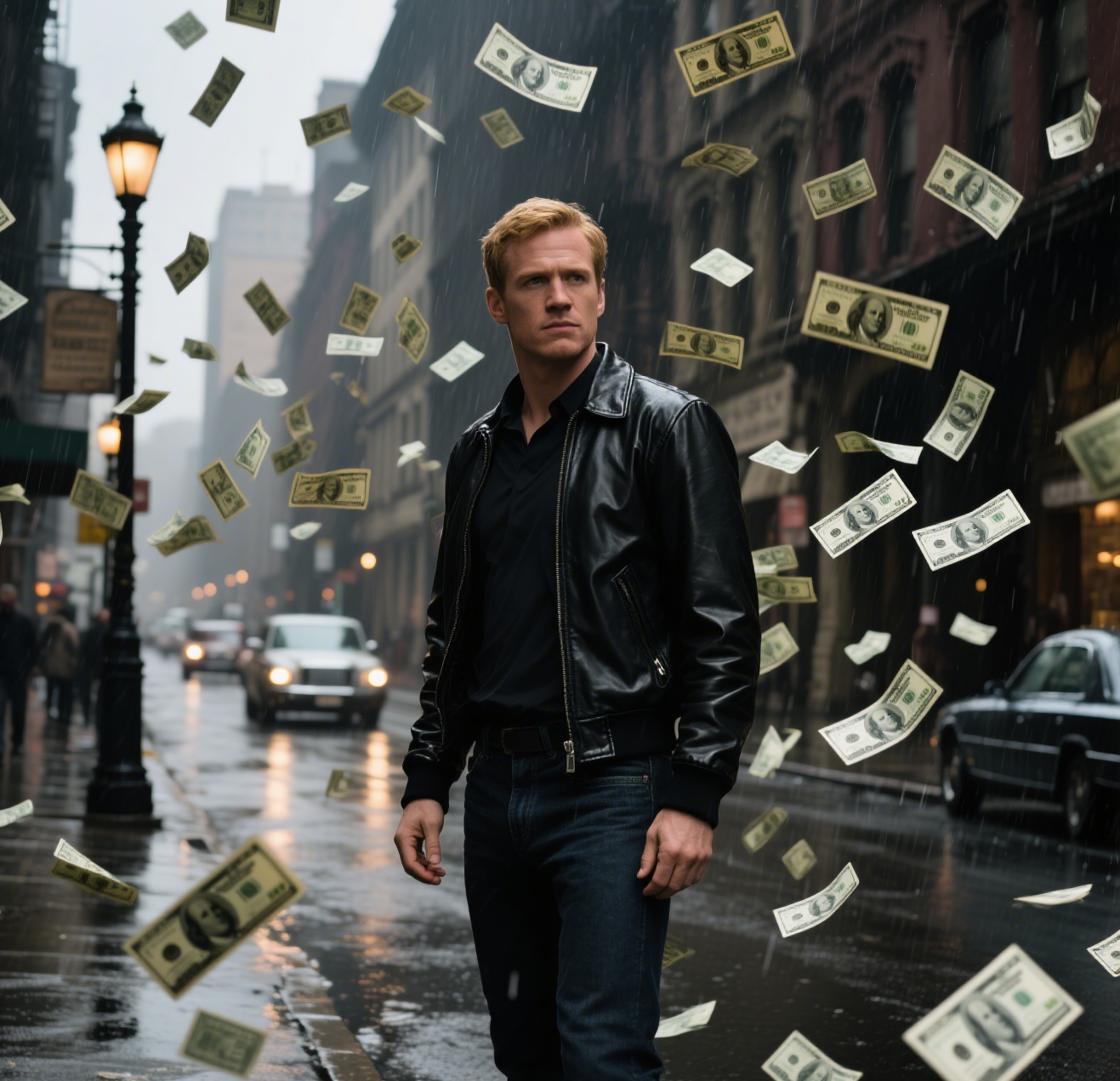
This is an example of what AI can create. Generate your own video now!
AI Surf Video: Create Realistic Surfing Videos with AI
AI Surf Video is an online tool that transforms static images or text prompts into dynamic, high-energy surfing videos. By leveraging advanced AI models, it generates realistic motion, consistent characters, and authentic wave environments in seconds.
What is AI Surf Video and How Does It Work?
AI Surf Video, developed by Supermaker AI, is a specialized tool within the broader AI video generation landscape. It focuses exclusively on creating surfing content, bridging the gap between a creative idea and a finished, professional-looking video. The core function is to generate realistic surfing sequences, which is a complex task involving human motion, water dynamics, and environmental consistency.
The process is simple. A user provides an input—either a detailed text prompt describing the scene and surfer, or a static portrait photo. The AI then processes this input through its underlying models, such as Sora 2 or Veo 3.1. It interprets the request, generates a coherent character, places them in a dynamic ocean scene, and renders a smooth video where the surfer rides waves. The technology handles the heavy lifting of physics and motion, allowing anyone to create compelling surf content without needing video editing skills or actual footage.
Why Content Creators and Surf Enthusiasts Need an AI Surf Video Generator
Traditional video creation is resource-intensive. Filming surfing requires expensive equipment, ideal weather, access to waves, and a skilled videographer. This makes it inaccessible for most people. An AI surf video generator democratizes this process.
For a surf enthusiast, it offers a way to visualize themselves or their ideas in action. They can see how they might look riding a perfect wave, experiment with different locations, or simply create fun, shareable content. For a content creator or marketer, it's a rapid prototyping and production tool. Need a high-energy background video for a brand? Want to illustrate a point about surf technique without a stock video? AI Surf Video provides a quick, customizable solution.
The tool solves the fundamental problem of accessibility and speed. What once took days or weeks of planning and production can now be achieved in minutes from a desk. This allows for rapid iteration and creative exploration that was previously impossible.
Key Features and Technical Capabilities of AI Surf Video
Understanding the features helps you harness the full potential of the tool. It’s designed for both ease of use and creative control.
Flexible Input Methods: Text Prompts and Image Transformation
You can start with just an idea. Using video prompts, you can describe the scene in detail. For example, a prompt like, "A professional surfer in a blue wetsuit carving a turn on a barreling wave at sunset, with a tropical beach in the background," will guide the AI to generate that specific scene. This is perfect for creating original content from scratch.
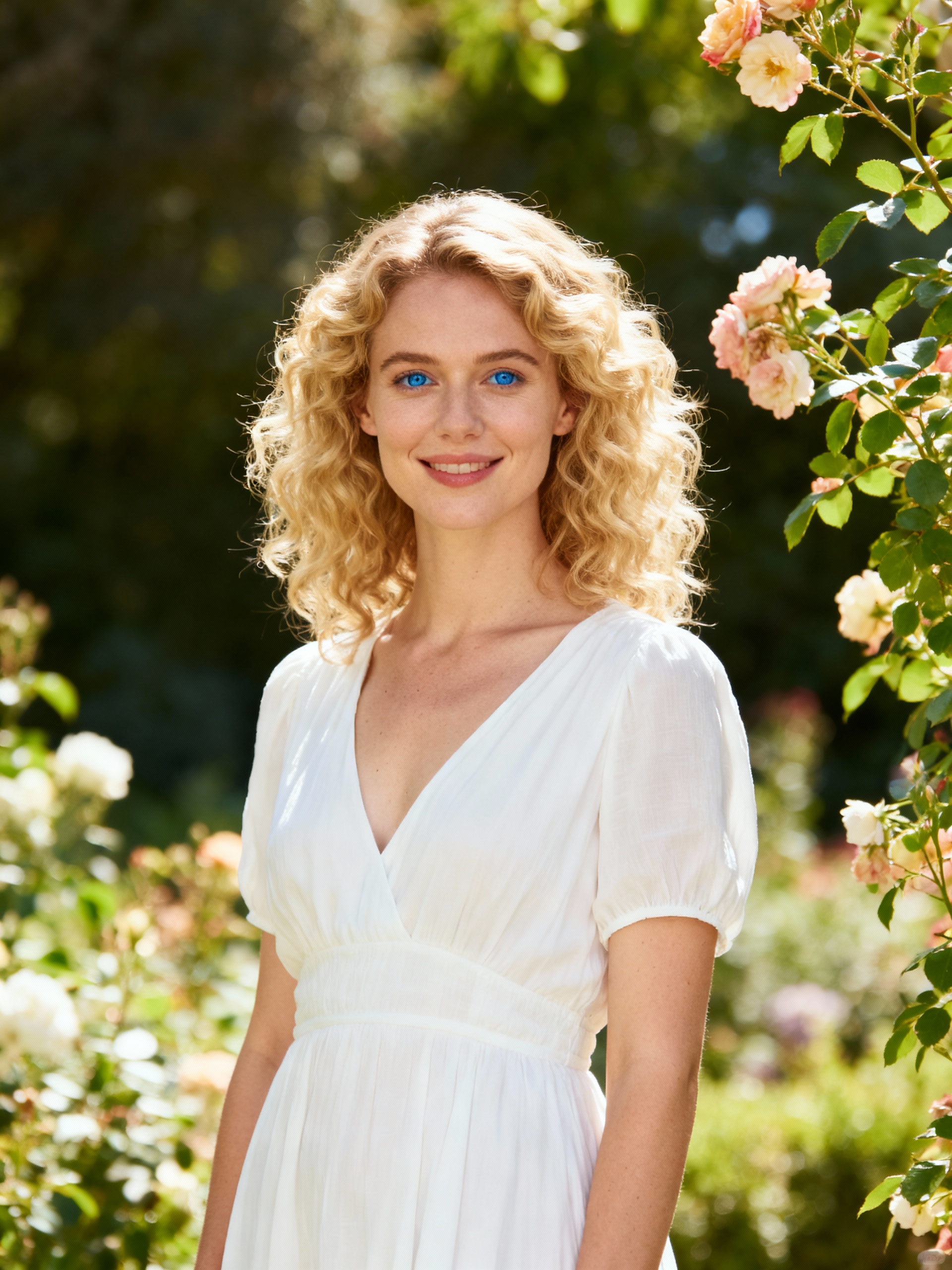
Alternatively, you can convert a personal photo. The tool excels at image-to-video generation. Upload a static portrait, and the AI will animate it, placing the person into a surfing video. It’s intelligent enough to maintain the original facial features and hairstyle while adapting the outfit to surfing attire like a wetsuit or swimwear. The result is a personalized video where the subject is clearly visible, riding waves in a realistic, sunny setting.
Advanced AI Models for Superior Output
The platform gives you a choice between different AI models, allowing you to prioritize different aspects of the scene creation. Two primary options are typically available:
- Sora 2 (OpenAI): Known for its high-quality physics and realism, this model is excellent for generating complex motion and detailed environments. It's ideal for projects where cinematic quality is paramount.
- Veo 3.1 (Google): This model specializes in handling multiple images and ensuring character consistency across longer sequences. It's a strong choice for projects where you need to maintain a specific look throughout the video, like a brand mascot or a specific individual.
Customization Options: Aspect Ratio and Duration
To fit various platforms and use cases, you can customize the output. The tool supports common aspect ratios:
- 16:9 (Landscape): Perfect for YouTube videos, websites, and desktop viewing.
- 9:16 (Portrait): Optimized for mobile-first platforms like TikTok, Instagram Reels, and YouTube Shorts.
You can also select the duration of your video, with a standard option of 10 seconds. This length is ideal for social media clips, short advertisements, or looping background visuals. The entire video rendering process is efficient, typically completing within 1 to 3 minutes, making it a fast online tool for quick turnaround.
Practical Use Cases for AI Surf Video
The ability to generate custom surf videos opens up a range of applications.
- Social Media Content: Create a steady stream of unique, high-energy videos for Instagram, TikTok, or YouTube. You can produce content around trends, challenges, or simply share stunning AI-generated surf scenes to engage your audience.
- Personalized Gifts: Imagine giving a friend or family member a video of themselves surfing, created from a simple photo. It's a unique and memorable gift that requires no actual filming.
- Marketing and Advertising: Brands can quickly produce eye-catching visuals for ad campaigns. Instead of licensing expensive stock footage, they can generate custom scenes that perfectly match their creative brief.
- Concept Visualization: Surfboard shapers, clothing brands, or event organizers can use AI Surf Video to visualize concepts. Show a new board design in action, preview a line of swimwear on a virtual model, or create a teaser for a surf competition before it even happens.
Addressing Quality, Security, and Trust
When using any AI tool, concerns about quality and data are natural. AI Surf Video is designed with these in mind. The output quality is geared towards being professional-quality, suitable for both personal and commercial use. The motion is seamless, and the characters remain consistent, avoiding the jarring distortions sometimes seen in other AI-generated content.
From a security standpoint, as a browser-based tool, the client-side processing and data handling are managed by Supermaker AI. While you should always review the privacy policy of any online service, the platform's focus on creating professional assets implies a commitment to secure and reliable processing. The technology is designed to be efficient, delivering high-quality results quickly without compromising on the accuracy of the initial prompt or image.
Conclusion
AI Surf Video is more than just a novelty; it's a powerful tool that merges creativity with cutting-edge technology. It makes the once complex art of surf filmmaking accessible to everyone, from hobbyists to professional content creators. By simplifying the process of transforming ideas into dynamic, realistic videos, it empowers you to share your passion for surfing in entirely new ways. Whether you're looking to create engaging social media content or just want to see yourself ride the perfect wave, AI Surf Video provides the platform to make it happen.
Frequently Asked Questions
What exactly is an AI Surf Video generator?
An AI Surf Video generator is a specialized online tool that uses artificial intelligence to create surfing videos. You provide an input, such as a text description or a photo, and the AI generates a new video where a surfer rides waves. It handles all the complex animation and scene creation automatically.
How long does it take to generate a video with AI Surf Video?
The process is very fast. Once you input your prompt or image and select your settings, the video rendering process typically takes between one and three minutes to complete. This quick turnaround makes it ideal for rapid content creation.
Can I use a photo of myself to create a personalized surfing video with AI Surf Video?
Yes, that is one of the core features. You can upload a static portrait photo, and the AI Surf Video tool will animate it. It keeps your facial features and hairstyle the same while placing you into a realistic surfing scene with appropriate attire, making it look like you're actually riding the waves.
What are the main differences between the available AI models like Sora 2 and Veo 3.1?
The choice of model depends on your project needs. Sora 2, developed by OpenAI, is often preferred for its exceptional realism and complex motion physics. Veo 3.1, from Google, is excellent for maintaining character consistency, especially when working with image inputs, making it ideal for projects where a specific look must be preserved throughout the video.
Is the quality of the videos good enough for professional use?
Yes, the tool is designed to produce professional-quality videos. The output features realistic surfing actions, seamless motion, and high-resolution options suitable for social media, marketing materials, and other commercial applications.
What video formats and durations are supported?
You can generate videos in common aspect ratios, including 16:9 for landscape viewing and 9:16 for vertical mobile platforms. The standard video duration is 10 seconds, which is perfectly suited for short-form content like social media reels and stories.
Is it safe to upload my photos to an AI video generator?
The platform is designed with user security in mind. As with any online service, it's recommended to review the platform's privacy policy to understand how your data is handled. The primary function of the tool is to process your input and generate the video, after which you have control over your created content.
Start Creating AI Videos Instantly
Turn simple text prompts into engaging videos using our powerful AI video generator. No editing skills required — just describe your idea and let AI do the work.
Generate Your First AI VideoMore AI Video Tools
Explore more AI-powered video creation tools to expand your creativity
AI Smile Generator
The AI Smile Generator uses advanced artificial intelligence technology to automatically detect faces in photos and add realistic, radiant smiles. Simply upload an image to generate a smiling photo. Beautify portraits, revamp old photos, or share happy pictures online—no editing skills required. Fast, free, and fun, it's easy for anyone to use!
Try Now
AI Captain America
Unleash the Captain America effect with our AI template. Easily apply superhero transformations in videos, boosting engagement for Marvel enthusiasts and content creators. Ideal for viral social media posts.
Try Now
AI Magic
AI Magic instantly converts your photos into sorcerer images with a burst of light and energy. Highlighting unique powers and visual appeal, it offers quick, enchanting transformations for social media or personal use, making magic accessible to all.
Try Now
AI Jiggle Video
AI Jiggle Video uses advanced AI to animate your photos with dynamic wobble effects. Turn static images into entertaining, bopping dance clips effortlessly. Enjoy a user-friendly interface, instant sharing options, and no cost to start. Perfect for creating viral, fun content that stands out and engages audiences.
Try Now
AI Anime Video
AI Anime Video instantly converts your anime images into professional opening videos. Using advanced AI and Sora 2 technology, it creates dynamic motion scenes with authentic anime style. Generate captivating anime OPs effortlessly - no skills required!
Try Now
AI Hip Shake
Hip Shake is an AI-powered tool that creates engaging hip-twist videos for free. It uses advanced effects to produce captivating dance content, helping users boost social media presence and engagement quickly. Ideal for creators seeking viral potential.
Try Now
AI Dragon Riding Video Generation
Transform your imagination into breathtaking dragon riding videos. Our AI tool lets you create custom dragon scenes with realistic effects. Experience effortless video creation and share epic content in minutes. Free to use with powerful editing features.
Try Now
AI Inflate Effect
AI Inflate Effect instantly transforms ordinary photos by adding playful inflatable effects to any object. Simply upload your image, and our advanced AI automatically detects and inflates items with realistic balloon-like textures. Perfect for creating eye-catching social media content, unique memes, or creative presentations. Experience instant transformation with zero editing skills required - your inflated creations are ready in minute!
Try Now
Continue with Google