AI Jesus Hug Effect
Upload any photo to instantly generate a beautiful video of Jesus embracing you. Our AI technology creates realistic, heartfelt moments for personal reflection or sharing. Experience comfort and inspiration through this unique spiritual tool.
This is an example of what AI can create. Generate your own video now!
Why Choose This AI Video Tool?
Advanced AI Models
Powered by cutting-edge AI including Sora, Kling, VEO for superior video quality.
Easy to Use
No technical skills needed. Simply describe your vision and let AI create magic.
Custom Styles
Choose from multiple art styles and aspect ratios to match your creative vision.
Fast Processing
Generate high-quality videos in minutes with our optimized AI pipeline.
AI Jesus Hug Effect: Create Heartfelt Jesus Embrace Videos
In a world that often feels disconnected, finding moments of genuine comfort and spiritual connection can be a profound need. The AI Jesus Hug Effect is a unique, browser-based tool that uses advanced artificial intelligence to create a personalized video of Jesus embracing you. By simply uploading a photo, the technology seamlessly integrates a subject into a serene, divine scene, generating a realistic and moving video clip. It's designed for anyone seeking a moment of personal reflection, a unique way to share their faith, or a visually compelling representation of spiritual comfort, all processed quickly and securely online.
What is the AI Jesus Hug Effect and How Does It Work?
The AI Jesus Hug Effect is more than just a filter; it's an AI video generation tool that transforms a static image into a dynamic, emotional scene. At its core, the tool leverages sophisticated AI models to perform a process known as scene composition and video rendering. You start by uploading a clear photo of a person. The AI then analyzes this image, identifying the subject to isolate them from the background. This data is used to seamlessly place the person into a pre-rendered, high-quality video base of Jesus offering a warm, comforting embrace.
The technology, often utilizing powerful models like Sora 2 or Veo 3.1, handles the complex task of generating realistic movements, lighting, and shadows to ensure the final video looks natural and heartfelt. The entire process, from upload to the final render, typically takes between one to three minutes. This efficiency makes it an accessible online tool for anyone, regardless of their technical skill, to create a personalized spiritual keepsake. The output is a short, shareable video clip that captures a moment of peace and divine connection.
When and Why Would You Use This AI Tool?
People are drawn to create an AI Jesus Hug Effect video for a variety of deeply personal and meaningful reasons. It's a tool that addresses emotional and spiritual needs, offering a modern way to visualize faith.
For Personal Solace and Reflection: Life is filled with challenging moments. Whether someone is feeling lost, grieving a loss, or simply seeking a moment of peace, this tool can provide a visual anchor for their faith. It offers a tangible representation of the comfort and love they seek in their beliefs, serving as a source of strength during difficult times. The act of creating and watching the video can be a form of digital prayer or meditation, making a spiritual concept feel immediate and personal.
To Share a Message of Faith and Hope: In our digital age, sharing our experiences online is a primary way we connect with others. A generated video of a Jesus embrace becomes a powerful tool for sharing one's faith. It can be posted on social media to offer encouragement to friends and family, or sent privately to someone who is going through a hard time. It’s a modern, visual way of saying, "You are loved and not alone," transforming a simple message of hope into a shareable, heartfelt moment.
As a Unique Artistic or Inspirational Project: Beyond personal use, the tool can be used for creative expression. Artists, musicians, or content creators might use the effect to produce unique visuals for their work. Imagine a Christian music artist using it in a lyric video, or a blogger creating a unique visual for a post about faith and resilience. It provides a quick way to generate high-concept, emotionally resonant imagery that would be incredibly complex and expensive to produce manually.
Key Features and Technical Capabilities
Understanding the tool's features helps users get the most out of their experience. The AI Jesus Hug Effect is built on a foundation of powerful, user-friendly technology.
1. Advanced AI Video Generation Models: The quality of the final video depends heavily on the underlying AI. The tool offers a choice between different models, each with its own strengths. For instance, you might see options like:
- Sora 2: Known for its high-quality output and ability to create detailed, cinematic scenes. It's a great all-around choice for creating a standard, beautiful video.
- Veo 3.1: This model might be optimized for specific tasks, such as working with single or multiple image inputs to ensure a perfect subject fit. The choice allows users to select the "engine" that best suits their needs, balancing factors like rendering speed and style.
2. Simple and Customizable Prompts: You don't need to be a prompt engineer to use this tool. The core concept is guided by simple, powerful prompts. A default prompt like "Find peace in Jesus' arms." directs the AI to create a scene filled with warmth and serenity. This ensures the generated content aligns with the user's emotional intent without requiring any technical input.
3. Flexible Output Options: To make the video usable across different platforms, the tool provides essential customization:
- Aspect Ratio: You can choose between a landscape 16:9 ratio, which is perfect for sharing on platforms like YouTube or as a desktop wallpaper, and a vertical 9:16 ratio, ideal for stories on Instagram, TikTok, or Facebook.
- Duration: The videos are typically short, with a standard 10-second length. This is long enough to convey the emotional impact of the embrace while remaining concise and highly shareable for social media.
A Step-by-Step Look at the Creation Process
The workflow is designed to be intuitive, turning a complex AI process into a few simple steps.
- Upload Your Image: The first step is to select and upload a clear photo of the person you want to appear in the video. The tool supports standard image formats and processes the file client-side to ensure initial privacy before it's sent for rendering.
- Select Your Preferences: Next, you customize the output. This involves choosing your preferred AI model (like Sora 2 or Veo 3.1), which may affect the credit cost of the generation. You also select the aspect ratio (16:9 or 9:16) for your video.
- Initiate Generation: With your image and preferences set, you simply click the "Generate" button. This sends your request to the cloud servers where the powerful AI models begin their work.
- Wait for Rendering: The AI now goes to work. It isolates the subject, analyzes the scene, and begins the complex process of video rendering, blending your image with the embrace scene. This stage typically takes between one to three minutes.
- Download and Share: Once complete, the new video is presented to you. You can preview it, download it to your device, and immediately share it on social media, via messaging apps, or keep it for your personal collection.
Addressing Privacy and Trust
When creating a video that involves a personal image, trust is paramount. Reputable tools like this one prioritize user privacy and data security. The image upload process is typically secure, and the generated video is often only stored temporarily on the servers—just long enough for you to download it. It's a good practice to check the platform's privacy policy, which should clearly state how your data is handled, usually emphasizing that user uploads are not used to train AI models without explicit consent. This commitment to data protection is a key part of the tool's trustworthiness, ensuring that your moment of personal reflection remains private.
Frequently Asked Questions
What exactly is the AI Jesus Hug Effect?
The AI Jesus Hug Effect is an online tool that uses artificial intelligence to create a short, realistic video. You upload a photo of a person, and the AI seamlessly places them into a pre-designed video scene where Jesus gives them a warm, comforting hug. It's a modern way to create a personalized visual representation of spiritual comfort and faith.
How long does it take to generate a video using the AI Jesus Hug Effect?
The entire process, from uploading your photo to receiving the final video, is quite fast. The AI video generation and rendering typically complete within 1 to 3 minutes. The exact time can vary slightly depending on the current server load and the complexity of the scene.
Is it safe to upload my personal photos to this tool?
Privacy and data security are important considerations for any online tool. Reputable platforms offering the AI Jesus Hug Effect use secure connections for uploads and typically only store your image and the generated video temporarily, just long enough for you to download the result. It is highly recommended to review the website's privacy policy, which should detail their data handling practices and confirm that your images won't be used for other purposes without your consent.
What are the different AI models available, like Sora 2 or Veo 3.1?
These are the underlying AI "engines" that power the video generation. Think of them as different artists with slightly different styles and techniques. For example, Sora 2 is often used for its high-quality, cinematic results. Veo 3.1 might excel at accurately placing subjects from one or two images. Choosing a model might affect the final style, rendering speed, or the number of credits required to generate the video.
Can I choose the shape or size of the final video?
Yes, the tool offers flexibility to make your video suitable for different platforms. You can typically choose between two aspect ratios: a horizontal 16:9 format, which is great for YouTube and widescreen viewing, and a vertical 9:16 format, which is perfect for sharing on social media stories on platforms like Instagram, TikTok, and Facebook.
What are some common uses for the AI Jesus Hug Effect video?
People create these videos for many heartfelt reasons. Common uses include personal reflection during times of need, sharing a message of hope and faith with friends and family on social media, or as a unique inspirational element in creative projects like music videos or blog posts. It serves as a modern, visual way to connect with and share one's spirituality.
Do I need any special skills to use this tool?
Not at all. The AI Jesus Hug Effect is designed to be incredibly user-friendly. You don't need any experience with video editing, graphic design, or AI prompting. The process is simple: upload a photo, choose your preferences (like video shape and AI model), and click generate. The complex work is all done automatically by the AI.
Is the final video downloadable and shareable?
Yes, absolutely. Once the AI has finished generating your video, it is made available for you to download directly to your computer or smartphone. From there, you can easily share it on any social media platform, send it via email or messaging apps, or keep it as a personal digital keepsake.
Start Creating AI Videos Instantly
Turn simple text prompts into engaging videos using our powerful AI video generator. No editing skills required — just describe your idea and let AI do the work.
Generate Your First AI VideoMore AI Video Tools
Explore more AI-powered video creation tools to expand your creativity
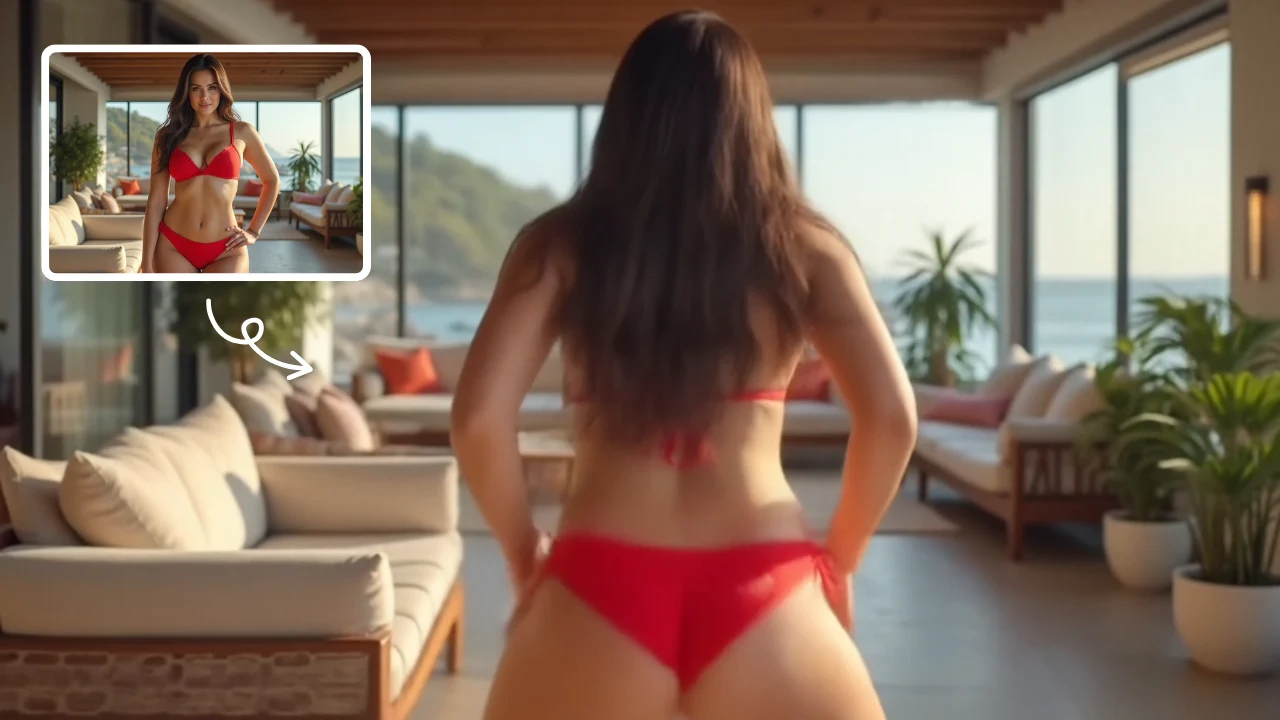
AI Twerk Video Generator
AI Twerk Video Generator instantly animates any face into a dancing sensation. With one click, turn photos into funny twerk videos for social media, memes, or pranks. No skills needed—just upload, generate, and share to entertain friends and followers effortlessly.
Try Now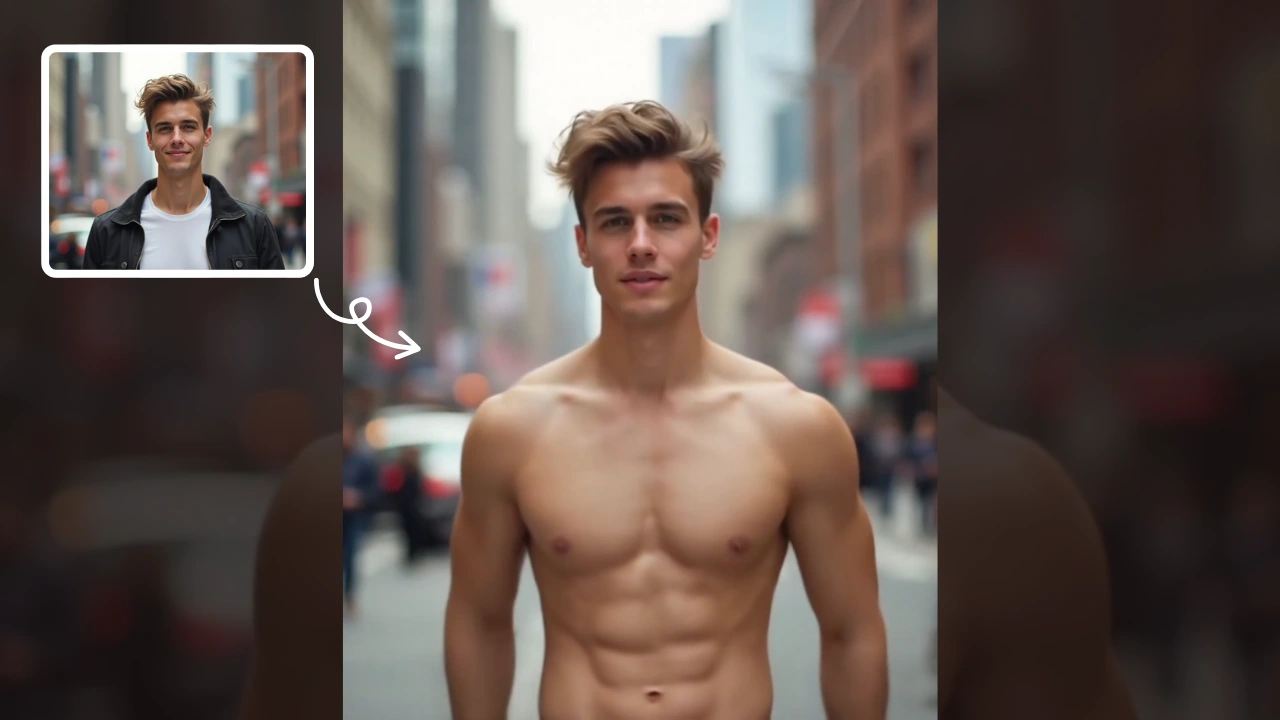
AI Muscle Generator
AI Muscle Generator lets you visualize muscle growth instantly by uploading a photo. It upgrades your physique digitally in minute, offering a fun, gym-free way to see potential results. Ideal for motivation or entertainment, it provides quick, impressive transformations without any workout.
Try Now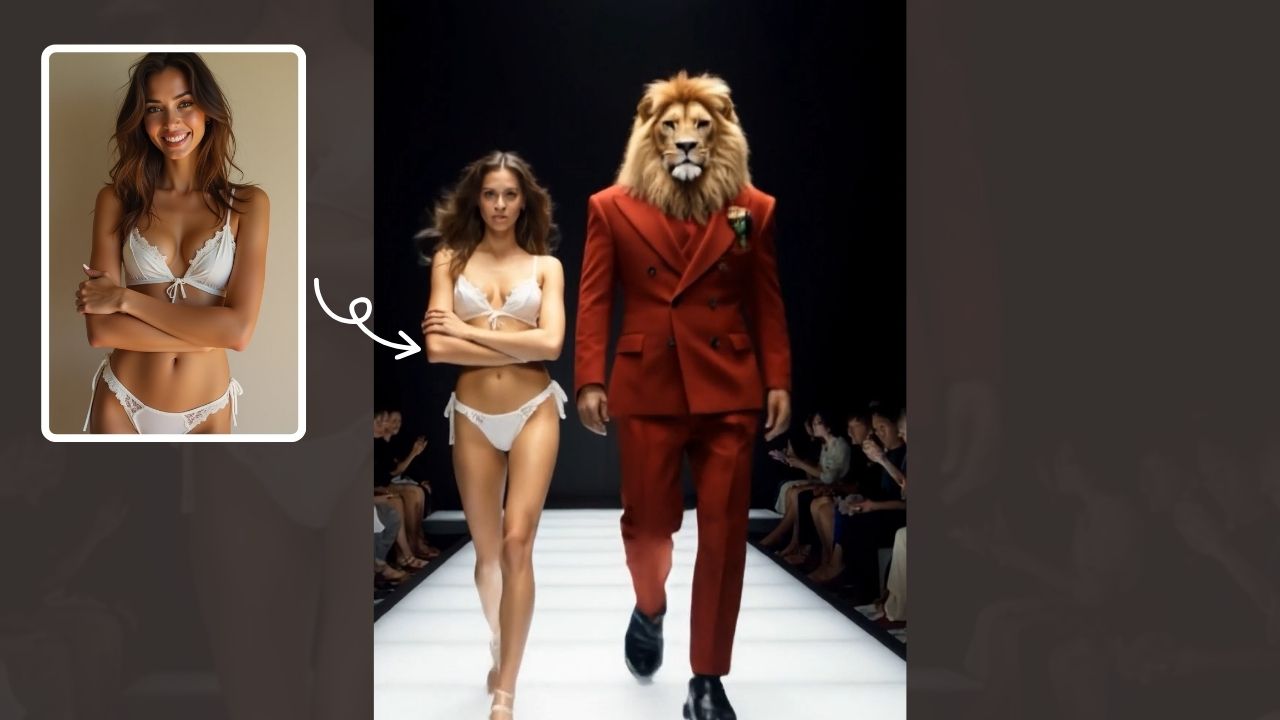
AI Walk With Beast
Walk With Beast transforms your videos with AI-powered fantasy animal companions. Easily generate epic scenes featuring majestic creatures walking beside you. Ideal for social media shorts, it requires no editing skills
Try Now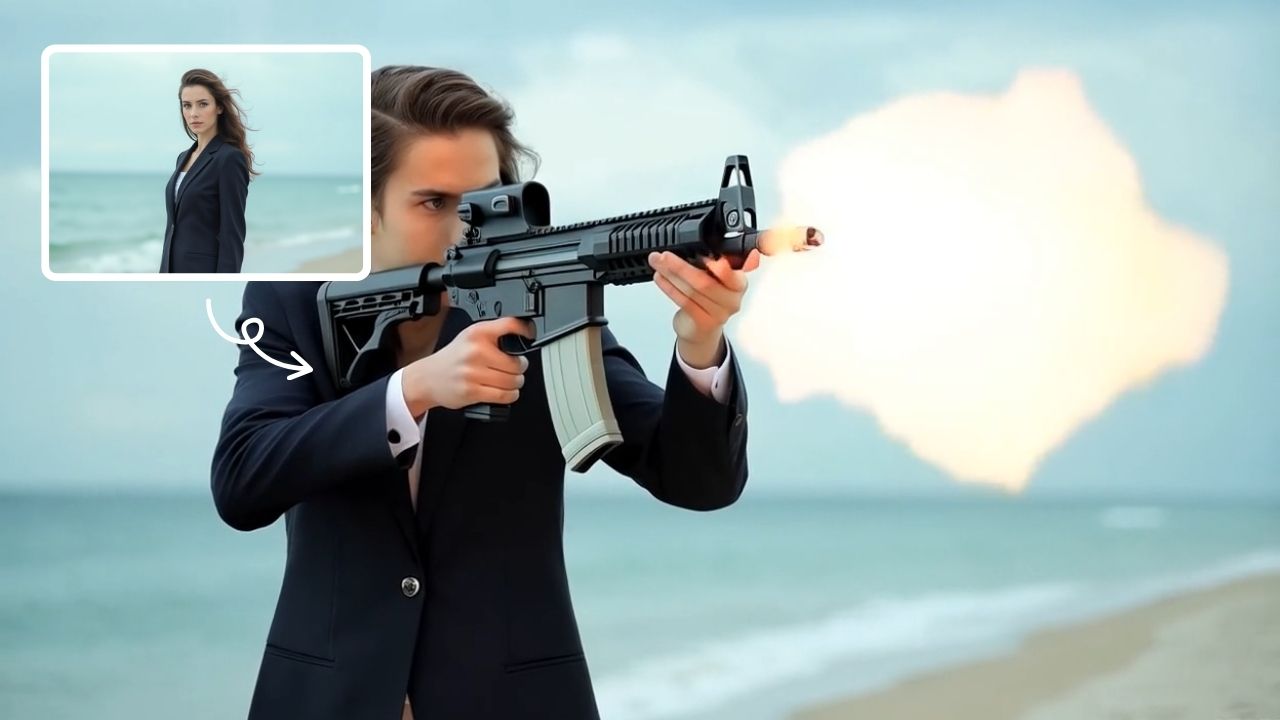
Image To Video Converter
AI Image To Video is your smart solution for creating engaging videos from photos. Using advanced AI, it automatically animates your images, adds smooth transitions, and syncs music. Perfect for social media, presentations, or memories. It's fast, free, and requires no editing experience.
Try Now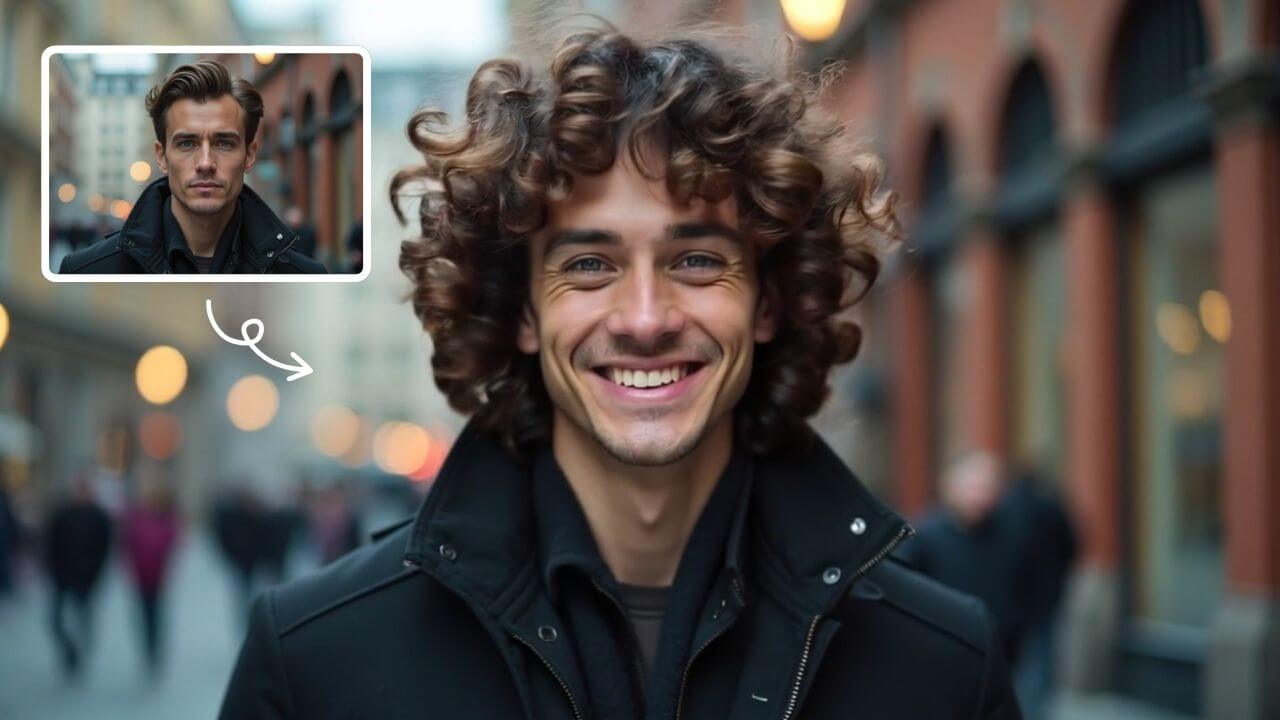
AI Curly Hair
AI Curly Hair allows you to add beautiful, natural-looking curls to any photo instantly. Powered by advanced AI, it offers multiple curly styles to match your preferences, helping you preview and choose the perfect hairstyle without commitment. Experience quick, realistic results and boost your confidence with a fresh, curly appearance.
Try Now
AI Happy Smile
AI Happy Smile is an online tool that uses advanced AI to add realistic smiles to photos in one click. It works on portraits, selfies, and group images, improving expressions effortlessly.
Try Now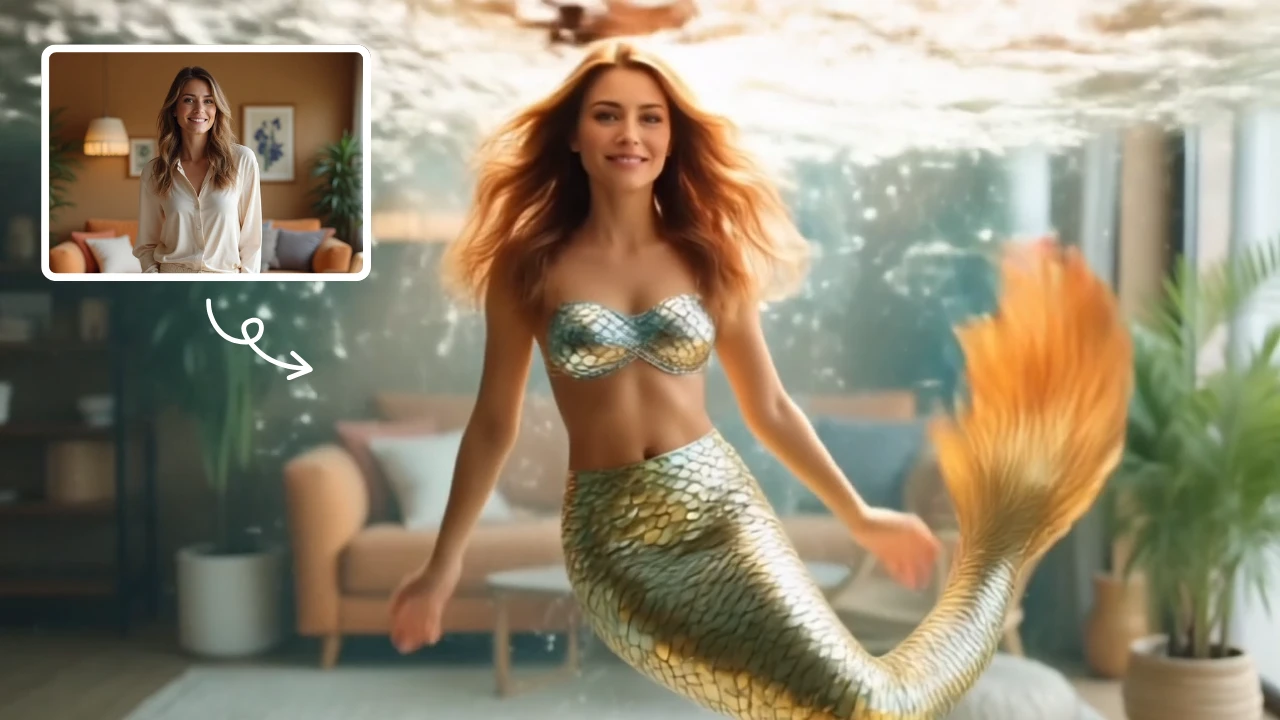
AI Mermaid Transformation
AI Mermaid Transformation is a free tool that instantly turns your photos into enchanting mermaid videos. Experience magical underwater effects with easy photo uploads. Create captivating mermaid transformations effortlessly and share your unique aquatic fantasy!
Try Now
AI Boom
AI Boom uses AI to turn your photos into thrilling action videos. Simply upload a photo, and watch as explosions blast behind you while you walk away coolly. It's fast, easy, and requires no expertise. Create viral-worthy content in minute and stand out on social media.
Try Now Continue with Google