AI Handshake

AI Handshake revolutionizes digital communication with smart, adaptive connectivity. It delivers tailored experiences through AI-driven personalization, ensuring faster, more intuitive online interactions. Boost efficiency and engagement effortlessly with cutting-edge technology designed for modern users.

Drag & Drop or Ctrl+V to paste

Support PNG, JPG, WEBP up to 10MB (Max 2 images)

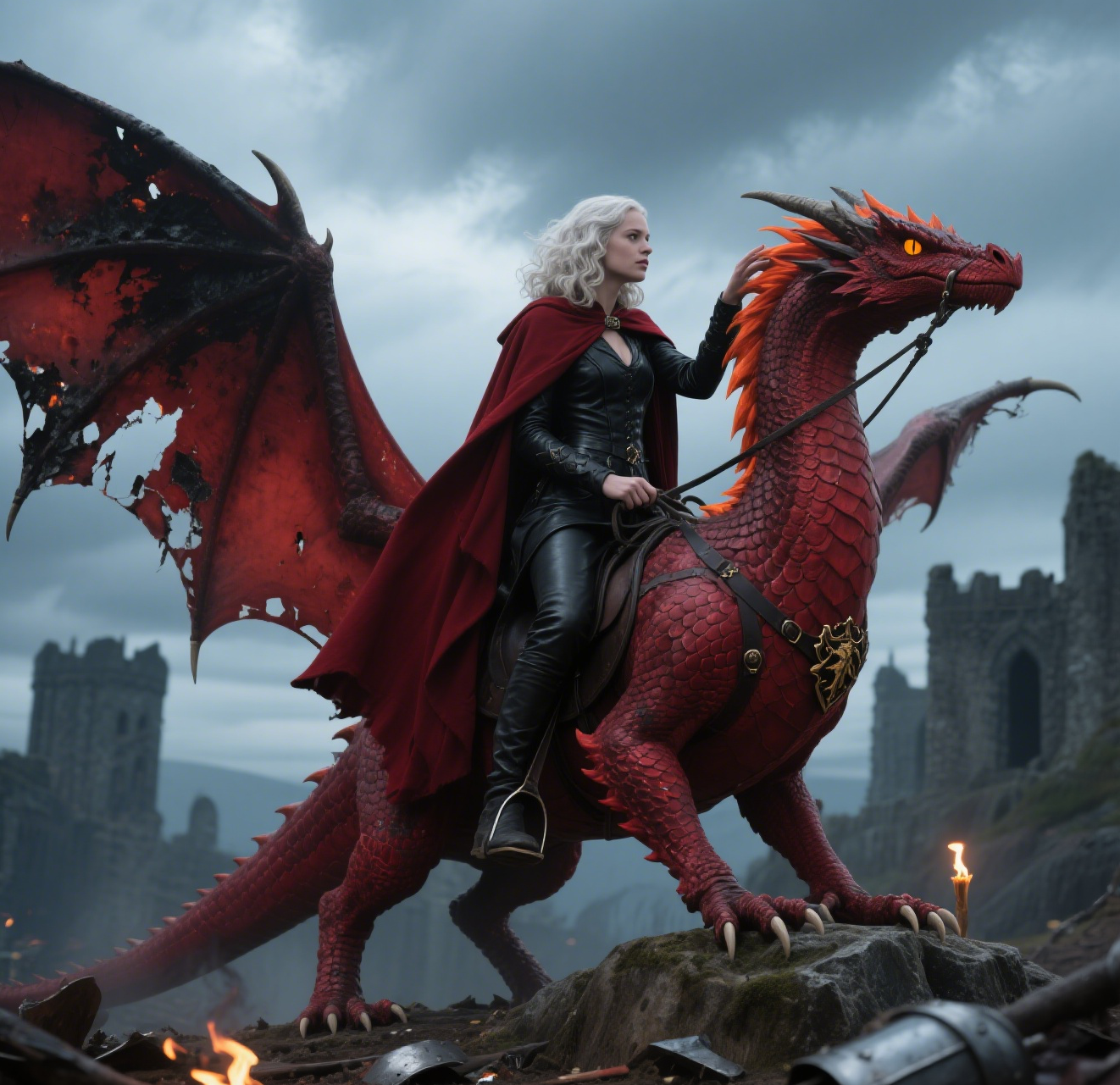
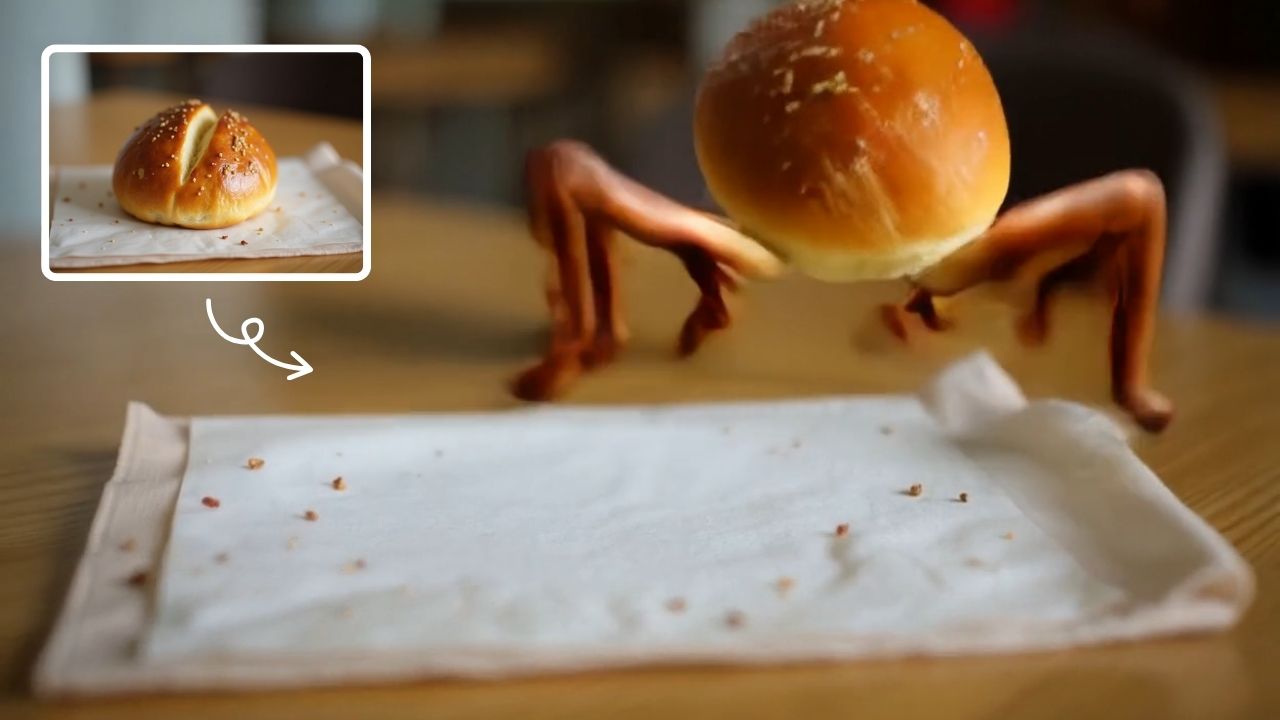
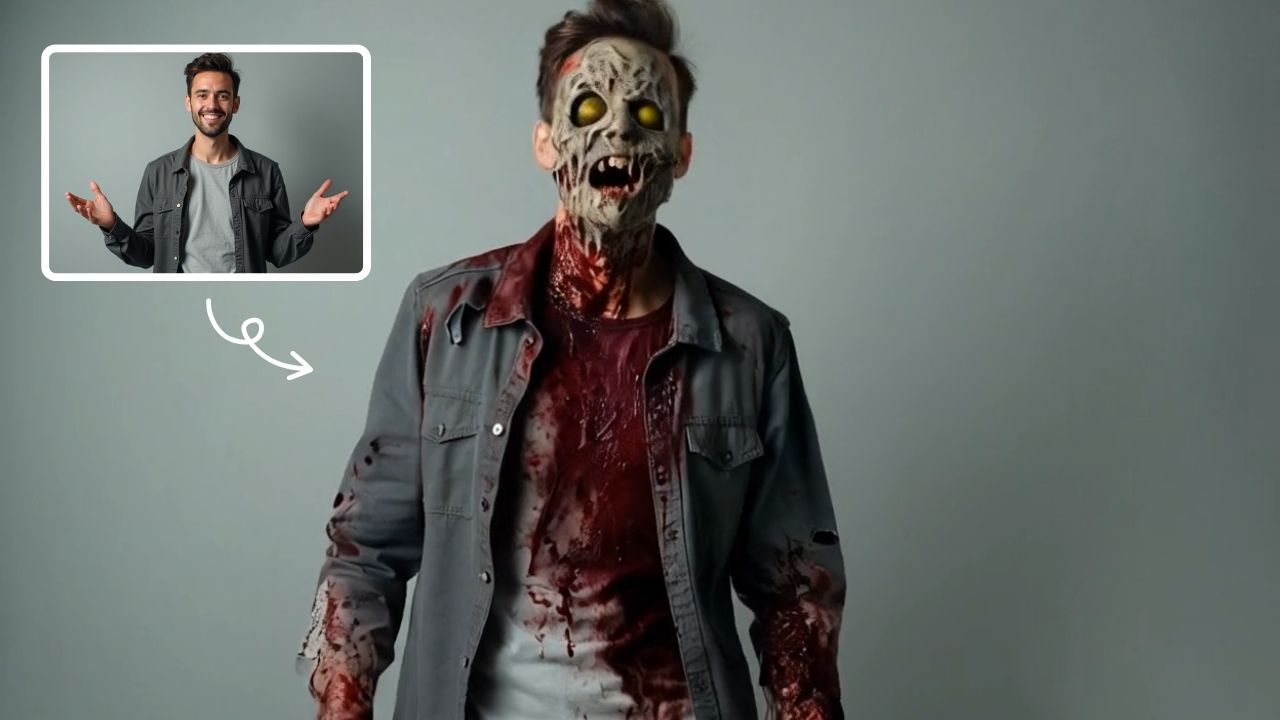
This is an example of what AI can create. Generate your own video now!

AI Handshake: Smarter Digital Interactions in Video Content

In an era where digital communication often feels impersonal and static, a new wave of AI tools is bridging the gap between human connection and technology. One such innovation leading this charge is AI Handshake, a sophisticated feature within the text2vid.org platform designed to infuse your AI-generated videos with a sense of genuine, dynamic interaction. This tool moves beyond simple animation, using intelligent algorithms to create scenes of connection that feel natural and unscripted.

What is AI Handshake?

AI Handshake is a specialized Style & Effects tool that uses advanced AI to generate realistic, context-aware interactions between characters in a video. Instead of just generating two figures standing next to each other, this tool analyzes the scene and intelligently crafts a moment of connection—a professional greeting, a friendly acknowledgment, or a collaborative gesture—making the digital interaction feel authentic and human.

How AI Handshake Transforms Digital Video Content

The magic of AI Handshake lies in its ability to understand the nuances of human interaction. It doesn't just overlay a pre-rendered animation. Instead, it works by processing your initial video prompt and the generated characters to create a seamless, personalized scene.

Here’s a breakdown of the underlying process:

  1. Scene Analysis: The AI first analyzes the context of the video. Are the characters in a business setting? A casual meet-up? The tool uses this semantic information to determine the appropriateness of the interaction.
  2. Procedural Generation: It then procedurally generates the handshake or interaction, adjusting for factors like character positioning, lighting, and even the implied relationship between them. The goal is to ensure the gesture is integrated perfectly into the existing scene.
  3. Realistic Rendering: Finally, the video rendering engine applies high-quality textures and motion smoothing to ensure the interaction looks fluid and realistic, avoiding the stiff, robotic movements often associated with early AI video generation.

Key Use Cases for AI Handshake

Understanding when to use this tool is key to unlocking its full potential. Here are some common scenarios where AI Handshake proves invaluable:

Creating Professional Business Content

Imagine you need to create a corporate training video or a promotional clip featuring a successful partnership. Using AI Handshake, you can convert a simple prompt of two people meeting into a polished scene where they confidently shake hands, instantly conveying trust and agreement. This adds a layer of professionalism that elevates the entire video.

Enhancing Storytelling and Scene Creation

For digital storytellers and content creators, subtle interactions drive narrative. A handshake can signify a truce, a new alliance, or a bittersweet goodbye. By using this tool, creators can quickly generate these crucial story beats without needing complex 3D animation software. It's about making scene creation more intuitive and emotionally resonant.

Humanizing Social Media Content

In the fast-paced world of social media, authenticity is currency. Videos that feature genuine human moments tend to perform better. AI Handshake allows you to generate content that feels less like a stock video and more like a candid, real-life moment, boosting engagement and viewer connection.

The Advantages of Browser-Based AI Interaction

One of the greatest strengths of using AI Handshake is its accessibility. Because it's a browser-based tool, you don't need a powerful computer with a dedicated graphics card. All the heavy lifting—the video processing, the AI analysis, and the rendering—is done on secure, high-performance servers (client-side processing for the final output ensures your data remains private). This makes high-quality video creation available to anyone with an internet connection.

Furthermore, the process is remarkably fast and efficient. You're not waiting hours for a render. The technology is optimized to deliver results quickly, allowing for rapid iteration and experimentation with different prompts and styles.

Step-by-Step: Generating Your First Interactive Video

Ready to see it in action? Here’s a simple workflow to create your own video using this feature.

  1. Craft Your Prompt: Start with a basic prompt. For example: "Two entrepreneurs celebrating a successful funding round."
  2. Select the Effect: In the Style & Effects section, choose AI Handshake. The AI will automatically prioritize generating a scene with a congratulatory, celebratory handshake.
  3. Adjust Parameters: Fine-tune your video. Select your preferred aspect ratio (like 16:9 for widescreen or 9:16 for mobile stories) and set the duration (e.g., 10s for a quick clip).
  4. Choose Your AI Model: Depending on the level of detail and style you need, you can select from advanced models. For instance, you might choose the Sora 2 model for its nuanced character interaction or Veo 3.1 if you have reference images you'd like the AI to use as a base.
  5. Generate: Hit the generate button. Within a few minutes, your video will be ready, complete with a seamlessly integrated, realistic handshake that brings your prompt to life.

Frequently Asked Questions

What exactly is AI Handshake?

AI Handshake is an AI-driven tool designed to automatically generate realistic and contextually appropriate handshake interactions between characters in a video. It uses advanced AI video generation to analyze the scene and create a smooth, natural-looking gesture, saving creators from complex manual animation.

How does AI Handshake improve digital communication?

It enhances digital communication by making AI-generated characters feel more human and relatable. By adding a layer of non-verbal interaction, it helps convey emotions like agreement, friendship, and professionalism, which are often lost in standard digital content. This leads to more engaging and trustworthy viewer experiences.

Can I use AI Handshake with different AI models?

Yes, you have the flexibility to choose the underlying AI model that powers the generation. For example, you can use the Sora 2 model, known for its advanced understanding of scene dynamics, or Veo 3.1, which offers excellent support for integrating elements from 1-2 reference images. This allows you to tailor the final output to your specific needs.

Is my data secure when using this online tool?

Absolutely. The platform is designed with user trust in mind. The video processing and AI analysis are handled in a secure environment. The tool prioritizes data privacy, ensuring that your prompts and generated content are handled with strict confidentiality.

How fast is the video rendering process?

The tool is engineered for efficiency. The entire process, from submitting your prompt to receiving your final video, typically takes between 1 to 3 minutes. This fast turnaround allows for quick prototyping and content iteration.

What are the ideal scenarios for using this tool?

It is perfect for a wide range of applications, including creating professional corporate videos, enhancing narrative films, producing engaging social media content, and developing educational materials. Any scenario where you need to depict a realistic, positive human connection can benefit from AI Handshake.

In conclusion, AI Handshake represents a significant step forward in making digital interactions more authentic. By intelligently automating a fundamental human gesture, it empowers creators to produce content that is not only visually appealing but also emotionally intelligent. Whether you're a marketer, a filmmaker, or a content creator, this tool provides an efficient, powerful way to transform your digital interactions and connect with your audience on a deeper level.

Start Creating AI Videos Instantly

Turn simple text prompts into engaging videos using our powerful AI video generator. No editing skills required — just describe your idea and let AI do the work.

Generate Your First AI Video

More AI Video Tools

Explore more AI-powered video creation tools to expand your creativity

AI Bikini

AI Bikini

Our AI Bikini Generator lets you instantly create personalized beachwear designs. Simply input your preferences, and watch AI craft unique bikini styles tailored to you. Enjoy hassle-free customization, save time, and discover your perfect look without any cost or sign-up. Ideal for fashion lovers seeking quick, innovative solutions for summer outfits!

Try Now
AI Tongue Out Face

AI Tongue Out Face

AI Tongue Out Face provides free, user-friendly AI video templates. Transform images and text into engaging videos in one click. Its standout feature includes quirky effects like the tongue-out face, enhancing creativity for social media or marketing. Save time, no skills needed, and produce viral-ready content effortlessly.

Try Now
AI Oscar Night

AI Oscar Night

Oscar Night is an AI-powered tool that lets you become the star of your own Oscar moment. Upload a photo to get a realistic video of you holding an award and giving a speech on the prestigious stage. It’s quick, fun, and perfect for sharing on social media to wow friends and followers with your glamorous AI transformation.

Try Now
AI Iron Man

AI Iron Man

AI Iron Man Transformation lets you instantly turn into Tony Stark by uploading your photo. Generate a dynamic Iron Man video , showcasing your superhero avatar with realistic effects. Enjoy quick, fun transformations and share your unique Iron Man identity easily.

Try Now
AI Jesus Hug Effect

AI Jesus Hug Effect

Upload any photo to instantly generate a beautiful video of Jesus embracing you. Our AI technology creates realistic, heartfelt moments for personal reflection or sharing. Experience comfort and inspiration through this unique spiritual tool.

Try Now
AI Fake Boyfriend

AI Fake Boyfriend

Fake Boyfriend Filter lets you generate a personalized AI boyfriend in videos. Simply upload your photo and detail your desired scenes—like hugging or kissing. The tool crafts realistic interactions for entertainment or content creation, offering unique, engaging experiences powered by advanced AI technology.

Try Now
AI Mermaid Transformation

AI Mermaid Transformation

AI Mermaid Transformation is a free tool that instantly turns your photos into enchanting mermaid videos. Experience magical underwater effects with easy photo uploads. Create captivating mermaid transformations effortlessly and share your unique aquatic fantasy!

Try Now
Hair Color Change

Hair Color Change

Hair Color Change by Supermaker AI lets you experiment with virtual hair colors instantly using AI video effects. Safely test limitless shades from natural to bold, see how they suit you in real-time, and share results. It's free, easy, and risk-free—perfect for style inspiration without real dye.

Try Now
×

Unlock Premium AI Video Generator Features

Sign in with Google to access advanced editing tools, save your creations, and enjoy unlimited image enhancements.