AI Red Carpet Walk

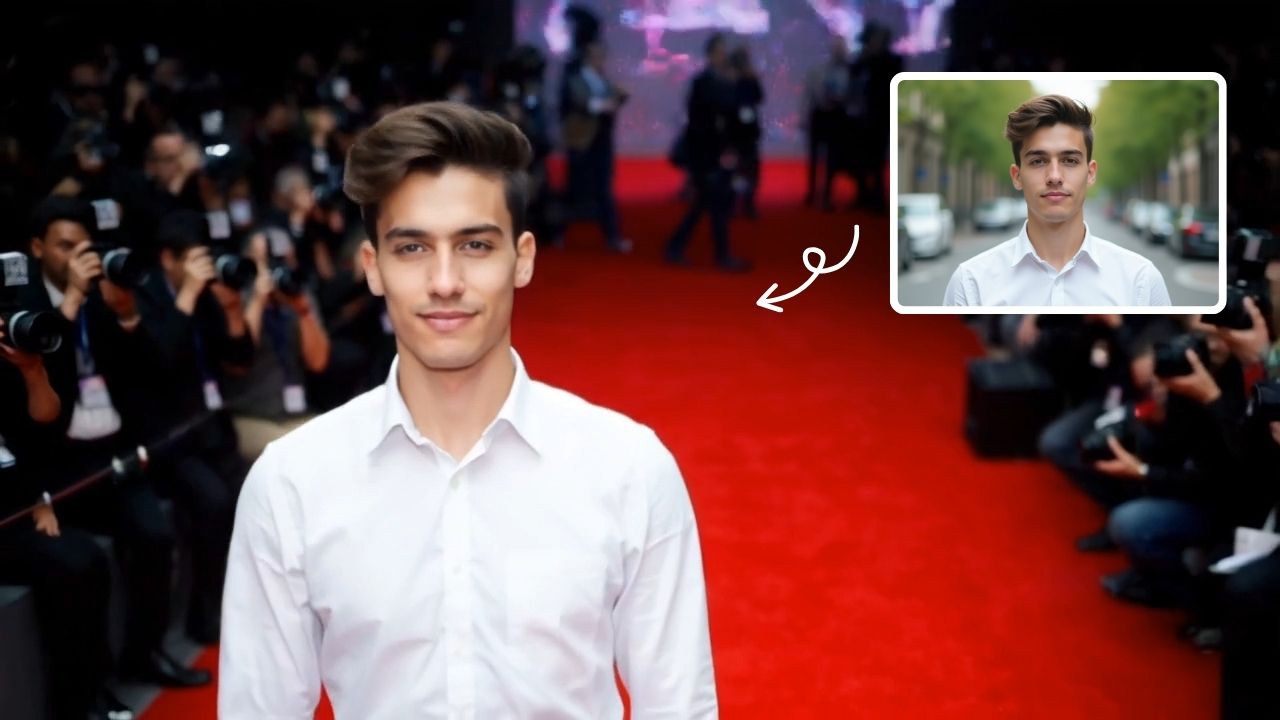
Red Carpet Walk is an AI video effect tool designed to add celebrity-style glamour to your entrances. It enhances videos with red carpet visuals, lighting, and sparkle effects, ideal for events or social media posts. Stand out effortlessly with professional, attention-grabbing results.

Drag & Drop or Ctrl+V to paste

Support PNG, JPG, WEBP up to 10MB (Max 2 images)

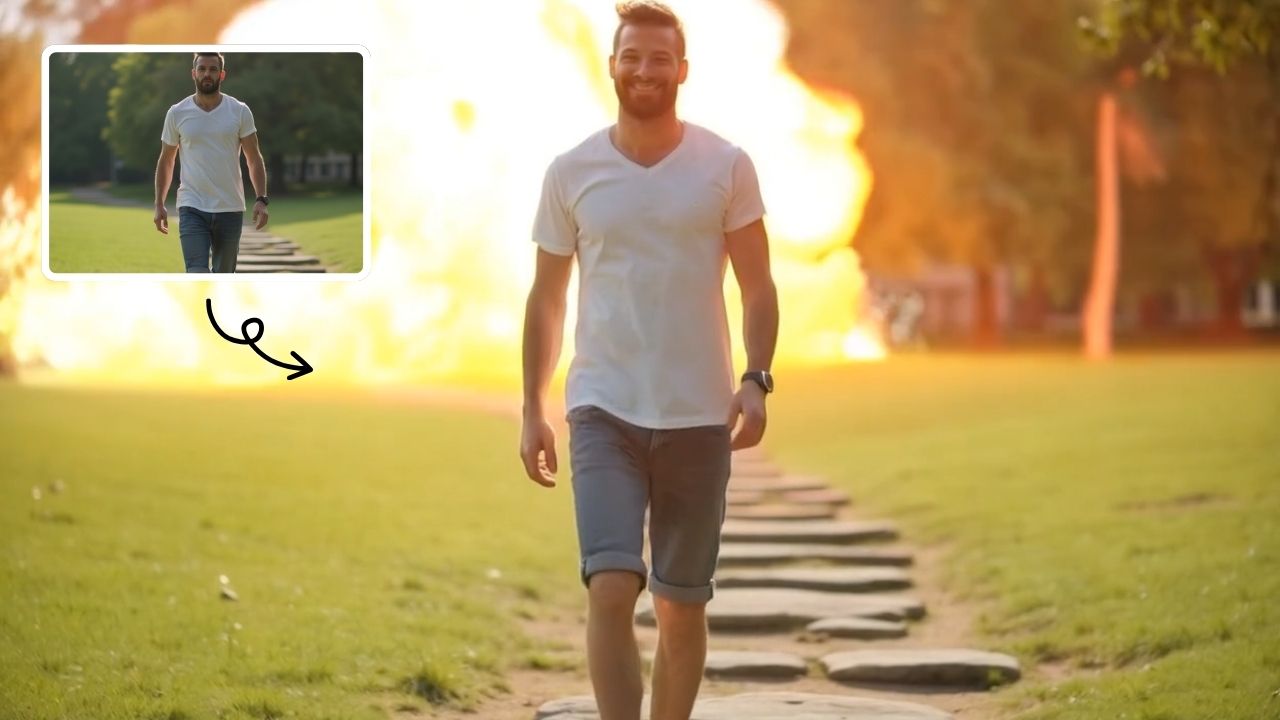
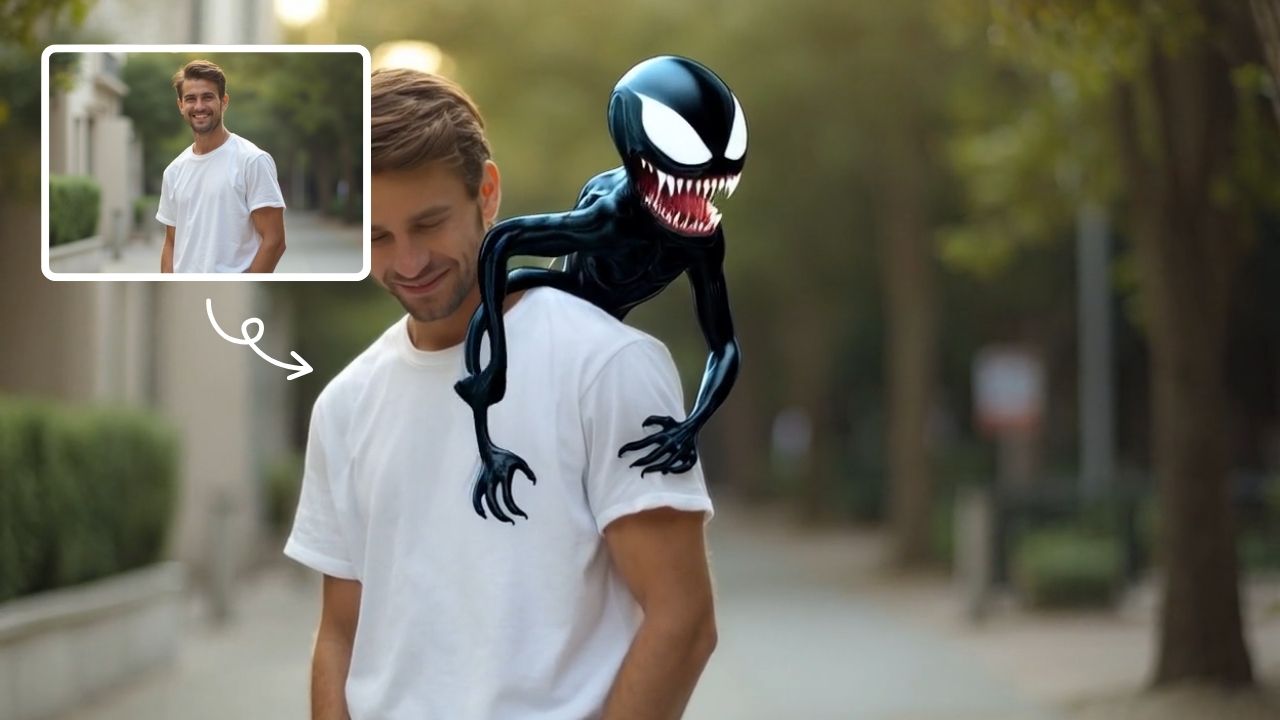
This is an example of what AI can create. Generate your own video now!

Create Celebrity-Style Entrances with the AI Red Carpet Walk Effect

Ever wondered what it would feel like to step out of a limousine onto a glittering awards show runway, with cameras flashing and an aura of pure glamour? That feeling of being the center of attention is no longer reserved for Hollywood’s A-list. With the rise of AI video generation, you can now add that same level of sophistication and excitement to your own videos using a specialized tool known as the AI Red Carpet Walk effect.

This browser-based tool allows anyone to transform ordinary footage into a high-fashion moment. It’s not just about adding a visual filter; it’s about intelligently processing your video to overlay dynamic lighting, sparkle effects, and a convincing red carpet environment. Whether you’re a content creator looking for that next viral trend, or someone wanting to add a touch of class to a personal event video, this technology makes professional video enhancement accessible to everyone.

What is the AI Red Carpet Walk Tool?

The AI Red Carpet Walk is a sophisticated online tool that leverages artificial intelligence to apply a cinematic, celebrity-style makeover to your videos. By analyzing the movement and composition of your original clip, the AI intelligently generates and integrates elements like a plush red carpet beneath the subject, dynamic camera flashes, soft atmospheric lighting, and sparkling bokeh effects typically seen in paparazzi photos. The result is a seamless transformation that elevates a simple walk into a glamorous entrance, ready for social media sharing or personal keepsakes.

How the AI Video Effect Works

The magic happens behind the scenes through a process of AI video generation and scene creation. You don't need any manual editing experience. Here’s a simplified look at the workflow:

  1. Upload Your Video: You start by uploading a short video clip of a person walking. The tool is designed to work best with clear subjects, but the AI is robust enough to handle various lighting conditions and backgrounds.
  2. AI Processing and Scene Creation: Once uploaded, the AI model—whether it's a version like Sora 2 or Veo 3.1—gets to work. It identifies the main subject and tracks their movement. In a process called video rendering, it then builds a new scene around them. This involves generating a realistic red carpet path that aligns with their walk, adding a cheering (but blurred) crowd ambiance, and simulating the rapid flashes of cameras.
  3. Preview and Generate: After a brief processing time—typically just one to three minutes—you’re presented with a preview. You can then choose to generate the final high-quality video, which you can download and share instantly.

The entire process is fast, secure, and happens directly in your browser. You don't need powerful hardware or expensive software; the heavy lifting is done on secure servers, ensuring your data is processed accurately and efficiently.

When and Why You Need a Red Carpet Effect

The use cases for this style of video are broader than you might think. It’s a powerful tool for storytelling and creating engaging content.

  • Social Media Content: In the fast-paced world of social media, standing out is key. A AI Red Carpet Walk video can convert a simple outfit reveal, a birthday entrance, or even a pet walking into the room into a shareable, high-engagement post. It adds a layer of humor, aspiration, and pure fun.
  • Event Highlights: Imagine creating a highlight reel from a wedding, prom, or corporate gala. Applying this effect to key entrances can make the event video feel more professional and cinematic, capturing the glamour of the occasion.
  • Personal Creativity: Sometimes, it's just about having fun. You can use this tool to create short, memorable videos for friends and family. It’s a modern way to celebrate personal milestones, big or small, by giving them a touch of Hollywood flair.
  • Marketing and Branding: For brands, especially in fashion, lifestyle, and entertainment, this effect can be used to create eye-catching promotional material. It quickly communicates a message of luxury, excitement, and being in the spotlight.

Key Features and Customization Options

To ensure you get the perfect look for your video, the tool offers several customization options that give you control over the final output without needing to understand complex editing software.

  • Aspect Ratio: Choose between 16:9 for a widescreen, cinematic feel, or 9:16 which is perfectly optimized for vertical viewing on platforms like TikTok, Instagram Reels, and YouTube Shorts.
  • Duration: The tool is optimized for short-form content, typically generating clips of around 10 seconds. This is the ideal length for capturing attention on social media while keeping the processing fast and efficient.
  • AI Model Selection: Depending on your needs, you might have a choice between different AI models.
    • Sora 2: This model, developed by OpenAI, excels at creating highly detailed and stylized scenes. It’s a great choice for projects where a specific artistic look is desired, typically costing around 3 credits.
    • Veo 3.1: Google's advanced model, Veo 3.1, is known for its accuracy in subject tracking and realistic integration of effects. It can even support input from 1-2 images to help guide the generation. This option might use around 6 credits for its enhanced capabilities.

Creating Your Own Viral Moment

Let's walk through a practical example. Imagine you have a video of your friend walking into a cafe. Using the AI Red Carpet Walk effect, you can transform this mundane moment. You upload the clip, select the 9:16 aspect ratio for Instagram, and choose the Sora 2 model for its high-fashion aesthetic. After a minute or two, the AI has processed the video. Now, instead of a simple cafe entrance, your friend is stepping out of a luxury car onto a glowing red carpet, bathed in golden light with the sparkle of camera flashes in the background. It’s an instant transformation that turns a casual hangout into a major life event.

This tool essentially democratizes professional video effects. It takes what would be a complex and time-consuming task for a human editor—rotoscoping the subject, sourcing stock footage of crowds, and meticulously compositing lighting effects—and makes it an automated, one-click process. The result is a high-quality, attention-grabbing video that looks like it cost a fortune to produce.

The AI Red Carpet Walk is more than just a novelty; it’s a glimpse into the future of content creation, where powerful AI tools put professional-grade production capabilities into the hands of everyone. It solves the problem of how to make personal videos feel significant and shareable without requiring any technical skill. So next time you want to make an entrance, even if it’s just into your own living room, let AI roll out the red carpet for you.


Frequently Asked Questions

What is an AI Red Carpet Walk video?

An AI Red Carpet Walk video is a short clip that has been digitally enhanced using artificial intelligence to simulate the glamorous atmosphere of a celebrity event. The AI adds elements like a red carpet under the subject, camera flashes, sparkly lighting effects, and a blurred crowd background, transforming an ordinary walk into a Hollywood-style entrance.

How do I create an AI Red Carpet Walk effect?

To create this effect, you use a specialized online tool. You simply upload a short video of a person walking. The AI then processes the video, automatically generating and overlaying the red carpet, lighting, and sparkle effects. After a brief rendering time, usually one to three minutes, you can download your transformed, celebrity-style video.

What kind of videos work best with this tool?

The tool works best with clear videos where a person is walking in a forward direction. The AI is designed to track the subject's movement to accurately place the red carpet path. Good lighting in the original video can help, but the AI is quite capable of enhancing a wide range of footage to create a convincing effect.

How long does it take to generate a video?

The video generation process is very fast. Once you upload your clip and start the process, the AI video rendering typically takes between one and three minutes to complete. This quick turnaround makes it perfect for creating content on the fly for social media.

Can I use the AI Red Carpet Walk for social media?

Absolutely. The tool is ideally suited for social media. You can choose a 9:16 aspect ratio to create vertical videos perfectly formatted for TikTok, Instagram Reels, and YouTube Shorts. The resulting videos are engaging, professional-looking, and designed to capture attention as users scroll through their feeds.

Is my video data safe when using an online tool?

Reputable online AI tools prioritize user privacy and data security. The video processing is handled on secure servers, and files are typically deleted after processing is complete. It's always a good practice to review the privacy policy of the specific tool you are using to understand how your data is managed, but these services are generally designed to be secure and trustworthy.

What's the difference between the Sora 2 and Veo 3.1 models?

These are different AI models that power the effect. Sora 2, from OpenAI, is often praised for creating videos with a strong sense of style and atmosphere. Veo 3.1, from Google, is known for its realistic motion tracking and high accuracy in scene creation. Your choice may depend on the specific look you want to achieve and the credit cost associated with each.

Do I need video editing experience to use this?

No, you do not need any video editing experience. The entire process is automated by AI. You only need to upload your video, select a few simple options like aspect ratio and duration, and the tool handles the complex task of video transformation and scene creation for you.

Start Creating AI Videos Instantly

Turn simple text prompts into engaging videos using our powerful AI video generator. No editing skills required — just describe your idea and let AI do the work.

Generate Your First AI Video

More AI Video Tools

Explore more AI-powered video creation tools to expand your creativity

AI Muscle Generator

AI Muscle Generator

AI Muscle Generator lets you visualize muscle growth instantly by uploading a photo. It upgrades your physique digitally in minute, offering a fun, gym-free way to see potential results. Ideal for motivation or entertainment, it provides quick, impressive transformations without any workout.

Try Now
AI Tongue Out Face

AI Tongue Out Face

AI Tongue Out Face provides free, user-friendly AI video templates. Transform images and text into engaging videos in one click. Its standout feature includes quirky effects like the tongue-out face, enhancing creativity for social media or marketing. Save time, no skills needed, and produce viral-ready content effortlessly.

Try Now
AI Oscar Night

AI Oscar Night

Oscar Night is an AI-powered tool that lets you become the star of your own Oscar moment. Upload a photo to get a realistic video of you holding an award and giving a speech on the prestigious stage. It’s quick, fun, and perfect for sharing on social media to wow friends and followers with your glamorous AI transformation.

Try Now
AI Batman

AI Batman

AI Batman Transformation lets you convert any photo into an epic Batman video effortlessly. Using cutting-edge AI, it overlays dynamic costumes and effects, making you the star of your own superhero story. Enjoy quick, high-quality results with no editing required—ideal for fun social media posts or personal entertainment.

Try Now
Image to Video Converter

Image to Video Converter

AI Image To Video is your smart solution for creating engaging videos from photos. Using advanced AI, it automatically animates your images, adds smooth transitions, and syncs music. Perfect for social media, presentations, or memories. It's fast, free, and requires no editing experience.

Try Now
AI Haunted House

AI Haunted House

Transform your photos into terrifying haunted house videos with the Haunted House Video Generator. This AI tool adds monsters, ghosts, and eerie effects to create horror clips in minute. Enjoy easy sharing, instant results, and professional quality—perfect for social media, pranks, or creative projects. Experience fast, free horror video generation today!

Try Now
Kiss Me More

Kiss Me More

Kiss Me More AI by Supermaker AI lets you create captivating kiss-themed videos instantly. Our advanced AI technology offers intuitive effects, transforming your ideas into mesmerizing visual stories. Experience seamless video generation with unique customization options, perfect for social media sharing and creative expression.

Try Now
AI Harley Quinn Transformation

AI Harley Quinn Transformation

AI Harley Quinn Transformation lets you upload your photo and instantly generate a dynamic video where you become Harley Quinn. Experience her signature style, playful animations, and unique flair in an easy, fast process. Perfect for fans seeking a fun, personalized transformation without any hassle.

Try Now
×

Unlock Premium AI Video Generator Features

Sign in with Google to access advanced editing tools, save your creations, and enjoy unlimited image enhancements.