AI Fight
AI Fight transforms ordinary photos of two people into thrilling battle scenes using AI. Simply upload a photo, and the tool animates them in an epic showdown. It's fast, easy, and requires no editing experience, making your photos stand out with excitement.
This is an example of what AI can create. Generate your own video now!
Why Choose This AI Video Tool?
Advanced AI Models
Powered by cutting-edge AI including Sora, Kling, VEO for superior video quality.
Easy to Use
No technical skills needed. Simply describe your vision and let AI create magic.
Custom Styles
Choose from multiple art styles and aspect ratios to match your creative vision.
Fast Processing
Generate high-quality videos in minutes with our optimized AI pipeline.
Turn Your Snapshots into Spectacular Showdowns with AI Fight
Have you ever looked at a photo of two friends and wondered what it would look like if they suddenly broke into an epic, choreographed battle? AI Fight is a specialized online tool that uses advanced artificial intelligence to transform ordinary pictures of two people into thrilling, animated fight scenes. You simply upload a single photo, and the tool automatically animates the subjects into a dynamic showdown, complete with action-packed movements, making your static images come alive with excitement .
What is AI Fight?
AI Fight is a browser-based video generation tool designed to inject adrenaline into your personal photos. Unlike complex video editing software that requires hours of manual work, this tool automates the entire process of creating an action sequence. By leveraging sophisticated AI models that understand human anatomy and motion, it takes a standard photograph and generates a short, high-energy video clip where the two main subjects engage in a fictional, animated conflict. The result is a fun, shareable, and completely unique piece of content that turns a simple memory into a cinematic moment.
How AI Fight Transforms Your Photos
The process is remarkably simple, yet the technology behind it is incredibly advanced. Here is a step-by-step look at how AI Fight works its magic:
- Upload Your Image: You start by uploading a clear photograph containing two people. The tool is optimized to identify and separate the two primary subjects from the background.
- AI Analysis and Subject Isolation: Once uploaded, the AI immediately gets to work. It analyzes the image to understand the pose, body shape, and positioning of each person. Sophisticated machine learning models isolate the subjects from the background, preparing them for animation.
- Automated Scene Generation: This is where the "fight" happens. The AI applies a pre-trained action model to your subjects. It doesn't just move them randomly; it generates a coherent fight sequence, complete with combat stances, punches, kicks, and dodges. The AI also adds dynamic elements like motion blur and simulates action-movie camera angles to enhance the intensity of the scene .
- Video Rendering: Finally, the animated subjects are composited back into a video format, often with the option to choose an aspect ratio like 16:9 for a cinematic widescreen feel. The entire video generation process is fast, typically taking only 1-3 minutes to complete, transforming your photo into a shareable video.
Why Use AI Fight? Common Scenarios and Benefits
AI Fight isn't just a novelty; it's a creative tool that solves the problem of how to make your visual content stand out. Here are some of the most popular ways people use it and the problems it solves:
- For Social Media Content Creators: In a crowded feed, you need something that stops the scroll. A short, funny, or epic fight video featuring friends or family is guaranteed to generate engagement. It's perfect for prank videos, birthday shout-outs, or just creating a hilarious memory to share on platforms like Instagram, TikTok, and YouTube Shorts .
- Creating Unforgettable Personal Moments: Imagine surprising your sibling with a video of the two of you re-enacting a classic martial arts movie, or creating a legendary office showdown between two coworkers. It adds a layer of storytelling and fun to personal photos that a static image simply cannot match.
- Overcoming the Complexity of Traditional Editing: Professional video editing software has a steep learning curve and requires significant time and skill to create even simple effects . AI Fight eliminates this barrier entirely. You don't need to know anything about keyframes, masking, or compositing. The AI handles the entire technical execution, allowing you to focus purely on the creative idea .
- A New Form of Entertainment: It's simply a fun and engaging way to play with your photos. The tool's primary purpose is to entertain, providing a quick and easy way to imagine "what if" scenarios and bring playful, action-packed fantasies to life.
Key Features and Workflow
AI Fight is designed to be as intuitive as possible, making professional-looking results accessible to everyone. Its core features streamline the creative process from start to finish.
| Feature | Workflow Step | Benefit to User |
|---|---|---|
| Single Photo Upload | Upload one image containing two people. | No need to upload two separate photos or align them manually. |
| Automated Subject Detection | AI instantly identifies the two primary subjects. | Eliminates the need for manual selection or masking. |
| AI-Powered Animation | AI generates a unique fight sequence with motion blur and dynamic angles . | Creates a high-energy result without any editing experience. |
| Fast Video Rendering | The video is processed and ready in 1-3 minutes. | Provides quick turnaround, perfect for instant social sharing. |
| Browser-Based | Entire process happens online, no software download required . | Accessible from any device, saving hard drive space. |
Frequently Asked Questions
What is an AI Fight generator and how does it work?
An AI Fight generator is an online tool that uses artificial intelligence to animate still images, specifically creating simulated battle or confrontation scenes. It works by first analyzing the uploaded photo to identify the subjects and their poses. Then, a video generation model, often similar to those used for text-to-video creation, animates these subjects with pre-learned movements like punches, kicks, and dodges, resulting in a short, dynamic video clip .
What kind of photos work best with AI Fight?
For optimal results, upload a clear, well-lit photo where the two people are facing towards the camera and are not overlapping too much. High-resolution images (JPEG, PNG, or WEBP) allow the AI to capture more detail, leading to a cleaner and more realistic animation. Photos with distinct subjects and a relatively simple background often yield the best fight scenes.
How long does it take to generate a video with AI Fight?
The video generation process is designed to be fast. Most videos are processed and ready for download within 1 to 3 minutes. This quick turnaround makes it ideal for creating content on the fly or for immediate use on social media platforms.
Is my uploaded photo secure and private?
Your privacy is a priority. The platform employs standard security practices to protect your data. Typically, uploaded images are encrypted and automatically deleted from the servers after a short period, often within a couple of hours, ensuring your content isn't stored longer than necessary to provide the service.
Can I use the videos I create with AI Fight for commercial purposes?
Yes, users generally retain full rights to the videos they generate. This means you can use your AI Fight creations for commercial projects, social media marketing, or any other professional endeavor without restrictions. It's always a good practice to review the specific terms of service for the most detailed information.
How is AI Fight different from traditional video editing?
Traditional video editing for an effect like this would require hours of manual work, including green screens, complex masking, and motion tracking in software like After Effects . AI Fight completely automates this process. You don't need any technical editing skills. The AI handles all the complex animation and rendering, making it accessible to anyone, regardless of their experience level. The human's role becomes one of creative direction—choosing the photo and initiating the generation—while the AI handles the mechanical execution .
What are the quality and output options for the generated video?
The tool is optimized to produce high-quality, dynamic videos suitable for sharing. While specific resolution options may vary, the output is designed to be clear and fluid. You can typically choose from common aspect ratios, such as the cinematic 16:9 for widescreen viewing or 9:16 for vertical social media stories, ensuring your epic showdown looks great on any platform.
Conclusion: Unleash the Action in Your Photos
AI Fight represents a new wave of creative tools that put the power of professional-grade video effects into everyone's hands. By removing the technical barriers of traditional editing, it allows you to focus on what matters most: having fun and telling a story. Whether you're looking to create the next viral social media post, surprise a friend with an epic birthday video, or simply explore a new form of digital creativity, AI Fight offers a fast, easy, and exciting way to turn your static snapshots into unforgettable, action-packed experiences.
Start Creating AI Videos Instantly
Turn simple text prompts into engaging videos using our powerful AI video generator. No editing skills required — just describe your idea and let AI do the work.
Generate Your First AI VideoMore AI Video Tools
Explore more AI-powered video creation tools to expand your creativity
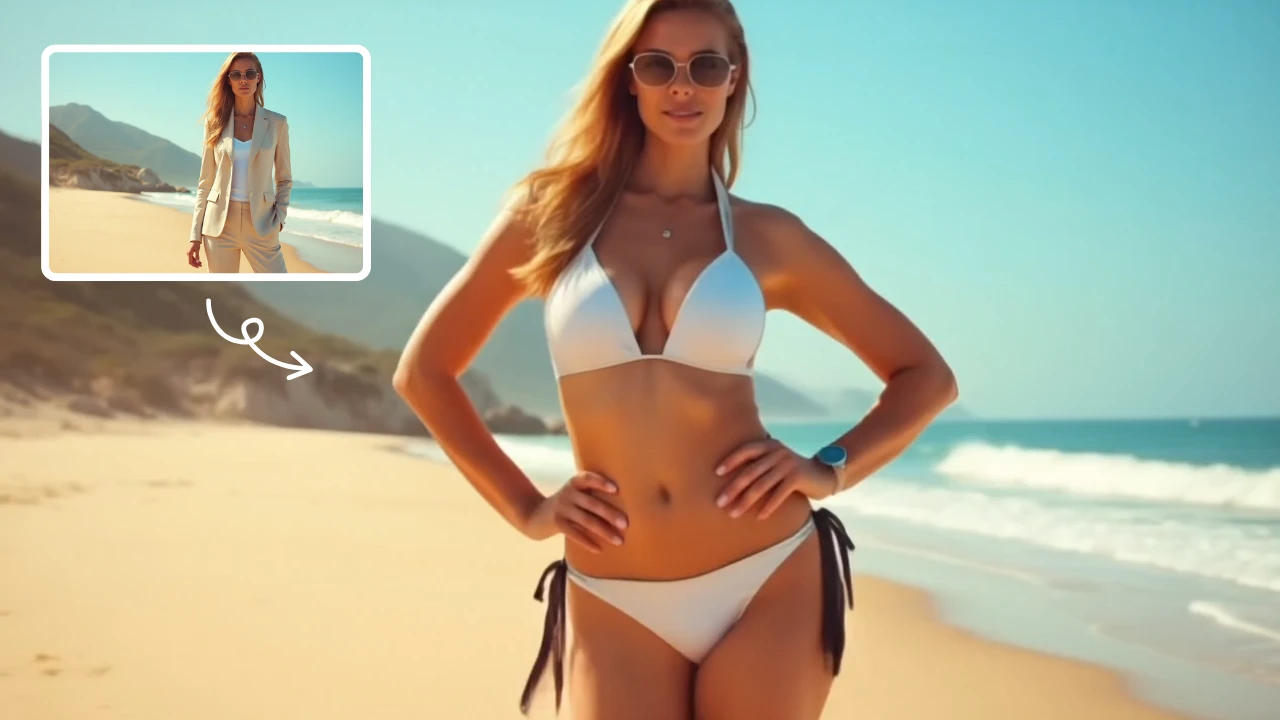
AI Bikini
Our AI Bikini Generator lets you instantly create personalized beachwear designs. Simply input your preferences, and watch AI craft unique bikini styles tailored to you. Enjoy hassle-free customization, save time, and discover your perfect look without any cost or sign-up. Ideal for fashion lovers seeking quick, innovative solutions for summer outfits!
Try Now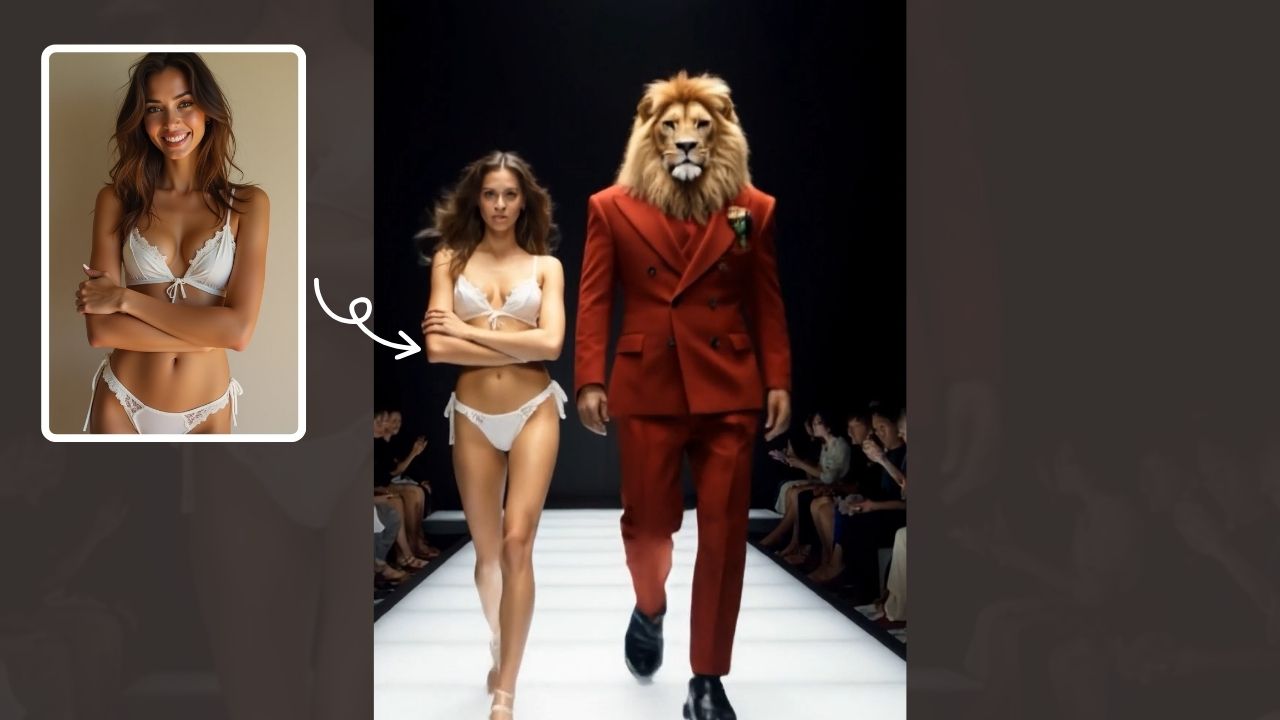
AI Walk With Beast
Walk With Beast transforms your videos with AI-powered fantasy animal companions. Easily generate epic scenes featuring majestic creatures walking beside you. Ideal for social media shorts, it requires no editing skills
Try Now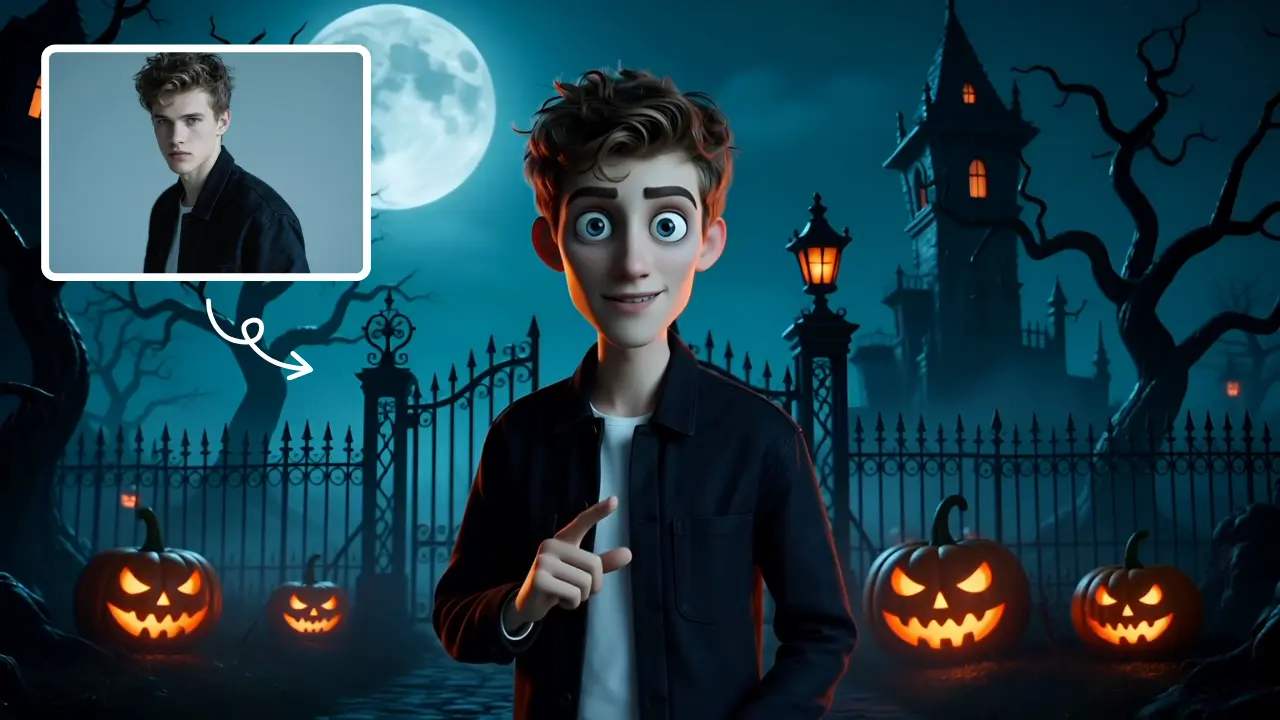
AI Tim Burton Style
Tim Burton Style offers AI video templates to effortlessly convert images and text into captivating videos. Its one-click functionality saves time while providing diverse styles for creative projects. Enjoy easy customization and high-quality results, making professional videos accessible to all.
Try Now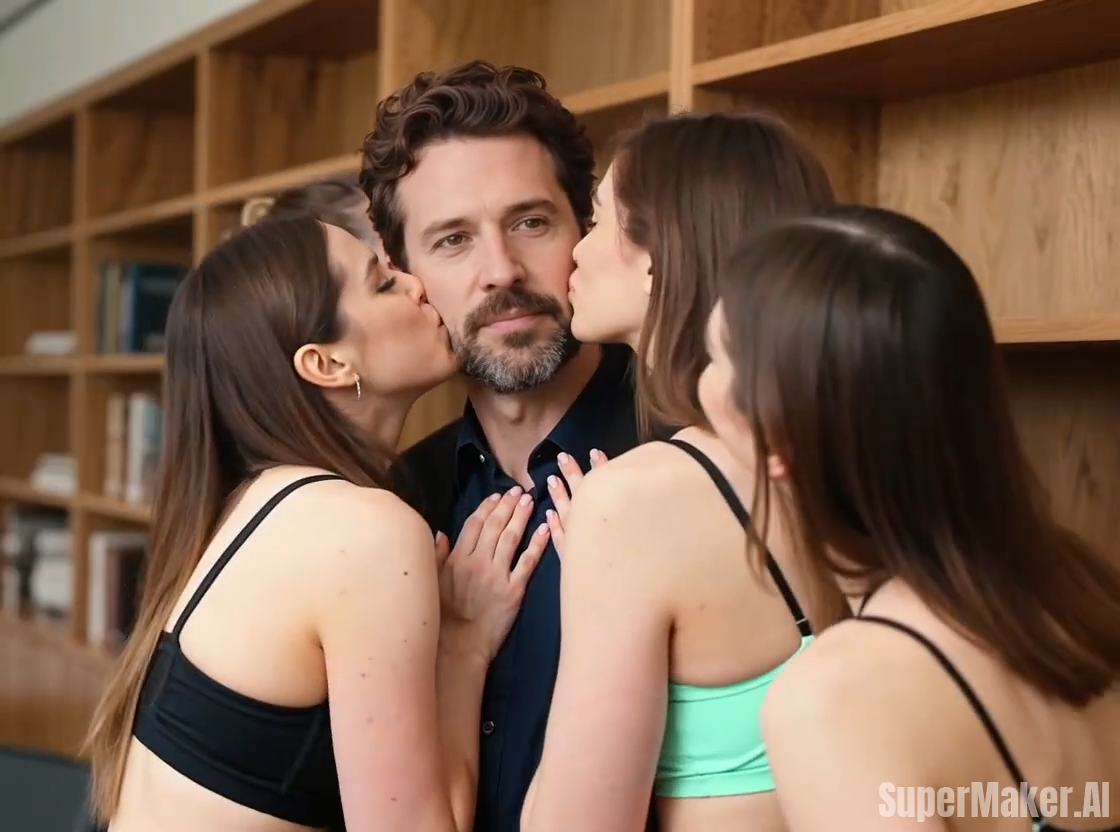
Kiss Me More
Kiss Me More AI by Supermaker AI lets you create captivating kiss-themed videos instantly. Our advanced AI technology offers intuitive effects, transforming your ideas into mesmerizing visual stories. Experience seamless video generation with unique customization options, perfect for social media sharing and creative expression.
Try Now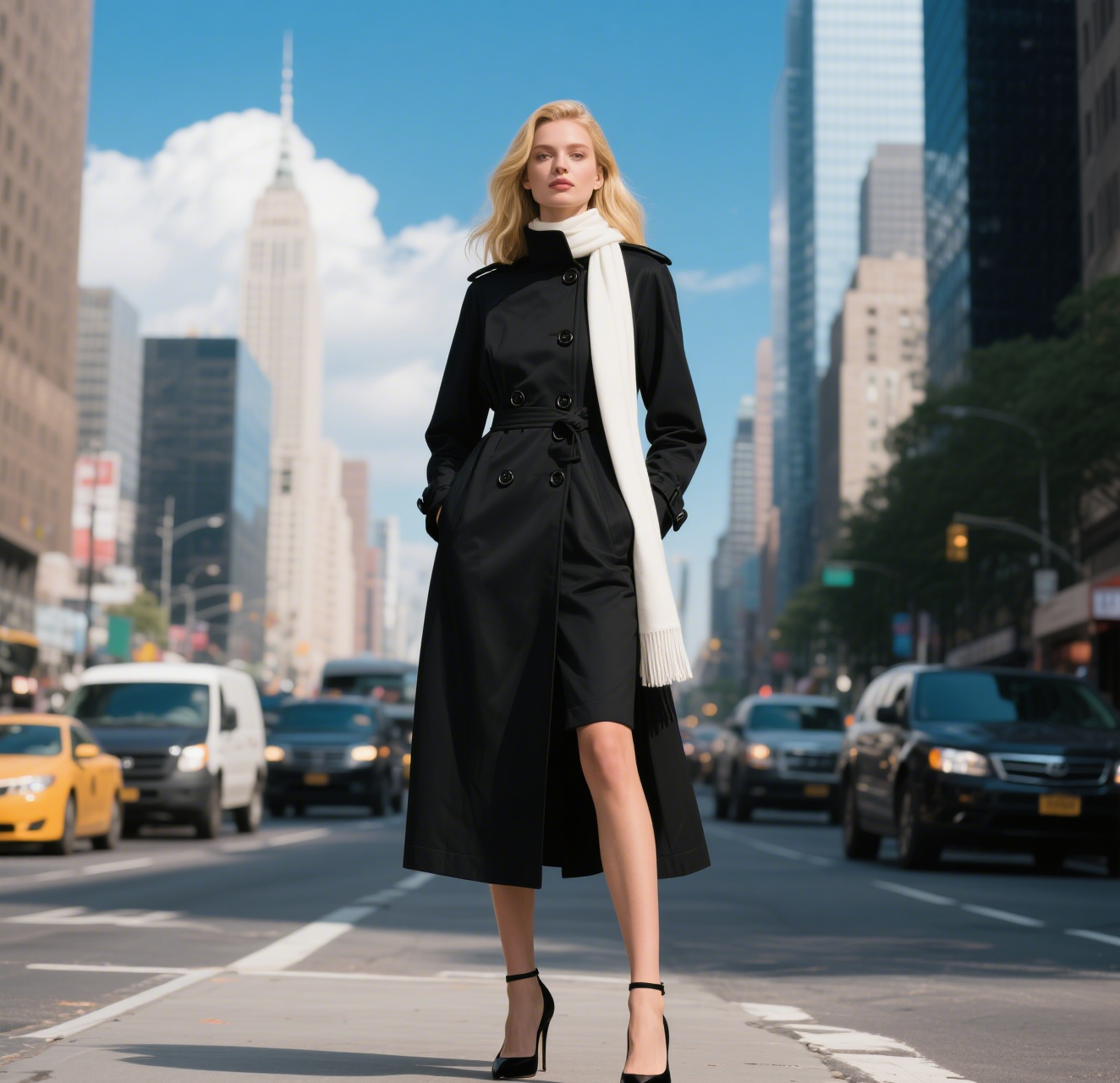
AI Walking Video
AI Walking Video by Supermaker AI transforms still images into natural walking animations using advanced AI. Simply upload a photo to get smooth, professional results in minute—ideal for digital content, presentations, and more. Save time and boost engagement with easy, high-quality video generation.
Try Now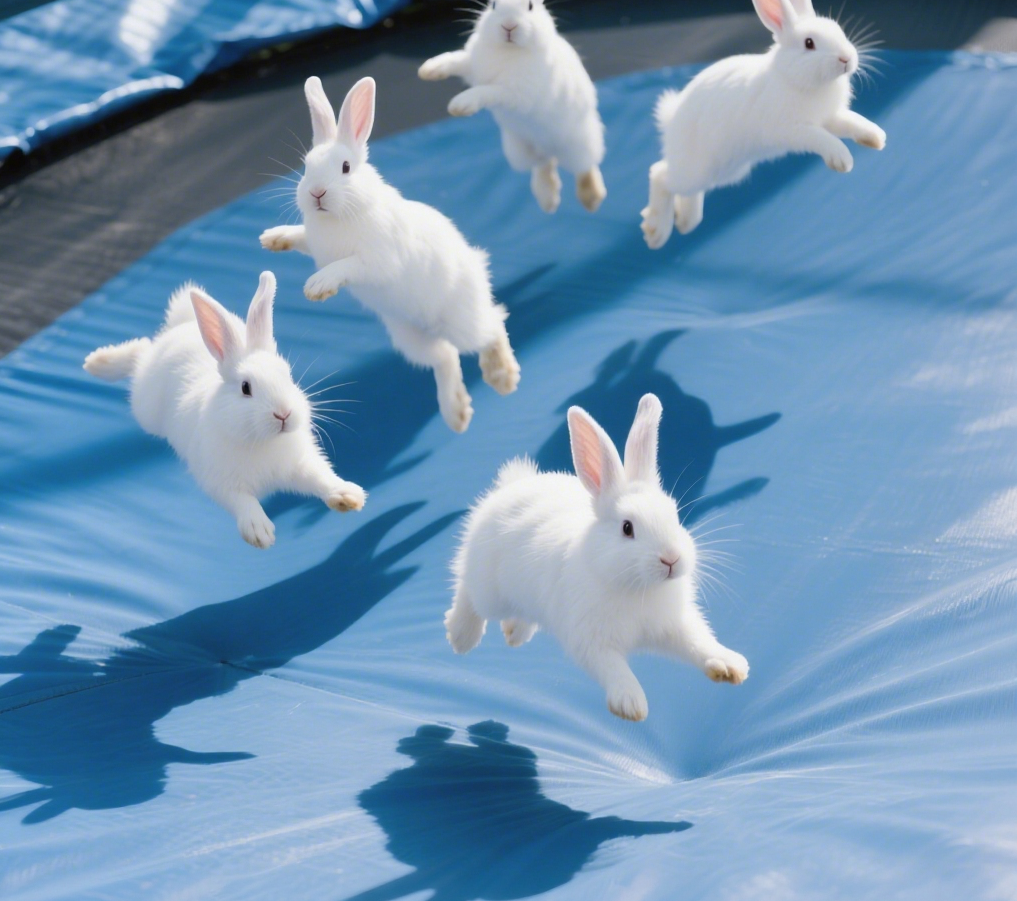
AI Bunnies Trampoline
AI Bunnies Trampoline is a free online tool that instantly creates engaging viral pet videos. Simply input your ideas to generate fun bunny trampoline clips perfect for TikTok, YouTube, and X. No registration required—start producing shareable content in minute, increasing your social media reach effortlessly.
Try Now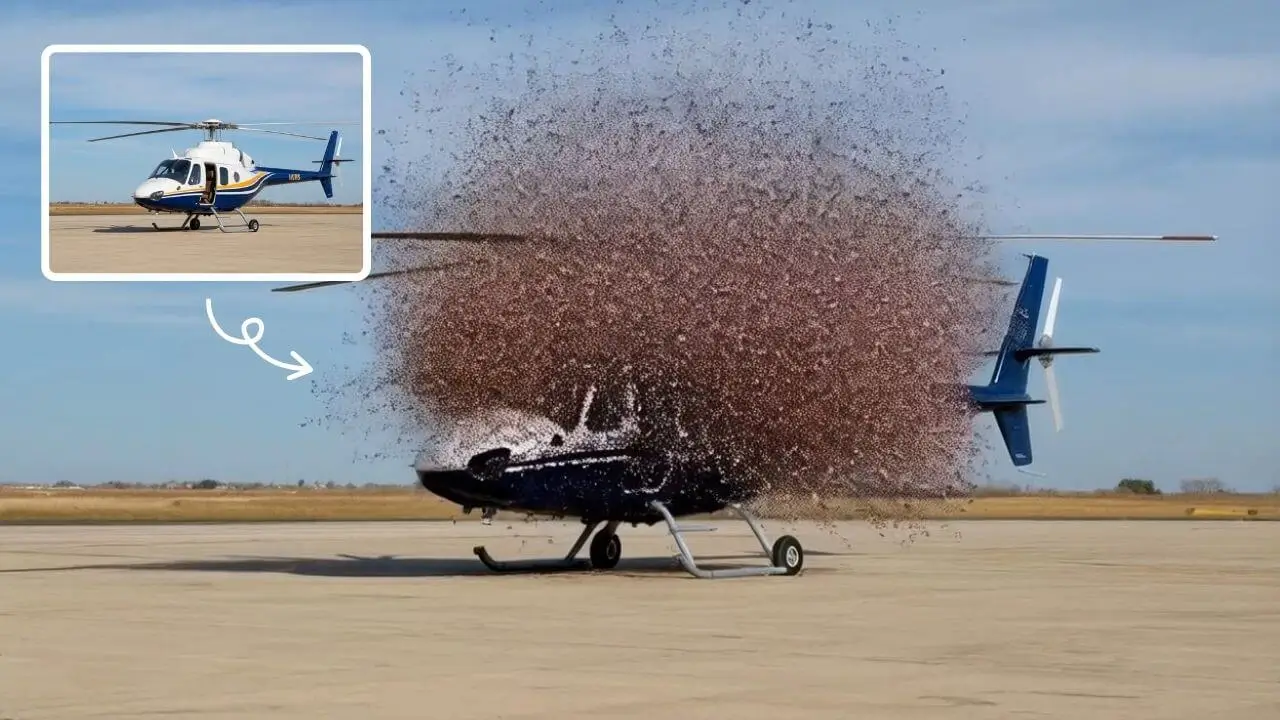
AI Explode Effect
AI Explode Effect uses advanced AI to convert your photos into dynamic explosion artwork. Simply upload an image to generate vibrant energy bursts, emphasizing creativity and visual impact. Perfect for social media, digital art, or personal projects, it offers quick, stunning results with no design skills needed. Unleash your creativity and turn ordinary moments into explosive art!
Try Now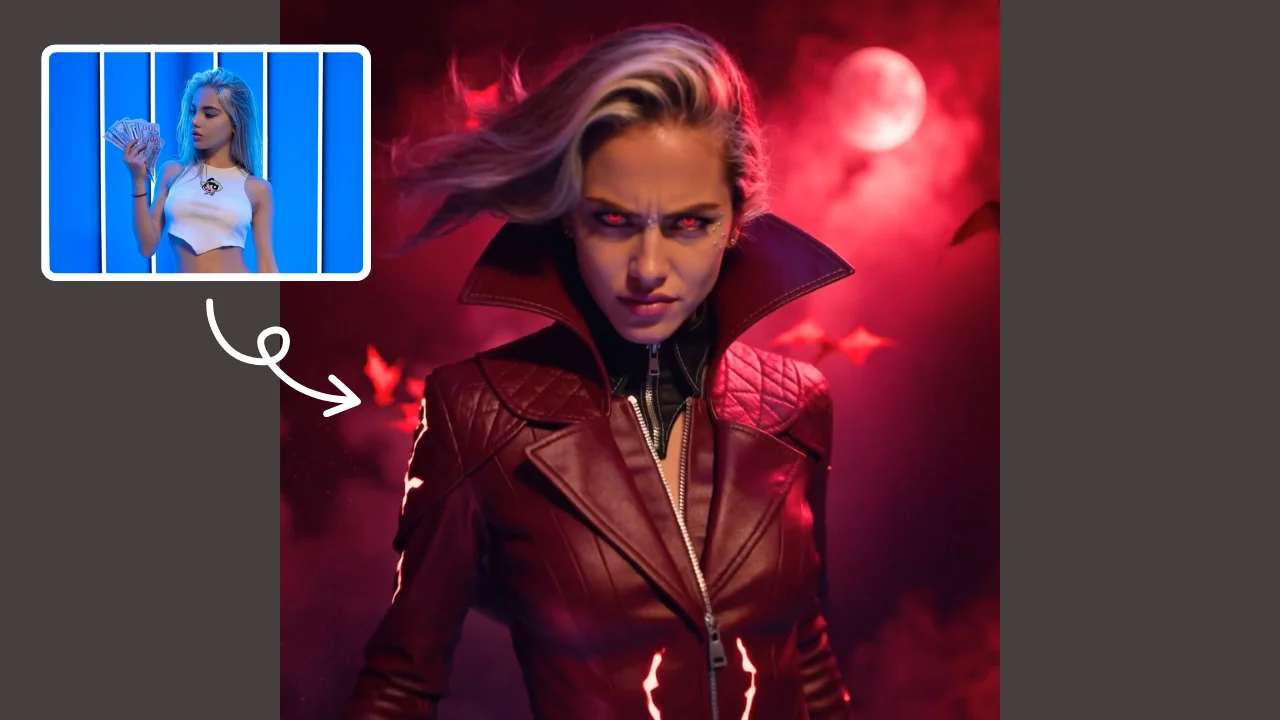
AI Demon Transform
AI Demon Transform revolutionizes video creation with intuitive AI templates. Convert text or images into engaging videos in one click. Enjoy free access to trending styles, fast processing, and user-friendly tools. Boost your content with unique, high-quality results—perfect for creators and marketers seeking efficiency and innovation.
Try Now Continue with Google