AI Fake Boyfriend
Fake Boyfriend Filter lets you generate a personalized AI boyfriend in videos. Simply upload your photo and detail your desired scenes—like hugging or kissing. The tool crafts realistic interactions for entertainment or content creation, offering unique, engaging experiences powered by advanced AI technology.
This is an example of what AI can create. Generate your own video now!
Why Choose This AI Video Tool?
Advanced AI Models
Powered by cutting-edge AI including Sora, Kling, VEO for superior video quality.
Easy to Use
No technical skills needed. Simply describe your vision and let AI create magic.
Custom Styles
Choose from multiple art styles and aspect ratios to match your creative vision.
Fast Processing
Generate high-quality videos in minutes with our optimized AI pipeline.
What Is an AI Fake Boyfriend?
An AI Fake Boyfriend is a browser-based tool that uses advanced video generation models to create personalized videos featuring a virtual partner. By uploading a single photo and describing a desired scene—like a hug or a romantic walk—the tool renders a short, realistic clip where the AI-generated character interacts with you. It’s designed for entertainment, content creation, or simply exploring the creative possibilities of generative AI.
How the Fake Boyfriend Filter Works
The process behind this tool is simpler than the technology suggests. You start by providing a clear image of yourself. Then, you enter a text prompt that describes the scene you want—this is where you specify actions like "hugging" or "kissing" and set the overall mood. The system, powered by models like Sora 2 or Veo 3.1, processes your inputs and generates a video that merges your likeness with a synthetic character. The result is a seamless clip where the interaction looks smooth and natural.
The Role of Video Prompts
The quality of your output heavily depends on how you craft your video prompts. A well-written prompt guides the AI to produce accurate movements and expressions. For example, specifying "a warm embrace in a park" yields a different result than a generic "hug." The tool interprets these instructions to animate the AI boyfriend accordingly, ensuring the scene matches your vision.
Why Users Turn to an AI Boyfriend Maker
People use this tool for a variety of reasons, ranging from pure curiosity to practical content needs. It solves the problem of creating personalized visual content without needing a partner, actor, or complex filming equipment. For social media creators, it offers a way to produce engaging and unique videos quickly. Others might use it for fun, to visualize a scenario, or as part of a larger digital art project.
Common Use Cases for Scene Creation
The flexibility of the tool makes it suitable for several scenarios:
- Social Media Content: Generate eye-catching videos for platforms like TikTok or Instagram, using the 9:16 aspect ratio.
- Creative Projects: Incorporate AI-generated characters into digital storytelling or art.
- Personal Entertainment: Simply experiment with the technology to see realistic interactions created from a single photo.
The key advantage is speed and accessibility. What would normally require filming, editing, and another person can now be done online in a few minutes. The entire video rendering process typically completes within 1 to 3 minutes, making it an efficient alternative to manual production.
Key Features of the AI Video Generator
Understanding the main features helps you get the most out of the experience. The tool is designed to be intuitive while offering powerful customization.
Customization Through Prompts
You have direct control over the scene. By detailing the desired actions and environment in your prompt, you guide the AI to create a specific interaction. This transforms a simple upload into a tailored video clip. You maintain control over the narrative, ensuring the AI boyfriend's actions align with your creative goal.
Model Selection and Video Quality
The tool offers a choice of AI models, each with different strengths. Sora 2 is a solid option for standard generation, while Veo 3.1 supports more complex inputs. These models are responsible for the final video's smoothness and realism. They work to keep your features consistent—like your accessories and appearance—while generating the new character and actions, resulting in a coherent final product.
Aspect Ratio and Duration Options
You can select the output format based on where you plan to use the video. The 16:9 ratio is ideal for landscape-oriented platforms like YouTube, while 9:16 is the standard for mobile-first apps like TikTok and Reels. The standard duration of 10 seconds is perfect for short-form content, capturing a single, impactful moment.
A Step-by-Step Look at the Workflow
The user journey is straightforward, designed to convert your idea into a video with minimal friction.
- Upload Your Photo: You start by providing a clear image. This is the foundation the AI uses to place you in the scene.
- Write Your Prompt: Next, you describe the scene. Be specific about the action (e.g., "a high handsome and manly boyfriend is appearing in this video to hug the girl"), the setting, and the desired mood. This step is crucial for accurate scene creation.
- Adjust Settings: Choose your preferred aspect ratio (16:9 or 9:16), duration, and AI model (like Sora 2). These settings tailor the output to your technical needs.
- Generate and Download: After clicking generate, the system processes your request. The video rendering takes about 1-3 minutes. Once complete, you have a realistic, AI-generated video ready to use.
Is It Safe and Private?
Trust is a major factor when using any tool that requires uploading personal photos. A reputable online tool like this one should process your data securely. The focus is on client-side or secure server-side processing to ensure your images aren't misused. Typically, the photo is used only for the current generation task and isn't stored indefinitely. Always look for platforms that are transparent about their data handling to ensure a trustworthy experience.
Frequently Asked Questions
What exactly is an AI Fake Boyfriend tool?
It's an online application that uses artificial intelligence to generate videos. You provide a photo of yourself and describe a scene, and the tool creates a short video where an AI-generated boyfriend interacts with you based on your description. It's designed for entertainment and creative content production.
How do I write a good prompt for the AI Fake Boyfriend?
To get the best results, be descriptive. Instead of just "hug," try "a tall, handsome boyfriend gives the girl a gentle hug in a sunny park, their interaction is smooth and natural." Including details about appearance, setting, and action helps the AI generate a more accurate and engaging video.
How long does it take to generate a video?
The video generation process is quite fast. After you submit your photo and prompt, it typically takes between one to three minutes for the tool to render and prepare your final video clip for download.
Can I use the generated videos on social media?
Absolutely. The tool is well-suited for content creators. You can select the 9:16 aspect ratio to create videos perfectly formatted for TikTok, Instagram Reels, or YouTube Shorts, making it easy to produce unique content for your audience.
Is it safe to upload my photo to an online tool like this?
Reputable tools prioritize user privacy and data security. They usually process your image only for the immediate video generation task and do not store it permanently. It's always a good practice to use platforms with clear privacy policies, but the core technology is designed to create the video without compromising your data.
What's the difference between the AI models, like Sora 2 and Veo 3.1?
The different AI models offer varying capabilities. For instance, Sora 2 is a reliable model for general video generation. Veo 3.1, on the other hand, might offer enhanced support for more complex inputs, such as working with 1-2 images, potentially leading to more detailed outputs. The choice depends on the complexity of your scene.
What kind of scenes can I create?
You have a lot of creative freedom. You can generate common scenarios like hugging or kissing, or you can craft more specific narratives, such as walking on a beach or sharing a meal. The tool is built to translate your text prompts into visual scenes.
Conclusion
The AI Fake Boyfriend tool represents a fun and innovative step in personalized content creation. It combines intuitive controls with powerful AI video generation to turn a simple photo and a creative idea into a shareable video in minutes. Whether you're a content producer looking for fresh material or just curious about the capabilities of generative AI, this online tool offers a secure and efficient way to experiment with digital interaction and scene creation.
Start Creating AI Videos Instantly
Turn simple text prompts into engaging videos using our powerful AI video generator. No editing skills required — just describe your idea and let AI do the work.
Generate Your First AI VideoMore AI Video Tools
Explore more AI-powered video creation tools to expand your creativity
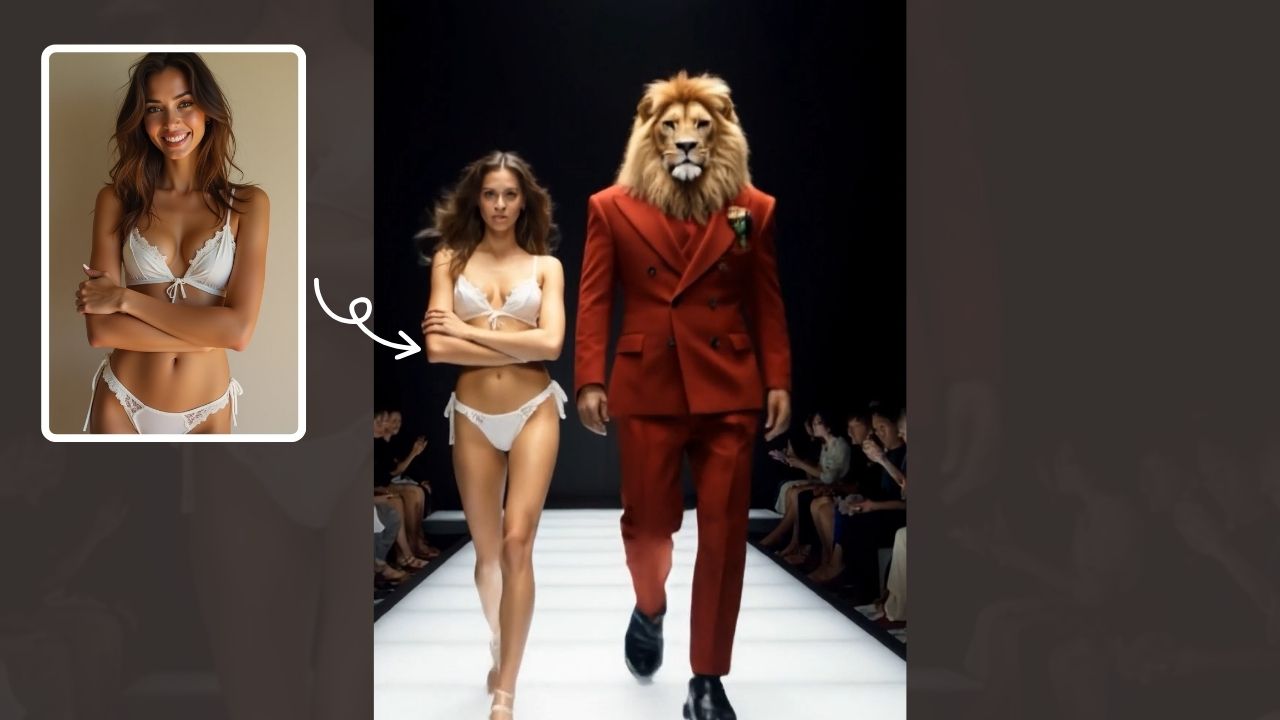
AI Walk With Beast
Walk With Beast transforms your videos with AI-powered fantasy animal companions. Easily generate epic scenes featuring majestic creatures walking beside you. Ideal for social media shorts, it requires no editing skills
Try Now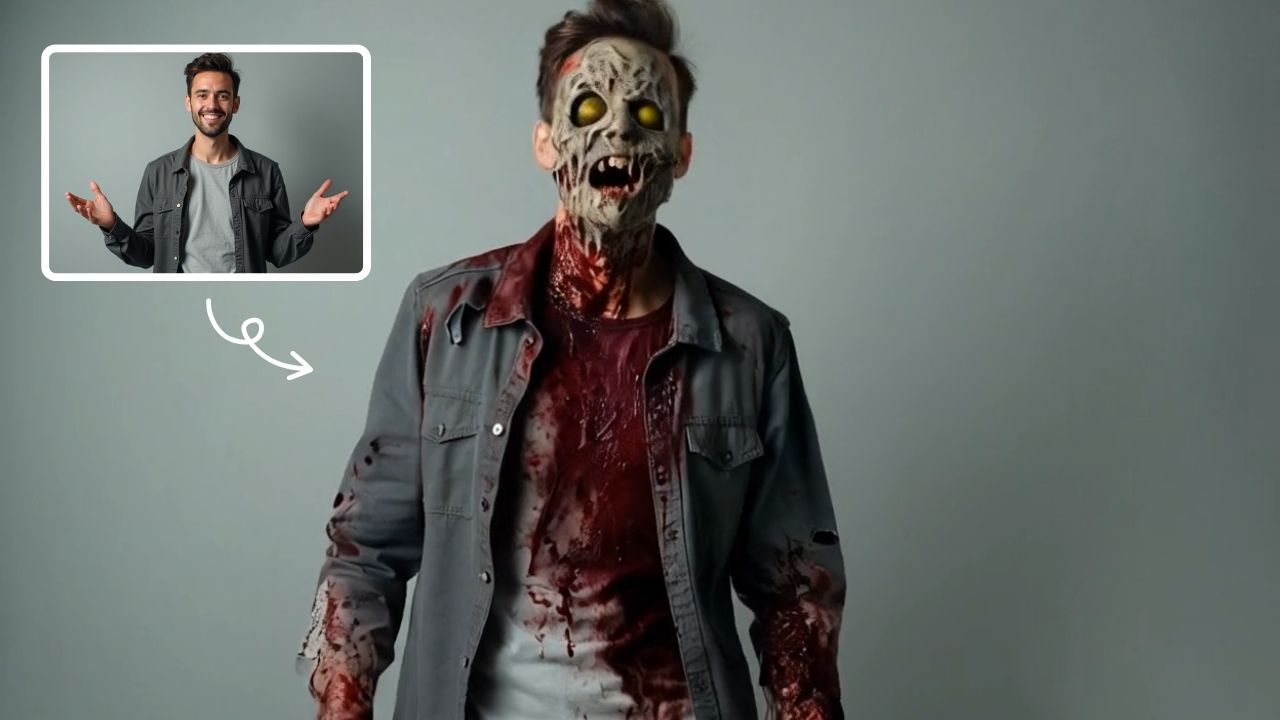
AI Zombie
AI Zombie Transformation uses advanced AI to convert your photos into realistic zombie versions. Simply upload your image, and the tool generates a horrifying undead look with eerie details. It's fun, easy, and perfect for Halloween, parties, or sharing on social media to amaze friends. Try it now for a unique, chilling transformation!
Try Now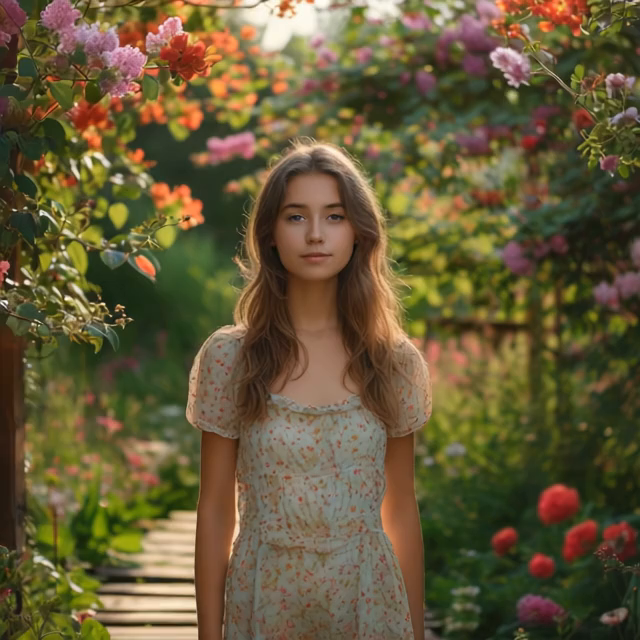
AI Jesus Hug Effect
Upload any photo to instantly generate a beautiful video of Jesus embracing you. Our AI technology creates realistic, heartfelt moments for personal reflection or sharing. Experience comfort and inspiration through this unique spiritual tool.
Try Now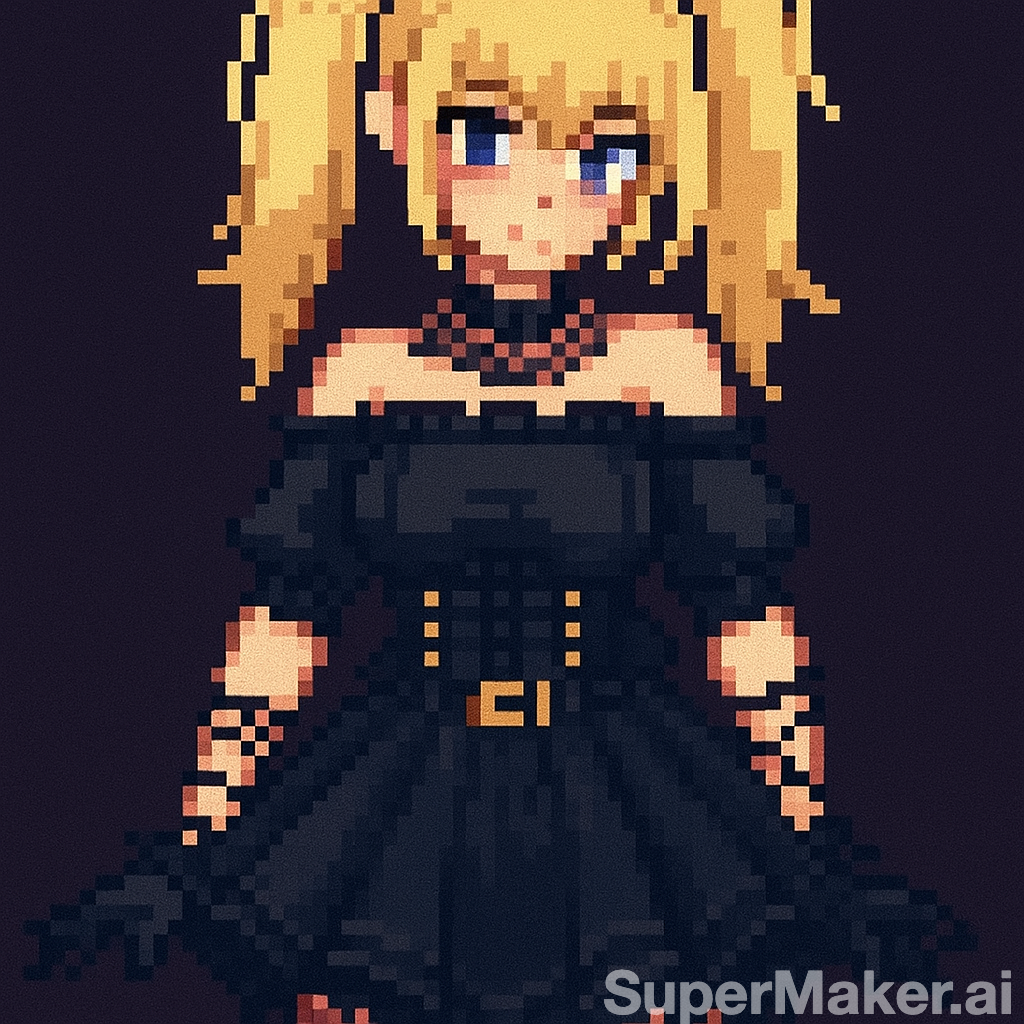
AI Pixel Video Generator
AI Pixel Video Generator instantly converts your images into smooth, expressive pixel art videos. Enjoy easy customization, realistic motion, and seamless sharing—boost your content with unique retro visuals effortlessly.
Try Now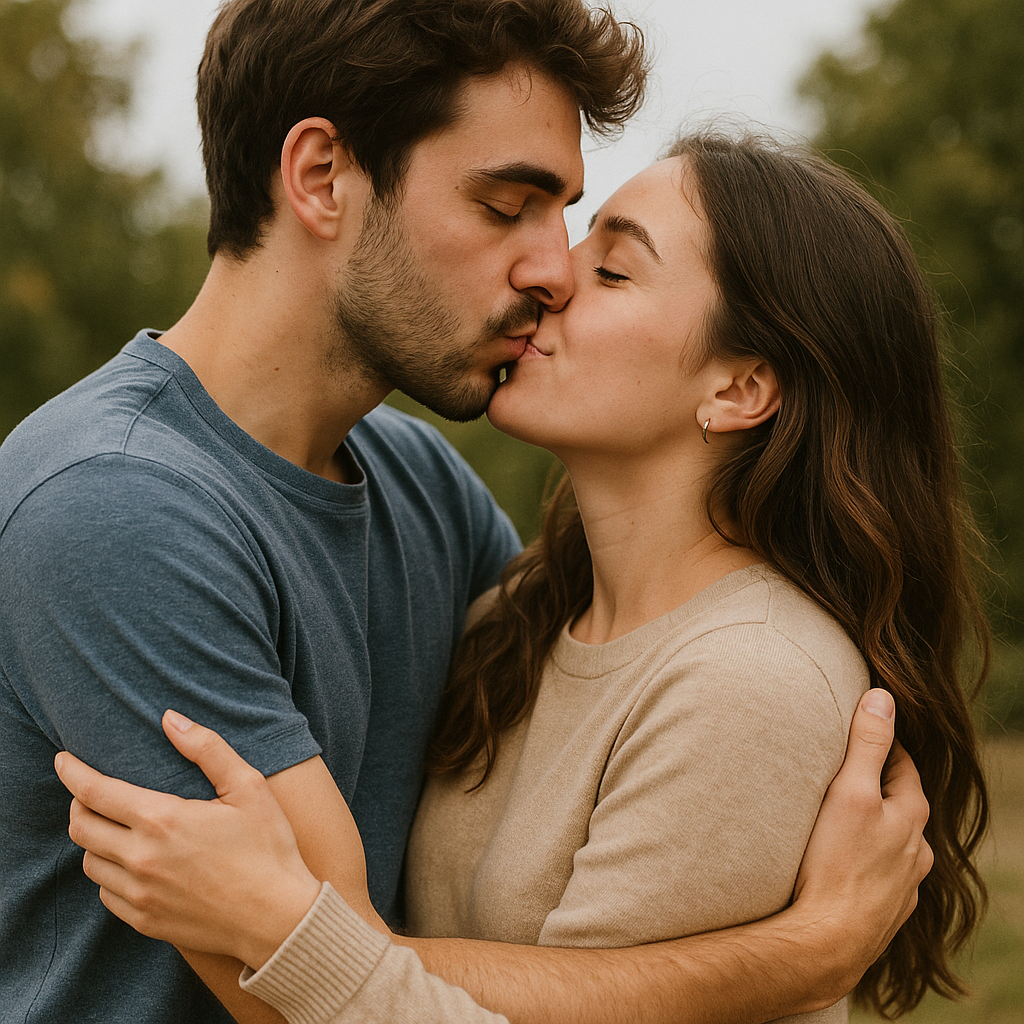
AI Fake Boyfriend
Fake Boyfriend Filter lets you generate a personalized AI boyfriend in videos. Simply upload your photo and detail your desired scenes—like hugging or kissing. The tool crafts realistic interactions for entertainment or content creation, offering unique, engaging experiences powered by advanced AI technology.
Try Now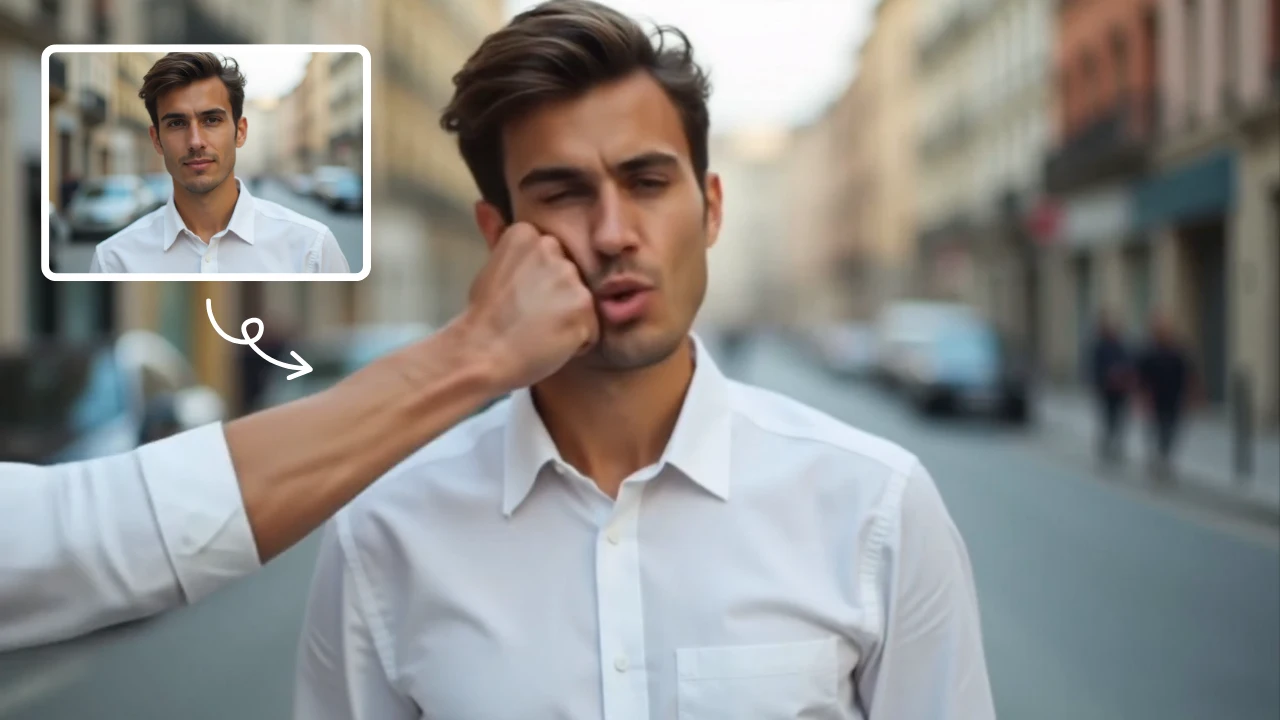
AI Face Punch
AI Face Punch offers intuitive AI video templates that let you transform text or images into engaging videos instantly. Its key features include diverse template options, one-click generation, and seamless customization, saving time while enhancing visual content quality. Perfect for marketers and creators seeking fast, professional results without technical skills.
Try Now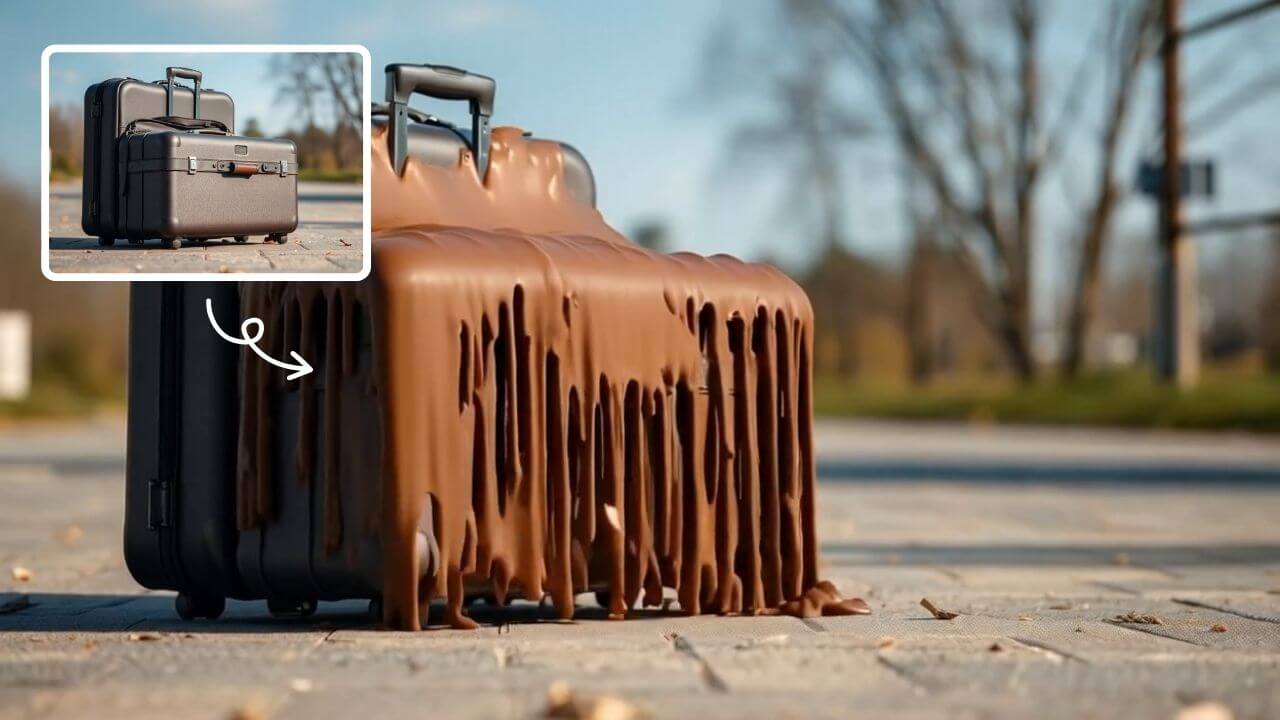
AI Melt Effect
AI Melt Effect uses advanced AI to instantly create mesmerizing melting effect videos from your images. Enjoy powerful features, fast processing, and a free platform. Turn ordinary photos into extraordinary art effortlessly.
Try Now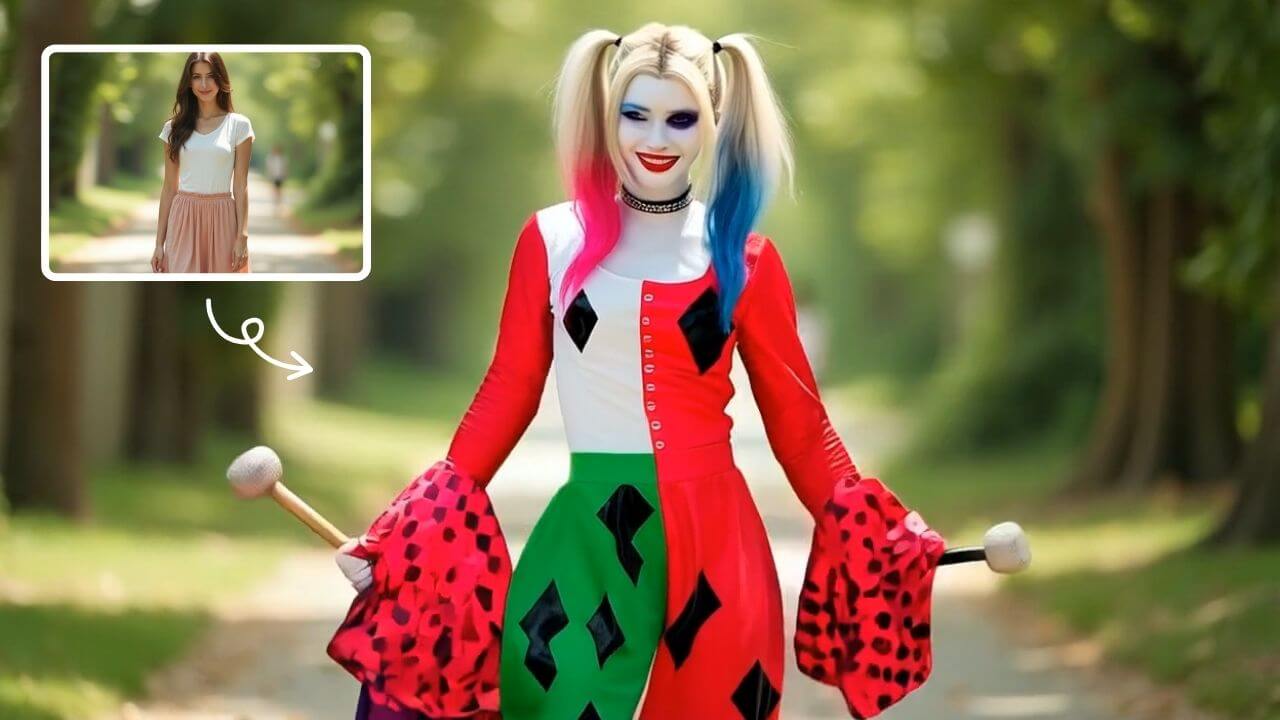
AI Harley Quinn Transformation
AI Harley Quinn Transformation lets you upload your photo and instantly generate a dynamic video where you become Harley Quinn. Experience her signature style, playful animations, and unique flair in an easy, fast process. Perfect for fans seeking a fun, personalized transformation without any hassle.
Try Now Continue with Google