Kiss Me More
Kiss Me More AI by Supermaker AI lets you create captivating kiss-themed videos instantly. Our advanced AI technology offers intuitive effects, transforming your ideas into mesmerizing visual stories. Experience seamless video generation with unique customization options, perfect for social media sharing and creative expression.
This is an example of what AI can create. Generate your own video now!
Why Choose This AI Video Tool?
Advanced AI Models
Powered by cutting-edge AI including Sora, Kling, VEO for superior video quality.
Easy to Use
No technical skills needed. Simply describe your vision and let AI create magic.
Custom Styles
Choose from multiple art styles and aspect ratios to match your creative vision.
Fast Processing
Generate high-quality videos in minutes with our optimized AI pipeline.
Kiss Me More AI: Create Stunning Kiss Videos Free
Kiss Me More is a browser-based AI tool that transforms ordinary photos into captivating short videos featuring romantic kiss effects. It uses advanced generative models to seamlessly integrate virtual characters into your images, creating personalized, shareable content in under three minutes.
What Is Kiss Me More AI?
Kiss Me More AI, developed by Supermaker AI, is an online video generation tool designed specifically for creating kiss-themed visual content. You upload a portrait photo, select a style, and the AI renders a short video where virtual characters interact with the subject in the image. It processes everything in the cloud, so you don’t need powerful hardware or video editing skills.
How Does Kiss Me More Work?
The tool relies on cutting-edge AI video generation models, including Sora 2 and Veo 3.1. When you upload a photo, the AI analyzes the facial features, lighting, and background of the original image. It then generates new frames where additional characters appear and perform romantic gestures, such as a kiss on the cheek.
The entire rendering process takes between one and three minutes, depending on the complexity of the scene and the chosen AI model. The output is a seamless video that blends the uploaded person with AI-generated elements, maintaining consistent lighting and skin texture for a realistic look.
Common Use Cases for Kiss Me More
This tool appeals to a wide range of users, from casual social media enthusiasts to content creators looking for unique effects.
Personalized Social Media Content
Many users turn to Kiss Me More to create fun, engaging posts for platforms like TikTok, Instagram, or Snapchat. The novelty of seeing oneself in a romantic AI-generated scene often sparks curiosity and drives engagement. It is an efficient way to produce standout content without investing time in manual video editing.
Creative Expression and Storytelling
Artists and hobbyists use the tool to experiment with visual storytelling. By combining real portraits with AI-generated characters, they can explore themes of romance, fantasy, or surrealism. The ability to customize prompts and choose aspect ratios (16:9 for landscape, 9:16 for vertical stories) allows for greater creative control.
Proof of Concept for Professionals
Video editors and marketers sometimes use Kiss Me More to quickly visualize an idea before committing to full production. While the tool is designed for casual use, the fast rendering speed makes it a convenient option for testing visual concepts involving character integration.
Key Features of Kiss Me More
Understanding the features helps users get the most out of the tool.
AI Model Selection
Users can choose between two underlying video models. Sora 2 is optimized for general use, generating 10 to 15-second videos with a balance of speed and quality. Veo 3.1, developed by Google, supports one or two input images and often produces more detailed results, but it requires more credits per generation.
Customizable Video Parameters
Before generating a video, you can adjust several settings. The aspect ratio options (16:9 and 9:16) ensure the output fits different platforms. The duration is fixed at 10 seconds for standard generations, which is long enough to convey a short scene while keeping file sizes manageable.
Prompt-Based Scene Control
While the tool automates most of the process, you can influence the output through basic text prompts. For example, describing the desired background, the appearance of the virtual characters, or the lighting conditions helps guide the AI toward your intended result.
A Step-by-Step Guide to Creating Your First Video
Getting started with Kiss Me More is straightforward.
First, navigate to the Kiss Me More page on the text2vid.org site. You will see a clean interface with an upload area. Select a clear portrait photo where the subject’s face is well-lit and unobstructed. The AI performs best with high-quality images.
Next, choose your AI model. If you are new to the tool, starting with Sora 2 is a good option. It uses fewer credits and still delivers impressive results. If you need higher fidelity or have a specific creative vision, Veo 3.1 might be worth the extra credits.
Then, write a brief prompt describing the scene you want. Keep it simple but descriptive. For example: "A romantic moment in a sunlit park, soft focus on the background, natural skin tones."
After setting the aspect ratio, click the generate button. The rendering process begins, and you will see a progress indicator. Most videos complete within one to three minutes. Once finished, you can preview the video and download it directly to your device.
Why Use an AI Tool Instead of Manual Editing?
Traditional video editing requires significant skill and time. Compositing a new character into an existing video, matching lighting, and creating realistic interactions can take hours or even days. AI video generation automates this entire pipeline.
Tools like Kiss Me More handle complex tasks such as character generation, scene composition, and motion synthesis in seconds. This democratizes access to high-quality visual effects, allowing anyone with a photo and an idea to produce engaging content.
Privacy and Data Considerations
When using any online tool that processes personal images, it is natural to have concerns about privacy. Kiss Me More processes uploads securely, and the generated videos are typically available for download immediately. It is always advisable to review the platform’s privacy policy regarding data retention and usage. For sensitive projects, consider using images that do not contain identifiable information.
Frequently Asked Questions
How long does it take to generate a video with Kiss Me More?
The rendering process usually takes between one and three minutes. The exact time depends on the selected AI model and current server load. Sora 2 tends to be slightly faster, while Veo 3.1 may take a little longer due to its more complex processing.
Can I use Kiss Me More for free?
Yes, the tool offers free credits to start. Each generation consumes a certain number of credits based on the chosen model. Sora 2 typically costs fewer credits, while Veo 3.1 requires more. Additional credits can be obtained through various plans if you need to generate more videos.
What kind of photos work best with Kiss Me More?
Clear, front-facing portraits with good lighting produce the best results. Avoid heavily filtered images or photos with extreme angles. The AI needs to accurately detect facial features to blend the generated characters seamlessly. Neutral backgrounds also help the AI focus on the subject.
Is the content created with Kiss Me More safe to share on social media?
Yes, the videos are generated locally for your session and are intended for personal use. However, always ensure you have the right to use the original photo, especially if it contains other people. The generated content itself is typically safe for most platforms, but check each platform’s policy on AI-generated media.
Does Kiss Me More store my uploaded photos?
The platform processes your images to generate the video. For specific details on how long images are retained or whether they are used for training, refer to the official privacy policy of Supermaker AI. Generally, uploaded content is deleted after processing, but confirming this provides peace of mind.
What is the difference between Sora 2 and Veo 3.1?
Sora 2 is OpenAI’s advanced video model, optimized for general creative tasks with good speed. Veo 3.1, developed by Google, supports one or two input images and often produces more detailed and consistent character interactions. Veo 3.1 is ideal when you need higher realism, but it uses more credits.
Can I create videos longer than 10 seconds with Kiss Me More?
Currently, the standard output duration is fixed at 10 seconds. This length is optimized for social media sharing and quick storytelling. For longer narratives, you might consider generating multiple clips and combining them using a separate video editor.
What happens if I don’t write a detailed prompt?
The AI will still generate a video based on default settings, but the output may be less aligned with your creative vision. Prompts help the AI understand the mood, setting, and character appearance you want. Even a short, simple prompt improves the relevance of the final video.
Start Creating AI Videos Instantly
Turn simple text prompts into engaging videos using our powerful AI video generator. No editing skills required — just describe your idea and let AI do the work.
Generate Your First AI VideoMore AI Video Tools
Explore more AI-powered video creation tools to expand your creativity
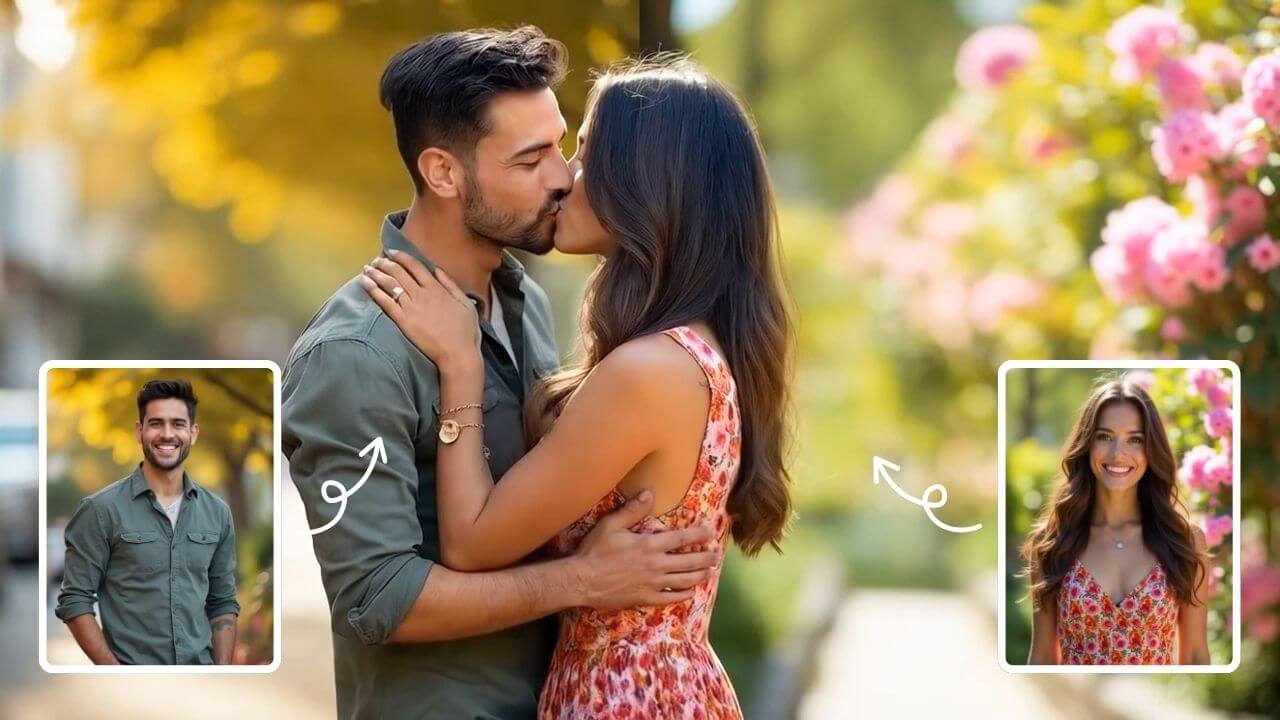
AI Kissing Generator
AI Kissing lets you create stunning AI-generated kiss videos effortlessly. With cutting-edge technology, produce realistic and emotional clips for sharing or entertainment. Enjoy seamless creation, high-quality results, and a unique way to express romance digitally.
Try Now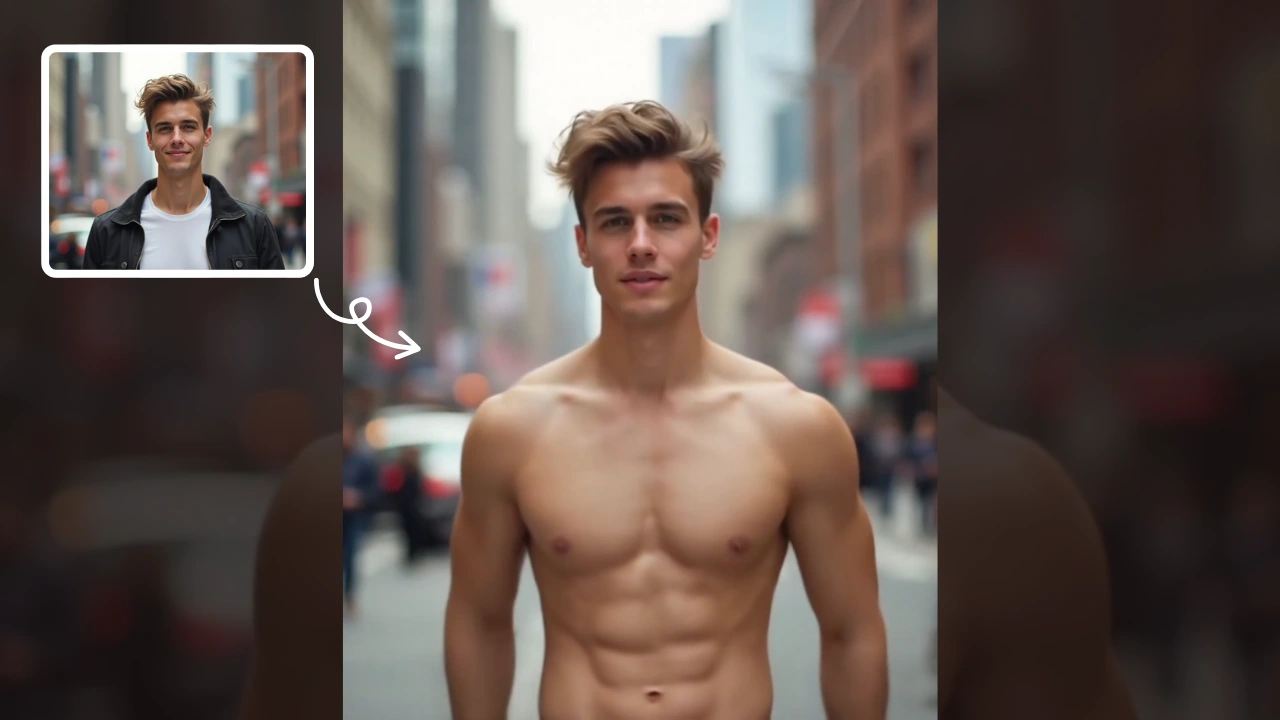
AI Muscle Generator
AI Muscle Generator lets you visualize muscle growth instantly by uploading a photo. It upgrades your physique digitally in minute, offering a fun, gym-free way to see potential results. Ideal for motivation or entertainment, it provides quick, impressive transformations without any workout.
Try Now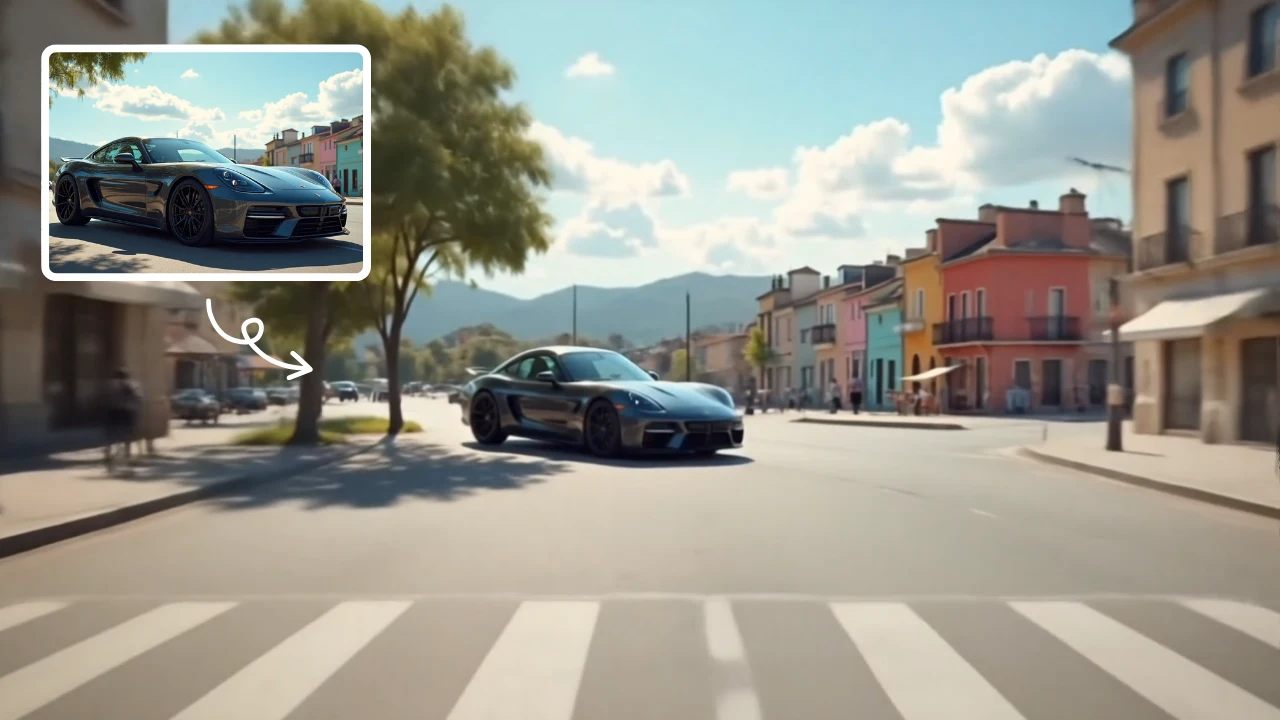
Zoom Out Video Effect
Zoom Out Video Effect offers intuitive AI templates for instant video creation. Easily transform images/text into dynamic videos with zoom effects. Save time with one-click editing while enhancing visual storytelling. Perfect for marketers and creators seeking professional results without complexity.
Try Now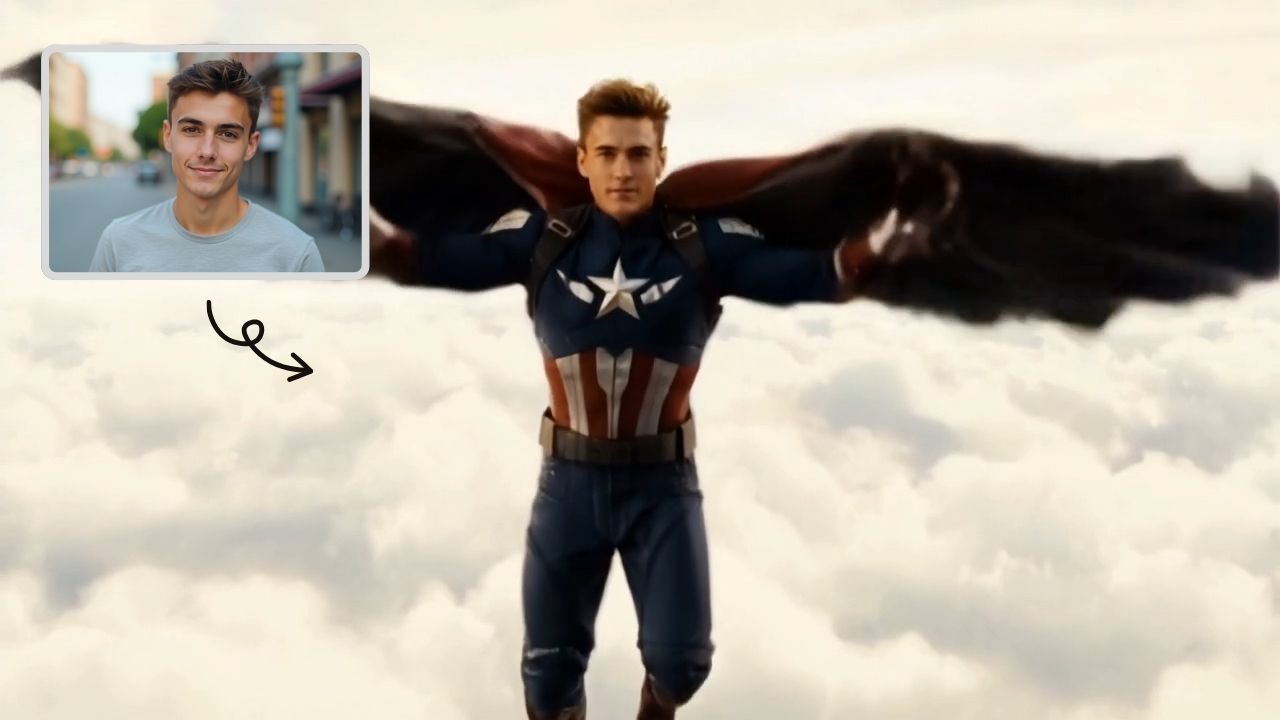
AI Captain America
Unleash the Captain America effect with our AI template. Easily apply superhero transformations in videos, boosting engagement for Marvel enthusiasts and content creators. Ideal for viral social media posts.
Try Now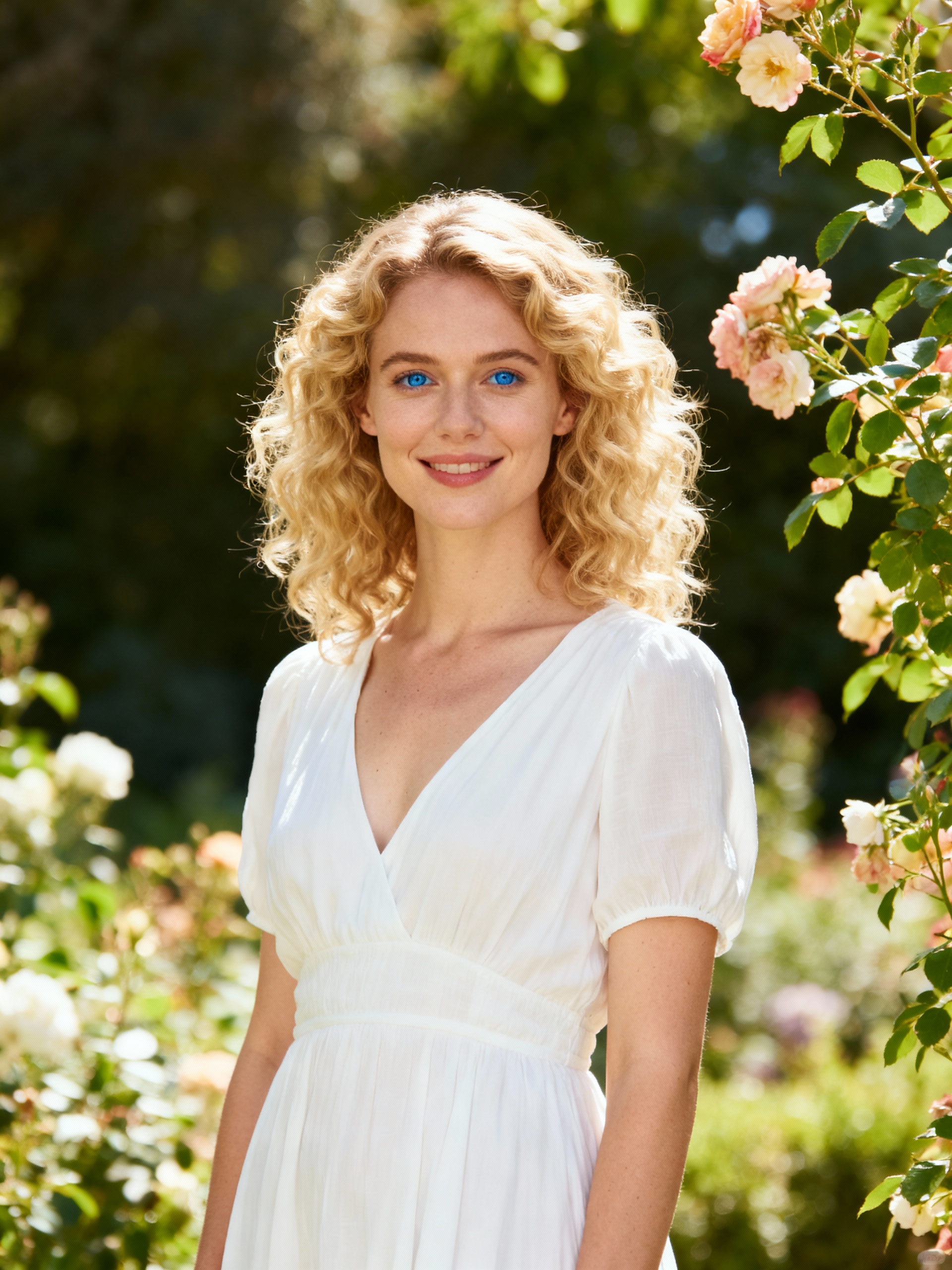
AI Haunted House
Transform your photos into terrifying haunted house videos with the Haunted House Video Generator. This AI tool adds monsters, ghosts, and eerie effects to create horror clips in minute. Enjoy easy sharing, instant results, and professional quality—perfect for social media, pranks, or creative projects. Experience fast, free horror video generation today!
Try Now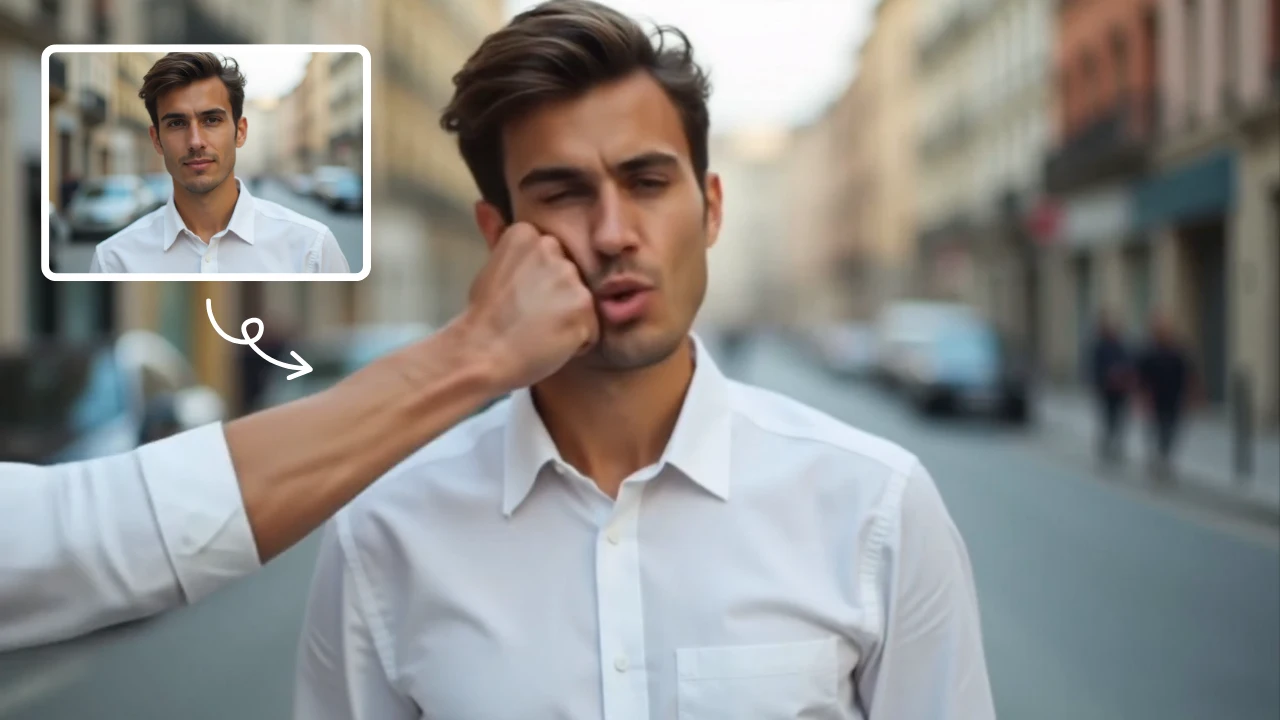
AI Face Punch
AI Face Punch offers intuitive AI video templates that let you transform text or images into engaging videos instantly. Its key features include diverse template options, one-click generation, and seamless customization, saving time while enhancing visual content quality. Perfect for marketers and creators seeking fast, professional results without technical skills.
Try Now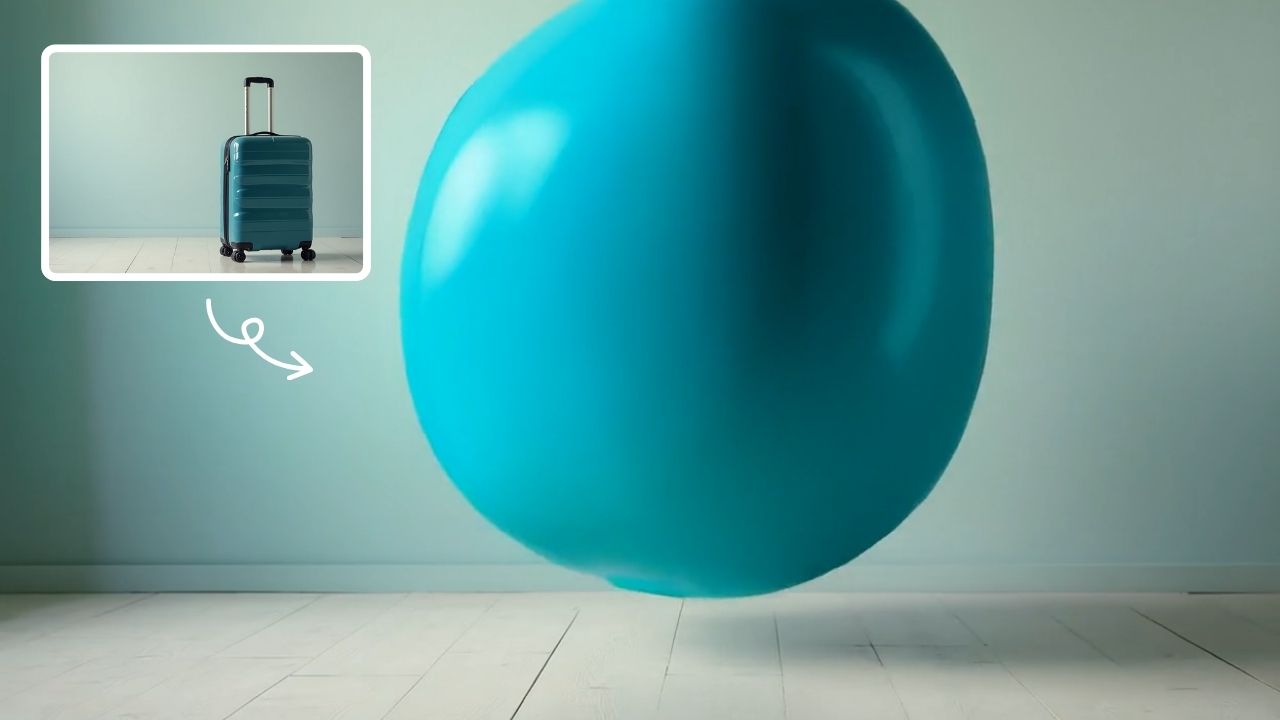
AI Inflate Effect
AI Inflate Effect instantly transforms ordinary photos by adding playful inflatable effects to any object. Simply upload your image, and our advanced AI automatically detects and inflates items with realistic balloon-like textures. Perfect for creating eye-catching social media content, unique memes, or creative presentations. Experience instant transformation with zero editing skills required - your inflated creations are ready in minute!
Try Now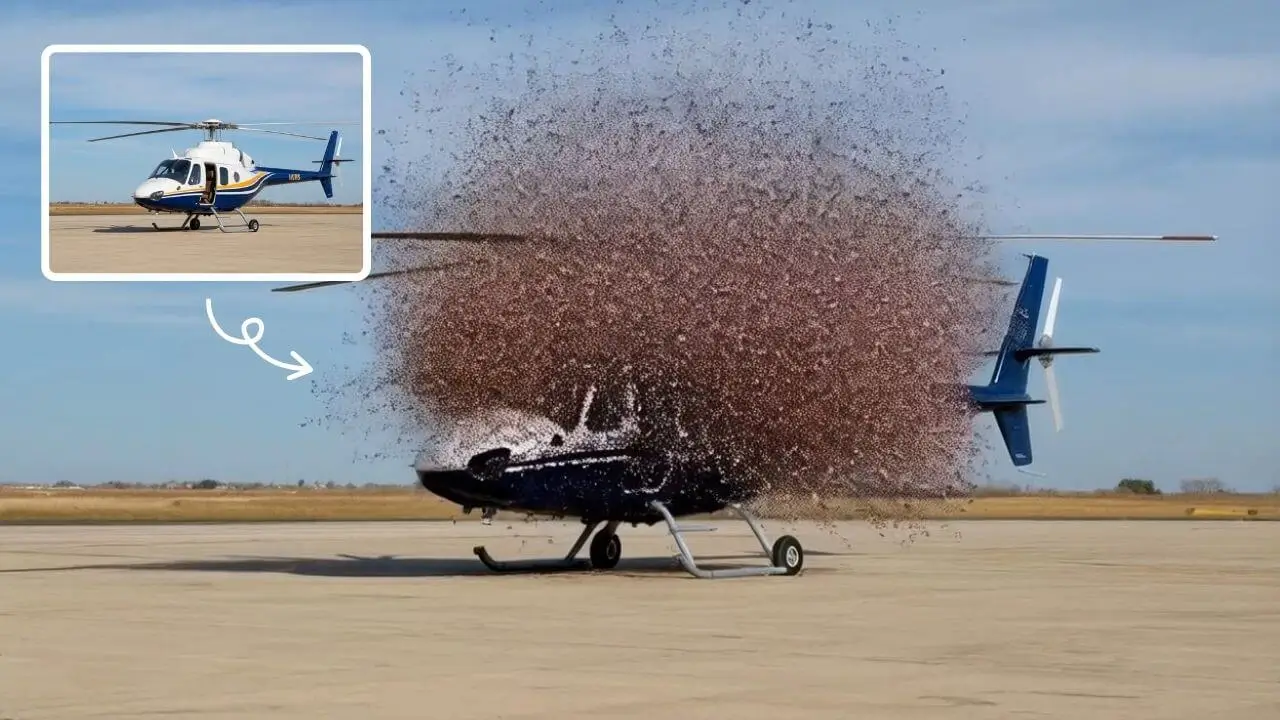
AI Explode Effect
AI Explode Effect uses advanced AI to convert your photos into dynamic explosion artwork. Simply upload an image to generate vibrant energy bursts, emphasizing creativity and visual impact. Perfect for social media, digital art, or personal projects, it offers quick, stunning results with no design skills needed. Unleash your creativity and turn ordinary moments into explosive art!
Try Now Continue with Google