AI Walking Video
AI Walking Video by Supermaker AI transforms still images into natural walking animations using advanced AI. Simply upload a photo to get smooth, professional results in minute—ideal for digital content, presentations, and more. Save time and boost engagement with easy, high-quality video generation.
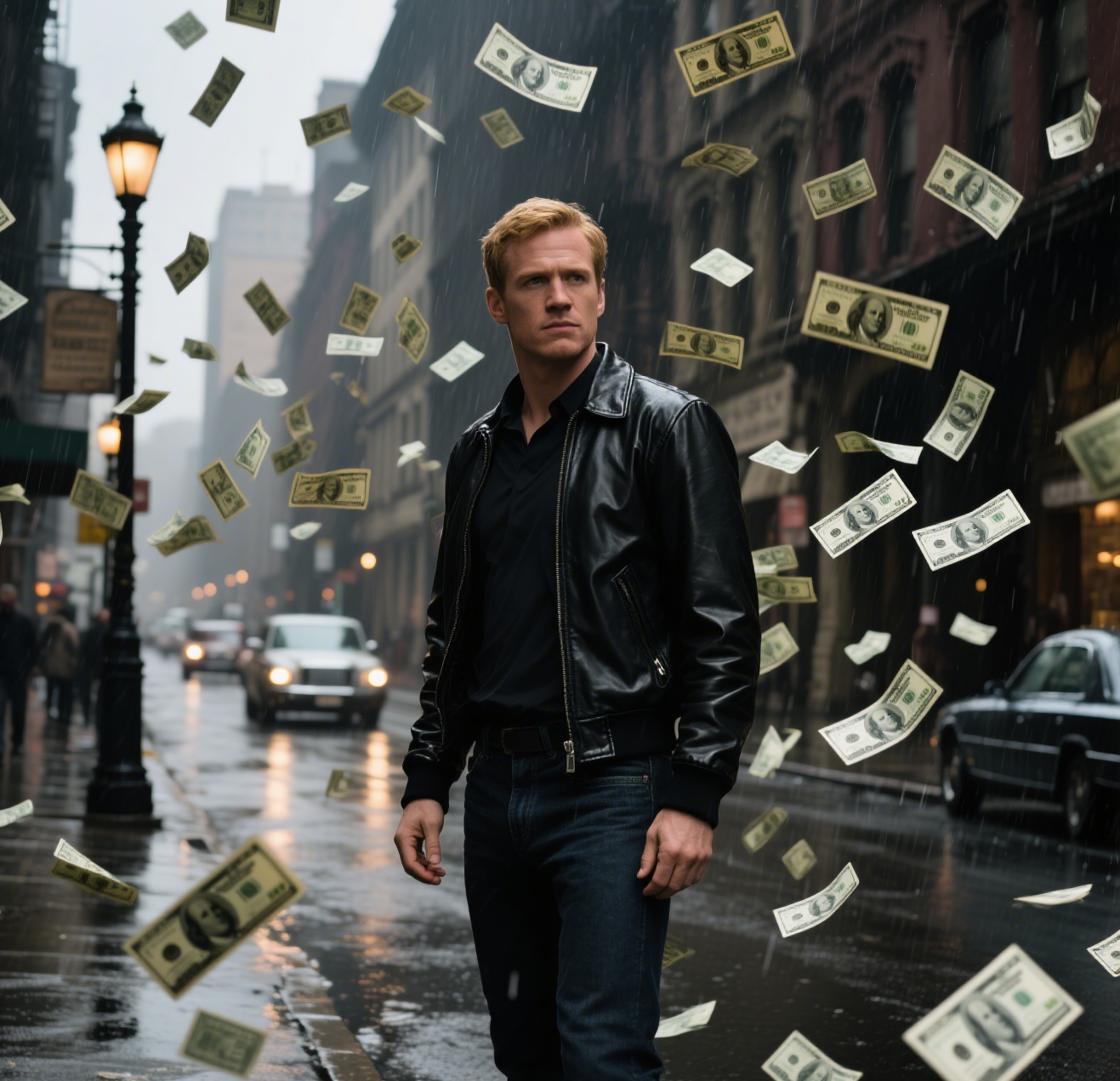
This is an example of what AI can create. Generate your own video now!
AI Walking Video: Create Realistic Human Animations Instantly
In the rapidly evolving landscape of digital content creation, the ability to generate high-quality video assets quickly is a game-changer. AI Walking Video, a tool by Supermaker AI, addresses this need by transforming static images into realistic, walking human animations. This browser-based tool allows users to upload a single photo and, within minutes, receive a professional-grade video where the subject walks naturally, eliminating the need for complex and time-consuming manual animation software.
What is an AI Walking Video Tool?
An AI Walking Video tool is a specialized application that uses deep learning models to animate the human subject in a still photograph. Unlike traditional video editing or CGI, which require extensive manual work like rigging, keyframing, and motion capture, this tool automates the entire process. It analyzes the pose, clothing, and physical characteristics of the person in the image and generates a seamless video sequence where they appear to walk. The result is a smooth, lifelike animation that can be used across various professional and creative projects. This technology falls under the broader category of AI video generation, focusing specifically on human locomotion and movement synthesis.
How the AI Walking Video Generation Process Works
The core technology behind this tool is sophisticated, but the user experience is designed for simplicity. The process leverages advanced computer vision and generative AI to achieve its results. Here is a step-by-step breakdown of how the technology works behind the scenes:
-
Image Upload and Analysis: The process begins when a user uploads a still image. The AI model, such as the powerful Sora 2 or Veo 3.1, first performs a detailed analysis of the image. It identifies the human figure, maps their skeletal structure (key joints like shoulders, elbows, knees, and hips), and understands the texture of their clothing and the background.
-
Motion Trajectory Prediction: The AI then generates a realistic walking trajectory. It doesn't just move the legs; it calculates the natural shift in weight, the counter-swing of the arms, the subtle bounce in the step, and the slight rotation of the torso. This complex physics simulation is what makes the output look authentic rather than robotic. The user's input through a video prompt guides the scene, for example, specifying a walk along a street.
-
Video Rendering and Refinement: Finally, the AI processes this motion data and applies it to the original image. It renders each frame of the video, ensuring the person and their clothing move realistically through space while maintaining consistency with the original photo. The scene creation is handled entirely by the AI, which fills in the necessary visual details for each frame. The final output is a smooth video, typically 10 seconds long, ready for download.
Top Use Cases for AI Walking Video Generators
The ability to quickly create realistic human animation opens up a wealth of possibilities across different fields. This tool is designed to be versatile and accessible, solving specific problems for various professionals.
Enhancing Digital Content and Marketing
For social media managers and digital marketers, engaging video content is paramount. An AI walking video can be used to create dynamic advertisements, social media posts, or website headers. Instead of staging a costly photoshoot or video shoot, a single product shot with a model can be animated to make a static webpage instantly more engaging. It's a fast, efficient way to boost user interaction and conversion rates.
Elevating Presentations and Educational Materials
In corporate and educational settings, presentations often rely on static slides. Imagine a business presentation where a virtual presenter walks across the screen to introduce a new section, or an educational video about human biology that shows the biomechanics of walking. This tool allows for the quick integration of animated figures, making complex topics more accessible and visual aids more compelling, all while saving significant production time.
Rapid Prototyping and Concept Visualization
For game designers, animators, and filmmakers, this tool serves as an excellent resource for pre-visualization. Before committing to the expensive and lengthy process of creating a final animation, creators can use an AI walking video to block out scenes, visualize character movement, or pitch an idea to a client. It provides a quick, visual proof-of-concept that can be created in minutes, not days.
Key Features and Technical Advantages
Supermaker AI's tool stands out due to its focus on quality, speed, and user control. Here are the primary features that define its utility.
- Superior AI Models: Users can choose between different AI backends, such as OpenAI's Sora 2 and Google's Veo 3.1. This flexibility allows users to select the model that best fits their desired output style and complexity, balancing cost (measured in credits) with creative results.
- Flexible Aspect Ratios: The tool supports both 16:9 (landscape) and 9:16 (portrait) aspect ratios. This ensures the generated video is perfectly formatted for different platforms, from YouTube and presentations to TikTok and Instagram Stories, without any need for additional cropping or editing.
- Natural Motion Prompts: The system is designed to interpret natural language descriptions of the desired movement. By providing a detailed prompt about the walking style, environment, and camera framing, users have significant influence over the final output, ensuring it aligns perfectly with their vision.
- Browser-Based Convenience: As an online tool, it requires no software installation or high-end hardware. All processing is done on secure servers, making it accessible from any device with an internet connection. This client-side processing in terms of initiation, with heavy-lifting on the backend, ensures a smooth user experience.
Achieving Authentic Results: The Importance of the Prompt
The key to unlocking the full potential of this tool lies in the prompt. While the AI is powerful, providing clear and descriptive instructions ensures the generated animation matches your expectations. A well-crafted prompt guides the AI to produce more natural and accurate results.
To achieve a truly realistic walk, the prompt should focus on the nuances of human movement. Instead of simply saying "a person walking," a more effective prompt might read: "Animate the person in the uploaded photo with a full-body view as they walk naturally along a street. Prioritize fluid, lifelike movements. Their gait should mirror the organic rhythm of real-world walking, with gentle, synchronized arm swings, subtle torso shifts, and natural weight transfers that feel unforced, never stiff. Ensure every step—from heel strike to toe push-off—along with slight posture adjustments and relaxed swaying aligns with the effortless, balanced flow of casual strolling." This level of detail helps the AI understand the complex physics and aesthetics of a natural gait, resulting in a far more convincing animation.
Data Privacy and Security
For any online tool that processes user-uploaded content, trust is a critical factor. When using an AI walking video generator, it's natural to be concerned about how your images are handled. Reputable tools, like the one from Supermaker AI, prioritize user privacy. Uploaded images are typically processed securely and are not stored longer than necessary to generate the video. They are not used to train public models without explicit consent, ensuring your data and the images of your subjects remain private and protected. Always check the platform's privacy policy for the most detailed information.
Frequently Asked Questions
What is an AI Walking Video?
An AI walking video is a short animation created by artificial intelligence that takes a still image of a person and animates them to perform a realistic walking motion. The technology analyzes the human figure in the photo and synthesizes new frames to create a seamless, lifelike video clip.
How long does it take to generate an AI Walking Video?
The generation process is very fast. With tools like the one from Supermaker AI, the video rendering typically completes within 1 to 3 minutes. This quick turnaround makes it ideal for projects with tight deadlines, allowing for rapid iteration and content creation.
Do I need any video editing experience to use this tool?
No, absolutely not. The tool is designed for users of all skill levels. Its simplicity is one of its core strengths. You just need to upload a photo, choose your settings (like AI model and aspect ratio), and optionally write a descriptive prompt. The AI handles all the complex technical work automatically.
Can I use photos of anyone to create an AI Walking Video?
You should only upload images of people for whom you have the legal right to use and modify. This typically means using your own photos or those you have licensed appropriately. It is your responsibility to ensure you are not infringing on anyone's privacy or copyright.
What aspect ratios are available for the generated video?
Most modern tools offer the two most common aspect ratios: 16:9, which is the standard widescreen format for platforms like YouTube, and 9:16, which is the portrait format optimized for mobile-first platforms like TikTok, Instagram Reels, and Stories.
How does the AI make the walking motion look so real?
The AI is trained on massive datasets of real human walking. It learns the subtle nuances of gait, such as the pendulum swing of arms, the transfer of weight from heel to toe, and the natural bounce in a person's step. It applies this learned knowledge to the specific person in your photo, generating movements that are biologically and physically plausible.
Start Creating AI Videos Instantly
Turn simple text prompts into engaging videos using our powerful AI video generator. No editing skills required — just describe your idea and let AI do the work.
Generate Your First AI VideoMore AI Video Tools
Explore more AI-powered video creation tools to expand your creativity
AI Tongue Out Face
AI Tongue Out Face provides free, user-friendly AI video templates. Transform images and text into engaging videos in one click. Its standout feature includes quirky effects like the tongue-out face, enhancing creativity for social media or marketing. Save time, no skills needed, and produce viral-ready content effortlessly.
Try Now
Zoom In Video Effect
Zoom In Video Effect offers free AI video templates to quickly produce professional videos. Key features include one-click creation, support for image and text conversions, and versatile styles. Enhance your content effortlessly, saving time while maximizing impact with user-friendly tools.
Try Now
AI Catwoman Transformation
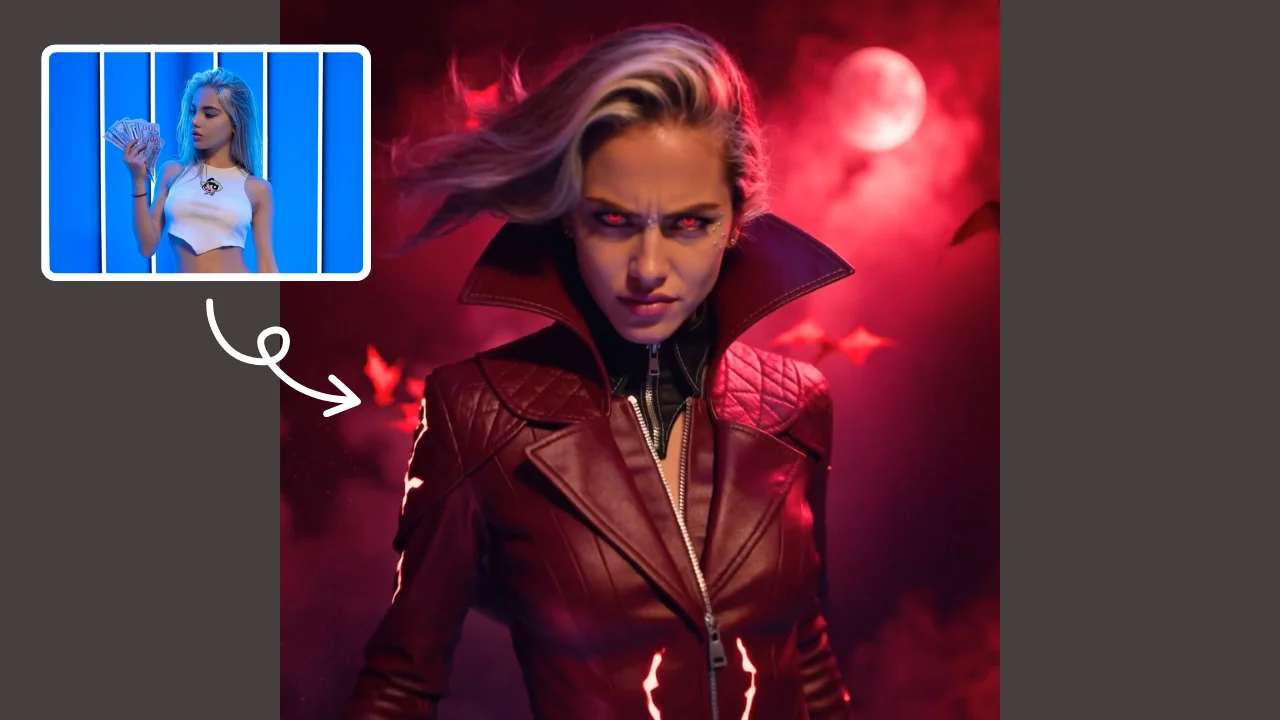
AI Catwoman Transformation lets you embody the legendary character's charm and strength. Simply upload a photo for an instant AI-powered makeover. Showcase your unique feline persona with stunning visual results. Perfect for fans seeking a playful yet powerful digital identity transformation.
Try Now
Image to Video Converter
AI Image To Video is your smart solution for creating engaging videos from photos. Using advanced AI, it automatically animates your images, adds smooth transitions, and syncs music. Perfect for social media, presentations, or memories. It's fast, free, and requires no editing experience.
Try Now
AI Squish Effect
Transform any image into a lively, bouncing masterpiece with AI Squish Effect by Remaker. This free online tool instantly applies dynamic squish effects, making photos fun and engaging. No downloads needed – just upload, generate, and share hilarious videos effortlessly. Perfect for social media, memes, and creative projects, it offers quick, user-friendly entertainment for everyone.
Try Now
AI Red Carpet Walk
Red Carpet Walk is an AI video effect tool designed to add celebrity-style glamour to your entrances. It enhances videos with red carpet visuals, lighting, and sparkle effects, ideal for events or social media posts. Stand out effortlessly with professional, attention-grabbing results.
Try Now
AI Bunnies Trampoline
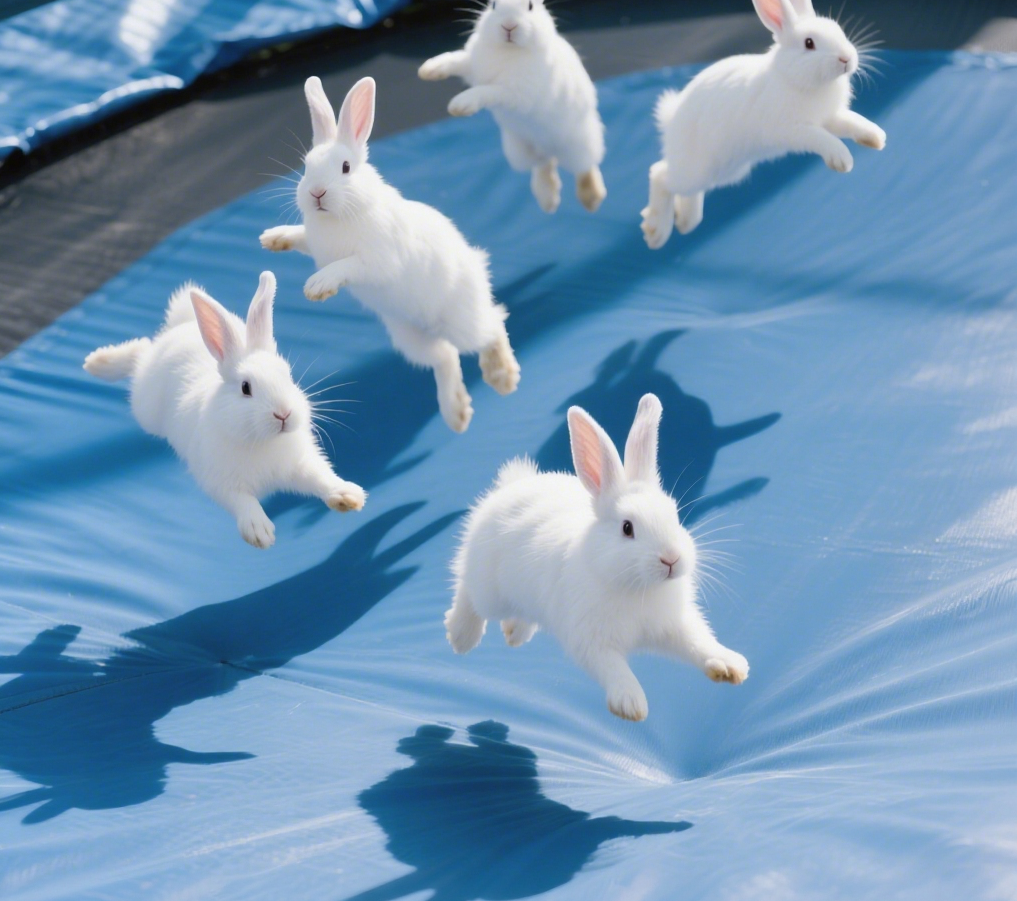
AI Bunnies Trampoline is a free online tool that instantly creates engaging viral pet videos. Simply input your ideas to generate fun bunny trampoline clips perfect for TikTok, YouTube, and X. No registration required—start producing shareable content in minute, increasing your social media reach effortlessly.
Try Now
AI Inflate Effect
AI Inflate Effect instantly transforms ordinary photos by adding playful inflatable effects to any object. Simply upload your image, and our advanced AI automatically detects and inflates items with realistic balloon-like textures. Perfect for creating eye-catching social media content, unique memes, or creative presentations. Experience instant transformation with zero editing skills required - your inflated creations are ready in minute!
Try Now
Continue with Google