AI Talking Photo
AI Talking Photo by Supermaker AI instantly converts any portrait into a realistic talking video. Enjoy easy, free online animation—no downloads needed. Perfect for adding fun and engagement to photos with lifelike results.
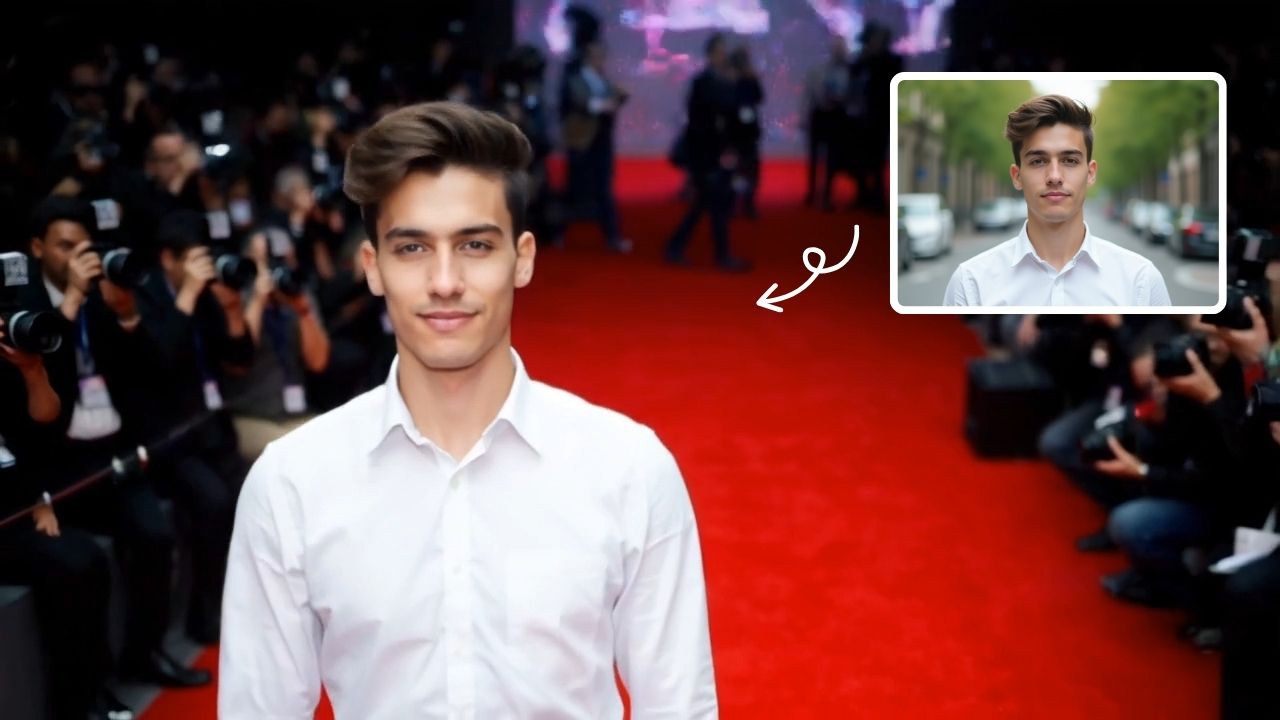
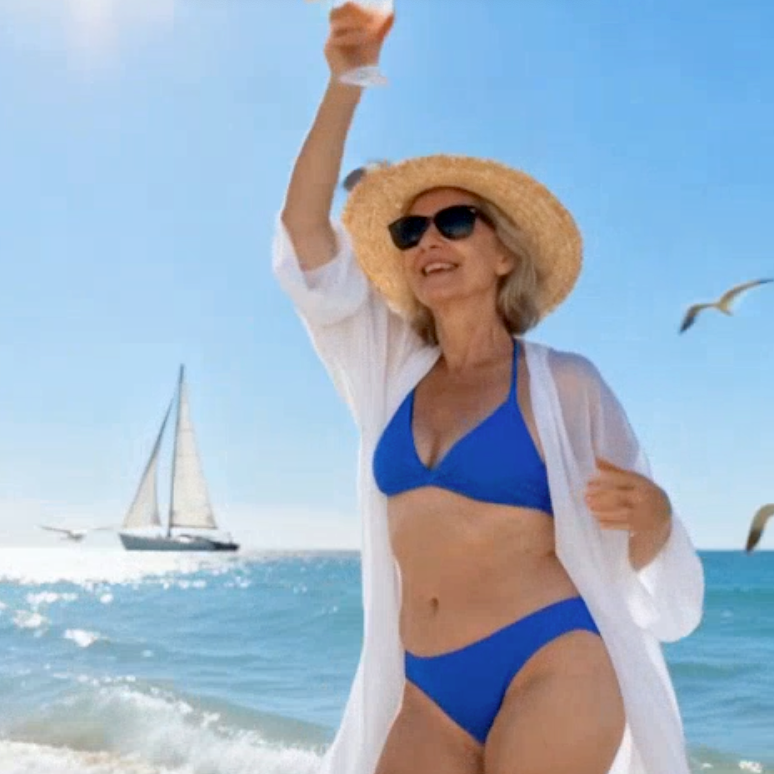
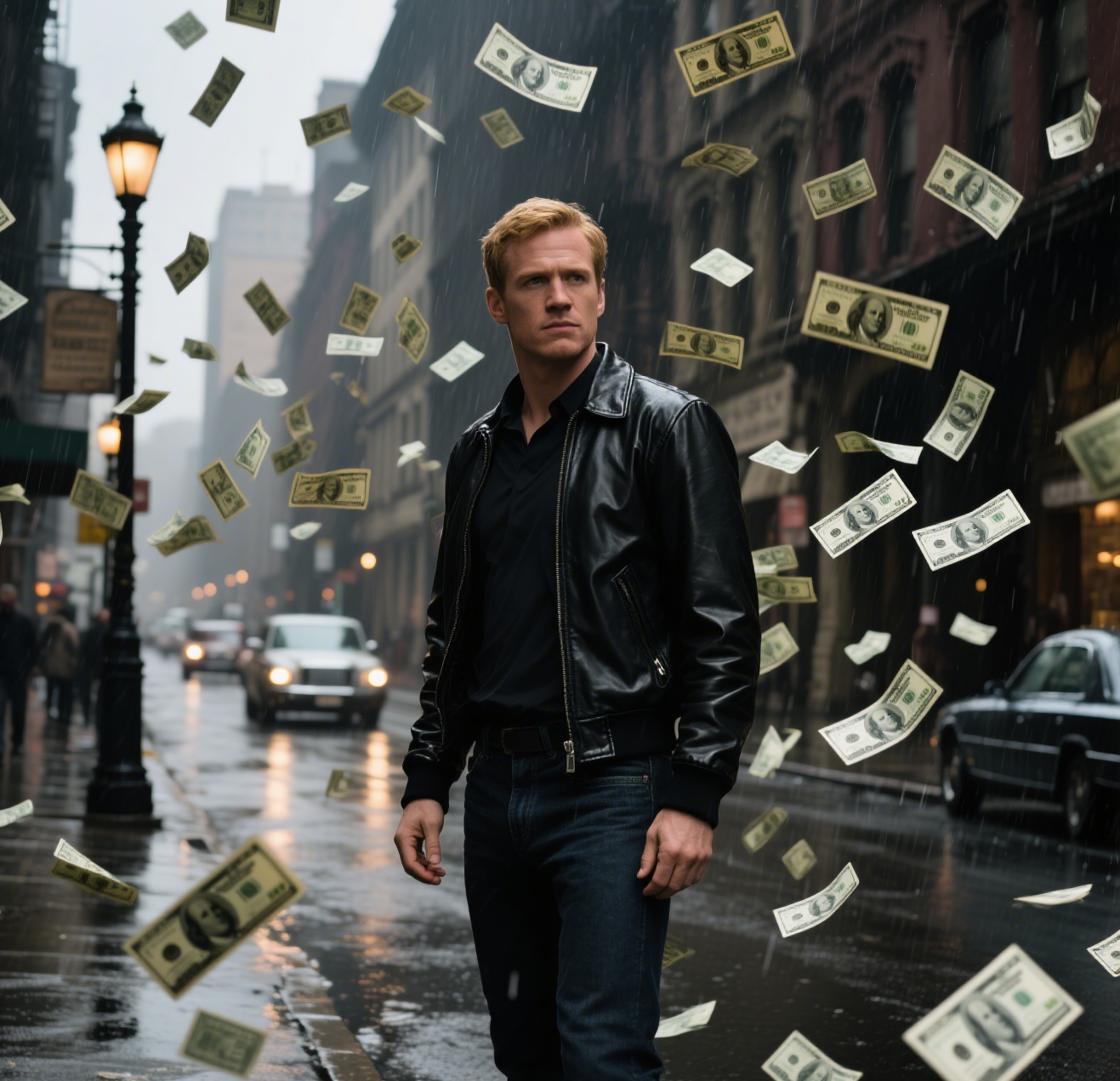
This is an example of what AI can create. Generate your own video now!
What is an AI Talking Photo?
An AI Talking Photo is a digitally animated portrait that uses artificial intelligence to bring still images to life. By analyzing a face in a photograph, the technology generates realistic lip movements and facial expressions, syncing them to a voiceover or audio track. This creates a seamless video where the person in the photo appears to be speaking, offering an engaging way to animate memories, create content, or add a personal touch to digital communication.
Understanding AI Talking Photo Technology
At its core, the process of creating an AI Talking Photo involves sophisticated machine learning models trained on thousands of hours of human speech and facial movements. When you upload a photo, the AI detects the key facial landmarks—the eyes, mouth, and head position. It then generates new frames that subtly animate these features. The result is a lifelike video where the movement feels natural, avoiding the stiff, robotic look of early animation tools.
This technology has moved beyond simple lip-syncing. Modern tools can process nuanced expressions, ensuring the emotion in the voice somewhat matches the subtle movements on the face. For users, the entire process happens in the cloud, meaning a browser-based tool can handle the heavy computational lifting, delivering a finished talking video in minutes without needing powerful hardware.
How It Works: From Static Portrait to Talking Video
The workflow for using a tool like AI Talking Photo is designed to be straightforward. You typically start by uploading a clear portrait. The AI then analyzes the image to map the face. Next, you provide the audio—this could be a recorded message, a text-to-speech script, or an uploaded sound file. The system then begins the video rendering process, syncing the audio with the animated facial movements. Within a short time, often just one to three minutes, the AI completes the generation, and you can preview and download your new animated clip.
Key Use Cases for AI-Powered Portrait Animation
People turn to AI Talking Photo tools for a variety of creative and practical reasons. The ability to quickly generate engaging video content from a single image opens up numerous possibilities.
Enhancing Social Media Content
Social media creators are always looking for ways to boost engagement. An AI Talking Photo can transform a standard profile picture or a historical family photo into a storytelling element. Imagine an educational account animating a historical figure to "speak" a famous quote, or a brand bringing their mascot to life in a fun, short video. These dynamic visuals often lead to higher viewer interaction.
Creating Personalized Digital Greetings
For personal use, nothing beats the surprise of a personalized message. Instead of a standard text or a generic e-card, you can create a talking video from a photo of a loved one. It could be a birthday greeting from a photo of a grandparent or a funny message from a picture of a friend. This adds a layer of warmth and humor that standard messages lack. The process is fast, and the result is a memorable, shareable video.
Educational and Training Applications
Educators and trainers can use this technology to create engaging learning materials. For example, a language learning app could use an AI Talking Photo of a native speaker to demonstrate pronunciation. In corporate training, a photo of a company leader could be animated to deliver a key safety message or a welcome note, making the communication feel more personal and direct than a bullet-pointed slide.
Core Features and Technical Capabilities
When evaluating a tool like the AI Talking Photo by Supermaker AI, several features stand out that contribute to its effectiveness and user appeal. These features are designed to ensure the final output is not just functional, but high-quality and engaging.
Lifelike Facial Animation and Sync
The primary measure of any talking photo tool is the realism of its animation. Advanced AI models, similar to those used in high-end AI video generation, are employed to ensure that the lip movements are accurately synced with the audio. The technology also aims to create natural micro-expressions around the eyes and mouth, which are crucial for making the animation believable and avoiding the "uncanny valley."
User-Friendly, Browser-Based Interface
Accessibility is a major advantage of modern online tools. There is no software to download or install. The entire creation process happens within a web browser, whether you are on a desktop or a mobile device. This client-side processing, combined with powerful cloud servers, makes the technology available to anyone with an internet connection. The interface is typically intuitive, guiding users through the simple steps: upload, add audio, and generate.
Speed and Efficiency in Video Rendering
Time is a critical factor for content creators. The video rendering process is optimized to be as fast as possible. With generation times often taking only one to three minutes, users can quickly iterate on their ideas, adjust prompts, or create multiple versions of a talking photo without long waits. This efficiency makes it a practical tool for rapid content production.
A Practical Guide to Creating Your First Talking Photo
Ready to try it yourself? Here is a simple workflow to transform a portrait into a talking video. The process is intuitive, but knowing the steps can help you get the best results.
- Select Your Image: Choose a clear, front-facing portrait. Good lighting and a visible face help the AI accurately map the features for animation.
- Prepare Your Audio: Decide what you want the person in the photo to "say." You can record a short message directly, upload an audio file, or use a text-to-speech feature if the tool offers it.
- Upload and Generate: On the tool's homepage, upload your image and audio. Some tools allow you to select the aspect ratio (like 16:9 for widescreen or 9:16 for mobile stories) and the duration.
- Review and Download: Once the AI completes its processing, preview the video. If it looks good, download the final clip. It's that simple to convert a static image into a dynamic talking video.
Frequently Asked Questions
What is an AI Talking Photo and how does it work?
An AI Talking Photo is a still image that has been animated so the person in it appears to speak. It works by using artificial intelligence to analyze the face in the photo, map its key points, and then generate new frames where the mouth and facial expressions move in sync with a provided audio track.
Is it free to create an AI Talking Photo online?
Many online tools, including the one featured on text2vid.org, offer free options or credits to create an AI Talking Photo. This allows users to test the features and generate short videos without any initial cost. Pricing models may apply for longer videos or higher-resolution downloads.
How long does it take to generate a talking photo video?
The video rendering process is typically very fast. For most online tools, including AI-powered platforms, the generation time ranges from one to three minutes, depending on the video's length and complexity.
What are the best uses for an AI Talking Photo?
The applications are broad. They are perfect for creating engaging social media content, personalized birthday or holiday greetings, unique educational materials, and fun, interactive marketing assets. Essentially, anytime you want to bring a portrait to life, this tool is the solution.
Is my uploaded data safe when using these online tools?
Reputable tools prioritize user privacy and data security. Uploaded images are typically processed only for the duration of the video generation and are not stored permanently or used for other purposes. It's always a good practice to review the privacy policy of any online tool you use.
Can I use any photo to create a talking video?
For the best results, use a clear portrait where the face is visible and facing the camera. The AI needs a good view of the facial features to accurately map and animate them. Group photos or images with obscured faces may not process as effectively.
What kind of audio can I use?
You can usually upload pre-recorded audio files in common formats like MP3 or WAV. Many tools also offer integrated text-to-speech options, allowing you to type a script and have the AI generate a synthetic voice for the animation.
Do I need special software or skills to create one?
No, that's the beauty of browser-based AI tools. You don't need any video editing experience or special software. The process is designed to be simple and accessible for anyone. You just upload, add audio, and let the AI handle the complex animation.
In conclusion, the rise of the AI Talking Photo represents a significant leap in how we interact with and animate our digital memories. By transforming static portraits into expressive, speaking characters, this technology opens up new avenues for creativity, communication, and connection, all through a simple, fast, and accessible online platform.
Start Creating AI Videos Instantly
Turn simple text prompts into engaging videos using our powerful AI video generator. No editing skills required — just describe your idea and let AI do the work.
Generate Your First AI VideoMore AI Video Tools
Explore more AI-powered video creation tools to expand your creativity
AI Inflate
AI Inflate Effect lets you inflate objects in any image effortlessly. Simply upload your photo, and our AI instantly transforms items into fun, inflated versions. Perfect for creative projects, social media, or just having fun—experience quick, realistic results that make your visuals pop.
Try Now
AI Tim Burton Style
Tim Burton Style offers AI video templates to effortlessly convert images and text into captivating videos. Its one-click functionality saves time while providing diverse styles for creative projects. Enjoy easy customization and high-quality results, making professional videos accessible to all.
Try Now
AI Catwalk Generator
Transform any photo into a professional AI fashion walk video in minute. AI Catwalk Generator uses advanced AI to animate people or pets in slow-motion, offering a unique, easy-to-use tool for creating engaging content. Enjoy free, realistic results that showcase confidence and style effortlessly.
Try Now
AI Bunnies Trampoline
AI Bunnies Trampoline is a free online tool that instantly creates engaging viral pet videos. Simply input your ideas to generate fun bunny trampoline clips perfect for TikTok, YouTube, and X. No registration required—start producing shareable content in minute, increasing your social media reach effortlessly.
Try Now
AI Explode Effect
AI Explode Effect uses advanced AI to convert your photos into dynamic explosion artwork. Simply upload an image to generate vibrant energy bursts, emphasizing creativity and visual impact. Perfect for social media, digital art, or personal projects, it offers quick, stunning results with no design skills needed. Unleash your creativity and turn ordinary moments into explosive art!
Try Now
AI Laughing Face
AI Laughing Face uses advanced artificial intelligence to convert any facial expression into a natural, belly-laughing image. Simply upload a photo, and our tool instantly generates hilarious results perfect for social media sharing, jokes with friends, or brightening someone's day. No editing skills needed - get ready for pure laughter in minute!
Try Now
AI Demon Transform
AI Demon Transform revolutionizes video creation with intuitive AI templates. Convert text or images into engaging videos in one click. Enjoy free access to trending styles, fast processing, and user-friendly tools. Boost your content with unique, high-quality results—perfect for creators and marketers seeking efficiency and innovation.
Try Now
Veo3.1 Video Generator
VEO 3.1 by Google DeepMind is a powerful AI video generator. It turns text prompts, images, and frame sequences into cinematic-quality videos with synchronized audio. This tool empowers creators, marketers, and storytellers to produce high-fidelity content effortlessly, unlocking new possibilities for video creation.
Try Now
Continue with Google