AI Harley Quinn
AI Harley Quinn Transformation uses advanced AI to turn your photo into a Harley Quinn video instantly. Upload any photo, and watch as it transforms with her signature look and action-packed effects. Enjoy a unique, personalized experience that highlights your fun side, perfect for sharing on social media.
This is an example of what AI can create. Generate your own video now!
Why Choose This AI Video Tool?
Advanced AI Models
Powered by cutting-edge AI including Sora, Kling, VEO for superior video quality.
Easy to Use
No technical skills needed. Simply describe your vision and let AI create magic.
Custom Styles
Choose from multiple art styles and aspect ratios to match your creative vision.
Fast Processing
Generate high-quality videos in minutes with our optimized AI pipeline.
AI Harley Quinn: Transform Your Photo into Harley Quinn Instantly
Ever wondered what you’d look like with bubblegum pigtails, smudged lipstick, and that chaotic smirk? The AI Harley Quinn tool makes it happen in seconds. This browser-based platform uses advanced video generation to turn a single static photo into a short, dynamic clip featuring the iconic look of Gotham’s favorite villain.
What Is the AI Harley Quinn Tool?
The AI Harley Quinn tool is an online video generator that applies the character’s signature style—blue and pink pigtails, smeared makeup, and a dose of manic energy—to any uploaded portrait. Within one to three minutes, the system renders a 10-second video where the subject appears to embody Harley Quinn’s aesthetic. It is designed for quick, shareable results and works entirely in your browser without requiring software downloads.
How the AI Harley Quinn Transformation Works
The process relies on a combination of computer vision and generative models to reinterpret a facial image. Here is a step-by-step breakdown of what happens behind the scenes:
- Photo Upload: You provide a clear frontal or near-frontal image. The tool accepts standard formats like JPG or PNG.
- Face Detection and Mapping: The AI identifies key facial landmarks—eyes, nose, mouth, and jawline—to understand the structure of the subject.
- Style Transfer: Using a model like Sora 2 or Veo 3.1, the system applies Harley Quinn’s specific features: the two-tone hairstyle, the white face base, the heart tattoo placement, and the exaggerated eye makeup. This is not a simple filter; it re-renders the face while preserving the original identity.
- Motion Synthesis: The tool adds subtle, action-oriented movement—a wink, a smirk, a slight head tilt—to mimic her playful, unpredictable personality.
- Rendering and Delivery: The final 10-second MP4 video is processed on the server side and made available for download or direct sharing.
Users can select between different AI models. Sora 2, for example, is optimized for stylistic consistency and typically costs three credits per generation. Veo 3.1 supports one to two image inputs and offers slightly different motion dynamics for six credits.
Why Use an AI Tool Instead of Manual Editing?
Creating a realistic Harley Quinn transformation manually would require hours in professional software like Photoshop and After Effects. You would need to mask hair, paint makeup, and animate movements frame by frame. The AI Harley Quinn tool eliminates this complexity by automating the entire pipeline. It handles the heavy lifting of scene creation and video rendering, allowing anyone to get a professional-looking result without technical expertise.
Common Use Cases and Applications
People turn to this tool for a variety of personal and creative projects. Understanding these scenarios helps illustrate its practical value:
- Social Media Content: Short, eye-catching videos perform well on platforms like TikTok, Instagram Reels, and YouTube Shorts. The transformation provides instant engagement.
- Cosplay Previews: Cosplayers can test how a full Harley Quinn look might appear before committing to makeup and costume.
- Event Invitations: For themed parties or Halloween, a personalized video invitation featuring the guest of honor as Harley Quinn adds a unique touch.
- Fan Art and Creative Exploration: Artists and fans use the tool to visualize themselves or friends within the DC universe, sparking new ideas.
- Profile Picture Updates: A generated video clip can serve as an animated profile image on platforms that support short loops.
Key Features That Enhance the Experience
Several technical and design choices make this tool stand out among online style transfer options.
Multiple AI Model Options
Users are not locked into a single algorithm. The choice between Sora 2 and Veo 3.1 allows for variation in output style and motion quality. Sora 2, developed by OpenAI, excels at maintaining character consistency. Veo 3.1, from Google, handles multiple image references, which can be useful if you want to blend two different portraits or include a prop.
Fast and Efficient Processing
Despite the complexity of video generation, the system completes most jobs within three minutes. This speed is achieved through optimized server-side rendering queues. The interface provides clear feedback during the process, so you are not left wondering if the upload failed.
Aspect Ratio Flexibility
Videos can be generated in either 16:9 (landscape) or 9:16 (portrait) aspect ratios. The portrait mode is particularly useful for mobile-first social platforms, ensuring the subject fills the screen correctly.
Privacy and Data Handling
Trust is a major factor when uploading personal photos. The platform processes images temporarily. Once the video is generated and delivered, the source photo is removed from the active servers. This approach minimizes the risk of data retention and aligns with standard privacy practices for online tools.
Step-by-Step Guide to Creating Your First Video
If you are new to AI-generated content, the workflow is straightforward. Here is how to get started with the AI Harley Quinn tool:
- Navigate to the Tool: Go to the designated page on text2vid.org.
- Select Your AI Model: Decide whether you want to use Sora 2 (3 credits) or Veo 3.1 (6 credits). If you are unsure, start with Sora 2 for a balanced result.
- Choose Aspect Ratio: Pick 16:9 for widescreen viewing or 9:16 for stories and vertical feeds.
- Upload Your Photo: Ensure the image is well-lit and your face is clearly visible. Avoid heavy shadows or extreme angles for best results.
- Initiate Generation: Click the generate button and wait for the process to complete. This usually takes one to three minutes.
- Preview and Download: Once the video is ready, preview it directly in the browser. If you are satisfied, download the MP4 file to your device.
Tips for the Best Results
While the AI is robust, the quality of the output depends partly on the input. Following these guidelines can improve accuracy and visual appeal:
- Use High-Resolution Images: A higher resolution gives the model more data to work with, resulting in sharper details in the final video.
- Avoid Busy Backgrounds: A plain or simple background helps the AI focus on the face and reduces visual noise in the transformation.
- Face Forward: Profiles or extreme angles may confuse the face mapping stage. A straight-on shot is ideal.
- Experiment with Expressions: A neutral expression often works best, as the AI adds its own motion. However, a slight smile can sometimes enhance the final animation.
Frequently Asked Questions
What exactly does the AI Harley Quinn tool do to my photo?
It transforms your uploaded portrait into a 10-second video where you appear as Harley Quinn. The AI adds her signature blue and pink pigtails, white foundation, smudged eye makeup, and the "Rotten" heart tattoo, along with subtle, chaotic movements.
Is the AI Harley Quinn tool free to use?
The tool operates on a credit system. Each generation consumes credits based on the selected AI model—three credits for Sora 2 and six credits for Veo 3.1. Credit packs are typically available for purchase on the platform.
How long does the video generation take?
Most videos are processed and ready within one to three minutes. The exact time depends on server load and the complexity of the selected model.
Can I use the AI Harley Quinn video for commercial purposes?
Usage rights depend on the specific terms of service on text2vid.org. Generally, personal and social media sharing is encouraged. For commercial projects, you should review the licensing details or contact support to confirm.
What happens to my uploaded photo after the video is made?
Your privacy is taken seriously. The uploaded photo is used only to generate the video and is deleted from the servers shortly after the process completes. It is not stored, shared, or used for training purposes without explicit consent.
Why does my video sometimes look different from the example?
Variations can occur due to the original photo quality, lighting, and the specific AI model chosen. Models like Sora 2 and Veo 3.1 have slightly different rendering styles. Experimenting with both options and using a high-quality input image usually yields the best match to your expectations.
Do I need any special software to use the tool?
No. Everything runs directly in your web browser. You do not need to install Photoshop, video editors, or any plugins. A modern browser like Chrome, Firefox, or Safari is sufficient.
Can I transform a group photo or just one person?
The tool is optimized for single-person portraits. Group photos may confuse the face detection and style transfer stages. For best results, crop the image to focus on one individual before uploading.
Conclusion
The AI Harley Quinn tool bridges the gap between a simple photo filter and complex video editing. By automating the process of style transfer and motion synthesis, it allows anyone to create a personalized, shareable video that captures the essence of the character. Whether you are preparing for a themed event, creating content for social media, or just exploring the possibilities of AI video generation, this tool offers a fast, accessible way to see yourself in a new light.
Start Creating AI Videos Instantly
Turn simple text prompts into engaging videos using our powerful AI video generator. No editing skills required — just describe your idea and let AI do the work.
Generate Your First AI VideoMore AI Video Tools
Explore more AI-powered video creation tools to expand your creativity
Boom AI Video Generator
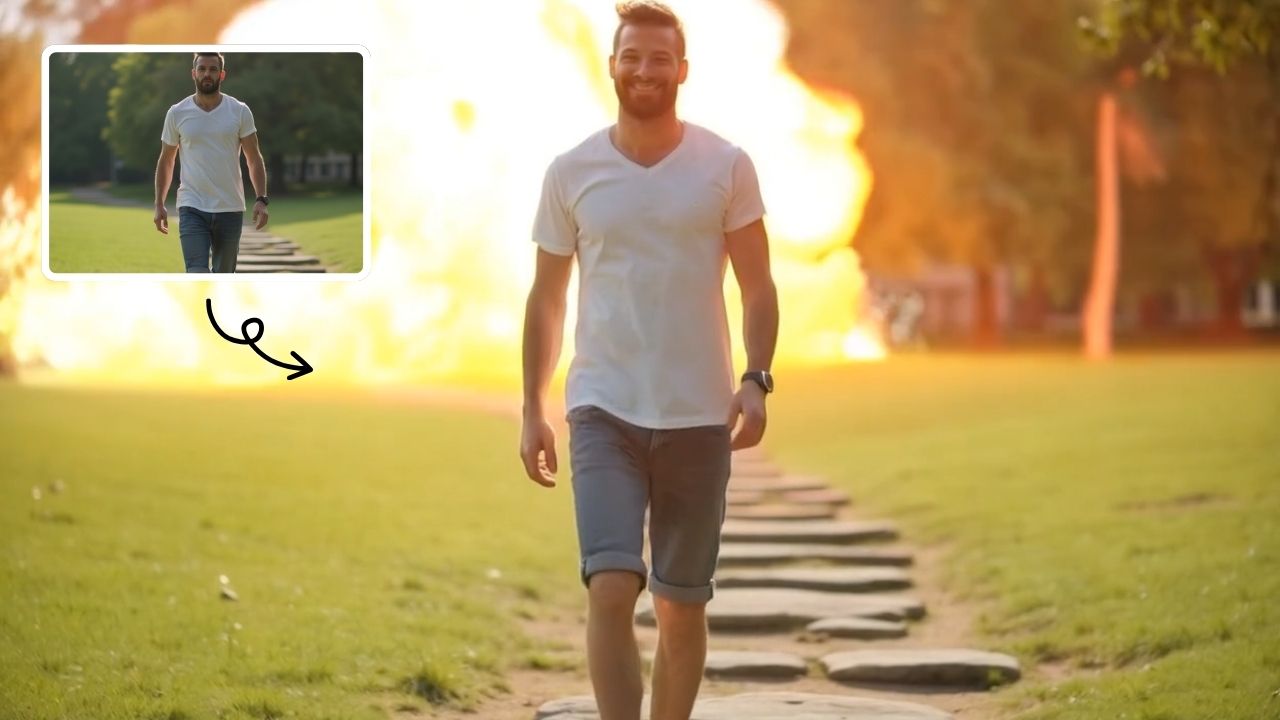
AI Boom uses advanced AI to add stunning explosion effects to your photos, turning ordinary moments into cinematic masterpieces. Simply upload a picture, and watch as dynamic blasts appear behind you while you walk away effortlessly. Perfect for social media, this tool requires no technical expertise—just creativity. Stand out with viral-ready videos that showcase your fearless style and make every post unforgettable.
Try Now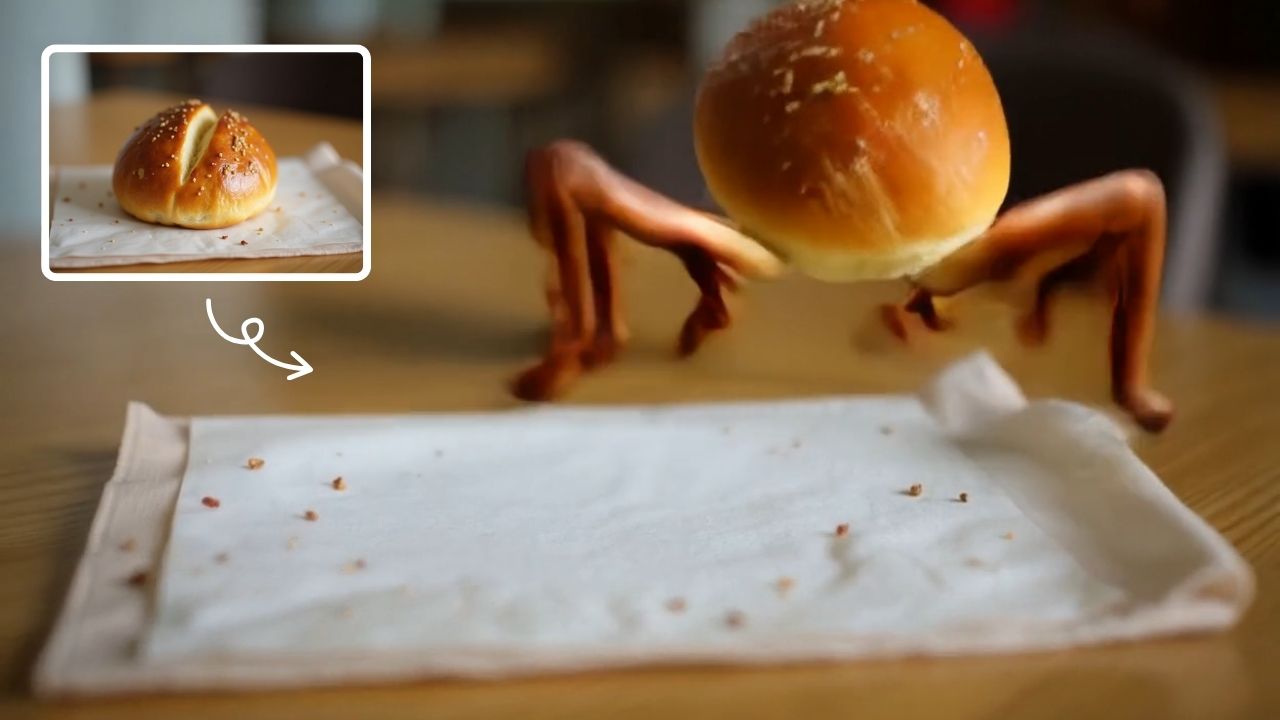
AI Legged Runaway
AI Legged Runaway uses advanced AI to animate any object in your photos, giving them legs and a runaway personality. Simply upload an image, and watch as everyday items transform into escaping characters, providing endless entertainment. Perfect for creating viral content, surprising friends, or adding a twist to your photos. Experience the magic of AI-driven creativity today
Try Now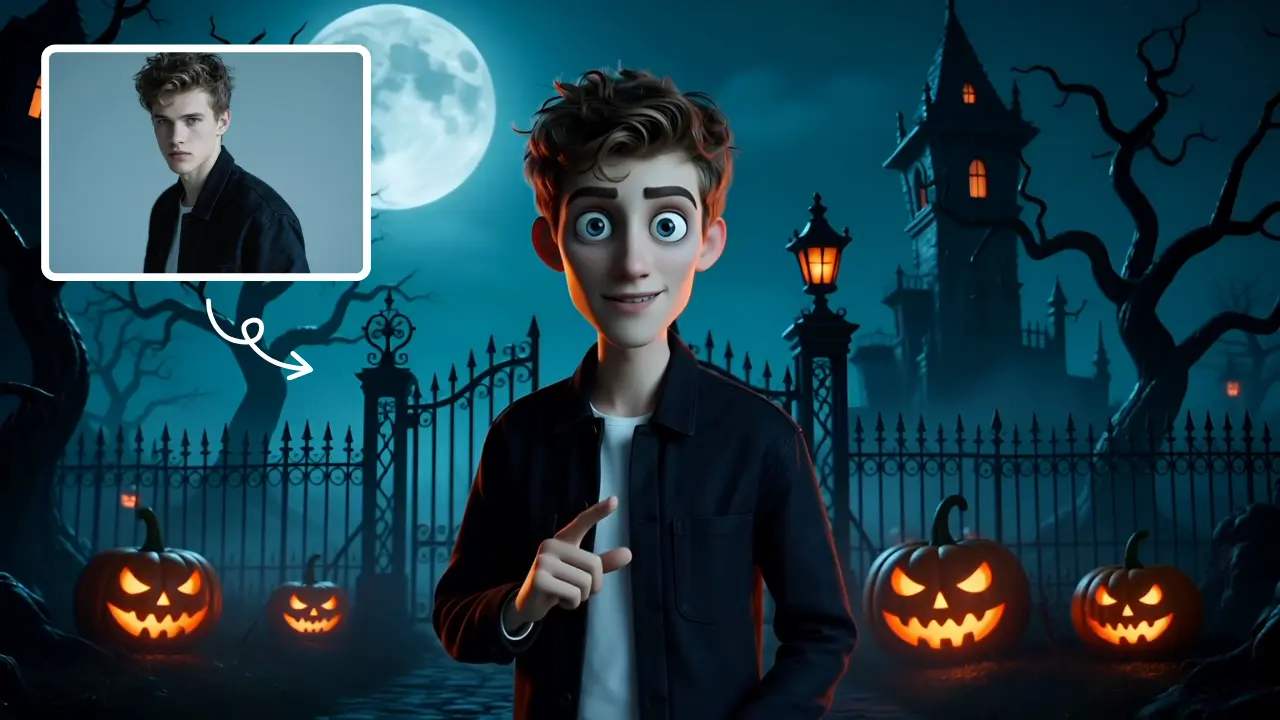
AI Tim Burton Style
Tim Burton Style offers AI video templates to effortlessly convert images and text into captivating videos. Its one-click functionality saves time while providing diverse styles for creative projects. Enjoy easy customization and high-quality results, making professional videos accessible to all.
Try Now
AI Vampire
AI Vampire Generator uses advanced AI to transform any selfie into realistic vampire makeup instantly. Perfect for Halloween, costume parties, or spooky social media content—no editing skills needed. Download your vampire makeover for free and stand out with eerie, professional-looking results!
Try Now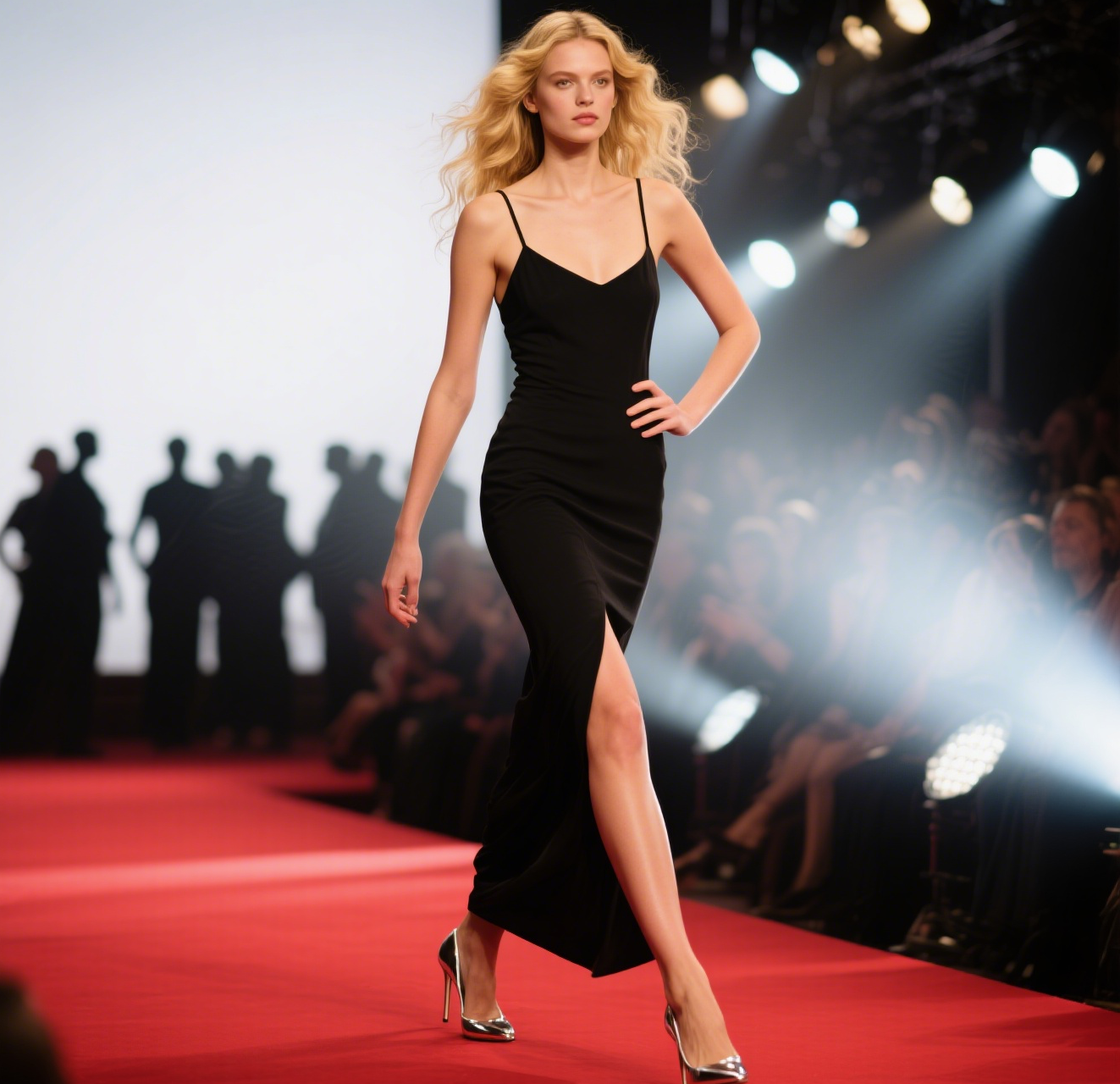
AI Catwalk Generator
Transform any photo into a professional AI fashion walk video in minute. AI Catwalk Generator uses advanced AI to animate people or pets in slow-motion, offering a unique, easy-to-use tool for creating engaging content. Enjoy free, realistic results that showcase confidence and style effortlessly.
Try Now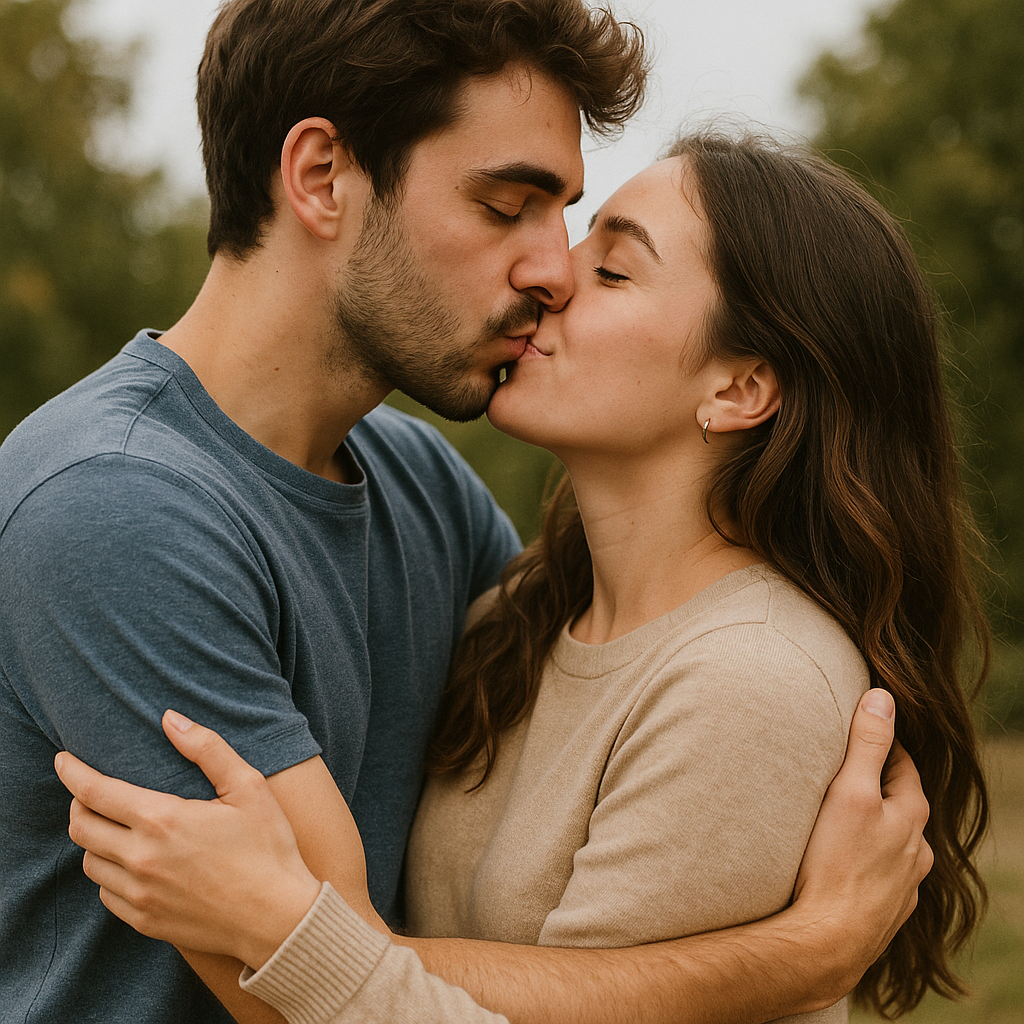
AI Fake Boyfriend
Fake Boyfriend Filter lets you generate a personalized AI boyfriend in videos. Simply upload your photo and detail your desired scenes—like hugging or kissing. The tool crafts realistic interactions for entertainment or content creation, offering unique, engaging experiences powered by advanced AI technology.
Try Now
AI Boom
AI Boom uses AI to turn your photos into thrilling action videos. Simply upload a photo, and watch as explosions blast behind you while you walk away coolly. It's fast, easy, and requires no expertise. Create viral-worthy content in minute and stand out on social media.
Try Now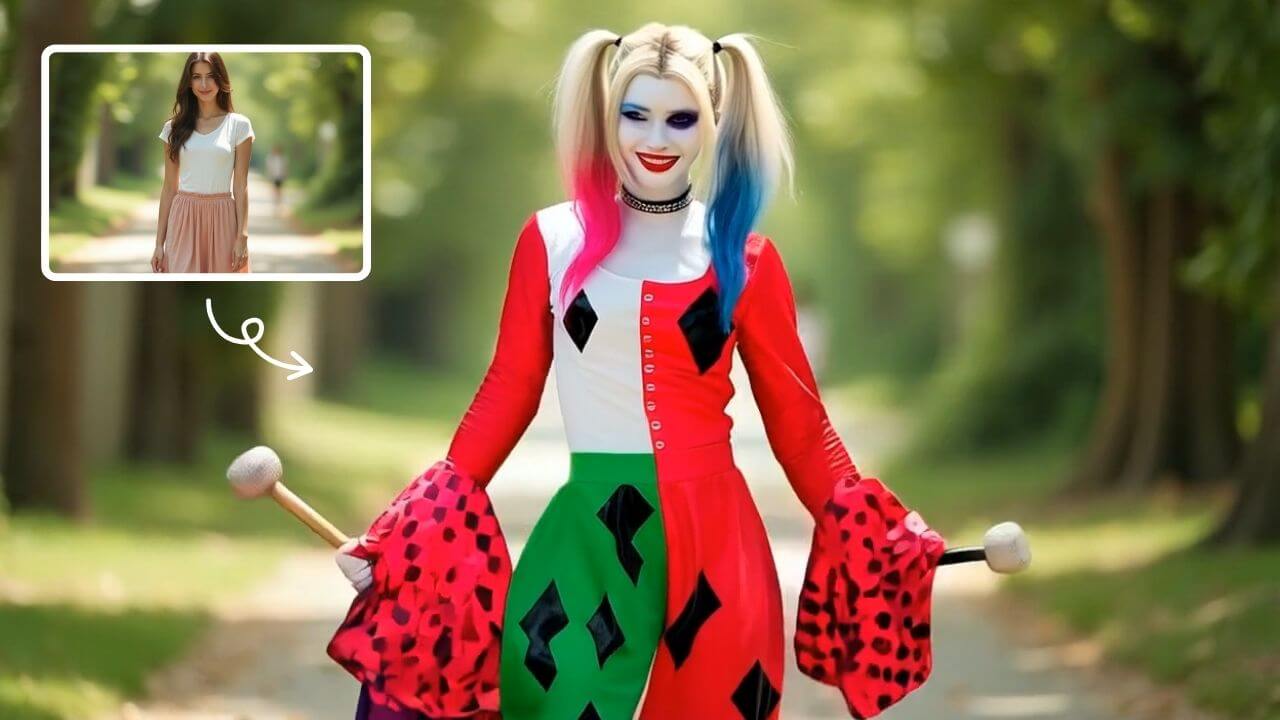
AI Harley Quinn Transformation
AI Harley Quinn Transformation lets you upload your photo and instantly generate a dynamic video where you become Harley Quinn. Experience her signature style, playful animations, and unique flair in an easy, fast process. Perfect for fans seeking a fun, personalized transformation without any hassle.
Try Now Continue with Google