AI Dance Video
AI Dance Video by Supermaker AI instantly animates your photos into professional dance videos. Generate viral TikTok trends or K-pop moves with realistic animation. It's free, user-friendly, and perfect for creating engaging content that stands out online—no expertise required!
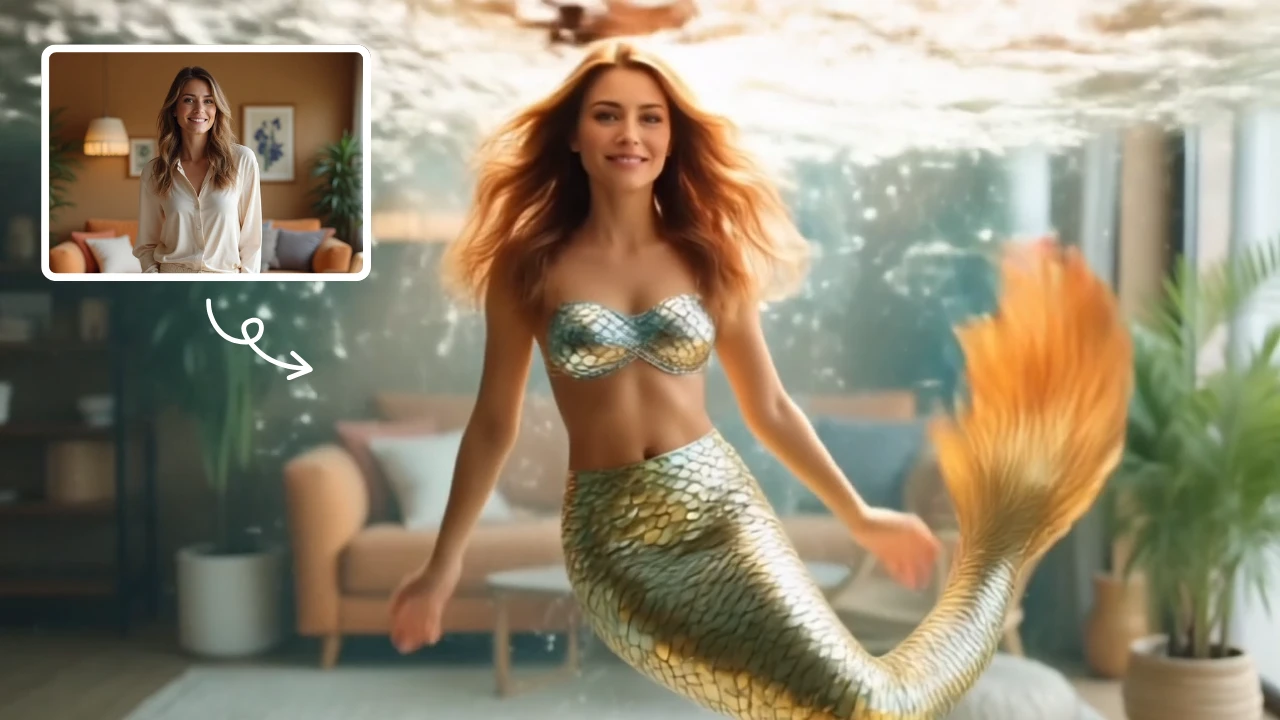
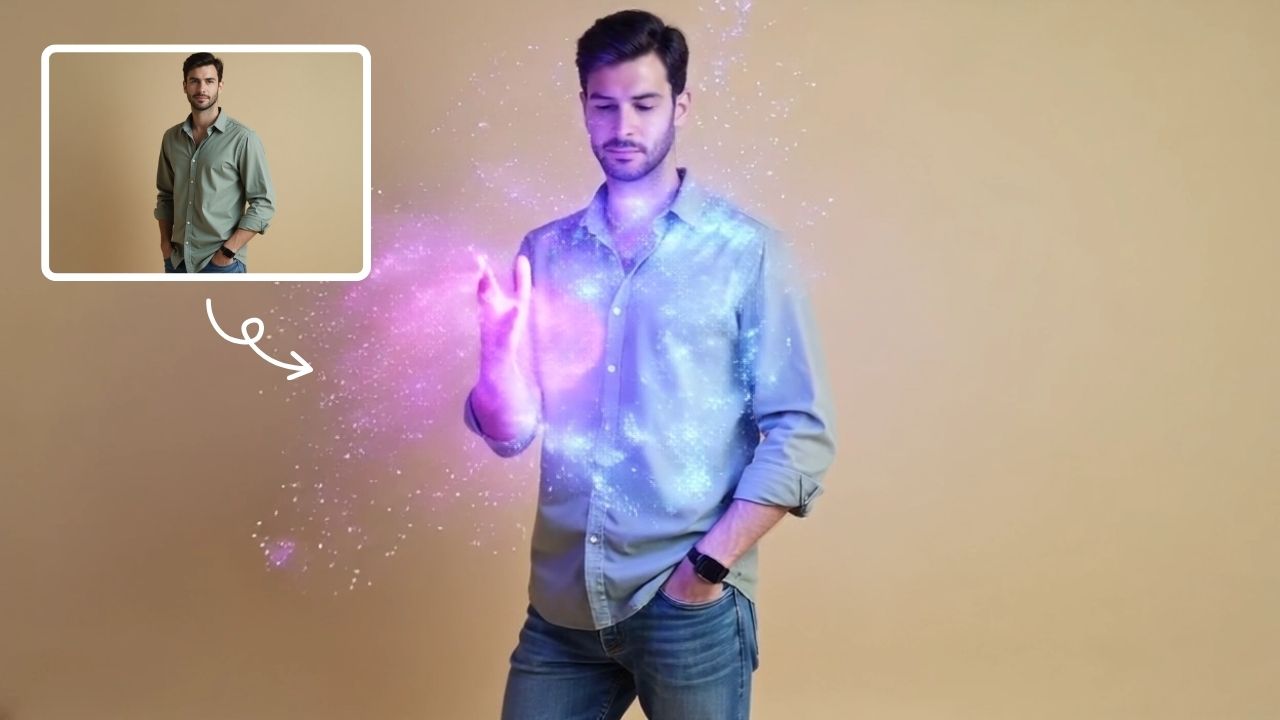
This is an example of what AI can create. Generate your own video now!
AI Dance Video: Turn Your Still Photos into Viral Movement
In the fast-paced world of social media, capturing attention is everything. Static images often get lost in the scroll, but movement stops the thumb. An AI Dance Video tool bridges the gap between a simple photograph and engaging, shareable content. It allows anyone, regardless of their video editing skills, to breathe life into their pictures, transforming subjects into dancers performing trending moves with just a few clicks.
What is an AI Dance Video Generator?
An AI Dance Video generator is a specialized online tool that uses advanced machine learning models to animate the people or characters in a static image. You provide a photo, and the artificial intelligence analyzes the pose, structure, and context of the subject. It then synthesizes a new video where that subject performs a sequence of dance movements, from smooth, rhythmic body movements to complex K-pop choreography. The result is a realistic, short video clip that maintains the original character's identity while making them move to the beat. This entire process is browser-based and typically completes within a few minutes.
How the Technology Brings Your Photos to Life
The magic behind these tools lies in sophisticated AI models like Sora 2 or Veo 3.1, which are trained on vast datasets of human motion. When you upload an image, the tool doesn't just overlay a dance on top of it. Instead, it understands the character's form and generates new frames of video from scratch. It predicts how the limbs should move, how clothing should flow, and how the subject should interact with the scene to create a natural-looking performance. The process involves:
- Upload and Analysis: You submit your image and select your desired aspect ratio, such as 16:9 for landscape or 9:16 for vertical platforms like TikTok and Reels.
- Prompt Interpretation: The AI interprets your request, whether it’s a "K-pop dance" or "smooth body movements coordinating limbs with the beat." You can often adjust the duration, typically around 10 seconds.
- Video Rendering: The AI model begins the complex task of video generation. It processes the image, applying the motion data to create a coherent and fluid sequence. This video rendering phase is computationally intensive, which is why generation can take one to three minutes to complete.
- Output and Review: Once finished, the tool provides a downloadable video file, ready to be shared. The entire workflow is designed for efficiency and accuracy, ensuring a fast turnaround without compromising on quality.
Top Reasons to Create AI Dance Content
Why are creators flocking to these tools? The primary reason is the ability to produce unique, engaging content that stands out. This technology solves the problem of needing expensive equipment, actors, or professional editing software. It democratizes video creation, making it accessible to anyone with a photo and an idea.
- Engagement on Social Media: Moving content naturally performs better. An AI Dance Video of a pet, a friend, or even a piece of art can instantly grab a viewer's attention as they scroll through their feed.
- No Expertise Required: You don't need to be a choreographer or a video editor. The AI handles the heavy lifting, allowing you to focus on the creative concept.
- Cost-Effective Content: Most tools offer a free tier or operate on a credit-based system, making it a budget-friendly way to generate viral trends and keep your content calendar full.
- Endless Creative Possibilities: From making historical portraits dance to creating fun animations of your friends, the only limit is your imagination.
Practical Applications and Use Cases
The versatility of this technology means it can be used in numerous scenarios, both for personal fun and professional marketing.
- Social Media Influencers: Quickly generate unique hooks for Reels or TikTok trends. Imagine turning a product shot into a short dance clip to promote a brand in a fun, unexpected way.
- Personal Memories: Animate old family photos for a birthday or reunion. It’s a novel way to bring cherished memories to life and share them with loved ones.
- Digital Artists and Animators: Use the tool as a starting point for character animation or to visualize how a static drawing might move. It can serve as an excellent prototyping tool.
- Small Business Marketing: Local businesses can create engaging ads by animating their logos or product images, helping their brand feel more dynamic and modern on social platforms.
Maintaining Quality and Trust in AI Generation
When using any online tool, it's natural to have questions about quality and security. Modern AI Dance Video generators prioritize both. The output quality aims for realistic animation, maintaining character consistency throughout the motion to avoid the jarring effects of older technologies. The process is designed to be secure, with client-side processing principles often applied to ensure your uploaded images are handled responsibly. It’s always a good practice to use reputable, browser-based tools that clearly outline their privacy policies regarding data and image usage. The focus is on providing an efficient, secure, and fun way to transform your ideas into reality.
Frequently Asked Questions
How long does it take to generate an AI Dance Video?
The video generation process is typically quite fast. After you upload your image and select your settings, the AI model gets to work. You can usually expect your video to be ready for preview and download within one to three minutes, depending on the current server load and the complexity of the animation.
What kind of photos work best for AI Dance Video tools?
For the best results, use images where the subject is clear and not obscured. Photos with a single, well-lit person or character facing the camera tend to animate most accurately. The AI is designed to work with a wide variety of images, but clearer input leads to a more realistic and coherent dance video.
Can I use an AI Dance Video for commercial purposes?
This depends on the specific terms of service of the tool you are using. Many platforms allow for commercial use of the generated content, especially if you are a small business or content creator. However, it's crucial to review the licensing agreement of the specific tool to understand any restrictions on how you can use, share, or monetize your AI-generated videos.
Is my data safe when using these online video generators?
Reputable, browser-based tools prioritize user privacy and data security. They often use secure connections and have clear policies on how uploaded images are handled. Many state that images are only used for the immediate video rendering process and are deleted from their servers shortly after. Always look for a privacy policy or FAQ section on the tool's website to understand exactly how your data is being protected.
What can I do if the dance in my video doesn't look right?
If the initial result isn't perfect, you have options. You can try rephrasing your prompt to be more specific about the style of dance, such as "smooth body movements" versus "sharp, robotic dance." You can also experiment with different AI models if the tool offers choices, like switching from Sora 2 to Veo 3.1, as different models may have unique strengths in interpreting motion and character consistency.
The ability to create an AI Dance Video from a simple photo is more than just a novelty; it's a powerful new medium for expression. Whether you're looking to jump on the latest viral TikTok trend, create a memorable piece of content for your brand, or simply have fun with your personal photos, this technology puts professional-level animation at your fingertips. It’s a testament to how far AI has come in making complex creative tasks simple, fast, and accessible to everyone.
Start Creating AI Videos Instantly
Turn simple text prompts into engaging videos using our powerful AI video generator. No editing skills required — just describe your idea and let AI do the work.
Generate Your First AI VideoMore AI Video Tools
Explore more AI-powered video creation tools to expand your creativity
AI Muscle Generator
AI Muscle Generator lets you visualize muscle growth instantly by uploading a photo. It upgrades your physique digitally in minute, offering a fun, gym-free way to see potential results. Ideal for motivation or entertainment, it provides quick, impressive transformations without any workout.
Try Now
AI Gender Swap
AI Gender Swap offers cutting-edge AI video templates to effortlessly create unique videos. Key features include one-click generation, image/text-to-video conversion, and diverse templates. Enjoy fast, free access to enhance creativity and produce professional AI videos with ease.
Try Now
AI Smile Generator
The AI Smile Generator uses advanced artificial intelligence technology to automatically detect faces in photos and add realistic, radiant smiles. Simply upload an image to generate a smiling photo. Beautify portraits, revamp old photos, or share happy pictures online—no editing skills required. Fast, free, and fun, it's easy for anyone to use!
Try Now
Zoom In Video Effect
Zoom In Video Effect offers free AI video templates to quickly produce professional videos. Key features include one-click creation, support for image and text conversions, and versatile styles. Enhance your content effortlessly, saving time while maximizing impact with user-friendly tools.
Try Now
AI Curly Hair
AI Curly Hair allows you to add beautiful, natural-looking curls to any photo instantly. Powered by advanced AI, it offers multiple curly styles to match your preferences, helping you preview and choose the perfect hairstyle without commitment. Experience quick, realistic results and boost your confidence with a fresh, curly appearance.
Try Now
AI vampire
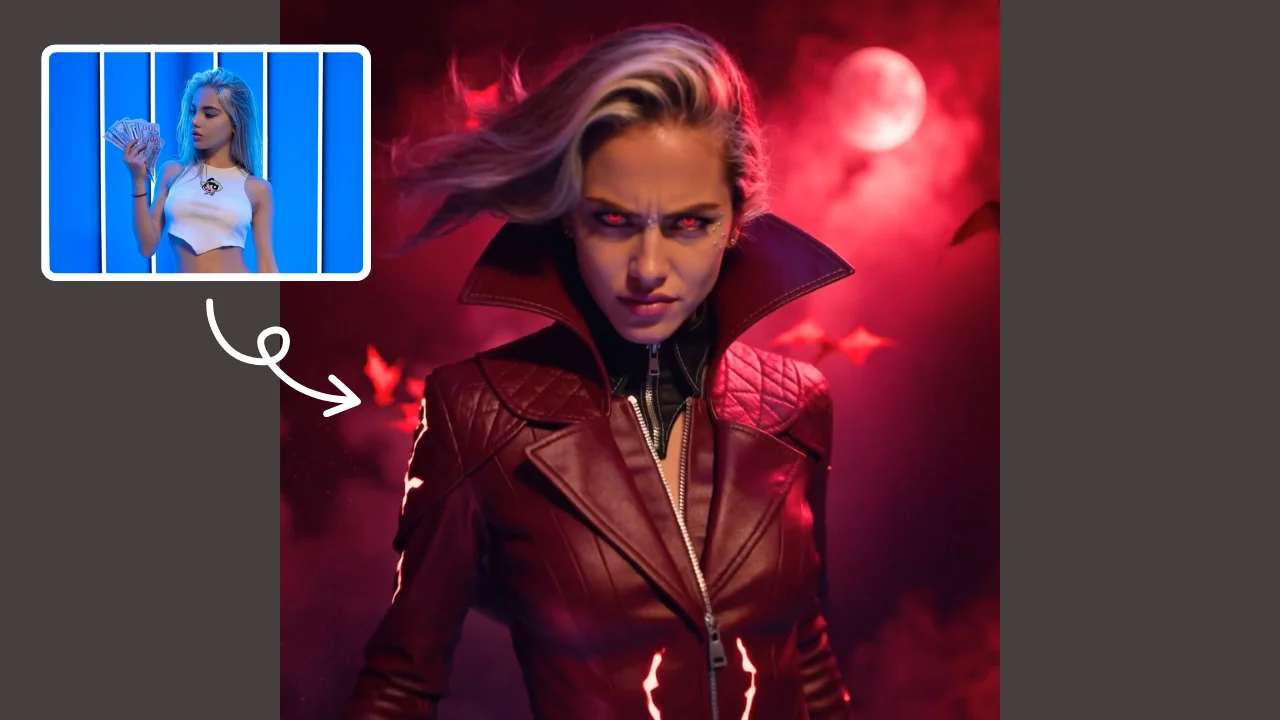
AI Vampire Generator uses advanced AI to transform any selfie into realistic vampire makeup instantly. Perfect for Halloween, costume parties, or spooky social media content—no editing skills needed. Download your vampire makeover for free and stand out with eerie, professional-looking results!
Try Now
AI Surf Video
AI Surf Video by Supermaker AI transforms your ideas into high-energy surfing videos. Using advanced AI, it produces realistic surfing actions, seamless motion, and consistent characters with dynamic waves. Experience quick, professional-quality videos that highlight your skills or creative vision, making it perfect for content creators and surf enthusiasts.
Try Now
AI Squid Game Video
AI Squid Game Video Effect offers a wide range of free AI video templates, enabling you to generate unique videos from text or images in one click. With its user-friendly interface and trending designs, it helps you produce engaging content quickly, saving time and boosting creativity.
Try Now
Continue with Google