AI Catwoman Transformation
AI Catwoman Transformation lets you embody the legendary character's charm and strength. Simply upload a photo for an instant AI-powered makeover. Showcase your unique feline persona with stunning visual results. Perfect for fans seeking a playful yet powerful digital identity transformation.
This is an example of what AI can create. Generate your own video now!
Why Choose This AI Video Tool?
Advanced AI Models
Powered by cutting-edge AI including Sora, Kling, VEO for superior video quality.
Easy to Use
No technical skills needed. Simply describe your vision and let AI create magic.
Custom Styles
Choose from multiple art styles and aspect ratios to match your creative vision.
Fast Processing
Generate high-quality videos in minutes with our optimized AI pipeline.
Unleash Your Inner Feline: A Deep Dive into AI Catwoman Transformation
In the ever-evolving world of digital creativity, few things are as captivating as transforming your own image into something iconic. With the rise of accessible AI tools, this fantasy is now just a few clicks away. At the heart of this trend is the AI Catwoman Transformation, a powerful and playful tool that allows you to step into the sleek, black suit of Gotham's most famous feline anti-heroine. But what exactly is it, and how can you use it to create a stunning digital identity? This guide explores everything you need to know.
What is the AI Catwoman Transformation Tool?
The AI Catwoman Transformation tool is a browser-based application that uses advanced AI video generation to metamorphose a standard portrait into a dynamic video clip where the subject embodies the character of Catwoman. You simply upload a photo, and the AI processes it, rendering a new video that reimagines you in a signature Catwoman outfit, complete with a mask, set against a moody, atmospheric backdrop like a Gotham city rooftop. It’s an instant, secure, and efficient way to explore a powerful alter ego without any need for costumes, makeup, or video editing skills.
How Does the AI Catwoman Transformation Work?
Behind the simple interface lies a complex process of AI video generation. Once you upload your image, the tool doesn't just paste your face onto another body. It analyzes your facial features, expression, and pose. Then, utilizing sophisticated AI models like Sora 2 or Veo 3.1, it generates an entirely new scene.
The AI effectively "paints" a new video, frame by frame. It morphs your original clothing into a sleek, black latex suit, adds the character's signature mask, and seamlessly integrates your likeness into a cinematic urban night scene. This process, known as scene creation, typically takes between one to three minutes, depending on server load and the complexity of the render. The result is a high-quality, 10-second video that captures both your unique appearance and the legendary charm and strength of the character.
Why Use an AI Catwoman Transformation? Common Scenarios and Use Cases
This tool isn't just a novelty; it serves a variety of purposes for different users. The search intent here is driven by a desire for self-expression, creative exploration, and digital identity play.
- For Social Media Enthusiasts: In a world dominated by visual content, standing out is key. An AI Catwoman Transformation video is perfect for profile pictures, TikTok trends, Instagram Reels, or a fun Facebook post. It's a guaranteed conversation starter that showcases a playful yet powerful side of your personality.
- For Cosplayers and Fans: Not everyone has the time, budget, or skills to create a professional-grade Catwoman costume. This tool offers an instant, accessible way for fans to visualize themselves as the character. It's a fantastic way to test out a potential cosplay idea or simply create a piece of fan art starring yourself.
- For Creative Professionals: Graphic designers, digital artists, and content creators can use this tool for brainstorming, creating unique concept art, or generating engaging visuals for clients. It serves as a rapid prototyping tool to explore different aesthetics and character interpretations.
- For Pure Fun and Exploration: Sometimes, the best reason is simply to see what you'd look like as a feline fatale. It's a harmless, entertaining activity that lets you momentarily escape reality and embody a character known for its agility, mystery, and power.
Key Features and Technical Aspects of the Tool
To get the best results, it's helpful to understand the technology driving the transformation. The platform offers a choice of underlying AI models, each with its own strengths.
- AI Model Options: You can choose between two state-of-the-art video generators. Sora 2, developed by OpenAI, is excellent for generating videos with multiple stylistic interpretations. Veo 3.1, from Google, is particularly adept at working with one or two reference images to ensure the subject's likeness is accurately preserved in the new scene.
- Aspect Ratio and Duration: The tool allows you to select the format that best suits your needs, with options like the landscape-oriented 16:9 for widescreen viewing and the vertical 9:16 (portrait) which is ideal for TikTok and Instagram Stories. The final output is a 10-second clip, a perfect length for capturing attention without being too long.
- Video Prompts: The transformation is guided by internal video prompts. In essence, the AI is instructed to "morph the subject's outfit into a sleek, black latex Catwoman suit with a mask. The background becomes a dimly lit rooftop or urban night scene." This prompt forms the core of the creative direction.
- Processing and Rendering: The video rendering process is designed to be fast and secure, running entirely in your browser. Your uploaded photo is processed to generate the new video, and the platform is designed to handle your data with privacy in mind.
Step-by-Step: Your AI Catwoman Transformation Workflow
Ready to unleash your inner feline power? Here’s how the typical user journey looks:
- Prepare Your Image: Find a clear, front-facing photo of yourself. Good lighting and a simple background often yield the best results, as it gives the AI a clean starting point to work from.
- Upload and Configure: Go to the tool on text2vid.org and upload your chosen image. Select your preferred aspect ratio (16:9 or 9:16) and choose the AI model you'd like to use—Sora 2 for stylistic flair or Veo 3.1 for precise likeness.
- Generate Your Video: Hit the generate button. The tool will now begin its work. This is where the magic happens, as the AI interprets your image and the core video prompts to create the new scene.
- Review and Download: After a short wait (typically 1-3 minutes), your new video will be ready. You can preview the result, and if you're happy with your stunning new digital identity, you can download it directly to your device to share with the world.
Frequently Asked Questions
### How long does it take to process my AI Catwoman Transformation video?
The video generation process is quite efficient. While it depends on current server demand, most videos are fully rendered and ready for download within 1 to 3 minutes. You can simply wait on the page, and your new video will appear once the process is complete.
### What kind of photos work best for the AI Catwoman Transformation?
For the most accurate and visually stunning results, upload a clear, well-lit photo where your face is fully visible and facing the camera. Avoid images with heavy filters, sunglasses, or objects obscuring your face. A simple background helps the AI focus on you, the subject.
### Is it safe to upload my photos to an online tool like this?
Trustworthiness is a key factor for any online tool that processes personal images. Reputable platforms, including the one hosting this AI Catwoman Transformation, prioritize user privacy and data security. They typically process images temporarily to generate the video and do not store them longer than necessary. Always check the platform's privacy policy for details on how your data is handled.
### What is the difference between the Sora 2 and Veo 3.1 AI models?
The choice depends on your priority. Sora 2 (OpenAI) is excellent for generating videos with a wider range of creative styles and interpretations. Veo 3.1 (Google) is specifically optimized to work with 1-2 reference images, meaning it often does a superior job at preserving your unique facial features and likeness throughout the generated video.
### Can I use the AI Catwoman Transformation video for commercial purposes?
The terms of service can vary by platform. Generally, videos created for personal use, social media profiles, and fun are perfectly acceptable. If you intend to use the generated content for commercial projects, such as advertising or selling the video, it's essential to review the specific licensing terms provided on the website.
### What if I'm not happy with the result of my transformation?
While the technology is highly accurate, results can sometimes vary based on the input image. Most platforms encourage users to experiment with different photos to achieve their desired look. If you encounter a persistent issue, it may be due to the specific characteristics of your original image, and trying a different one is often the best course of action.
Embrace Your Digital Alter Ego
The ability to instantly transform into an iconic character like Catwoman is a testament to how far AI video generation has come. The AI Catwoman Transformation tool on text2vid.org offers a unique blend of fun, creativity, and technology, allowing you to explore a new facet of your digital identity with speed and ease. Whether you're a die-hard fan, a social media creator, or simply curious, this tool provides a secure and powerful way to generate a piece of cinematic art starring you. So why wait? Upload a photo, choose your model, and let the AI convert your portrait into a powerful, feline-powered video. It's time to unleash your inner Catwoman.
Start Creating AI Videos Instantly
Turn simple text prompts into engaging videos using our powerful AI video generator. No editing skills required — just describe your idea and let AI do the work.
Generate Your First AI VideoMore AI Video Tools
Explore more AI-powered video creation tools to expand your creativity
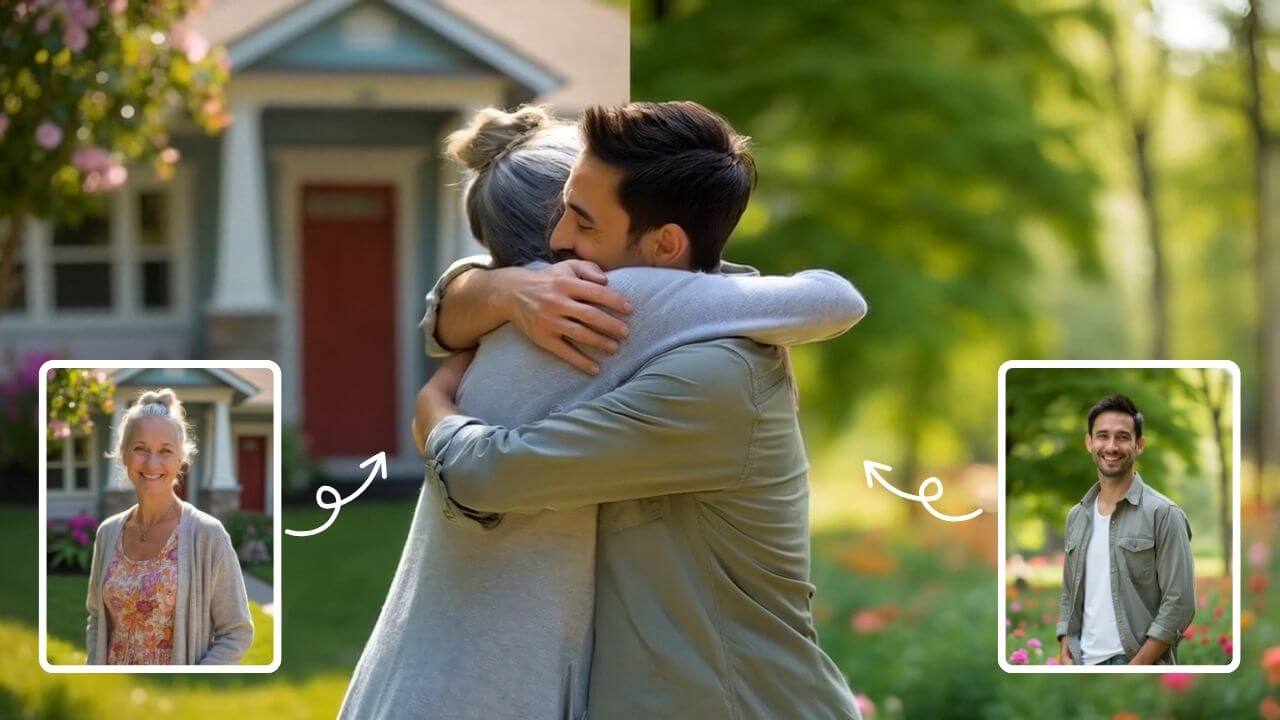
AI Hug
AI Hug is an AI-powered video generator that turns your photos into lifelike hugging videos. It's easy to use, requiring just a few clicks to create emotional content. Perfect for preserving memories, enhancing social media engagement, and professional branding, it saves time while delivering high-quality, shareable results.
Try Now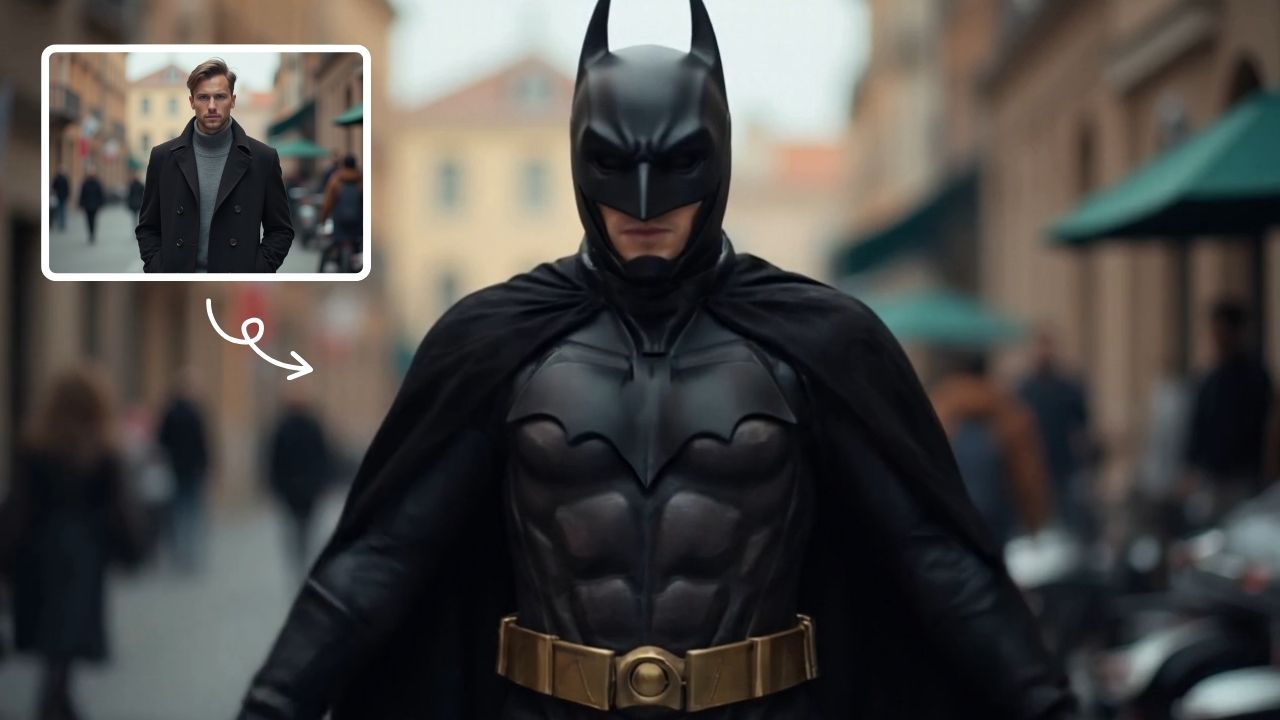
AI Batman
AI Batman Transformation lets you convert any photo into an epic Batman video effortlessly. Using cutting-edge AI, it overlays dynamic costumes and effects, making you the star of your own superhero story. Enjoy quick, high-quality results with no editing required—ideal for fun social media posts or personal entertainment.
Try Now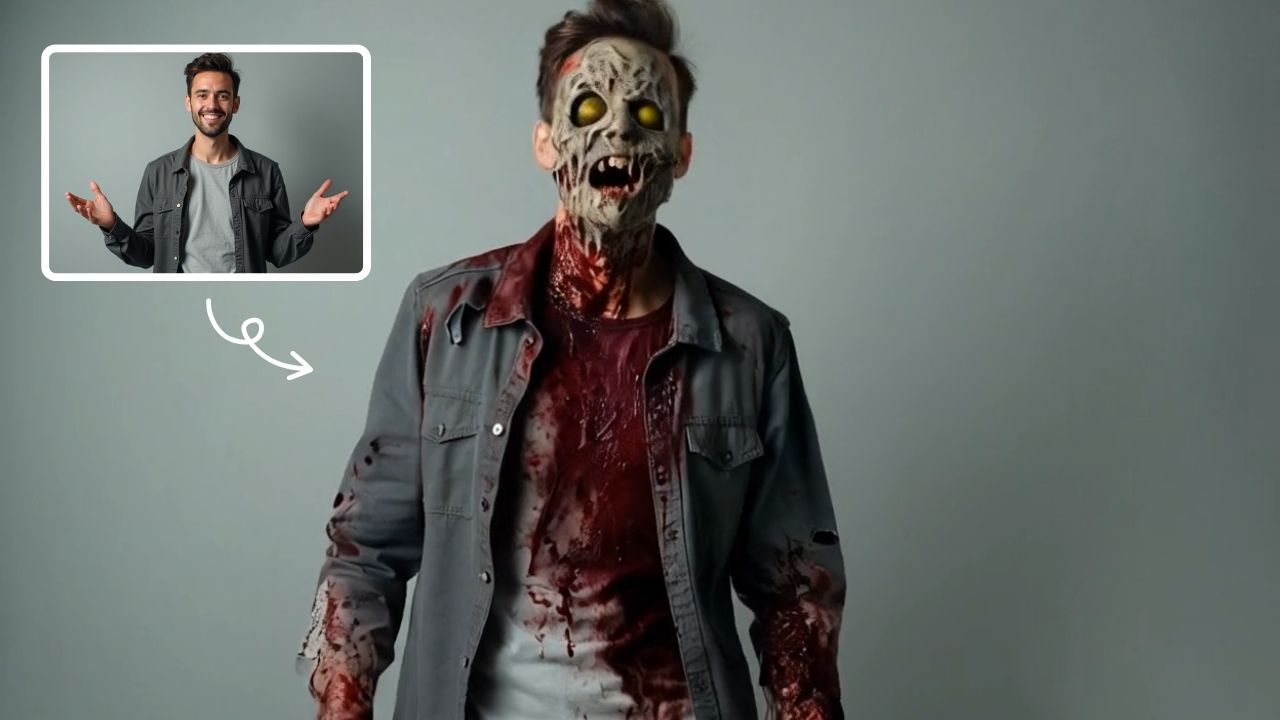
AI Zombie
AI Zombie Transformation uses advanced AI to convert your photos into realistic zombie versions. Simply upload your image, and the tool generates a horrifying undead look with eerie details. It's fun, easy, and perfect for Halloween, parties, or sharing on social media to amaze friends. Try it now for a unique, chilling transformation!
Try Now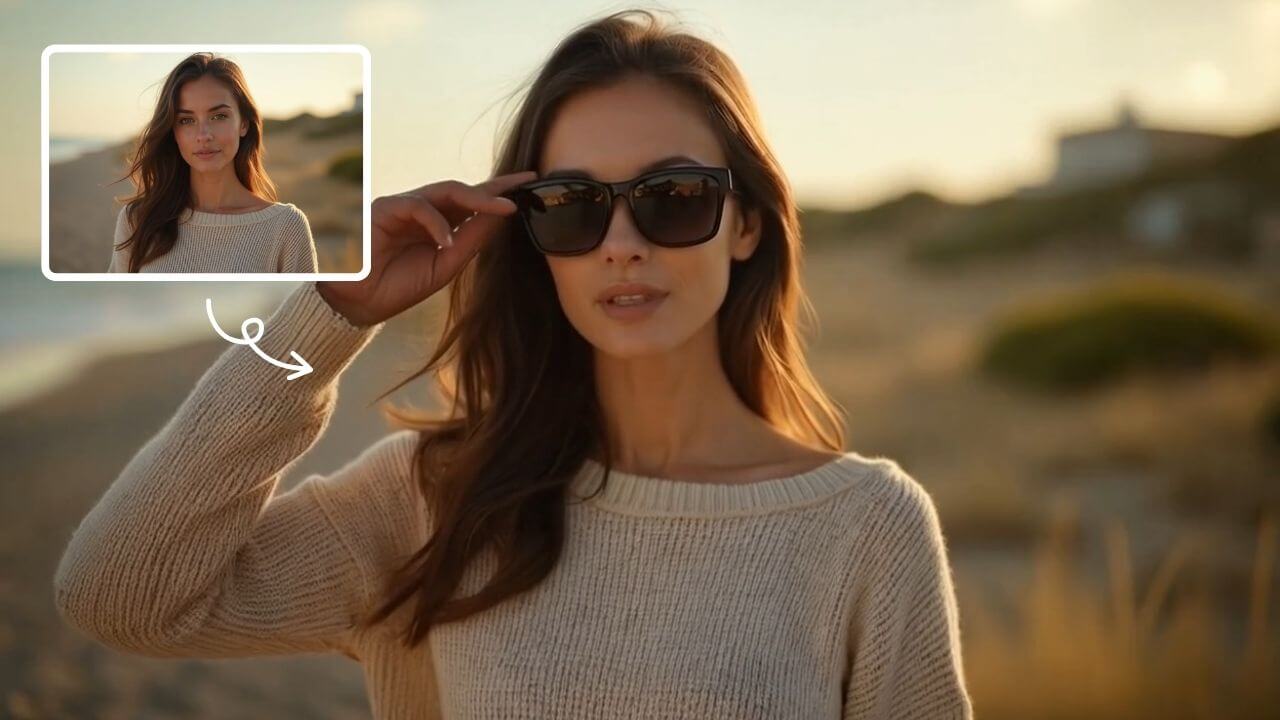
AI Sunglasses
AI Sunglasses is the smart tool that uses artificial intelligence to automatically add realistic sunglasses to any photo. Simply upload your image, choose from trendy styles, and instantly transform your look. Enhance portraits, selfies, or group photos with natural-looking shades that match lighting and facial contours. Perfect for social media, professional profiles, or casual fun – achieve a cool, confident appearance in just one click. Fast, free, and incredibly easy to use!
Try Now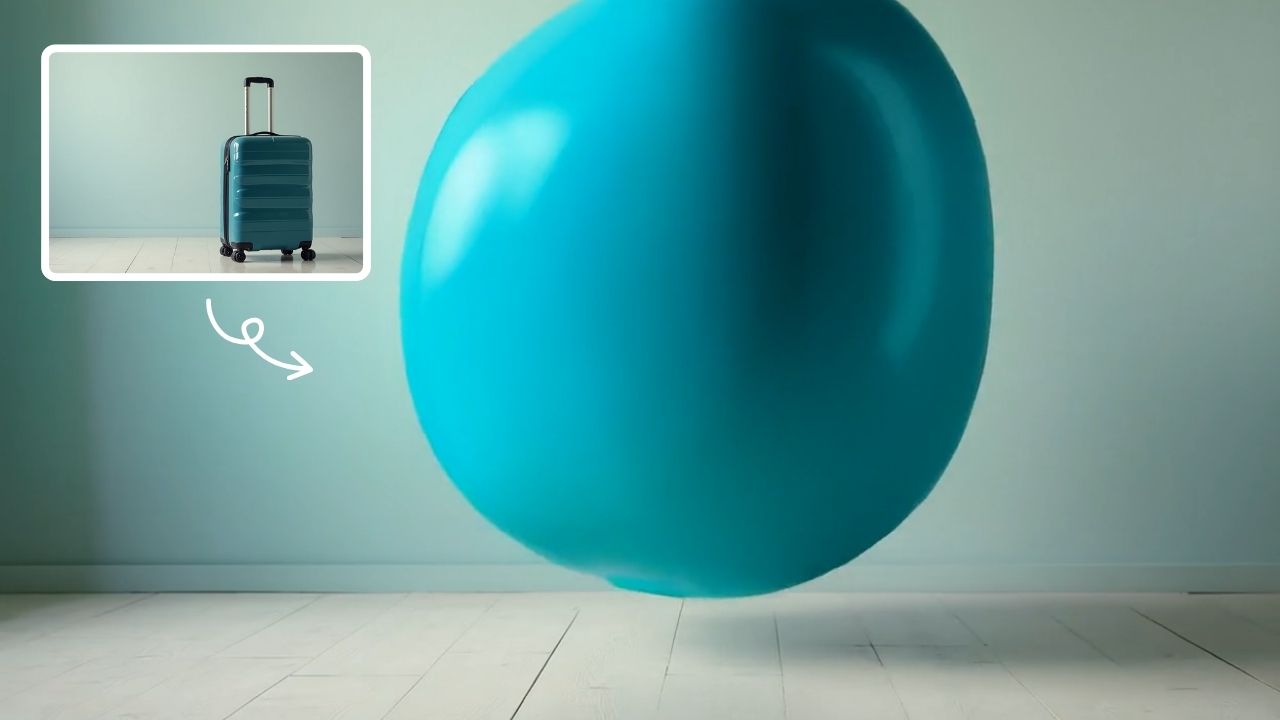
AI Inflate
AI Inflate Effect lets you inflate objects in any image effortlessly. Simply upload your photo, and our AI instantly transforms items into fun, inflated versions. Perfect for creative projects, social media, or just having fun—experience quick, realistic results that make your visuals pop.
Try Now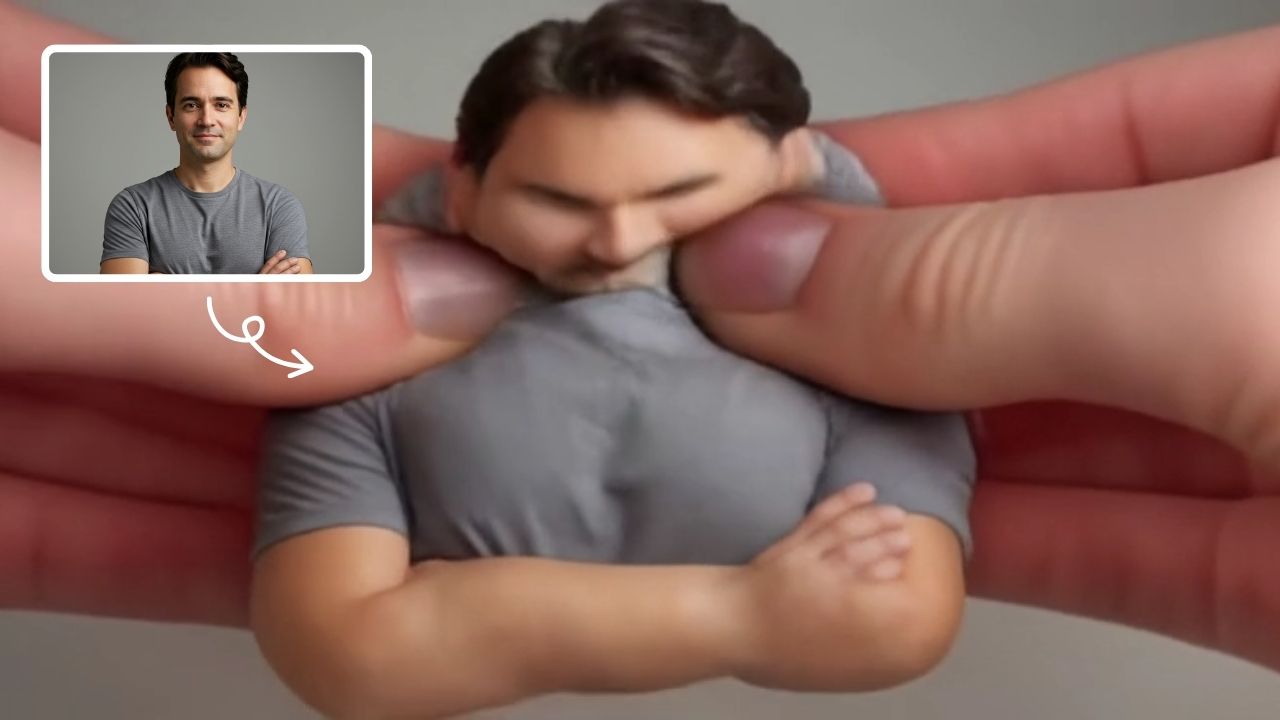
AI Squish Effect
Transform any image into a lively, bouncing masterpiece with AI Squish Effect by Remaker. This free online tool instantly applies dynamic squish effects, making photos fun and engaging. No downloads needed – just upload, generate, and share hilarious videos effortlessly. Perfect for social media, memes, and creative projects, it offers quick, user-friendly entertainment for everyone.
Try Now
AI Anime Video
AI Anime Video instantly converts your anime images into professional opening videos. Using advanced AI and Sora 2 technology, it creates dynamic motion scenes with authentic anime style. Generate captivating anime OPs effortlessly - no skills required!
Try Now
AI French Kiss Video Generator
The AI French Kiss Video Generator by Supermaker AI lets you produce high-quality romantic videos effortlessly. Using advanced AI, it simulates realistic kissing scenes, saving time and enhancing creativity for filmmakers and content creators. Enjoy user-friendly controls and instant results to elevate your romantic storytelling.
Try Now Continue with Google