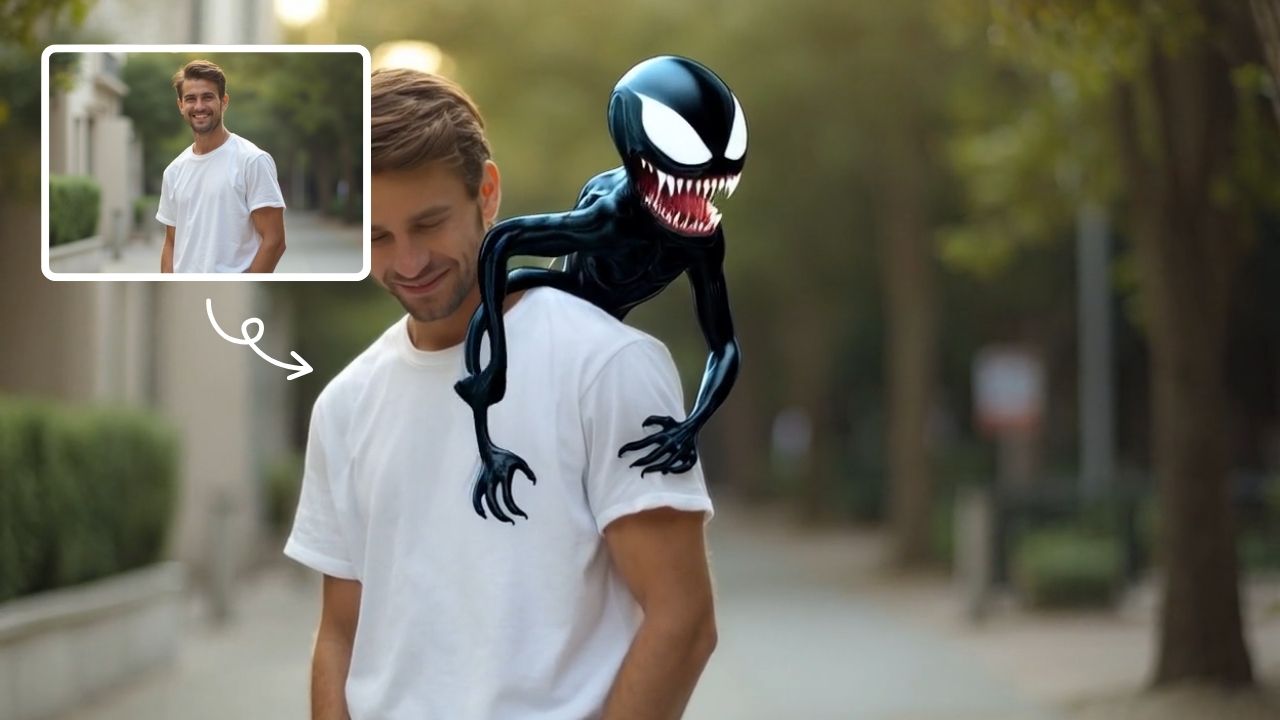
AI Squish Effect
Transform any image into a lively, bouncing masterpiece with AI Squish Effect by Remaker. This free online tool instantly applies dynamic squish effects, making photos fun and engaging. No downloads needed – just upload, generate, and share hilarious videos effortlessly. Perfect for social media, memes, and creative projects, it offers quick, user-friendly entertainment for everyone.
This is an example of what AI can create. Generate your own video now!
AI Squish Effect Generator: Turn Your Photos into Bouncing, Hilarious Videos
Ever wished your selfies could move with the personality of a bouncy ball or a squishy toy? The AI Squish Effect is the latest trend taking over social media, transforming static portraits and pet photos into lively, animated clips with a single click. It applies a dynamic, bounce-like distortion that makes subjects stretch, squeeze, and wobble as if they’ve suddenly become made of jelly. What was once a complex editing trick is now an instant, one-click reality with online generators.
What is the AI Squish Effect Generator?
An AI Squish Effect Generator is a free online tool that uses artificial intelligence to animate a still image, applying a playful, bouncing, or squashing distortion to the main subject. In just a few seconds, it turns a standard photo into a funny, loopable video clip, ready to be shared on social media without any video editing skills required.
How the AI Squish Effect Actually Works
While the result looks like magic, the process is a fascinating application of modern AI video generation. You don’t need to understand the tech to use it, but knowing what’s happening behind the scenes helps you appreciate the tool's intelligence.
1. AI Analysis and Subject Detection
When you upload an image to an AI Squish Effect tool, the AI doesn’t just see a flat picture. Its first task is to analyze the scene and identify the primary subject. Using complex computer vision models trained on millions of images, it can distinguish a person's face from the background, recognize a pet's unique shape, or isolate a specific object. It maps out key feature points—like the eyes, nose, and mouth on a face, or the outline of a ball—to understand what it will later animate.
2. Applying the Dynamic Squish Animation
Once the subject is mapped, the AI video generation model gets to work. It applies a pre-learned motion pattern—the "squish"—to that specific map. This isn't a simple filter; it's a physics-aware deformation. The AI calculates how a face would realistically (or humorously) stretch and rebound if it were made of a soft, bouncy material. The background remains largely static, creating a charming contrast that makes the squished element pop. The entire video rendering process is optimized to happen server-side, typically completing in just 1–3 minutes.
3. Output and Sharing
The final output is a short, seamless video clip (often optimized for formats like MP4). Because the processing is done in the cloud, the tool is completely browser-based and works on any device—phone, tablet, or computer—with no client-side processing power needed. The result is fast, secure, and ready to be exported directly to TikTok, Instagram Reels, or YouTube Shorts.
Why Use an AI Squish Effect Tool?
This technology solves a simple problem: How do you create engaging, viral-style video content when you have no animation or editing experience? The advantages are clear:
- Instant Creativity: It converts a simple idea into a shareable video in under two minutes.
- Zero Learning Curve: There are no timelines, keyframes, or complex software to learn. It’s pure, instant fun.
- Universal Appeal: The effect works on almost any subject, from serious portraits to cute pet photos.
- Safe Fun: It provides a digital way to participate in trends (like the "squishy toy" craze) without any of the physical risks [citation:3].
Top Use Cases for Your Squishy Videos
The beauty of the AI Squish Effect is its versatility. Here are some of the most popular ways people are using it:
Creating Killer Social Media Content
This is the primary use case. On platforms like TikTok and Instagram, where attention spans are short, a quick, unexpected squish is a surefire way to stop the scroll. Use it for reaction videos where a face bounces in shock, create funny intros for your vlogs, or simply make a series of your friends' faces squish in time to trending audio [citation:3][citation:1]. The effect is perfectly suited for the 9:16 vertical format used by Reels and Shorts.
Bringing Avatars and Characters to Life
For digital artists, VTubers, and anime fans, the tool offers a fantastic way to add personality to static avatars. Imagine your illustrated character's cheeks puffing out or their head wobbling in a cute, "kawaii" style [citation:1]. This adds an interactive and lively element to your digital persona that static images just can't match.
Making Hilarious Pet and Baby Clips
This is where the tool truly shines. A video of a cat's face gently squishing or a baby's cheek puffing out like a marshmallow has massive viral potential. It exaggerates the inherent cuteness of the moment, creating a meme-worthy clip that's perfect for sharing with family or posting online [citation:1]. It turns a cute photo into a hilarious, heartwarming animated moment.
Key Features to Look For in a Quality Generator
Not all tools are created equal. A top-tier AI Squish Effect Generator should offer:
- Accurate Subject Detection: It should intelligently identify the main subject (face, pet, object) without distorting the background.
- Smooth Video The animation should be fluid and natural, not choppy or glitchy. Look for clean rendering [citation:3].
- High-Quality Preservation: The final video should retain the resolution and clarity of the original image, even with the distortion applied [citation:1].
- Format Flexibility: It should support common image formats like JPEG, PNG, and WEBP.
- Privacy and Security: A trustworthy tool will have clear policies on data handling. Look for services that encrypt uploads and automatically delete images after processing to protect your privacy [citation:1].
How to Generate Your Own AI Squish Effect Video
Ready to create your own bouncing masterpiece? The workflow is incredibly simple:
- Upload Your Image: Go to your chosen online tool and upload a clear photo. Selfies, portraits, and pet close-ups work best.
- Let the AI Work: The tool will automatically analyze the image. There are usually no complex settings to adjust—the AI handles the creative decisions for a standard squish.
- Generate and Download: Click the generate button. After a brief moment (typically 1–3 minutes of video rendering), your new animated video will be ready. Preview it, download it, and share it with the world.
Frequently Asked Questions
What is the AI Squish Effect?
The AI Squish Effect is a digital animation technique where artificial intelligence is used to distort a static image—such as a face, pet, or object—making it bounce, stretch, and wobble as if it were made of a soft, squeezable material. The result is a short, funny video clip perfect for social media [citation:3].
How does the AI Squish Effect work?
It works by using AI to first identify the main subject in your photo. Then, a video generation model applies a dynamic, physics-based squishing motion specifically to that subject. The background remains still, creating a seamless and engaging animation. The entire process is automated and happens in the cloud.
Is the AI Squish Effect safe to use on my photos?
Yes, when using a reputable online tool. Trusted platforms prioritize user privacy by encrypting uploaded images and automatically deleting them from their servers after processing (often within a few hours). They do not share or reuse your content without permission [citation:1]. Always check the privacy policy of the tool you are using.
What kind of photos work best with the AI Squish Effect?
For the best results, use clear, high-resolution images with good lighting. The subject—whether a person, pet, or object—should be the focal point of the photo. Close-up shots and selfies work exceptionally well, as the AI has a clear subject to map and animate. Avoid images with very busy or cluttered backgrounds [citation:3].
Can I use the AI Squish Effect on my pet?
Absolutely! Applying the AI Squish Effect to photos of cats, dogs, and other pets is incredibly popular. It turns your pet’s face into a hilarious, bouncy animation that is perfect for sharing [citation:1]. The AI is generally very good at detecting animal faces.
Does it work on anime or illustrated characters?
Yes, most modern AI squish tools are trained to work on both realistic photos and illustrated styles. Whether you have a detailed anime avatar or a simple cartoon drawing, the AI can usually detect the character and apply the squish effect, making it a favorite tool for VTubers and digital artists [citation:1].
Can I use the generated videos for commercial purposes?
Rights to the generated content vary by platform, but many free online tools allow for commercial use of videos created with their generator. It's always best to review the specific terms of service for the tool you are using, but generally, the videos you create are yours to use for marketing, projects, and social media content.
Is there a mobile app for this, or does it only work on desktop?
While dedicated mobile apps exist, a key advantage of browser-based tools is their cross-platform compatibility. You can access a quality AI Squish Effect Generator directly from your mobile browser, just as easily as from a desktop computer. There is no need to download a separate app, saving space on your device [citation:3].
Start Squishing Today
The AI Squish Effect has democratized video fun. What once required hours of animation work can now be done in seconds from your phone or computer. It’s a perfect example of AI not just being a productivity tool, but a source of pure, shareable joy. So go ahead, dig up that silly selfie or that ultra-cute photo of your dog, and see what happens when you give it a good, digital squish.
Start Creating AI Videos Instantly
Turn simple text prompts into engaging videos using our powerful AI video generator. No editing skills required — just describe your idea and let AI do the work.
Generate Your First AI VideoMore AI Video Tools
Explore more AI-powered video creation tools to expand your creativity

Boom AI Video Generator
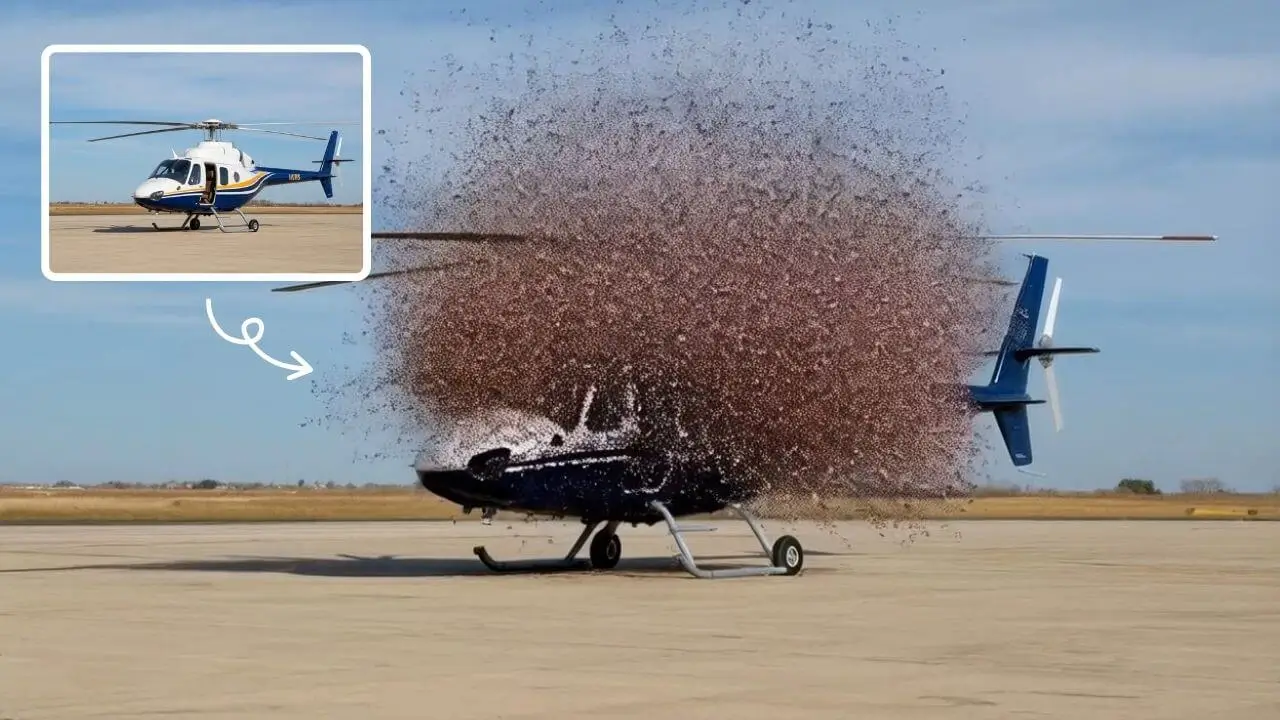
AI Boom uses advanced AI to add stunning explosion effects to your photos, turning ordinary moments into cinematic masterpieces. Simply upload a picture, and watch as dynamic blasts appear behind you while you walk away effortlessly. Perfect for social media, this tool requires no technical expertise—just creativity. Stand out with viral-ready videos that showcase your fearless style and make every post unforgettable.
Try Now
AI Inflate
AI Inflate Effect lets you inflate objects in any image effortlessly. Simply upload your photo, and our AI instantly transforms items into fun, inflated versions. Perfect for creative projects, social media, or just having fun—experience quick, realistic results that make your visuals pop.
Try Now
AI Dance Video
AI Dance Video by Supermaker AI instantly animates your photos into professional dance videos. Generate viral TikTok trends or K-pop moves with realistic animation. It's free, user-friendly, and perfect for creating engaging content that stands out online—no expertise required!
Try Now
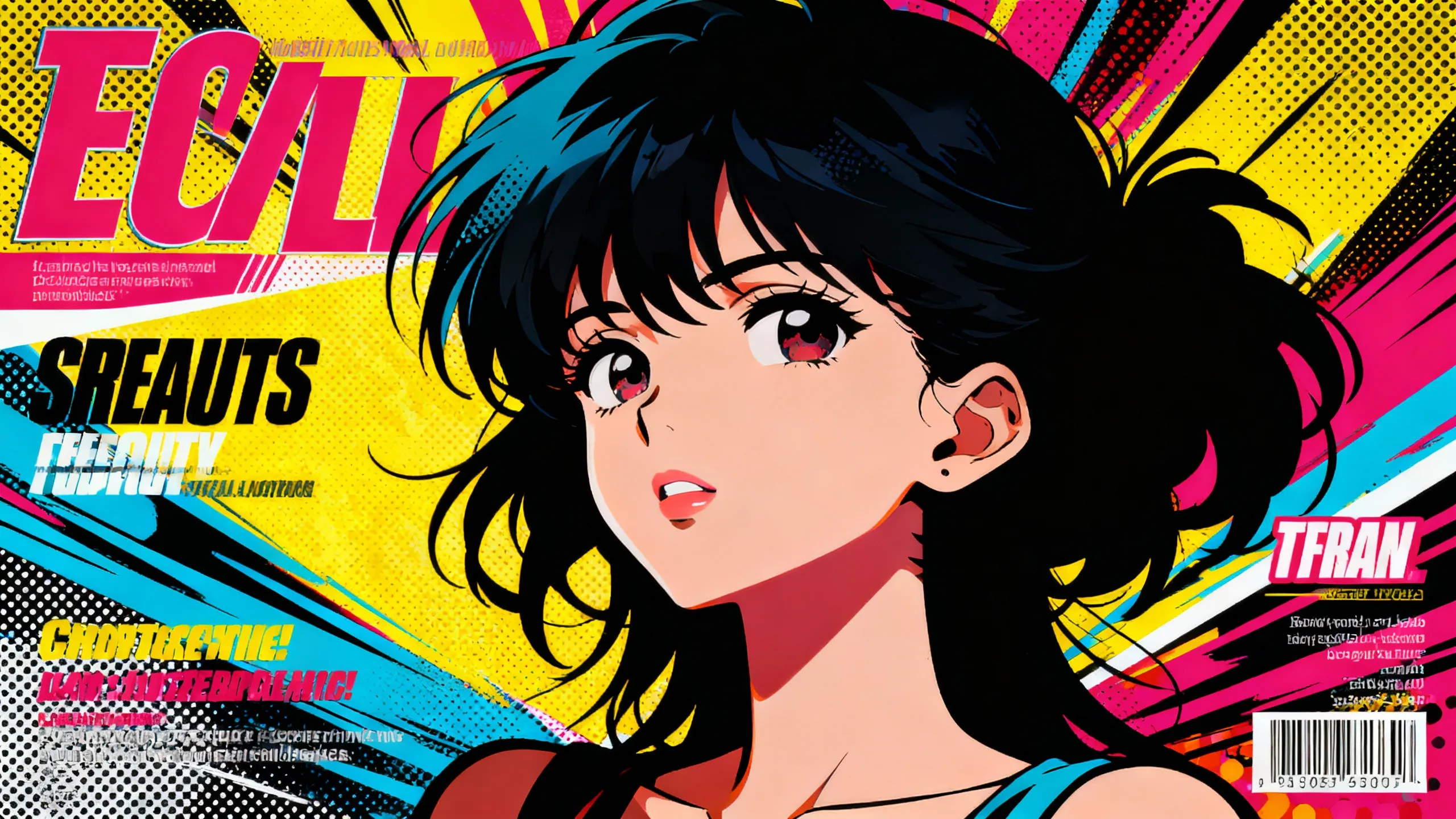
AI Anime Video
AI Anime Video instantly converts your anime images into professional opening videos. Using advanced AI and Sora 2 technology, it creates dynamic motion scenes with authentic anime style. Generate captivating anime OPs effortlessly - no skills required!
Try Now
AI Walking Video
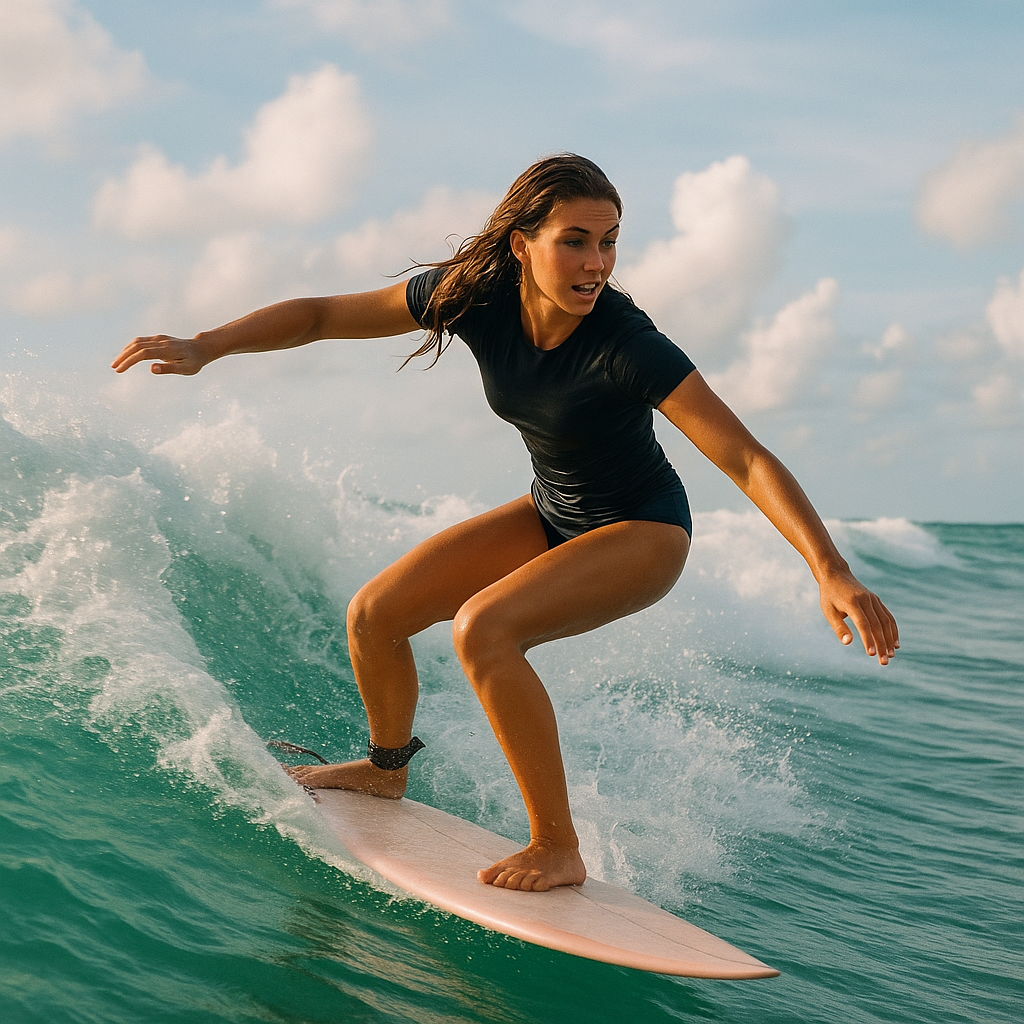
AI Walking Video by Supermaker AI transforms still images into natural walking animations using advanced AI. Simply upload a photo to get smooth, professional results in minute—ideal for digital content, presentations, and more. Save time and boost engagement with easy, high-quality video generation.
Try Now
AI Dragon Riding Video Generation
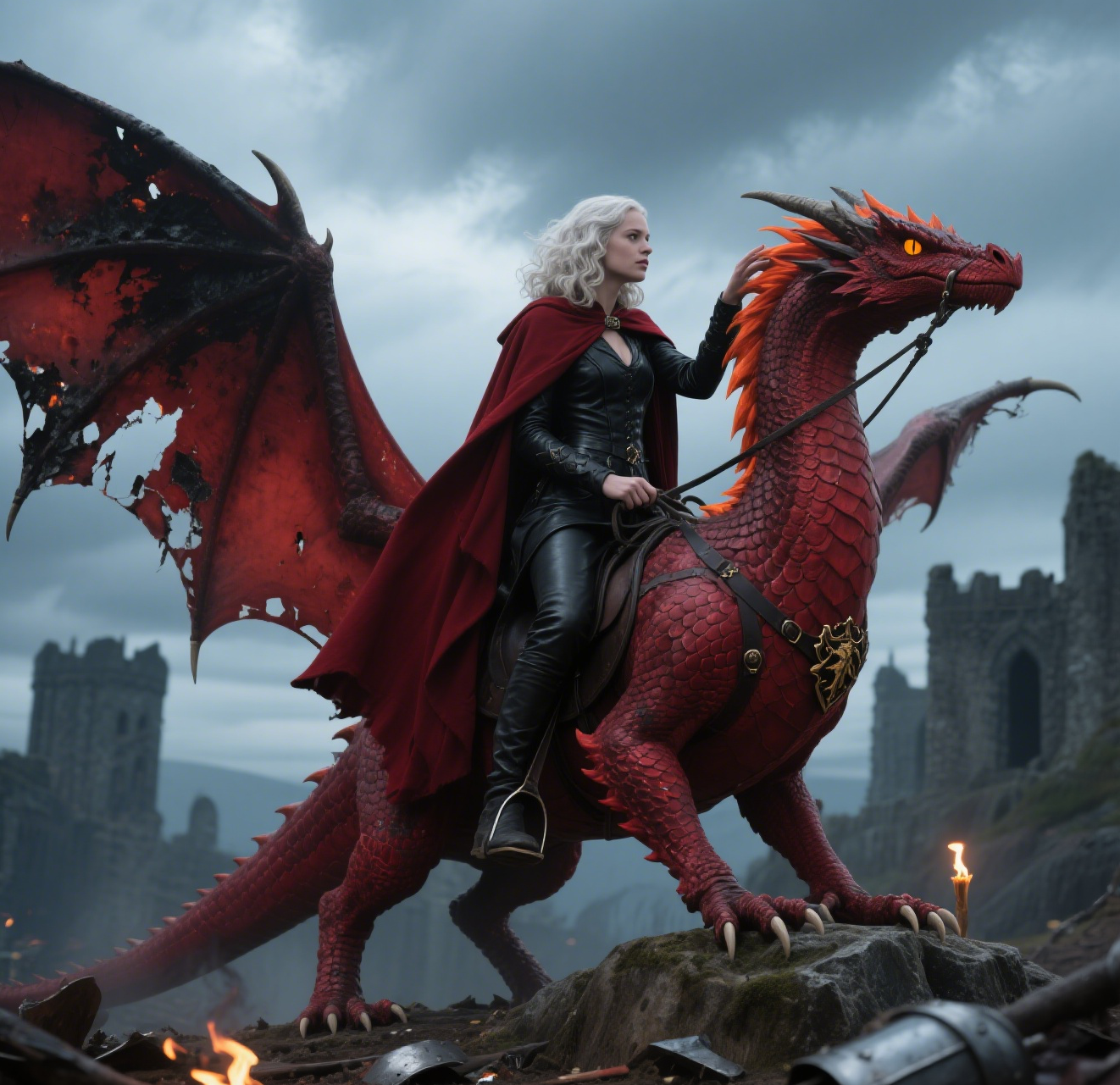
Transform your imagination into breathtaking dragon riding videos. Our AI tool lets you create custom dragon scenes with realistic effects. Experience effortless video creation and share epic content in minutes. Free to use with powerful editing features.
Try Now
AI Squid Game Video
AI Squid Game Video Effect offers a wide range of free AI video templates, enabling you to generate unique videos from text or images in one click. With its user-friendly interface and trending designs, it helps you produce engaging content quickly, saving time and boosting creativity.
Try Now
AI Demon Transform
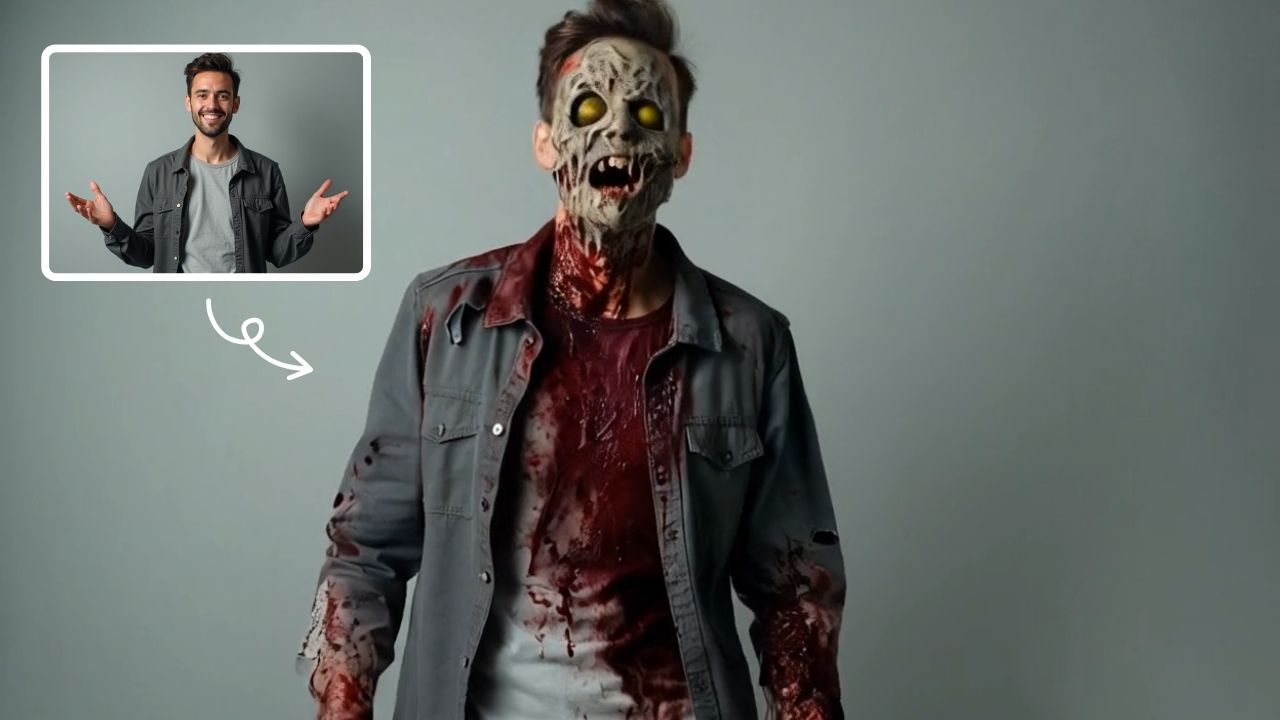
AI Demon Transform revolutionizes video creation with intuitive AI templates. Convert text or images into engaging videos in one click. Enjoy free access to trending styles, fast processing, and user-friendly tools. Boost your content with unique, high-quality results—perfect for creators and marketers seeking efficiency and innovation.
Try Now
Continue with Google