AI Zombie
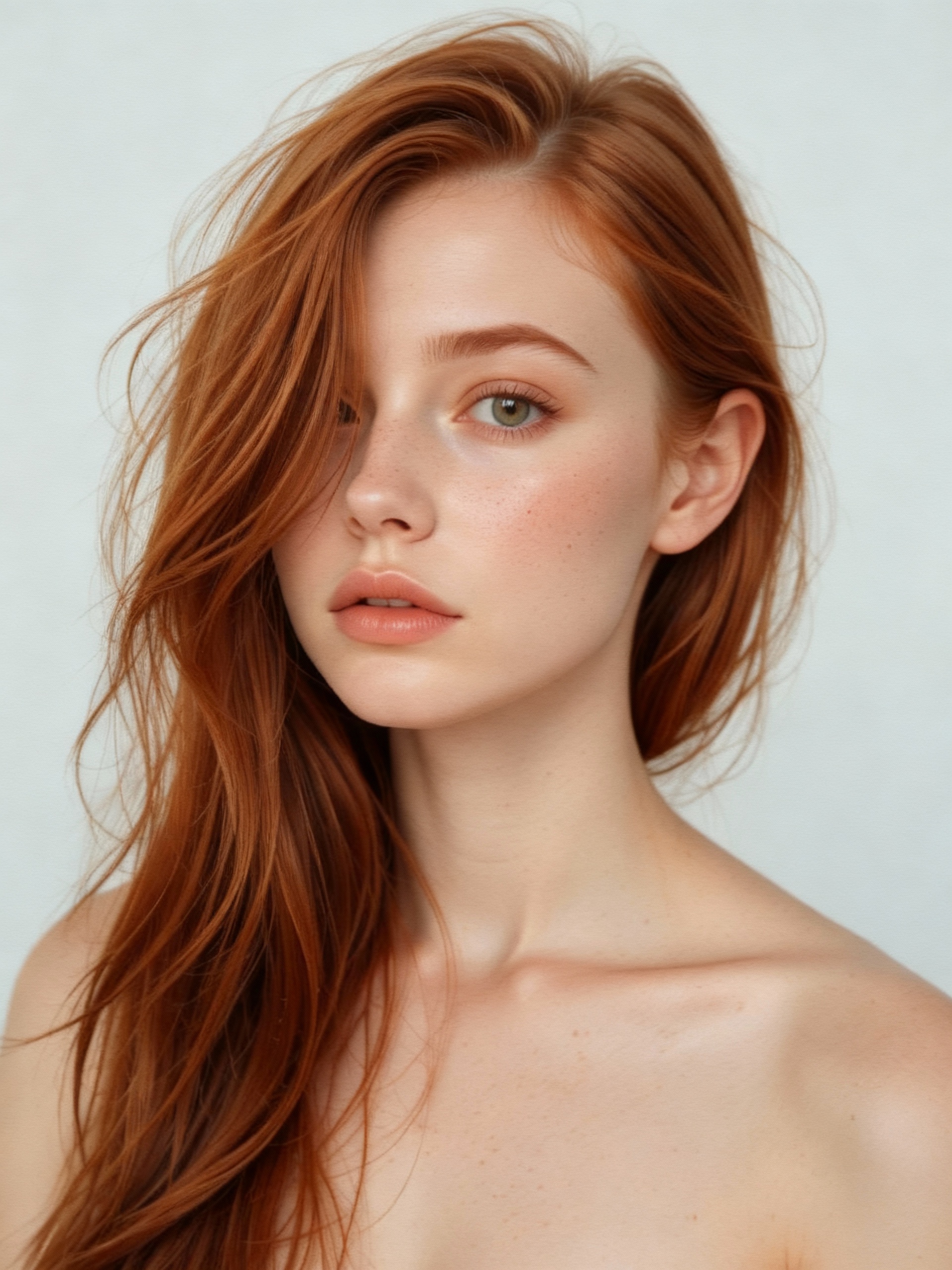
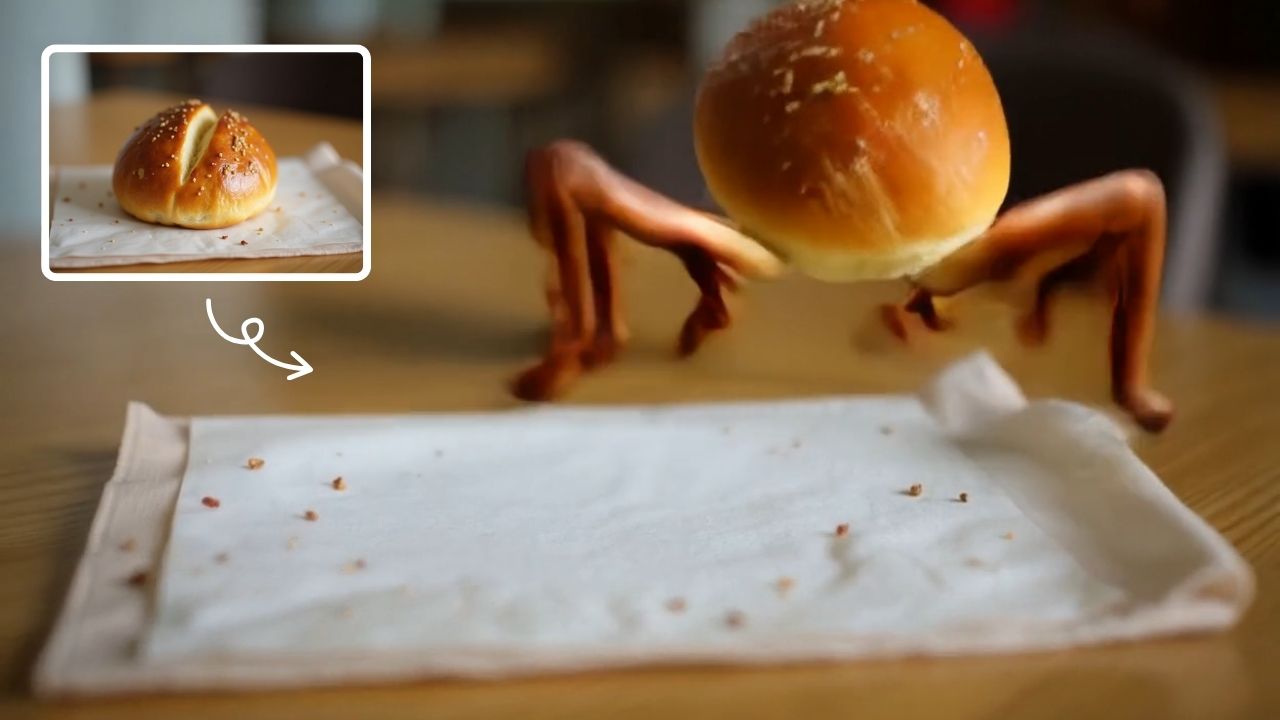
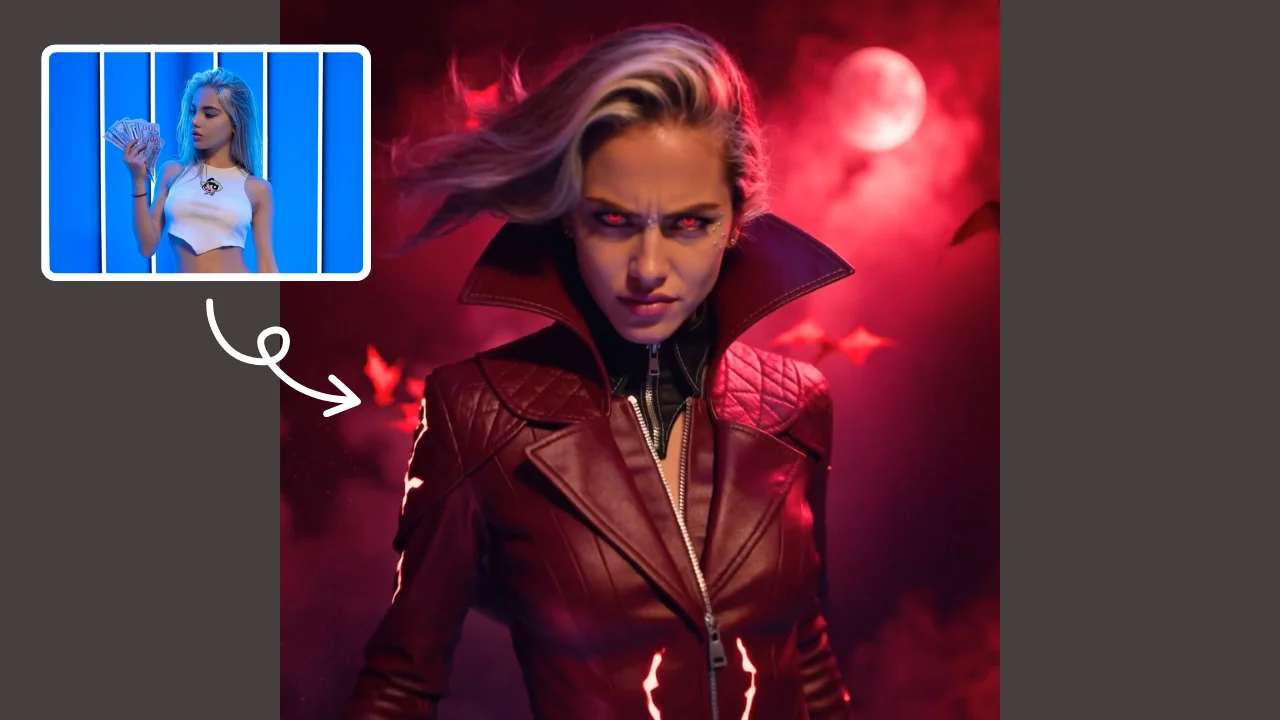
AI Zombie Transformation uses advanced AI to convert your photos into realistic zombie versions. Simply upload your image, and the tool generates a horrifying undead look with eerie details. It's fun, easy, and perfect for Halloween, parties, or sharing on social media to amaze friends. Try it now for a unique, chilling transformation!
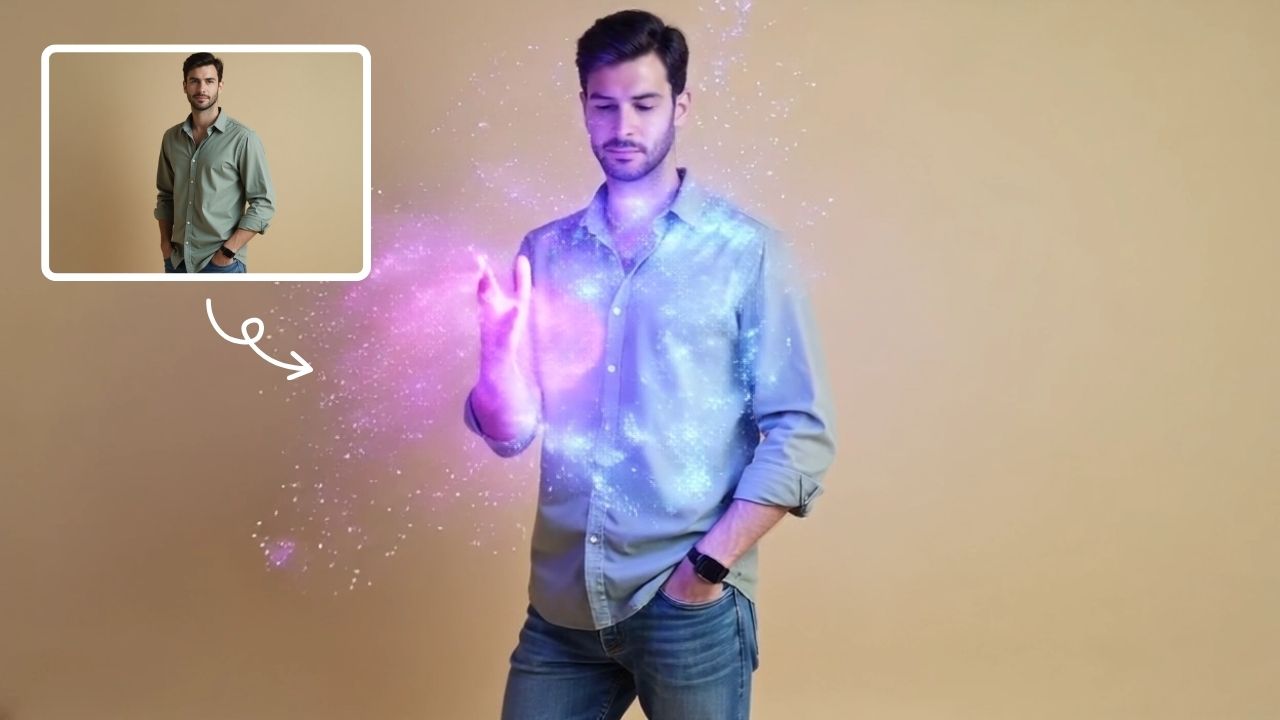
This is an example of what AI can create. Generate your own video now!
AI Zombie Transformation: Turn Into a Realistic Undead
Have you ever wondered what you'd look like as a character from a post-apocalyptic thriller or a classic horror film? With AI Zombie technology, that curiosity can become a shockingly realistic reality. This tool leverages advanced artificial intelligence to instantly convert standard portraits into terrifying undead versions, complete with ghoulish skin textures, hollow eyes, and eerie details.
What is an AI Zombie Generator and How Does It Work?
An AI Zombie generator is a specialized application of AI image and video synthesis. Unlike simple photo filters that overlay a basic effect, this tool analyzes the unique features of your uploaded portrait—your facial structure, expression, and lighting—and intelligently "zombifies" them. The process is often referred to as inpainting or style transfer, where the AI model, trained on thousands of images of undead creatures, reconstructs your likeness with rotting flesh, exposed sinew, and a haunting pallor. The result is a custom, high-definition transformation that looks eerily authentic, not just a cartoonish mask.
Key Features of the AI Zombie Transformation Tool
This browser-based platform is designed for both speed and quality, making it accessible for anyone to create shareable horror content. Its core strength lies in its advanced video generation models, which handle the complex rendering.
Advanced AI Video Models
The tool integrates cutting-edge AI models like Sora 2 and Veo 3.1 to process your images. Sora 2, known for its stylistic range, is excellent for generating a 10-15 second video clip of your undead self. For those wanting to create a scene with more dynamic movement, Veo 3.1 supports using 1-2 images to guide the generation, resulting in a more controlled and narrative-driven output. This process, often involving complex video prompts and scene creation, is handled seamlessly in the background.
Simple and Fast Process
The user workflow is straightforward:
- Upload: You simply upload a clear photo of yourself or a friend.
- Configure: You select your preferred AI model (Sora 2 or Veo 3.1) and choose an aspect ratio like the cinematic 16:9 or the social-media-friendly 9:16.
- Generate: With a single click, the online tool begins its work. The AI video generation and video rendering process is efficient, typically completing in one to three minutes.
- Download: Once the rendering is finished, you have a unique, horrifying video ready to share.
When to Use an AI Zombie Generator
This tool is perfect for a variety of social and creative scenarios where a touch of horror is the goal.
Perfect for Halloween and Costume Parties
Halloween is the peak season for all things spooky. Instead of spending hours on makeup and prosthetics, you can use an AI zombie tool to create a viral-worthy transformation. Generate a video of yourself as a walker from a zombie apocalypse and share it as your ultimate Halloween costume reveal. It’s a fun, modern twist on holiday traditions.
Create Unique Social Media Content
In a crowded digital landscape, standing out is key. An eerily realistic undead video is guaranteed to amaze friends and followers. Whether it's a quick 10-second clip for Instagram Reels or a longer narrative for TikTok, this tool provides a unique and chilling way to engage your audience. The process is far more efficient than attempting complex manual video editing or practical effects.
A Creative Tool for Storytellers
Beyond personal fun, this browser-based tool can be used by content creators and storytellers. Need a quick visual for a horror story pitch or a concept for a music video? You can generate a realistic undead character in minutes, experimenting with different "looks" by tweaking your input image or using the aspect ratio and duration settings to fit your project's needs.
Why Choose This Online Tool for Your Transformation?
Many apps claim to offer spooky effects, but this platform focuses on realism and quality. The use of state-of-the-art models like Sora 2 ensures that the final output has a gritty texture and authentic movement, avoiding the plastic look of lesser filters. The process is client-side processing for the upload, and the tool prioritizes secure handling of your images, ensuring your data privacy is respected. It's a fast, accurate, and trustworthy way to explore your darker side.
The tool solves the problem of creating high-quality, custom horror visuals without needing any artistic skill. Instead of spending hours learning complex software, you can convert a simple portrait into a masterpiece of macabre art. The output is accurate to your likeness, ensuring the transformation is both horrifying and personally identifiable.
Frequently Asked Questions
How long does it take to generate an AI Zombie video?
The entire process, from upload to final video, is designed to be fast. Most video rendering jobs complete within one to three minutes, depending on the current server load and the complexity of the AI model you choose, such as Veo 3.1 or Sora 2.
Is it safe to upload my photos to an AI Zombie tool?
Trustworthiness is a priority for reputable platforms. This online tool emphasizes client-side processing and secure handling of your images. Your photos are typically processed only for the duration of the generation and are not stored or used for any other purpose without your explicit consent, ensuring your privacy.
What kind of photos work best for the transformation?
For the most accurate and realistic undead look, use a clear, front-facing portrait where your face is well-lit and unobstructed. The AI needs to clearly analyze your facial features to effectively transform them. Photos with heavy filters, sunglasses, or extreme angles may not process as efficiently.
Can I use the AI Zombie videos for commercial projects?
The terms of service for AI-generated content can vary. Generally, content created for personal use and social media is encouraged. If you plan to use the AI zombie videos for commercial purposes, such as in advertising or a paid film project, it's best to review the specific licensing terms on the website to ensure compliance.
What's the difference between the Sora 2 and Veo 3.1 models?
Sora 2, developed by OpenAI, is excellent for generating stylized and diverse outputs, perfect for a standard 10-15 second transformation clip. Veo 3.1, from Google, is particularly powerful when you want more control over the scene, as it can take 1-2 images to better understand the motion and context, leading to a more dynamic and narrative-driven video. The choice depends on whether you want a quick style or a more directed scene.
In conclusion, whether you're gearing up for Halloween, looking for a viral social media post, or just curious to see your alter ego, an AI zombie generator offers a unique and thrilling experience. It’s a testament to how far AI video generation has come, putting professional-grade special effects directly into your hands. Try the transformation yourself and step into a world of realistic horror.
Start Creating AI Videos Instantly
Turn simple text prompts into engaging videos using our powerful AI video generator. No editing skills required — just describe your idea and let AI do the work.
Generate Your First AI VideoMore AI Video Tools
Explore more AI-powered video creation tools to expand your creativity
AI Muscle Generator
AI Muscle Generator lets you visualize muscle growth instantly by uploading a photo. It upgrades your physique digitally in minute, offering a fun, gym-free way to see potential results. Ideal for motivation or entertainment, it provides quick, impressive transformations without any workout.
Try Now
AI Smile Generator
The AI Smile Generator uses advanced artificial intelligence technology to automatically detect faces in photos and add realistic, radiant smiles. Simply upload an image to generate a smiling photo. Beautify portraits, revamp old photos, or share happy pictures online—no editing skills required. Fast, free, and fun, it's easy for anyone to use!
Try Now
AI Jesus Hug Effect
Upload any photo to instantly generate a beautiful video of Jesus embracing you. Our AI technology creates realistic, heartfelt moments for personal reflection or sharing. Experience comfort and inspiration through this unique spiritual tool.
Try Now
AI Fake Boyfriend
Fake Boyfriend Filter lets you generate a personalized AI boyfriend in videos. Simply upload your photo and detail your desired scenes—like hugging or kissing. The tool crafts realistic interactions for entertainment or content creation, offering unique, engaging experiences powered by advanced AI technology.
Try Now
AI Mermaid Transformation
AI Mermaid Transformation is a free tool that instantly turns your photos into enchanting mermaid videos. Experience magical underwater effects with easy photo uploads. Create captivating mermaid transformations effortlessly and share your unique aquatic fantasy!
Try Now
AI Melt Effect
AI Melt Effect uses advanced AI to instantly create mesmerizing melting effect videos from your images. Enjoy powerful features, fast processing, and a free platform. Turn ordinary photos into extraordinary art effortlessly.
Try Now
AI Laughing Face
AI Laughing Face uses advanced artificial intelligence to convert any facial expression into a natural, belly-laughing image. Simply upload a photo, and our tool instantly generates hilarious results perfect for social media sharing, jokes with friends, or brightening someone's day. No editing skills needed - get ready for pure laughter in minute!
Try Now
Hair Color Change
Hair Color Change by Supermaker AI lets you experiment with virtual hair colors instantly using AI video effects. Safely test limitless shades from natural to bold, see how they suit you in real-time, and share results. It's free, easy, and risk-free—perfect for style inspiration without real dye.
Try Now
Continue with Google