AI Hug
AI Hug is an AI-powered video generator that turns your photos into lifelike hugging videos. It's easy to use, requiring just a few clicks to create emotional content. Perfect for preserving memories, enhancing social media engagement, and professional branding, it saves time while delivering high-quality, shareable results.
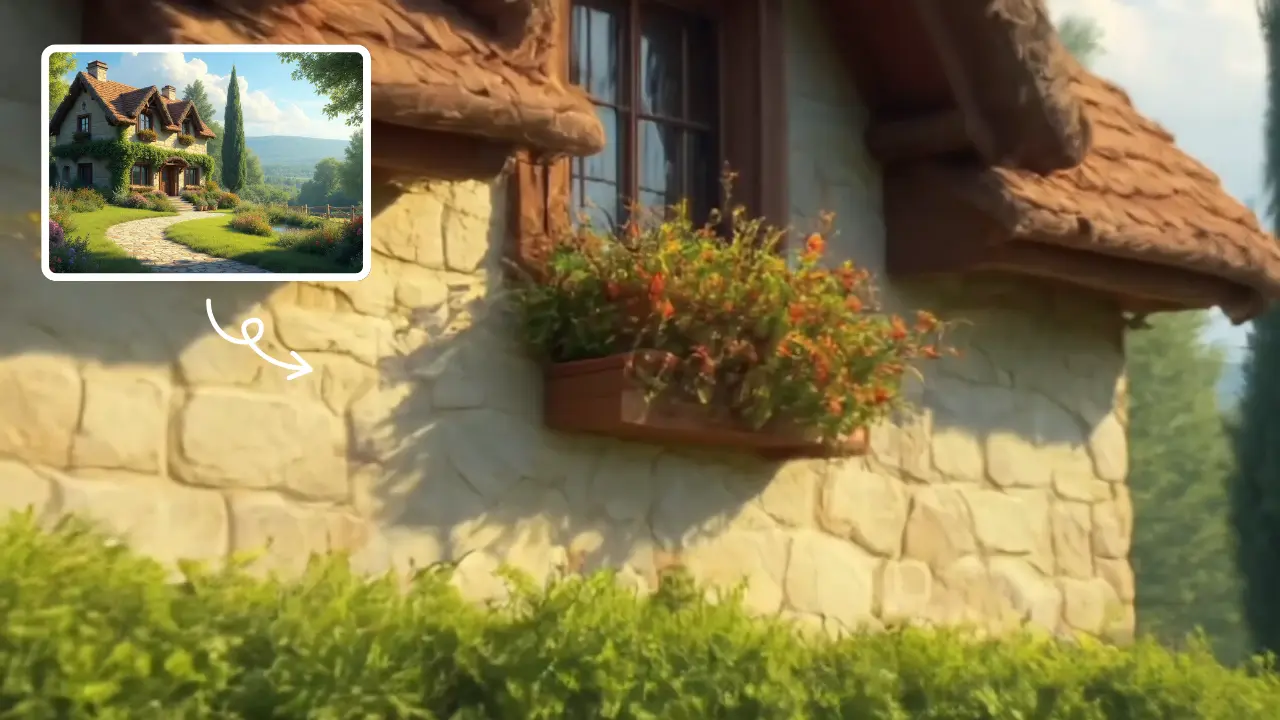
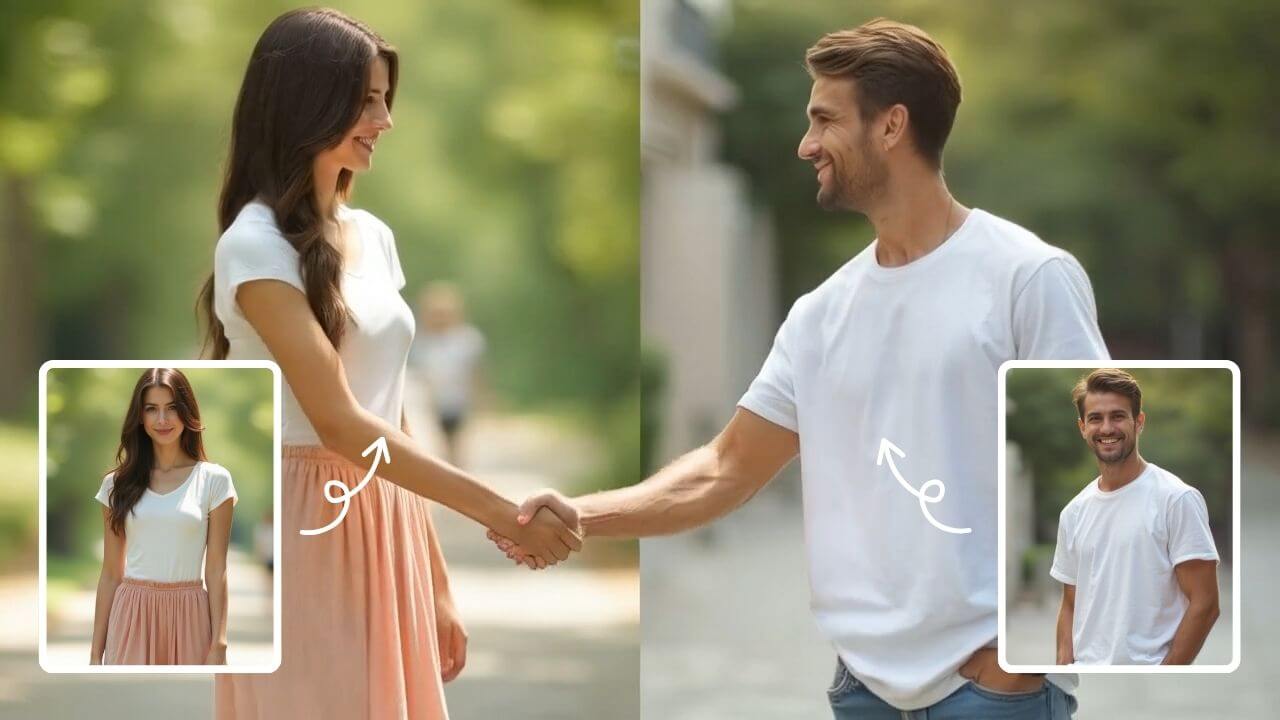
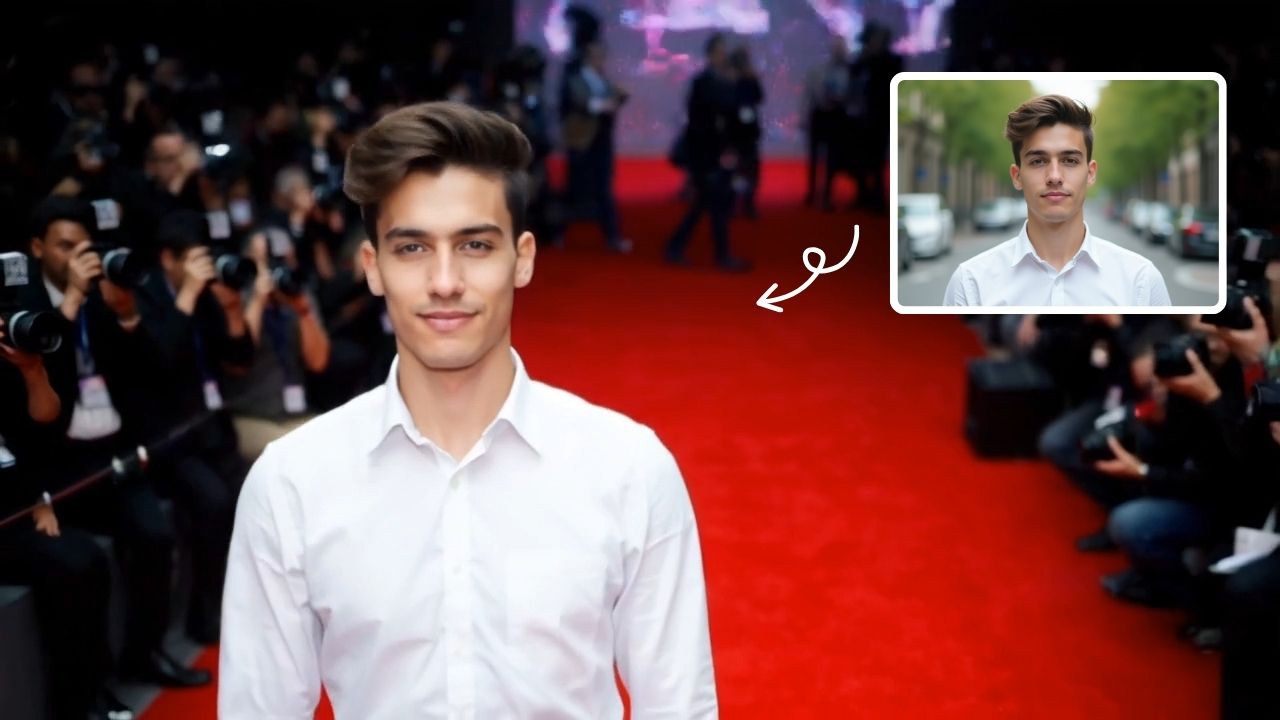
This is an example of what AI can create. Generate your own video now!
AI Hug: Create Heartwarming Hugging Videos
In a world where digital connections often feel distant, a new breed of online tool is emerging to bridge the emotional gap. AI Hug is a browser-based video generator that uses advanced artificial intelligence to transform static photographs into short, lifelike videos of people embracing. It is designed to convert simple images into heartwarming, shareable moments in just a few clicks.
What is an AI Hug Video Generator?
An AI Hug video generator is a specialized online tool that processes uploaded photos and animates them to simulate a hugging motion. Instead of requiring complex video editing software or animation skills, this tool leverages sophisticated machine learning models to understand the spatial relationship between subjects in a photo. It then renders a new video sequence where the two characters appear to move into a warm, natural embrace. The result is a seamless, emotional clip that brings still memories to life, perfect for social media or personal keepsakes. The entire process is fast, secure, and efficient, handling the heavy computational work on remote servers.
How the AI Hug Tool Works: From Photo to Video
The underlying technology might sound complex, but the user experience is remarkably straightforward. The AI Hug platform simplifies what was once a time-consuming manual process into three simple steps.
Step 1: Upload Your Image
You begin by uploading a clear photograph featuring two people. The tool is optimized for portraits where the subjects are relatively distinct. The browser-based interface supports common file formats, ensuring accessibility for all users.
Step 2: Configure Basic Prompts
To guide the scene creation, you provide a simple text prompt, such as "transform the image into a hug video. The two characters in the image are hugging." This tells the AI video generation model exactly what action to perform. You can also select your preferred aspect ratio—choosing between 16:9 for widescreen viewing or 9:16 for vertical platforms like TikTok and Instagram Reels. The default duration for each generated clip is 10 seconds, which is ideal for capturing the essence of the moment without losing viewer attention.
Step 3: Select an AI Model and Generate
Behind the scenes, you can choose the engine that powers the video rendering. Options typically include different AI models, each with its own strengths.
- Sora 2: OpenAI's advanced video generation model, known for its realistic motion and consistency, typically using 3 credits per generation.
- Veo 3.1: Google's powerful model (Veo 3.1) which excels at processing scenes with 1-2 images, often using 6 credits for more complex sequences. After making your selection, a single click on the Generate button sends your request to the cloud. The video generation time is impressively quick, usually completing within 1 to 3 minutes.
Top Reasons to Use an AI-Powered Hugging Video Creator
Why would someone choose to create an AI-generated hug rather than simply looking at a photo? The answer lies in the emotional depth and practical applications this technology unlocks.
Preserving Cherished Memories
A static image captures a moment, but a video captures a feeling. Using AI Hug allows you to reanimate precious memories. Imagine creating a short clip of loved ones embracing, adding a new layer of emotion to your digital photo albums. It’s a powerful way to feel closer to family and friends who may be far away.
Boosting Social Media Engagement
In the fast-paced world of social media, video content consistently outperforms static images. An AI-generated hugging video is a unique and eye-catching format that can significantly enhance engagement. Whether it's a heartwarming post for a birthday, an anniversary, or just a message of love, these clips are inherently shareable and stop users from scrolling past. The emotional resonance of a hug translates perfectly to the screen, encouraging likes, comments, and shares.
Enhancing Professional Branding and Content
For content creators, marketers, and brands, this tool offers a novel way to connect with an audience. It can be used to create compelling visual narratives in video ads, social media campaigns, or even music videos. The ability to generate custom, emotional content quickly saves valuable production time and resources, allowing for rapid iteration and a more human-centric approach to digital storytelling.
Practical Use Cases for AI-Generated Hugs
The versatility of this technology means it can be applied in numerous creative and personal scenarios.
- Personal Tributes: Create a touching video for a parent's anniversary or a friend's birthday, showing them embracing a loved one.
- Long-Distance Relationships: Send a unique and personal video message to a partner, visualizing the hug you wish you could give them right now.
- Creative Projects: Artists and designers can use AI-generated clips as elements in larger video installations or digital art pieces.
- Memory Books: Enhance digital photo books or memorial slideshows with short, animated clips that bring the subjects to life.
Experience, Privacy, and the Future of Emotional AI
Using AI Hug is an experience in efficiency and emotional resonance. The process is designed to be intuitive, requiring no technical expertise. The focus remains on the creative outcome, not the complex video processing happening in the background. The platform prioritizes user trust by ensuring that data handling during upload and processing is secure, giving you peace of mind as you experiment with this technology.
This tool represents a significant step in making emotional, high-quality video content accessible to everyone. By automating the difficult task of video rendering and scene creation, it empowers individuals and professionals alike to communicate with more depth and feeling. Ultimately, AI Hug is more than just a video generator; it's a new medium for expressing one of humanity's most fundamental and powerful gestures.
Frequently Asked Questions
What exactly is an AI Hug?
An AI Hug is a short, AI-generated video created from a static photograph. Using advanced machine learning models, the tool analyzes the people in your image and animates them to perform a realistic hugging motion, effectively turning a photo into a living memory.
How long does it take to generate a video with this tool?
The video generation process is very fast. Once you upload your image, select your settings, and click generate, the AI model typically processes and renders your video in approximately 1 to 3 minutes.
Do I need any video editing skills to use an AI Hug generator?
No, absolutely not. The tool is designed for everyone. The process is completely automated and browser-based. You only need to provide an image and a simple text prompt, and the AI handles the rest, from video rendering to final output.
Is the AI Hug tool safe and private to use?
Reputable online tools prioritize user data security. The AI Hug platform processes your images securely to generate the video. While specific policies may vary, the goal is to ensure your files are handled with confidentiality and are not misused, providing a trustworthy experience.
What kind of images work best for creating an AI Hug?
For the best results, use a clear, well-lit photograph where the two subjects are facing each other or are side-by-side, with their faces and upper bodies clearly visible. The AI model needs to accurately identify the individuals to create a coherent and lifelike hugging animation.
Can I use the AI-generated videos for my business?
Yes, the high-quality, shareable results are perfect for professional branding and marketing. You can use them to create engaging social media content, unique video ads, or any other commercial project where an emotional, human touch can enhance your brand's message.
What are the available aspect ratios for the generated video?
The tool offers flexibility for different platforms. You can typically choose between a 16:9 aspect ratio, which is standard for widescreen viewing on platforms like YouTube, and a 9:16 aspect ratio, which is optimized for vertical viewing on mobile-centric platforms like TikTok, Instagram Reels, and YouTube Shorts.
Which AI model should I choose, Sora 2 or Veo 3.1?
The choice depends on your needs. Sora 2 is excellent for general use, providing high-quality, realistic motion. Veo 3.1 is particularly adept at handling scenes with one or two characters and may offer more complex interactions, though it may use more credits. Experimenting with both on similar images can help you decide which style you prefer.
Start Creating AI Videos Instantly
Turn simple text prompts into engaging videos using our powerful AI video generator. No editing skills required — just describe your idea and let AI do the work.
Generate Your First AI VideoMore AI Video Tools
Explore more AI-powered video creation tools to expand your creativity
AI Bikini
Our AI Bikini Generator lets you instantly create personalized beachwear designs. Simply input your preferences, and watch AI craft unique bikini styles tailored to you. Enjoy hassle-free customization, save time, and discover your perfect look without any cost or sign-up. Ideal for fashion lovers seeking quick, innovative solutions for summer outfits!
Try Now
AI Batman
AI Batman Transformation lets you convert any photo into an epic Batman video effortlessly. Using cutting-edge AI, it overlays dynamic costumes and effects, making you the star of your own superhero story. Enjoy quick, high-quality results with no editing required—ideal for fun social media posts or personal entertainment.
Try Now
AI Curly Hair
AI Curly Hair allows you to add beautiful, natural-looking curls to any photo instantly. Powered by advanced AI, it offers multiple curly styles to match your preferences, helping you preview and choose the perfect hairstyle without commitment. Experience quick, realistic results and boost your confidence with a fresh, curly appearance.
Try Now
AI Tim Burton Style
Tim Burton Style offers AI video templates to effortlessly convert images and text into captivating videos. Its one-click functionality saves time while providing diverse styles for creative projects. Enjoy easy customization and high-quality results, making professional videos accessible to all.
Try NowAI Pixel Video Generator
AI Pixel Video Generator instantly converts your images into smooth, expressive pixel art videos. Enjoy easy customization, realistic motion, and seamless sharing—boost your content with unique retro visuals effortlessly.
Try Now
AI Dragon Riding Video Generation
Transform your imagination into breathtaking dragon riding videos. Our AI tool lets you create custom dragon scenes with realistic effects. Experience effortless video creation and share epic content in minutes. Free to use with powerful editing features.
Try Now
AI Fake Girlfriend
The AI Fake Girlfriend Filter lets you design and generate custom AI girlfriend videos effortlessly. Highlight your ideal scenarios, enjoy creative freedom, and share engaging content. Perfect for fun, unique digital experiences with easy-to-use features.
Try Now
AI Explode Effect
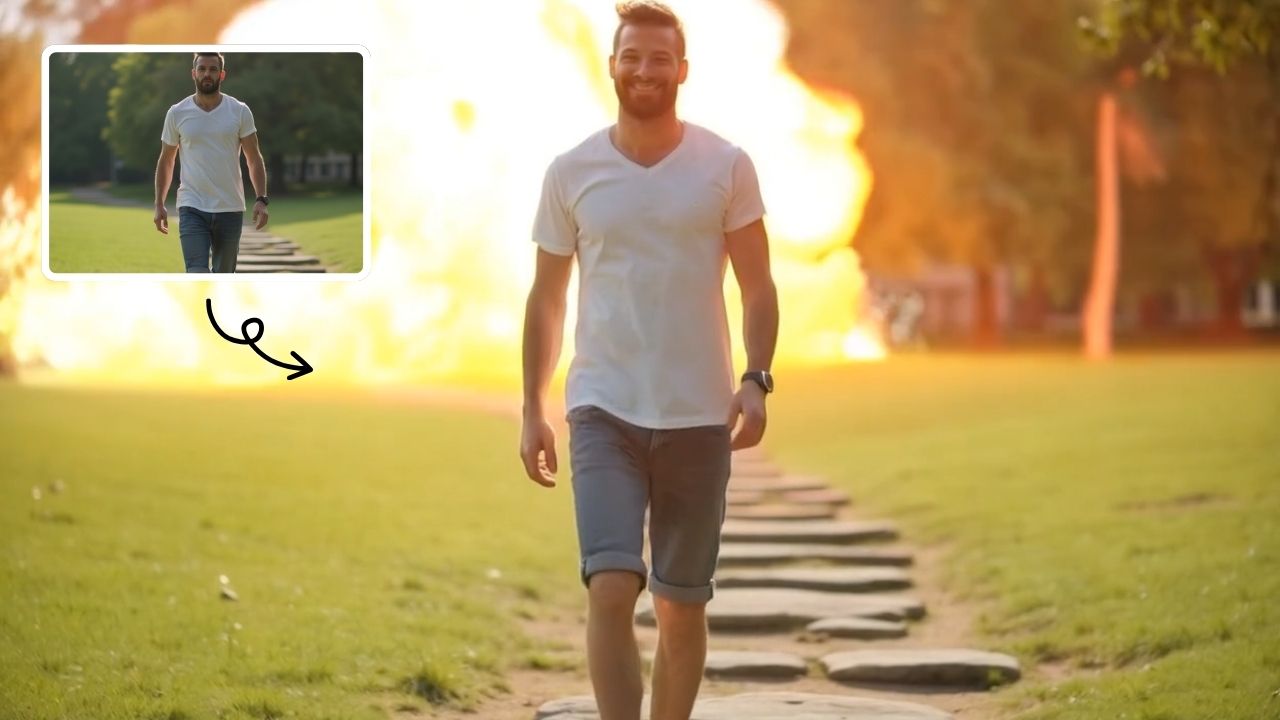
AI Explode Effect uses advanced AI to convert your photos into dynamic explosion artwork. Simply upload an image to generate vibrant energy bursts, emphasizing creativity and visual impact. Perfect for social media, digital art, or personal projects, it offers quick, stunning results with no design skills needed. Unleash your creativity and turn ordinary moments into explosive art!
Try Now
Continue with Google