AI Inflate
AI Inflate Effect lets you inflate objects in any image effortlessly. Simply upload your photo, and our AI instantly transforms items into fun, inflated versions. Perfect for creative projects, social media, or just having fun—experience quick, realistic results that make your visuals pop.
This is an example of what AI can create. Generate your own video now!
Why Choose This AI Video Tool?
Advanced AI Models
Powered by cutting-edge AI including Sora, Kling, VEO for superior video quality.
Easy to Use
No technical skills needed. Simply describe your vision and let AI create magic.
Custom Styles
Choose from multiple art styles and aspect ratios to match your creative vision.
Fast Processing
Generate high-quality videos in minutes with our optimized AI pipeline.
AI Inflate Effect: Instantly Inflate Any Object in Photos
Have you ever looked at a photo and wondered what it would look like if that car, that piece of fruit, or even your pet puffed up like a balloon? That playful, surreal transformation is now effortlessly possible with the AI Inflate effect. This innovative online tool uses advanced artificial intelligence to instantly bloat, swell, and enlarge specific objects within your images, creating a fun and visually striking result in seconds.
What is the AI Inflate Tool?
The AI Inflate tool is a browser-based application that leverages computer vision and generative AI to manipulate the scale and shape of objects in a photograph. Unlike complex photo editing software that requires hours of manual work with liquefy or warp tools, this solution automates the entire process. You simply upload a picture, and the AI identifies the objects you want to transform. With a single click, it applies a realistic inflation effect, making your chosen subject appear comically or dramatically enlarged, as if filled with air. It’s designed for speed, ease of use, and delivering share-worthy results for social media, creative projects, or just a moment of digital fun.
How Does the AI Inflate Effect Work?
The magic happens behind the scenes through a sophisticated process of AI video generation and image analysis. When you use an AI Inflate tool, you're not just applying a simple filter. Here’s a breakdown of the typical workflow:
-
Image Analysis and Scene Understanding: First, the AI model analyzes your uploaded image to understand the scene. It identifies distinct objects, their boundaries, and their relation to the background. This is a crucial step for ensuring the effect is applied to the correct subject and integrates realistically.
-
Object Selection and Processing: Most tools, including this one, are designed to intelligently select the primary subject. However, advanced versions might allow for more specific selections. The AI then isolates this object from its background.
-
Generative Inflation: This is the core of the AI Inflate effect. The AI doesn't just stretch the pixels; it generates new visual information to simulate the object expanding. It understands the texture, lighting, and shadows of the original item and realistically renders how it would look if it were inflated. This ensures the final result maintains the object's original characteristics—a leather sofa will still look like leather, and a shiny apple will retain its gloss—just in a much puffier form.
-
Video Rendering and The transformation is rendered, and the process is typically very fast, completing in around 1 to 3 minutes. The final output is a short video clip (often 10 seconds) showing the object smoothly inflating, which you can then download and share.
When Should You Use This Object Inflation Tool?
The applications for an AI Inflate tool extend far beyond simple amusement. Its versatility makes it a valuable asset for various users and scenarios.
For Social Media Content Creators
In the fast-paced world of social media, unique and eye-catching content is king. The AI Inflate effect is a goldmine for creators looking to produce engaging posts for TikTok, Instagram Reels, or YouTube Shorts. Imagine creating a short, looping video of a car inflating to the beat of a song, or a series of everyday objects puffing up in a satisfying sequence. This effect is inherently shareable and can help boost engagement and followers.
For Digital Artists and Hobbyists
Digital artists can use this tool to quickly prototype ideas or add a surreal element to their projects. Need a bizarre version of a cityscape where buildings are inflating? Or a character design with a comically oversized, balloon-like backpack? The AI Inflate effect provides a quick and efficient way to achieve this look without spending hours on manual digital painting or 3D modeling. It's an excellent tool for brainstorming and creating unique visual metaphors.
For Fun and Personal Projects
Of course, the primary audience is anyone looking to have fun with their photos. It’s the perfect way to create a hilarious birthday card, a funny meme, or a silly edit of a pet photo to share with friends and family. The instant, realistic results provide a quick dopamine hit and a new way to interact with your personal photo library.
Key Features and Advantages of the AI Inflate Platform
Using a dedicated online tool for this effect offers significant advantages over traditional methods.
- Unmatched Speed and Efficiency: What takes hours in professional software is accomplished in minutes. You generate the final video with a single click after upload. The processing time is minimal, getting you from idea to shareable content almost instantly.
- Browser-Based Convenience: As an online tool, it runs directly in your browser. There is no software to download, no expensive hardware requirements, and no compatibility issues. You can create this effect on any device, from a high-end PC to a Chromebook or even a tablet.
- Professional and Realistic Results: The AI Inflate effect is not a simple, fake-looking filter. Because it's powered by sophisticated AI video generation models, it understands lighting and texture, producing results that are surprisingly believable for such a fantastical concept. This high level of polish is what makes the content so effective.
- User-Friendly Experience: The interface is designed to be intuitive for everyone. There are no complex sliders, masks, or layer controls. It’s a simple upload-and-convert process that anyone can navigate, regardless of their technical skill level.
The Technical Edge: From Image to Animated Effect
The underlying technology is what truly sets this tool apart. It utilizes cutting-edge AI models, similar to those used for advanced video prompts and scene creation. When you upload an image, the system doesn't just see a flat picture; it interprets it as a three-dimensional space with depth and material properties. It performs a kind of client-side processing (preparing your file) before sending it to powerful servers for the heavy lifting of video rendering. This combination of smart pre-processing and powerful cloud computing ensures that the AI Inflate effect is both fast and accurate, producing high-quality, shareable content every time. It's a perfect example of how complex AI technology is being packaged into simple, accessible tools that put creative power directly into the user's hands.
Frequently Asked Questions
What exactly is the AI Inflate effect?
The AI Inflate effect is a digital transformation applied to photos using artificial intelligence. It automatically identifies an object in your image and realistically enlarges it, making it appear swollen or puffed up like a balloon, while preserving the object's original textures and lighting. The result is typically a short, seamless video of the object inflating.
How do I use the AI Inflate tool?
Using the tool is very simple. First, go to the website. Then, upload your chosen photo. The AI will automatically detect the main object. Finally, click the "Generate" button and wait a minute or two for the video to be processed. You can then download your video featuring the AI Inflate effect.
Can I control which object gets inflated in a photo with multiple subjects?
The tool is primarily designed to identify and inflate the primary subject of the photo automatically. For complex images with multiple prominent objects, the AI will typically focus on the central or most visually distinct item. Future updates may include features for more precise selection, but currently, the magic lies in its seamless, automated AI Inflate process.
Is my data safe when I upload images to an online inflate tool?
Reputable online tools prioritize user privacy and data security. Typically, uploaded images are processed temporarily on secure servers and are automatically deleted after a short period, often within a few hours, to ensure your data isn't stored permanently. It's always a good practice to review the platform's privacy policy for details on their data handling and security measures, which builds trustworthiness.
How long does it take to create an inflate effect video?
The entire process is designed to be quick. After you upload your image, the video rendering and scene creation usually takes between 1 to 3 minutes to complete, depending on the server load and the complexity of your image. This makes it an efficient tool for rapid content creation.
What kind of photos work best for the AI Inflate effect?
Photos with a clear, well-lit subject that is distinct from the background tend to work best. The AI performs optimally when it can easily identify the object's boundaries. Images with a single, central object—like a person, a car, or an animal—are ideal candidates for the AI Inflate effect.
Do I need any video editing skills to use this tool?
None at all. This tool is built for everyone, from professional creators to casual users. The AI Inflate tool completely automates the process, removing the need for any technical expertise in video editing or graphic design. You just provide the photo, and the AI does the rest.
Can I use the AI Inflate effect for commercial projects?
Yes, you can use the videos you create for various projects, including social media content, marketing materials, and other creative endeavors. It's a versatile tool that empowers both personal fun and professional content creation, allowing you to transform your ideas into reality.
Start Creating AI Videos Instantly
Turn simple text prompts into engaging videos using our powerful AI video generator. No editing skills required — just describe your idea and let AI do the work.
Generate Your First AI VideoMore AI Video Tools
Explore more AI-powered video creation tools to expand your creativity
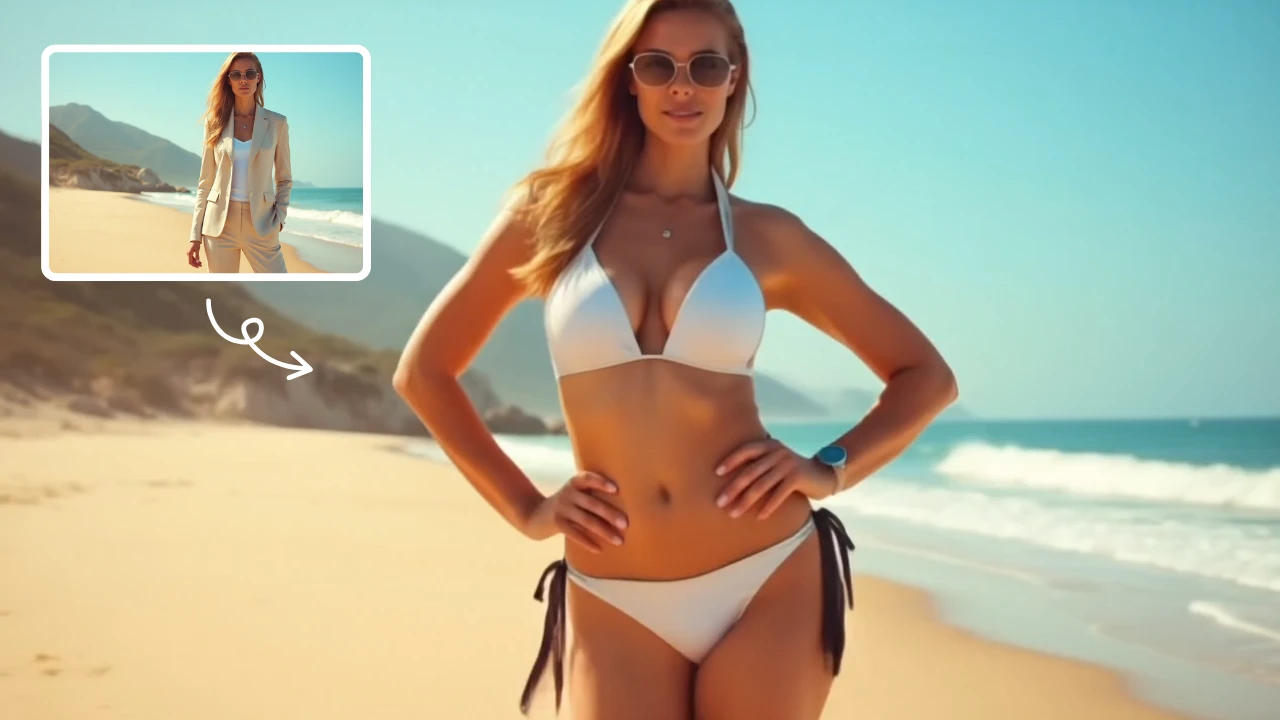
AI Bikini
Our AI Bikini Generator lets you instantly create personalized beachwear designs. Simply input your preferences, and watch AI craft unique bikini styles tailored to you. Enjoy hassle-free customization, save time, and discover your perfect look without any cost or sign-up. Ideal for fashion lovers seeking quick, innovative solutions for summer outfits!
Try Now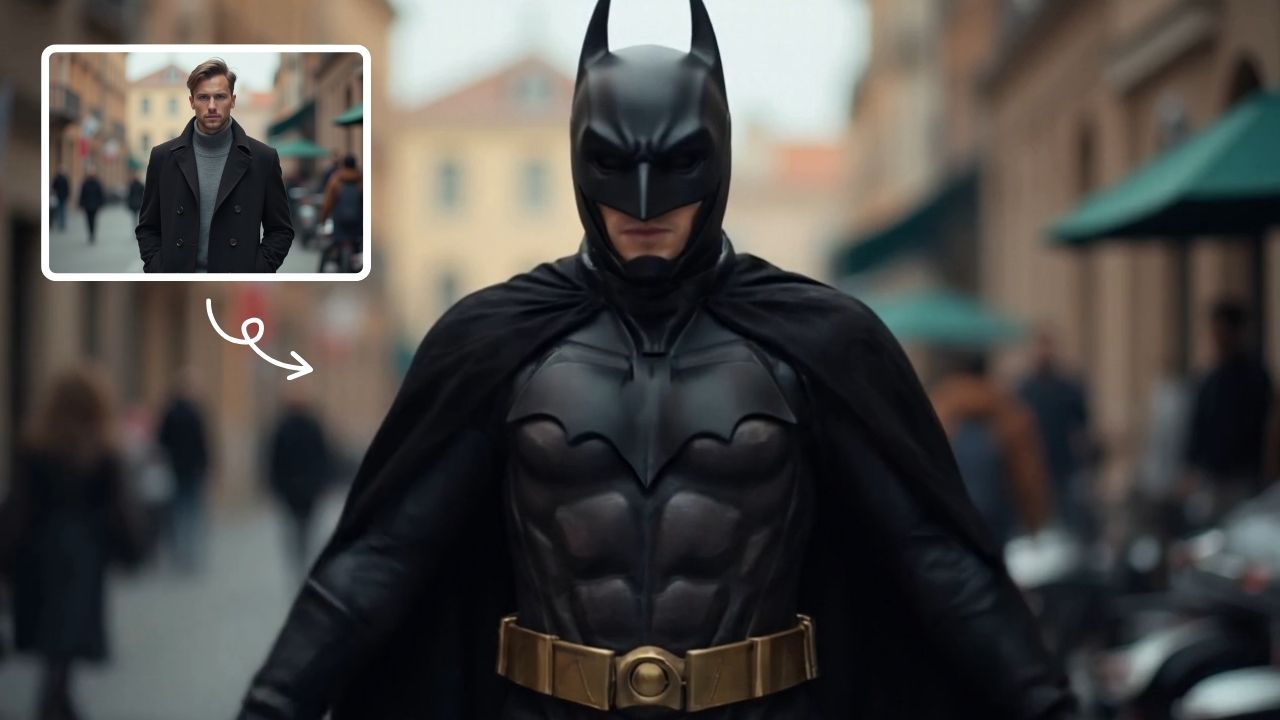
AI Batman
AI Batman Transformation lets you convert any photo into an epic Batman video effortlessly. Using cutting-edge AI, it overlays dynamic costumes and effects, making you the star of your own superhero story. Enjoy quick, high-quality results with no editing required—ideal for fun social media posts or personal entertainment.
Try Now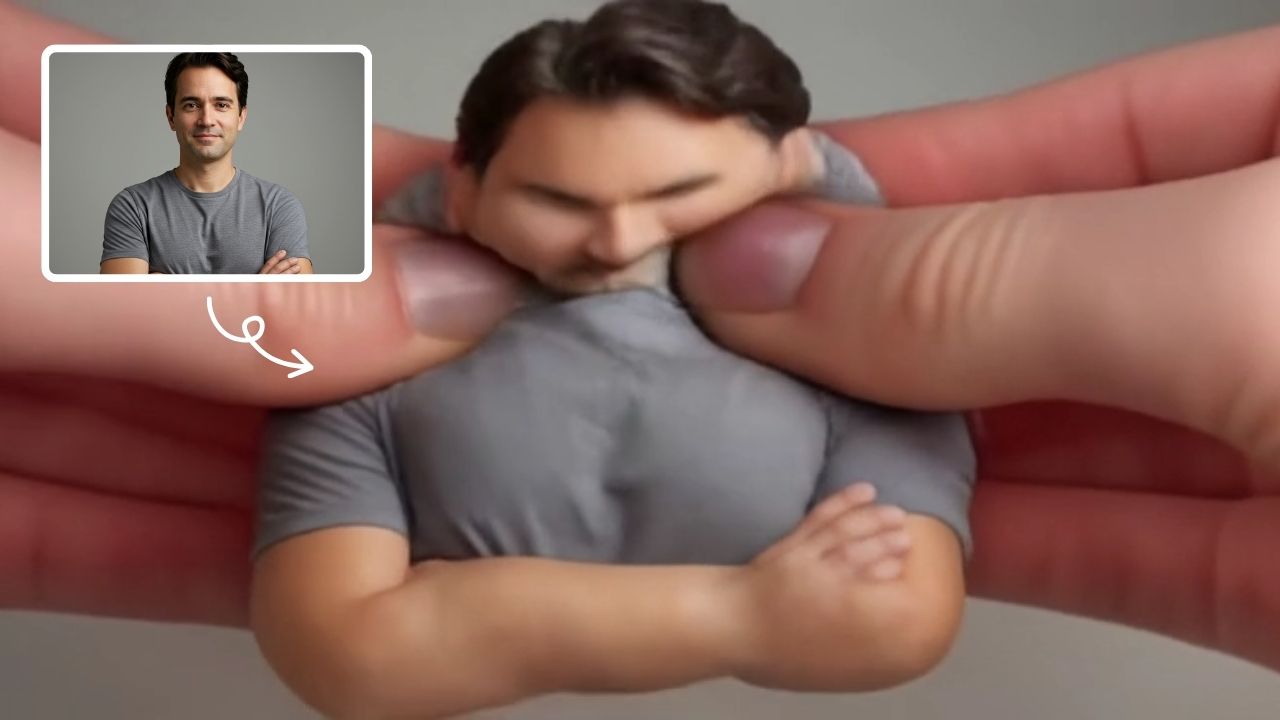
AI Squish Effect
Transform any image into a lively, bouncing masterpiece with AI Squish Effect by Remaker. This free online tool instantly applies dynamic squish effects, making photos fun and engaging. No downloads needed – just upload, generate, and share hilarious videos effortlessly. Perfect for social media, memes, and creative projects, it offers quick, user-friendly entertainment for everyone.
Try Now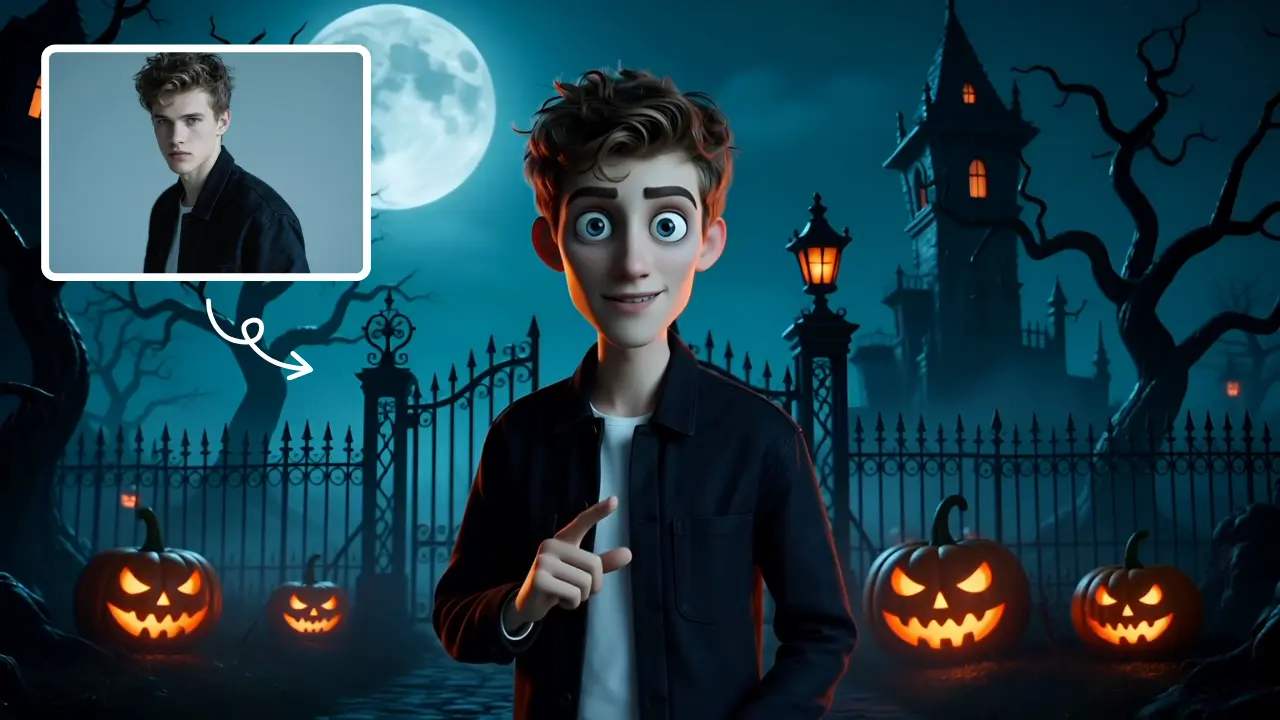
AI Tim Burton Style
Tim Burton Style offers AI video templates to effortlessly convert images and text into captivating videos. Its one-click functionality saves time while providing diverse styles for creative projects. Enjoy easy customization and high-quality results, making professional videos accessible to all.
Try Now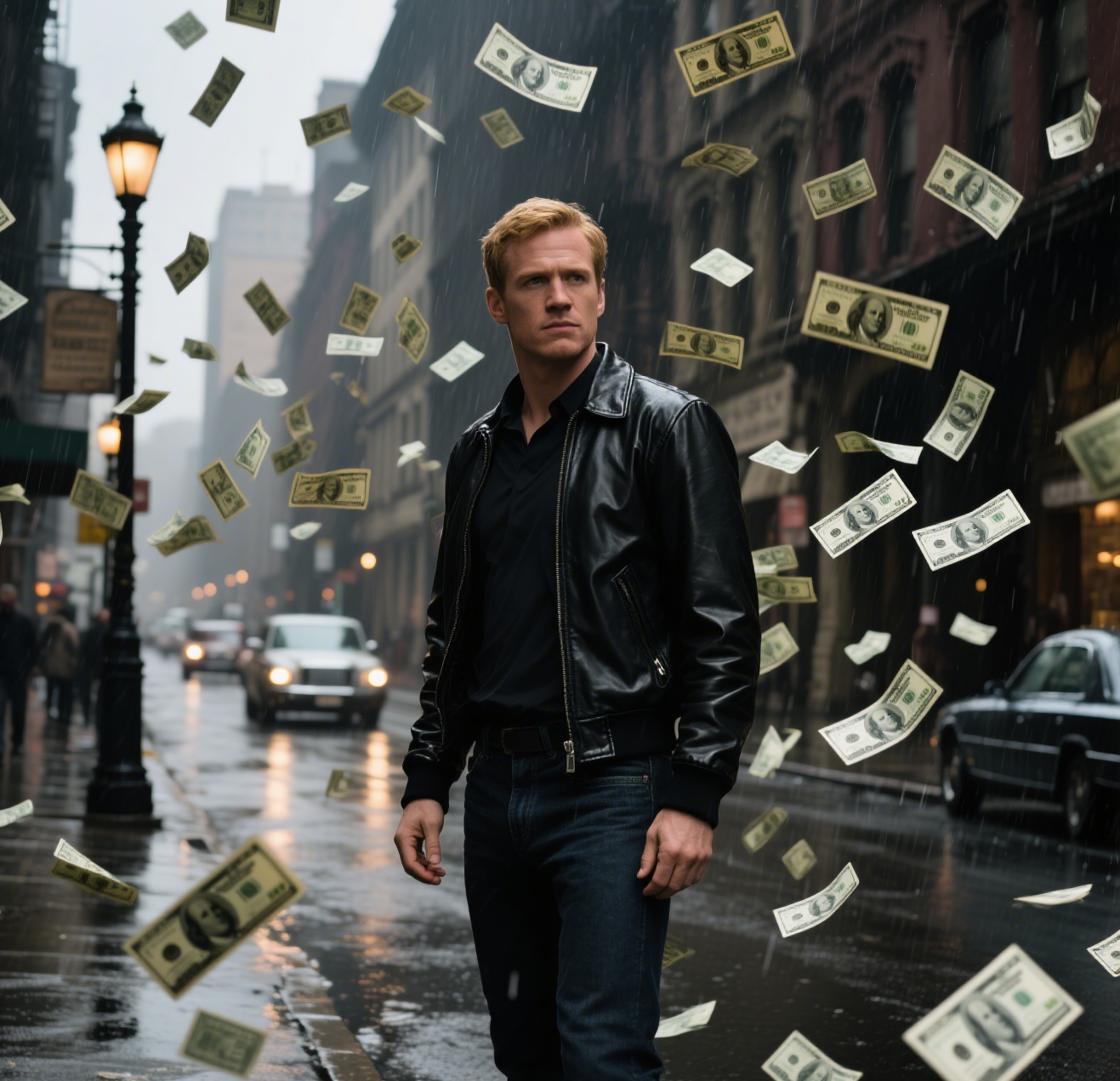
AI Money Rain
Money Rain by Supermaker AI lets you generate captivating money falling videos from your portrait at no cost. Highlight your unique style with lavish, shareable content that emphasizes prosperity and fun, boosting engagement effortlessly.
Try Now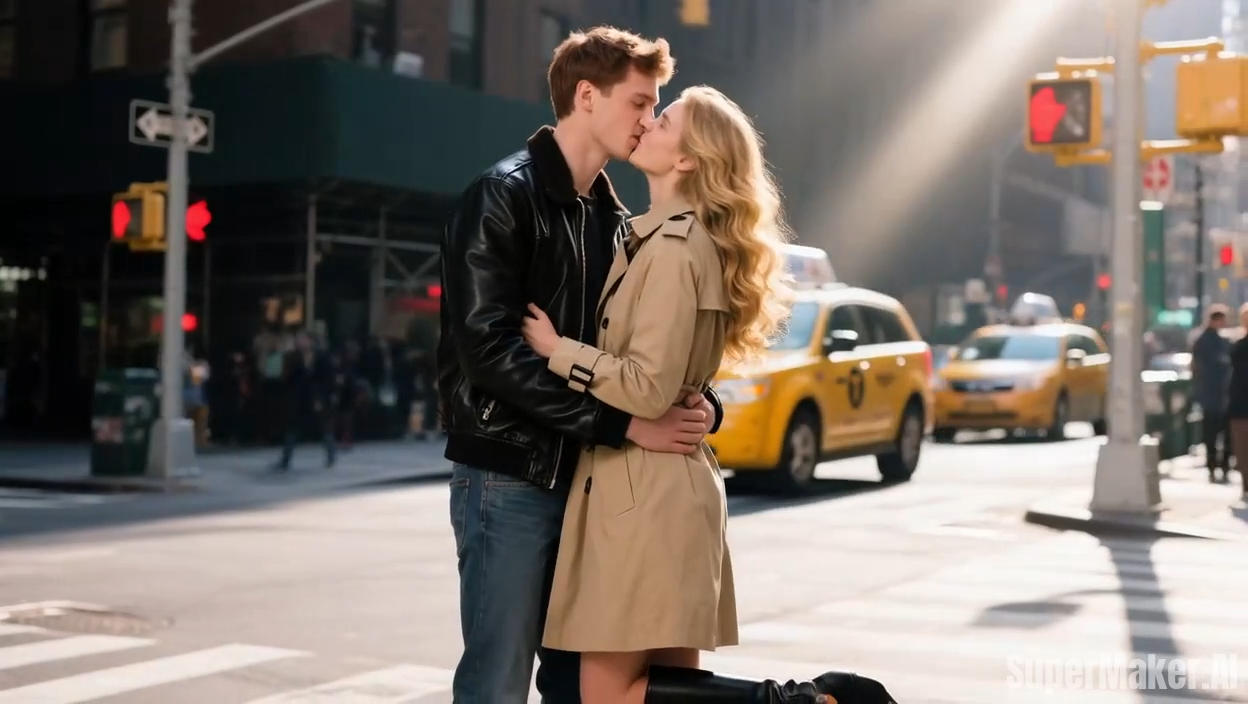
AI French Kiss Video Generator
The AI French Kiss Video Generator by Supermaker AI lets you produce high-quality romantic videos effortlessly. Using advanced AI, it simulates realistic kissing scenes, saving time and enhancing creativity for filmmakers and content creators. Enjoy user-friendly controls and instant results to elevate your romantic storytelling.
Try Now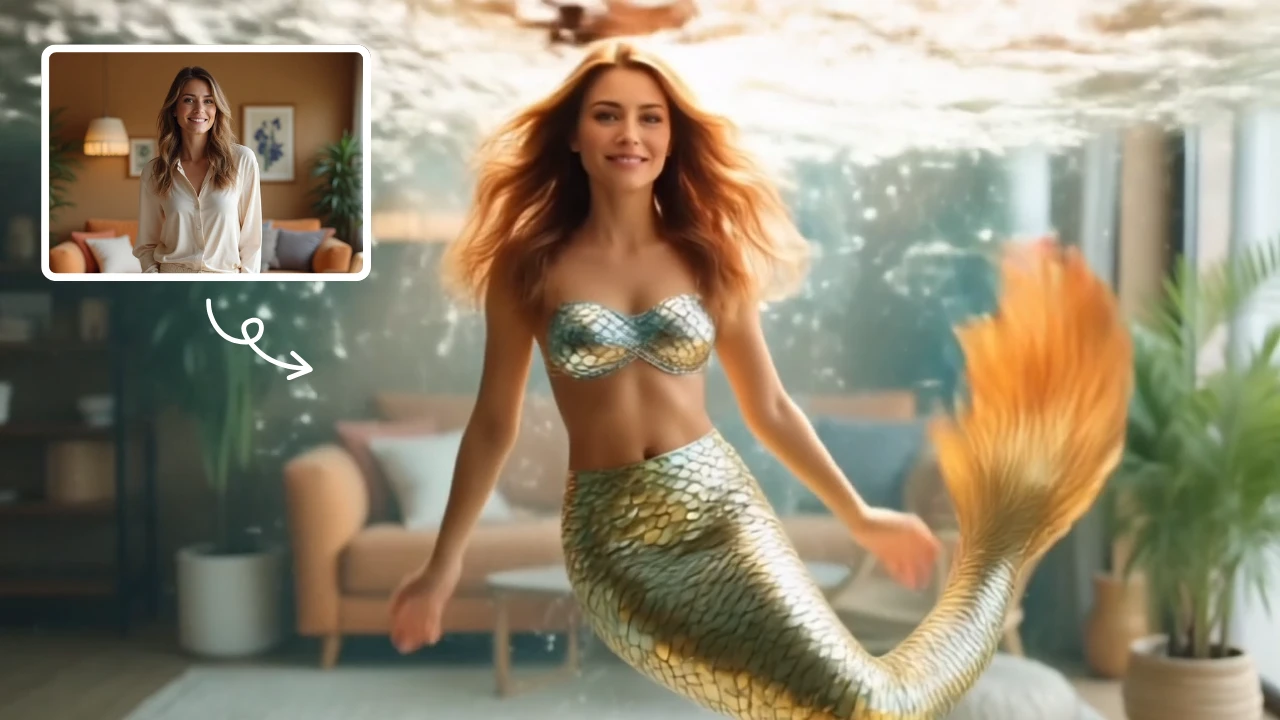
AI Mermaid Transformation
AI Mermaid Transformation is a free tool that instantly turns your photos into enchanting mermaid videos. Experience magical underwater effects with easy photo uploads. Create captivating mermaid transformations effortlessly and share your unique aquatic fantasy!
Try Now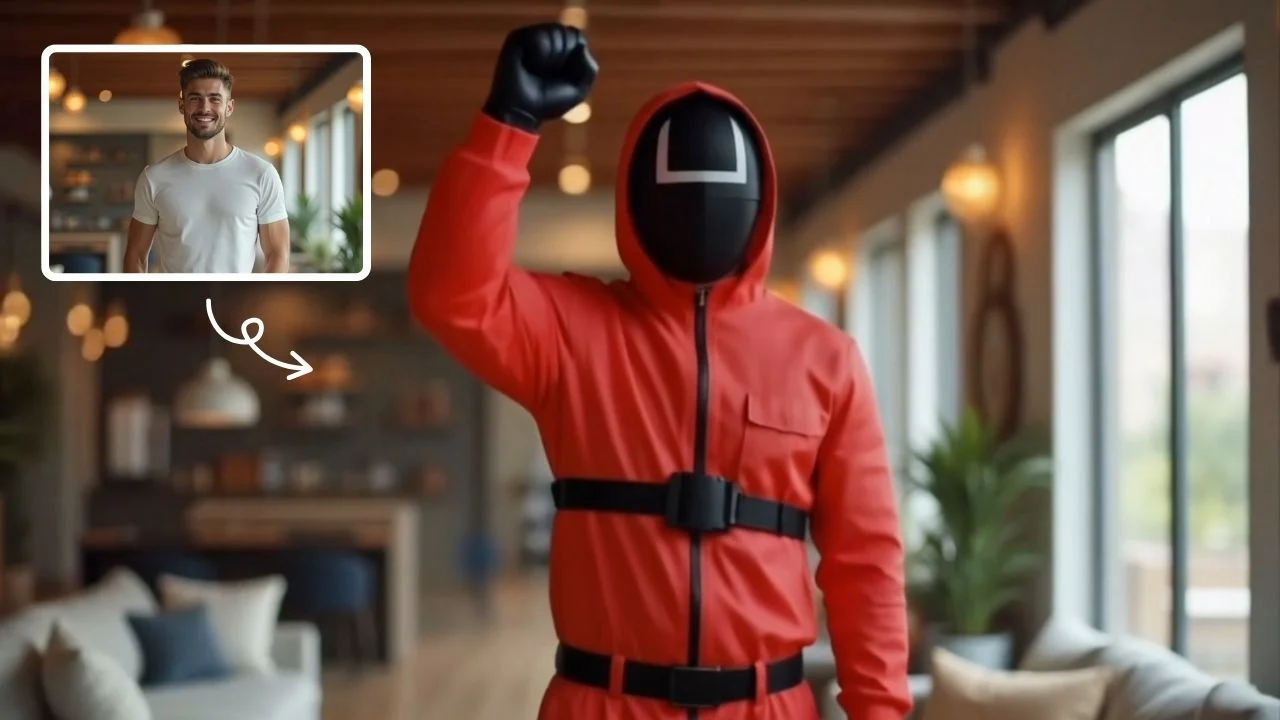
AI Squid Game Video
AI Squid Game Video Effect offers a wide range of free AI video templates, enabling you to generate unique videos from text or images in one click. With its user-friendly interface and trending designs, it helps you produce engaging content quickly, saving time and boosting creativity.
Try Now Continue with Google