AI Batman
AI Batman Transformation lets you convert any photo into an epic Batman video effortlessly. Using cutting-edge AI, it overlays dynamic costumes and effects, making you the star of your own superhero story. Enjoy quick, high-quality results with no editing required—ideal for fun social media posts or personal entertainment.
This is an example of what AI can create. Generate your own video now!
Why Choose This AI Video Tool?
Advanced AI Models
Powered by cutting-edge AI including Sora, Kling, VEO for superior video quality.
Easy to Use
No technical skills needed. Simply describe your vision and let AI create magic.
Custom Styles
Choose from multiple art styles and aspect ratios to match your creative vision.
Fast Processing
Generate high-quality videos in minutes with our optimized AI pipeline.
AI Batman: Transform into a Superhero Instantly Online
Have you ever wondered what you’d look like as Gotham’s legendary protector? AI Batman is an innovative online tool that uses advanced artificial intelligence to transform your ordinary photos into an epic superhero video. Simply upload an image, and the system automatically generates a 10-second clip, placing you in a dynamic Bat-suit with a flowing cape, all set against a moody, cinematic backdrop. It’s a fast, browser-based way to create high-quality, personalized content without any video editing skills.
What Is AI Batman and How Does It Work?
At its core, AI Batman is a specialized style & effects application designed for instant video generation. Unlike complex software that requires hours of manual work, this tool automates the entire creative process. You don’t need to understand video prompts or rendering settings; the AI handles everything behind the scenes.
When you upload a photo, the system analyzes the subject and applies a pre-defined transformation effect. It overlays a high-tech Batsuit, complete with a cowl and a cape that moves naturally in the wind. The entire scene is rendered in a dark, atmospheric style that captures the essence of the Dark Knight. The process takes roughly one to three minutes, delivering a ready-to-share video. This client-side processing ensures a secure and efficient experience, as your images are handled with care during the conversion.
The Technology Behind the Transformation
The magic is powered by cutting-edge AI video generation models. The tool offers a choice between two powerful engines:
- Sora 2: Developed by OpenAI, this model excels at creating detailed, coherent scenes from visual inputs. It’s a great all-rounder for generating the classic Batman aesthetic with consistent character representation.
- Veo 3.1: Created by Google, this model supports one to two images, allowing for even more nuanced transformations. It’s particularly adept at integrating a subject seamlessly into a completely new environment.
You can select the model that best suits your desired outcome. Both are designed to be fast and accurate, ensuring that the generated video maintains a high level of detail and realism, from the texture of the suit to the dramatic lighting.
Why Use an AI Batman Video Generator?
This tool solves a simple but powerful problem: the desire to see yourself in a new, exciting light. Creating a professional-looking superhero video manually would require expertise in 3D modeling, special effects, and video compositing. For most people, that’s simply not feasible. This tool democratizes that creative power, making it accessible to anyone with a photo and an internet connection.
Common Use Cases for Your Superhero Video
People use this tool for a variety of fun and engaging reasons. Its versatility makes it perfect for different scenarios:
- Social Media Content: Stand out on platforms like Instagram, TikTok, or Facebook with a unique, eye-catching video. It’s an ideal way to create a memorable profile video or a fun post for your followers.
- Personal Entertainment: It’s a fantastic way to have fun with friends and family. Transform photos from a costume party or just a regular day to see who makes the most convincing Caped Crusader.
- Gifts and Surprises: Create a personalized video for a friend who loves superheroes. It’s a unique, thoughtful, and completely original digital gift that shows you put in extra effort.
- Creative Exploration: For content creators, it’s a quick way to generate B-roll or visual elements for larger projects, without the need for extensive rendering farms or complex software.
How to Create Your Own Video: A Simple Workflow
The user experience is built around simplicity. The goal is to generate a result with minimal clicks, making the process enjoyable and efficient.
- Upload Your Photo: Start by selecting a clear photo of the person you want to transform. The tool works best with a single, centered subject.
- Choose Your Model: Decide whether you want to use Sora 2 or Veo 3.1 for the generation. This selection influences the final style and detail of your video. Each generation costs a certain number of credits, clearly displayed in the interface.
- Select Your Format: Pick your preferred aspect ratio. You can choose between 16:9, which is perfect for widescreen viewing on platforms like YouTube, or 9:16, the vertical format ideal for TikTok, Instagram Reels, and Stories.
- Generate and Download: Click the generate button. The video rendering will begin, and you’ll have your finished clip in one to three minutes. Once complete, you can download it directly to your device and share it anywhere you like.
Key Features and Benefits
The tool’s design focuses on delivering high-quality results while removing all technical barriers. Here are its standout features:
- Effortless Transformation: You don't need to write complex video prompts. The entire scene is pre-set, ensuring a consistent and professional outcome every time. The AI seamlessly converts your photo into the star of a superhero narrative.
- High-Quality Despite the speed, the results are impressive. The dynamic costumes, flowing cape, and atmospheric effects are rendered accurately, creating a believable and cinematic short film.
- Complete Privacy: Because the processing is efficient and focused, you can trust that your uploaded images are part of a secure transaction. The focus is on generating your video and providing you with the final product.
- Unlimited Fun: There's no limit to how many times you can experiment. Try different photos, different models, and see the varied results. The process is fast enough to encourage playful exploration.
Frequently Asked Questions
What exactly is the AI Batman tool?
It's an online video generator that uses artificial intelligence to place a subject from a photo into a custom Batman-themed video. It automatically adds a Batsuit, cape, and a dark, cinematic atmosphere, turning a simple image into a 10-second superhero clip.
Is my uploaded photo safe and private?
Yes, the tool is designed with user privacy in mind. The processing is handled securely, and your images are used solely to generate your requested video. The focus on client-side and efficient processing helps ensure your data is treated with care.
How long does it take to generate a video?
The entire process is very fast. After you upload your photo and click generate, the AI video generation typically takes between one and three minutes to complete. You'll have your video ready to download shortly.
What are the differences between Sora 2 and Veo 3.1?
Both are powerful AI models for video generation. Sora 2 is excellent for creating coherent and visually rich scenes from a single image. Veo 3.1 supports up to two images, which can lead to even more accurate integration of the subject into the new scene. You can try both to see which style you prefer.
Can I use the AI Batman video on social media?
Absolutely. The tool is ideal for creating content for social media. You can choose a 9:16 aspect ratio for Stories and Reels or a 16:9 ratio for standard posts. The videos are designed to be engaging and shareable.
Do I need any video editing experience to use it?
None at all. The entire point of the tool is to remove the need for technical skills. You don't have to write prompts, edit timelines, or apply effects manually. Just upload, choose your options, and let the AI handle the transformation.
What kind of photos work best for the transformation?
Photos with a single, clearly visible person work best. The AI needs to identify the subject to accurately place the costume and effects. A well-lit photo from the chest up is an excellent starting point for the most epic results.
Why can't I customize the video scene myself?
The tool is designed for simplicity and speed, offering a specific, high-quality transformation. By pre-setting the scene, it guarantees a professional, cinematic result every time without the complexity of manual adjustments. It's about getting a fantastic superhero video with zero effort.
In a world where creating personalized content can often be complex and time-consuming, AI Batman stands out as a beacon of simplicity and fun. It perfectly captures the spirit of creative play, allowing anyone to step into the shoes—and the cape—of one of the most iconic characters of all time. Whether for social media, a gift, or just personal amusement, this tool delivers a unique and engaging experience with remarkable speed and quality. So why just imagine being a superhero when you can see it for yourself?
Start Creating AI Videos Instantly
Turn simple text prompts into engaging videos using our powerful AI video generator. No editing skills required — just describe your idea and let AI do the work.
Generate Your First AI VideoMore AI Video Tools
Explore more AI-powered video creation tools to expand your creativity
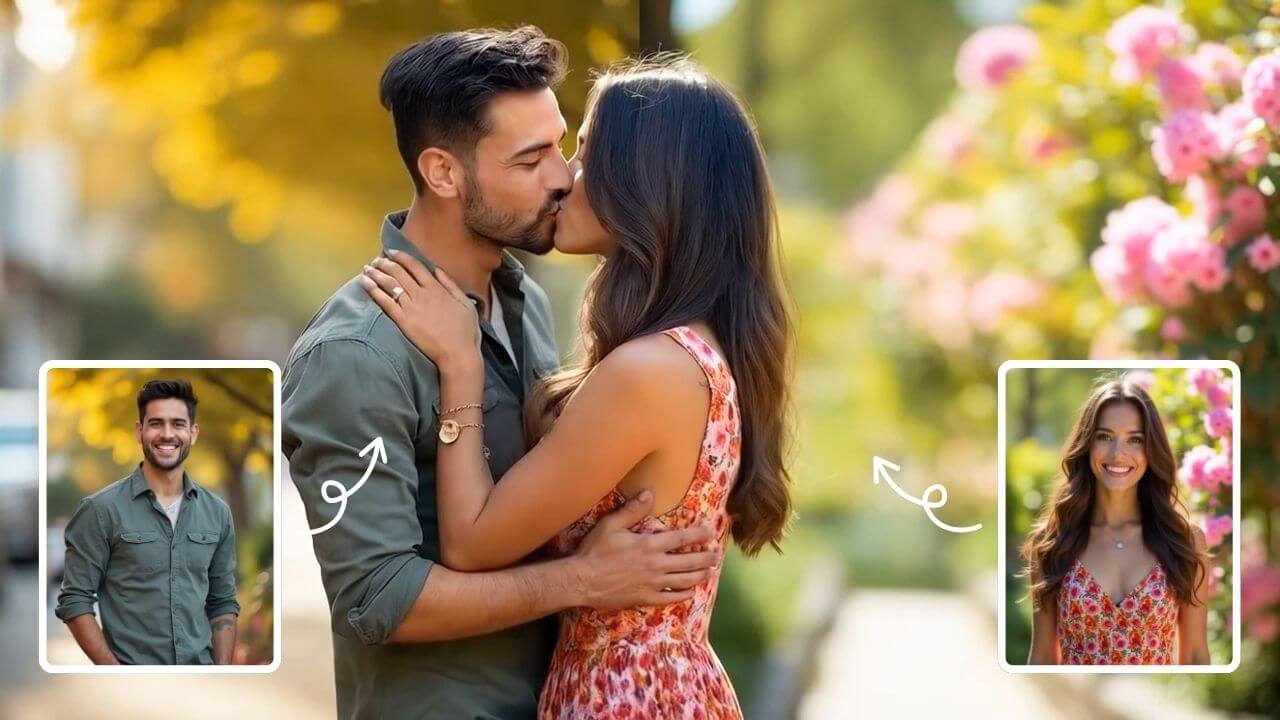
AI Kissing Generator
AI Kissing lets you create stunning AI-generated kiss videos effortlessly. With cutting-edge technology, produce realistic and emotional clips for sharing or entertainment. Enjoy seamless creation, high-quality results, and a unique way to express romance digitally.
Try Now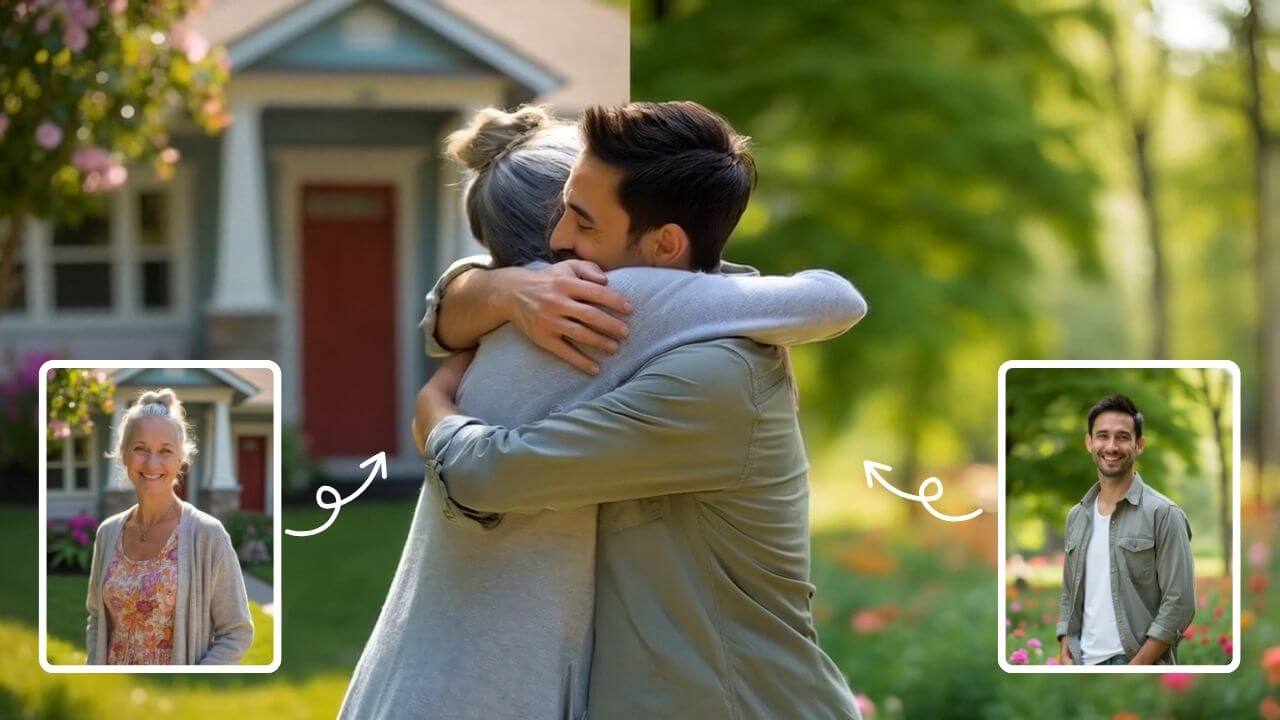
AI Hug
AI Hug is an AI-powered video generator that turns your photos into lifelike hugging videos. It's easy to use, requiring just a few clicks to create emotional content. Perfect for preserving memories, enhancing social media engagement, and professional branding, it saves time while delivering high-quality, shareable results.
Try Now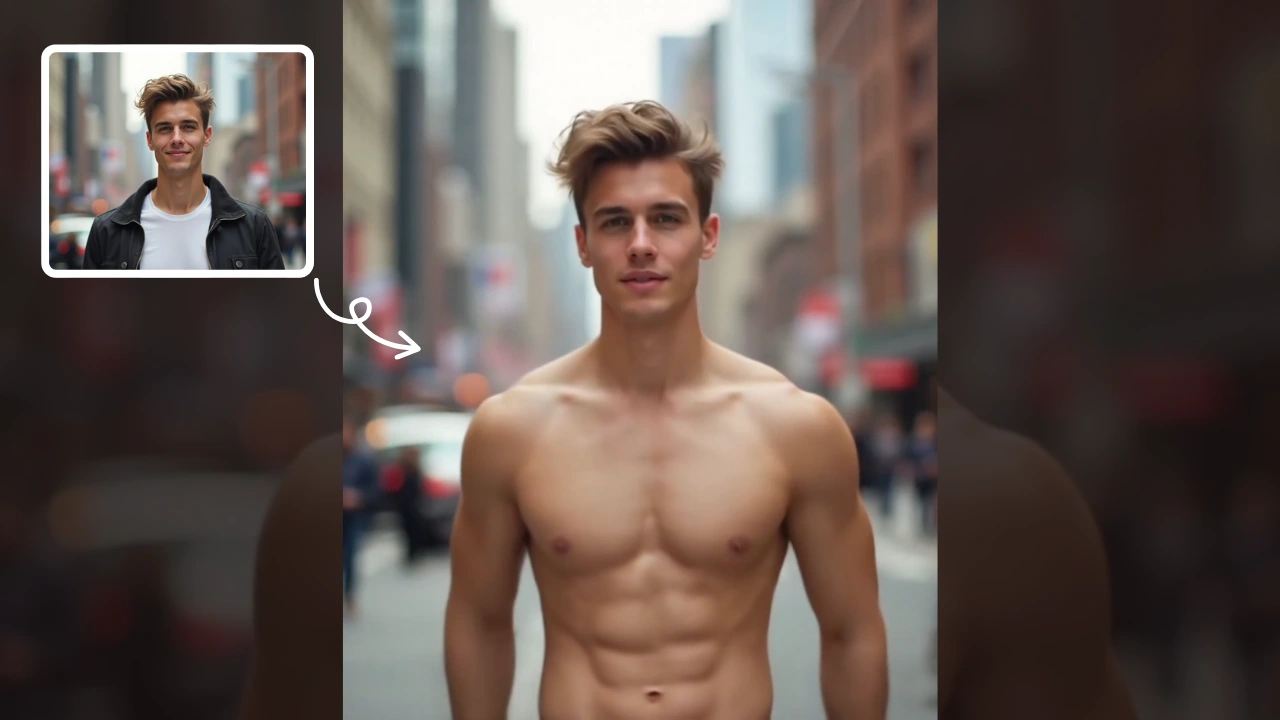
AI Muscle Generator
AI Muscle Generator lets you visualize muscle growth instantly by uploading a photo. It upgrades your physique digitally in minute, offering a fun, gym-free way to see potential results. Ideal for motivation or entertainment, it provides quick, impressive transformations without any workout.
Try Now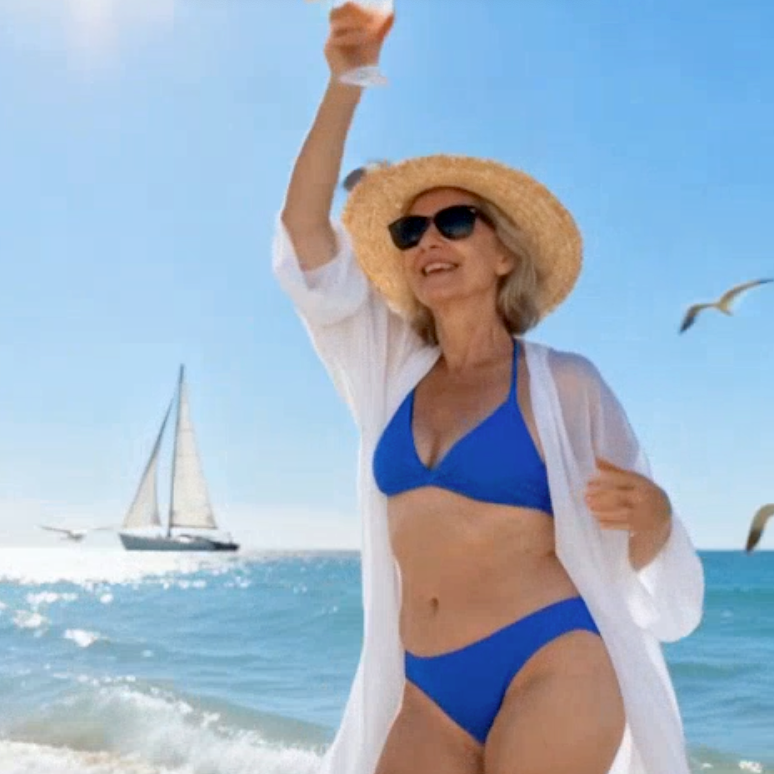
AI Dance Video
AI Dance Video by Supermaker AI instantly animates your photos into professional dance videos. Generate viral TikTok trends or K-pop moves with realistic animation. It's free, user-friendly, and perfect for creating engaging content that stands out online—no expertise required!
Try Now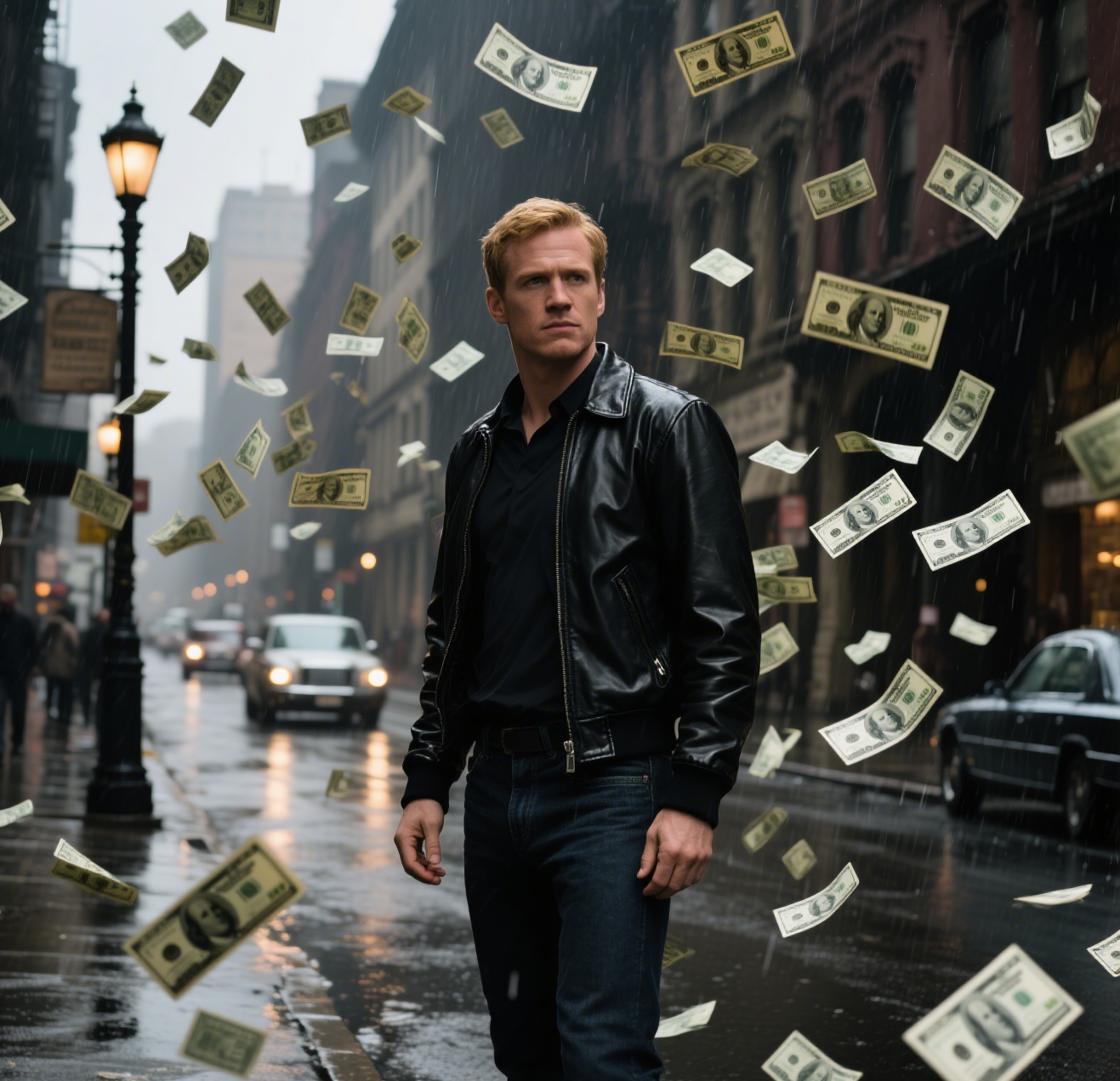
AI Money Rain
Money Rain by Supermaker AI lets you generate captivating money falling videos from your portrait at no cost. Highlight your unique style with lavish, shareable content that emphasizes prosperity and fun, boosting engagement effortlessly.
Try Now
AI Boom
AI Boom uses AI to turn your photos into thrilling action videos. Simply upload a photo, and watch as explosions blast behind you while you walk away coolly. It's fast, easy, and requires no expertise. Create viral-worthy content in minute and stand out on social media.
Try Now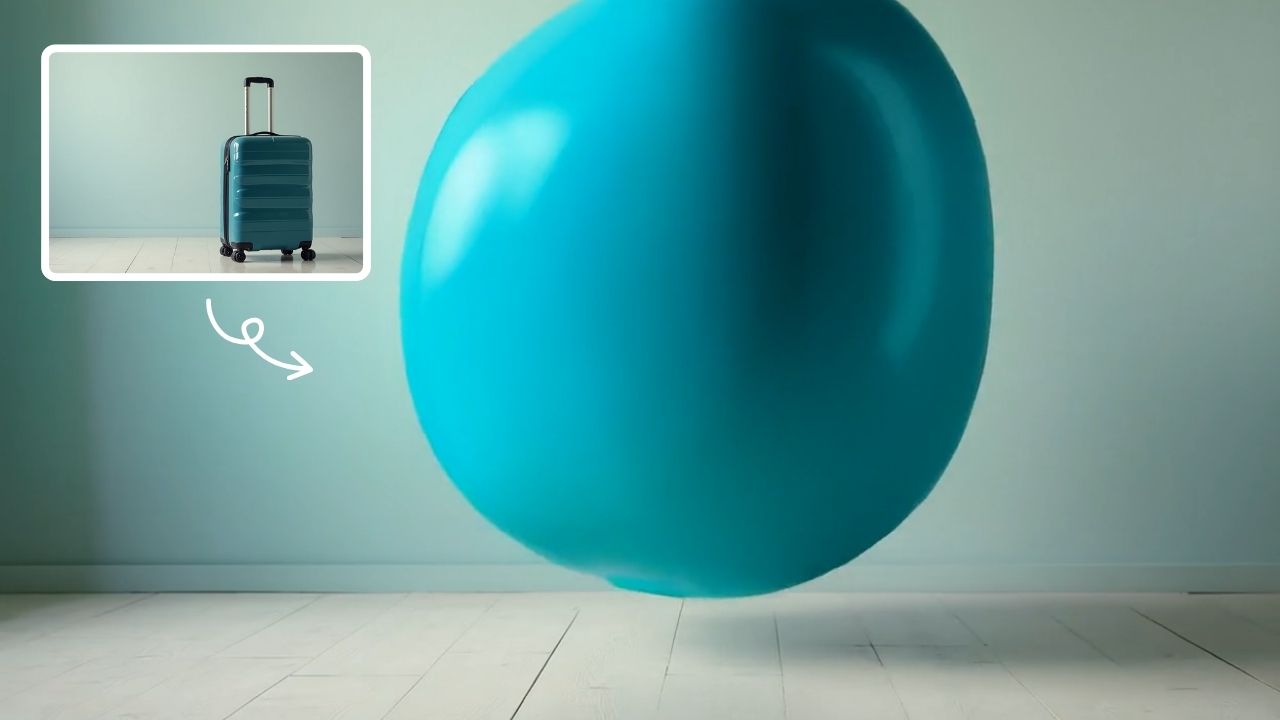
AI Inflate Effect
AI Inflate Effect instantly transforms ordinary photos by adding playful inflatable effects to any object. Simply upload your image, and our advanced AI automatically detects and inflates items with realistic balloon-like textures. Perfect for creating eye-catching social media content, unique memes, or creative presentations. Experience instant transformation with zero editing skills required - your inflated creations are ready in minute!
Try Now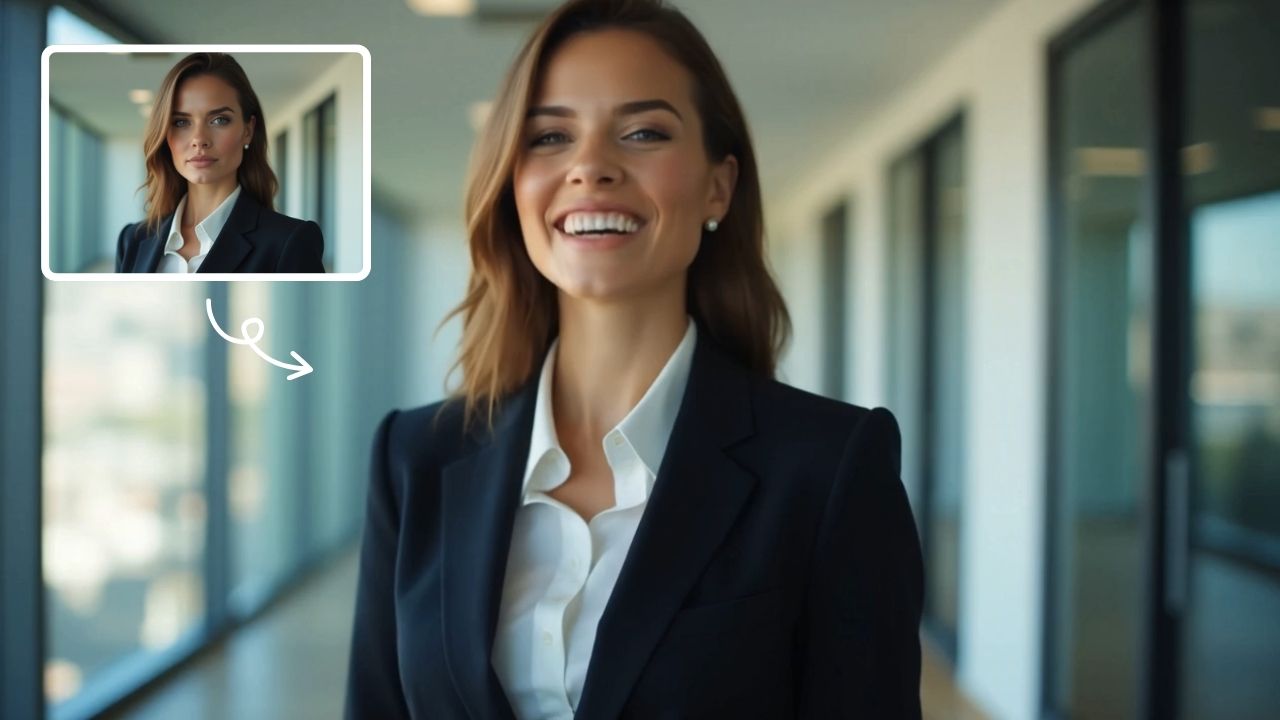
AI Laughing Face
AI Laughing Face uses advanced artificial intelligence to convert any facial expression into a natural, belly-laughing image. Simply upload a photo, and our tool instantly generates hilarious results perfect for social media sharing, jokes with friends, or brightening someone's day. No editing skills needed - get ready for pure laughter in minute!
Try Now Continue with Google