AI Anime Video
AI Anime Video instantly converts your anime images into professional opening videos. Using advanced AI and Sora 2 technology, it creates dynamic motion scenes with authentic anime style. Generate captivating anime OPs effortlessly - no skills required!
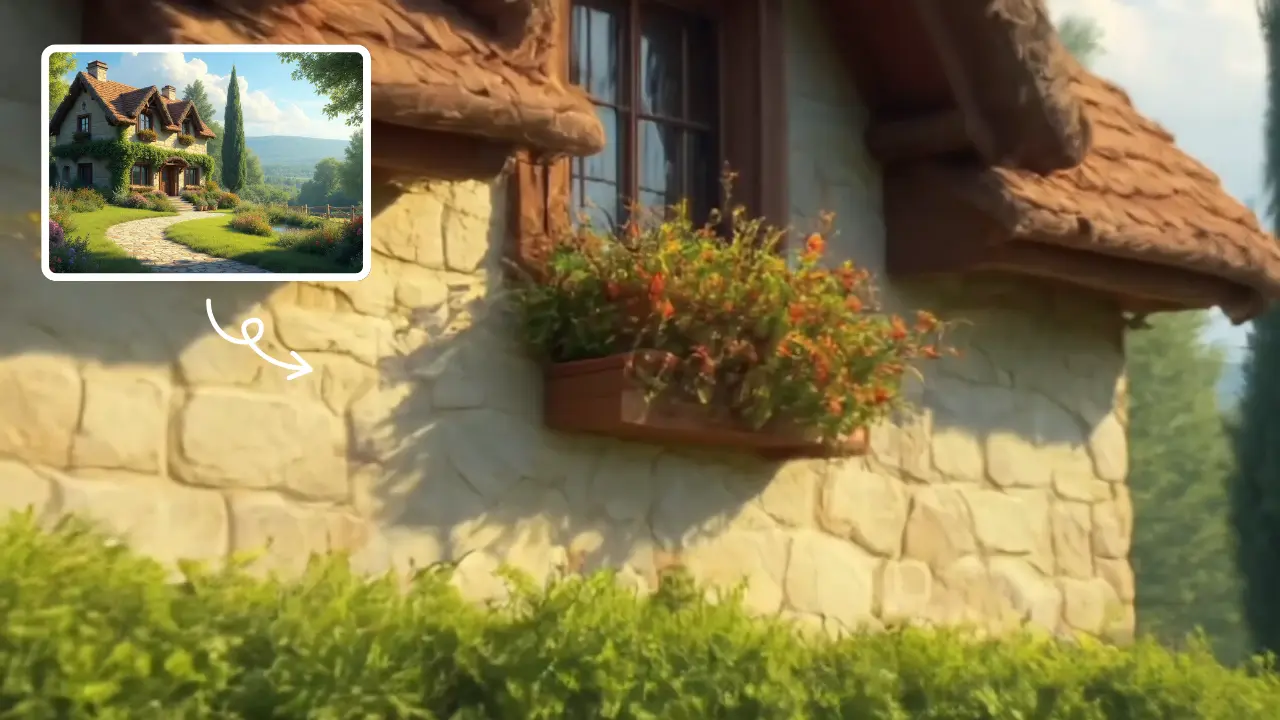
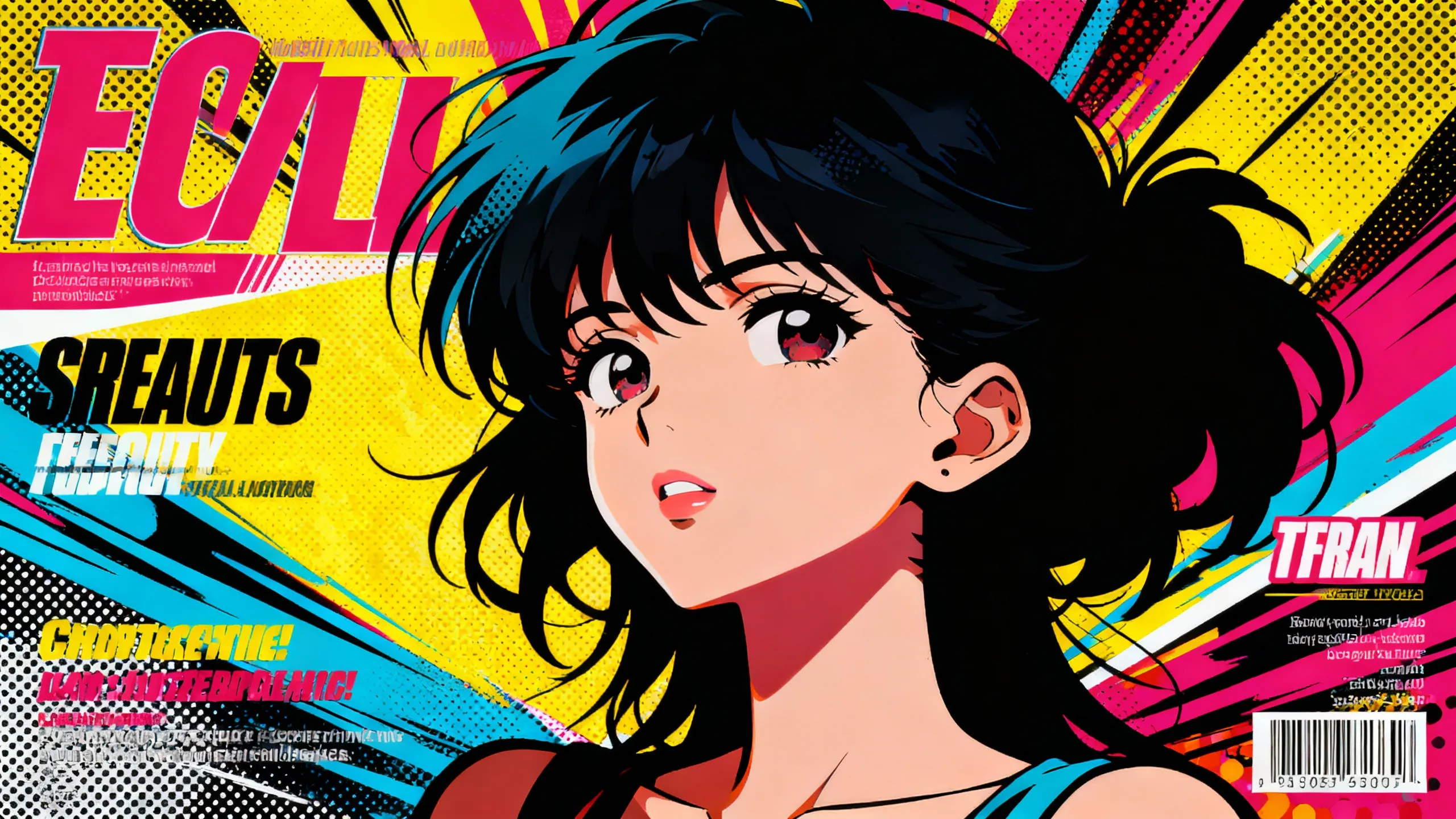
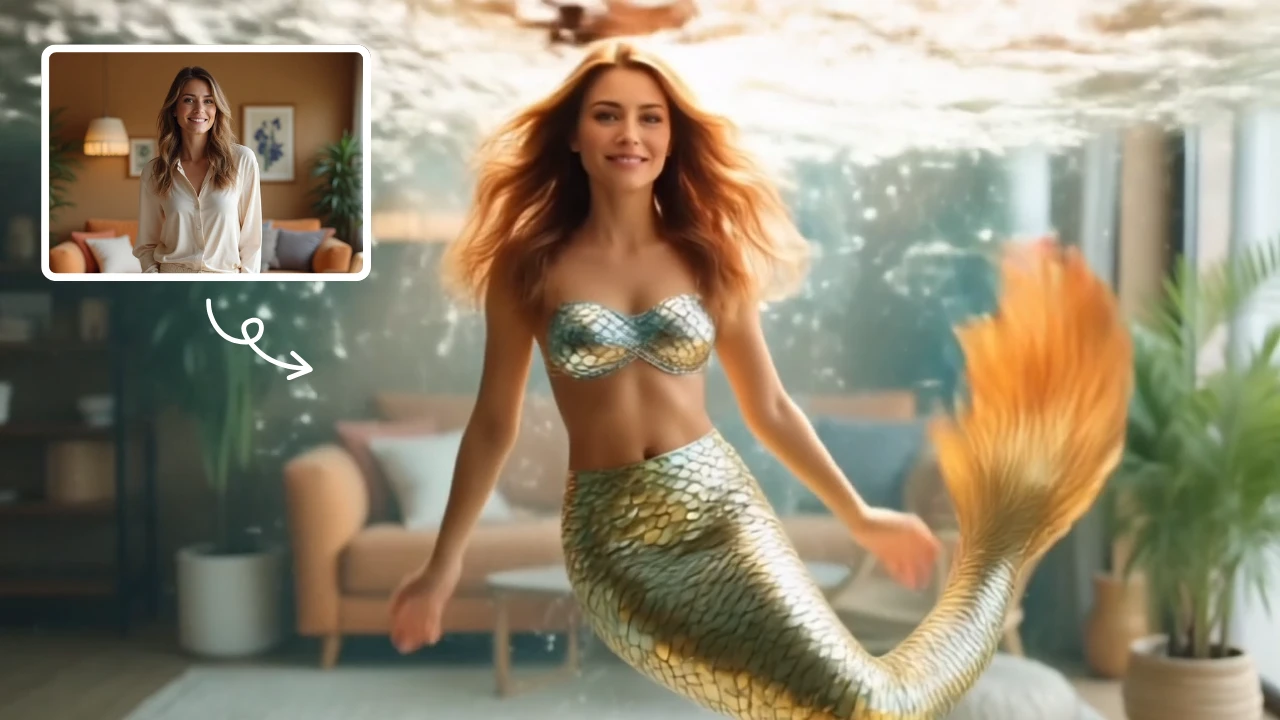
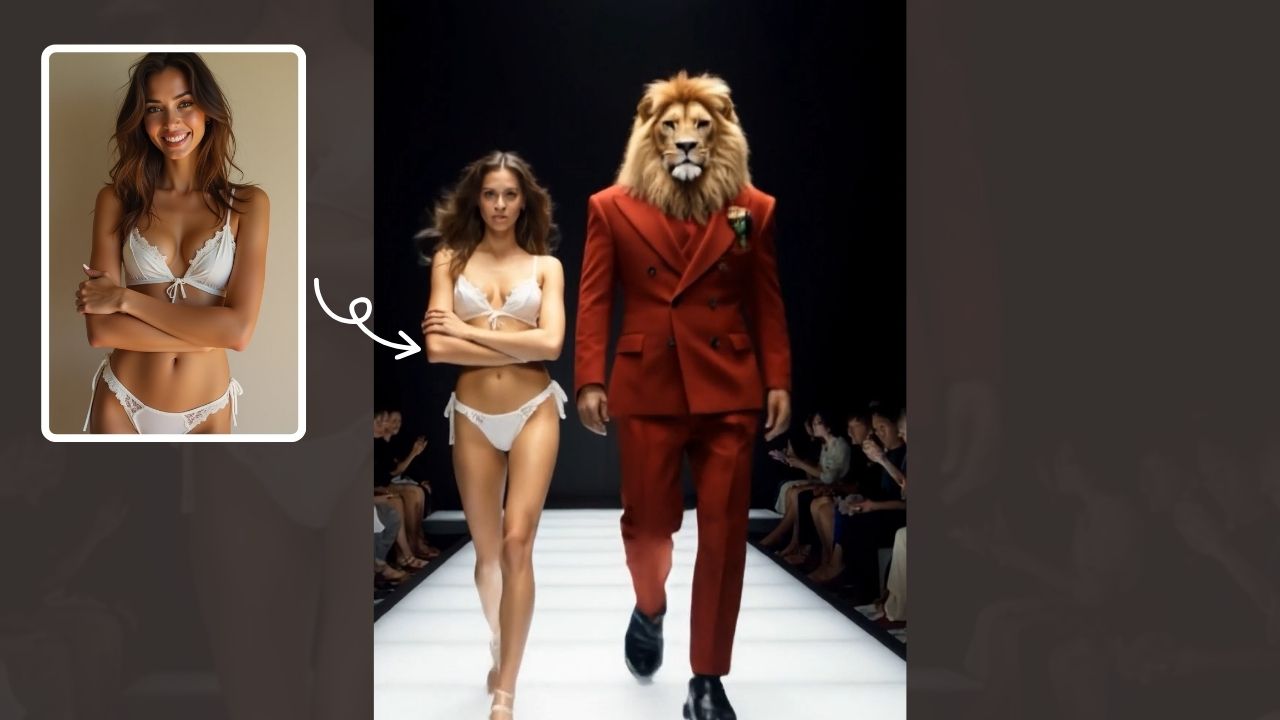
This is an example of what AI can create. Generate your own video now!
What Is an AI Anime Video Generator?
An AI Anime Video generator is an online tool that transforms static images, concepts, or real-life footage into dynamic, anime-style video sequences. Using advanced machine learning models, it automates the complex process of animation, allowing anyone to create professional-looking opening videos (OPs) or motion scenes without any drawing or video editing experience. It bridges the gap between a creative idea and a finished, stylized video in minutes.
Understanding the AI Anime Video Creation Process
Creating content with an AI Anime Video tool is fundamentally different from traditional animation. Instead of drawing each frame or using complex software, you provide the creative direction, and the AI handles the heavy lifting of rendering and motion generation.
How It Works: From Image to Motion
The core technology behind tools like AI Anime Video often involves models similar to Sora 2, which are trained on vast datasets of anime imagery and motion patterns. The process is typically straightforward:
- Input: You upload one or more anime-style images. These could be character designs, concept art, or even real-life photos that you want to convert.
- Processing: The AI analyzes your input, understanding the characters, backgrounds, and art style. It then interprets your desired output—such as a dynamic opening sequence—and begins to generate new frames.
- Generation: The model creates smooth motion between frames, adding effects like camera pans, character movements, and visual flourishes that are characteristic of anime openings. This is where the "magic" of AI video generation happens, turning a static scene into a living one.
- Rendering: Finally, the tool renders the sequence into a standard video format. The entire video rendering process is designed to be fast, often completing within 1 to 3 minutes, allowing for quick iteration and experimentation.
Why Creators Are Turning to AI for Anime-Style Content
The rise of online tools for creating anime videos addresses several key needs for modern creators. Whether you're a hobbyist or a professional, the ability to quickly generate high-quality visuals changes the creative workflow.
Bridging the Skill Gap with Technology
Traditional animation is a time-consuming and skill-intensive craft. Not everyone has years to master drawing or expensive software. An AI tool democratizes this process. It enables:
- Rapid Prototyping: Quickly visualize a scene or an opening concept without investing hours. You can test different styles and motions in minutes.
- No-Cost Iteration: Since the process is automated, you can make adjustments to your source images and regenerate the video, exploring multiple creative directions easily.
- Accessibility: It opens up video creation to storytellers, writers, and fans who have great ideas but lack technical drawing skills. The focus shifts from how to draw to what to create.
Common Use Cases for AI Anime Video Generators
The practical applications for this technology are diverse and growing. Users frequently employ these tools for:
- Creating Fan Openings: Imagine your favorite manga series as an anime. Fans can now create their own opening videos, setting their favorite characters to music in a dynamic, professional style.
- Music Video Production: Independent musicians, especially in genres like synthwave or J-pop, can generate unique, stylized visuals for their songs without a large budget.
- Social Media Content: Eye-catching animated posts are crucial for engagement on platforms like TikTok, Instagram, and YouTube Shorts. An AI-generated anime clip can make a profile stand out instantly.
- Concept Visualization for Animators: Professional animators can use AI to quickly generate background scenes or complex motion sequences to test ideas before committing to the manual animation process. This acts as a high-speed storyboard tool.
- Gaming Assets: Indie game developers can create animated cutscenes or promotional trailers that match the aesthetic of their games without needing a full animation team.
Key Features That Define a Top-Tier AI Anime Video Tool
When evaluating a tool for your projects, certain features signal its capability and reliability. A tool like AI Anime Video focuses on streamlining the user experience while leveraging powerful AI.
Authentic Style Transfer and Conversion
The most critical aspect is the quality of the conversion. The AI must accurately capture the essence of Japanese anime—the line work, cel-shading, and vibrant color palettes. Whether you are converting a photograph or enhancing existing anime art, the output should feel authentic, not just a generic filter applied on top. The goal is to transform a concept into something that looks like it could be part of a real broadcast show.
Dynamic Scene and Motion Creation
Beyond just converting a single image, the tool's ability to create a scene is paramount. This involves understanding cinematic language. A powerful AI model, like Sora 2 mentioned in the tool's description, can generate complex camera movements, character actions, and visual effects that build energy and tell a story within a short 10 to 15-second clip. This is what turns a static image into an engaging opening sequence.
Speed, Simplicity, and Accessibility
A browser-based tool offers significant advantages. There is no software to install, and processing happens on powerful servers, not your local machine. The promise of generating a video in 1–3 minutes is a key feature for fast-paced creative work. This efficiency allows for a smooth workflow where you can quickly try different prompts or aspect ratios (like 16:9 for widescreen or 9:16 for mobile stories) and see results almost immediately. The focus is on a frictionless experience from upload to download.
Practical Workflow: Crafting Your First AI Anime Opening
Let's walk through a typical scenario of using a tool like this. Suppose you have a character design you're proud of and you want to create a 10-second intro for your web series.
- Prepare Your Image: You start with a clean, high-quality image of your character against a simple background. This gives the AI a clear subject to work with.
- Select Your Model: In the tool's interface, you choose the AI model for generation. You might select "Sora 2" for its advanced motion capabilities, understanding it will use credits from your account for the high-quality output.
- Set Your Parameters: You select a 16:9 aspect ratio for a standard widescreen look. The tool might have options for the type of scene, like "action" or "dramatic reveal."
- Generate and Review: You hit the generate button. The tool begins its work, and within a couple of minutes, you have a video preview. The character might now glide into the frame, with subtle light effects and a dynamic camera pan, all rendered in a crisp 2D anime style.
- Iterate: Perhaps the motion is too fast. You can go back, adjust your idea, or even modify your source image slightly and run the process again. This rapid iteration is where the true power of an AI tool lies, enabling you to refine your vision with minimal effort.
Frequently Asked Questions
How does an AI Anime Video generator actually work?
It uses a type of artificial intelligence known as a deep learning model, specifically trained on millions of images and video clips in the anime style. When you upload an image, the model analyzes its content—characters, colors, and composition. Then, based on its training, it predicts and generates new frames that logically follow the first, creating the illusion of motion. It essentially learns the "rules" of anime animation and applies them to your input.
Is it safe to upload my original artwork to an online AI Anime Video tool?
Reputable online tools prioritize user privacy and data security. They typically process your images temporarily for generation and do not store them permanently or use them to train their models without explicit consent. It's always wise to review the privacy policy of any service you use. The focus for trustworthy platforms is to provide a secure service where your creative data remains yours.
What are the best use cases for an AI Anime Video creator?
These tools are incredibly versatile. The most common and effective uses include creating fan-made anime openings for beloved series, producing low-cost music videos with a unique visual identity, generating eye-catching animated posts for social media marketing, and helping indie game developers or animators visualize scenes and concepts quickly. They serve anyone needing fast, stylized video content.
Can I use AI-generated anime videos for commercial projects?
The terms of service vary by platform, so it's essential to check the specific license of the tool you are using. Many tools allow for commercial use of the generated content, especially if you are a subscriber. For example, a musician could likely use a video created with such a tool for their official YouTube release, provided they own the rights to the input images. Always verify the licensing to ensure your usage is compliant.
What is the difference between converting a photo and creating a video from scratch with AI?
Converting a photo, or image-to-video, is the most common approach. The AI takes your starting image as the first frame and animates it, adding motion. Creating a video "from scratch" often involves a text-to-video prompt, where the AI generates the entire scene based on your description. Tools like AI Anime Video excel at the former, giving you maximum control over the initial style and character design by letting you provide the source image.
What kind of results can I expect regarding video quality and duration?
Modern AI models can produce surprisingly high-quality results, with clean lines, smooth motion, and vibrant colors that closely mimic professional 2D cel-shaded animation. Current technology is excellent for short-form content. You can typically expect generation times of 1-3 minutes for clips ranging from 10 to 15 seconds, which is ideal for creating impactful opening sequences or social media snippets. The resolution and frame rate are designed to look sharp on modern screens.
Do I need a powerful computer or special software to use an AI Anime Video tool?
No, this is one of the primary advantages. Because the heavy processing—the video rendering and AI generation—is done on the provider's servers, you can use any modern web browser on a standard laptop, tablet, or even a smartphone. All you need is a stable internet connection to upload your images and download the finished video. This client-side processing model makes advanced video creation accessible to everyone.
Start Creating AI Videos Instantly
Turn simple text prompts into engaging videos using our powerful AI video generator. No editing skills required — just describe your idea and let AI do the work.
Generate Your First AI VideoMore AI Video Tools
Explore more AI-powered video creation tools to expand your creativity
AI Gender Swap
AI Gender Swap offers cutting-edge AI video templates to effortlessly create unique videos. Key features include one-click generation, image/text-to-video conversion, and diverse templates. Enjoy fast, free access to enhance creativity and produce professional AI videos with ease.
Try Now
AI Studio Ghibli
AI Studio Ghibli offers a rich library of free AI video templates for effortless content creation. Transform images and text into engaging videos with one click. Its unique variety supports quick, professional results, saving time while boosting creativity—ideal for marketers and creators seeking high-impact visual content.
Try Now
AI Oscar Night
Oscar Night is an AI-powered tool that lets you become the star of your own Oscar moment. Upload a photo to get a realistic video of you holding an award and giving a speech on the prestigious stage. It’s quick, fun, and perfect for sharing on social media to wow friends and followers with your glamorous AI transformation.
Try Now
AI Zombie
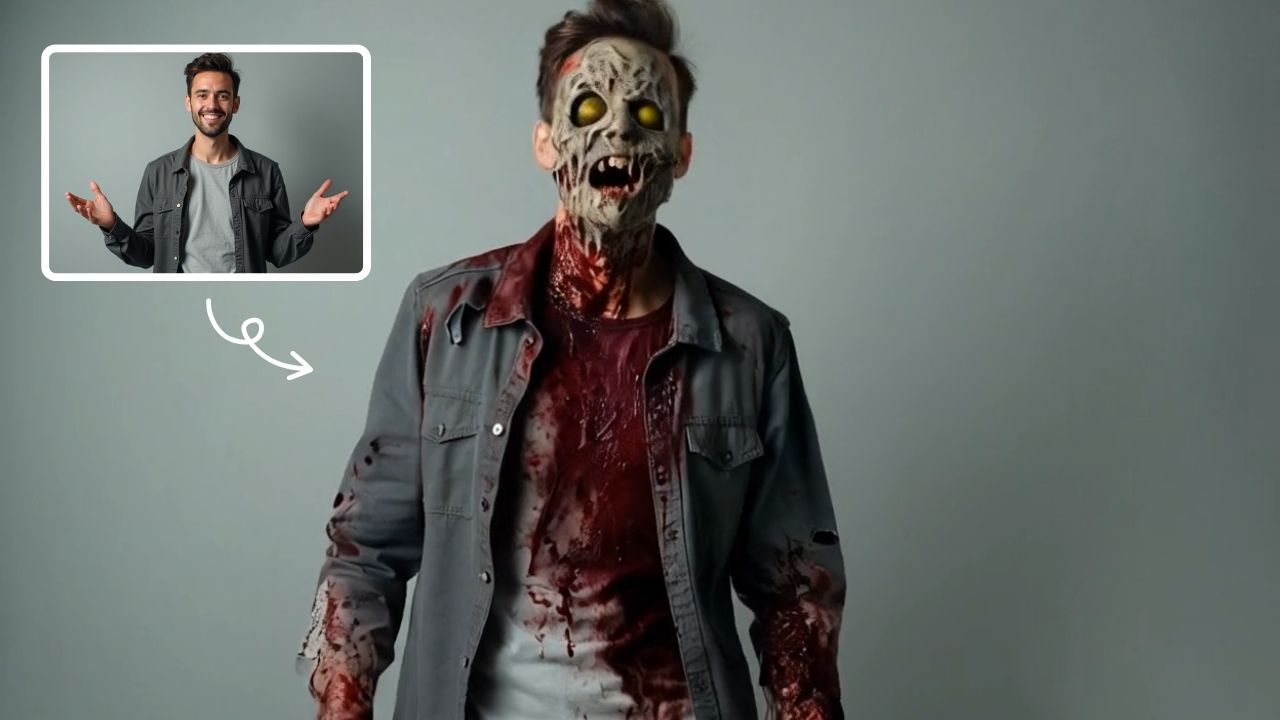
AI Zombie Transformation uses advanced AI to convert your photos into realistic zombie versions. Simply upload your image, and the tool generates a horrifying undead look with eerie details. It's fun, easy, and perfect for Halloween, parties, or sharing on social media to amaze friends. Try it now for a unique, chilling transformation!
Try Now
Image to Video Converter
AI Image To Video is your smart solution for creating engaging videos from photos. Using advanced AI, it automatically animates your images, adds smooth transitions, and syncs music. Perfect for social media, presentations, or memories. It's fast, free, and requires no editing experience.
Try Now
AI Summoning succubus
Our AI tool turns a single picture into a stunning summoning circle video with automated effects and smooth pacing. Experience quick, magical transformations for captivating results.
Try Now
AI Surf Video
AI Surf Video by Supermaker AI transforms your ideas into high-energy surfing videos. Using advanced AI, it produces realistic surfing actions, seamless motion, and consistent characters with dynamic waves. Experience quick, professional-quality videos that highlight your skills or creative vision, making it perfect for content creators and surf enthusiasts.
Try Now
AI Demon Transform
AI Demon Transform revolutionizes video creation with intuitive AI templates. Convert text or images into engaging videos in one click. Enjoy free access to trending styles, fast processing, and user-friendly tools. Boost your content with unique, high-quality results—perfect for creators and marketers seeking efficiency and innovation.
Try Now
Continue with Google