AI Studio Ghibli
AI Studio Ghibli offers a rich library of free AI video templates for effortless content creation. Transform images and text into engaging videos with one click. Its unique variety supports quick, professional results, saving time while boosting creativity—ideal for marketers and creators seeking high-impact visual content.
This is an example of what AI can create. Generate your own video now!
Why Choose This AI Video Tool?
Advanced AI Models
Powered by cutting-edge AI including Sora, Kling, VEO for superior video quality.
Easy to Use
No technical skills needed. Simply describe your vision and let AI create magic.
Custom Styles
Choose from multiple art styles and aspect ratios to match your creative vision.
Fast Processing
Generate high-quality videos in minutes with our optimized AI pipeline.
AI Studio Ghibli: Transform Images into Dreamy Animated Videos
AI Studio Ghibli is a free online tool that converts your images and text prompts into short, captivating videos inspired by the iconic Japanese animation style. It offers a rich library of templates, letting you create professional-looking animated content with one click, no prior video editing experience required .
What is AI Studio Ghibli?
At its core, AI Studio Ghibli is a specialized AI video generator designed to make the distinctive, beloved aesthetic of Studio Ghibli films accessible to everyone . You’ve probably seen the trend on social media—everyday photos and scenes transformed into whimsical, soft-colored animations reminiscent of masterpieces like Spirited Away or My Neighbor Totoro. This tool automates that creative process.
Instead of spending weeks learning animation, you simply provide a starting point. You can upload an image and let the AI transform its style, or you can type a detailed description of a scene you imagine. The tool’s AI model then processes your input and generates a short video clip that captures the magical, hand-drawn feel of Ghibli's world . It bridges the gap between a fleeting creative idea and a tangible, engaging video.
How the AI Studio Ghibli Creator Works
The magic happens through a combination of advanced AI models working in sequence . Here’s a simplified look at the workflow:
- Input: You start on the browser-based platform. You can either upload a reference image (JPG, PNG, or WEBP) or write a descriptive video prompt in the text box.
- Style Transfer: The AI analyzes your image or prompt. It uses a model, often a fine-tuned diffusion model, trained on thousands of examples of Ghibli artwork . It understands the key elements: soft brushstrokes, lush backgrounds, vibrant but muted color palettes, and the characteristic way characters and nature are depicted .
- Video Rendering: Once the style is applied, a separate part of the AI engine takes over. It adds gentle, dreamy movement to the scene. This could be clouds drifting by, hair flowing in the wind, or light filtering through trees. This process, known as scene creation and animation, is what turns a static image into a living video.
- ** The final video is rendered in the cloud and ready for preview and download, typically within 1-3 minutes. The entire process is designed to be fast and efficient**.
Why Use a Generator for Ghibli-Style Videos?
You might wonder why you'd use a tool like AI Studio Ghibli instead of trying to create something similar manually. The advantages are clear, especially for certain users and scenarios.
For Marketers and Content Creators
Time is often the most valuable resource. Manually creating animated scenes for social media is impractical. This tool allows you to convert a product image into a story-like clip or quickly generate unique background visuals for a presentation. It’s about getting professional results without the production timeline. The one-click functionality from template to video is a game-changer for rapid content iteration.
For Storytellers and Hobbyists
Have you ever had a scene from a story play out in your head? Maybe it's a character in a fantastical landscape. This tool helps you visualize it. You can generate visual representations of your ideas, making it perfect for authors, game masters, or anyone who enjoys creative exploration. It’s a way to bring your inner world to life, tapping into the narrative depth that Ghibli films are known for .
When You Need Visual Impact Fast
Whether it's for a personal project or a client deliverable, sometimes you need a high-impact visual element quickly. The tool's library of free templates provides a massive head start. Instead of staring at a blank canvas, you can select a template, tweak the prompt, and have a draft video in minutes. This speed is crucial for brainstorming and pitching ideas visually.
Key Features That Enhance Creativity
AI Studio Ghibli is more than just a filter; it's a comprehensive video creation suite. Here are some of its standout features designed to boost your creativity.
Rich Template Library
The foundation of the tool is its extensive collection of free templates. These aren't just simple overlays; they are structured video frameworks that include specific styles, color schemes, and motion paths. They serve as a powerful starting point, ensuring even first-time users can achieve professional results.
Flexible Input Options
You’re not locked into one way of working. The platform excels at both text-to-video and image-to-video generation.
- Text-to-Video: Type a prompt like "A soot spirit cleaning a star in a cozy attic at night" and watch the AI build the scene from scratch.
- Image-to-Video: Upload a photo of a friend, a pet, or a landscape and see it transform into a Ghibli-style animated clip. This is perfect for creating personalized, shareable content.
One-Click Generation
The entire process is streamlined for simplicity. After selecting your input and template, a single click starts the video rendering process. The complex AI processing happens on secure servers, meaning you don't need a powerful computer. It’s an accessible, online tool that works on most devices.
Practical Use Cases and Prompt Ideas
To get the most out of AI Studio Ghibli, thinking about your prompts in a specific way can be helpful. The AI responds best to clear, descriptive language that evokes the Ghibli spirit .
-
Transform a Personal Photo:
- Input: Upload a photo of your garden.
- Prompt: "Transform this into a Ghibli-style enchanted garden. Add floating dust particles, soft sunlight, and make the plants look lush and alive."
-
Create a Fantasy Landscape:
- Prompt: "Create a video of a floating island with an old tree, waterfalls flowing into the clouds below, in the style of Studio Ghibli. The scene should feel peaceful and majestic."
-
Animate a Character:
- Prompt: "Animate a young witch delivering bread on her broomstick, flying over a small European-style village at sunrise. The style should be cel-shaded with vibrant colors."
-
Generate a Cinematic Scene:
- Prompt: "Generate a cinematic shot of a cat bus waiting at a forest stop in the rain. The mood is cozy and mysterious, with soft rain effects and warm light from the bus's windows."
Technical Considerations and Data Security
Using any online tool involves understanding a few basic points about how it works and how your data is handled.
Processing Time and Quality
Video generation is a complex task. While the tool is optimized to be fast, generation times can typically range from 1 to 3 minutes . This depends on the server load and the complexity of your request. The platform is designed to be accurate in interpreting your prompts, but as with all AI, results can vary. The output is processed on the server-side (cloud-based), ensuring your local device isn't bogged down.
Privacy and Your Content
For many users, trustworthiness is a major concern. When you upload personal images, you want to know they are handled securely. Reputable platforms, like the one hosting AI Studio Ghibli, typically process your files with privacy in mind. Uploaded images are often encrypted and automatically deleted from their servers after a short period (e.g., a couple of hours) to ensure your data isn't stored longer than necessary. This commitment to data security is a core part of building user trust .
Frequently Asked Questions
What is AI Studio Ghibli and how does it work?
AI Studio Ghibli is a free, browser-based tool that uses artificial intelligence to generate short videos in the style of Studio Ghibli films. You can either upload an image or write a text description. The AI then analyzes your input, applies the characteristic Ghibli aesthetic—soft colors, lush backgrounds, and gentle movement—and renders a video, typically within 1-3 minutes.
Do I need any animation skills to use AI Studio Ghibli?
Not at all. The entire point of the tool is to democratize animation. It handles all the complex technical aspects of video generation. Whether you're a professional marketer or a complete beginner, the interface is designed for simple, one-click creation, making it incredibly easy to use.
What are the best prompts for AI Studio Ghibli?
The best prompts are specific and descriptive. Instead of "a forest," try "a mystical forest at twilight with glowing spirits and a hidden path." Include references to mood ("peaceful," "mysterious"), movement ("wind blowing through grass," "leaves falling"), and classic Ghibli themes like nature, magic, and whimsy .
Can I use AI Studio Ghibli for commercial projects?
Yes, videos generated with the tool can generally be used for commercial purposes. This makes it suitable for marketers creating social media content, authors designing book trailers, or small businesses producing unique video ads. You retain rights to the content you create, but it's always wise to check the specific terms of service on the platform.
How long does it take to generate a video?
Most videos are generated and ready for download within 1 to 3 minutes The exact time can vary slightly based on current server traffic and the complexity of the scene you're asking the AI to create.
Is it safe to upload my personal images?
The platform takes user privacy seriously. Uploaded images are typically encrypted and automatically deleted from the servers after a short processing window (often around 2 hours) to ensure your data remains private and secure. The focus on data protection helps build a trustworthy environment for all users.
What's the difference between text-to-video and image-to-video?
Text-to-video allows you to create a completely new scene from your imagination by just writing a prompt. Image-to-video, on the other hand, takes an existing image of yours and animates it, transforming its style and adding motion while preserving the original composition. Both are powerful ways to generate unique content.
How does this tool achieve the authentic Ghibli look?
The tool uses a sophisticated AI model, often a type of diffusion model, that has been trained on a vast dataset of images and animation frames . Through this training, it has learned to recognize and replicate the specific artistic elements of Studio Ghibli's style—the line work, color palettes, textures, and the way light and nature are portrayed . It applies this learned style to your input during the video rendering phase.
In a digital world saturated with content, AI Studio Ghibli offers a unique way to express ideas with warmth and narrative charm. It makes the magic of animation accessible, turning simple concepts into shareable visual stories.
Start Creating AI Videos Instantly
Turn simple text prompts into engaging videos using our powerful AI video generator. No editing skills required — just describe your idea and let AI do the work.
Generate Your First AI VideoMore AI Video Tools
Explore more AI-powered video creation tools to expand your creativity
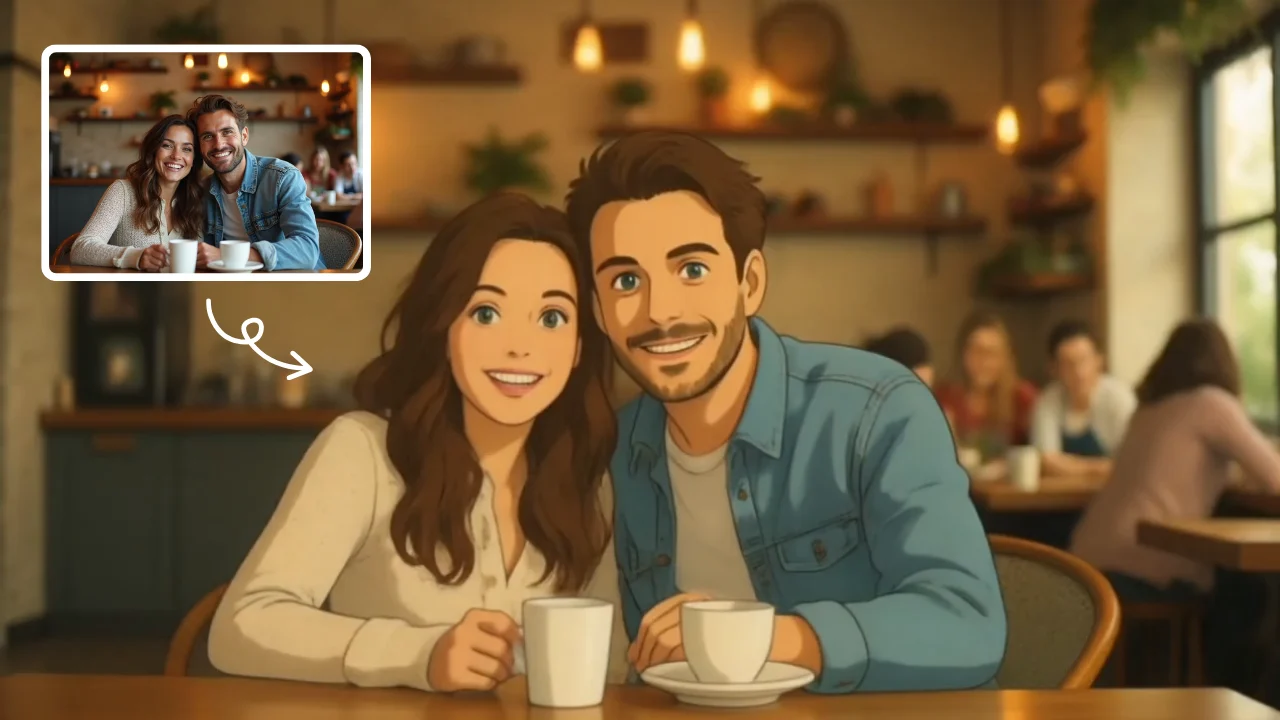
AI Studio Ghibli
AI Studio Ghibli offers a rich library of free AI video templates for effortless content creation. Transform images and text into engaging videos with one click. Its unique variety supports quick, professional results, saving time while boosting creativity—ideal for marketers and creators seeking high-impact visual content.
Try Now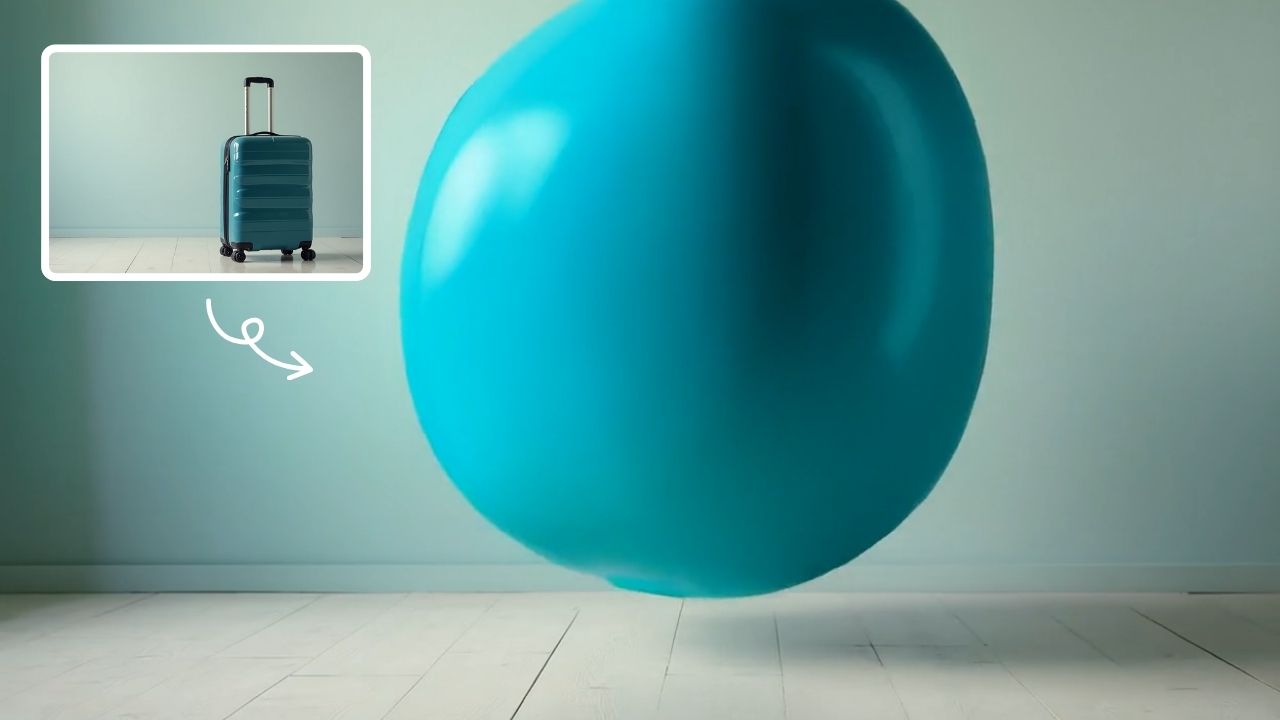
AI Inflate
AI Inflate Effect lets you inflate objects in any image effortlessly. Simply upload your photo, and our AI instantly transforms items into fun, inflated versions. Perfect for creative projects, social media, or just having fun—experience quick, realistic results that make your visuals pop.
Try Now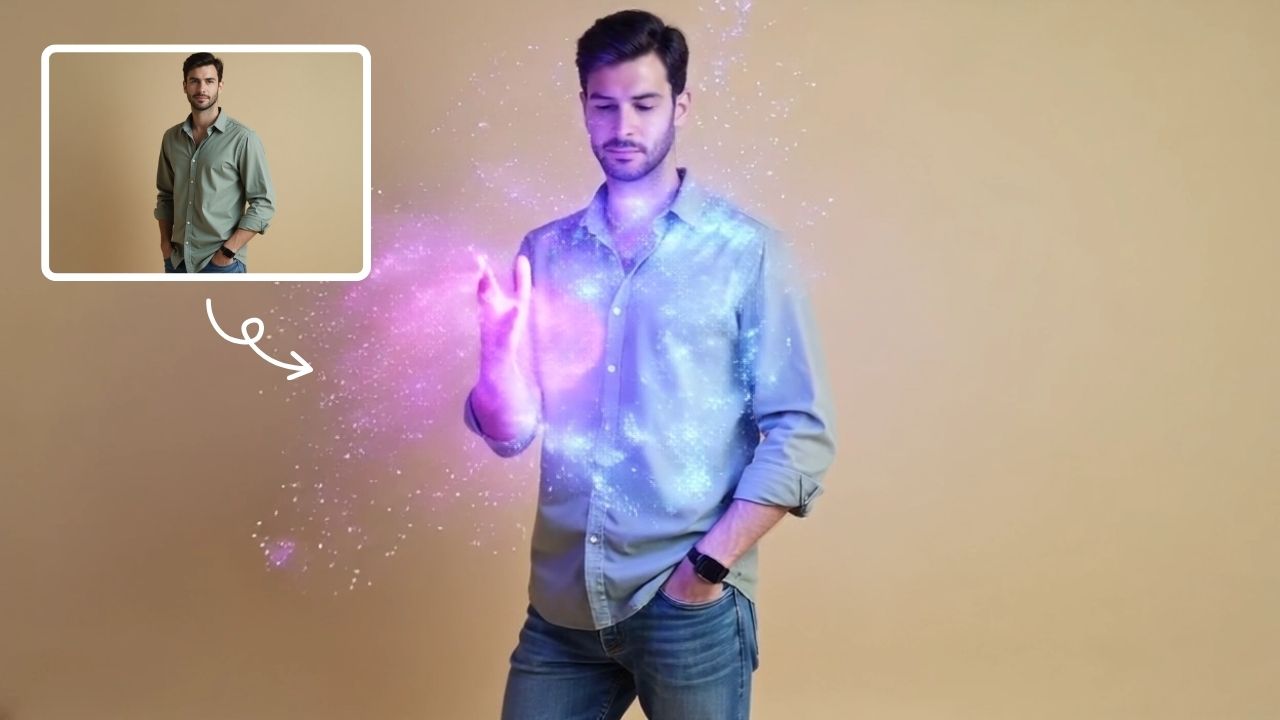
AI Magic
AI Magic instantly converts your photos into sorcerer images with a burst of light and energy. Highlighting unique powers and visual appeal, it offers quick, enchanting transformations for social media or personal use, making magic accessible to all.
Try Now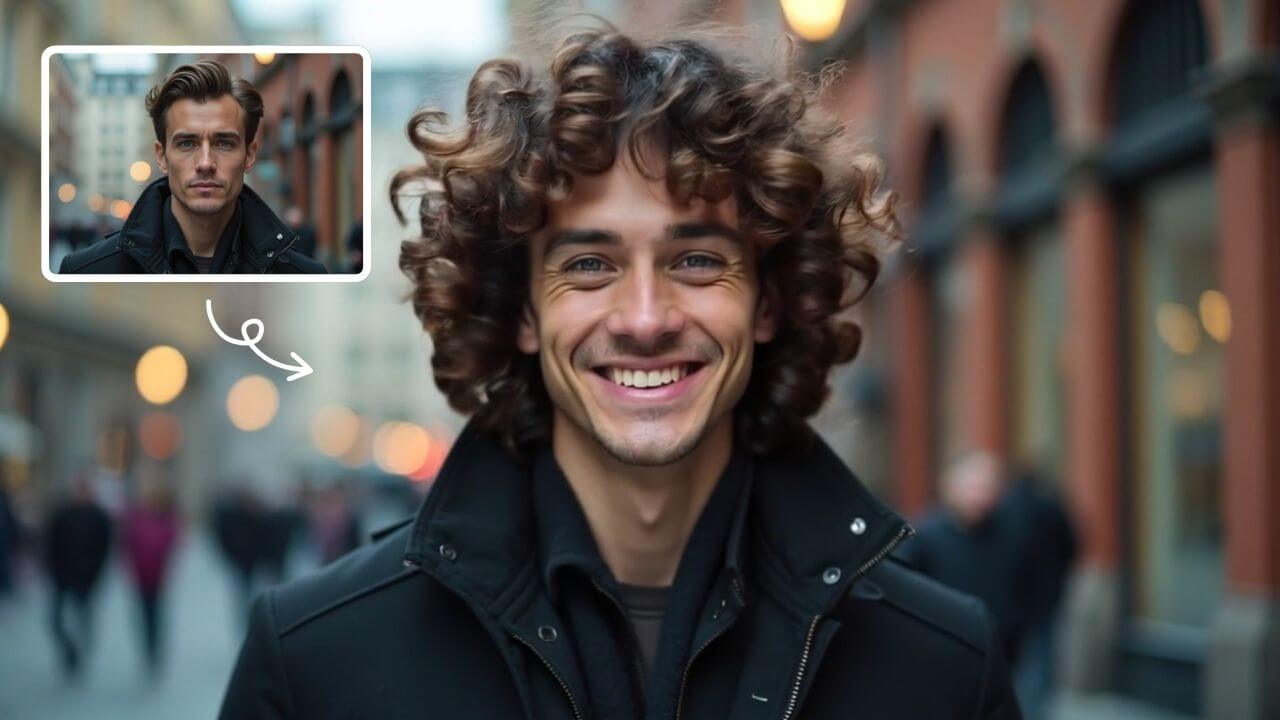
AI Curly Hair
AI Curly Hair allows you to add beautiful, natural-looking curls to any photo instantly. Powered by advanced AI, it offers multiple curly styles to match your preferences, helping you preview and choose the perfect hairstyle without commitment. Experience quick, realistic results and boost your confidence with a fresh, curly appearance.
Try Now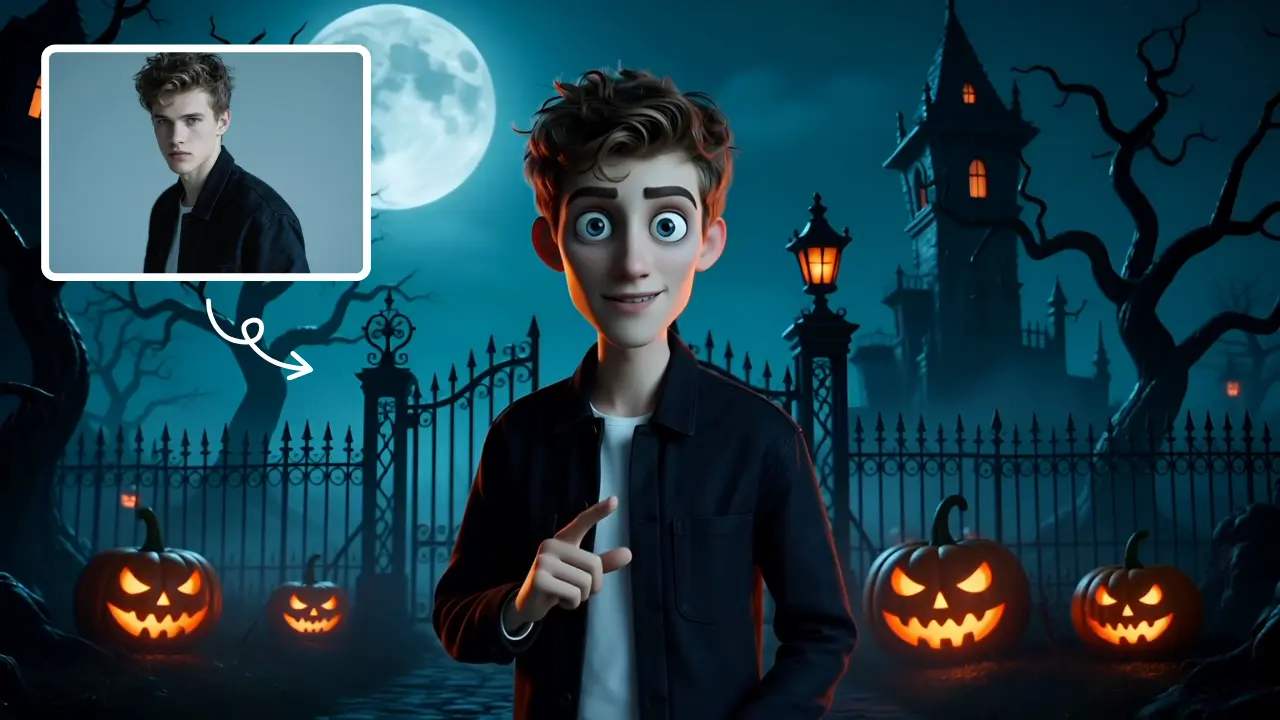
AI Tim Burton Style
Tim Burton Style offers AI video templates to effortlessly convert images and text into captivating videos. Its one-click functionality saves time while providing diverse styles for creative projects. Enjoy easy customization and high-quality results, making professional videos accessible to all.
Try Now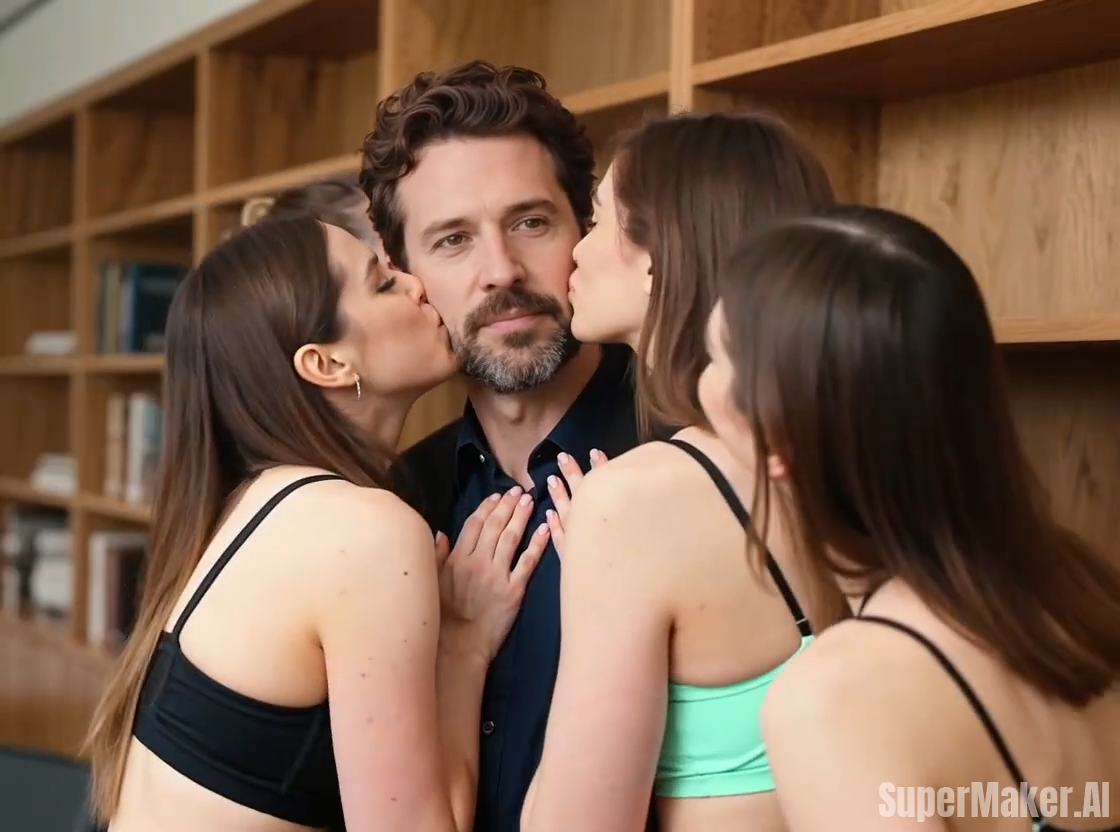
Kiss Me More
Kiss Me More AI by Supermaker AI lets you create captivating kiss-themed videos instantly. Our advanced AI technology offers intuitive effects, transforming your ideas into mesmerizing visual stories. Experience seamless video generation with unique customization options, perfect for social media sharing and creative expression.
Try Now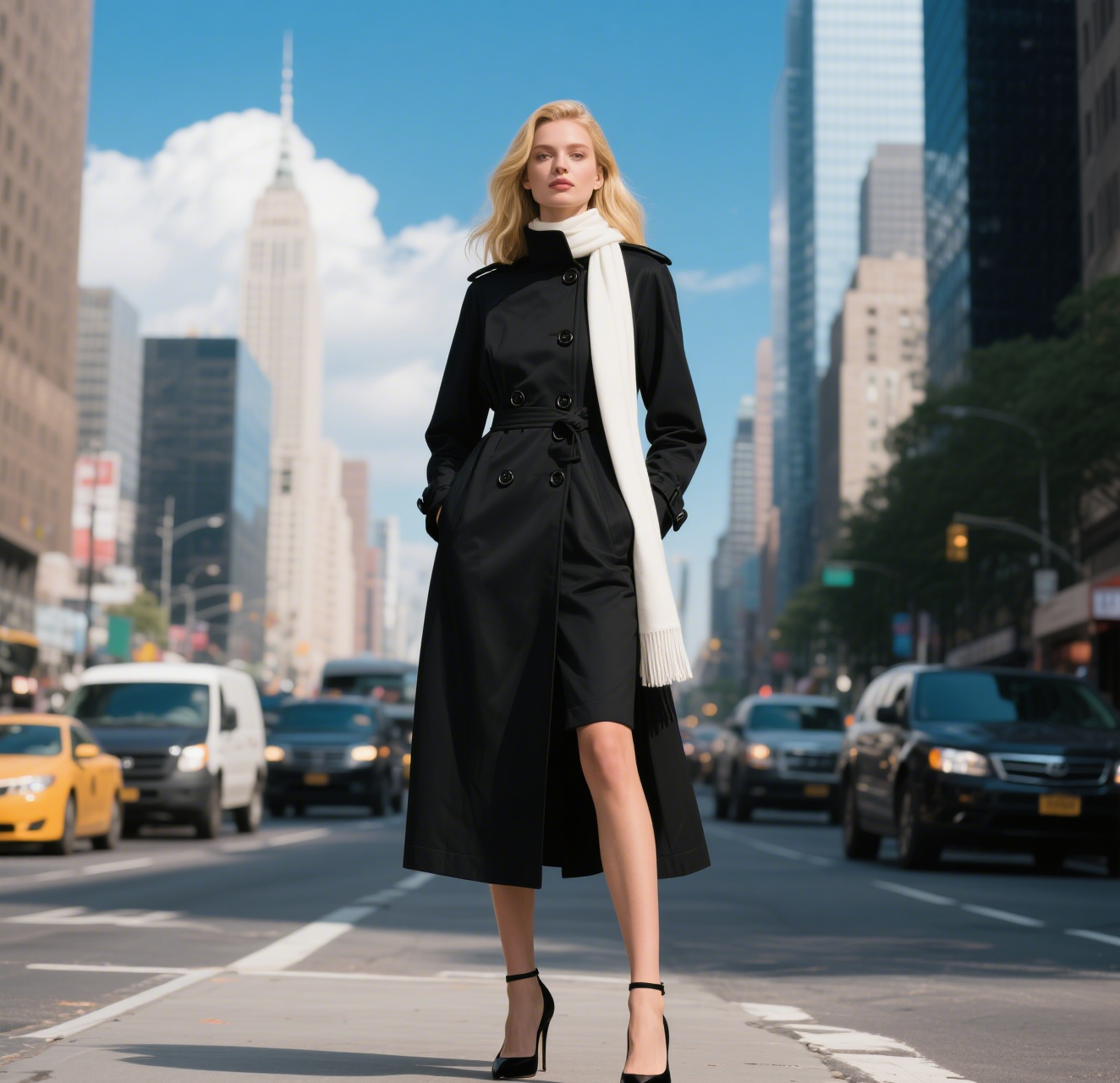
AI Walking Video
AI Walking Video by Supermaker AI transforms still images into natural walking animations using advanced AI. Simply upload a photo to get smooth, professional results in minute—ideal for digital content, presentations, and more. Save time and boost engagement with easy, high-quality video generation.
Try Now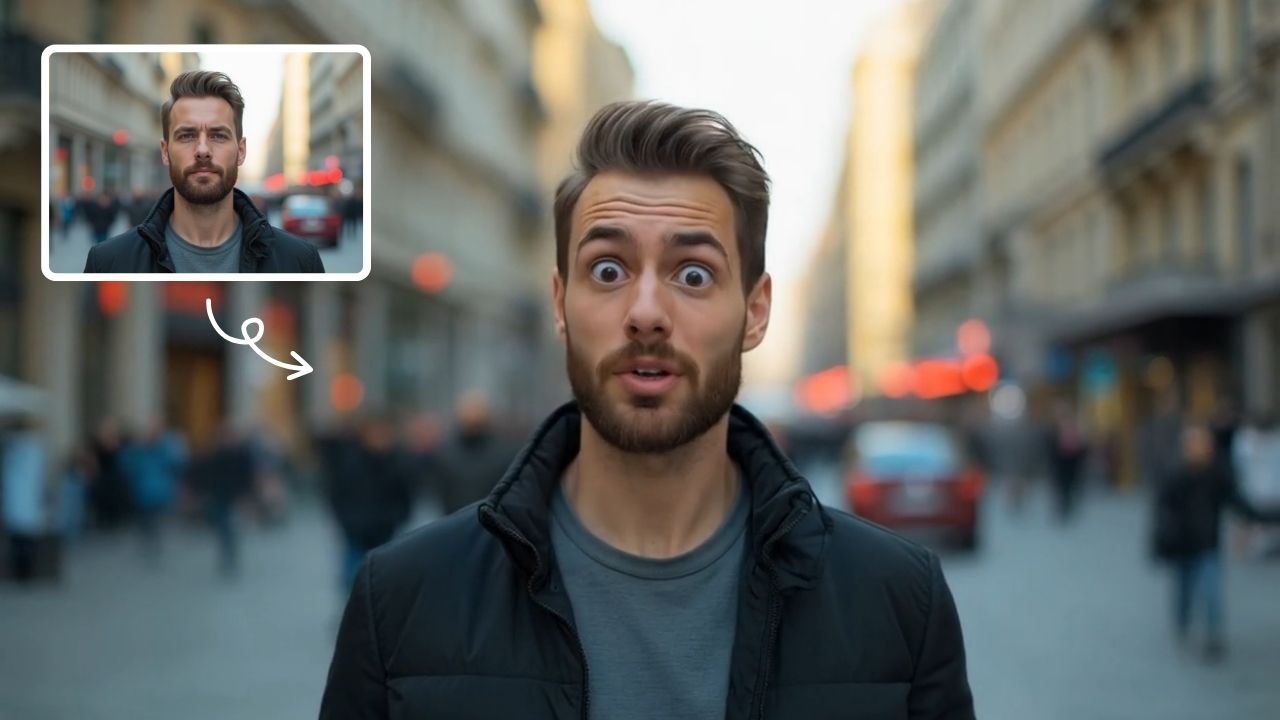
AI Shocked Face
AI Shocked Face uses advanced AI to detect faces in your photos and replace their expressions with realistic shocked looks. Simply upload an image, and our tool automatically generates a surprised version in minute. It's free, easy to use, and great for creating funny content to share with friends or on social platforms. Experience the magic of AI expression transformation today!
Try Now Continue with Google