AI Tim Burton Style
Tim Burton Style offers AI video templates to effortlessly convert images and text into captivating videos. Its one-click functionality saves time while providing diverse styles for creative projects. Enjoy easy customization and high-quality results, making professional videos accessible to all.
This is an example of what AI can create. Generate your own video now!
Why Choose This AI Video Tool?
Advanced AI Models
Powered by cutting-edge AI including Sora, Kling, VEO for superior video quality.
Easy to Use
No technical skills needed. Simply describe your vision and let AI create magic.
Custom Styles
Choose from multiple art styles and aspect ratios to match your creative vision.
Fast Processing
Generate high-quality videos in minutes with our optimized AI pipeline.
Transform Your Vision: Exploring the AI Tim Burton Style Video Generator
Creating videos that capture a specific, dramatic aesthetic often requires extensive manual effort, from set design to post-production editing. For creators inspired by the iconic, gothic, and whimsical visual world of a certain filmmaker, the process can be particularly challenging. The AI Tim Burton Style tool simplifies this dramatically, offering a browser-based solution to convert your images and text into captivating videos that echo this unique cinematic language. It democratizes high-concept visual effects, making them accessible with just a few clicks, directly from your computer.
What Is the AI Tim Burton Style Tool?
At its core, the AI Tim Burton Style tool is a specialized video generation platform that applies a distinct, artistically recognized aesthetic to your content. It's not just a simple filter; it's an advanced AI model trained to understand and replicate the core visual elements of Tim Burton's filmography: the pale, elongated characters with large, expressive eyes, the gothic, spiraling architecture, the dark yet whimsical atmosphere, and the characteristic stop-motion animation feel. You provide an image or a text prompt, and the tool handles the complex process of scene creation and video rendering, delivering a high-quality result that embodies this unique style.
How Does AI Video Generation in This Style Work?
The magic happens through a combination of sophisticated AI models working behind the scenes. When you upload an image, the system first analyzes its composition, subjects, and lighting. It then begins the process of transformation, intelligently mapping the Tim Burton-esque aesthetic onto your original content.
- Input Processing: You can start with either a text description (a video prompt) or an image. If using text, the AI generates a base scene based on your words. If using an image, the AI deconstructs its elements.
- Style Transfer & Generation: The core AI model, such as Sora 2 or Veo 3.1, then takes over. It reimagines the scene, applying the characteristic visual language. Skin tones become porcelain-pale, eyes are subtly enlarged, and backgrounds are infused with twisted, gothic details. The AI works to create a coherent narrative flow that feels like a clip from a stop-motion animated feature.
- Rendering and The entire process, from generation to final render, is surprisingly fast, typically completing within one to three minutes. You can then preview your AI Tim Burton Style video and download it for use in your projects.
Common Use Cases: Why You Might Need This Tool
The versatility of this tool makes it valuable for a wide range of creative individuals. Its primary function is to solve the problem of how to achieve a high-end, specific visual effect without needing a large budget, a professional studio, or years of animation experience.
- Filmmakers and Storyboard Artists: Quickly visualize scenes in a specific aesthetic to communicate a mood or concept to a team. Instead of spending hours on sketches, you can generate a moving storyboard that captures the exact feeling you're going for.
- Content Creators and Social Media Managers: Produce unique, eye-catching video content for platforms like YouTube, TikTok, or Instagram. A video generated in this style stands out in a crowded feed, offering a distinct brand of visual storytelling that resonates with fans of gothic fantasy and quirky art.
- Musicians and Bands: Create a striking music video or visualizer for a single. The dark romanticism of the style pairs perfectly with genres like gothic rock, dark wave, or even alternative pop, providing a professional, high-concept visual without the massive production cost.
- Artists and Designers: Use the tool for inspiration or to quickly prototype ideas. You can experiment with different compositions and see how your original artwork might translate into a different medium, opening up new avenues for creative projects.
- Educators and Students: In fields like film studies, animation, or digital art, this tool can be used to deconstruct a visual style and understand its core components by applying it to new subjects in a practical, hands-on way.
Key Features and Workflow
The tool is designed for efficiency and ease of use, making professional video creation accessible to all skill levels. Here’s a look at its primary features and a typical workflow.
Intuitive, One-Click Functionality
The most significant advantage is its simplicity. You don't need to understand complex video editing software or animation principles. The entire process, from uploading your source material to receiving a finished video, is streamlined. The one-click generation handles all the heavy lifting, saving you immense amounts of time compared to manual methods.
Customization and Control
While the process is automated, you retain creative control. You can choose from different AI models, each offering subtle variations in generation quality and speed. You can also select the aspect ratio (like 16:9 for widescreen or 9:16 for vertical stories) and the duration of your clip, ensuring the final output fits your specific project needs.
A Typical Workflow Looks Like This:
- Select Your Input: Choose whether you want to start with an image or write a text prompt describing your desired scene.
- Craft Your Prompt (Optional but Recommended): For best results, use a detailed prompt. For example: "Restyle the image into a Tim Burton-esque aesthetic. Pale skin, exaggerated large eyes, gothic dark attire, and twisted, spooky background elements. Stop-motion animation feel." This guides the AI to produce a more accurate result.
- Choose Your Settings: Pick your preferred aspect ratio (16:9 or 9:16) and duration (e.g., 10 seconds). Then, select an AI model like Sora 2 or Veo 3.1 based on your desired output and available credits.
- Generate and Review: Click the generate button and wait 1-3 minutes for the video to render. Once complete, review the AI Tim Burton Style video.
- Download and Use: If you're satisfied with the result, download it directly to your device. It's now ready to be incorporated into your larger project.
Frequently Asked Questions
What exactly is an AI Tim Burton Style video generator?
It's an online tool that uses artificial intelligence to transform your images or text descriptions into short video clips. The AI is specifically trained to apply the unique visual aesthetic associated with Tim Burton's films, including gothic themes, character design with exaggerated features, and a stop-motion animation feel, making it a specialized solution for creators seeking that particular look.
Do I need any video editing experience to use this tool?
No, the tool is designed for everyone. Its core value is its simplicity. The process is entirely browser-based and requires no prior video editing or animation skills. You simply provide the input, and the AI handles the complex process of video generation and rendering automatically.
How long does it take to generate a video in this style?
The video generation process is quite fast. Once you click generate, it typically takes between one to three minutes for the AI to process your request and render the final video clip, depending on the complexity of the scene and the current server load.
Is my uploaded data safe and secure with this online tool?
Reputable online tools prioritize user privacy and data security. While you should always review the specific privacy policy of any platform you use, these types of tools generally process your files temporarily for the sole purpose of generating your video and do not store your original images or the resulting videos permanently without your consent. The focus is on providing a secure, client-side processing experience where possible.
Can I use this tool for commercial projects like music videos?
Yes, the AI Tim Burton Style tool is perfect for a variety of professional applications, including creating visuals for music videos, social media marketing campaigns, film storyboards, and other commercial creative projects, as long as you own the rights to the input images you are using.
What are the common problems this AI tool solves?
It solves the major hurdles of time, cost, and skill required to produce high-concept, stylized video content. Traditionally, achieving this specific aesthetic would demand a large team of artists, animators, and set designers. This tool makes it possible for a single person to generate professional-quality video content in minutes, directly addressing the needs of modern, fast-paced creative workflows.
Start Creating AI Videos Instantly
Turn simple text prompts into engaging videos using our powerful AI video generator. No editing skills required — just describe your idea and let AI do the work.
Generate Your First AI VideoMore AI Video Tools
Explore more AI-powered video creation tools to expand your creativity
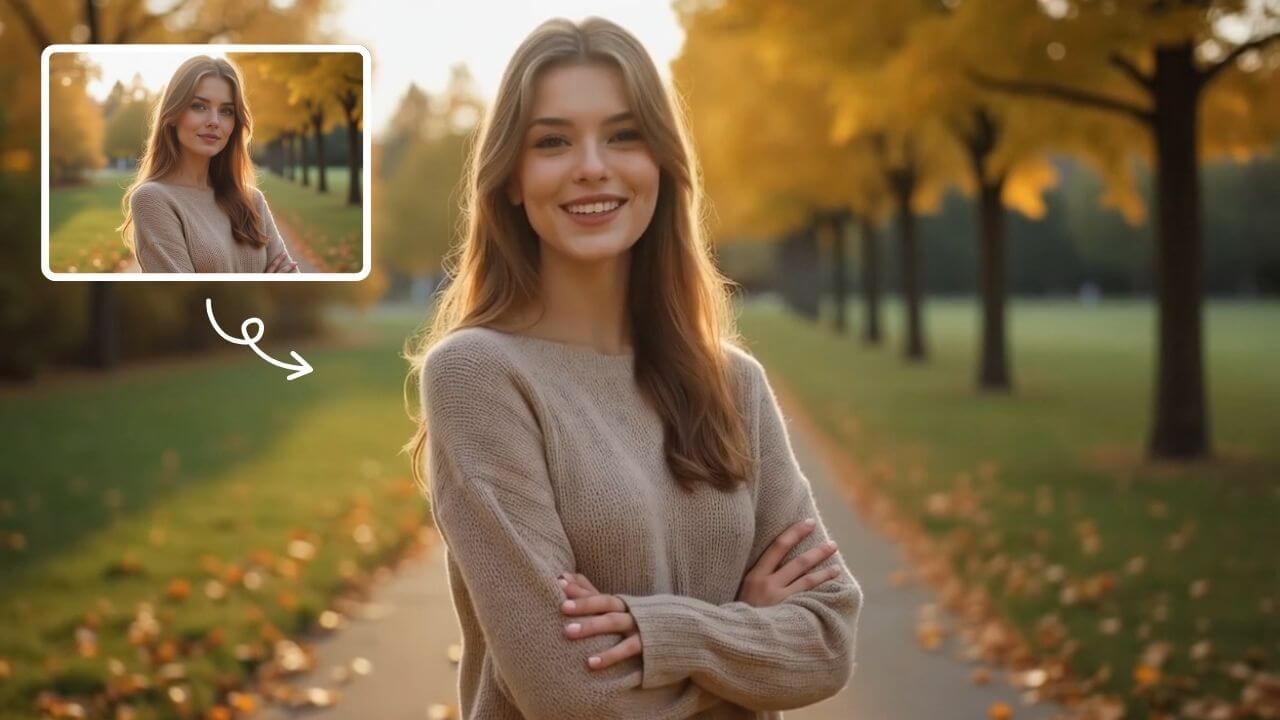
AI Smile Generator
The AI Smile Generator uses advanced artificial intelligence technology to automatically detect faces in photos and add realistic, radiant smiles. Simply upload an image to generate a smiling photo. Beautify portraits, revamp old photos, or share happy pictures online—no editing skills required. Fast, free, and fun, it's easy for anyone to use!
Try Now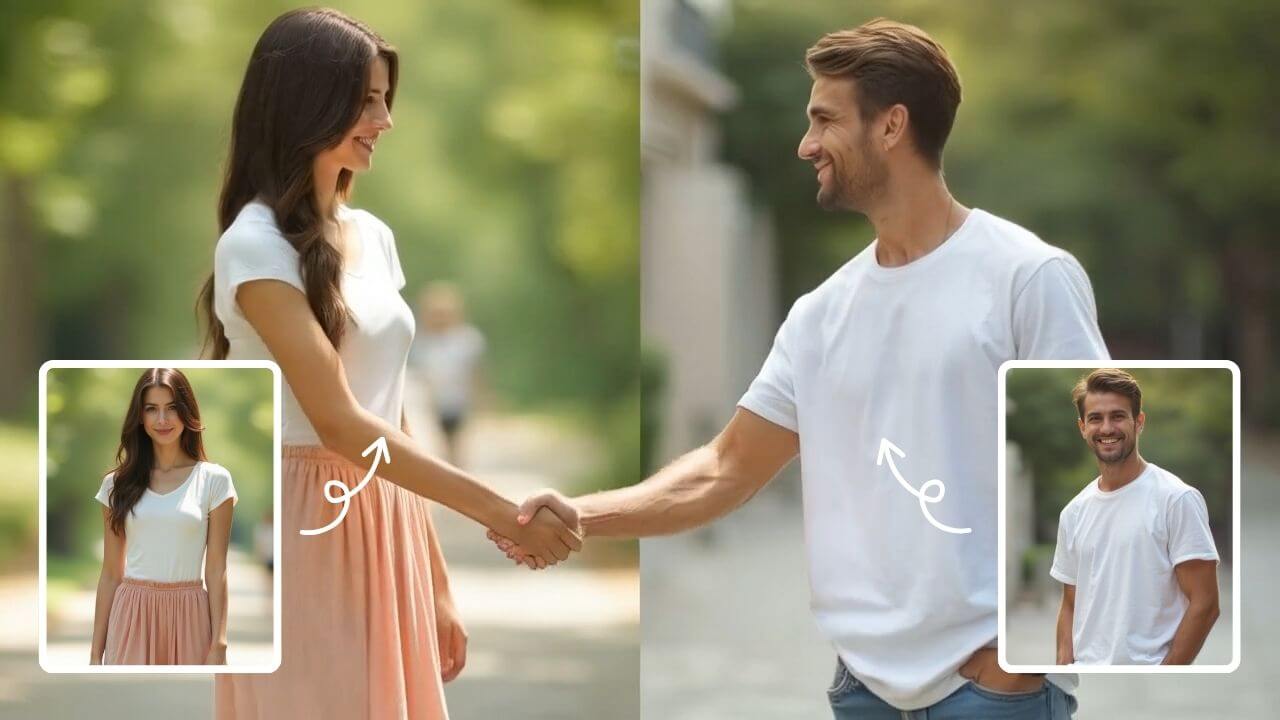
AI Handshake
AI Handshake revolutionizes digital communication with smart, adaptive connectivity. It delivers tailored experiences through AI-driven personalization, ensuring faster, more intuitive online interactions. Boost efficiency and engagement effortlessly with cutting-edge technology designed for modern users.
Try Now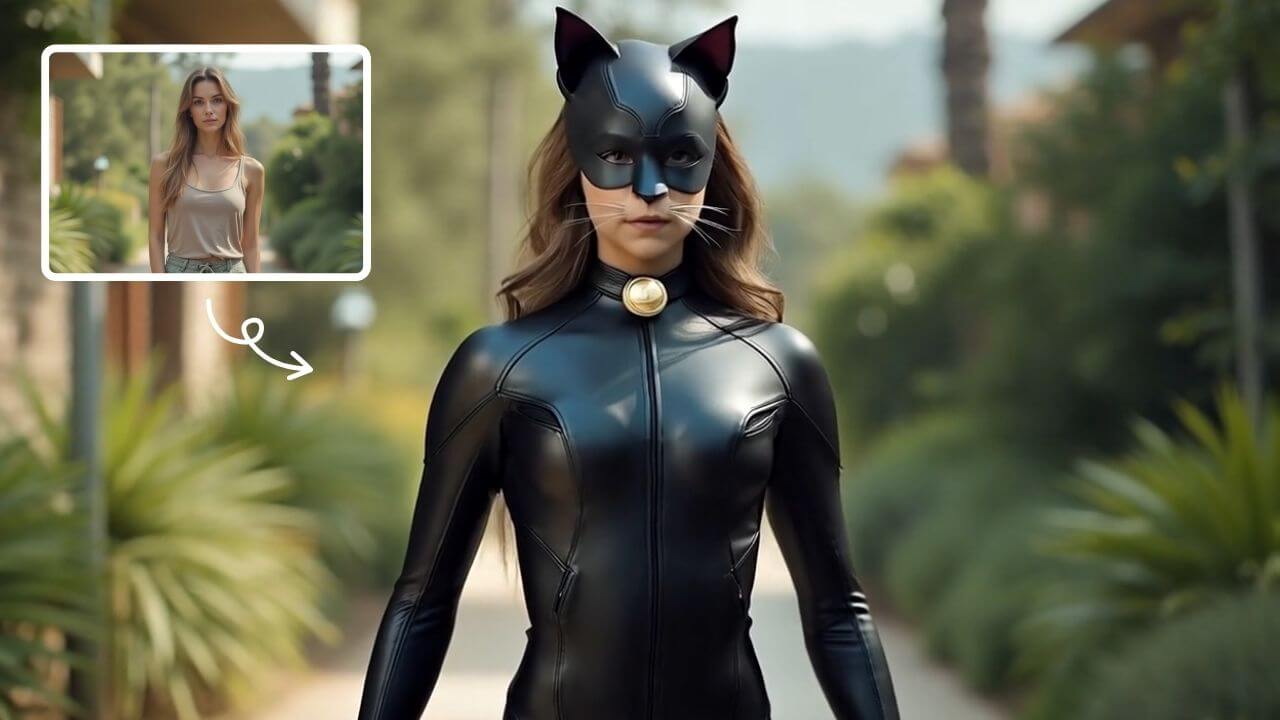
AI Catwoman Transformation
AI Catwoman Transformation lets you embody the legendary character's charm and strength. Simply upload a photo for an instant AI-powered makeover. Showcase your unique feline persona with stunning visual results. Perfect for fans seeking a playful yet powerful digital identity transformation.
Try Now
AI Text To Video Generator
Transform text prompts into stunning videos instantly with our advanced AI Text to Video Generator. Describe your vision in plain English, and create professional-quality videos - no design or video editing skills required.
Try Now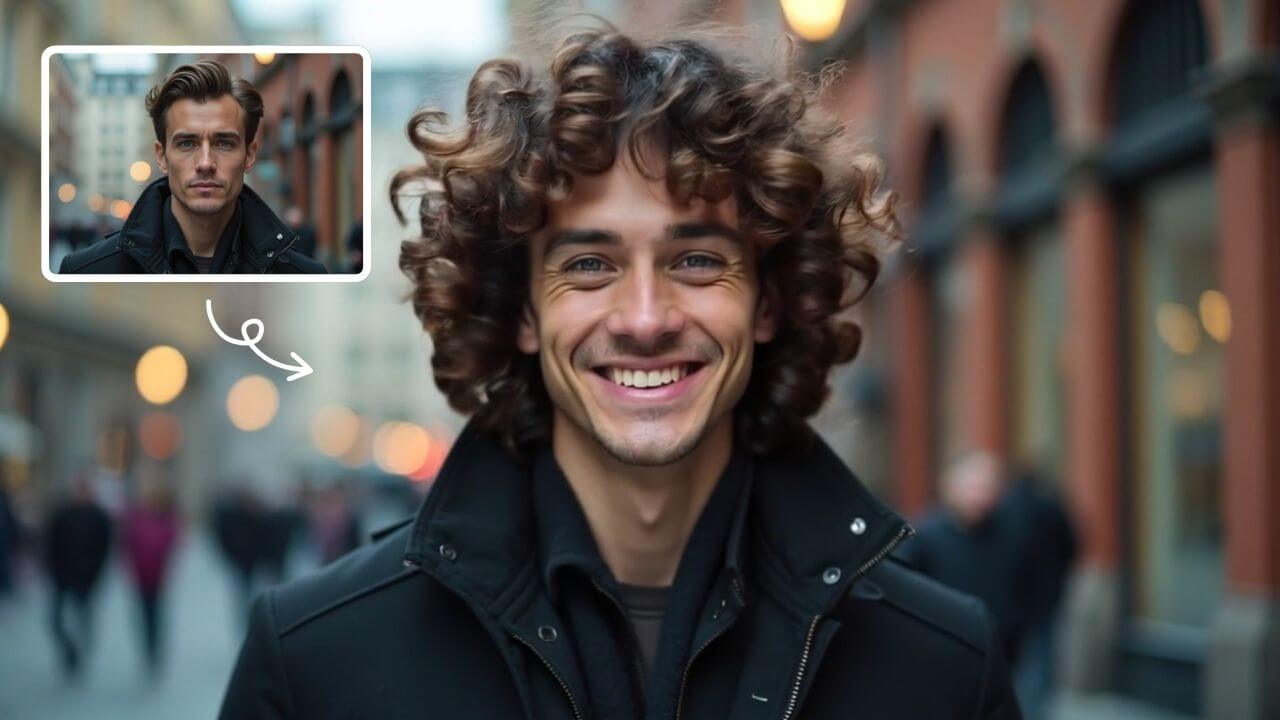
AI Curly Hair
AI Curly Hair allows you to add beautiful, natural-looking curls to any photo instantly. Powered by advanced AI, it offers multiple curly styles to match your preferences, helping you preview and choose the perfect hairstyle without commitment. Experience quick, realistic results and boost your confidence with a fresh, curly appearance.
Try Now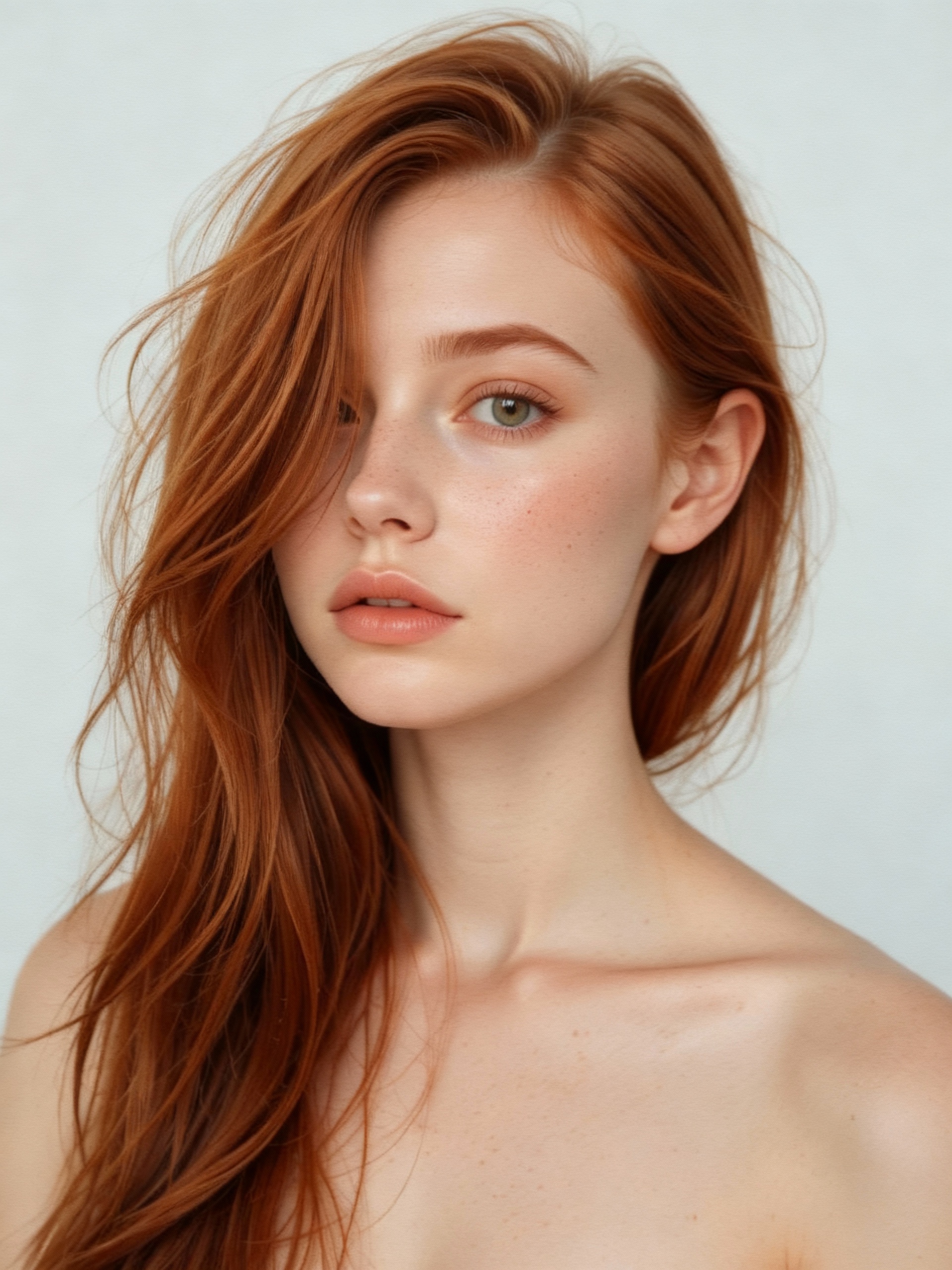
AI Vampire
AI Vampire Generator uses advanced AI to transform any selfie into realistic vampire makeup instantly. Perfect for Halloween, costume parties, or spooky social media content—no editing skills needed. Download your vampire makeover for free and stand out with eerie, professional-looking results!
Try Now
AI Bunnies Trampoline
AI Bunnies Trampoline is a free online tool that instantly creates engaging viral pet videos. Simply input your ideas to generate fun bunny trampoline clips perfect for TikTok, YouTube, and X. No registration required—start producing shareable content in minute, increasing your social media reach effortlessly.
Try Now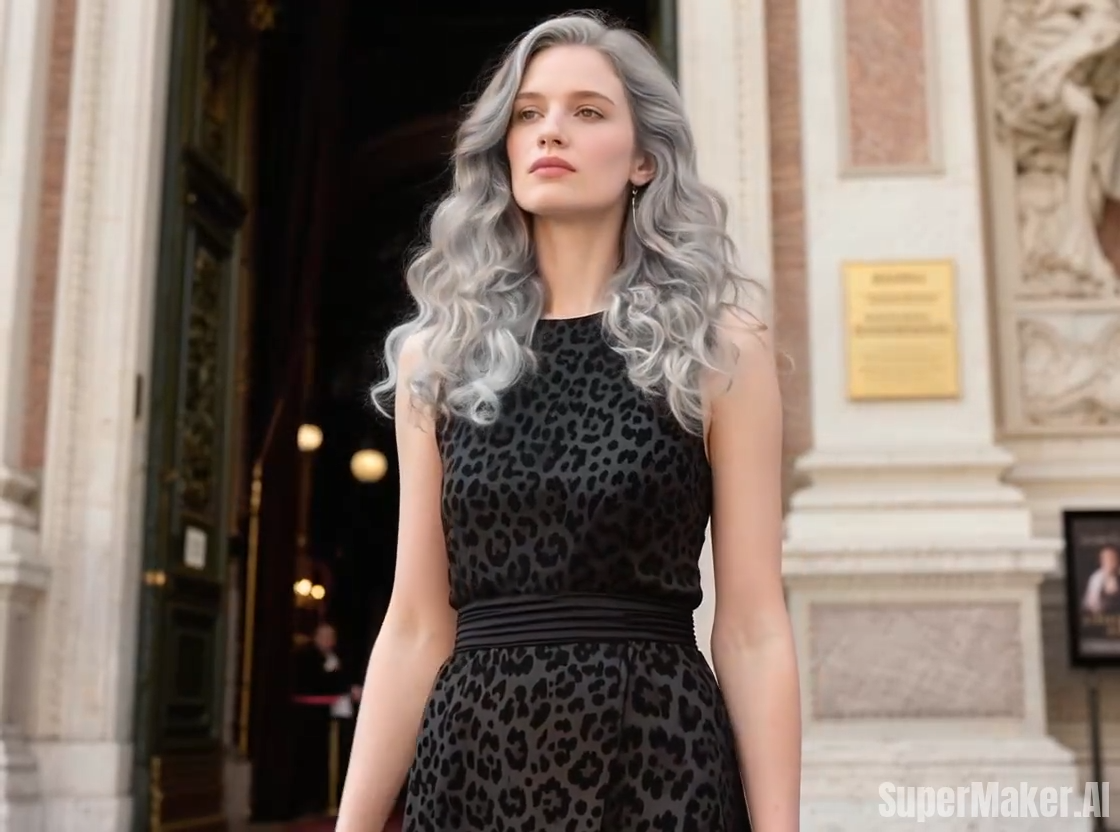
Hair Color Change
Hair Color Change by Supermaker AI lets you experiment with virtual hair colors instantly using AI video effects. Safely test limitless shades from natural to bold, see how they suit you in real-time, and share results. It's free, easy, and risk-free—perfect for style inspiration without real dye.
Try Now Continue with Google