AI Squid Game Video
AI Squid Game Video Effect offers a wide range of free AI video templates, enabling you to generate unique videos from text or images in one click. With its user-friendly interface and trending designs, it helps you produce engaging content quickly, saving time and boosting creativity.
This is an example of what AI can create. Generate your own video now!
Why Choose This AI Video Tool?
Advanced AI Models
Powered by cutting-edge AI including Sora, Kling, VEO for superior video quality.
Easy to Use
No technical skills needed. Simply describe your vision and let AI create magic.
Custom Styles
Choose from multiple art styles and aspect ratios to match your creative vision.
Fast Processing
Generate high-quality videos in minutes with our optimized AI pipeline.
Create Stunning AI Squid Game Video Content: Free Templates & Easy Generator
The hyper-saturated visual style and iconic imagery of the hit series have become a global phenomenon. Now, you can tap into that cultural resonance without any complicated editing software. An AI Squid Game Video tool is a specialized, browser-based application that uses artificial intelligence to transform your simple text descriptions or static images into dynamic short videos. It instantly applies the show's distinctive aesthetic—think vibrant green tracksuits, masked guards, and minimalist playground sets—to your characters and scenes. In essence, it automates complex video creation, allowing anyone to produce engaging, theme-based content in under two minutes.
What is the AI Squid Game Video Effect Tool?
This tool is designed to bridge the gap between a creative idea and a finished video. At its core, it's an online video generation platform that leverages advanced AI models like Sora 2 and Veo 3.1. You provide the concept—a basic prompt like "a businessman in a green tracksuit nervously looking back in a giant playground"—and the AI handles the rest. It interprets your text, generates the visual scene, and renders a complete video clip.
Unlike manual editing, which requires sourcing clips, cutting footage, and syncing effects, this tool handles the entire process client-side. You're not just adding a filter; you're directing the AI to build a scene from the ground up, ensuring every element, from the aspect ratio (whether cinematic 16:9 or vertical 9:16 for social media) to the mood and character attire, aligns with the iconic Squid Game universe. The result is a unique, high-quality video generated from scratch, ready to download and share.
How AI Video Generation Transforms Your Ideas
The process is deceptively simple, but it relies on sophisticated technology. Here’s a breakdown of how the AI works its magic:
- Input Your Concept: You start by writing a text prompt. This is where your creativity comes in. For example: "Dress the subject in the iconic green tracksuit (or pink guard suit). Background changes to a minimalist playground. Tension in the air." You can also upload an image and let the AI reimagine it within the Squid Game world.
- Select Your Preferences: Before generating, you customize the output. Choose your preferred Aspect Ratio (16:9 for widescreen or 9:16 for TikTok/Reels) and the Duration (typically 10 seconds). You can also select the underlying AI Model, with options like Sora 2 for versatile, high-quality results or Veo 3.1, which excels at integrating elements from 1-2 reference images.
- AI-Powered Scene Creation: Once you hit generate, the platform's AI models go to work. They analyze your prompt, break it down into visual components (characters, setting, mood), and begin the complex process of video rendering. The AI ensures semantic coherence—meaning the "tension in the air" is reflected in the character's posture and the lighting of the scene.
- Fast and Efficient Rendering: The entire video generation process is remarkably fast, typically completing in 1 to 3 minutes. You don't need a powerful computer; all the heavy lifting is done on secure, remote servers. This efficiency allows for rapid iteration, so you can tweak your prompts and generate multiple versions until you have the perfect clip.
Top Reasons to Use an AI-Powered Video Creator
Why choose this method over traditional video production? The advantages are significant, especially for content creators working under tight deadlines.
- Unmatched Speed and Efficiency: What takes hours to film or edit can be generated in minutes. This tool processes your request and handles the video rendering in about 1-3 minutes, freeing you up to focus on storytelling and strategy.
- No Learning Curve: You don't need to be a video editor or a VFX artist. The interface is user-friendly, built for creators of all skill levels. You simply convert your text into a video with a single click.
- Cost-Effective Content Creation: Access to a wide range of free AI video templates means you can produce professional-looking content without investing in expensive software, stock footage, or actors.
- Boost Creativity and Overcome Blocks: Staring at a blank timeline is daunting. Starting with a prompt and a theme provides a creative springboard. The AI can interpret your ideas in unexpected ways, often leading to new creative directions.
- Tap into Trending Aesthetics: The Squid Game theme is instantly recognizable and engaging. Using this tool allows you to ride the wave of cultural trends, creating content that is more likely to resonate with audiences on platforms like YouTube, Instagram, and TikTok.
Practical Use Cases for Your AI-Generated Videos
The versatility of this tool opens up a world of possibilities. Here are just a few scenarios where generating an AI Squid Game Video can be incredibly effective.
Social Media Storytelling
Imagine creating a short, looping narrative for an Instagram Story or a TikTok video. You could generate a 10-second clip of a character in a green tracksuit facing a giant red light, green light doll. The 9:16 aspect ratio is perfect for this, giving you vertical, platform-native content that stops the scroll.
Engaging Marketing Content
Businesses can use this aesthetic to create attention-grabbing ads or social media posts. A gym could show a "before" person in regular clothes transform into a fit individual in a green tracksuit, symbolizing the "game" of getting in shape. The inherent tension and drama of the theme make marketing messages more memorable.
Creative Writing and Storyboarding
Writers and filmmakers can use the tool for rapid visualization. Instead of just describing a tense scene in a script, you can generate a rough video concept. This helps in conveying the mood, lighting, and character dynamics to collaborators, serving as an efficient pre-visualization tool.
Ensuring Quality and Trust in AI Content
When using any online tool, especially one that processes your ideas and potentially your images, it's natural to have questions about security and output quality. The process is designed with user trust in mind. The video generation happens through secure, client-side processing, meaning your data is handled safely. The AI models are trained on vast datasets to ensure accurate and efficient scene creation, consistently delivering results that match your prompt's intent. Furthermore, the platform is transparent about its capabilities, clearly outlining the features of different AI models like Sora 2 and Veo 3.1, so you know what to expect in terms of style and image support. This focus on secure, accurate, and fast conversion builds a reliable environment for your creative work.
Frequently Asked Questions
What exactly is an AI Squid Game Video generator?
It's an online tool that uses artificial intelligence to create short videos based on your text descriptions, automatically applying the visual style and themes of the Squid Game series. You simply type a prompt, and the AI generates a unique video featuring elements like the iconic tracksuits, guards, and set designs.
Do I need any video editing experience to use this tool?
None at all. The platform is designed for everyone. You just input your idea, select your preferred settings like aspect ratio and duration, and click generate. The AI handles all the complex tasks of scene creation and video rendering for you.
How long does it take to generate a video?
The process is very fast. Once you submit your prompt, the typical video generation time is between 1 to 3 minutes, depending on the complexity of the scene and the current server load.
Can I use the AI Squid Game Video tool for commercial projects?
Yes, the videos you create can be used for a variety of purposes, including social media content, marketing materials, and creative projects. It's a fantastic way to produce professional-looking visuals without the high cost of traditional production.
What kind of prompts work best for generating a good video?
Clear and descriptive prompts work best. Instead of just "Squid Game video," try something more detailed like, "A young woman in a green tracksuit standing alone in a massive, empty dormitory, looking determined, cinematic lighting." Including details about the character, setting, and mood helps the AI create a more accurate and engaging scene.
Is there a cost to use the AI video generator?
The platform offers a range of free AI video templates, allowing you to generate content without any initial investment. For more advanced features, access to premium AI models like Sora 2 or Veo 3.1, or higher resolution outputs, there may be a credit-based system, but you can start creating for free.
Are the videos I generate unique, or are they just templates?
Each video is uniquely generated by the AI based on your specific text prompt. While the tool has a foundational understanding of the Squid Game aesthetic, the combination of characters, actions, and settings you describe results in an original video created just for you.
What's the difference between the Sora 2 and Veo 3.1 AI models?
Both are powerful, but they have different strengths. Sora 2 is an excellent all-around model for generating high-quality videos from text. Veo 3.1 is particularly strong when you want to incorporate elements from 1-2 images you provide, making it ideal for projects where you need to maintain specific character or object likenesses.
Start Creating AI Videos Instantly
Turn simple text prompts into engaging videos using our powerful AI video generator. No editing skills required — just describe your idea and let AI do the work.
Generate Your First AI VideoMore AI Video Tools
Explore more AI-powered video creation tools to expand your creativity
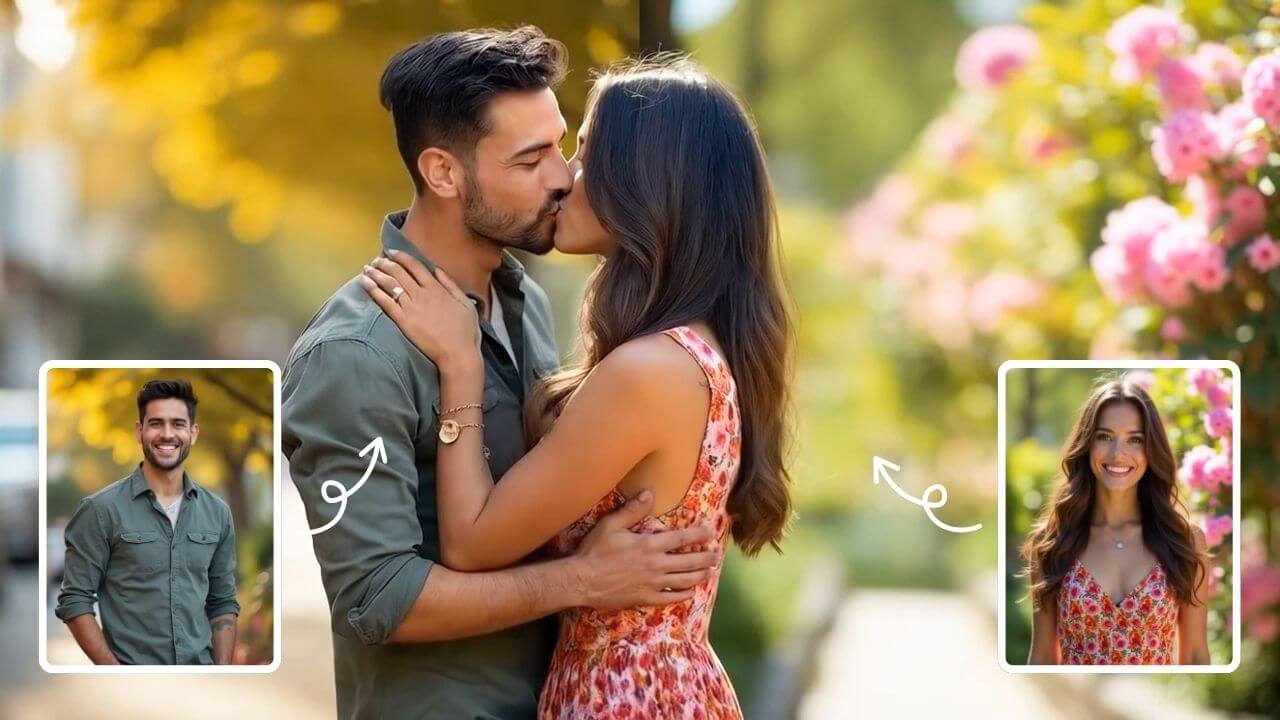
AI Kissing Generator
AI Kissing lets you create stunning AI-generated kiss videos effortlessly. With cutting-edge technology, produce realistic and emotional clips for sharing or entertainment. Enjoy seamless creation, high-quality results, and a unique way to express romance digitally.
Try Now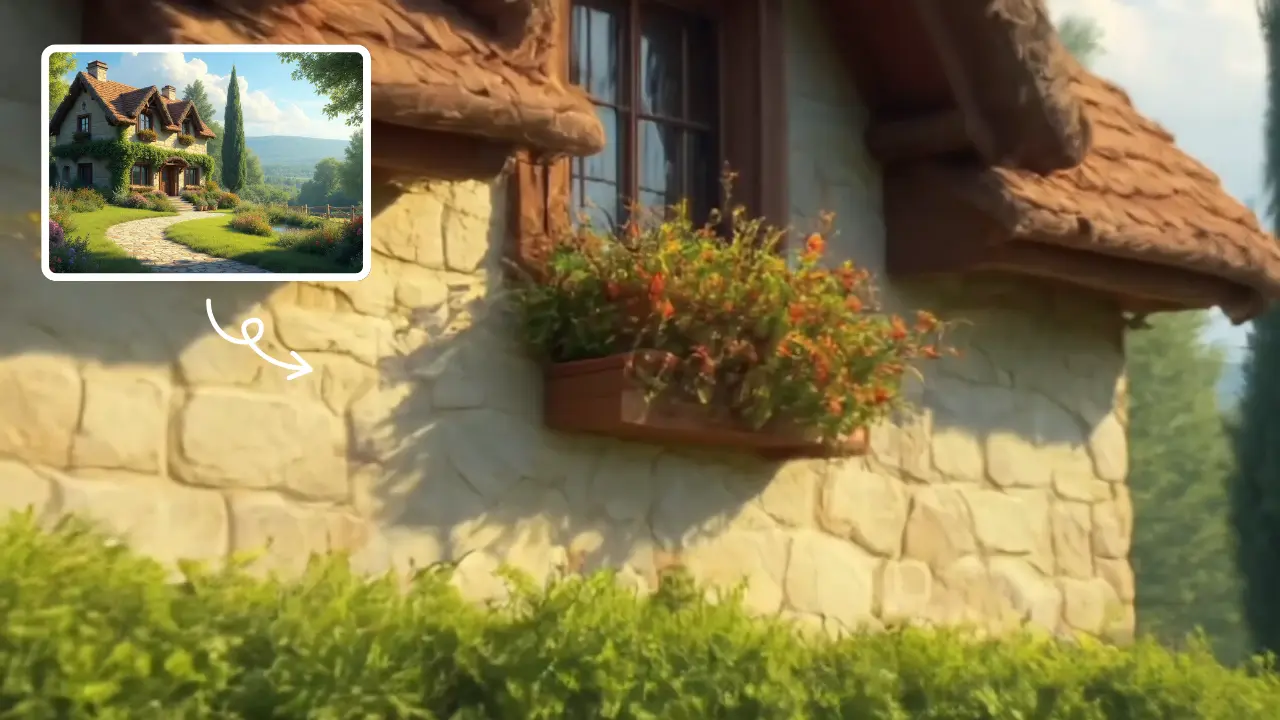
Zoom In Video Effect
Zoom In Video Effect offers free AI video templates to quickly produce professional videos. Key features include one-click creation, support for image and text conversions, and versatile styles. Enhance your content effortlessly, saving time while maximizing impact with user-friendly tools.
Try Now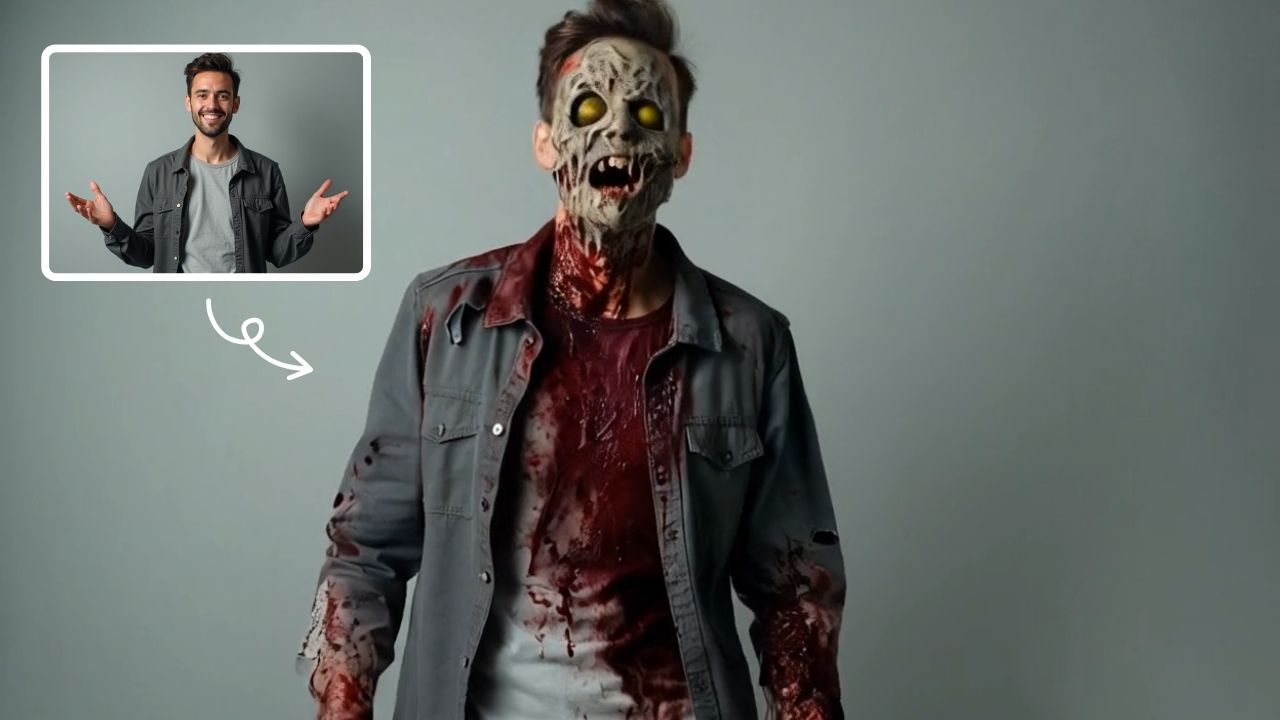
AI Zombie
AI Zombie Transformation uses advanced AI to convert your photos into realistic zombie versions. Simply upload your image, and the tool generates a horrifying undead look with eerie details. It's fun, easy, and perfect for Halloween, parties, or sharing on social media to amaze friends. Try it now for a unique, chilling transformation!
Try Now
AI Talking Photo
AI Talking Photo by Supermaker AI instantly converts any portrait into a realistic talking video. Enjoy easy, free online animation—no downloads needed. Perfect for adding fun and engagement to photos with lifelike results.
Try Now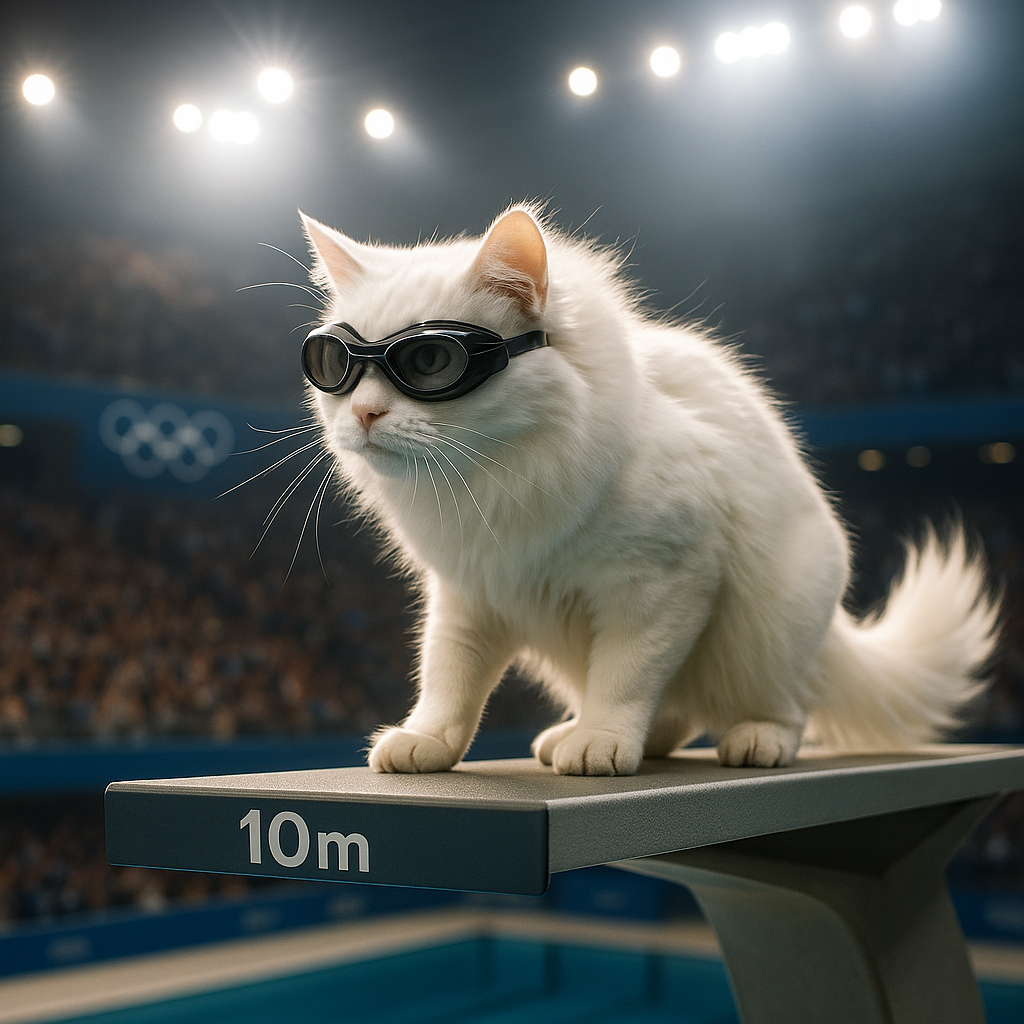
AI Cat Diving Olympics
AI Cat Diving Olympics turns your cat photos into entertaining diving competition videos. Our AI technology automatically generates realistic diving motions and backgrounds. Simply upload photos to create viral-ready content that showcases your pet's athletic potential. Perfect for social media sharing and pet lovers seeking unique entertainment.
Try Now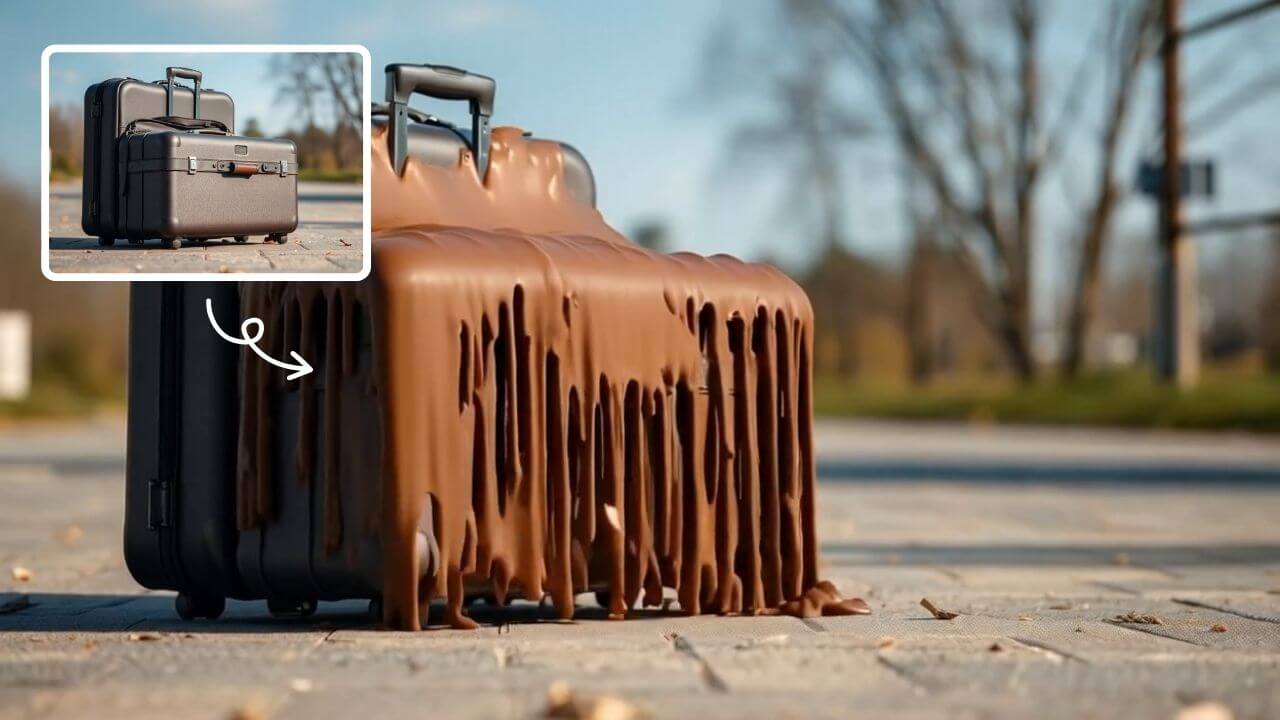
AI Melt Effect
AI Melt Effect uses advanced AI to instantly create mesmerizing melting effect videos from your images. Enjoy powerful features, fast processing, and a free platform. Turn ordinary photos into extraordinary art effortlessly.
Try Now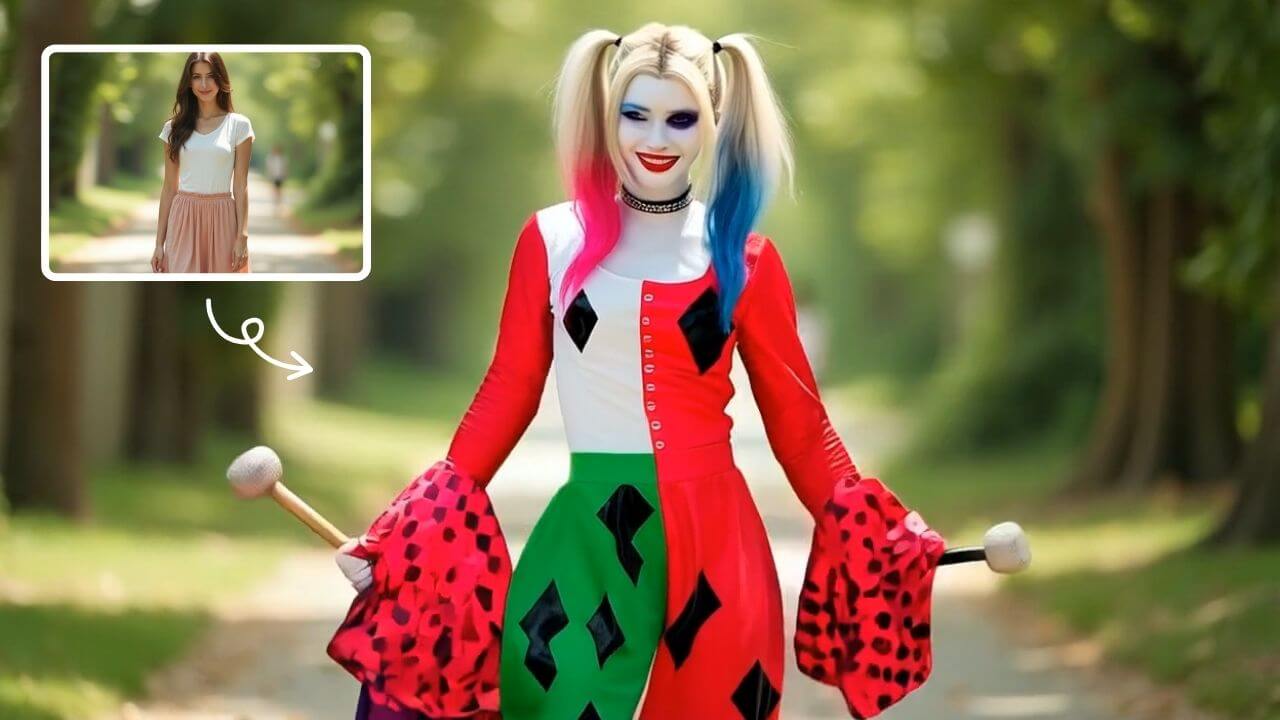
AI Harley Quinn Transformation
AI Harley Quinn Transformation lets you upload your photo and instantly generate a dynamic video where you become Harley Quinn. Experience her signature style, playful animations, and unique flair in an easy, fast process. Perfect for fans seeking a fun, personalized transformation without any hassle.
Try Now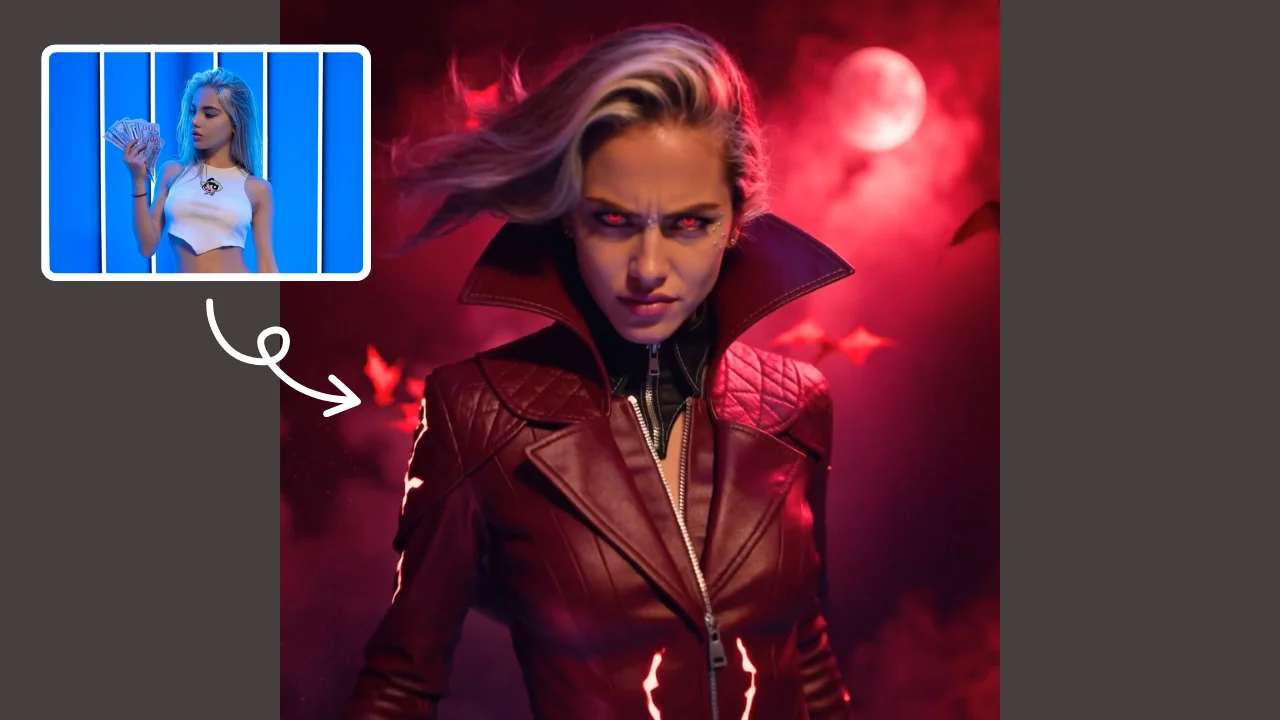
AI Demon Transform
AI Demon Transform revolutionizes video creation with intuitive AI templates. Convert text or images into engaging videos in one click. Enjoy free access to trending styles, fast processing, and user-friendly tools. Boost your content with unique, high-quality results—perfect for creators and marketers seeking efficiency and innovation.
Try Now Continue with Google