AI Melt Effect
AI Melt Effect uses advanced AI to instantly create mesmerizing melting effect videos from your images. Enjoy powerful features, fast processing, and a free platform. Turn ordinary photos into extraordinary art effortlessly.
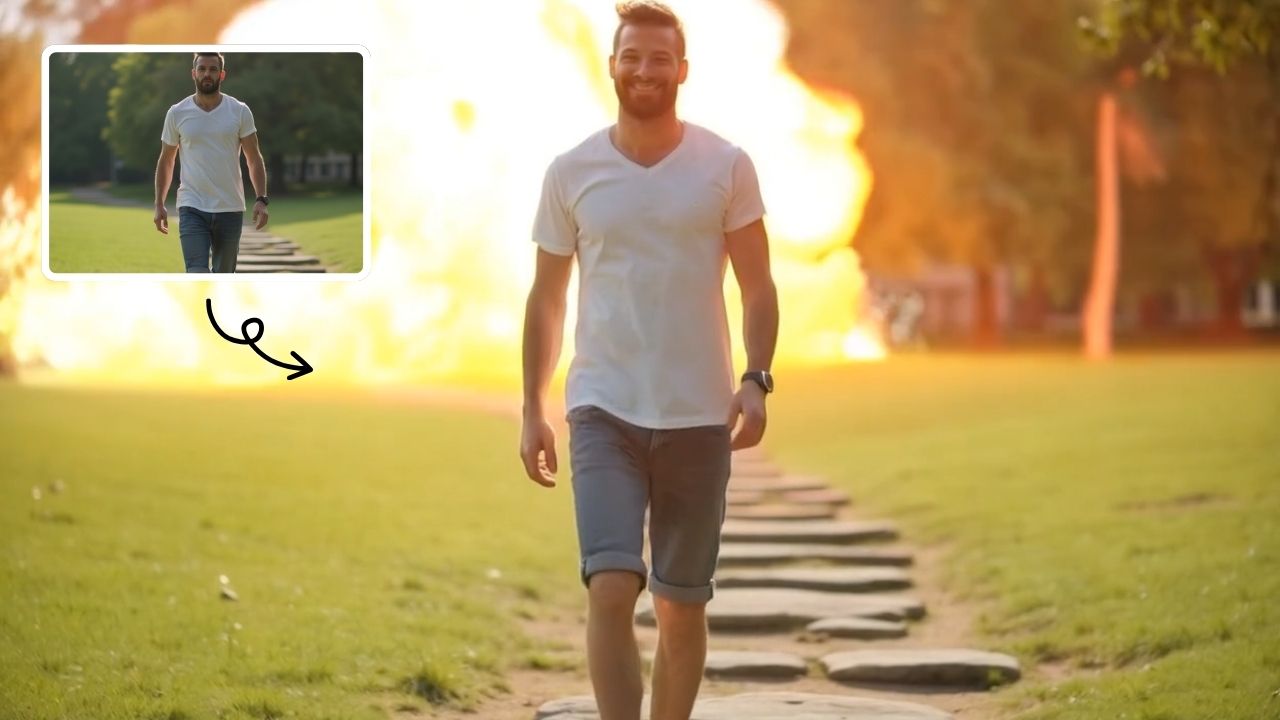
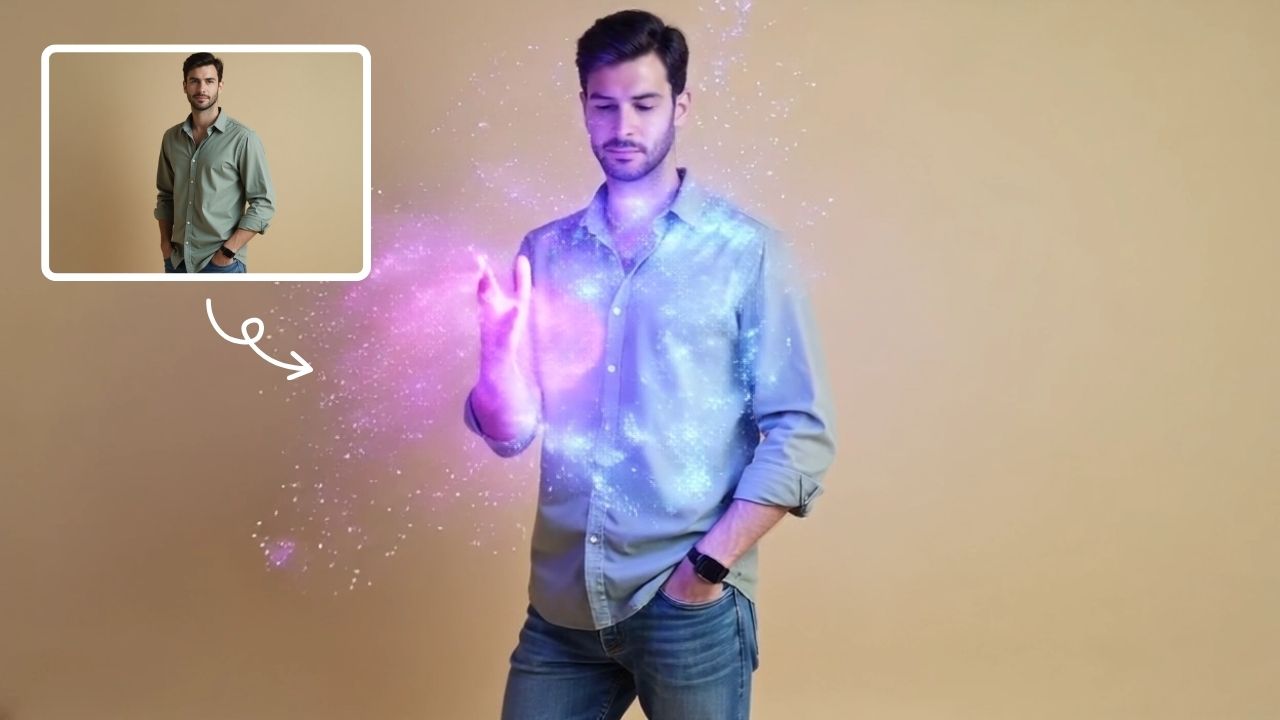
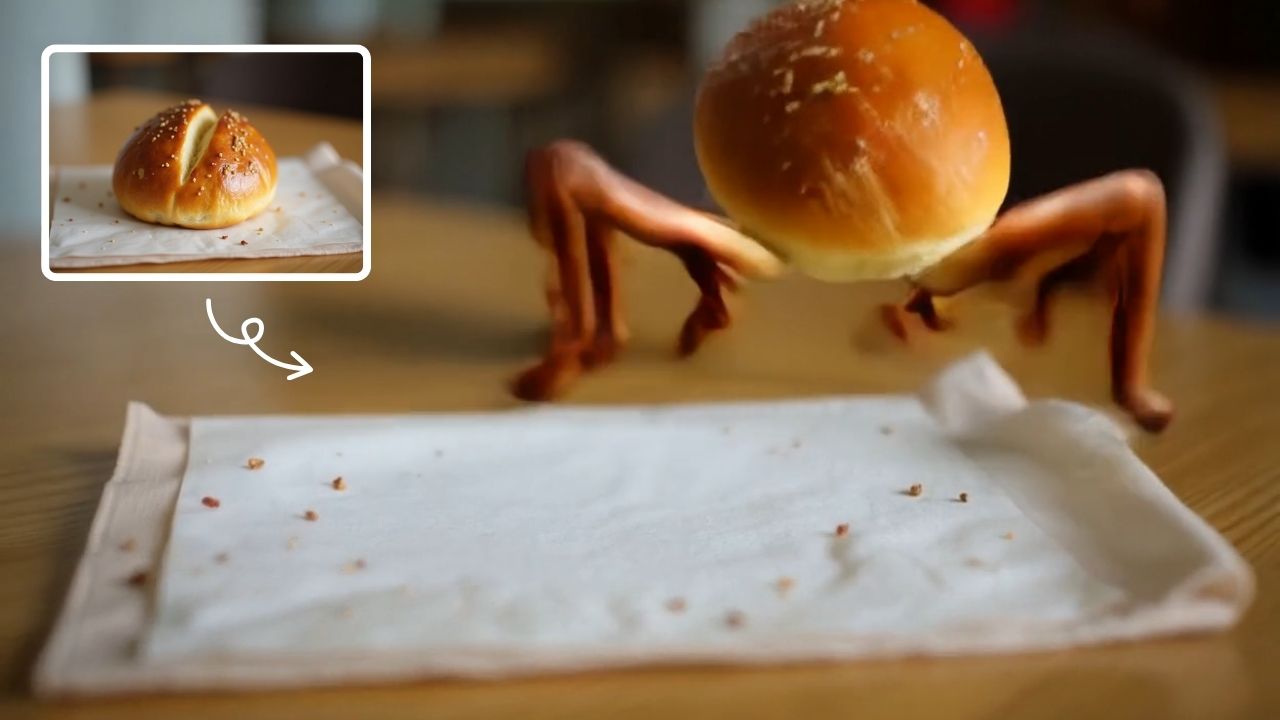
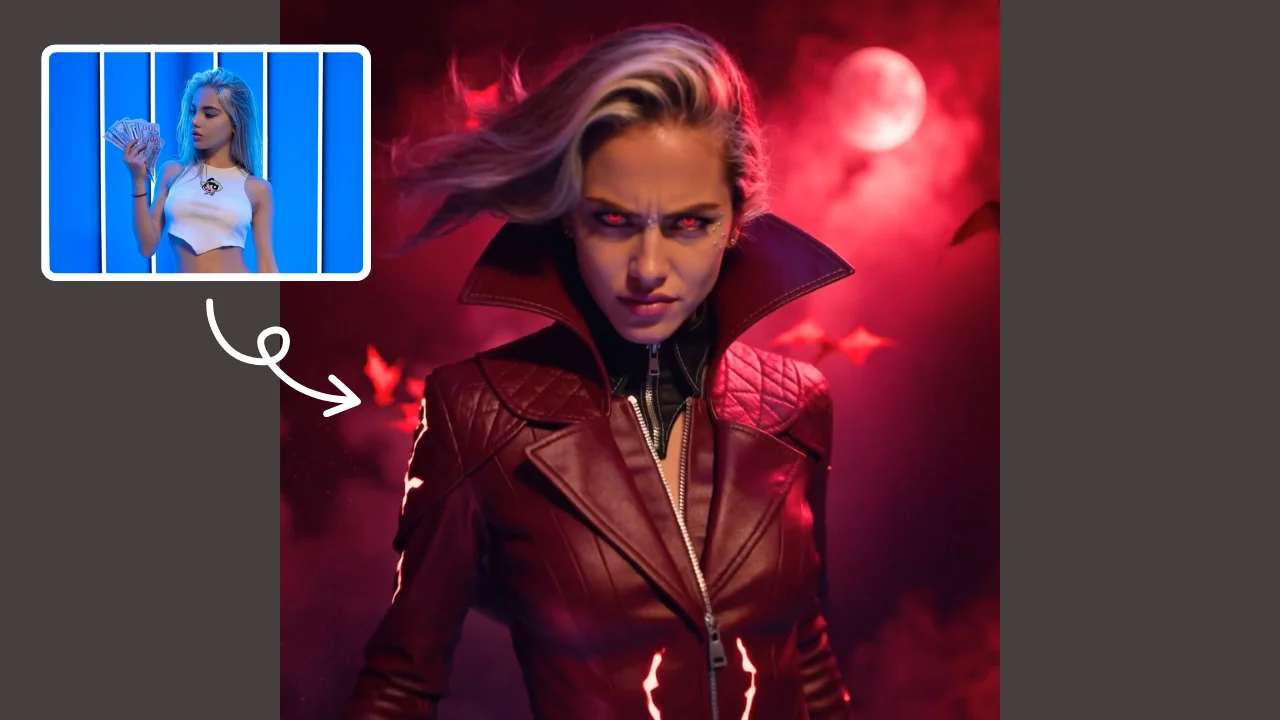
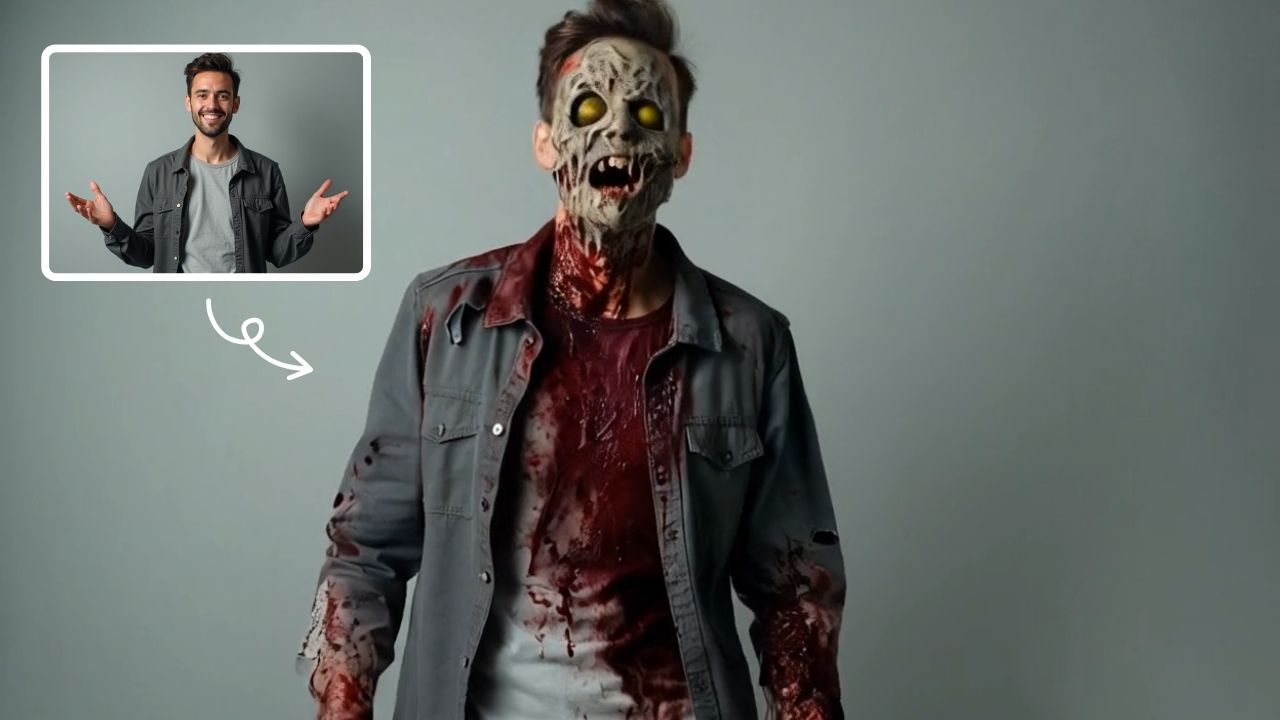
This is an example of what AI can create. Generate your own video now!
What Is an AI Melt Effect Video Generator?
An AI Melt Effect video generator is an online tool that uses artificial intelligence to transform static images into short, surreal animations where subjects appear to melt, drip, or flow like wax or liquid. Instead of spending hours in complex video software, you simply upload a photo, and the AI model analyzes the scene to create a seamless, artistic transformation, typically delivering a finished video in minutes.
AI Melt Effect: Turn Your Static Images into Surreal Liquid Art
Have you ever looked at a photo and imagined it coming to life in the most unexpected way? Not just a simple movement, but a complete, artistic metamorphosis where the subject begins to melt, drip, and flow like a surreal painting. This is exactly what the AI Melt Effect offers. It's a specialized tool that leverages advanced video generation models to apply a mesmerizing melting aesthetic to your ordinary pictures, turning them into captivating digital art pieces in just a few clicks.
This isn't about complex manual editing. It's about using the power of AI to instantly create a unique visual experience. Whether you're a digital artist looking for fresh inspiration or someone who just wants to have fun with photos, this tool provides a fast, free, and incredibly easy way to produce high-quality melting effect videos directly in your browser.
How Does the AI Melt Effect Tool Work?
The magic behind this tool lies in its sophisticated AI models, like Sora 2 and Veo 3.1. But you don't need to understand the technical intricacies to use it. The process is designed to be simple and intuitive.
When you upload an image, the AI doesn't just see a picture; it interprets the scene. It identifies the key subjects, their shapes, and their context. Then, based on the prompt of a "melting effect," it generates a video sequence. The AI calculates how a solid object—be it a person, a piece of fruit, or a building—would realistically (or artistically) begin to soften, distort, and drip downwards. It simulates the physics of melting wax or flowing liquid, but applies it to your photo in a way that's both believable and creatively surreal. The entire video rendering process is handled on powerful servers, so you get your result in about one to three minutes without needing a high-performance computer yourself.
Why You Might Need an AI Melt Effect
The beauty of this tool is its versatility. It’s not just a one-trick pony; it opens up a world of creative possibilities. Here are some common scenarios where an AI Melt Effect video is the perfect solution:
For Social Media Content
Stand out in a crowded feed with eye-catching, animated posts. A short, looping video of a melting object is inherently engaging and can significantly boost interaction on platforms like Instagram, TikTok, or X. It's a guaranteed way to make your followers stop scrolling and take notice.
For Digital Artists and Designers
This tool is a fantastic addition to any creative's workflow. Use it to generate base animations for larger projects, create unique elements for music videos, or simply as a source of inspiration. It allows you to experiment with styles and effects that would be incredibly time-consuming to produce manually.
For Personal Fun and Experiments
Sometimes, it's just about having fun. Turn a selfie into a dripping wax sculpture or make your pet's photo melt in a humorous way. It's a great activity to share with friends and family, creating shareable, personalized video content for special occasions or just for a laugh.
For Marketing and Branding
Imagine a logo that slowly melts into a new shape or a product image that transforms on a landing page. This kind of dynamic, unexpected visual can be a powerful tool for capturing attention in advertising and brand storytelling, making your message more memorable.
Key Features of the Online AI Melt Effect Platform
Understanding the features helps you get the most out of the tool. The platform is built for both ease of use and creative control.
- High-Quality AI Models: You can choose between different AI engines for your video generation. Sora 2, known for its creative style, and Veo 3.1, which excels with one or two image inputs, offer flexibility depending on your desired output.
- Fast Processing: No one likes waiting. The system is optimized to process your request quickly, delivering your video in 1-3 minutes so you can download, share, and move on.
- Flexible Aspect Ratios: The tool supports common aspect ratios like 16:9 for widescreen viewing and 9:16 for vertical platforms like TikTok and Instagram Reels. Your video will fit perfectly wherever you intend to post it.
- Simple and Free Access: The platform is entirely browser-based, requiring no software downloads or installations. A free tier allows you to experiment and see the quality for yourself before committing to anything.
- Intuitive Controls: Generating a video is as simple as uploading an image, selecting your preferred AI model and aspect ratio, and clicking "Generate." The tool handles all the complex scene creation and animation.
Creating Your First Melting Effect Video: A Simple Workflow
Ready to try it yourself? Here’s a straightforward guide to using the AI Melt Effect tool.
- Prepare Your Image: Select a clear photo with a distinct subject. Portraits, objects with interesting shapes, or even landscapes can all produce fantastic results. The AI works best with images where the main element is easily identifiable.
- Upload to the Platform: Navigate to the AI Melt Effect tool on text2vid.org. You'll find a clean interface for uploading your chosen image directly from your device.
- Choose Your Settings:
- AI Model: Decide between Sora 2 or Veo 3.1 based on the style you want. You might want to try both with the same image to see the different artistic interpretations.
- Aspect Ratio: Select 16:9 or 9:16 depending on your intended use.
- Generate and Wait: Hit the generate button. The AI now goes to work, interpreting your image and applying the melting effect. You'll see a status indicator showing the progress of the video rendering. In a minute or two, your new video will be ready.
- Preview and Download: Once complete, you can preview the animation right in your browser. If you're happy with the result, download it to your device to share with the world. The entire process is fast, secure, and efficient.
Frequently Asked Questions
What exactly is an AI Melt Effect video?
It's a short, AI-generated animation created from a static image. The AI intelligently identifies the main subjects and animates them as if they are melting, dripping, or flowing, resulting in a surreal and artistic video clip. The entire AI video generation process is automated, so you don't need any editing skills.
How long does it take to generate a video with the AI Melt Effect tool?
The video generation time is very fast. Most videos are processed and ready for download within one to three minutes, depending on server load and the complexity of the chosen AI model.
Can I use the AI Melt Effect on any image?
You can upload a wide variety of images. The tool works best with photos that have a clear, central subject, as this gives the AI a strong focal point for the animation. High-contrast images with defined edges also tend to produce very dramatic and visually appealing results.
Is my data safe when I use this online AI Melt Effect tool?
Trustworthiness and data security are important. Reputable platforms process your images for the sole purpose of creating your video. It's always good practice to check the privacy policy of the website, but generally, your uploaded files are handled securely and are not used for other purposes without your consent.
Do I need special software or skills to use an AI Melt Effect generator?
Not at all. The tool is completely browser-based, meaning it runs in your web browser on any device. There is no software to install. The interface is designed for simplicity: upload, click, and download. It's a perfect example of how online tools are making advanced creative technology accessible to everyone.
Why would I use an AI tool for this instead of doing it manually?
Creating a realistic melting effect manually would require advanced skills in professional 3D animation or compositing software, a process that could take hours or even days. An AI Melt Effect tool performs this complex simulation in minutes, making it incredibly efficient and accessible to anyone, regardless of their technical background.
In conclusion, the AI Melt Effect is more than just a novelty; it's a powerful and accessible creative tool that empowers anyone to transform their photos into mesmerizing pieces of moving art. By combining advanced AI with a user-friendly platform, it removes the barriers to complex video creation, allowing you to focus purely on expression and fun. Whether for professional projects or personal enjoyment, this tool offers a unique way to see your images in a whole new light.
Start Creating AI Videos Instantly
Turn simple text prompts into engaging videos using our powerful AI video generator. No editing skills required — just describe your idea and let AI do the work.
Generate Your First AI VideoMore AI Video Tools
Explore more AI-powered video creation tools to expand your creativity
AI Twerk Video Generator
AI Twerk Video Generator instantly animates any face into a dancing sensation. With one click, turn photos into funny twerk videos for social media, memes, or pranks. No skills needed—just upload, generate, and share to entertain friends and followers effortlessly.
Try Now
AI Captain America
Unleash the Captain America effect with our AI template. Easily apply superhero transformations in videos, boosting engagement for Marvel enthusiasts and content creators. Ideal for viral social media posts.
Try Now
AI Wonder Woman
AI Wonder Woman Transformation instantly converts your photos into dynamic Wonder Woman videos. Simply upload your picture and watch AI generate a powerful superhero transformation. Experience unique customization, realistic effects, and instant shareable content. Perfect for social media, cosplay inspiration, or unleashing your inner hero effortlessly.
Try Now
AI Squish Effect
Transform any image into a lively, bouncing masterpiece with AI Squish Effect by Remaker. This free online tool instantly applies dynamic squish effects, making photos fun and engaging. No downloads needed – just upload, generate, and share hilarious videos effortlessly. Perfect for social media, memes, and creative projects, it offers quick, user-friendly entertainment for everyone.
Try Now
AI Happy Smile
AI Happy Smile is an online tool that uses advanced AI to add realistic smiles to photos in one click. It works on portraits, selfies, and group images, improving expressions effortlessly.
Try Now
AI Jiggle Video
AI Jiggle Video uses advanced AI to animate your photos with dynamic wobble effects. Turn static images into entertaining, bopping dance clips effortlessly. Enjoy a user-friendly interface, instant sharing options, and no cost to start. Perfect for creating viral, fun content that stands out and engages audiences.
Try Now
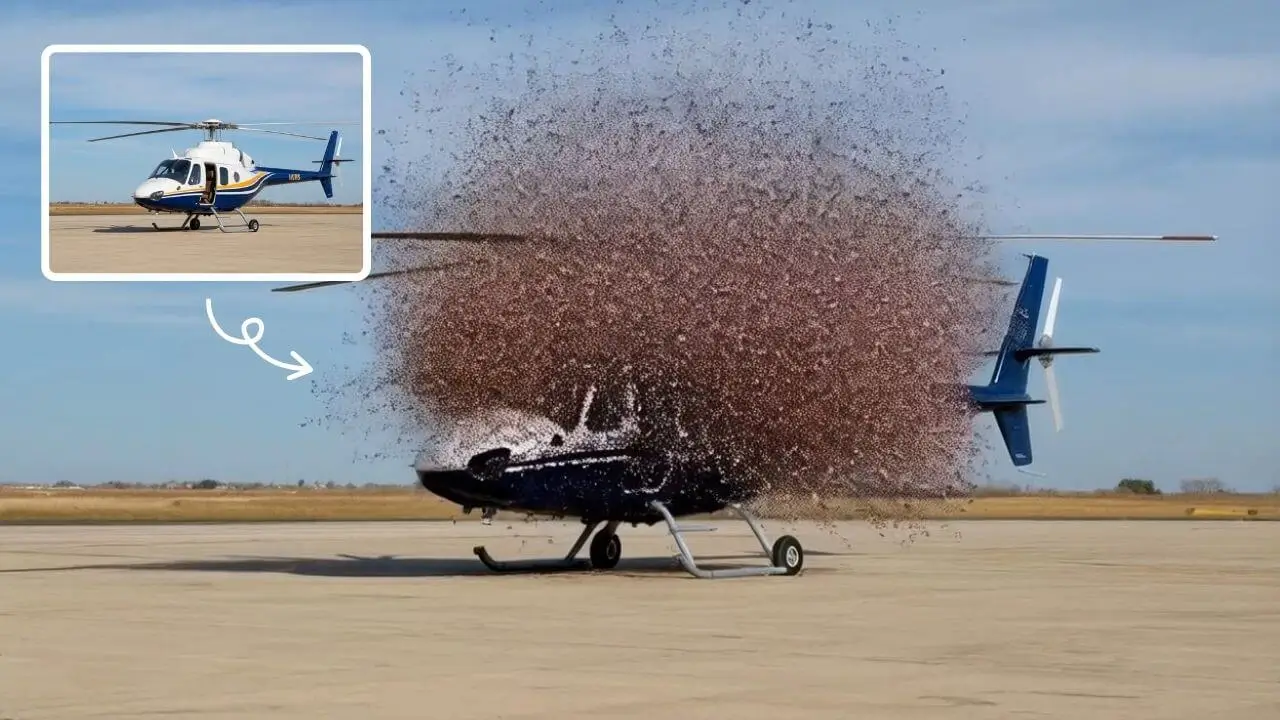
AI Explode Effect
AI Explode Effect uses advanced AI to convert your photos into dynamic explosion artwork. Simply upload an image to generate vibrant energy bursts, emphasizing creativity and visual impact. Perfect for social media, digital art, or personal projects, it offers quick, stunning results with no design skills needed. Unleash your creativity and turn ordinary moments into explosive art!
Try Now
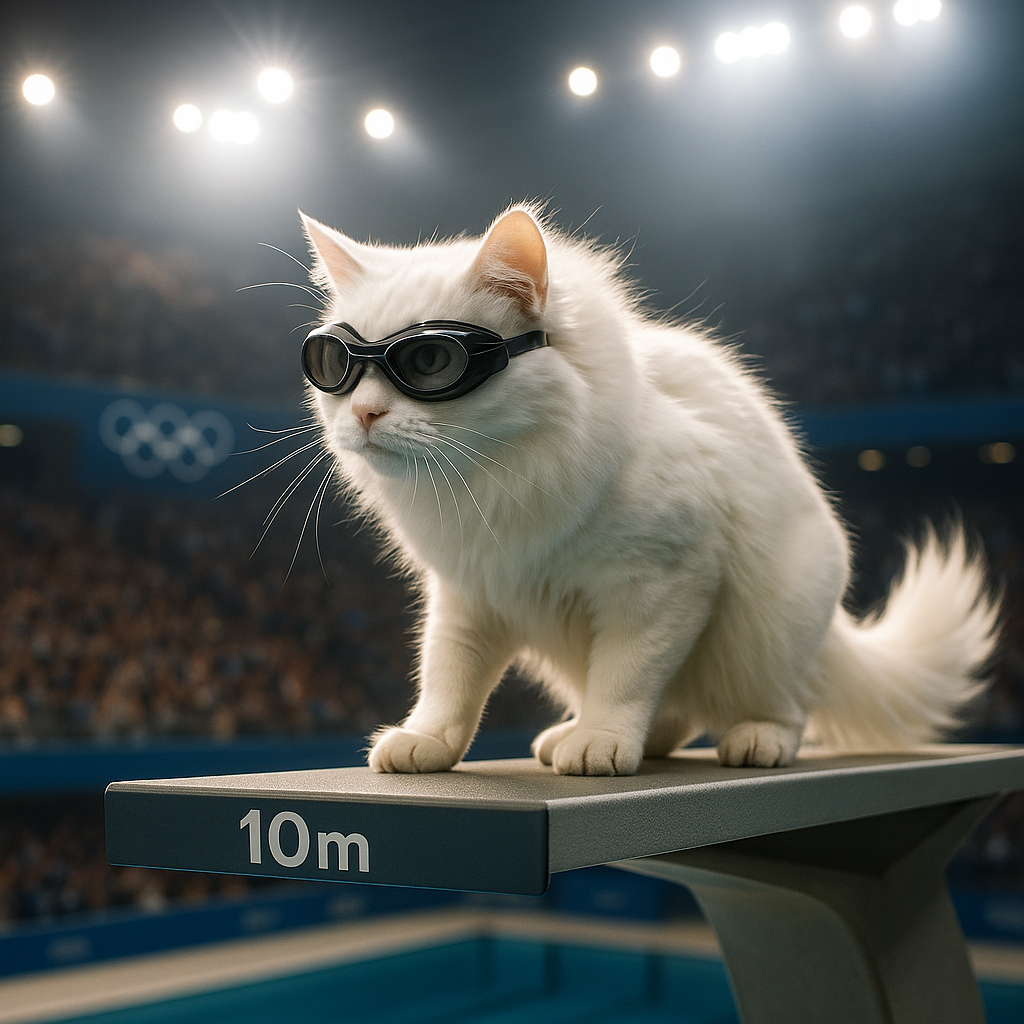
AI Shocked Face
AI Shocked Face uses advanced AI to detect faces in your photos and replace their expressions with realistic shocked looks. Simply upload an image, and our tool automatically generates a surprised version in minute. It's free, easy to use, and great for creating funny content to share with friends or on social platforms. Experience the magic of AI expression transformation today!
Try Now
Continue with Google