AI Demon Transform

AI Demon Transform revolutionizes video creation with intuitive AI templates. Convert text or images into engaging videos in one click. Enjoy free access to trending styles, fast processing, and user-friendly tools. Boost your content with unique, high-quality results—perfect for creators and marketers seeking efficiency and innovation.

Drag & Drop or Ctrl+V to paste

Support PNG, JPG, WEBP up to 10MB (Max 2 images)

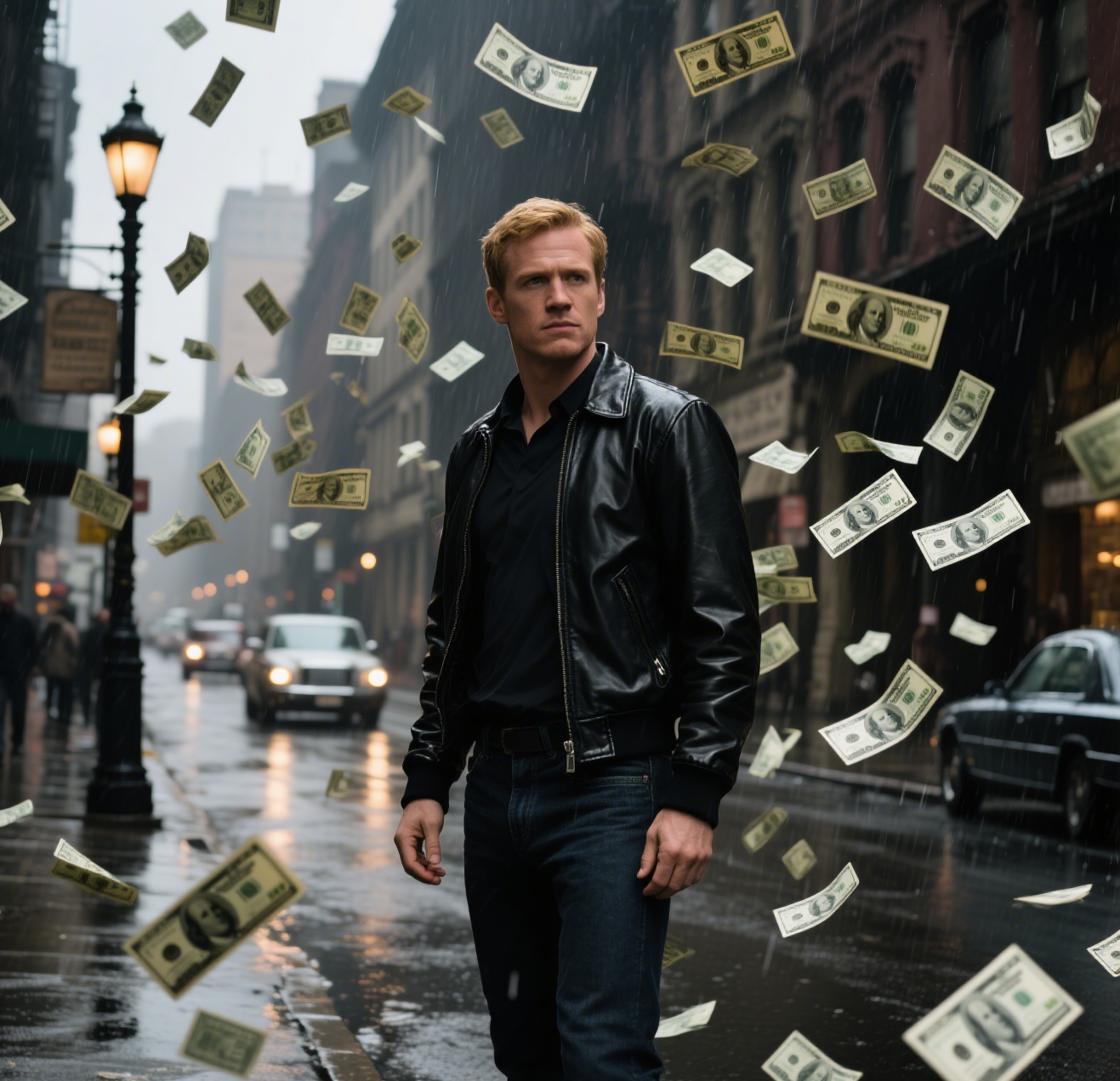
This is an example of what AI can create. Generate your own video now!

Introducing AI Demon Transform: Your Shortcut to Viral Horror Content

Creating high-impact video content, especially in the horror and fantasy genres, often requires expensive software and hours of manual editing. AI Demon Transform is a revolutionary online tool that changes this paradigm. It allows creators, marketers, and hobbyists to instantly generate stunning video sequences by simply describing a scene or uploading an image. This browser-based platform specializes in transforming ordinary subjects into demonic entities, complete with realistic horns, glowing eyes, and dark, atmospheric effects. It is designed to make high-quality, stylized video creation accessible to everyone, with a simple one-click process.

What is AI Demon Transform and How Does It Work?

At its core, AI Demon Transform is a specialized video generation engine. It leverages advanced AI models, including options like Sora 2 and Veo 3.1, to interpret your ideas and render them into short, high-quality video clips. The process is straightforward: you provide a text prompt describing the transformation you want, or upload a base image, and the AI handles the rest. It analyzes your input, applies the chosen style parameters, and begins the video rendering process. Within a few minutes, you have a unique, professional-looking video ready to download and use. It’s an efficient way to produce complex visual effects without needing a background in 3D animation or compositing.

Key Features That Set AI Demon Transform Apart

This tool is packed with features designed to streamline the creative workflow. Its power lies in its simplicity and the quality of its output.

Intuitive Video Prompts and Scene Creation

You don't need to be a technical expert. The platform is built around natural language processing. You can use simple, descriptive video prompts like "A businessman morphing into a demon, skin turning to charcoal, eyes burning red" and the AI will understand and begin the scene creation process. This lowers the barrier to entry for content creators who have great ideas but lack the technical skills to execute them manually.

Fast, Browser-Based Processing

As a completely online tool, there is no software to download or install. Everything happens in the cloud. You simply access the platform through your web browser, input your idea, and let the remote servers handle the heavy lifting of video generation. The processing is remarkably fast, typically taking between one to three minutes to convert your prompt into a finished video, depending on server load and video complexity.

Versatile Style & Effects Application

As a tool under the "Style & Effects" category, AI Demon Transform excels at applying dramatic, cohesive aesthetics. It’s not just about adding a filter; it's about intelligently transforming the entire scene. The AI understands concepts like "dark aura," "demonic transformation," and "horror movie style," ensuring that the generated video maintains a consistent and believable look. Whether you need a 16:9 landscape for YouTube or a 9:16 vertical clip for TikTok or Instagram Reels, the tool adapts to your required aspect ratio.

Practical Use Cases for Creators and Marketers

AI Demon Transform isn't just a novelty; it's a practical tool for a variety of professional and personal applications.

  • Social Media Content: In the fast-paced world of social media, grabbing attention is key. A unique, high-quality video generated with AI Demon Transform can make your content stand out. Use it to create eye-catching intros, spooky skits for Halloween, or visually stunning metaphors for marketing campaigns.
  • Music Videos and Trailers: Independent musicians and filmmakers can use this tool to generate quick, conceptual visuals. Imagine creating a low-budget music video where the artist undergoes a demonic transformation, or a teaser trailer for a horror podcast with a few seconds of compelling, generated footage.
  • Gaming and Streaming Assets: Streamers can create custom alerts or overlays featuring demonic transformations. Gaming enthusiasts can generate concept art or short cinematics for their characters or role-playing campaigns. The ability to convert text or images into engaging videos opens up a world of possibilities.
  • Marketing and Advertising: For marketers seeking efficiency and innovation, this tool is a goldmine. Create allegorical content where a problem (depicted as a "demon") is overcome, or generate unique visuals for a Halloween-themed ad campaign without the need for expensive CGI artists.

Step-by-Step: How to Generate Your First Video

Ready to create? Here is a simple workflow to get you started with AI Demon Transform.

  1. Access the Tool: Navigate to the AI Demon Transform page on text2vid.org. The interface is clean and user-friendly.
  2. Craft Your Prompt: In the text box, enter a detailed description of the video you want. The more specific you are, the better the result. For example, instead of "make a demon," try "A classical statue in a museum slowly transforms into a living demon. Marble cracks to reveal dark, veiny skin. Horns sprout from its head, and its eyes ignite with a purple flame."
  3. Select Your Settings:
    • Aspect Ratio: Choose between 16:9 (horizontal, best for YouTube) or 9:16 (vertical, best for TikTok/Reels).
    • Duration: Select the desired video length, typically up to 10 seconds.
    • AI Model: Pick an AI model. Sora 2 is excellent for text-to-video, while Veo 3.1 is optimized for scenarios involving 1-2 images, making it great for image-to-video transformations.
  4. Generate and Wait: Click the "Generate" button. The system will now begin processing. The video rendering time is usually between 1 to 3 minutes. You can leave the tab open while it works.
  5. Download and Share: Once complete, your video will be ready for preview. If you're happy with the result, download it directly to your device and share it on your preferred platforms. The entire process is designed for speed and ease.

Addressing Privacy and Data Security

When using any online tool, it's natural to have questions about data. AI Demon Transform processes your images and prompts securely on remote servers to perform the complex calculations required for video generation. The primary goal of this processing is to deliver your final video and improve the service's accuracy. For the most current and detailed information on data retention and privacy practices, it is always recommended to review the official privacy policy of the platform. The creators are committed to maintaining a trustworthy service by being transparent about their data handling.

Why Choose an AI-Powered Approach?

The primary advantage of using a tool like AI Demon Transform is efficiency. Manually creating a video of a demonic transformation would involve shooting footage, using 3D modeling software, or spending hours in After Effects applying effects frame by frame. This AI tool condenses that entire process into a matter of minutes. It democratizes video creation, allowing anyone with a creative vision to bring it to life. The results are not just fast; they are unique, high-quality, and tailored to the specific trends and styles that resonate with modern audiences.

Frequently Asked Questions

What exactly is AI Demon Transform?

AI Demon Transform is a specialized online tool that uses artificial intelligence to generate short video clips. It focuses on transforming subjects into demonic or horror-themed visuals based on text descriptions or uploaded images. It's a fast, browser-based solution for creators who need high-quality, stylized video content without complex software.

How long does it take to generate a video with AI Demon Transform?

The video generation process is quite fast. Once you submit your prompt and settings, the AI models typically take between one to three minutes to render and finalize your video. This processing time can vary slightly depending on the current demand and the complexity of your request, but it is designed to be efficient.

Can I use AI Demon Transform with my own images?

Yes, absolutely. The tool supports image-to-video conversion, particularly when using models like Veo 3.1. You can upload a photo of a person, an object, or a scene, and the AI will use that as a base to apply the demonic transformation, animating it according to your prompt. This is a powerful way to create personalized content.

Do I need to download any software to use AI Demon Transform?

No, you do not need to download or install anything. AI Demon Transform is a fully online, browser-based tool. You can access all its features directly from the website on your computer or mobile device. The entire process, from input to download, happens in your web browser.

What kind of videos can I make with this tool?

You can create a wide variety of short, stylized videos. Common uses include social media clips for platforms like TikTok and Instagram, conceptual visuals for music or film projects, custom assets for streamers, and unique content for marketing campaigns. The tool is specifically designed for horror, fantasy, and high-impact style and effects transformations.

Is my uploaded data safe when using the tool?

The platform processes your data securely to perform the video generation task. The providers of the AI models use prompts and uploaded data to generate the output and may use it for service improvement and monitoring, as is standard practice in the industry. For comprehensive details on data handling, it's best to consult the service's official privacy policy.

What are the typical use cases for AI Demon Transform?

Typical users include social media creators looking for viral content, digital marketers needing quick and innovative ad visuals, indie filmmakers and musicians creating concept art or teasers, and gamers or streamers producing custom assets. It solves the problem of needing expensive software and advanced skills to create professional-looking video effects.

What is the difference between the Sora 2 and Veo 3.1 models?

Sora 2 is an advanced model from OpenAI that excels at generating videos from text prompts, offering a wide range of creative styles. Veo 3.1, from Google, is also a powerful video generation model but is noted for its strong support when you provide 1-2 images, making it an excellent choice for image-to-video transformations. You can choose the model that best suits your project's needs.

Start Creating AI Videos Instantly

Turn simple text prompts into engaging videos using our powerful AI video generator. No editing skills required — just describe your idea and let AI do the work.

Generate Your First AI Video

More AI Video Tools

Explore more AI-powered video creation tools to expand your creativity
AI Twerk Video Generator

AI Twerk Video Generator

AI Twerk Video Generator instantly animates any face into a dancing sensation. With one click, turn photos into funny twerk videos for social media, memes, or pranks. No skills needed—just upload, generate, and share to entertain friends and followers effortlessly.

Try Now
AI Squish Effect

AI Squish Effect

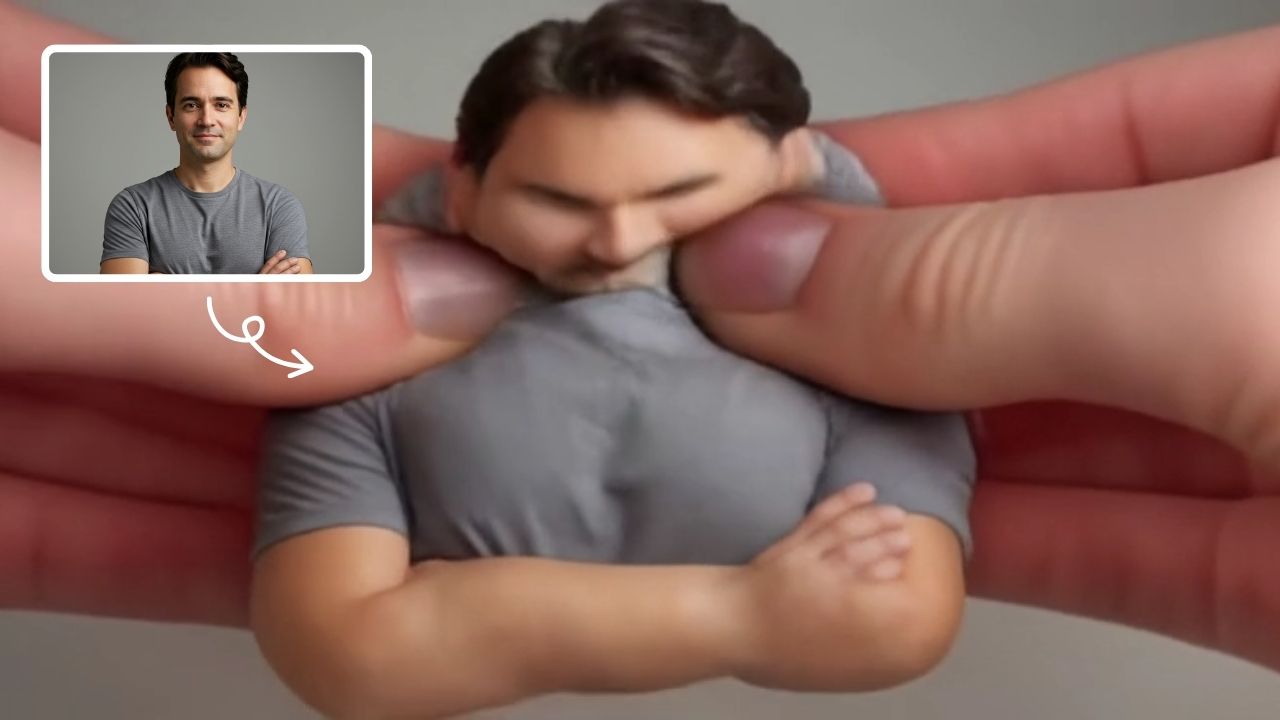
Transform any image into a lively, bouncing masterpiece with AI Squish Effect by Remaker. This free online tool instantly applies dynamic squish effects, making photos fun and engaging. No downloads needed – just upload, generate, and share hilarious videos effortlessly. Perfect for social media, memes, and creative projects, it offers quick, user-friendly entertainment for everyone.

Try Now
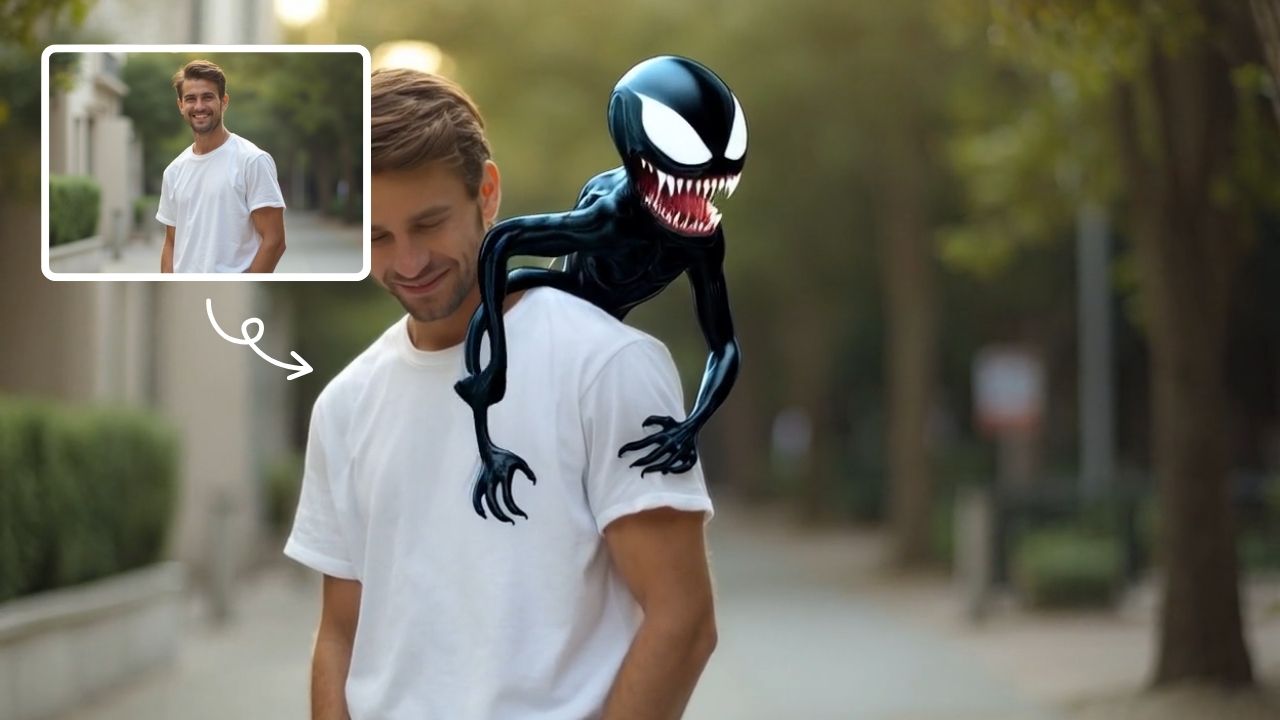
AI Summoning succubus

AI Summoning succubus

Our AI tool turns a single picture into a stunning summoning circle video with automated effects and smooth pacing. Experience quick, magical transformations for captivating results.

Try Now
AI Dance Video

AI Dance Video

AI Dance Video by Supermaker AI instantly animates your photos into professional dance videos. Generate viral TikTok trends or K-pop moves with realistic animation. It's free, user-friendly, and perfect for creating engaging content that stands out online—no expertise required!

Try Now
AI Hip Shake

AI Hip Shake

Hip Shake is an AI-powered tool that creates engaging hip-twist videos for free. It uses advanced effects to produce captivating dance content, helping users boost social media presence and engagement quickly. Ideal for creators seeking viral potential.

Try Now
AI Surf Video

AI Surf Video

AI Surf Video by Supermaker AI transforms your ideas into high-energy surfing videos. Using advanced AI, it produces realistic surfing actions, seamless motion, and consistent characters with dynamic waves. Experience quick, professional-quality videos that highlight your skills or creative vision, making it perfect for content creators and surf enthusiasts.

Try Now
AI Face Punch

AI Face Punch

AI Face Punch offers intuitive AI video templates that let you transform text or images into engaging videos instantly. Its key features include diverse template options, one-click generation, and seamless customization, saving time while enhancing visual content quality. Perfect for marketers and creators seeking fast, professional results without technical skills.

Try Now
AI Explode Effect

AI Explode Effect

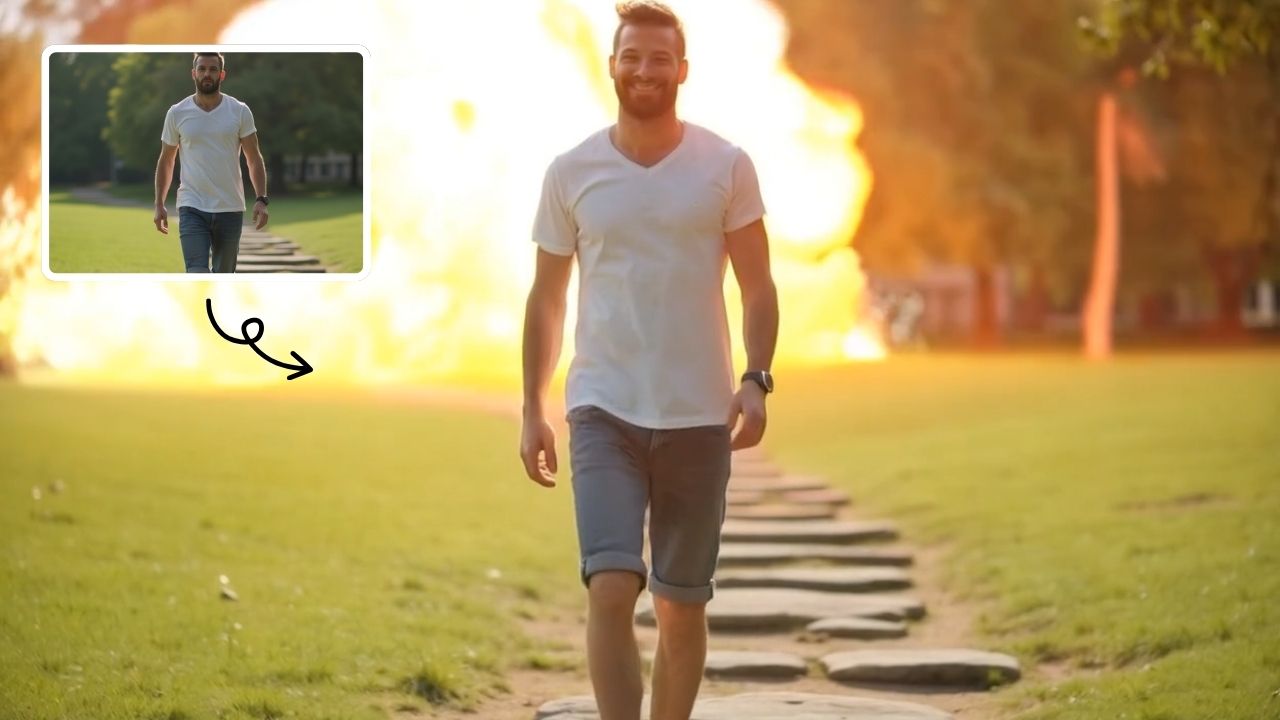
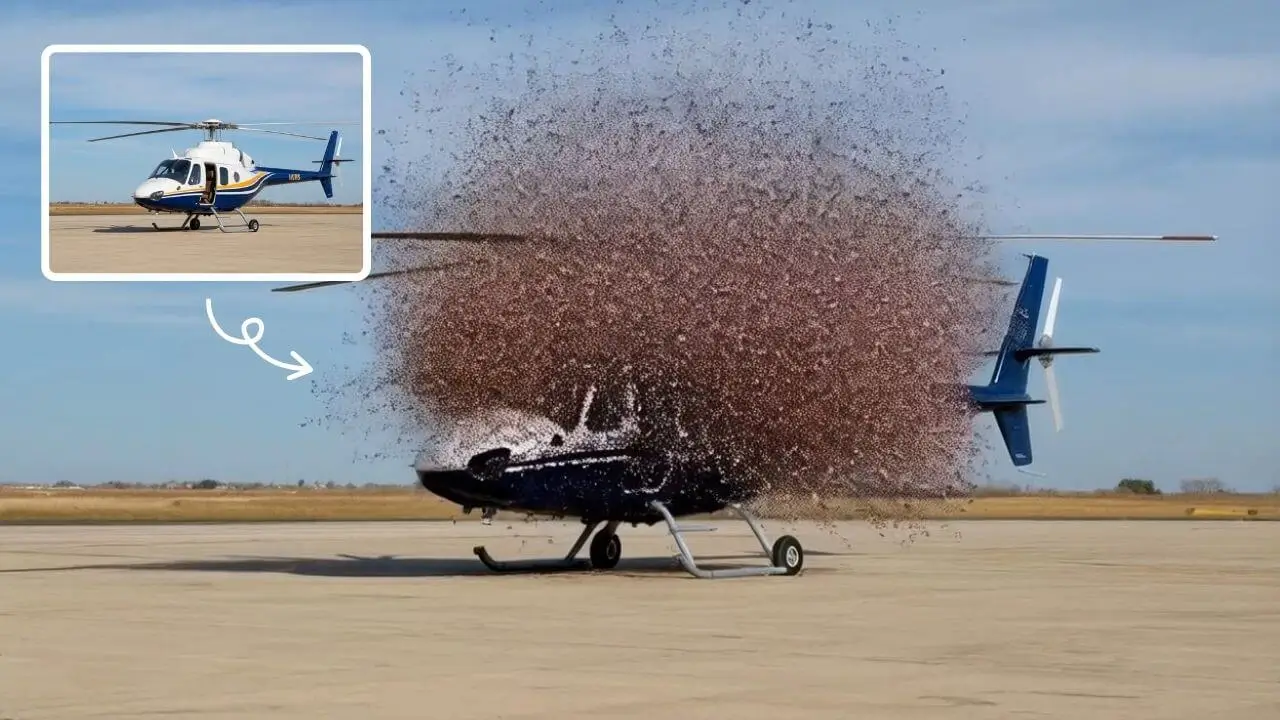
AI Explode Effect uses advanced AI to convert your photos into dynamic explosion artwork. Simply upload an image to generate vibrant energy bursts, emphasizing creativity and visual impact. Perfect for social media, digital art, or personal projects, it offers quick, stunning results with no design skills needed. Unleash your creativity and turn ordinary moments into explosive art!

Try Now

×

Unlock Premium AI Video Generator Features

Sign in with Google to access advanced editing tools, save your creations, and enjoy unlimited image enhancements.