AI Laughing Face
AI Laughing Face uses advanced artificial intelligence to convert any facial expression into a natural, belly-laughing image. Simply upload a photo, and our tool instantly generates hilarious results perfect for social media sharing, jokes with friends, or brightening someone's day. No editing skills needed - get ready for pure laughter in minute!
This is an example of what AI can create. Generate your own video now!
Why Choose This AI Video Tool?
Advanced AI Models
Powered by cutting-edge AI including Sora, Kling, VEO for superior video quality.
Easy to Use
No technical skills needed. Simply describe your vision and let AI create magic.
Custom Styles
Choose from multiple art styles and aspect ratios to match your creative vision.
Fast Processing
Generate high-quality videos in minutes with our optimized AI pipeline.
AI Laughing Face: Transform Static Portraits into Joyful, Belly-Laughing Videos
Have you ever wondered what your pet would look like if they truly understood a knock-knock joke? Or how that stoic historical figure in a textbook might react to a modern stand-up comedy special? While we can't change the past, we can certainly reimagine the present with a touch of digital humor. AI Laughing Face is an innovative online tool designed to do just that: use sophisticated artificial intelligence to animate any facial expression, creating a hilariously realistic, full-blown laughing video from a single static photo.
What is AI Laughing Face and How Does It Work?
At its core, AI Laughing Face is a specialized AI video generation model that focuses on a singular, joyful expression: laughter. Unlike complex editing software that requires hours of manual keyframing, this tool leverages advanced deep learning algorithms to understand the mechanics of a genuine laugh. It analyzes the unique geometry of a face in your uploaded photo—the position of the eyes, the curve of the mouth, the shape of the jaw—and then intelligently animates it to simulate a natural, head-tilting, eye-crinkling laughing fit. The entire process is designed for speed and simplicity. You simply upload your image, select your preferred aspect ratio and duration, and the system handles the complex video rendering on its servers. Within just a minute or two, you have a shareable video clip ready to spread some smiles.
Why Use an AI Laughing Face Generator? Exploring the Use Cases
The applications for a tool that can generate such specific content are surprisingly broad, tapping into both personal entertainment and more creative digital projects.
- Social Media Content Creation: In the fast-paced world of social media, engaging content is king. A video of a friend, family member, or even a pet seemingly bursting into laughter is inherently shareable and attention-grabbing. It’s a perfect format for reaction videos, birthday greetings, or just a playful jab in a group chat. The tool allows you to process everyday photos into unique, platform-ready videos instantly.
- Lightening the Mood in Digital Communication: Sometimes, a text or emoji just isn't enough. Sending a personalized, animated laugh can transform a digital conversation. Imagine a colleague having a tough day, and you send a video of their own face from a company profile picture suddenly laughing uncontrollably. It’s a quick, harmless, and effective way to build camaraderie and inject humor into remote work environments.
- Creative and Artistic Projects: For digital artists and content creators, AI Laughing Face offers a new brush for their palette. It can be used to create surreal animations, add a layer of irony to a piece of art, or even conceptualize characters in a story. By simply uploading drawings or paintings, artists can explore a new dimension of expression, bringing static art to life in unexpected ways.
- Just for Fun: Sometimes, the best reason is simply for the joy of it. Transforming a childhood photo of yourself or a stern-looking pet into a laughing fit is a delightful way to spend a few minutes. The sheer novelty of the transformation is often enough to generate genuine laughter, creating a feedback loop of joy. This accessibility—needing no editing skills whatsoever—makes it a fun diversion for anyone.
Key Features and the Technology Behind the Magic
The simplicity of the user interface belies the complex AI video generation technology working behind the scenes. Understanding a bit about how it works can enhance your appreciation for the results it produces.
- Powered by Advanced AI Models: The platform utilizes cutting-edge video generation models, such as Sora 2 and Veo 3.1. These models are trained on vast datasets of human expressions and movements. When you provide a reference image, the AI deconstructs it and uses its training to create a new, temporally consistent video. It understands that a laugh isn't just a smiling mouth; it involves the entire face, including the eyes, cheeks, and often a natural, subtle head movement.
- User-Friendly Workflow: The process is intentionally straightforward:
- Upload: You provide the source image. The tool supports standard image formats.
- Configure: You can select your desired aspect ratio (like 16:9 for widescreen or 9:16 for mobile stories) and the video duration (typically 10 seconds).
- Generate: With a single click, you initiate the video generation. The processing happens in the cloud, meaning your computer doesn't need high-end graphics capabilities. The estimated time is usually between one and three minutes.
- Download and Share: Once the scene creation is complete, your new video is ready to be downloaded and shared across your favorite platforms.
- Focus on Speed and Security: The entire experience is built around efficiency. The browser-based tool ensures there's no software to install. Furthermore, reputable online tools prioritize user trust. While you should always review a platform's privacy policy, the process is designed to be client-side in terms of upload, with secure processing on their servers, ensuring your images are handled responsibly. The goal is a fast, secure, and accurate conversion every time.
AI Laughing Face: A Step-by-Step Guide to Your First Hilarious Creation
Ready to give it a try? Here’s a simple walkthrough of the efficient workflow, from start to finish.
- Select Your Source Image: The tool works best with clear, front-facing photos where the face is easily distinguishable. Classic portraits, selfies, and even well-lit group photos are great candidates. Because the AI will transform the expression, images with a neutral or slight smile often yield the most surprising results.
- Crafting Your "Prompt": While the tool automates the laughter, the reference image acts as your primary input. Think of the image itself as a visual video prompt. For best results, choose a high-quality photo. The system also provides options to guide the output, like choosing the aspect ratio for different social media platforms.
- Initiate the Scene Creation: After uploading your image and selecting your preferences (like the 10-second duration), hit the "Generate" button. This sends your request to the AI model. The backend process involves the AI interpreting the image and beginning the video rendering frame by frame. This is where the magic happens, as the AI predicts and animates the muscle movements required for a hearty laugh.
- Review and Share: In a short time, your new video will be ready. You'll see the static image come to life with a surprisingly natural and joyful laugh. From there, you can download it directly to your device and share it anywhere you like. The entire process is a perfect example of how modern AI tools can convert a simple idea into a shareable piece of digital joy in minutes.
Frequently Asked Questions
Is AI Laughing Face free to use?
Pricing structures for online tools can vary. Typically, such platforms operate on a credit-based system, where each video generation consumes a certain number of credits based on the AI model selected (e.g., Sora 2 might use 3 credits, while Veo 3.1 could use 6). It's best to visit the official website for the most up-to-date information on pricing, any free trial credits for new users, and available subscription plans.
What kind of photos work best with an AI Laughing Face generator?
For optimal results, the AI Laughing Face tool performs best with clear, well-lit images where the subject's face is fully visible and not obscured by shadows or objects. Front-facing portraits or selfies are ideal. While the AI is powerful, images with extreme angles or very low resolution may produce less convincing animations. The key is to give the AI as much clear facial data as possible to work with.
How long does it take to generate a video using AI Laughing Face?
The video generation process is designed to be quick and efficient. Once you upload your image and start the generation, the AI processing typically takes between one and three minutes. This duration can depend on the current server load and the complexity of the chosen AI model, but the platform is optimized to deliver your hilarious results as fast as possible.
Are my uploaded photos stored or used after I use the tool?
Trust and privacy are important. Reputable platforms that prioritize user trust will have a clear privacy policy detailing how your data is handled. Generally, the image processing is done in real-time to generate your video, and the original photo is not stored indefinitely or used to train future models without explicit consent. It is always recommended to review the website's privacy policy to understand their specific data retention and usage practices.
Can I use AI Laughing Face on my mobile phone?
Yes, as a browser-based online tool, AI Laughing Face is accessible from any device with a modern web browser and an internet connection, including smartphones and tablets. This makes it incredibly convenient to create and share content on the go, directly from your mobile photos.
What's the difference between using AI Laughing Face and manual video editing?
Manual video editing to create a realistic laughing animation from a static photo would be an extremely time-consuming and complex task, requiring advanced skills in 2D/3D animation and compositing software. AI Laughing Face automates this entire process. It uses machine learning to understand and replicate the complex dynamics of a real laugh, achieving a result in minutes that would take a professional animator hours or days to produce, and with no technical skill required from the user.
Can I use the generated videos for commercial purposes?
The licensing for content created with AI tools can vary. Generally, for personal use, like sharing on social media or with friends, there are no restrictions. However, if you intend to use the videos for commercial purposes—such as in advertisements, marketing materials, or products for sale—it is crucial to review the platform's Terms of Service. They will outline the specific licensing terms and any usage rights or limitations for content generated through their service.
The Future of Digital Expression
Tools like AI Laughing Face represent a fascinating step forward in how we interact with and manipulate digital media. They lower the barrier to creative expression, allowing anyone with a photo and a few minutes to create something genuinely new and engaging. By automating a complex physical process through AI, we can focus on the fun part: connecting with others and sharing a laugh. Whether for a quick joke, a creative project, or just a moment of digital delight, the ability to animate emotion from stillness is a powerful and entertaining development in the world of online tools.
Start Creating AI Videos Instantly
Turn simple text prompts into engaging videos using our powerful AI video generator. No editing skills required — just describe your idea and let AI do the work.
Generate Your First AI VideoMore AI Video Tools
Explore more AI-powered video creation tools to expand your creativity
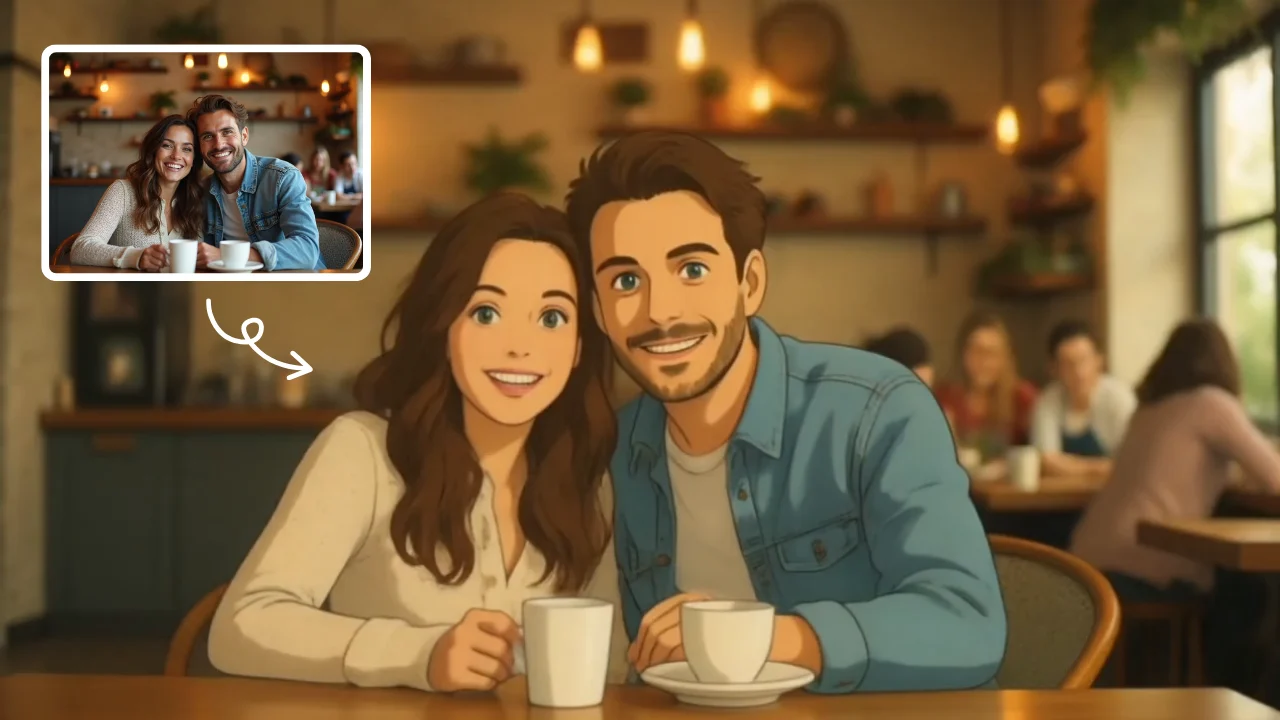
AI Studio Ghibli
AI Studio Ghibli offers a rich library of free AI video templates for effortless content creation. Transform images and text into engaging videos with one click. Its unique variety supports quick, professional results, saving time while boosting creativity—ideal for marketers and creators seeking high-impact visual content.
Try Now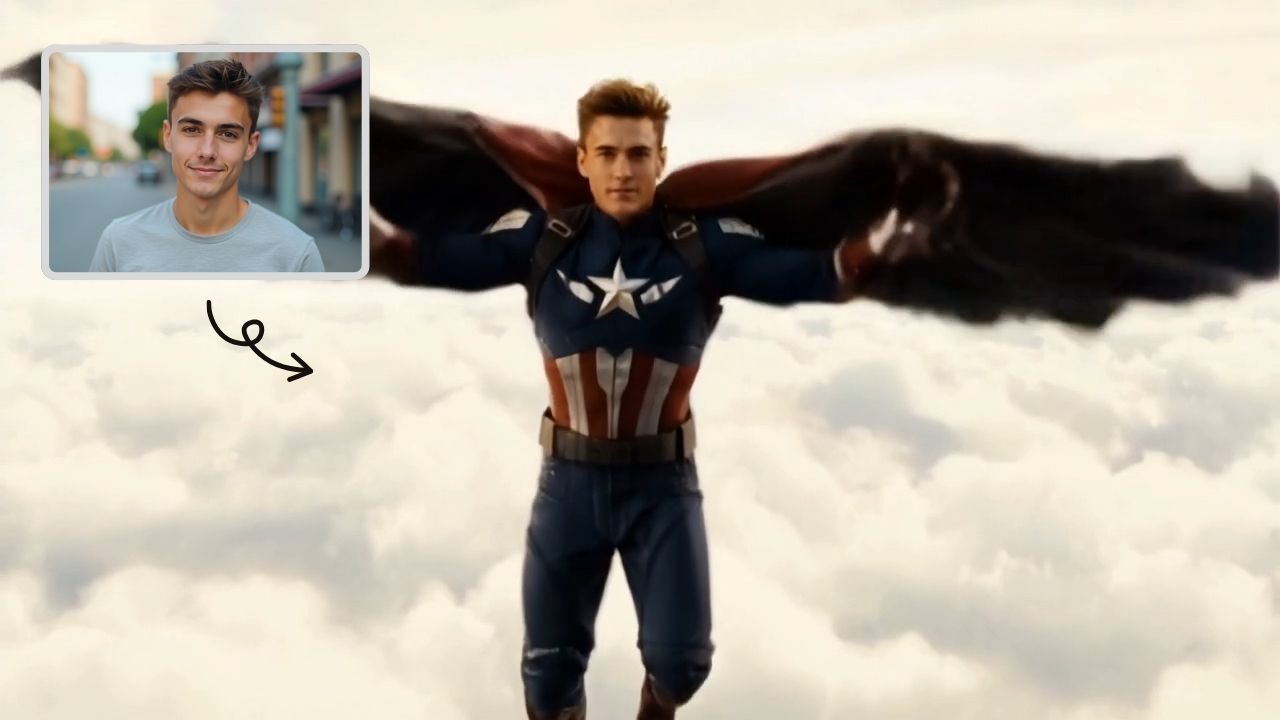
AI Captain America
Unleash the Captain America effect with our AI template. Easily apply superhero transformations in videos, boosting engagement for Marvel enthusiasts and content creators. Ideal for viral social media posts.
Try Now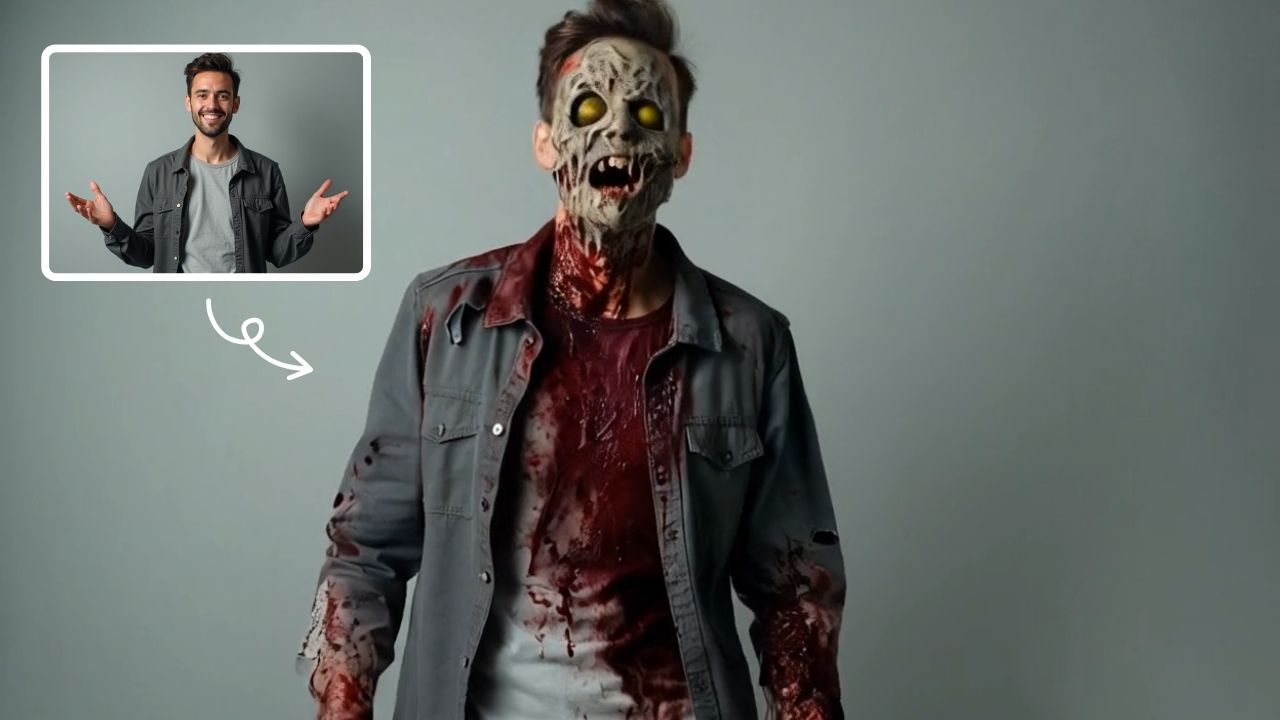
AI Zombie
AI Zombie Transformation uses advanced AI to convert your photos into realistic zombie versions. Simply upload your image, and the tool generates a horrifying undead look with eerie details. It's fun, easy, and perfect for Halloween, parties, or sharing on social media to amaze friends. Try it now for a unique, chilling transformation!
Try Now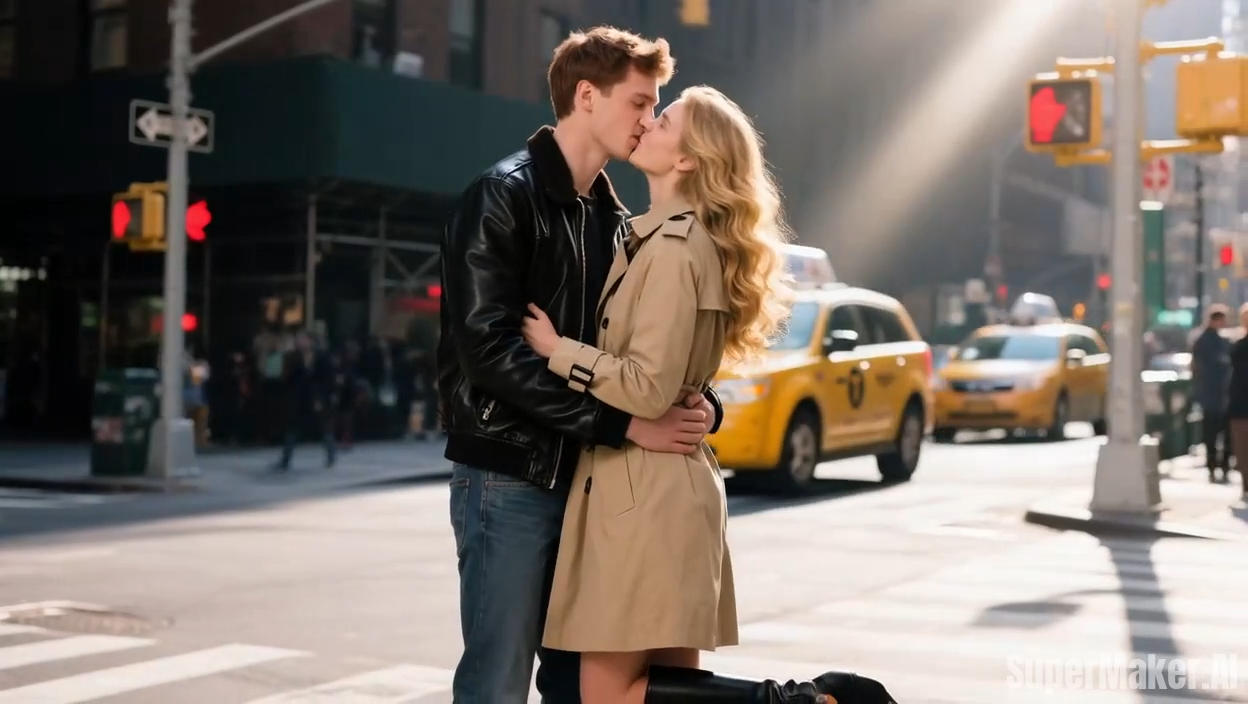
AI French Kiss Video Generator
The AI French Kiss Video Generator by Supermaker AI lets you produce high-quality romantic videos effortlessly. Using advanced AI, it simulates realistic kissing scenes, saving time and enhancing creativity for filmmakers and content creators. Enjoy user-friendly controls and instant results to elevate your romantic storytelling.
Try Now
AI Ghibli Video Generator
AI Ghibli Video Generator lets anyone produce stunning Studio Ghibli-inspired videos easily. Upload a photo or enter a prompt, and our advanced AI crafts beautiful, animated art in minute. Experience the magic of creating free, personalized Ghibli content with no learning curve—ideal for fans and creators seeking unique, captivating visuals.
Try Now
AI Boom
AI Boom uses AI to turn your photos into thrilling action videos. Simply upload a photo, and watch as explosions blast behind you while you walk away coolly. It's fast, easy, and requires no expertise. Create viral-worthy content in minute and stand out on social media.
Try Now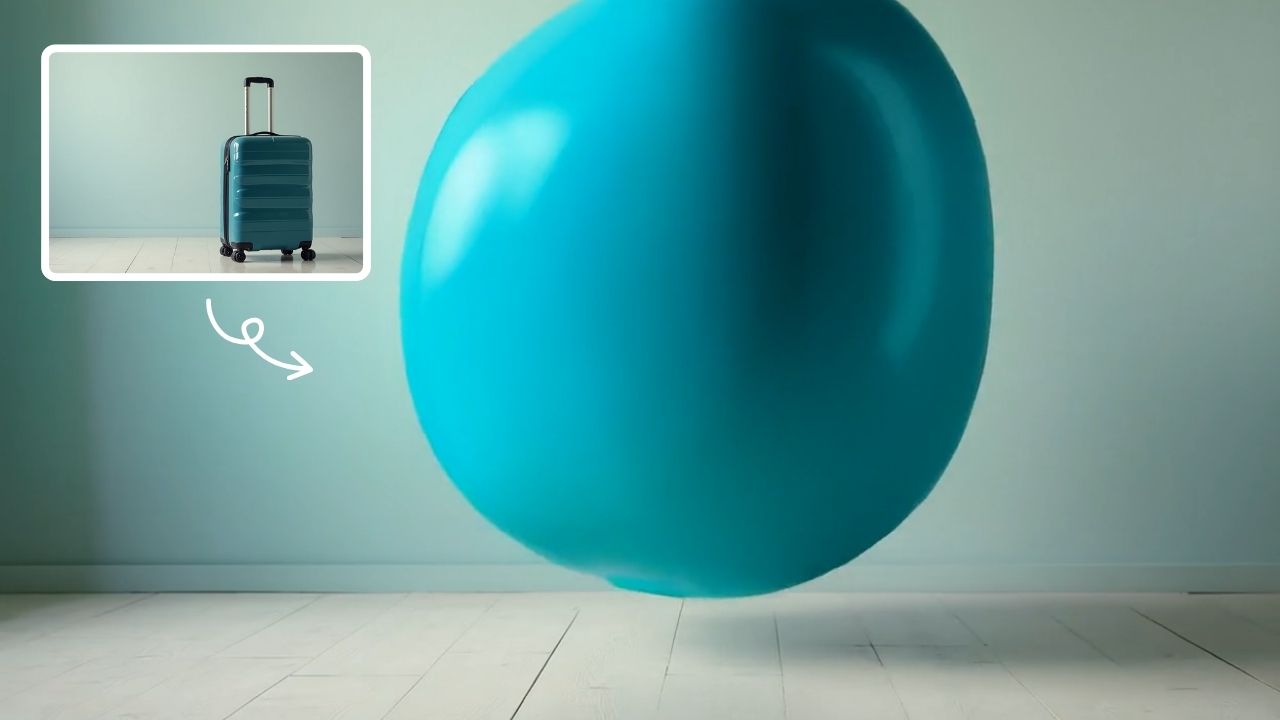
AI Inflate Effect
AI Inflate Effect instantly transforms ordinary photos by adding playful inflatable effects to any object. Simply upload your image, and our advanced AI automatically detects and inflates items with realistic balloon-like textures. Perfect for creating eye-catching social media content, unique memes, or creative presentations. Experience instant transformation with zero editing skills required - your inflated creations are ready in minute!
Try Now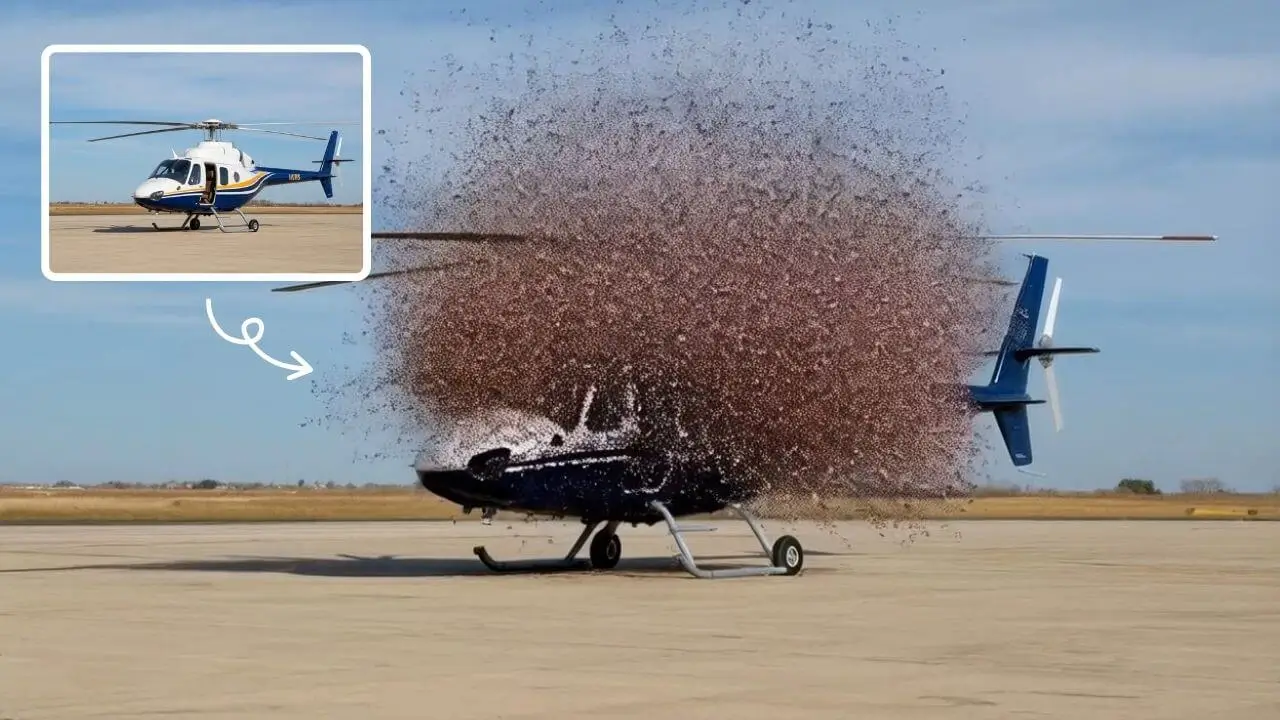
AI Explode Effect
AI Explode Effect uses advanced AI to convert your photos into dynamic explosion artwork. Simply upload an image to generate vibrant energy bursts, emphasizing creativity and visual impact. Perfect for social media, digital art, or personal projects, it offers quick, stunning results with no design skills needed. Unleash your creativity and turn ordinary moments into explosive art!
Try Now Continue with Google