Boom AI Video Generator
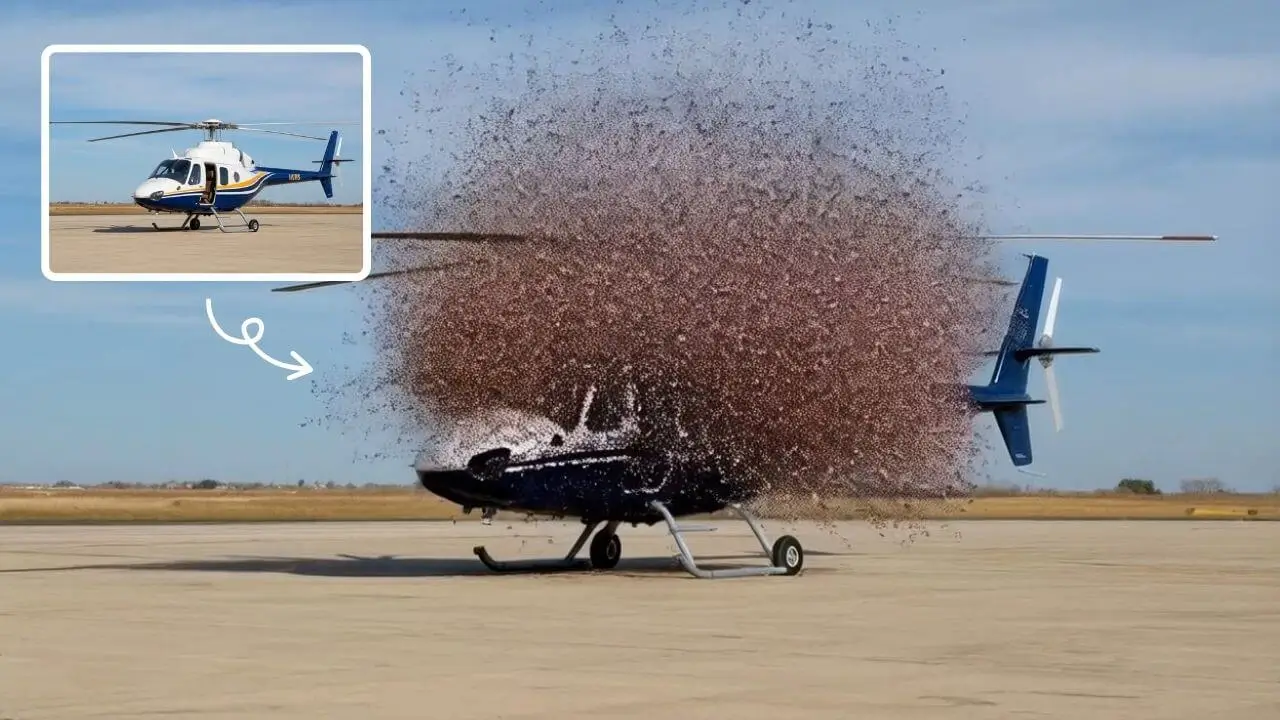
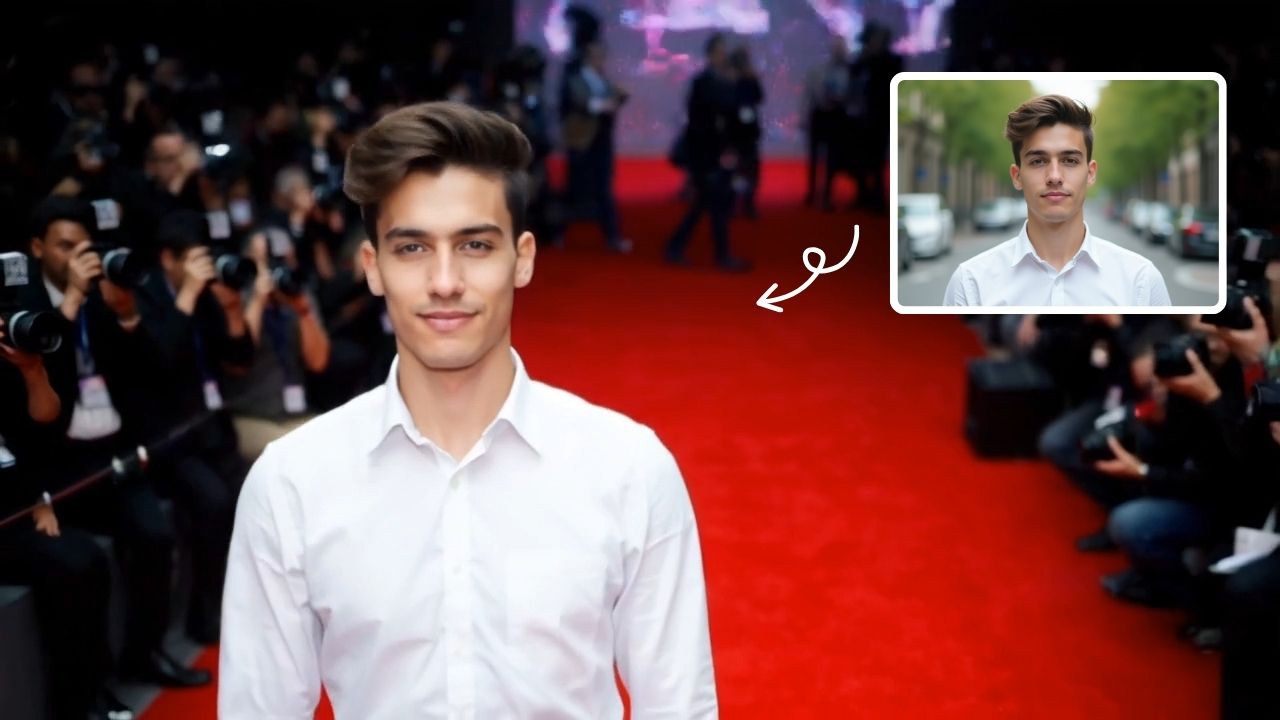
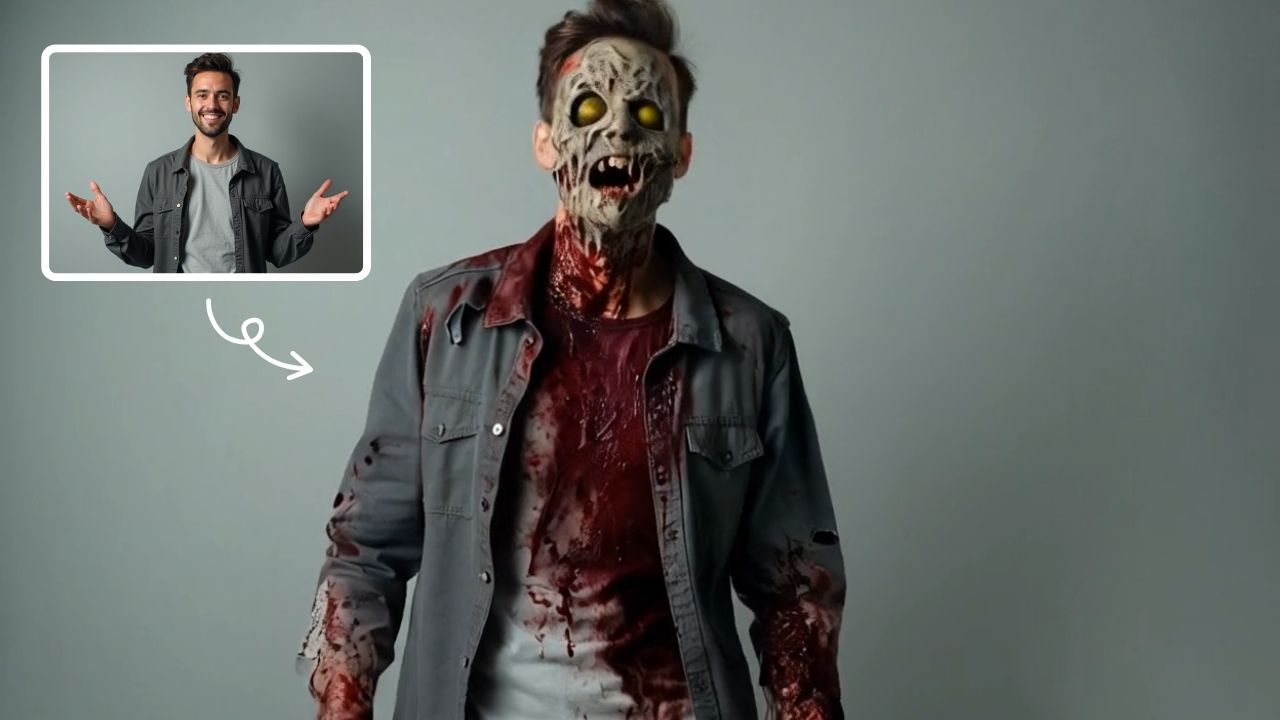
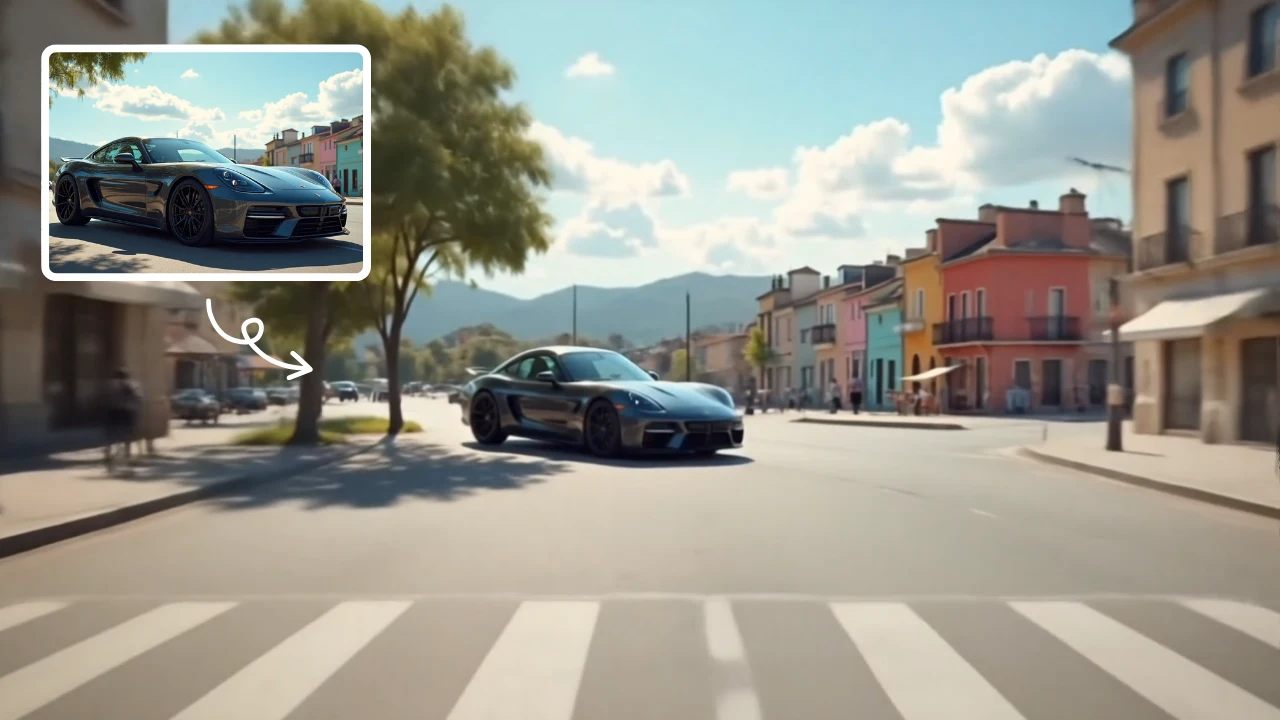
AI Boom uses advanced AI to add stunning explosion effects to your photos, turning ordinary moments into cinematic masterpieces. Simply upload a picture, and watch as dynamic blasts appear behind you while you walk away effortlessly. Perfect for social media, this tool requires no technical expertise—just creativity. Stand out with viral-ready videos that showcase your fearless style and make every post unforgettable.
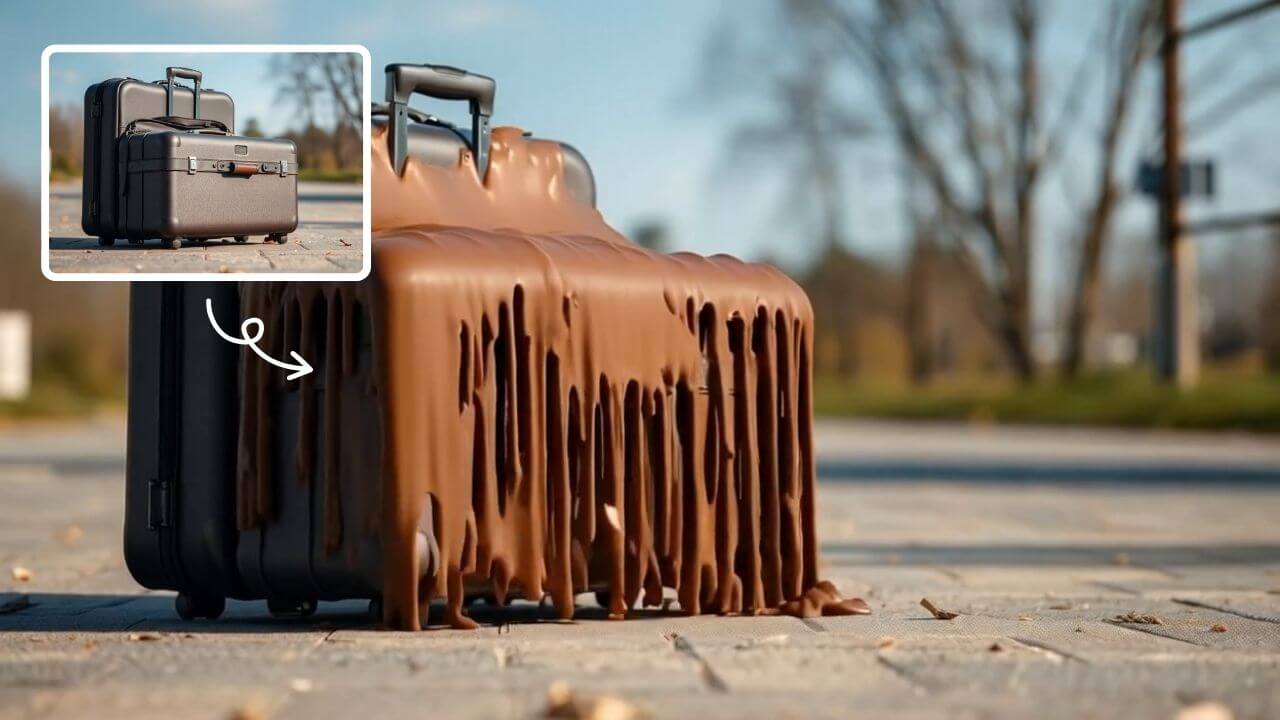
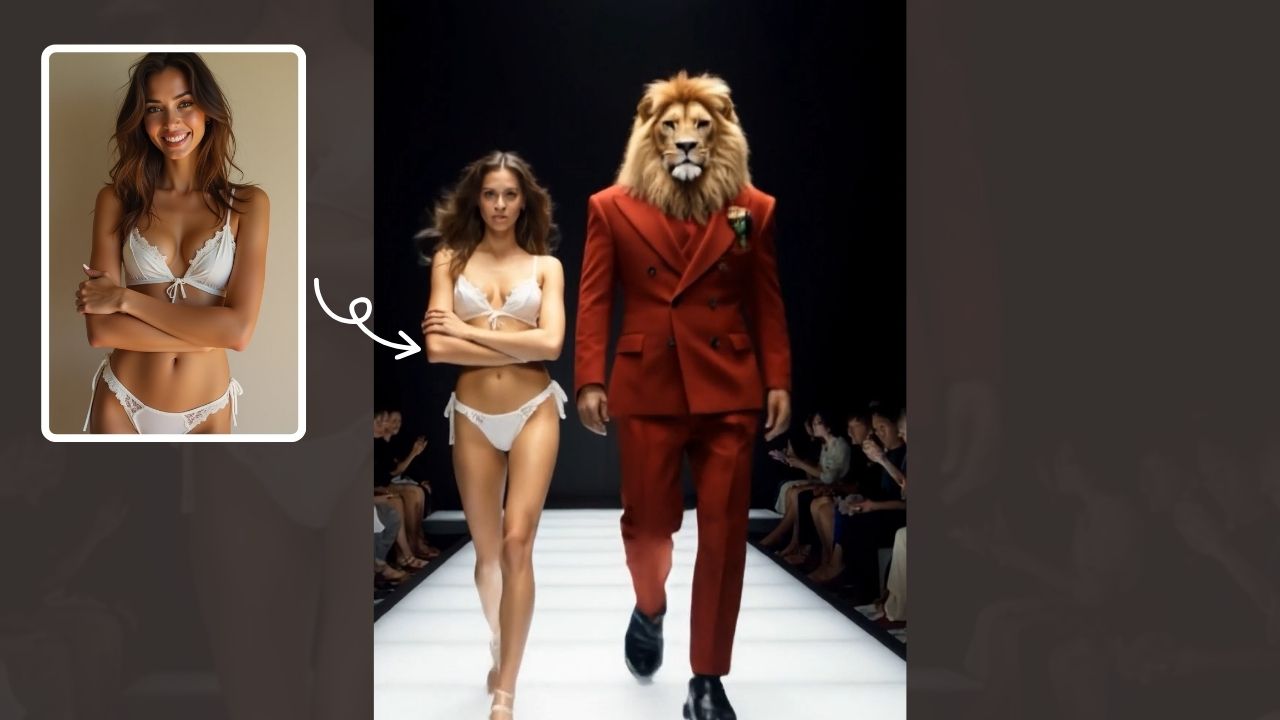
This is an example of what AI can create. Generate your own video now!
AI Boom Video Generator: Create Epic Explosion Videos from Your Photos
Want to add some Hollywood-style drama to your social media posts? The Boom AI Video Generator is an online tool that instantly adds stunning, cinematic explosion effects to your static photos. Simply upload an image, and the AI seamlessly generates a dynamic video where realistic blasts, debris, and shockwaves erupt behind your subject, creating the illusion of walking away from an epic explosion. It’s designed for anyone who wants to create viral, high-energy content without needing any video editing or special effects experience.
What is the Boom AI Video Generator?
The Boom AI Video Generator is a specialized, browser-based tool that transforms ordinary photos into captivating short videos by adding high-quality explosion and action effects. Using advanced AI video generation models like Sora 2 and Veo 3.1, it analyzes your uploaded image and generates a 10-second video clip where the explosion effect is naturally composited into the scene. You just provide the picture, and the AI handles the complex rendering of fire, smoke, and camera shake, delivering a professional-looking result in 1-3 minutes. It's the easiest way to create standout content for platforms like TikTok, Instagram Reels, and YouTube Shorts.
How the AI Boom Video Generator Works
The process is incredibly simple, built for speed and creativity. You don't need to understand keyframes or particle effects—just follow these three steps:
- Upload Your Photo: Start by uploading a clear photo of a person, group, or even an object. For the best results, choose an image where the main subject is in focus and has a clear background. The tool accepts common formats like JPG and PNG.
- AI Processing and Rendering: Once uploaded, the Boom AI Video Generator gets to work. It identifies the main subject, maps the scene's depth, and intelligently renders the explosion effect behind them. You can even select your preferred AI model (like the faster Sora 2 or the higher-quality Veo 3.1) and aspect ratio (16:9 for landscape, 9:16 for portrait/vertical videos).
- Preview and Download: In about one to three minutes, your new video is ready. You can preview the result and download it directly to your device, ready to be shared with the world.
Why Use an AI Explosion Effect Generator?
Manually creating effects like this is complex and time-consuming, requiring expensive software and years of experience. The Boom AI Video Generator removes these barriers, offering several key advantages:
- Instant Creativity: Go from a simple photo to a shareable video in minutes. The fast processing time means you can iterate and create multiple versions quickly.
- No Expertise Needed: The tool handles all the technical aspects. You don't need to learn complex software; your creativity is the only prerequisite.
- Viral-Worthy Results: The effects are designed to be cinematic and engaging, helping your content stand out in crowded social media feeds. It’s perfect for creating reaction videos, memes, or just adding a fun, fearless twist to your personal brand.
- Safe and Private: Your uploaded images are processed securely. Like most reputable online tools, your files are encrypted and automatically deleted from the servers after a short period, ensuring your data remains private.
Perfect Scenarios for Using This AI Tool
The versatility of the Boom AI Video Generator makes it suitable for a wide range of creative uses:
- Social Media Content: Create engaging hooks for your videos. Imagine the classic "walking away from an explosion" meme, but starring you or your friends.
- Marketing and Promotions: Small businesses or brands can use these dynamic videos for attention-grabbing social media ads, product reveals, or teaser trailers with a high-energy vibe.
- Personal Entertainment: Generate fun, shareable videos for birthdays, celebrations, or just to make your friends laugh by turning them into the hero of their own action scene.
- Music Visualizers: Pair a generated explosion video with a high-energy track to create a simple, effective music visualizer for platforms like YouTube.
Key Features of the Boom AI Video Generator
This tool combines powerful AI with user-friendly design. Here are its standout features:
- Dual AI Models: Choose between the speed of the Sora 2 model (using 3 credits) or the enhanced quality and detail of the Veo 3.1 model (using 6 credits), giving you control over the balance between generation time and output fidelity.
- Optimized Aspect Ratios: Generate videos perfectly formatted for any platform with one-click choices for 16:9 (landscape for YouTube) and 9:16 (portrait for TikTok/Reels).
- Simple Credit System: The tool uses a straightforward credit system, making it easy to understand usage and select plans that fit your needs, from a starter pack to agency-level options.
- Integrated Inspiration Gallery: While the tool focuses on explosion effects, the parent platform, text2vid.org, provides a gallery of creative prompts to spark your imagination for future video projects.
Frequently Asked Questions
What kind of photos work best with the Boom AI Video Generator?
For optimal results, use high-resolution photos with good lighting where the main subject is clearly separated from the background. Images with a person walking or standing confidently tend to create the most cinematic and believable explosion scenes. The AI performs best when it can clearly distinguish the subject.
How long does it take to generate a video?
The video generation process typically takes between 1 and 3 minutes. The exact time can vary slightly depending on the complexity of the image and the AI model you select (the faster Sora 2 model or the more detailed Veo 3.1 model).
Can I control the type of explosion effect?
Currently, the Boom AI Video Generator is designed to create a specific, high-quality cinematic explosion style. However, by choosing between different AI models (Sora 2 vs. Veo 3.1), you can influence the final render's detail and realism. Future updates may offer more stylistic control.
Is the Boom AI Video Generator free to use?
The tool likely operates on a credit-based system, similar to other AI generation tools on the platform. You may have a limited number of free credits to start, with paid plans (like Starter, Creator Pro, or Agency Elite) available for heavier, commercial, or professional use.
Can I use the generated videos for commercial purposes?
Yes, based on standard practices for AI generation tools, you should retain full rights to any videos you create. This means you can confidently use them for business marketing, social media advertising, and other commercial projects.
What happens to my uploaded photos?
Your privacy is taken seriously. Uploaded images are processed to generate your video and are then automatically and permanently deleted from the servers, typically within a couple of hours. They are not shared or used for any other purpose.
Start Creating Epic Content Today
The Boom AI Video Generator puts the power of a visual effects studio right in your browser. It transforms a simple idea into an action-packed video in minutes, requiring nothing more than a photo and your imagination. Whether you're a content creator looking for your next viral hit, a business wanting to add punch to your ads, or just someone who wants to have fun with photos, this tool makes it incredibly easy. Visit text2vid.org to try the Boom AI Video Generator and start creating unforgettable, explosive moments from your own pictures.
Start Creating AI Videos Instantly
Turn simple text prompts into engaging videos using our powerful AI video generator. No editing skills required — just describe your idea and let AI do the work.
Generate Your First AI VideoMore AI Video Tools
Explore more AI-powered video creation tools to expand your creativity
AI Muscle Generator
AI Muscle Generator lets you visualize muscle growth instantly by uploading a photo. It upgrades your physique digitally in minute, offering a fun, gym-free way to see potential results. Ideal for motivation or entertainment, it provides quick, impressive transformations without any workout.
Try Now
Boom AI Video Generator
AI Boom uses advanced AI to add stunning explosion effects to your photos, turning ordinary moments into cinematic masterpieces. Simply upload a picture, and watch as dynamic blasts appear behind you while you walk away effortlessly. Perfect for social media, this tool requires no technical expertise—just creativity. Stand out with viral-ready videos that showcase your fearless style and make every post unforgettable.
Try Now
AI Handshake
AI Handshake revolutionizes digital communication with smart, adaptive connectivity. It delivers tailored experiences through AI-driven personalization, ensuring faster, more intuitive online interactions. Boost efficiency and engagement effortlessly with cutting-edge technology designed for modern users.
Try Now
AI Catwoman Transformation
AI Catwoman Transformation lets you embody the legendary character's charm and strength. Simply upload a photo for an instant AI-powered makeover. Showcase your unique feline persona with stunning visual results. Perfect for fans seeking a playful yet powerful digital identity transformation.
Try Now
AI Magic
AI Magic instantly converts your photos into sorcerer images with a burst of light and energy. Highlighting unique powers and visual appeal, it offers quick, enchanting transformations for social media or personal use, making magic accessible to all.
Try Now
AI Harley Quinn
AI Harley Quinn Transformation uses advanced AI to turn your photo into a Harley Quinn video instantly. Upload any photo, and watch as it transforms with her signature look and action-packed effects. Enjoy a unique, personalized experience that highlights your fun side, perfect for sharing on social media.
Try Now
AI Curly Hair
AI Curly Hair allows you to add beautiful, natural-looking curls to any photo instantly. Powered by advanced AI, it offers multiple curly styles to match your preferences, helping you preview and choose the perfect hairstyle without commitment. Experience quick, realistic results and boost your confidence with a fresh, curly appearance.
Try NowAI Pixel Video Generator
AI Pixel Video Generator instantly converts your images into smooth, expressive pixel art videos. Enjoy easy customization, realistic motion, and seamless sharing—boost your content with unique retro visuals effortlessly.
Try Now
Continue with Google