AI Explode Effect
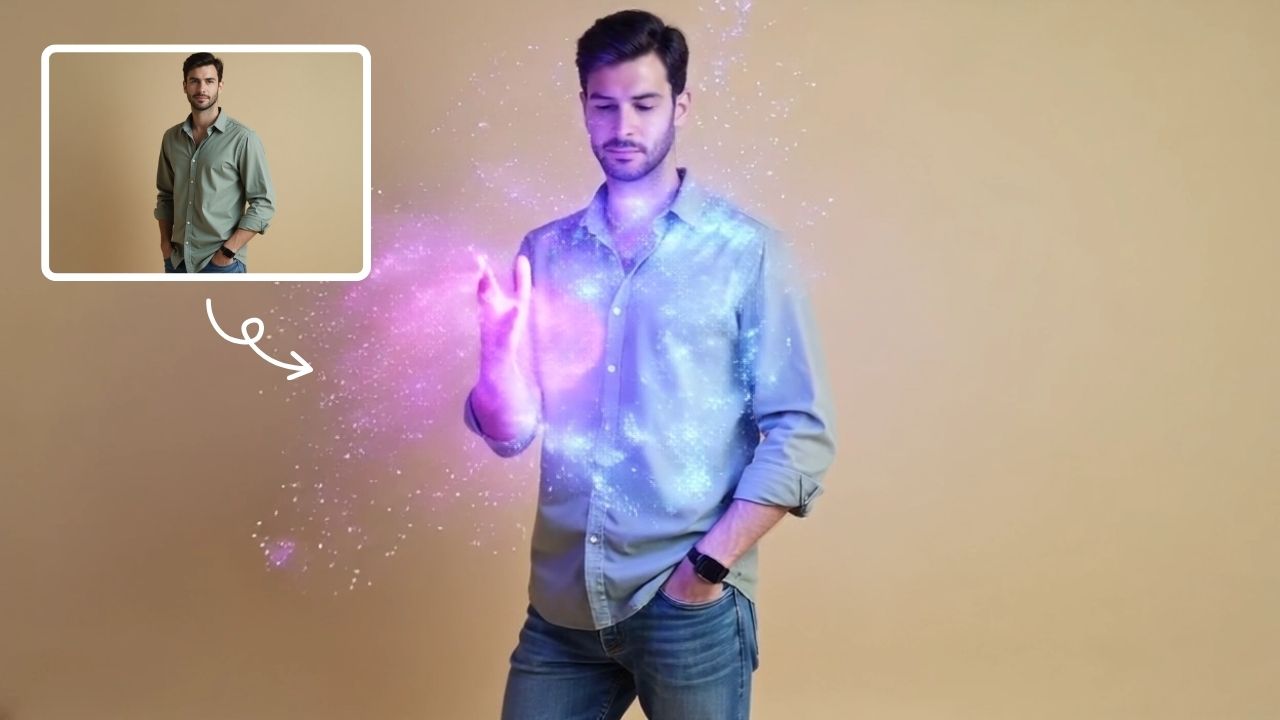
AI Explode Effect uses advanced AI to convert your photos into dynamic explosion artwork. Simply upload an image to generate vibrant energy bursts, emphasizing creativity and visual impact. Perfect for social media, digital art, or personal projects, it offers quick, stunning results with no design skills needed. Unleash your creativity and turn ordinary moments into explosive art!
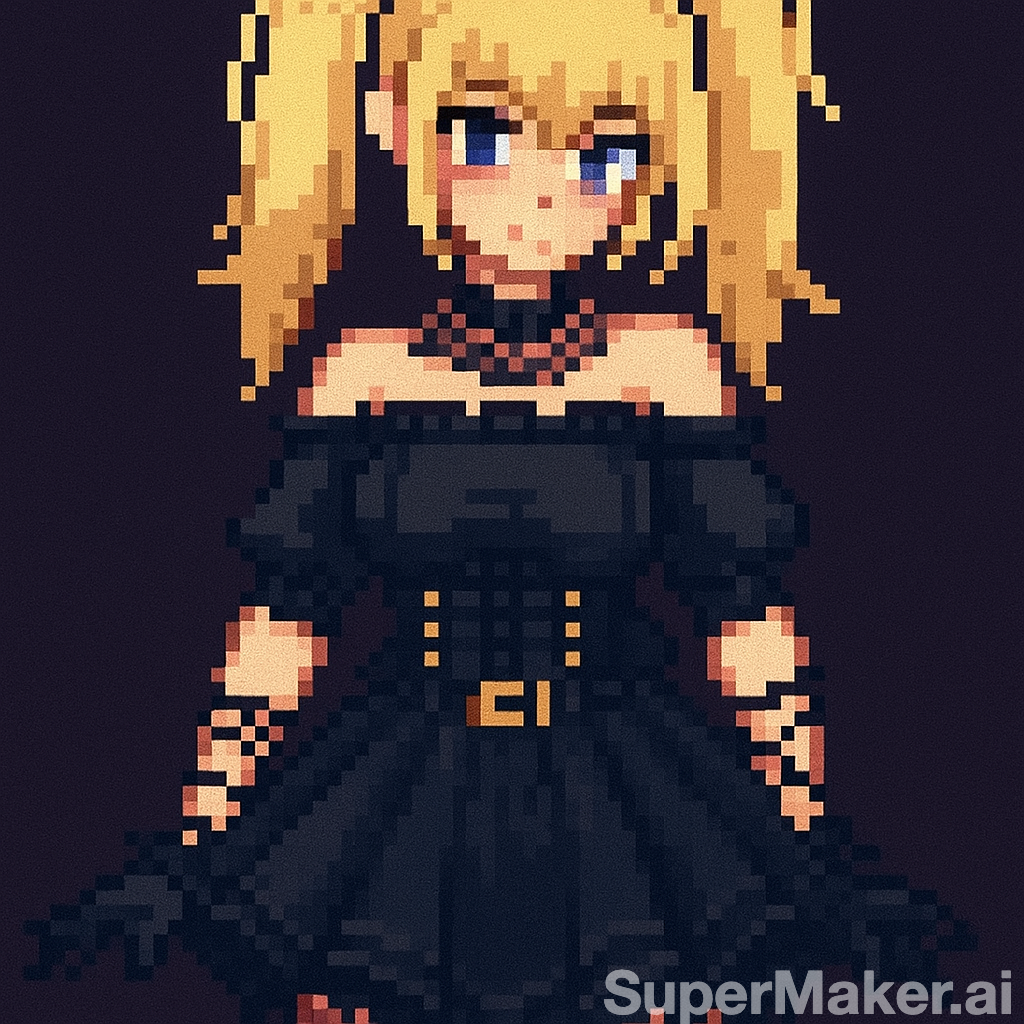
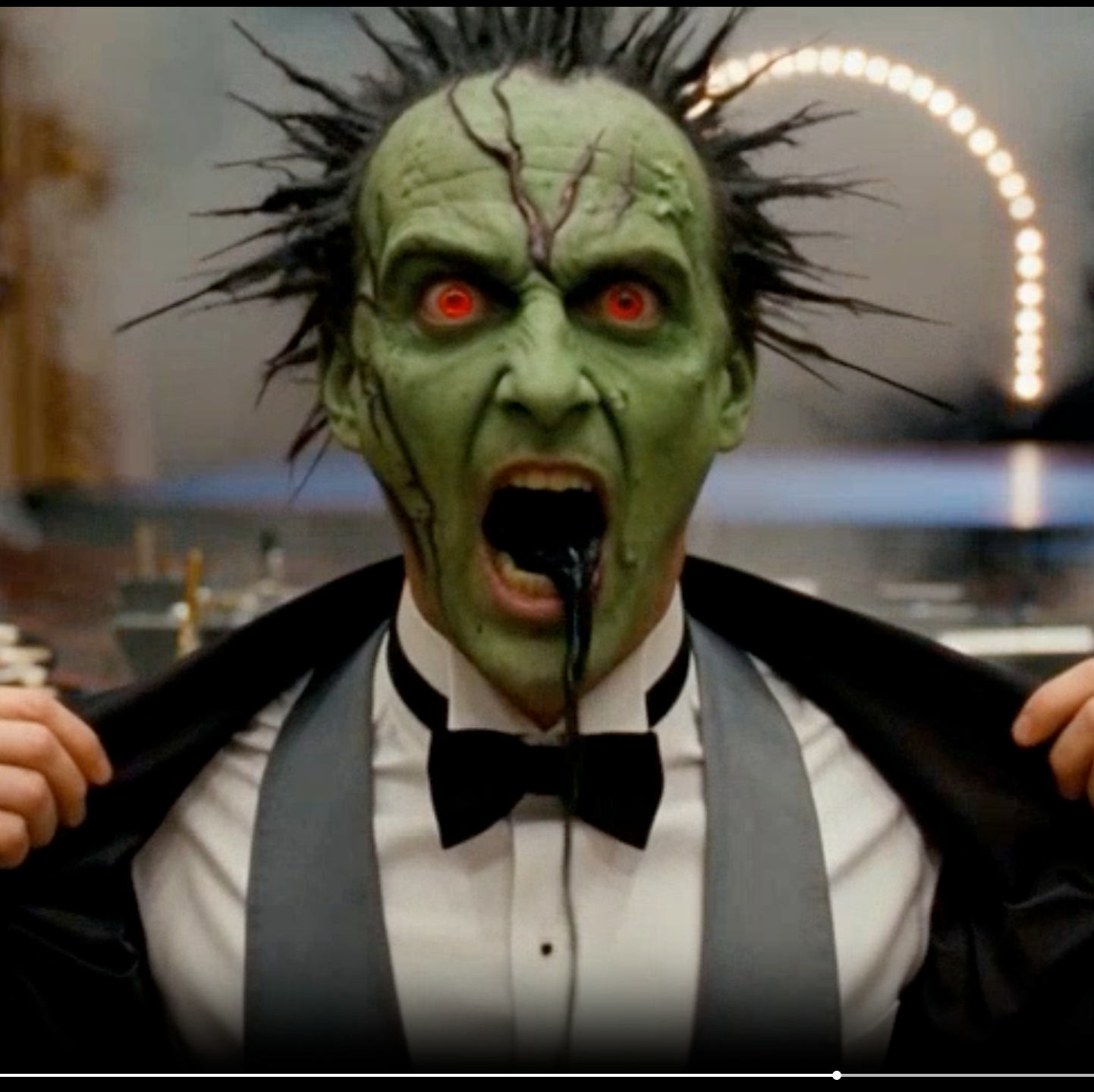
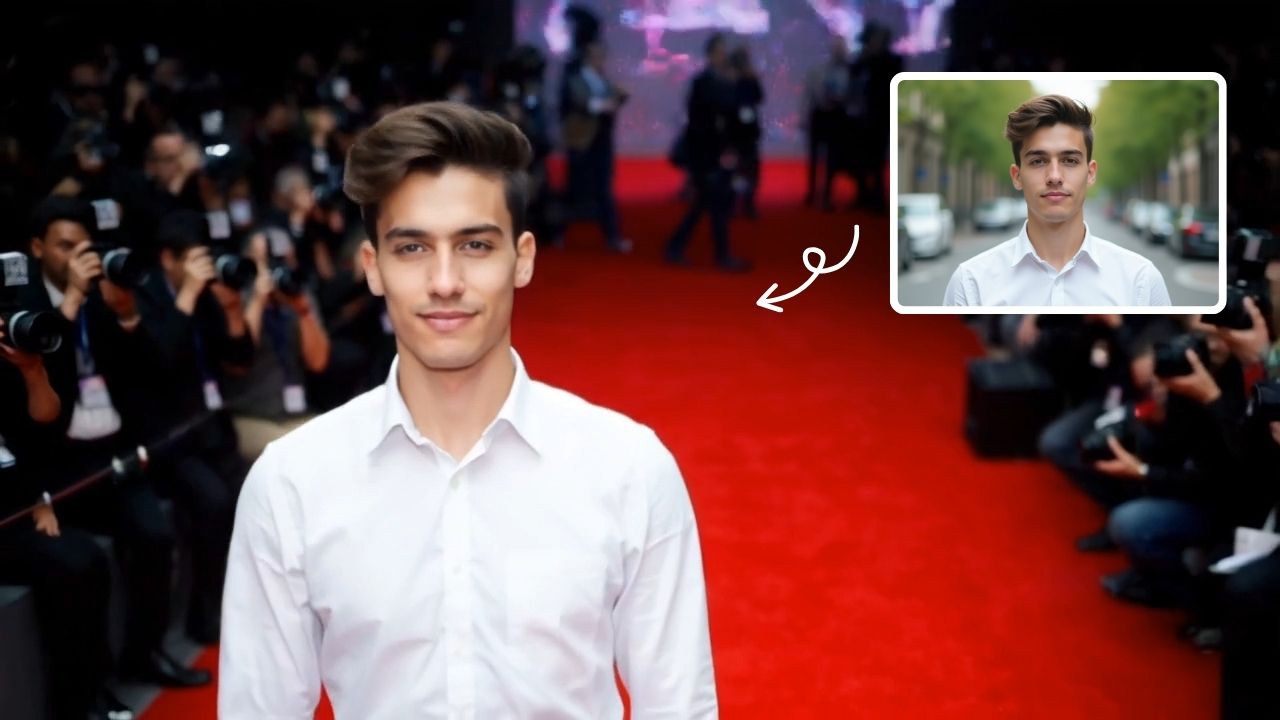
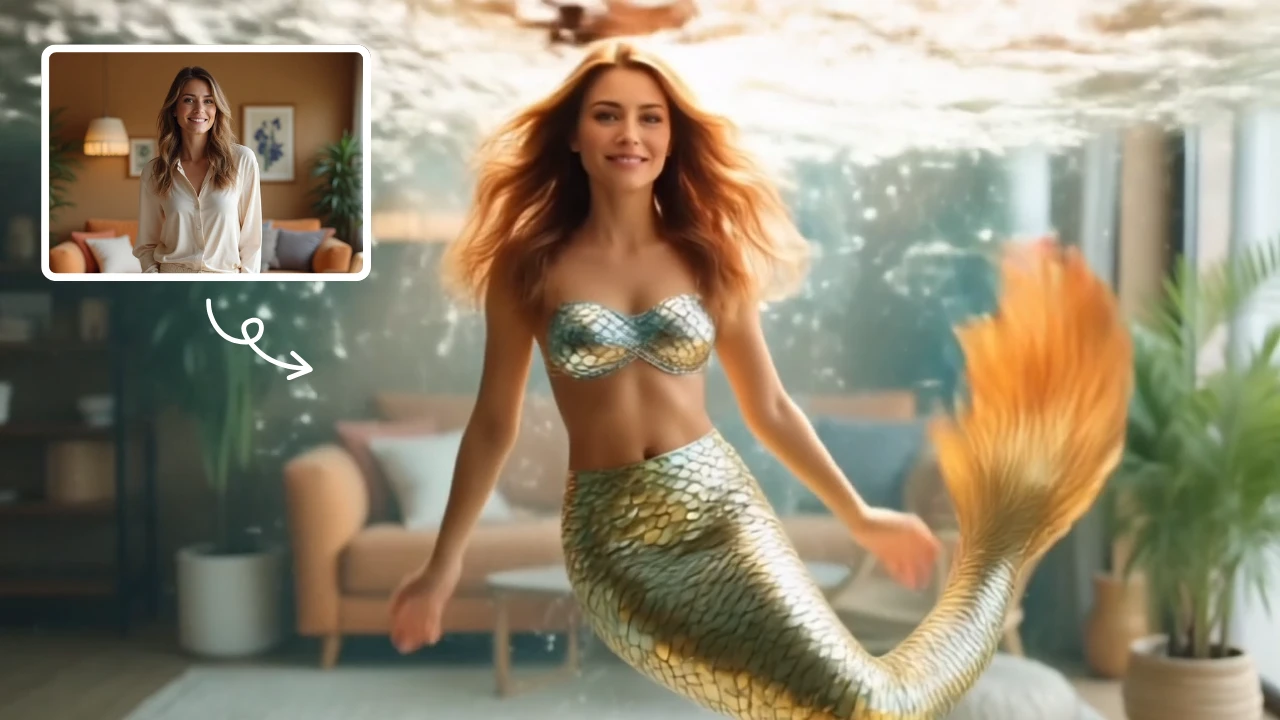
This is an example of what AI can create. Generate your own video now!
Turn Everyday Moments into Dynamic Art with AI Explode Effect
Have you ever scrolled through social media and stopped at an image that seemed to pulse with energy? That’s the power of dynamic visuals. The AI Explode Effect is an innovative, browser-based tool that uses advanced artificial intelligence to transform your standard photos into captivating, vibrant explosion artwork. In just a few clicks, you can watch a static portrait or object burst into a shower of color, particles, or light, creating a stunning piece of digital art that’s perfect for standing out online. It’s a simple way to add a dramatic flair to your personal projects without needing any complex design software.
What Exactly is the AI Explode Effect?
At its core, this tool is a specialized AI video generator designed for a single, powerful purpose: deconstructing images into artistic explosions. Unlike standard photo editors that apply static filters, this technology understands the composition of your image. It identifies the subject and intelligently generates a short video where that subject seemingly erupts into a dynamic burst of energy, confetti, smoke, or geometric shapes. The result is a high-impact, looping video clip that captures attention and conveys a sense of energy and transformation. It’s an accessible way for anyone to create visual effects that once required hours of manual work in professional video editing software.
How Does the AI Video Generation Work?
The magic happens behind the scenes, but the user experience is refreshingly straightforward. You don't need to understand complex video prompts or rendering settings to get started.
- Upload Your Image: You begin by uploading a photo from your device. The tool works best with clear images where the main subject is well-defined, but its AI is robust enough to handle a variety of styles, from portraits to product shots.
- AI Scene Creation and Processing: Once uploaded, the AI model—often utilizing powerful engines like Sora 2 or Veo 3.1—gets to work. It analyzes the scene, identifies the subject, and begins the process of video rendering. It decides how the "explosion" should flow, where the particles should originate, and how they should interact with the background. This is the core of the AI video generation, where your static image is mapped into a dynamic sequence.
- Download Your Explosive Art: The online tool processes your request, typically completing the video generation in about one to three minutes. The result is a high-quality video file you can instantly download and share. This entire workflow, from upload to download, is handled in your browser, ensuring a fast and efficient experience.
Why Use an AI Explode Effect Tool?
While creativity is the primary driver, there are many practical and expressive reasons to use this tool. It solves the problem of creating high-impact visual content quickly and securely.
- Amplify Social Media Presence: In a crowded feed, movement captures the eye. An AI Explode Effect video is far more engaging than a static image. It’s perfect for announcing something new, celebrating a moment, or simply adding a unique touch to your stories or reels. The output is easily formatted, and you can often select an aspect ratio like 9:16, which is ideal for platforms like TikTok and Instagram Reels.
- Unleash Digital Art Creativity: You don't need to be a trained artist to create compelling digital art. This tool acts as a collaborator, taking your initial photograph and reinterpreting it through a lens of energy and abstraction. Experiment with different photos—a friend laughing, a cityscape, a product you love—and see how the AI converts each one into a unique piece of art. It transforms ordinary moments into something extraordinary.
- Enhance Personal Projects with Ease: Whether you're making a birthday video, a dynamic presentation slide, or a unique profile picture, this tool adds a layer of professionalism and fun. It's an efficient way to generate custom visual elements without learning complicated software.
- Secure and Private Processing: For many users, the security of their personal photos is a primary concern. Reputable AI Explode Effect tools prioritize user trust by ensuring that image processing is done securely. Often, the processing is handled on the server side with automatic deletion after the video is generated, giving you peace of mind about your data.
Exploring Creative Use Cases
The versatility of this effect means it can be applied in countless scenarios. Here are just a few ideas to spark your imagination:
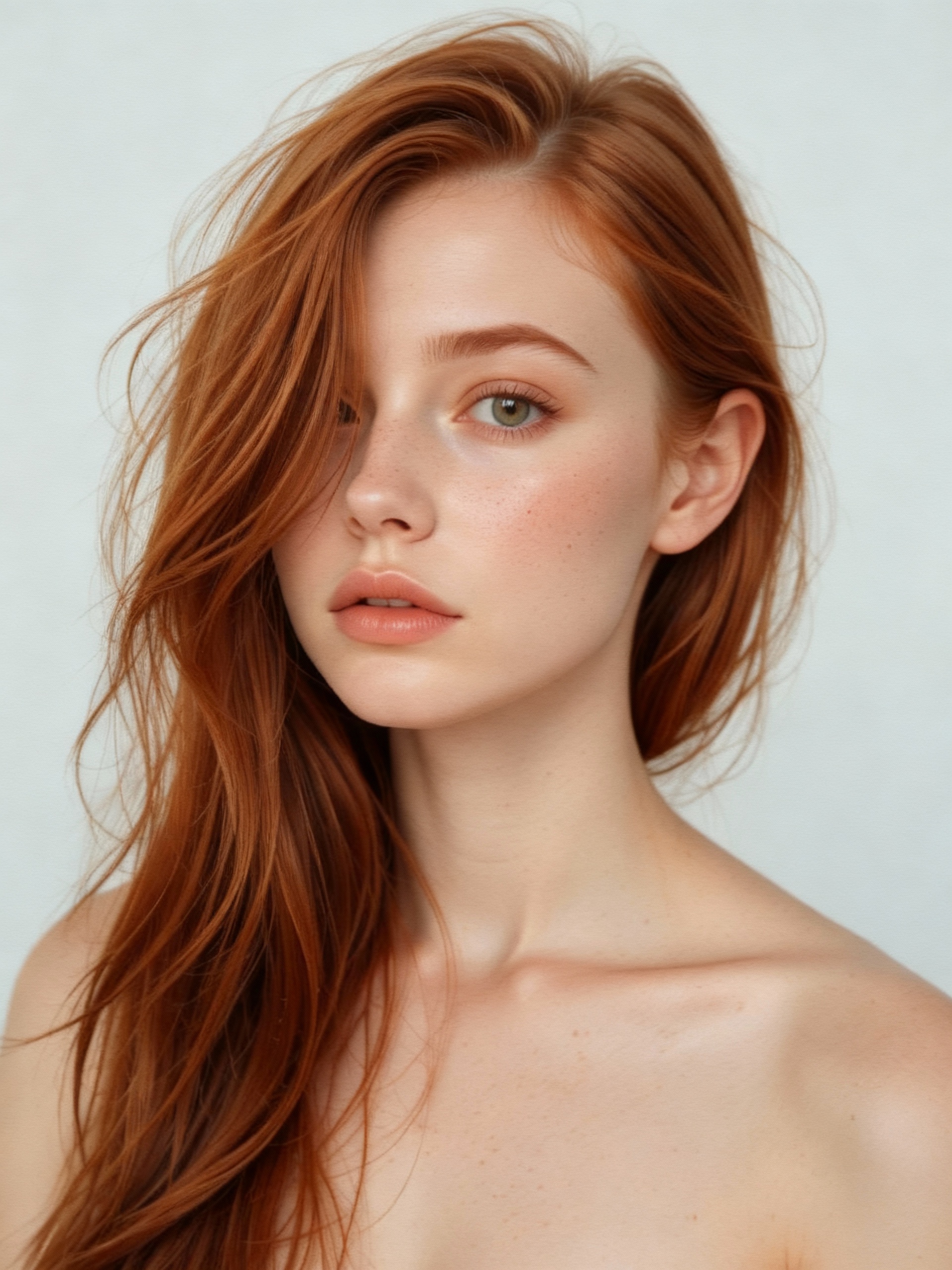
- Abstract Portraits: Turn a standard portrait into an artistic statement. Watch as the person’s silhouette dissolves into a flurry of vibrant particles, creating an emotional and modern piece of art.
- Dynamic Product Marketing: For small business owners or creators, imagine a short video clip of your product dramatically exploding into its core components or a burst of color. It’s a compelling way to showcase a new item in a memorable, high-energy advertisement.
- Celebratory Announcements: Have a birthday, graduation, or new job to announce? Create a video where your subject in the photo playfully explodes into confetti and streamers. It’s a fun and festive way to share good news.
- Artistic Video Backgrounds: Generate abstract explosion loops to use as dynamic backgrounds for video calls, lyric videos, or VJ sets. The output is clean, visually interesting, and fully royalty-free for your personal use.
Frequently Asked Questions
What kind of photos work best with the AI Explode Effect?
For optimal results, use clear, well-lit photos where the main subject is in focus. Images with a distinct subject and a less cluttered background often yield the most dramatic and visually coherent explosions. However, part of the fun is experimenting with different styles to see how the AI interprets various scenes.
How long does it take to generate a video?
The video rendering time is quite fast. Typically, you can expect the process to complete within 1 to 3 minutes. The exact time can vary slightly depending on the AI model selected and the current server load, but the tool is designed for efficiency.
Is the AI Explode Effect tool free to use?
Pricing models can vary. Some versions of the tool may offer a limited number of free credits to start, while others operate on a credit-based system for more generations or access to higher-resolution output and advanced AI models like Sora 2 or Veo 3.1. It’s best to check the specific platform for the most accurate pricing information.
Will my uploaded photos be stored or used by the tool?
Trust and privacy are key. Most reputable online tools prioritize data security. Typically, your uploaded images are automatically deleted from their servers shortly after the video generation process is complete. They are not used to train AI models without your explicit consent. Always look for a privacy policy that outlines these data handling practices for your peace of mind.
Can I use the generated videos for commercial purposes?
Generally, the videos you create are yours to use. This often includes personal projects, social media content, and even commercial applications like marketing materials. However, it's always a good practice to review the specific terms of service for the tool you're using to understand the full scope of the usage rights.
Unleash Your Creative Vision
The AI Explode Effect is more than just a digital gimmick; it's a testament to how artificial intelligence can democratize creativity. It removes the technical barriers to creating visually stunning content, putting the power of a special effects studio directly into your browser. By intelligently processing your images and generating dynamic videos in minutes, it offers a fast, secure, and incredibly fun way to express yourself. So why settle for static when you can be explosive? Upload a photo and see where your imagination takes you.
Start Creating AI Videos Instantly
Turn simple text prompts into engaging videos using our powerful AI video generator. No editing skills required — just describe your idea and let AI do the work.
Generate Your First AI VideoMore AI Video Tools
Explore more AI-powered video creation tools to expand your creativity
AI Hug
AI Hug is an AI-powered video generator that turns your photos into lifelike hugging videos. It's easy to use, requiring just a few clicks to create emotional content. Perfect for preserving memories, enhancing social media engagement, and professional branding, it saves time while delivering high-quality, shareable results.
Try Now
AI Smile Generator
The AI Smile Generator uses advanced artificial intelligence technology to automatically detect faces in photos and add realistic, radiant smiles. Simply upload an image to generate a smiling photo. Beautify portraits, revamp old photos, or share happy pictures online—no editing skills required. Fast, free, and fun, it's easy for anyone to use!
Try Now
AI Tim Burton Style
Tim Burton Style offers AI video templates to effortlessly convert images and text into captivating videos. Its one-click functionality saves time while providing diverse styles for creative projects. Enjoy easy customization and high-quality results, making professional videos accessible to all.
Try Now
AI Jiggle Video
AI Jiggle Video uses advanced AI to animate your photos with dynamic wobble effects. Turn static images into entertaining, bopping dance clips effortlessly. Enjoy a user-friendly interface, instant sharing options, and no cost to start. Perfect for creating viral, fun content that stands out and engages audiences.
Try Now
AI Money Rain
Money Rain by Supermaker AI lets you generate captivating money falling videos from your portrait at no cost. Highlight your unique style with lavish, shareable content that emphasizes prosperity and fun, boosting engagement effortlessly.
Try Now
AI French Kiss Video Generator
The AI French Kiss Video Generator by Supermaker AI lets you produce high-quality romantic videos effortlessly. Using advanced AI, it simulates realistic kissing scenes, saving time and enhancing creativity for filmmakers and content creators. Enjoy user-friendly controls and instant results to elevate your romantic storytelling.
Try Now
AI Ghibli Video Generator
AI Ghibli Video Generator lets anyone produce stunning Studio Ghibli-inspired videos easily. Upload a photo or enter a prompt, and our advanced AI crafts beautiful, animated art in minute. Experience the magic of creating free, personalized Ghibli content with no learning curve—ideal for fans and creators seeking unique, captivating visuals.
Try Now
AI Squid Game Video
AI Squid Game Video Effect offers a wide range of free AI video templates, enabling you to generate unique videos from text or images in one click. With its user-friendly interface and trending designs, it helps you produce engaging content quickly, saving time and boosting creativity.
Try Now
Continue with Google