AI Mermaid Transformation

AI Mermaid Transformation is a free tool that instantly turns your photos into enchanting mermaid videos. Experience magical underwater effects with easy photo uploads. Create captivating mermaid transformations effortlessly and share your unique aquatic fantasy!

Drag & Drop or Ctrl+V to paste

Support PNG, JPG, WEBP up to 10MB (Max 2 images)

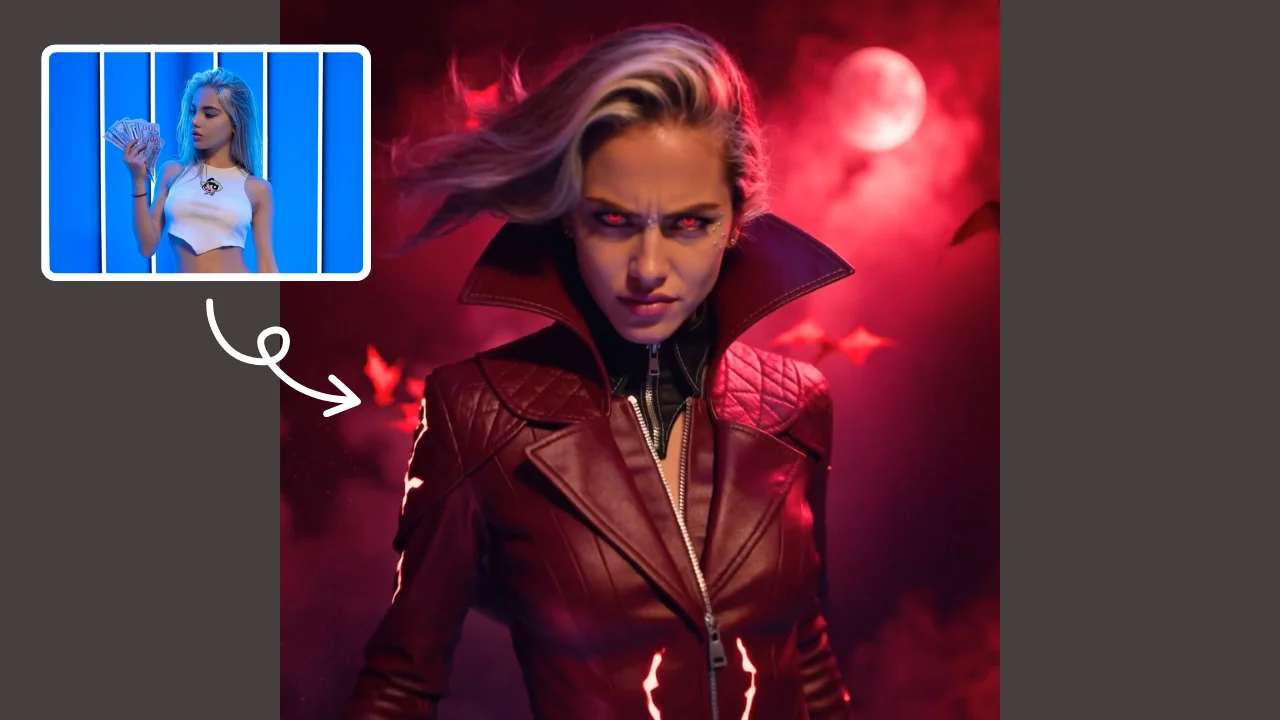
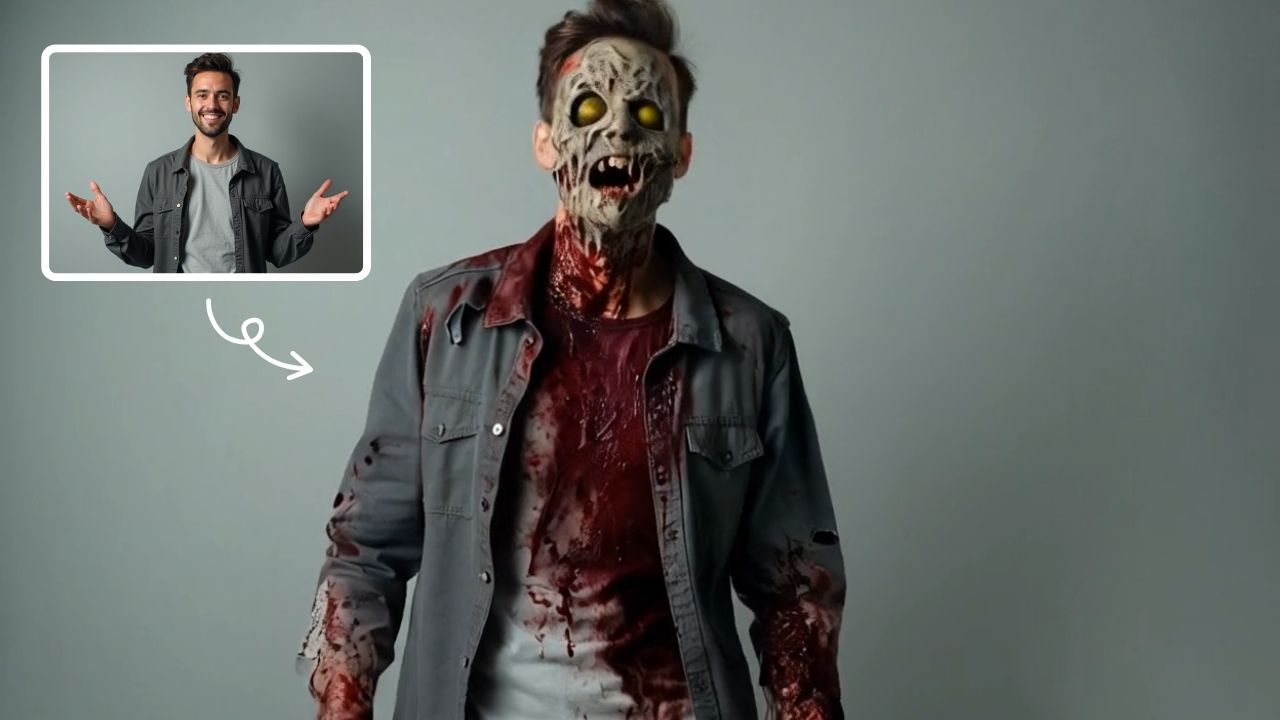
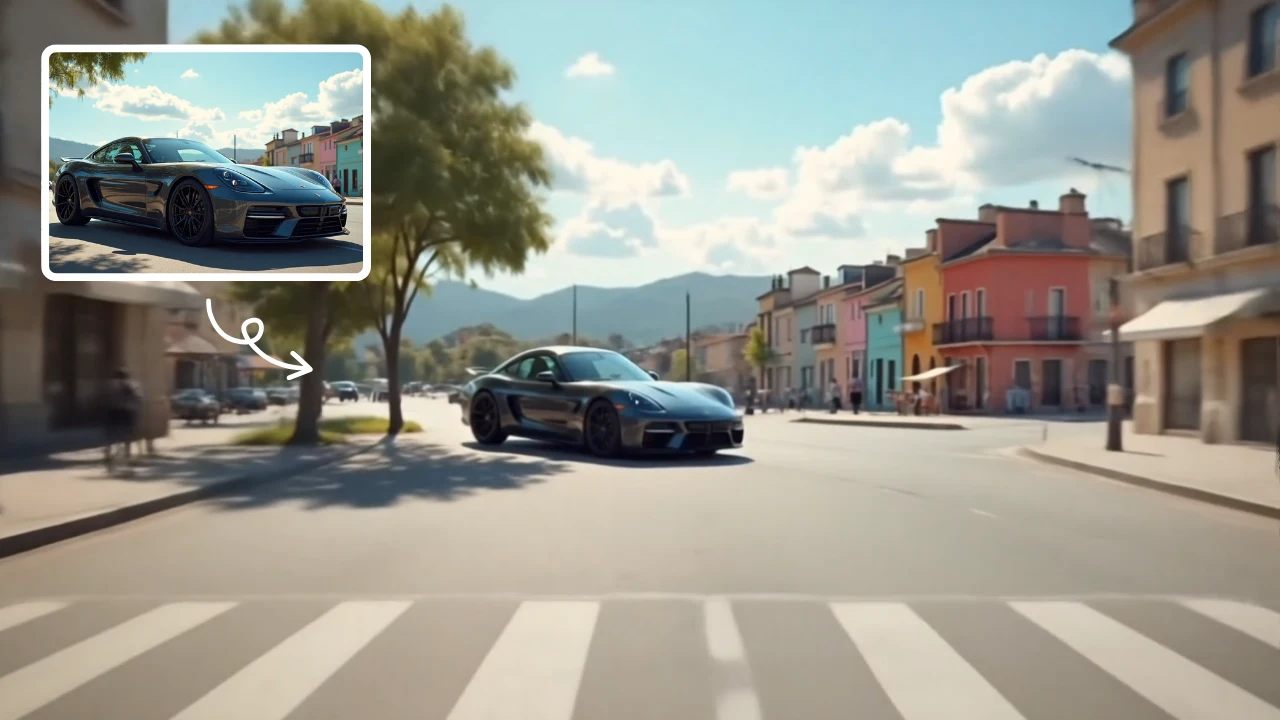
This is an example of what AI can create. Generate your own video now!

What is AI Mermaid Transformation?

AI Mermaid Transformation is a free online tool that uses artificial intelligence to turn your ordinary photos into captivating videos where you become a mythical mermaid. By simply uploading a portrait, the tool generates a short video clip that seamlessly transforms your lower body into a shimmering tail and places you in an enchanting underwater scene, complete with bubbles and marine life.

Dive Deeper: Understanding the AI Mermaid Transformation Tool

Have you ever dreamed of swimming through coral reefs with a glittering tail? The AI Mermaid Transformation tool makes that fantasy a reality in just a few minutes. It’s a browser-based application designed for anyone who wants to create fun, shareable content without needing any video editing skills. You don't need to understand complex prompts or rendering settings; the tool handles the entire creative process for you.

This tool falls under the "Style & Effects" category, but it’s more than a simple filter. It leverages advanced AI video generation models to understand the structure of your photo and then rebuilds it within a new, aquatic context. The result is a personalized, magical video that feels both personal and professionally crafted.

How Does This AI Mermaid Transformation Tool Work?

The process is built for simplicity and speed, yet the technology behind it is quite sophisticated. Here’s a breakdown of the workflow, from upload to download.

1. Photo Upload and Analysis

The journey begins with you uploading a clear photo of a person. The AI immediately gets to work, analyzing the image to identify key elements like the face, hair, body posture, and clothing. This analysis is crucial for creating a transformation that looks natural and believable.

2. The Magic of Video Prompts

Once the image is analyzed, the tool uses a pre-defined video prompt as its creative blueprint. While you don't have to write it yourself, the prompt essentially instructs the AI to:

  • Transform the subject's lower body into a shimmering, colorful mermaid tail.
  • Place the subject in an underwater scene, surrounded by drifting bubbles and colorful coral.
  • Make the hair float ethereally, as if suspended in water.
  • Apply soft, natural lighting that mimics sunlight filtering through the ocean surface.

3. AI Video Generation and Rendering

With your image and the creative prompt combined, the tool sends the request to a powerful AI video generation model. The tool you are using may offer choices, such as Sora 2 or Veo 3.1, each offering slightly different stylistic outputs or processing methods. The AI then constructs the video frame by frame, animating the scene and ensuring the transformation is smooth and fluid.

This is the video rendering stage, which is the most computationally intensive part. The entire process typically takes between one and three minutes to complete, depending on current server load and the complexity of the scene.

4. Preview and Share

Once the video rendering is finished, your AI Mermaid Transformation is ready. You can preview the result directly in your browser and then download it to share on social media, with friends, or simply keep as a unique piece of digital art.

Why Use an AI Mermaid Transformation Tool?

There are several compelling reasons why someone might turn to a tool like this, beyond just having fun.

Instant Creative Expression

Traditionally, creating a fantasy video like this would require hours of work with complex software like Photoshop or After Effects. You’d need to be a skilled digital artist to composite the scene, animate the tail, and make the lighting realistic. This tool removes all those barriers, allowing for instant creative expression. It’s a form of quick, accessible digital storytelling.

Perfect for Social Media Content

In a world where unique content is king, an AI Mermaid Transformation video is an eye-catching way to stand out. It’s perfect for:

  • TikTok and Instagram Reels: The vertical 9:16 aspect ratio is ideal for short-form video platforms.
  • Profile Pictures: A transformed video can be a fun, temporary profile picture.
  • Engagement Posts: Asking friends, "Which one of us would make the best mermaid?" can be a great way to generate interaction.

Exploring AI Capabilities

For the tech-curious, using this tool is a hands-on way to experience the power of modern AI. It provides a tangible example of how AI video generation models are evolving to understand and manipulate visual data in creative and complex ways. You’re not just a viewer of AI art; you’re a participant in its creation.

Key Features and Considerations

The AI Mermaid Transformation tool is designed to be efficient and user-friendly. Here are some of its core aspects:

  • It's Free: The primary draw is that this tool is completely free to use, making it accessible to everyone.
  • Browser-Based: Because it operates online, there is no software to install. All processing happens on remote servers, so it works on almost any device with a modern web browser.
  • Processing Speed: The developers have optimized the workflow to be as fast as possible, with most videos generated within 1-3 minutes. This quick turnaround is essential for maintaining user engagement.
  • Output Options: You can typically choose your aspect ratio (like 16:9 for widescreen or 9:16 for stories) and video duration (commonly 10 seconds), giving you some control over the final product.
  • Privacy and Security: Reputable online tools process your image temporarily and do not store it permanently. While using the tool, it's always wise to avoid uploading photos of other people without their consent and to be aware of the site's privacy policy, which builds trustworthiness.

Real-World Use Cases and Applications

Who is this tool for? The audience is surprisingly broad.

  • The Casual User: Someone looking for a fun, 10-minute distraction. They want to see themselves or a friend transformed into a mythical creature for a laugh.
  • The Content Creator: A social media influencer or hobbyist who needs quick, engaging visual content. They can use the tool to create a series of themed videos for Mermaid Month or a fantasy-themed week.
  • The Event Planner: Imagine using this tool at a children's birthday party or a corporate team-building event with an "ocean" theme. Guests could have their own mermaid videos created as a unique party favor.
  • The Educator: A teacher discussing myths, legends, or marine biology could use the tool to spark creativity in students, asking them to write a story about their transformed selves.

Frequently Asked Questions

What exactly is an AI Mermaid Transformation?

It's a process where an AI Mermaid Transformation tool analyzes a photo of a person and uses an AI model to generate a new video. In this video, the person appears to be underwater, and their legs have been magically turned into a beautiful, animated mermaid tail.

Is the AI Mermaid Transformation tool really free to use?

Yes, the core functionality of the tool described here is completely free. You can upload your photos and generate videos without any cost. There are no hidden fees or subscription requirements to create your basic transformation.

How long does it take to generate a video?

The entire process, from uploading your photo to receiving the final video, is quite fast. The AI Mermaid Transformation tool typically completes the video rendering in one to three minutes, though this can vary slightly depending on internet speed and the current demand on the AI servers.

What kind of photo should I upload for the best result?

For the best AI Mermaid Transformation, upload a clear photo where the person is facing forward and their full body is visible. Photos with simple backgrounds often work best, as they allow the AI to more accurately separate the subject from its surroundings for a cleaner, more magical transformation.

Do I need to write a prompt for the video?

No, you don't need to write any prompts. The AI Mermaid Transformation tool uses built-in, optimized prompts to create the scene. You simply upload the photo, and the AI handles everything else, from adding the tail to placing you in an underwater world with bubbles and coral.

Where does my uploaded photo go? Is it private?

Privacy is an important aspect of any online tool. Reputable sites that offer an AI Mermaid Transformation service process your image temporarily to generate the video and then delete it from their servers. It's always a good practice to review the website's privacy policy for details on their data handling and retention practices.

Can I use the mermaid video on social media?

Absolutely! That's one of the main reasons people use this tool. The generated videos are perfect for sharing on platforms like TikTok, Instagram, and Facebook. You can download the video directly from the tool and upload it to your favorite social network to share your aquatic fantasy with friends and followers.

Conclusion

The AI Mermaid Transformation tool is a fantastic example of how AI is making creative expression more accessible and fun. By simplifying a complex process into a few easy steps, it allows anyone to step into a fantasy and create a unique, shareable piece of digital art. Whether you're looking for a momentary escape, content for your social media, or just a glimpse into the capabilities of modern AI, diving into this tool offers a magical and engaging experience.

Start Creating AI Videos Instantly

Turn simple text prompts into engaging videos using our powerful AI video generator. No editing skills required — just describe your idea and let AI do the work.

Generate Your First AI Video

More AI Video Tools

Explore more AI-powered video creation tools to expand your creativity
AI Muscle Generator

AI Muscle Generator

AI Muscle Generator lets you visualize muscle growth instantly by uploading a photo. It upgrades your physique digitally in minute, offering a fun, gym-free way to see potential results. Ideal for motivation or entertainment, it provides quick, impressive transformations without any workout.

Try Now
AI Gender Swap

AI Gender Swap

AI Gender Swap offers cutting-edge AI video templates to effortlessly create unique videos. Key features include one-click generation, image/text-to-video conversion, and diverse templates. Enjoy fast, free access to enhance creativity and produce professional AI videos with ease.

Try Now
AI Tongue Out Face

AI Tongue Out Face

AI Tongue Out Face provides free, user-friendly AI video templates. Transform images and text into engaging videos in one click. Its standout feature includes quirky effects like the tongue-out face, enhancing creativity for social media or marketing. Save time, no skills needed, and produce viral-ready content effortlessly.

Try Now
AI Walk With Beast

AI Walk With Beast

Walk With Beast transforms your videos with AI-powered fantasy animal companions. Easily generate epic scenes featuring majestic creatures walking beside you. Ideal for social media shorts, it requires no editing skills

Try Now
AI Iron Man

AI Iron Man

AI Iron Man Transformation lets you instantly turn into Tony Stark by uploading your photo. Generate a dynamic Iron Man video , showcasing your superhero avatar with realistic effects. Enjoy quick, fun transformations and share your unique Iron Man identity easily.

Try Now
AI Inflate

AI Inflate

AI Inflate Effect lets you inflate objects in any image effortlessly. Simply upload your photo, and our AI instantly transforms items into fun, inflated versions. Perfect for creative projects, social media, or just having fun—experience quick, realistic results that make your visuals pop.

Try Now
AI Legged Runaway

AI Legged Runaway

AI Legged Runaway uses advanced AI to animate any object in your photos, giving them legs and a runaway personality. Simply upload an image, and watch as everyday items transform into escaping characters, providing endless entertainment. Perfect for creating viral content, surprising friends, or adding a twist to your photos. Experience the magic of AI-driven creativity today

Try Now
AI Harley Quinn Transformation

AI Harley Quinn Transformation

AI Harley Quinn Transformation lets you upload your photo and instantly generate a dynamic video where you become Harley Quinn. Experience her signature style, playful animations, and unique flair in an easy, fast process. Perfect for fans seeking a fun, personalized transformation without any hassle.

Try Now
×

Unlock Premium AI Video Generator Features

Sign in with Google to access advanced editing tools, save your creations, and enjoy unlimited image enhancements.