AI Happy Smile
AI Happy Smile is an online tool that uses advanced AI to add realistic smiles to photos in one click. It works on portraits, selfies, and group images, improving expressions effortlessly.
This is an example of what AI can create. Generate your own video now!
Why Choose This AI Video Tool?
Advanced AI Models
Powered by cutting-edge AI including Sora, Kling, VEO for superior video quality.
Easy to Use
No technical skills needed. Simply describe your vision and let AI create magic.
Custom Styles
Choose from multiple art styles and aspect ratios to match your creative vision.
Fast Processing
Generate high-quality videos in minutes with our optimized AI pipeline.
AI Happy Smile: Add Natural Smile to Photos Online
AI Happy Smile is a browser-based tool that uses artificial intelligence to add natural, realistic smiles to faces in photos. With a single click, it transforms portraits, selfies, and group shots by enhancing facial expressions without manual editing.
What is AI Happy Smile?
AI Happy Smile is an online tool designed to fix or enhance smiles in photographs. Whether someone blinked, looked stern, or simply didn’t smile in the moment, this tool processes the image and adjusts the expression. It works entirely in the browser, meaning no software downloads or uploads to a third-party server are required. The AI analyzes facial structures and generates a smile that matches the individual’s natural appearance, preserving teeth, lip shape, and skin tone. This makes it ideal for quick fixes in personal photos or professional edits where time is limited.
How AI Happy Smile Works
The tool operates through a straightforward process that combines computer vision and generative AI. When you upload an image, the system first detects all faces present. It maps key facial landmarks—such as the corners of the mouth, jawline, and cheek position. The AI model then synthesizes a new expression by adjusting these points while keeping the rest of the face unchanged.
Because all processing happens client-side, your original images remain private. The tool does not store or share your photos, which is a critical factor for users concerned about privacy. After a few seconds, the enhanced image is ready for download. The entire workflow is optimized for speed, so you don't need to wait long or adjust complex settings.
Key Features That Improve Photos
AI Happy Smile includes several features that set it apart from manual retouching or basic filters. These are designed to handle different types of photos while maintaining a natural look.
One-Click Smile Enhancement
The main feature is the ability to add smiles instantly. Instead of spending minutes in editing software, you upload and click. The AI handles the rest. It works on individual portraits and group photos, processing multiple faces simultaneously. Each smile is generated individually, so expressions don't look copied or artificial.
Natural Expression Generation
The AI focuses on realism. It doesn't just stretch the mouth upward. It considers how a real smile affects the eyes, cheeks, and overall face shape. This results in expressions that look authentic, as if the person genuinely smiled when the photo was taken. The tool avoids the "uncanny valley" effect often seen in basic editing apps.
Browser-Based Privacy
Since the tool runs locally in your browser, your images never leave your device. This client-side processing ensures that sensitive photos stay private. You don't need to create an account or worry about data leaks. This approach builds trust and makes the tool suitable for professional use where confidentiality matters.
When You Need AI Happy Smile
There are many situations where a photo is perfect except for one person's expression. AI Happy Smile addresses these common scenarios effectively.
Fixing Group Photos
Group shots are notoriously difficult to get right. Someone always blinks or looks away at the wrong moment. With this tool, you can correct individual faces without reshooting. It processes each person independently, so the final image looks cohesive. This saves time during events, family gatherings, or corporate photo shoots.
Enhancing Selfies and Portraits
Sometimes a selfie has good lighting and composition, but your expression feels off. Maybe you were tired or didn't smile wide enough. AI Happy Smile lets you adjust that after the fact. You can generate a subtle, gentle smile or a broader one depending on your preference. The result integrates seamlessly with the original image.
Professional Headshots
For LinkedIn profiles, company websites, or professional portfolios, a warm smile can make a big difference. If you have a headshot where you look too serious, this tool can add approachability. The generated smile remains professional and appropriate for business contexts.
Step-by-Step Workflow
Using the tool is simple and requires no technical knowledge. The interface is designed for anyone to get results quickly.
- Upload Your Photo: Start by selecting an image from your device. Supported formats include common types like JPEG and PNG. The tool works best with clear face visibility.
- Face Detection: The AI automatically scans the image and identifies all faces. It outlines each one to confirm detection. You don't need to manually select regions.
- Apply the Effect: Click the generate button. The tool processes the image locally and creates a new version with natural smiles added to every face.
- Download the Result: Preview the enhanced photo. If you're satisfied, save it to your device. The whole process typically takes under a minute.
Why Use AI Instead of Manual Editing
Manual photo retouching requires skill and time. Even experienced editors struggle to adjust smiles naturally without making the image look fake. AI Happy Smile automates this complex task. It learns from thousands of real smiles to understand how expressions change facial features. The result is faster, more consistent, and often more realistic than manual attempts.
Furthermore, traditional editing tools require software installation and regular updates. As a pure online tool, AI Happy Smile is always up to date and accessible from any device with a browser. This convenience makes it a practical choice for quick edits on the go.
Privacy and Data Handling
Trust is essential when dealing with personal photos. AI Happy Smile processes everything locally. Your images are not uploaded to any cloud server. This client-side architecture means you retain full control. After you close the browser tab, no trace of your photo remains. This level of privacy is rare among online editing tools and provides peace of mind.
Frequently Asked Questions
How accurate is AI Happy Smile at generating natural smiles?
The AI model is trained on diverse facial data to produce smiles that match each person's unique features. It considers factors like mouth shape, teeth visibility, and how the eyes change during a genuine smile. This approach avoids the artificial look common in simpler editing tools.
Can AI Happy Smile process multiple faces in one photo?
Yes, the tool detects all faces in an image and applies smile enhancements to each one individually. This makes it especially useful for group photos where you need to correct several expressions at once. The processing time scales with the number of faces but remains fast.
Is my photo stored or shared when I use AI Happy Smile?
No. All image processing occurs locally within your browser. Your photos never leave your device, ensuring complete privacy. This client-side processing means you don't need to worry about data storage or unauthorized access.
What types of photos work best with AI Happy Smile?
The tool performs best on images where faces are clearly visible and well-lit. Portraits, selfies, and group shots with good resolution yield the most natural results. Avoid heavily filtered images or those with extreme angles, as these can affect face detection accuracy.
Do I need to create an account to use the tool?
No account or sign-up is required. You can access AI Happy Smile directly through the website and start editing immediately. This removes barriers and makes the tool convenient for quick tasks.
How long does it take to generate a smile?
Processing is usually completed within a few seconds. The exact time depends on the number of faces and your device's performance. Since it runs locally, you don't experience network delays.
Can I adjust the intensity of the smile?
The tool focuses on generating a natural, balanced smile by default. Future updates may include options for expression intensity. Currently, the AI selects the most appropriate smile based on facial analysis.
What happens to my original photo after editing?
Your original file remains untouched on your device. The tool creates a new processed version for download. Because everything happens locally, you always keep your original and the edited copy.
Final Thoughts
AI Happy Smile provides a practical solution for improving expressions in photos without complex software. Its one-click operation, combined with realistic results and strong privacy protections, makes it a valuable tool for anyone who works with portraits. Whether you need to fix a group shot, enhance a selfie, or polish a professional headshot, this tool delivers natural smiles quickly and securely.
Start Creating AI Videos Instantly
Turn simple text prompts into engaging videos using our powerful AI video generator. No editing skills required — just describe your idea and let AI do the work.
Generate Your First AI VideoMore AI Video Tools
Explore more AI-powered video creation tools to expand your creativity

AI Fight
AI Fight transforms ordinary photos of two people into thrilling battle scenes using AI. Simply upload a photo, and the tool animates them in an epic showdown. It's fast, easy, and requires no editing experience, making your photos stand out with excitement.
Try Now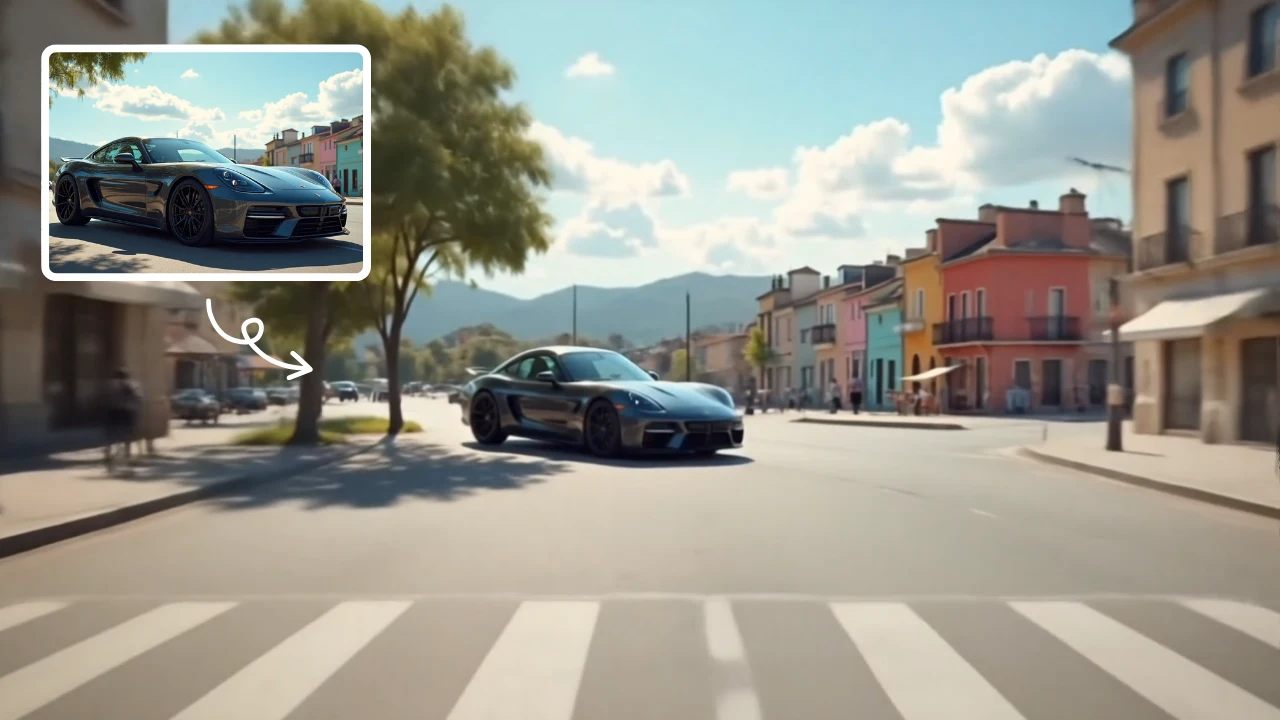
Zoom Out Video Effect
Zoom Out Video Effect offers intuitive AI templates for instant video creation. Easily transform images/text into dynamic videos with zoom effects. Save time with one-click editing while enhancing visual storytelling. Perfect for marketers and creators seeking professional results without complexity.
Try Now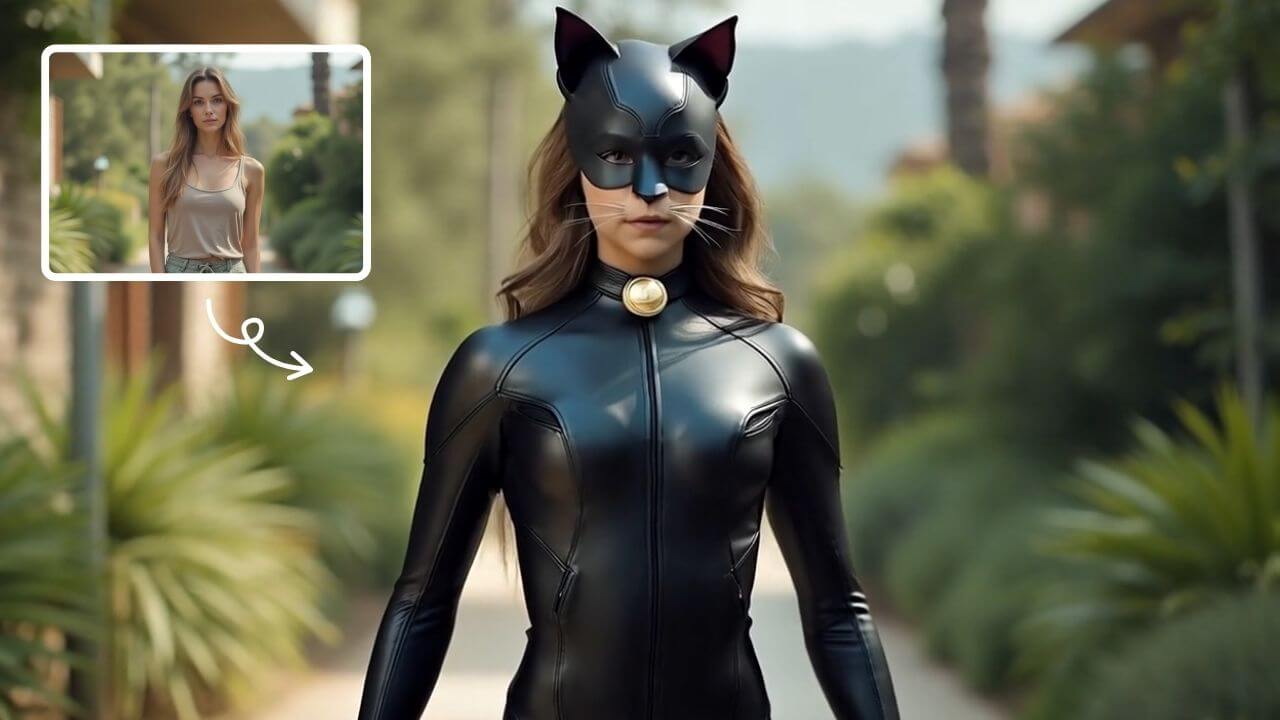
AI Catwoman Transformation
AI Catwoman Transformation lets you embody the legendary character's charm and strength. Simply upload a photo for an instant AI-powered makeover. Showcase your unique feline persona with stunning visual results. Perfect for fans seeking a playful yet powerful digital identity transformation.
Try Now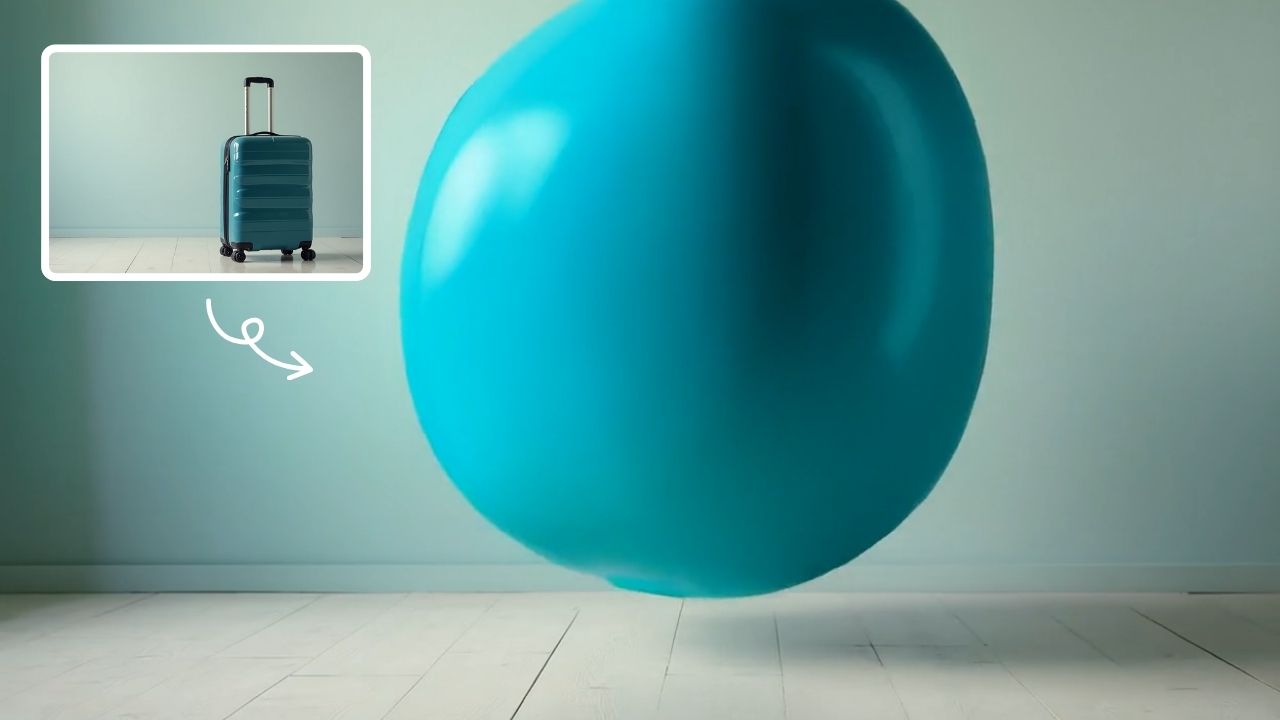
AI Inflate
AI Inflate Effect lets you inflate objects in any image effortlessly. Simply upload your photo, and our AI instantly transforms items into fun, inflated versions. Perfect for creative projects, social media, or just having fun—experience quick, realistic results that make your visuals pop.
Try Now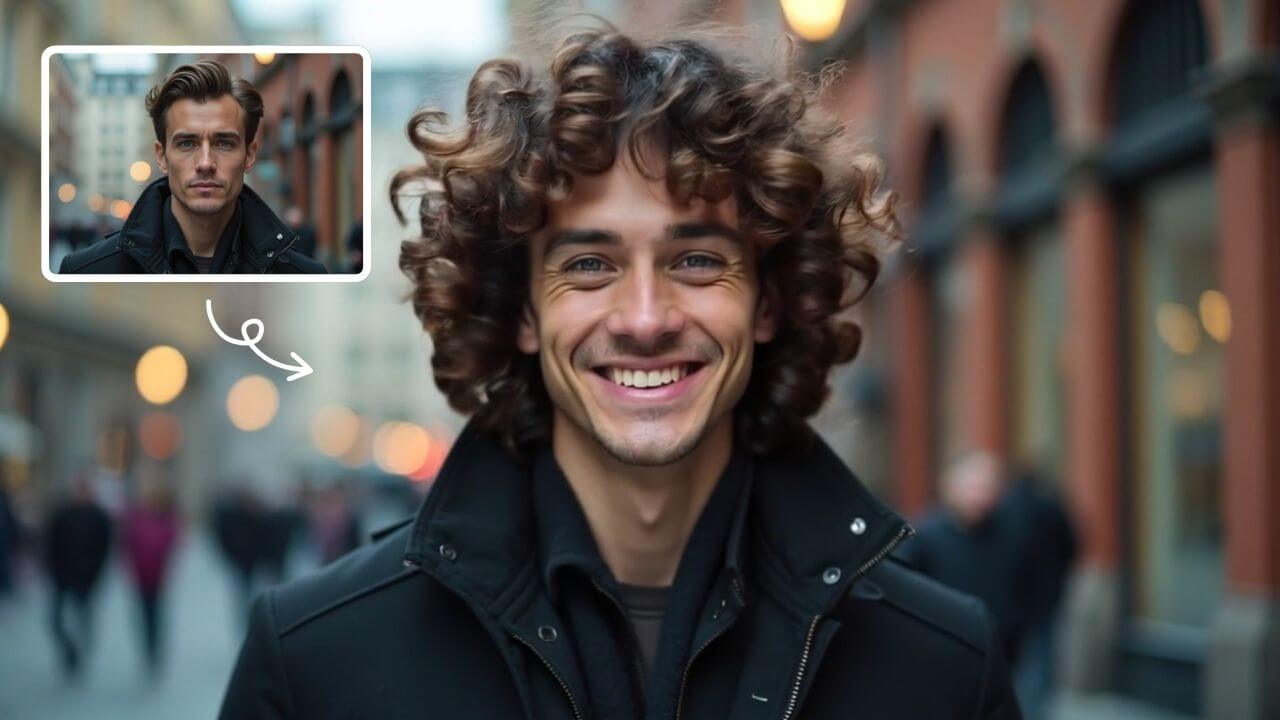
AI Curly Hair
AI Curly Hair allows you to add beautiful, natural-looking curls to any photo instantly. Powered by advanced AI, it offers multiple curly styles to match your preferences, helping you preview and choose the perfect hairstyle without commitment. Experience quick, realistic results and boost your confidence with a fresh, curly appearance.
Try Now
AI Anime Video
AI Anime Video instantly converts your anime images into professional opening videos. Using advanced AI and Sora 2 technology, it creates dynamic motion scenes with authentic anime style. Generate captivating anime OPs effortlessly - no skills required!
Try Now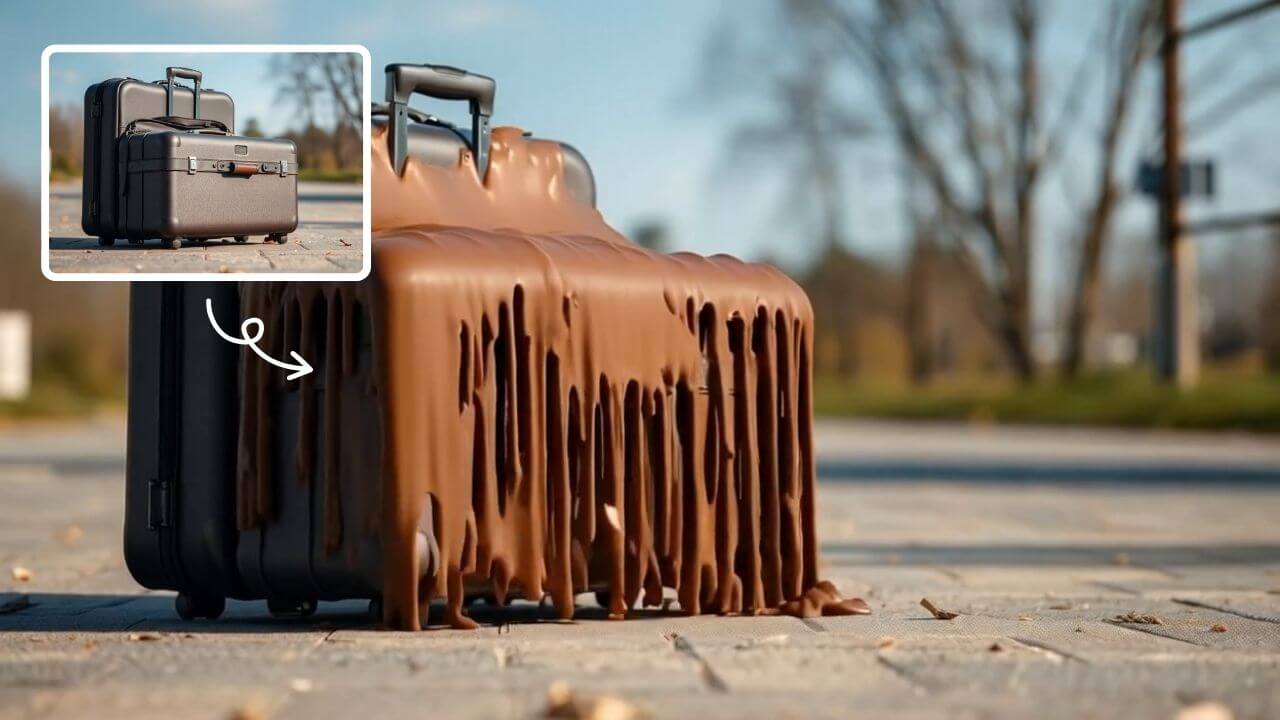
AI Melt Effect
AI Melt Effect uses advanced AI to instantly create mesmerizing melting effect videos from your images. Enjoy powerful features, fast processing, and a free platform. Turn ordinary photos into extraordinary art effortlessly.
Try Now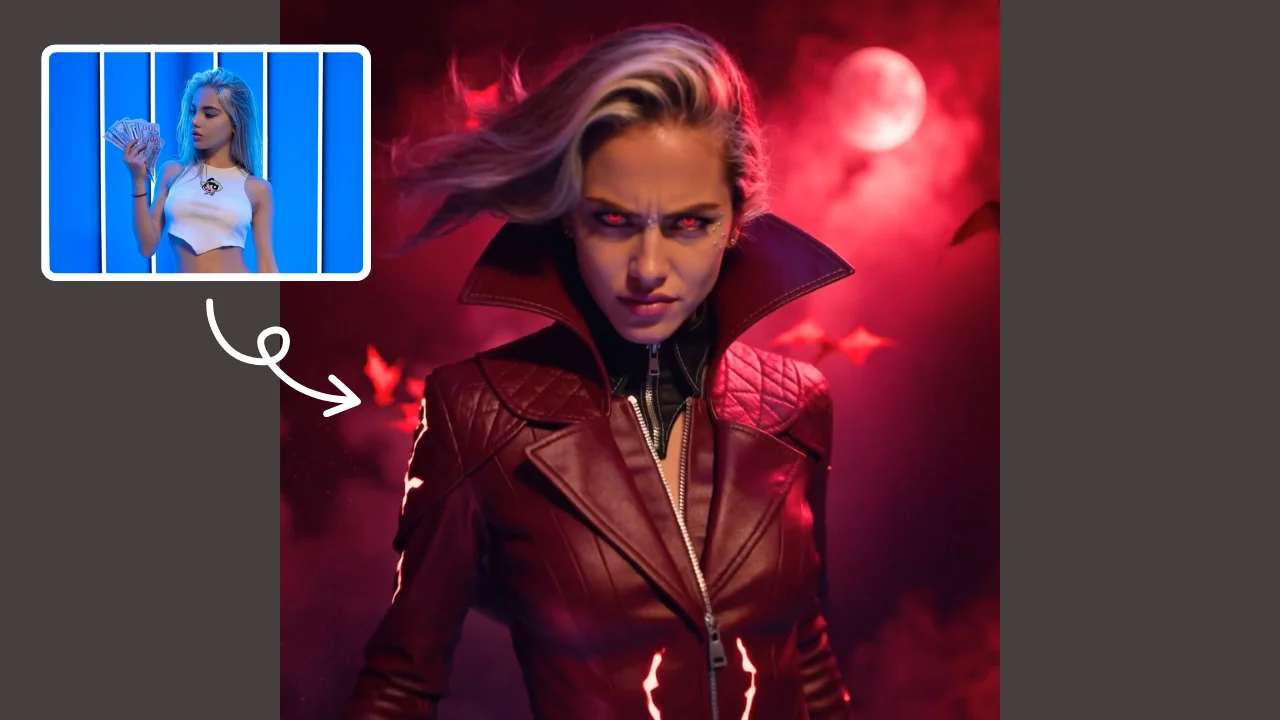
AI Demon Transform
AI Demon Transform revolutionizes video creation with intuitive AI templates. Convert text or images into engaging videos in one click. Enjoy free access to trending styles, fast processing, and user-friendly tools. Boost your content with unique, high-quality results—perfect for creators and marketers seeking efficiency and innovation.
Try Now Continue with Google