AI Gender Swap
AI Gender Swap offers cutting-edge AI video templates to effortlessly create unique videos. Key features include one-click generation, image/text-to-video conversion, and diverse templates. Enjoy fast, free access to enhance creativity and produce professional AI videos with ease.
This is an example of what AI can create. Generate your own video now!
Why Choose This AI Video Tool?
Advanced AI Models
Powered by cutting-edge AI including Sora, Kling, VEO for superior video quality.
Easy to Use
No technical skills needed. Simply describe your vision and let AI create magic.
Custom Styles
Choose from multiple art styles and aspect ratios to match your creative vision.
Fast Processing
Generate high-quality videos in minutes with our optimized AI pipeline.
AI Gender Swap: Free AI Video Templates for Instant Creation
AI Gender Swap is a browser-based tool that uses advanced video models to transform a person's appearance in a video, allowing them to see themselves or a subject as the opposite gender with realistic facial feature adjustments.
What is an AI Gender Swap Tool?
At its core, this technology analyzes the facial structure, hairline, and bone structure of a subject in a video. It then applies a generative AI model to alter these characteristics to align with traditional masculine or feminine features, all while maintaining the original person's recognizable identity. Unlike basic photo filters, this process handles motion, ensuring the transformation is consistent throughout the entire video clip. The result is a seamless, realistic video that can be used for creative projects, personal exploration, or educational content.
How the AI Gender Swap Process Works
The magic happens through a combination of computer vision and generative AI. When you upload or select a video, the AI first detects the face and maps its key landmarks. It then interprets these points in the context of gender expression.
One-Click Generation and Video Prompts
The process is designed for efficiency. You don't need to be a video editor or a visual effects artist. The platform provides pre-configured AI video templates that handle the heavy lifting. You simply choose a template, and with one click, the video rendering begins. This online tool processes the video on powerful servers, applying the transformation frame by frame. The core of the scene creation is driven by sophisticated video prompts that tell the AI exactly how to alter facial geometry, skin texture, and even hair growth patterns to achieve a natural result.
From Text and Image to Video
The utility of the tool extends beyond simple uploads. You can start the AI video generation process from a static image or even a text description. For instance, you could provide a photo of a male subject and use the tool to convert it into a video where he appears as a female version of himself. This image/text-to-video conversion capability makes it incredibly versatile for creators who are brainstorming ideas or working with limited source material.
Key Features and Benefits of AI Video Templates
The platform is built around the idea of making complex AI accessible to everyone. Here are the features that make it a powerful asset for content creation.
Diverse Templates for Every Scenario
The library of diverse templates is a standout feature. Each template is essentially a pre-set transformation style. Some focus on subtle changes to bone structure, while others are more dramatic, altering hair length and style. This variety ensures that whether you need a realistic transformation for a documentary or a stylized effect for a music video, you have a starting point that saves hours of manual work. These templates are optimized for different Aspect Ratios like 16:9 for widescreen and 9:16 for mobile-friendly vertical videos.
Fast and Free Access
One of the biggest barriers to using AI video tools is cost and processing time. This service prioritizes fast generation, typically completing videos within 1-3 minutes. Furthermore, it offers free access to its core features, allowing users to experiment and generate content without a financial commitment. This low barrier to entry is perfect for hobbyists, students, and professionals who need to quickly prototype an idea.
Practical Use Cases for AI Gender Swap
Understanding the "how" is important, but the "why" is what makes this tool truly valuable. The application of this technology spans several fields.
- Creative Storytelling and Character Design: Filmmakers and writers can use it to visualize characters in a new light. Imagine a director wanting to see how a male actor would look playing a female version of their character in a dream sequence. This tool makes that possible instantly.
- Personal Exploration and Education: For individuals questioning their gender identity, or for educational purposes, seeing a realistic video representation can be a powerful tool for understanding and empathy. It allows for a safe, private space to explore different aspects of identity.
- Social Media Content: Creating engaging content for platforms like TikTok, Instagram, and YouTube is a constant challenge. An AI Gender Swap video is inherently eye-catching and can spark conversation, making it a great way to increase engagement.
- Marketing and Advertising: Brands can use this technology to create inclusive and thought-provoking ad campaigns that explore themes of duality, perspective, and identity, making their message more memorable.
A Step-by-Step Workflow for Creating Your Video
To give you a better sense of the user experience, here is how a typical session flows:
- Select a Template: Browse the library of AI video templates and choose the one that best matches the effect you want to achieve.
- Choose Your Input: Decide whether you will upload a video, an image, or use text to describe the subject you want to transform.
- Pick an AI Model: Depending on your needs, you can select a model like Sora 2 for general use or Veo 3.1 if you need support for multiple images. The tool clearly indicates the credit cost for each option.
- Generate and Review: Hit the generate button. The platform handles the client-side processing and server-side rendering. In a few minutes, your new video is ready to preview and download.
Addressing Quality, Speed, and Trust
When working with AI that modifies human features, users naturally have concerns about quality and privacy. The system is designed to be accurate and efficient. The underlying models are trained on vast datasets to understand nuanced anatomy, ensuring that transformations look like a natural version of the original person, not a cartoonish stereotype.
From a trust perspective, the browser-based nature of the tool means your uploads are handled securely during the convert process. While the generation is happening on remote servers for speed, reputable tools prioritize data encryption and do not use your uploaded content for training without explicit permission. It is always best practice to review the privacy policy of any online tool you use, but the infrastructure is built with user data security in mind.
Conclusion
AI Gender Swap represents a significant leap forward in democratizing video creation. By combining powerful AI video generation with user-friendly templates, it puts professional-level effects into the hands of anyone with an internet connection. Whether you are a seasoned content creator looking to streamline your workflow or a curious individual exploring new forms of expression, this tool offers a fast, free, and fascinating way to see the world—and yourself—from a different perspective.
Frequently Asked Questions
Is AI Gender Swap really free to use?
Yes, the platform offers free access to its core features and templates, allowing users to generate videos without any initial cost. This makes it easy to test the technology and create content for various projects.
How long does it take to generate a video?
The video rendering process is designed to be fast. Most videos are generated and ready for download within 1 to 3 minutes, depending on the complexity of the scene and the current server load.
What can I use an AI Gender Swap video for?
The applications are vast. You can use it for creative projects like filmmaking and social media content, for personal exploration and education, or even in marketing campaigns to create engaging and thought-provoking visuals.
How realistic are the transformations in AI Gender Swap?
The tool utilizes advanced models like Sora 2 to produce highly realistic results. It adjusts facial features, bone structure, and hair to match the selected gender while keeping the original person recognizable, ensuring the final video looks natural and authentic.
What are the differences between the AI models like Sora 2 and Veo 3.1?
Sora 2 is a general-purpose, advanced video generation model suitable for a wide range of styles and effects. Veo 3.1, developed by Google, is noted for its support of 1-2 images, which can be useful for creating a video from specific visual references. The credit cost for each model may vary, reflecting their different capabilities.
Do I need any video editing experience to use this tool?
Not at all. The platform is built around one-click generation and AI video templates. You simply select a template and your input, and the AI handles the entire process, making it accessible to users with no prior video editing experience.
Is my uploaded data safe and private?
Trust is a priority. The service handles your data securely during the conversion process. It is always recommended to check the specific privacy policy of any online tool you use, but standard practice is to protect user uploads and not use them for training without consent.
Can I convert a single photo into a video using AI Gender Swap?
Yes, the tool supports image/text-to-video conversion. You can upload a static image of a person, and the AI will animate it and apply the gender swap, creating a short video clip from that single frame.
Start Creating AI Videos Instantly
Turn simple text prompts into engaging videos using our powerful AI video generator. No editing skills required — just describe your idea and let AI do the work.
Generate Your First AI VideoMore AI Video Tools
Explore more AI-powered video creation tools to expand your creativity
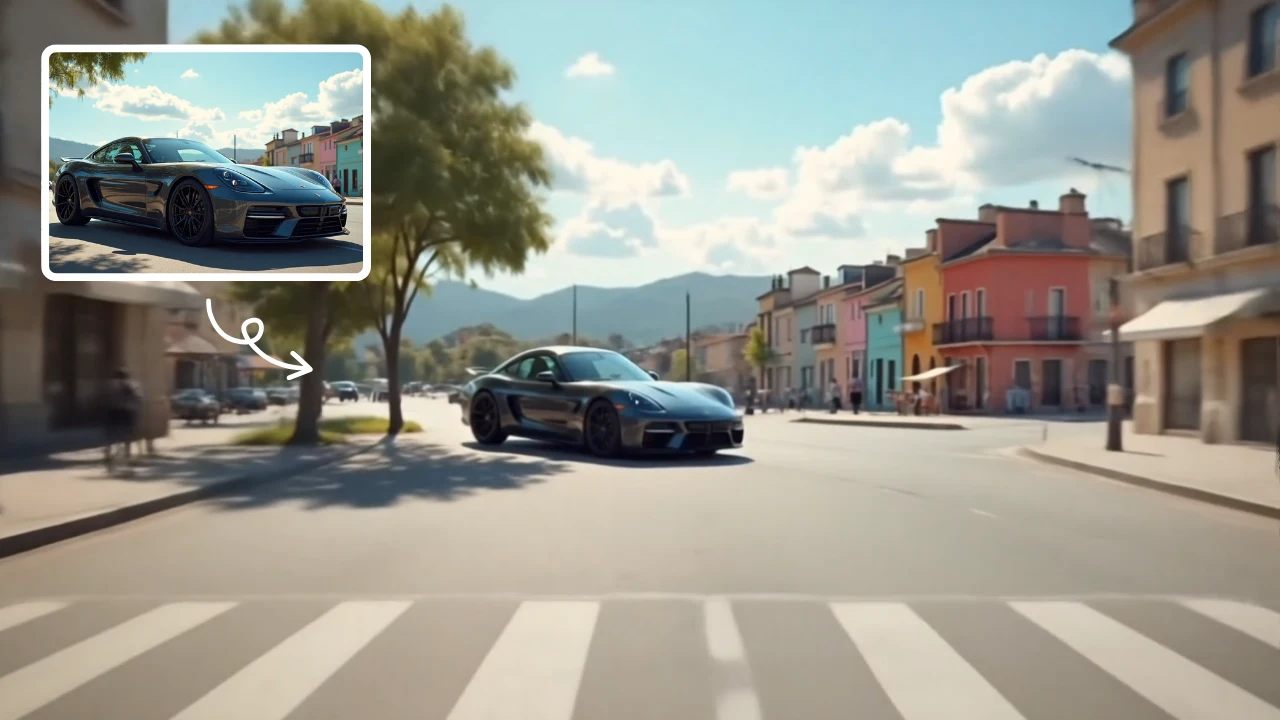
Zoom Out Video Effect
Zoom Out Video Effect offers intuitive AI templates for instant video creation. Easily transform images/text into dynamic videos with zoom effects. Save time with one-click editing while enhancing visual storytelling. Perfect for marketers and creators seeking professional results without complexity.
Try Now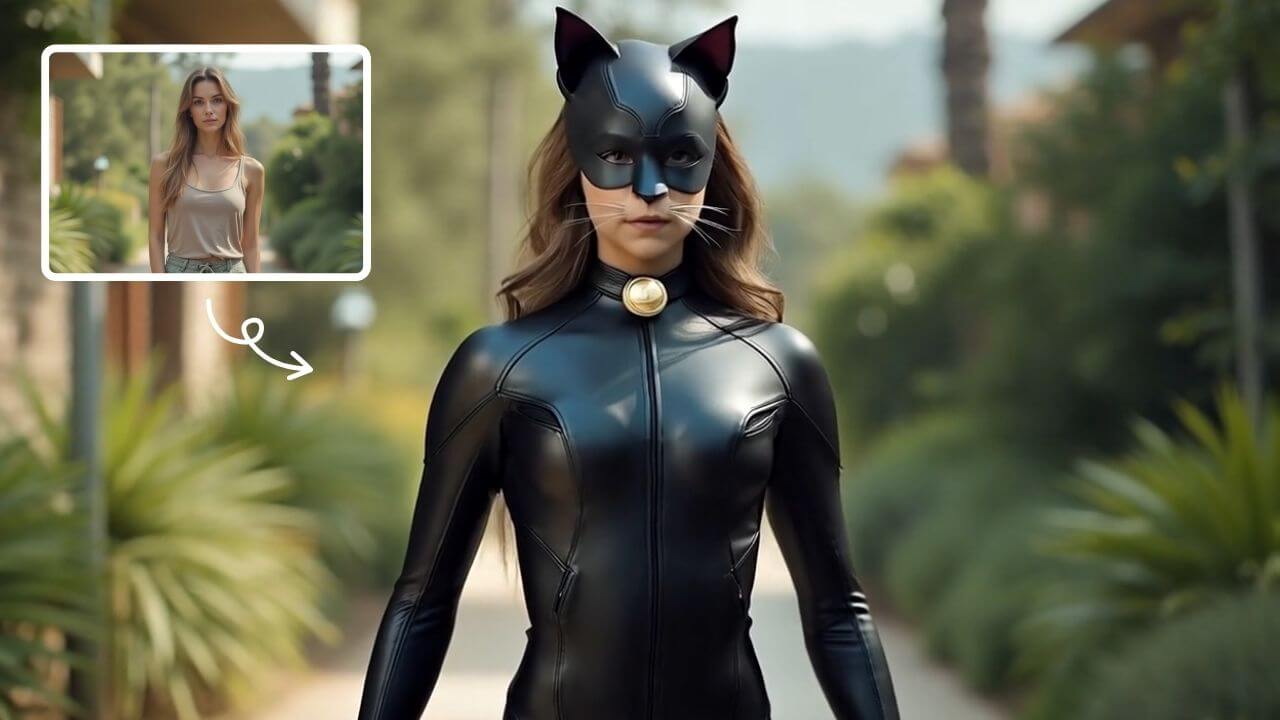
AI Catwoman Transformation
AI Catwoman Transformation lets you embody the legendary character's charm and strength. Simply upload a photo for an instant AI-powered makeover. Showcase your unique feline persona with stunning visual results. Perfect for fans seeking a playful yet powerful digital identity transformation.
Try Now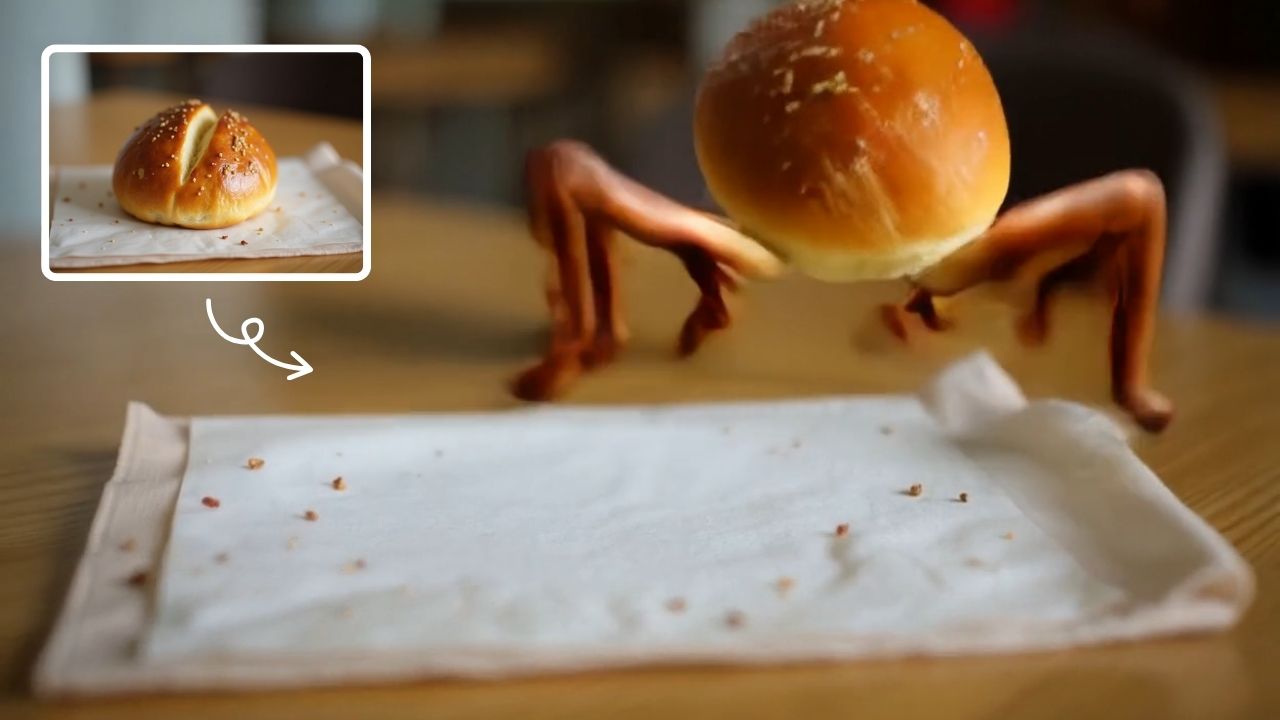
AI Legged Runaway
AI Legged Runaway uses advanced AI to animate any object in your photos, giving them legs and a runaway personality. Simply upload an image, and watch as everyday items transform into escaping characters, providing endless entertainment. Perfect for creating viral content, surprising friends, or adding a twist to your photos. Experience the magic of AI-driven creativity today
Try Now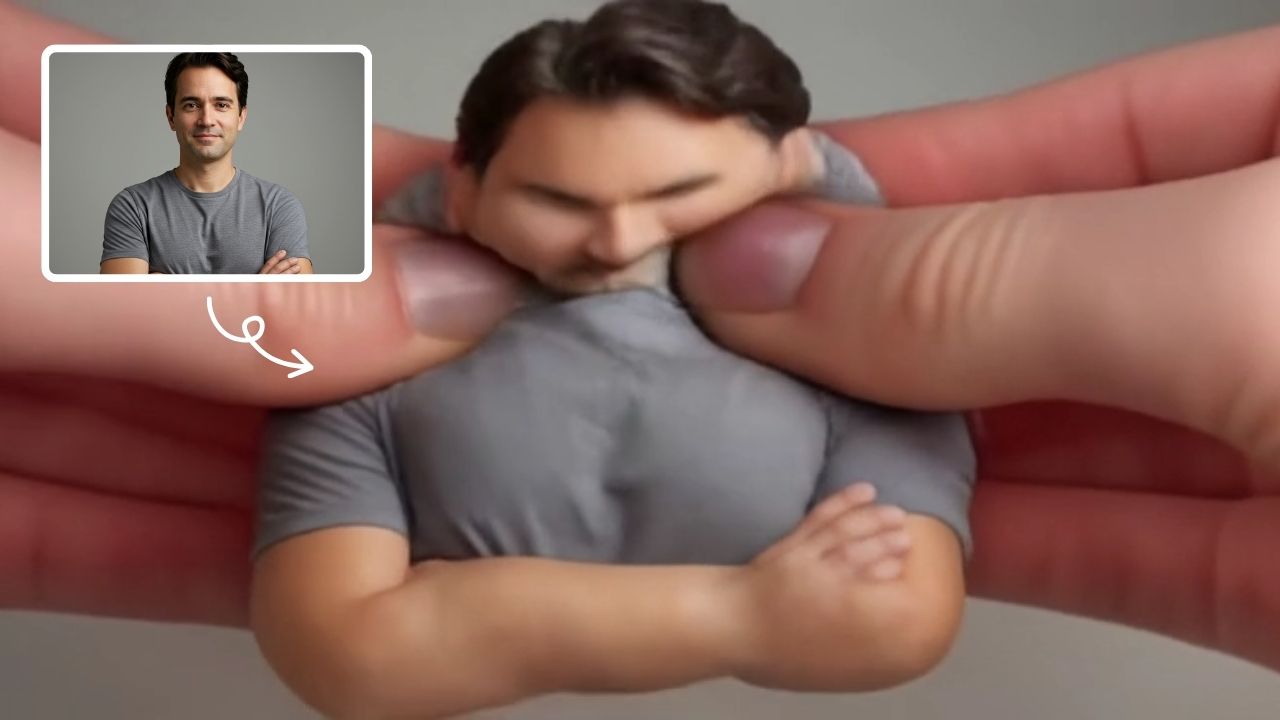
AI Squish Effect
Transform any image into a lively, bouncing masterpiece with AI Squish Effect by Remaker. This free online tool instantly applies dynamic squish effects, making photos fun and engaging. No downloads needed – just upload, generate, and share hilarious videos effortlessly. Perfect for social media, memes, and creative projects, it offers quick, user-friendly entertainment for everyone.
Try Now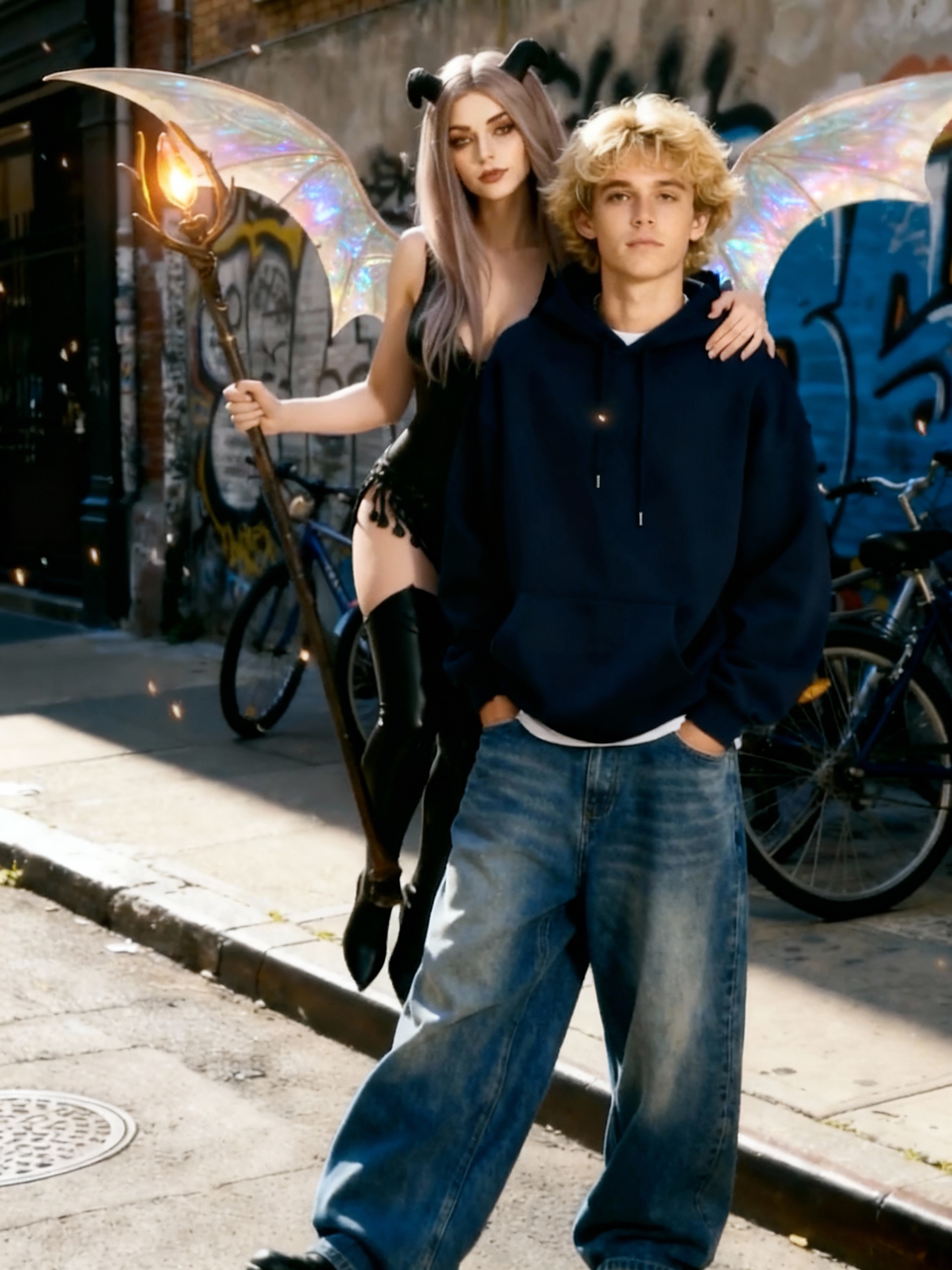
AI Summoning Succubus
Our AI tool turns a single picture into a stunning summoning circle video with automated effects and smooth pacing. Experience quick, magical transformations for captivating results.
Try Now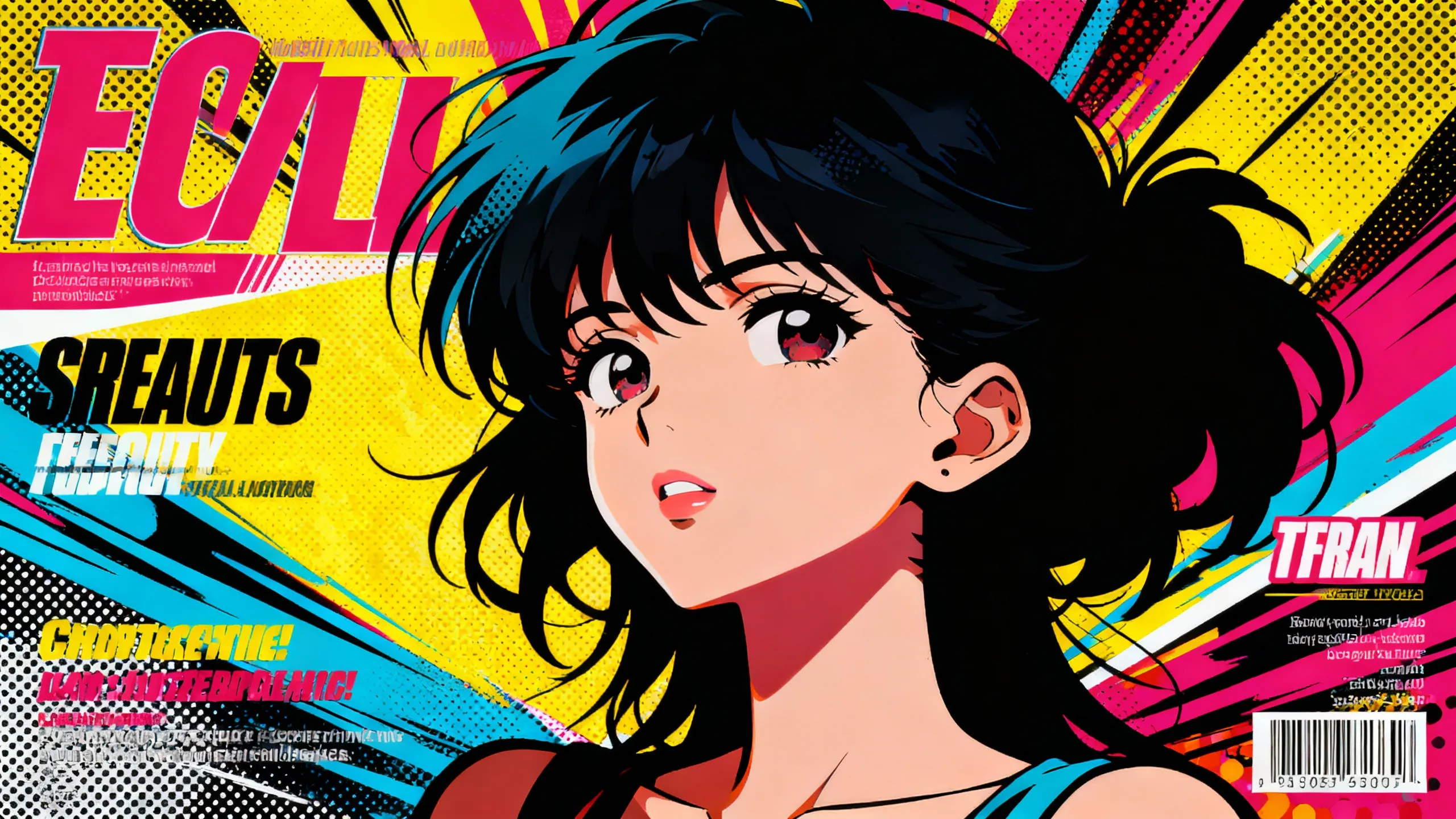
AI Anime Video
AI Anime Video instantly converts your anime images into professional opening videos. Using advanced AI and Sora 2 technology, it creates dynamic motion scenes with authentic anime style. Generate captivating anime OPs effortlessly - no skills required!
Try Now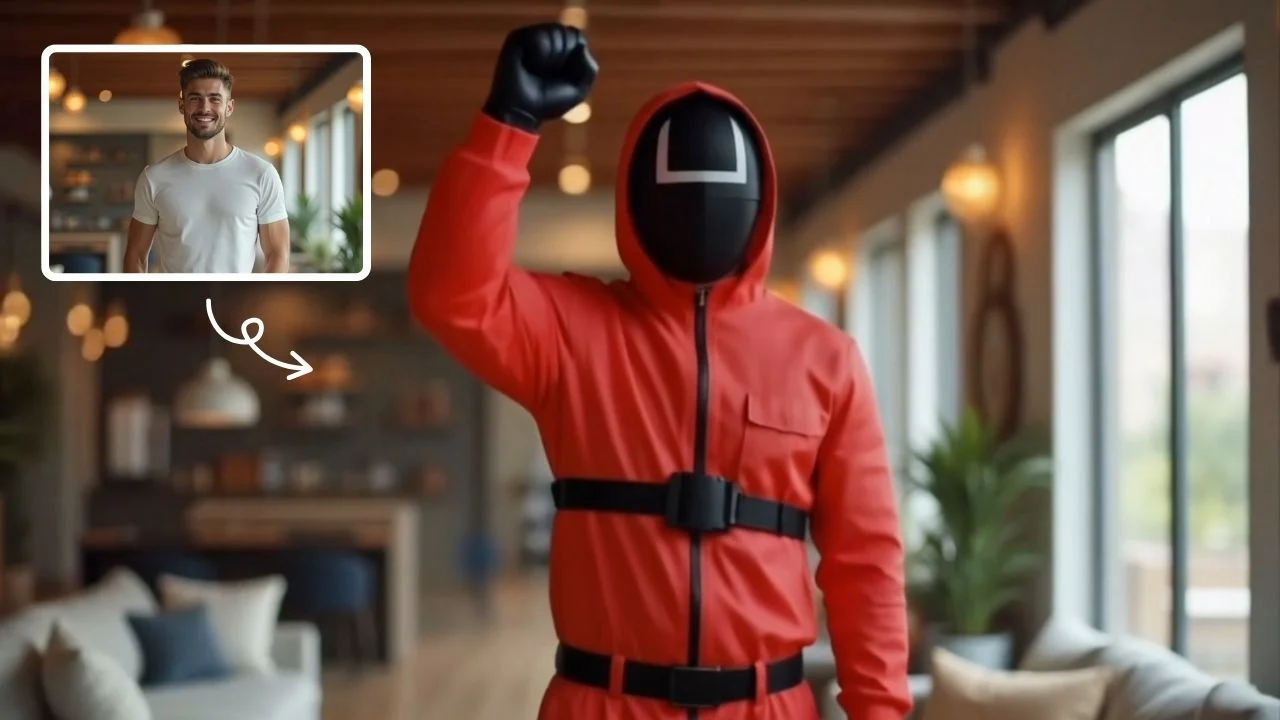
AI Squid Game Video
AI Squid Game Video Effect offers a wide range of free AI video templates, enabling you to generate unique videos from text or images in one click. With its user-friendly interface and trending designs, it helps you produce engaging content quickly, saving time and boosting creativity.
Try Now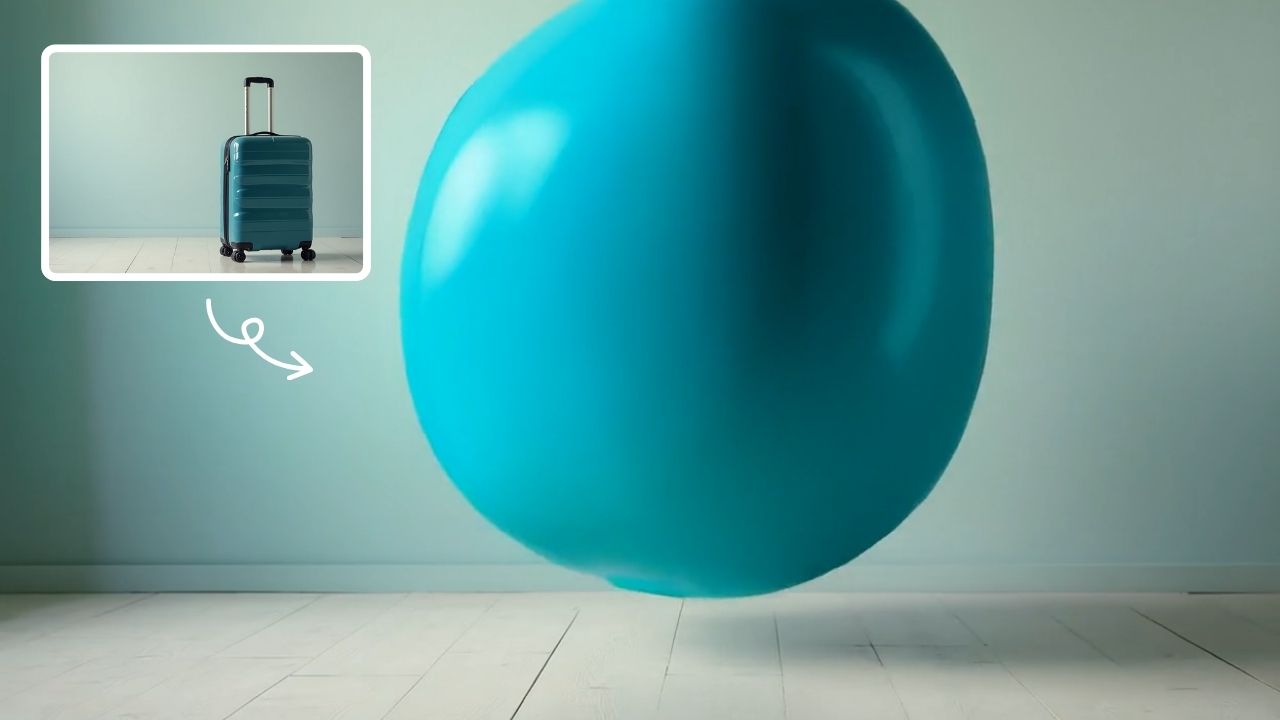
AI Inflate Effect
AI Inflate Effect instantly transforms ordinary photos by adding playful inflatable effects to any object. Simply upload your image, and our advanced AI automatically detects and inflates items with realistic balloon-like textures. Perfect for creating eye-catching social media content, unique memes, or creative presentations. Experience instant transformation with zero editing skills required - your inflated creations are ready in minute!
Try Now Continue with Google