AI Walk With Beast

Walk With Beast transforms your videos with AI-powered fantasy animal companions. Easily generate epic scenes featuring majestic creatures walking beside you. Ideal for social media shorts, it requires no editing skills

Drag & Drop or Ctrl+V to paste

Support PNG, JPG, WEBP up to 10MB (Max 2 images)

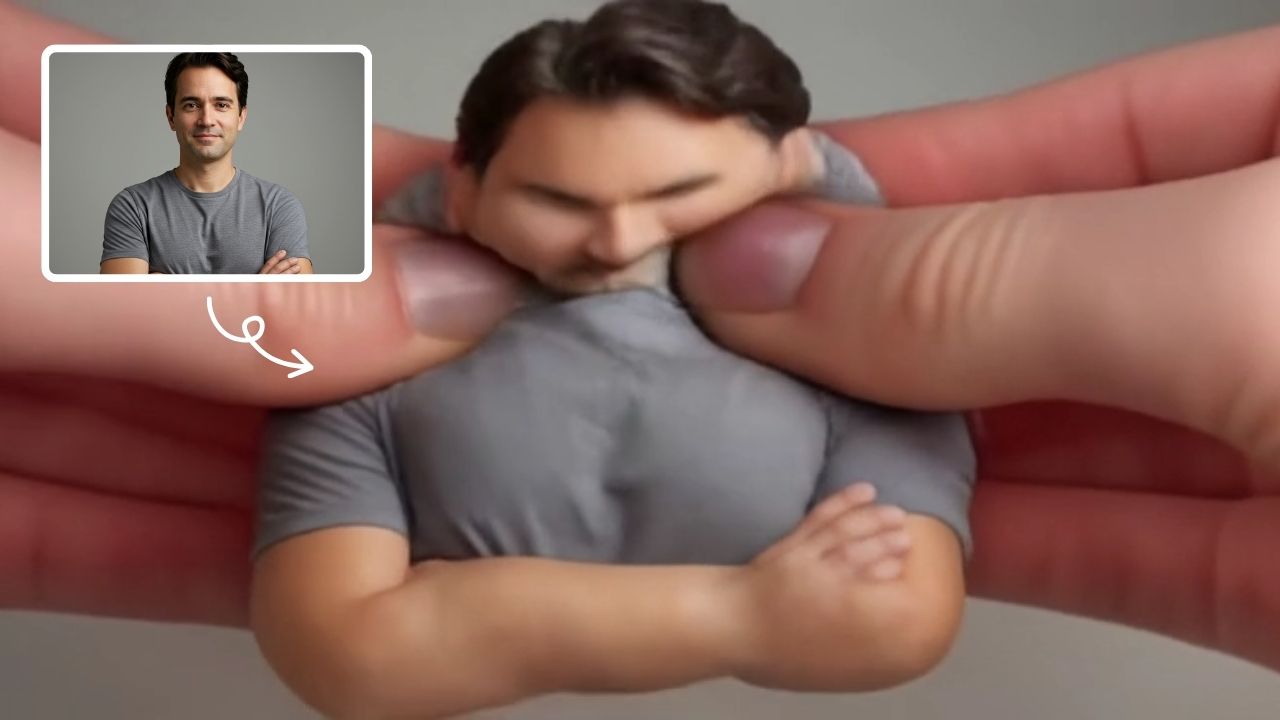
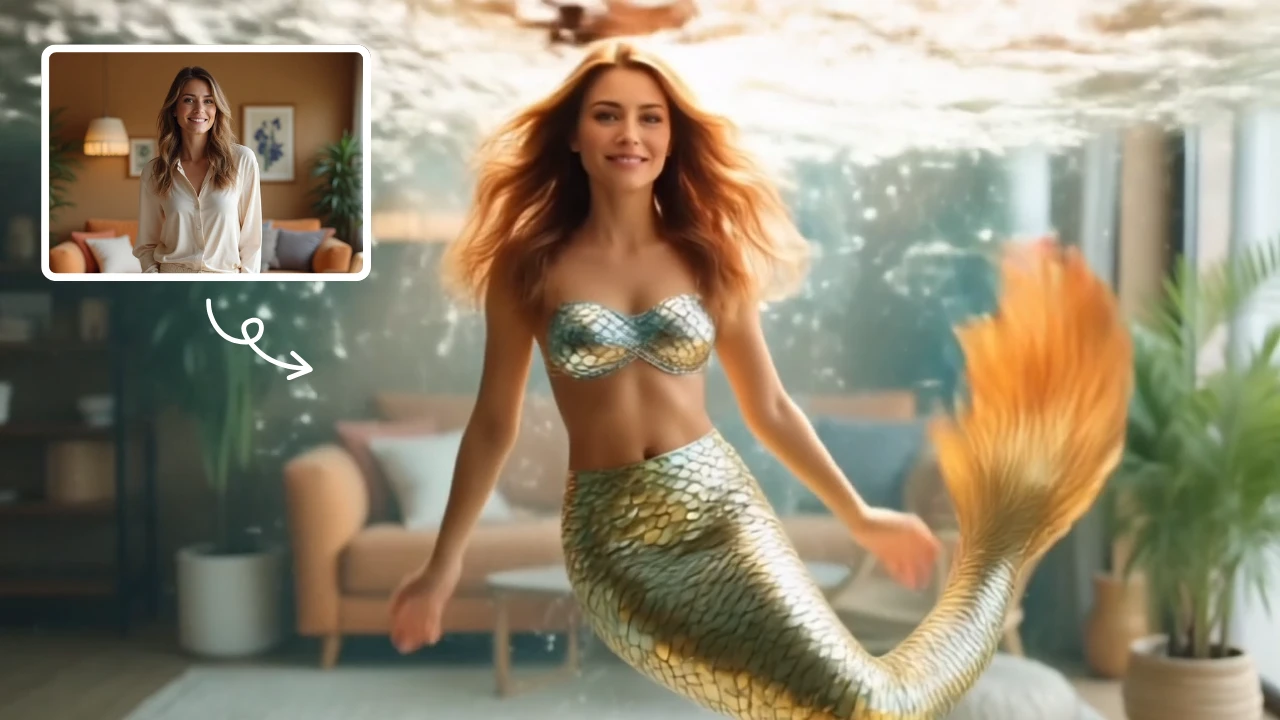
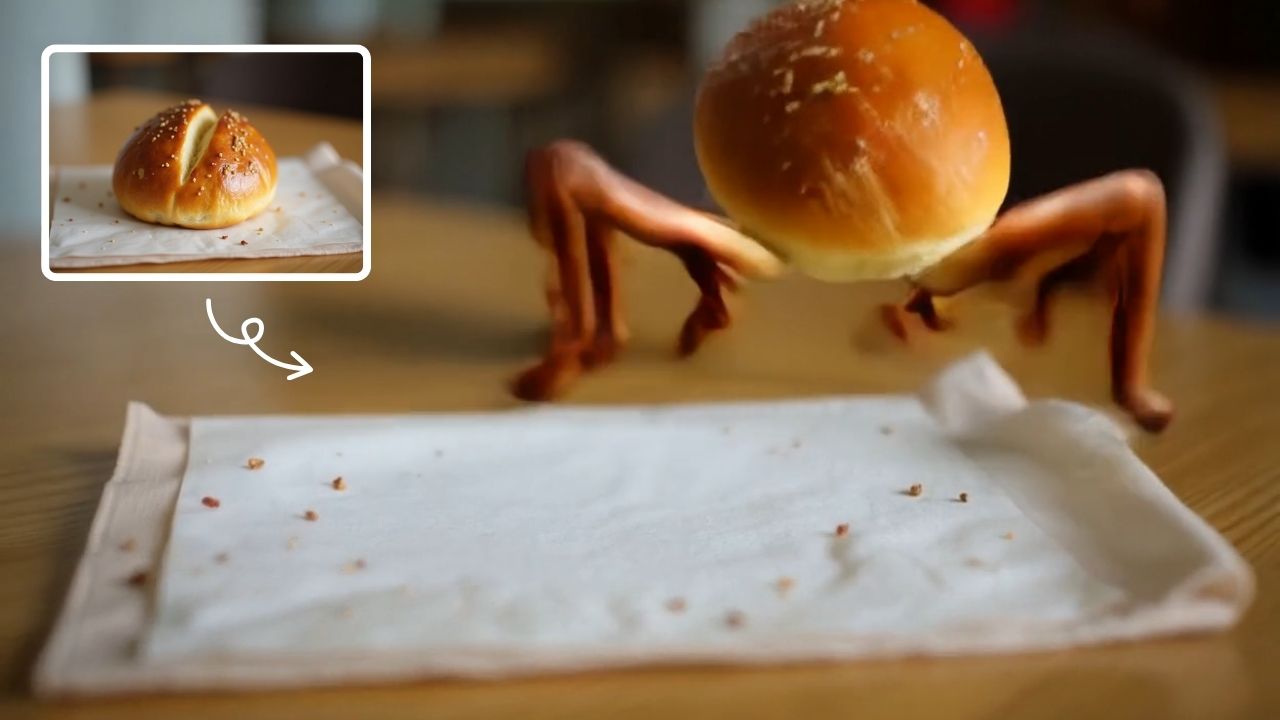
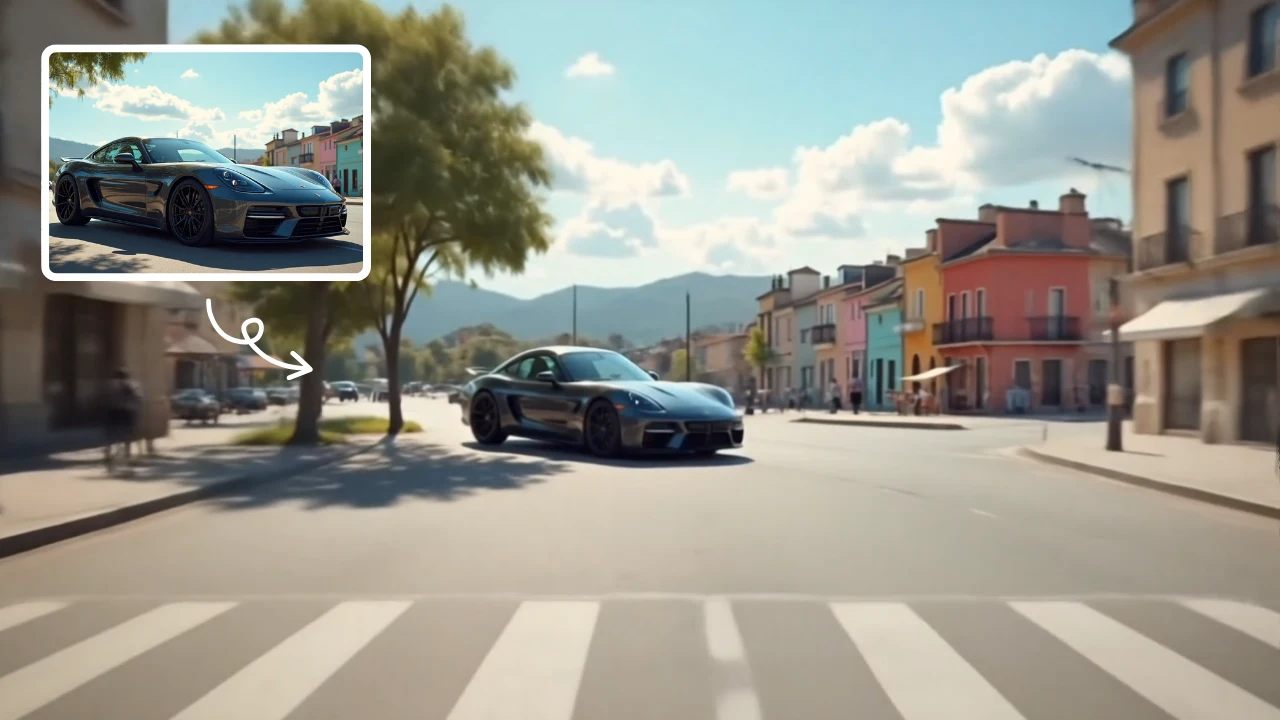
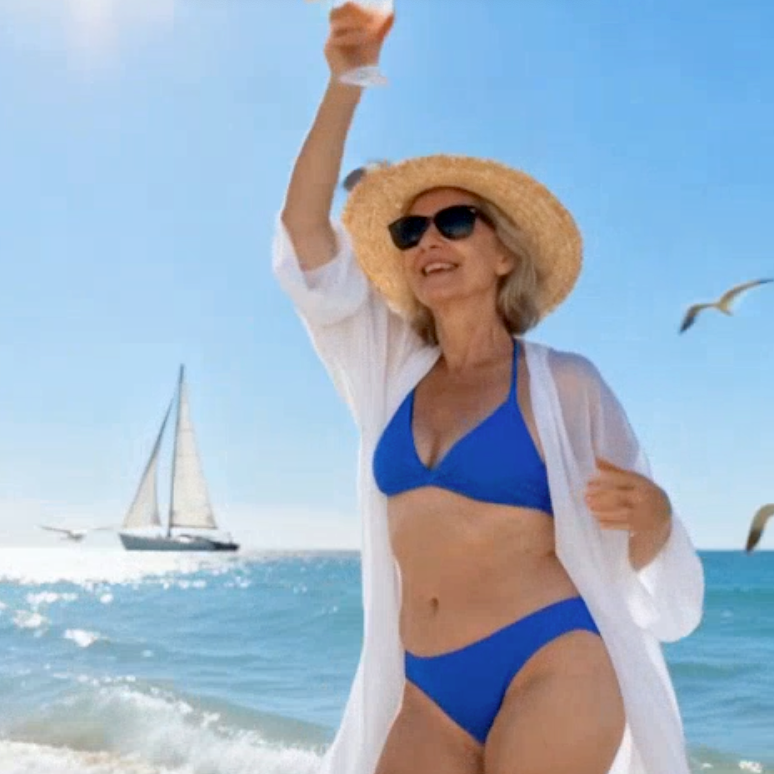
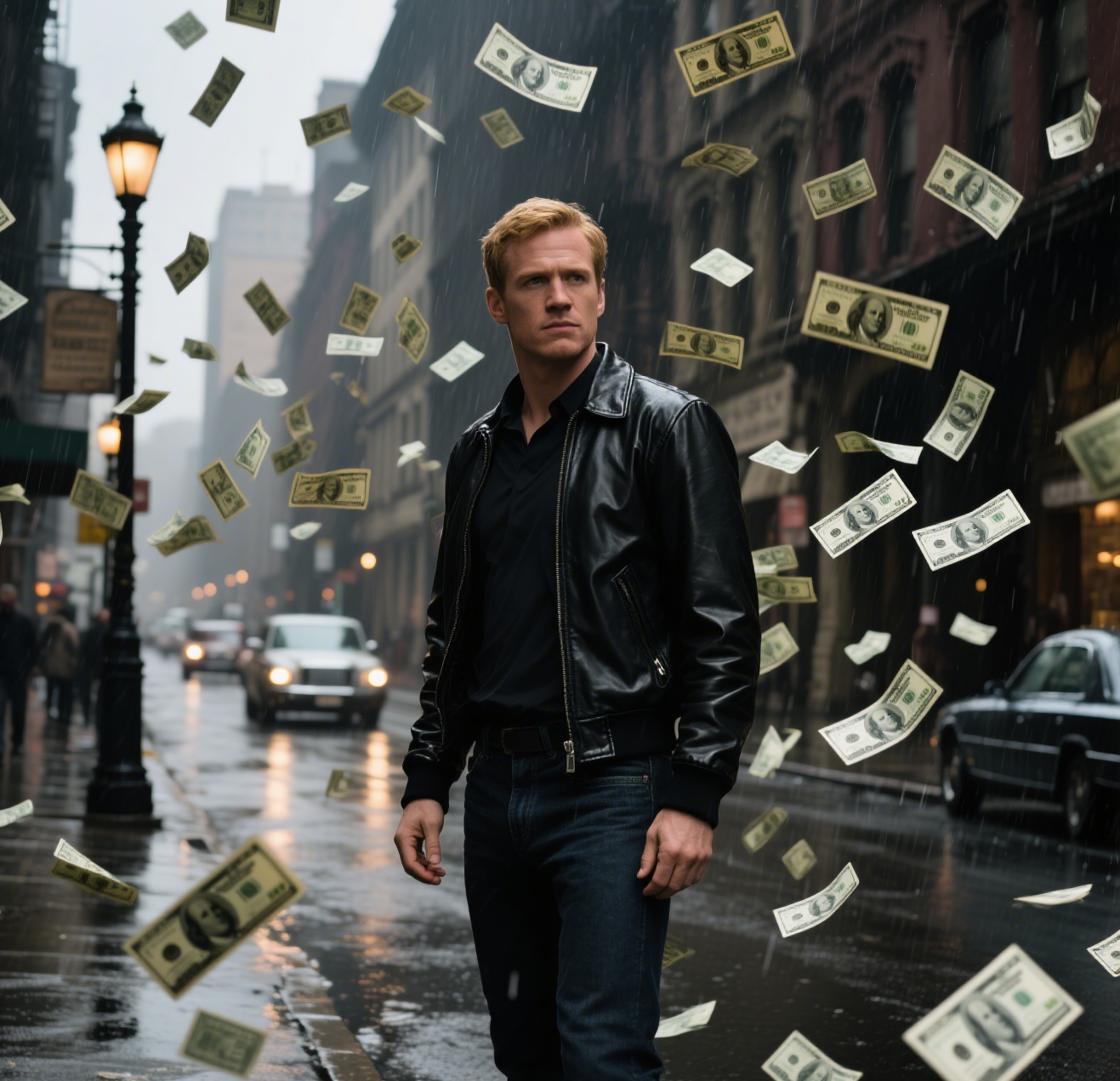
This is an example of what AI can create. Generate your own video now!

Walk With Beast: Create Epic Fantasy Animal Videos with AI

Imagine a short video where you’re not walking alone. A massive, majestic wolf pads silently beside you through a misty forest. Or perhaps a shimmering dragon keeps pace, its wings folded, as you stroll across a rocky highland. This isn't a scene from a big-budget movie; it's a video you can create in minutes. AI Walk With Beast is a browser-based tool that uses advanced AI video generation to place fantasy animal companions directly into your footage, synchronizing their movement to create a seamless and epic visual.

What is the AI Walk With Beast Tool?

At its core, the AI Walk With Beast tool is a specialized style & effects application designed to solve a simple problem: how to add a believable, moving fantasy creature to a video without any complex editing software. You provide a video of a person walking, and the AI handles the rest. It analyzes the gait, pace, and environment of your original clip to generate a mythical beast that walks in sync, creating a powerful side-by-side scene. The entire process is designed to be fast, secure, and efficient, processing your video directly in your browser. In roughly one to three minutes, you can transform a simple clip into compelling content ready for social media shorts, TikTok, or Instagram Reels.

How Does AI Video Generation Create My Fantasy Companion?

The magic happens through a combination of sophisticated AI models. When you upload your video, the tool analyzes its key elements.

  1. Motion Analysis: First, it identifies the subject (the person walking) and maps their movement. It understands the rhythm of their walk, the swing of their arms, and the direction they are heading. This is crucial for creating a synchronized walking gait between the human and the generated beast.

  2. Scene Interpretation: The AI also interprets the environment in your video. Is it a sunny field, a dark alleyway, or a snowy mountain path? This context is used to ensure the generated creature is lit correctly and its appearance fits the scene's atmosphere, maintaining a majestic and believable look.

  3. AI Generation: Using powerful models like Sora 2 or Veo 3.1, the tool then generates the fantasy animal frame by frame. It doesn't just paste a static image; it creates a living creature that moves, with fur or scales reacting naturally, limbs syncing with the walk, and its presence casting appropriate shadows. You can choose from various mythical beasts, such as a giant wolf or a dragon, and the AI will adapt the creature's style to match your prompt and video.

When Would You Use This Online Tool?

The AI Walk With Beast tool is perfect for content creators who want to add a touch of fantasy and storytelling to their work but lack the time or skills for manual video editing. Its primary use cases include:

  • Social Media Content: Creating engaging and unique shorts for platforms like TikTok, Instagram, and YouTube Shorts. A video of someone walking with a fantasy beast is inherently more eye-catching than a standard clip.
  • Storytelling and Roleplay: Gamers, cosplayers, and writers can use the tool to bring their characters and narratives to life. Imagine a video of your RPG character walking alongside their animal companion.
  • Music Videos and Artistic Projects: Musicians and digital artists can use this effect to add a layer of surreal fantasy to their visual projects without a massive production budget.
  • Quick, High-Impact Visuals: For anyone needing to create a sense of epic scale or fantasy quickly. The tool's fast video rendering time (1-3 minutes) makes it ideal for rapid content iteration.

Key Features of the AI Walk With Beast Generator

The tool is built around simplicity and powerful results. Here are its core features that contribute to an accurate and impressive output.

Simple, Prompt-Based Generation

You don't need to be a technical artist. The process is driven by natural language. You select your base video and choose the type of beast you want. The underlying system then uses a prompt like: "Animate the subject walking side-by-side with a large mythical beast (like a wolf or dragon). Synchronized walking gait, majestic atmosphere." This prompt acts as a guide for the AI, telling it exactly what to create.

Flexible Aspect Ratios and Duration

Understanding that content is consumed on different platforms, the tool supports both common aspect ratios. You can generate your epic scene in 16:9 for widescreen platforms like YouTube, or 9:16 for mobile-first platforms like TikTok and Instagram Reels. Each video generation is set to a standard duration of 10 seconds, which is the perfect length for a captivating social media short.

Choice of Advanced AI Models

To give you control over the final look and quality, the tool offers a choice between leading AI video generation models. You can select the model that best fits your needs and credit balance:

  • Sora 2: OpenAI's advanced model, known for its high fidelity, complex motion, and detailed scene creation. It excels at creating highly realistic and cinematic sequences.
  • Veo 3.1: Google's powerful model that supports input from 1-2 images, offering another layer of consistency and control over the generated creature's appearance.

From Upload to Epic: A Simple Workflow

Using the tool is a straightforward process designed for anyone to pick up and use immediately.

  1. Upload Your Video: Start by uploading a short video clip of a person walking. For best results, ensure the subject is clearly visible and the walking motion is distinct. All processing is done securely online.
  2. Select Your Model and Beast: Choose your preferred AI model (Sora 2 or Veo 3.1) and specify the type of fantasy animal you want to generate alongside you.
  3. Adjust Settings: Pick your desired aspect ratio (16:9 or 9:16) to match your target platform.
  4. Generate: Click the generate button. The AI will now work its magic, processing your video and generating the synchronized fantasy companion. In approximately one to three minutes, your new video will be ready.
  5. Download and Share: Preview the result. You'll see yourself walking side-by-side with your chosen mythical beast, perfectly in step. Download the video and share it directly to your social channels.

Why Choose an AI-Powered Approach Over Manual Editing?

The primary advantage of using a tool like AI Walk With Beast is the dramatic reduction in complexity and time. Manually creating this effect would require advanced skills in 3D modeling, animation, compositing, and color grading—skills that take years to develop and hours to execute for just a few seconds of footage. This AI tool democratizes the process. It handles the incredibly complex task of generating a moving, integrated creature that respects the physics and lighting of your original scene. It’s not just fast; it provides a level of visual accuracy and efficiency that is simply not achievable through manual methods for most creators.

Frequently Asked Questions

How does the AI ensure the beast walks in sync with me in the video?

The AI first analyzes your uploaded video to understand the movement of the subject. It maps the walking gait, speed, and direction. During the generation process, it uses this motion data to animate the fantasy creature with a synchronized gait, ensuring it appears to walk alongside you naturally and convincingly.

What kind of fantasy animals can I generate with AI Walk With Beast?

While the tool is designed for epic and majestic creatures, the primary examples are large mythical beasts like wolves and dragons. The AI model is capable of generating a variety of such creatures based on the core prompt, focusing on creating a powerful and believable companion that fits the scene's atmosphere.

How long does it take to generate a video using the AI Walk With Beast tool?

The video generation process is designed to be fast. Typically, it takes between one to three minutes for the AI to process your video, generate the fantasy animal, and render the final composite scene. This quick turnaround makes it ideal for creating content on the fly.

Is my uploaded video data secure when I use this online tool?

Yes, the tool is built with user privacy in mind. The video processing occurs in a secure, browser-based environment. Your original footage is handled with standard data protection practices to ensure your content remains private and is not misused.

Can I use the AI Walk With Beast videos for my business or commercial social media accounts?

Absolutely. The videos generated are intended for use in social media shorts and similar content. Whether for personal storytelling or to enhance your brand's social media presence with unique, epic visuals, the output is ready to be downloaded and shared across your platforms.

Do I need any video editing experience to use this tool?

None at all. The entire purpose of the tool is to remove the need for editing skills. The interface is simple: upload, select your preferences, and generate. The AI handles all the complex work of scene creation and video rendering, making it accessible to everyone.

What are the differences between the Sora 2 and Veo 3.1 AI models?

Both are advanced video generation models, but they have different strengths. Sora 2 is known for its high cinematic quality and intricate detail. Veo 3.1 is powerful and offers the unique advantage of being able to incorporate information from 1-2 reference images, which can provide more control over the generated creature's specific look. Choosing between them allows you to tailor the final output to your creative vision.

In conclusion, AI Walk With Beast offers a unique and powerful way to inject fantasy and narrative into your video content. By removing the technical barriers of traditional editing, it puts the power of epic storytelling directly into your hands, allowing you to create and share your own mythical journeys in just a few clicks.

Start Creating AI Videos Instantly

Turn simple text prompts into engaging videos using our powerful AI video generator. No editing skills required — just describe your idea and let AI do the work.

Generate Your First AI Video

More AI Video Tools

Explore more AI-powered video creation tools to expand your creativity
AI Twerk Video Generator

AI Twerk Video Generator

AI Twerk Video Generator instantly animates any face into a dancing sensation. With one click, turn photos into funny twerk videos for social media, memes, or pranks. No skills needed—just upload, generate, and share to entertain friends and followers effortlessly.

Try Now
AI Smile Generator

AI Smile Generator

The AI ​​Smile Generator uses advanced artificial intelligence technology to automatically detect faces in photos and add realistic, radiant smiles. Simply upload an image to generate a smiling photo. Beautify portraits, revamp old photos, or share happy pictures online—no editing skills required. Fast, free, and fun, it's easy for anyone to use!

Try Now
AI Jiggle Video

AI Jiggle Video

AI Jiggle Video uses advanced AI to animate your photos with dynamic wobble effects. Turn static images into entertaining, bopping dance clips effortlessly. Enjoy a user-friendly interface, instant sharing options, and no cost to start. Perfect for creating viral, fun content that stands out and engages audiences.

Try Now
AI Anime Video

AI Anime Video

AI Anime Video instantly converts your anime images into professional opening videos. Using advanced AI and Sora 2 technology, it creates dynamic motion scenes with authentic anime style. Generate captivating anime OPs effortlessly - no skills required!

Try Now
AI Ghibli Video Generator

AI Ghibli Video Generator

AI Ghibli Video Generator lets anyone produce stunning Studio Ghibli-inspired videos easily. Upload a photo or enter a prompt, and our advanced AI crafts beautiful, animated art in minute. Experience the magic of creating free, personalized Ghibli content with no learning curve—ideal for fans and creators seeking unique, captivating visuals.

Try Now
AI Inflate Effect

AI Inflate Effect

AI Inflate Effect instantly transforms ordinary photos by adding playful inflatable effects to any object. Simply upload your image, and our advanced AI automatically detects and inflates items with realistic balloon-like textures. Perfect for creating eye-catching social media content, unique memes, or creative presentations. Experience instant transformation with zero editing skills required - your inflated creations are ready in minute!

Try Now
AI Melt Effect

AI Melt Effect

AI Melt Effect uses advanced AI to instantly create mesmerizing melting effect videos from your images. Enjoy powerful features, fast processing, and a free platform. Turn ordinary photos into extraordinary art effortlessly.

Try Now
AI Demon Transform

AI Demon Transform

AI Demon Transform revolutionizes video creation with intuitive AI templates. Convert text or images into engaging videos in one click. Enjoy free access to trending styles, fast processing, and user-friendly tools. Boost your content with unique, high-quality results—perfect for creators and marketers seeking efficiency and innovation.

Try Now
×

Unlock Premium AI Video Generator Features

Sign in with Google to access advanced editing tools, save your creations, and enjoy unlimited image enhancements.