AI Pixel Video Generator
AI Pixel Video Generator instantly converts your images into smooth, expressive pixel art videos. Enjoy easy customization, realistic motion, and seamless sharing—boost your content with unique retro visuals effortlessly.
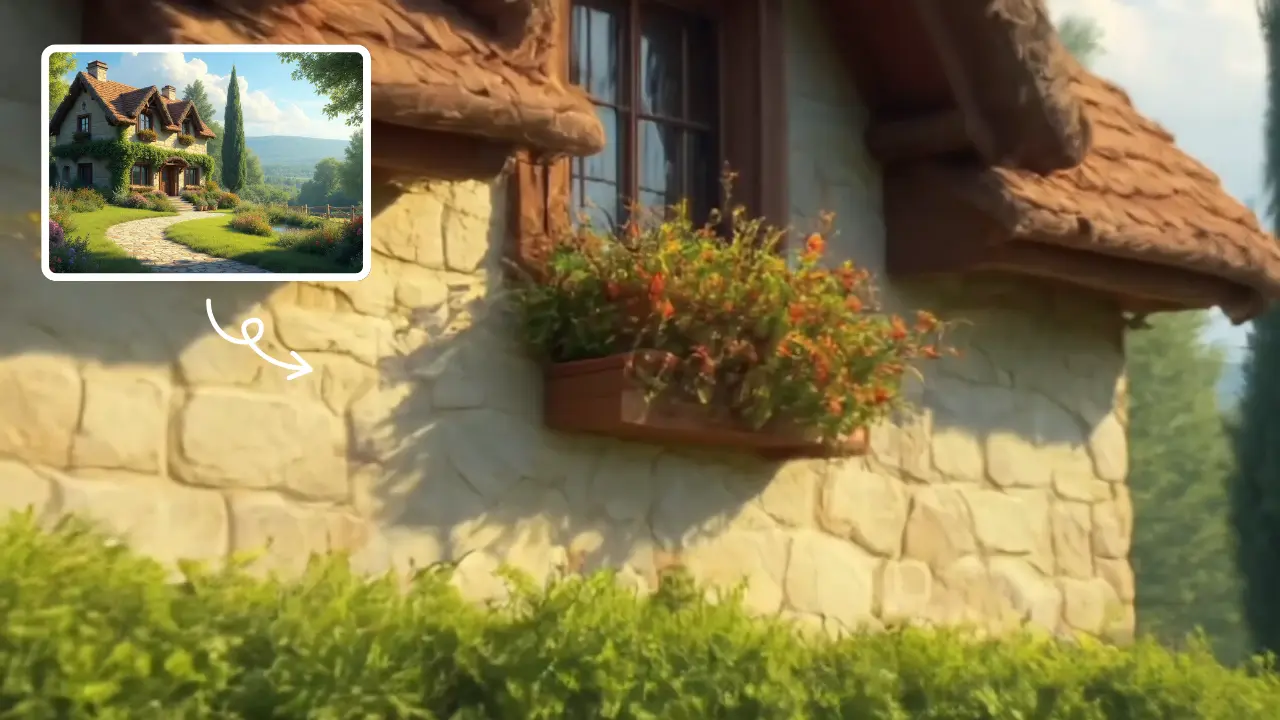
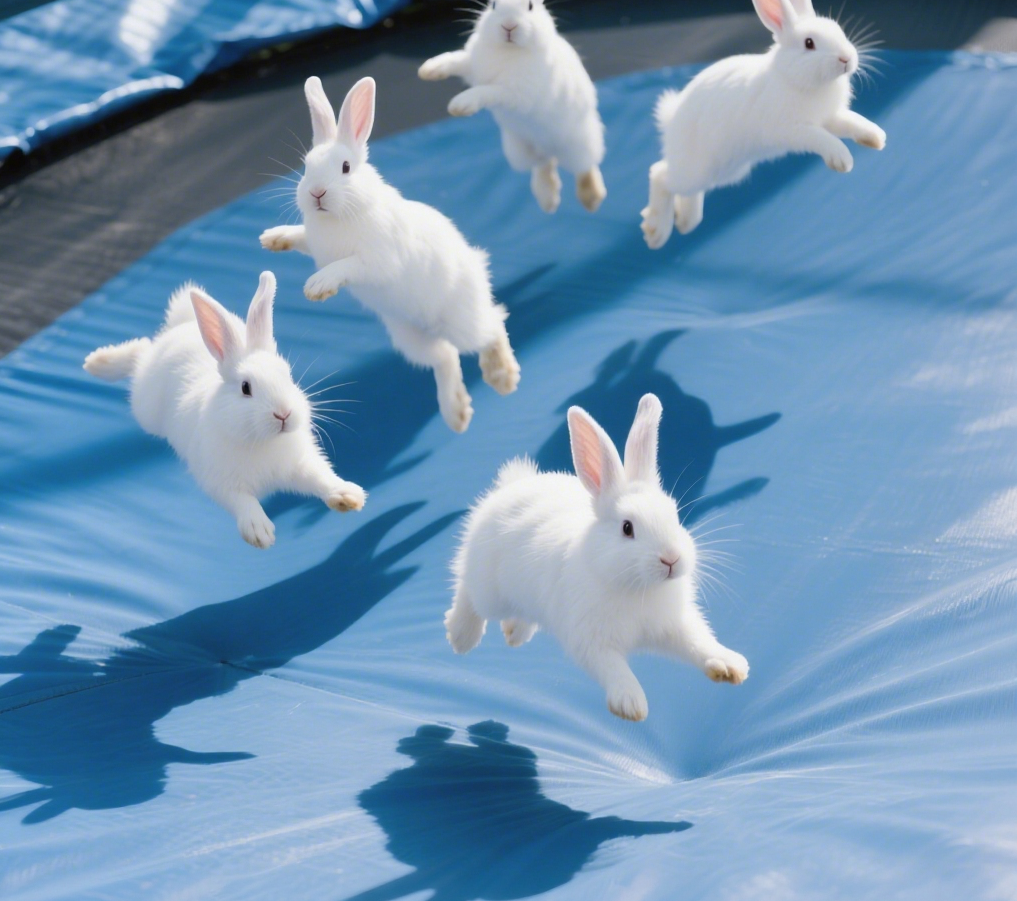
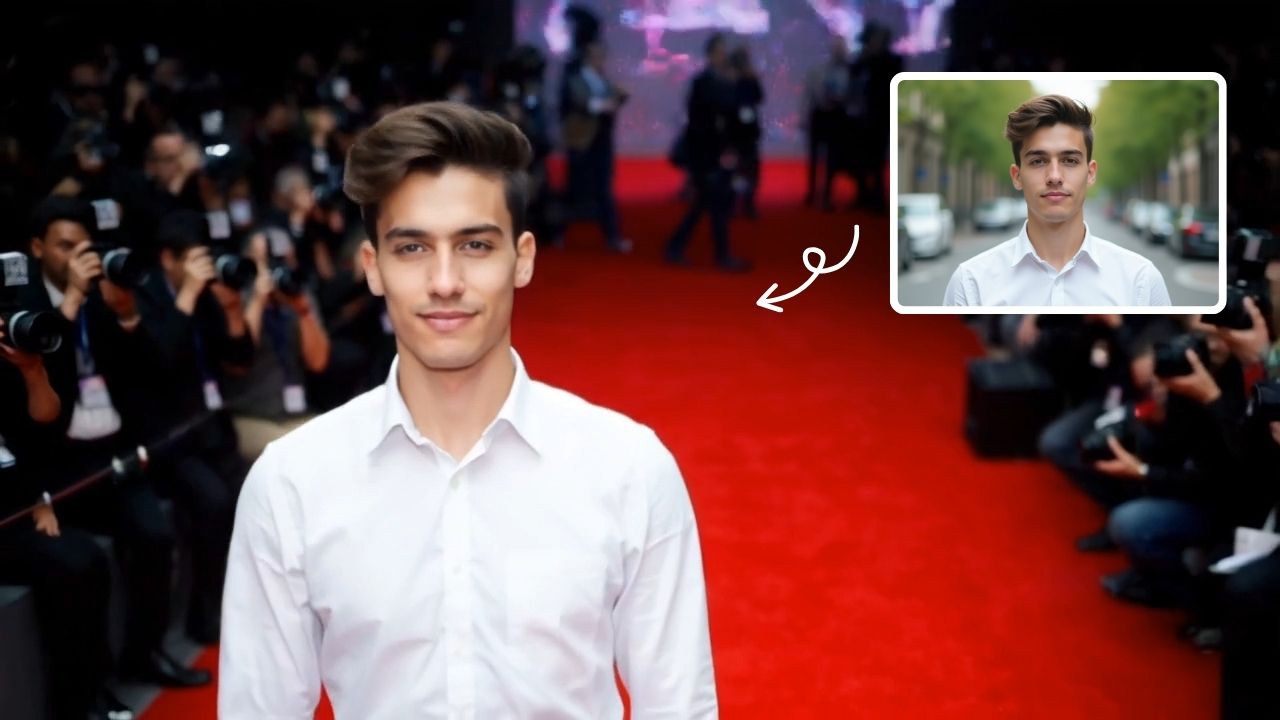
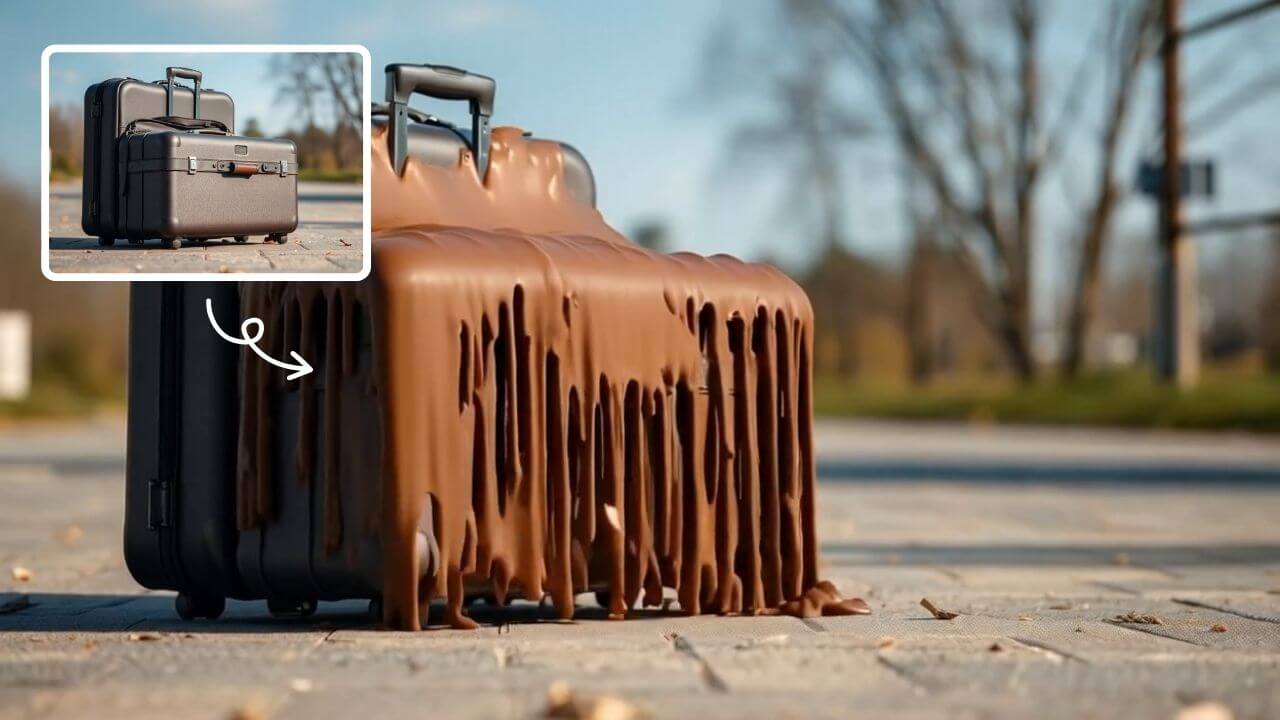
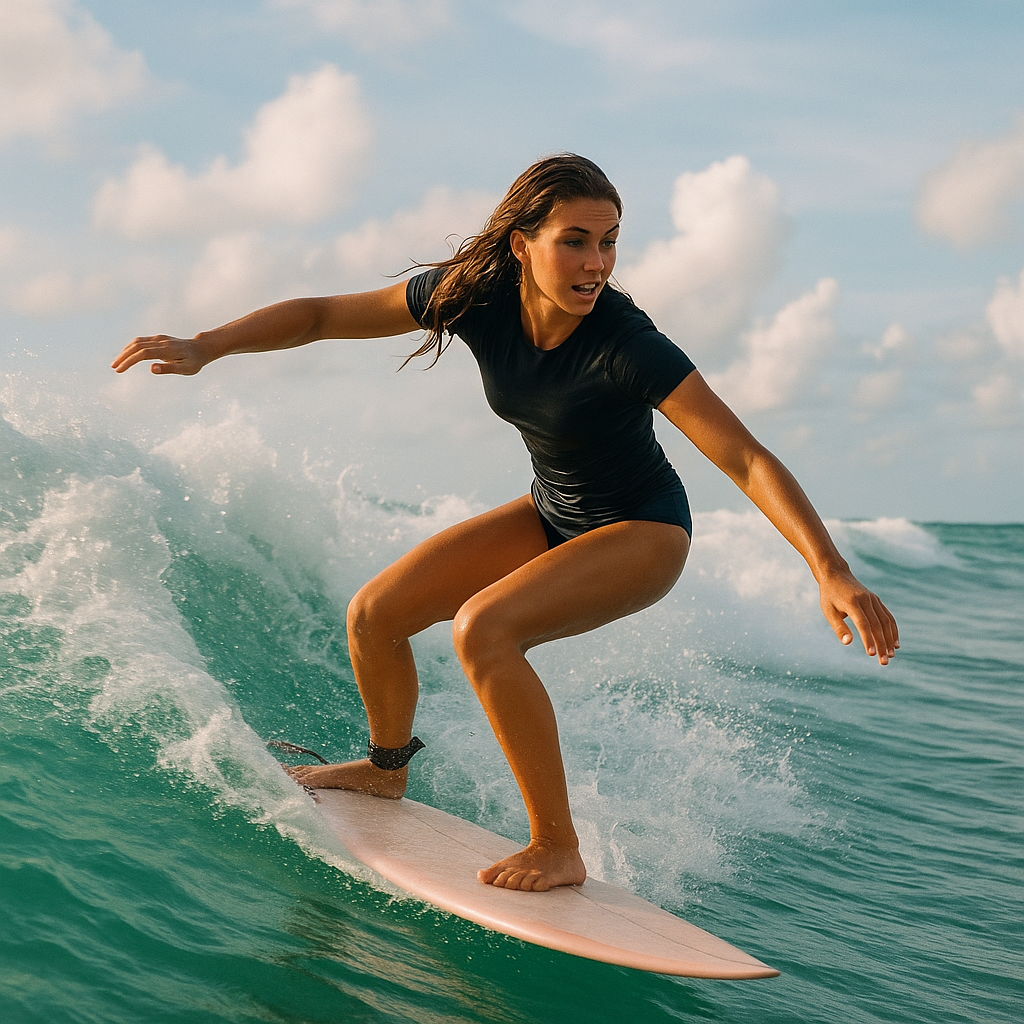
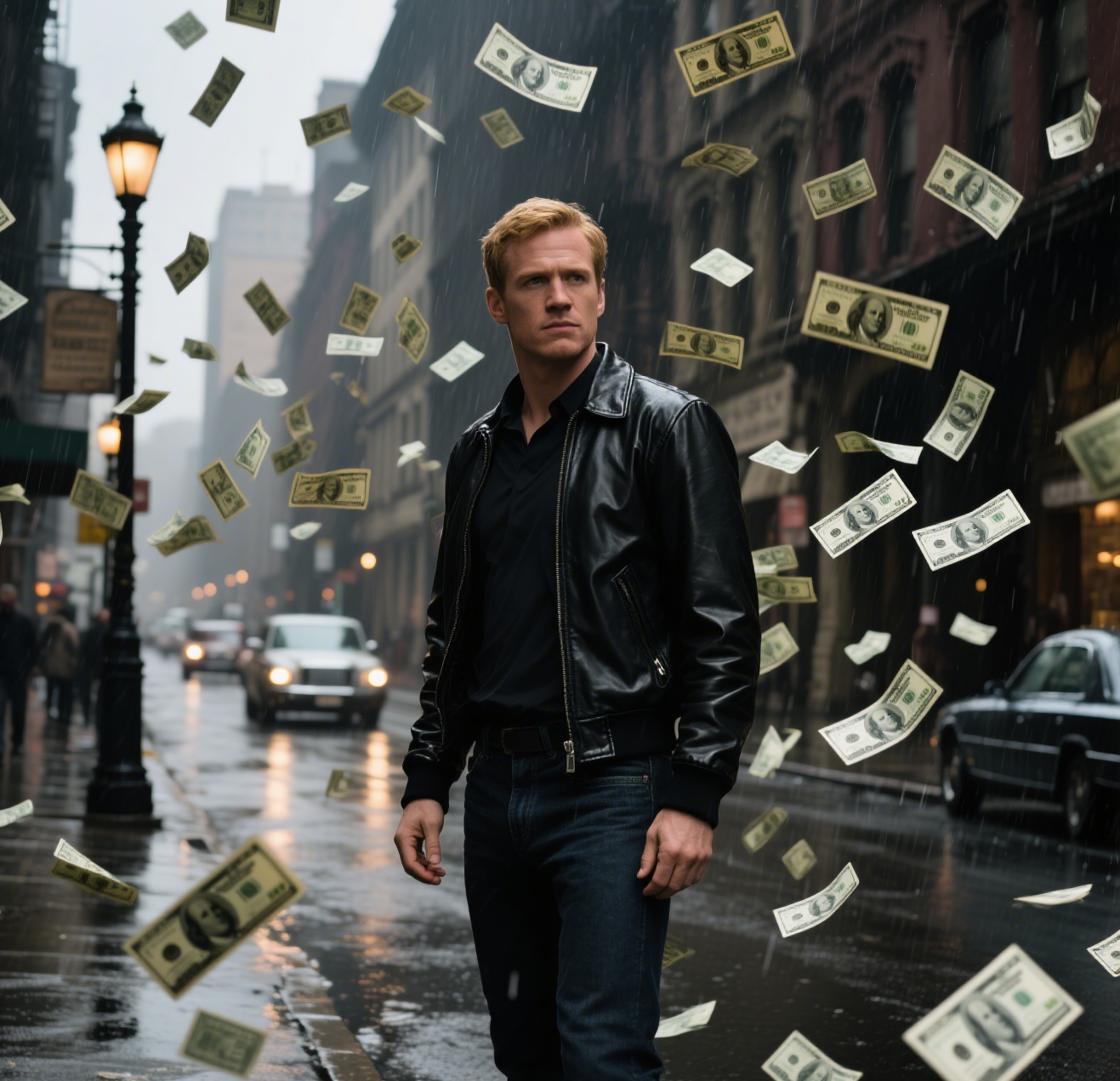
This is an example of what AI can create. Generate your own video now!
AI Pixel Video Generator: Create Unique Retro Motion Content
In an online world saturated with hyper-realistic video, standing out often means embracing a distinct visual identity. The AI Pixel Video Generator is a specialized tool designed to bridge the gap between modern AI technology and the nostalgic charm of classic video games. It allows users to transform standard images and concepts into fluid, character-driven pixel art animations. Whether you're looking to add a unique aesthetic to social media or bring a game character to life, this browser-based tool offers a fast and intuitive way to generate engaging retro-style video content.
What is an AI Pixel Video Generator?
At its core, an AI Pixel Video Generator is an online application that automates the complex process of creating pixel art animations. Instead of manually drawing each frame—a process that can take hours or even days for a few seconds of footage—users can simply provide an input image or a text prompt. The tool's underlying AI model, such as Sora 2 or Veo 3.1, interprets the visual data and applies a specific pixel art style.
This involves reducing the resolution to create a blocky aesthetic, applying a vibrant yet limited color palette typical of 16-bit era consoles, and adding finishing touches like subtle CRT scanline effects. The result is a smooth, expressive video clip that captures the essence of pixel art but with a dynamic, modern fluidity that traditional techniques struggle to achieve. It's not just a filter; it's a full scene recreation in a retro style.
How the AI Transforms Your Images into Pixel Videos
The magic happens through a sophisticated yet seamless process running on powerful cloud servers. Here’s a breakdown of how the tool works from a user's perspective:
- Input and Style Selection: You begin by uploading an image or writing a video prompt. The tool is designed to understand concepts like "pixel art, 16-bit retro style, low resolution, vibrant limited palette." This semantic understanding is key to guiding the AI's video rendering process.
- Model and Parameter Configuration: You can select the underlying AI model for generation. For instance, Sora 2 is excellent for general scenes, while Veo 3.1 might be preferred when you need to process 1-2 images to maintain character consistency. You also set your desired aspect ratio (e.g., 16:9 for landscape, 9:16 for vertical videos) and the duration, with a 10-second clip being a popular choice for quick, shareable content.
- Cloud-Based Rendering: Once you hit generate, the job is sent for cloud-based processing. This is where the intensive work happens. The AI analyzes the source, deconstructs it into core elements, and then reconstructs it frame-by-frame in the specified pixel art style. This process is typically fast, with most videos generating in 1 to 3 minutes.
- Output and Sharing: After processing, the new pixel art video is ready for preview and download. The entire workflow is client-side from a control perspective, but the heavy lifting is done server-side, ensuring it works efficiently even on less powerful computers.
Why Choose AI for Pixel Art Video Creation?
The primary advantage of using an AI generator lies in its efficiency and accessibility. Manually creating a 10-second pixel art animation requires significant artistic skill and time. You would need to design the character, plan the motion, and draw every subtle change in position. This tool completely removes that barrier to entry.
It solves the problem of time-consuming production by offering an automated, accurate, and incredibly fast alternative. For content creators, this means being able to produce high-quality, stylized video content on demand. The tool handles the complex physics of motion and the meticulous application of the retro aesthetic, allowing you to focus on the creative concept. It’s a perfect blend of artistic style and technological efficiency.
Common Use Cases for AI Pixel Videos
The versatility of the AI Pixel Video Generator makes it suitable for a wide range of creative projects. Here are some of the most common scenarios where users find it invaluable:
- Social Media Content: In a crowded feed, a unique 9:16 vertical pixel art video can stop the scroll. It's perfect for Instagram Reels, TikTok, and YouTube Shorts, offering a distinct visual hook.
- Game Development Indie developers can use it to quickly prototype character animations or create promotional trailers and teasers that match the pixel art aesthetic of their games.
- Music Visualizers: Musicians and labels can generate looping pixel art animations to accompany singles or albums on streaming platforms, adding a cohesive and retro visual identity.
- Marketing and Branding: Brands looking to appeal to nostalgia or the gaming community can create standout ad creatives that feel authentic and less like polished, generic marketing material.
- Personal Projects: From bringing old photos to life as pixel art memories to creating unique content for online communities, the tool is a fun way to experiment with a beloved art style.
Key Features of the AI Pixel Video Generator
This tool is packed with features designed to give you control over the final output while maintaining a simple, online interface.
- Multi-Model Support: Choose between different AI models like Sora 2 for creative interpretation and Veo 3.1 for enhanced image-to-video consistency.
- Flexible Aspect Ratios: Generate content in standard 16:9 widescreen or vertical 9:16 format, ensuring your video is optimized for any platform.
- Customizable Duration: Create short, impactful clips, with the 10-second duration being a perfect balance between storytelling and shareability.
- Realistic Motion Processing: The AI doesn't just apply a static filter; it generates smooth, expressive motion that feels alive and dynamic.
- Credit-Based System: The tool uses a simple credit system (e.g., 3 credits for Sora 2, 6 for Veo 3.1), making it easy to manage usage based on the complexity of the generation.
- Fast Turnaround: With most videos rendering in 1-3 minutes, it supports a rapid content creation workflow.
Privacy and Data Security
When using any online AI tool, it's natural to be concerned about your data. The platform is built with a focus on trustworthiness. Uploaded images are processed for the sole purpose of video generation and are not used to train public models without consent. The processing pipeline is designed to be secure, ensuring your creative assets are handled responsibly and are not misused. This commitment to user privacy makes it a reliable choice for both personal and professional projects.
Frequently Asked Questions
What exactly is an AI Pixel Video Generator?
It's a specialized online tool that uses artificial intelligence to transform your images or text prompts into animated videos with a classic 16-bit pixel art aesthetic. It handles the entire process from style application to motion rendering, delivering a unique retro video in minutes.
How does the AI Pixel Video Generator achieve the retro look?
The AI is trained on vast datasets of pixel art. It understands key stylistic elements like low resolution, dithered color palettes, and characteristic outlines. When generating a video, it reconstructs the scene frame-by-frame, applying these principles to create an authentic and visually cohesive retro style, complete with smooth animation.
Do I need artistic skills to use this tool?
Not at all. The tool is designed to democratize video creation. You provide the initial concept, and the AI handles the complex, technical process of generating the pixel art video. It’s built for speed and ease of use, making it accessible to everyone from seasoned game developers to social media enthusiasts.
What can I create with the AI Pixel Video Generator?
The possibilities are vast. You can create short character animations, dynamic loops for social media, atmospheric backgrounds for games, music visualizers, or unique branded content. Its ability to work with different aspect ratios (9:16 and 16:9) makes it perfect for TikTok, Instagram, YouTube, and more.
How long does it take to generate a video using this tool?
The video generation process is very fast. After you submit your prompt or image and select your settings, the AI model processes your request and renders the video. You can typically expect the entire process to complete in 1 to 3 minutes.
What are the main advantages of using an AI generator over manual animation?
The primary benefits are speed and accessibility. Manual pixel animation is extremely time-consuming and requires specialized skills. An AI Pixel Video Generator automates this, allowing you to produce high-quality, animated content in minutes instead of days, freeing you up to focus on creativity and ideation.
Is my uploaded data safe and private?
Yes, user privacy and data security are taken seriously. The images and prompts you upload are used only for the specific purpose of generating your requested video. The platform adheres to strict data handling policies to ensure your creative work remains confidential and secure.
In conclusion, the AI Pixel Video Generator represents a significant leap forward in content creation, merging the beloved aesthetics of the past with the cutting-edge capabilities of modern AI. It empowers anyone to become a creator, producing stunning, expressive, and unique pixel art videos with just a few clicks. Whether for professional use or personal enjoyment, this tool opens up a world of creative possibility.
Start Creating AI Videos Instantly
Turn simple text prompts into engaging videos using our powerful AI video generator. No editing skills required — just describe your idea and let AI do the work.
Generate Your First AI VideoMore AI Video Tools
Explore more AI-powered video creation tools to expand your creativity
AI Muscle Generator
AI Muscle Generator lets you visualize muscle growth instantly by uploading a photo. It upgrades your physique digitally in minute, offering a fun, gym-free way to see potential results. Ideal for motivation or entertainment, it provides quick, impressive transformations without any workout.
Try Now
AI Tongue Out Face
AI Tongue Out Face provides free, user-friendly AI video templates. Transform images and text into engaging videos in one click. Its standout feature includes quirky effects like the tongue-out face, enhancing creativity for social media or marketing. Save time, no skills needed, and produce viral-ready content effortlessly.
Try Now
Boom AI Video Generator
AI Boom uses advanced AI to add stunning explosion effects to your photos, turning ordinary moments into cinematic masterpieces. Simply upload a picture, and watch as dynamic blasts appear behind you while you walk away effortlessly. Perfect for social media, this tool requires no technical expertise—just creativity. Stand out with viral-ready videos that showcase your fearless style and make every post unforgettable.
Try Now
AI Captain America
Unleash the Captain America effect with our AI template. Easily apply superhero transformations in videos, boosting engagement for Marvel enthusiasts and content creators. Ideal for viral social media posts.
Try Now
AI Batman
AI Batman Transformation lets you convert any photo into an epic Batman video effortlessly. Using cutting-edge AI, it overlays dynamic costumes and effects, making you the star of your own superhero story. Enjoy quick, high-quality results with no editing required—ideal for fun social media posts or personal entertainment.
Try Now
AI Inflate
AI Inflate Effect lets you inflate objects in any image effortlessly. Simply upload your photo, and our AI instantly transforms items into fun, inflated versions. Perfect for creative projects, social media, or just having fun—experience quick, realistic results that make your visuals pop.
Try Now
AI Summoning succubus
Our AI tool turns a single picture into a stunning summoning circle video with automated effects and smooth pacing. Experience quick, magical transformations for captivating results.
Try Now
Kiss Me More
Kiss Me More AI by Supermaker AI lets you create captivating kiss-themed videos instantly. Our advanced AI technology offers intuitive effects, transforming your ideas into mesmerizing visual stories. Experience seamless video generation with unique customization options, perfect for social media sharing and creative expression.
Try Now
Continue with Google