AI Twerk Video Generator
AI Twerk Video Generator instantly animates any face into a dancing sensation. With one click, turn photos into funny twerk videos for social media, memes, or pranks. No skills needed—just upload, generate, and share to entertain friends and followers effortlessly.
This is an example of what AI can create. Generate your own video now!
Why Choose This AI Video Tool?
Advanced AI Models
Powered by cutting-edge AI including Sora, Kling, VEO for superior video quality.
Easy to Use
No technical skills needed. Simply describe your vision and let AI create magic.
Custom Styles
Choose from multiple art styles and aspect ratios to match your creative vision.
Fast Processing
Generate high-quality videos in minutes with our optimized AI pipeline.
What is an AI Twerk Video Generator?
An AI Twerk Video Generator is a specialized online tool that uses artificial intelligence to animate static images, transforming them into short, rhythmic dancing videos. By uploading a photo, the tool maps the face onto a digital body model, which then performs a fluid and energetic twerk routine. This technology creates shareable, humorous content for social media in seconds, requiring no video editing skills from the user.
How This AI Tool Transforms Static Images into Dance Videos
The core technology behind an AI Twerk Video Generator relies on sophisticated machine learning models, often leveraging advanced architectures similar to Sora 2 or Veo 3.1. When you upload a photo, the system analyzes facial features and key points. It then applies this data to a pre-defined video template of a dancing figure. The AI model generates a seamless sequence, ensuring the face syncs naturally with the body's movements. The entire video rendering process, from upload to final output, is designed to be fast and efficient, typically completing within one to three minutes directly in your browser.
The Technology Behind the Movement
These tools utilize complex algorithms trained on thousands of dance sequences to understand the nuances of rhythmic movement. This allows for the creation of videos that feature fast, rhythmic, and fluid twerking motions, avoiding stiffness or sudden, unnatural transitions. The AI handles the complex physics of fabric and body movement, producing a result that looks surprisingly realistic and engaging for a meme or social media post.
Why Use an AI Twerk Video Generator?
This tool is built for pure entertainment and instant content creation. It solves the problem of needing complex animation or video editing software to create a trending style of video. Instead of spending hours learning to animate, you can generate a funny video in minutes. It’s designed to transform a simple idea into a shareable moment, helping users entertain friends and potentially grow their social media following with viral-ready content.
Key Benefits for Content Creators
- Instant Creation: Go from concept to video in under three minutes. The tool is built for speed.
- No Skills Required: You don't need to understand video prompts, scene creation, or client-side processing. It’s a simple, browser-based solution.
- High-Quality The AI ensures the final video is accurate, with smooth transitions and a focus on the rhythmic precision of the dance.
- Safe and Secure: Reputable tools process your images securely and don't store them longer than necessary, addressing common privacy concerns.
Common Use Cases and Creative Scenarios
The versatility of an AI Twerk Video Generator makes it perfect for a wide range of fun and engaging scenarios. Its primary function is to create shareable content, and users find countless ways to apply it.
Social Media Content and Memes
The most popular use is for creating humorous posts for platforms like TikTok, Instagram, and X (formerly Twitter). By turning a friend's selfie, a pet's photo, or even a famous painting into a dancing sensation, users can quickly create content that is primed for engagement. These tools are perfect for generating video memes that stand out in a crowded feed.
Pranks and Personal Entertainment
Imagine sending a video of your boss dancing or animating a photo of a friend for their birthday. The tool is perfect for light-hearted pranks and personalized, funny greetings. It takes a static memory and injects it with humor and movement, creating a unique way to connect and laugh with others.
Step-by-Step Guide: Creating Your First Video
Using this online tool is incredibly straightforward. The workflow is designed to be intuitive, allowing anyone to create a video in just a few steps.
- Upload Your Image: Start by selecting a clear photo. This could be a selfie, a full-body shot, or even a digital avatar. The AI works best with faces that are clearly visible.
- Choose Your Settings: Select your preferred aspect ratio (such as 9:16 for TikTok or 16:9 for YouTube) and the video duration. You can also choose between different AI models if available, each offering subtle variations in style and processing speed.
- Generate and Download: Hit the generate button. The AI will begin processing, creating the dance sequence. Once the video rendering is complete in 1-3 minutes, you can preview it and download it directly to your device, ready to share.
Frequently Asked Questions
How does the AI Twerk Video Generator create the dance movements?
The tool uses a deep learning model trained on countless video clips of dancing. When you upload a photo, the AI identifies the key points of the face. It then seamlessly blends this facial data onto a pre-constructed, animated body. The result is a new, unique video where the person in the photo appears to be performing the dance with natural, fluid movements.
Is it safe to upload my photos to an online tool like this?
Reputable AI Twerk Video Generators prioritize user privacy and data security. They typically process images temporarily on their servers and delete them immediately after the video is generated. It's always best to review the privacy policy of the specific site, but the primary goal is to provide a secure process without storing personal data long-term.
What kind of photos work best for the best result?
For optimal results, use photos where the face is clearly visible and facing forward. High-contrast images with good lighting help the AI map facial features more accurately. While you can upload pictures of groups, the tool typically focuses on one main face. The AI is robust enough to handle selfies, professional portraits, and even high-quality images of paintings or drawings.
How long does it take to generate a video?
The entire process is designed to be fast. After you upload an image and click generate, the AI model typically takes between one and three minutes to process the image, animate the sequence, and render the final video file. This speed allows for quick iteration and instant sharing.
Can I use this tool for commercial purposes?
Usage rights depend on the specific terms of service of the AI Twerk Video Generator you are using. Many free tools are intended for personal entertainment and social media sharing. If you plan to use the generated videos for marketing, advertising, or other commercial projects, you should check the platform's licensing agreement or consider a premium service that grants broader rights.
What are the key differences between this and manual video editing?
Manual video editing requires significant skill, time, and software to achieve even basic animation. This AI tool automates the entire complex process. It handles motion tracking, character animation, and rhythmic synchronization automatically. Where manual editing might take hours or days, an AI generator completes the task in minutes, making sophisticated video creation accessible to everyone.
Why might the video look slightly different from my photo?
The AI Twerk Video Generator creates an animation, not a live-action video. To make the dance look natural, the AI must generate a full body and make it move. While the face is mapped from your photo, the body, clothing, and background are generated by the AI to match the dance sequence. The focus is on capturing the likeness and expression of the face to create a believable and entertaining final video.
Start Creating AI Videos Instantly
Turn simple text prompts into engaging videos using our powerful AI video generator. No editing skills required — just describe your idea and let AI do the work.
Generate Your First AI VideoMore AI Video Tools
Explore more AI-powered video creation tools to expand your creativity
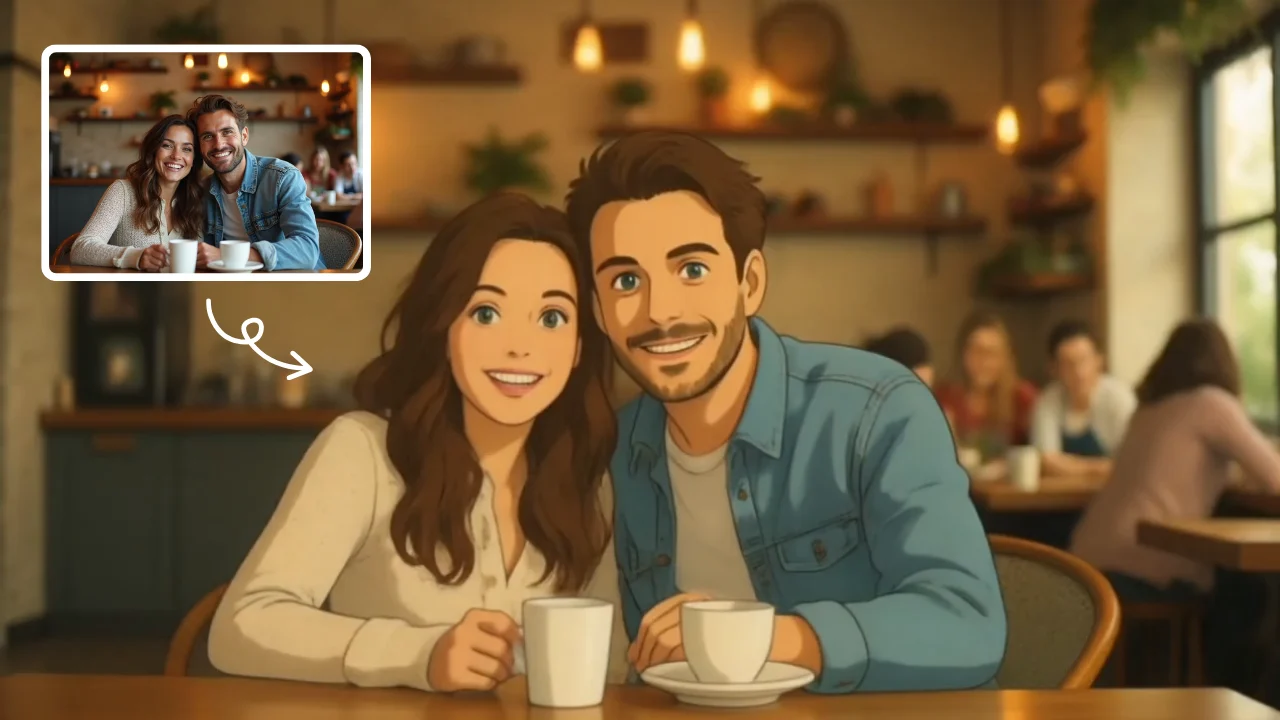
AI Studio Ghibli
AI Studio Ghibli offers a rich library of free AI video templates for effortless content creation. Transform images and text into engaging videos with one click. Its unique variety supports quick, professional results, saving time while boosting creativity—ideal for marketers and creators seeking high-impact visual content.
Try Now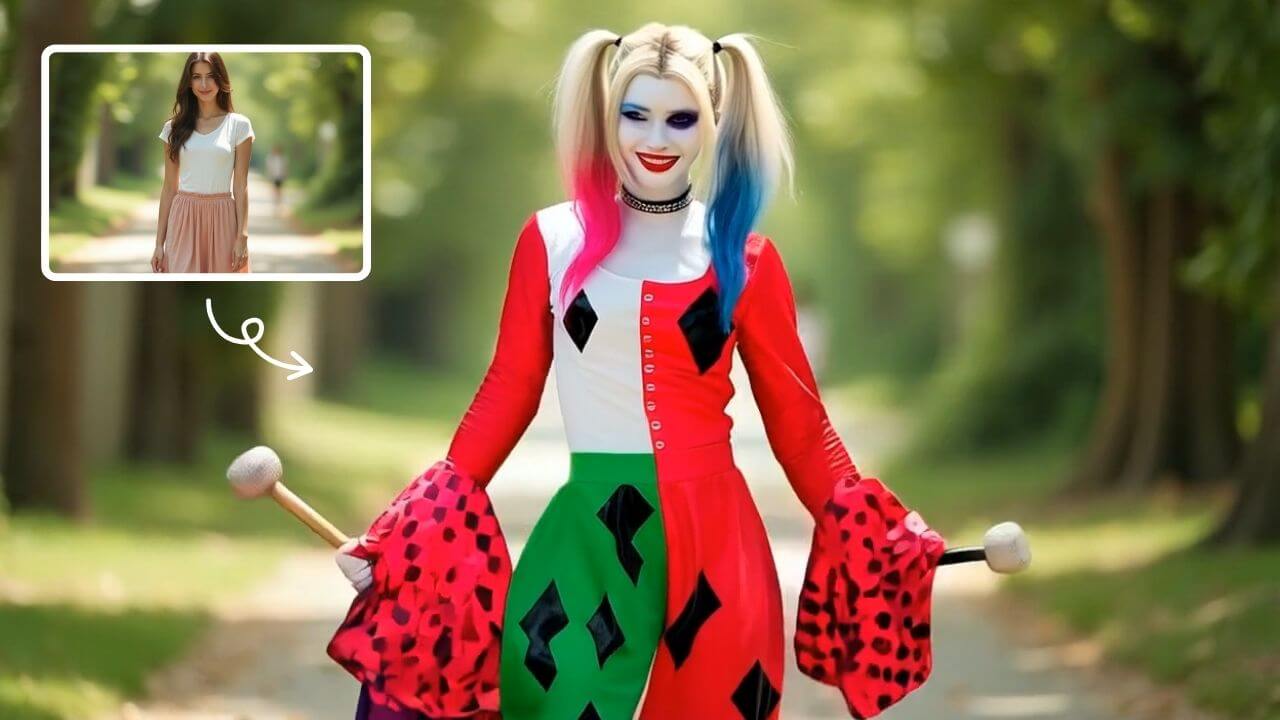
AI Harley Quinn
AI Harley Quinn Transformation uses advanced AI to turn your photo into a Harley Quinn video instantly. Upload any photo, and watch as it transforms with her signature look and action-packed effects. Enjoy a unique, personalized experience that highlights your fun side, perfect for sharing on social media.
Try Now
AI Haunted House
Transform your photos into terrifying haunted house videos with the Haunted House Video Generator. This AI tool adds monsters, ghosts, and eerie effects to create horror clips in minute. Enjoy easy sharing, instant results, and professional quality—perfect for social media, pranks, or creative projects. Experience fast, free horror video generation today!
Try Now
AI Dance Video
AI Dance Video by Supermaker AI instantly animates your photos into professional dance videos. Generate viral TikTok trends or K-pop moves with realistic animation. It's free, user-friendly, and perfect for creating engaging content that stands out online—no expertise required!
Try Now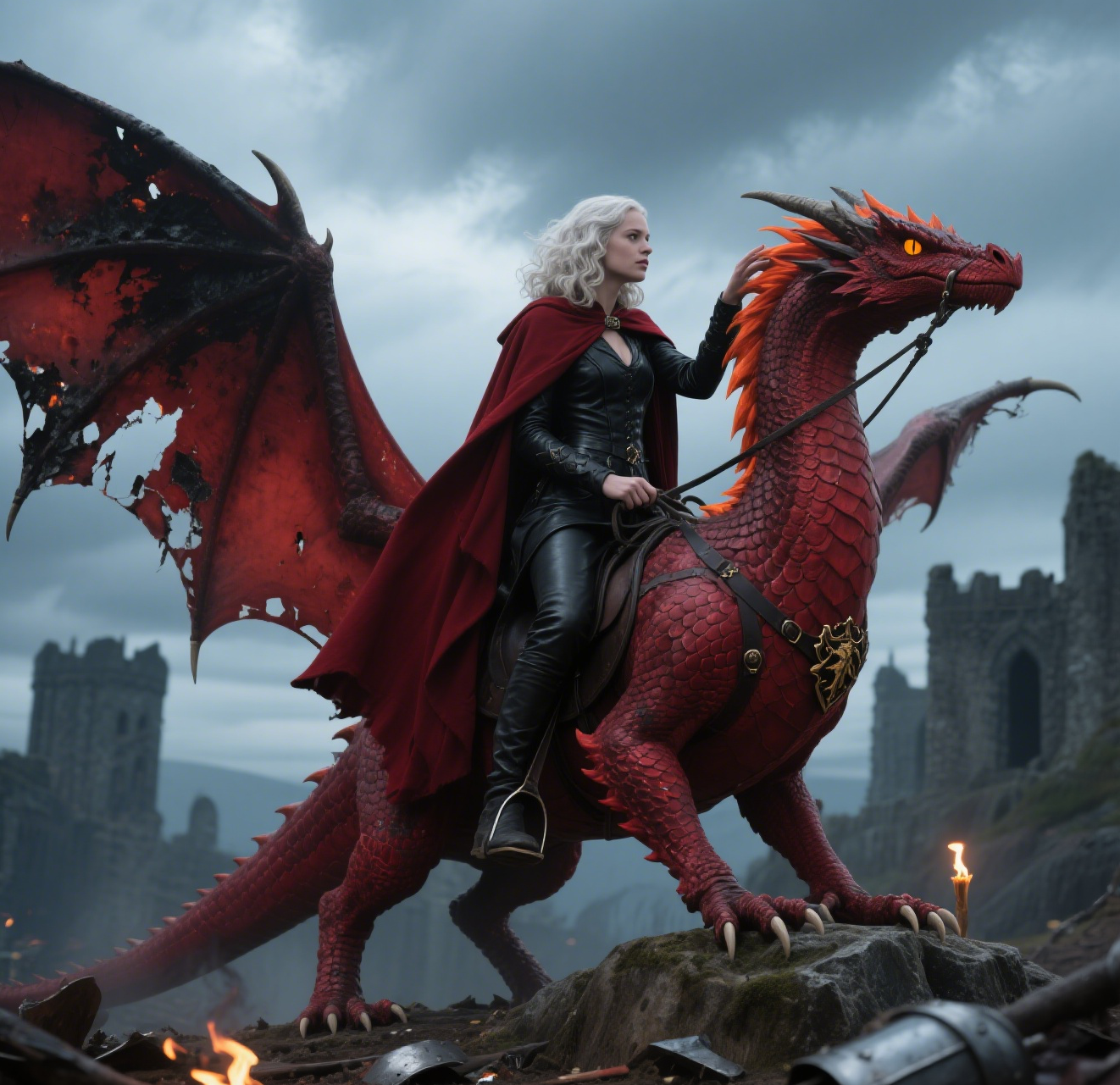
AI Dragon Riding Video Generation
Transform your imagination into breathtaking dragon riding videos. Our AI tool lets you create custom dragon scenes with realistic effects. Experience effortless video creation and share epic content in minutes. Free to use with powerful editing features.
Try Now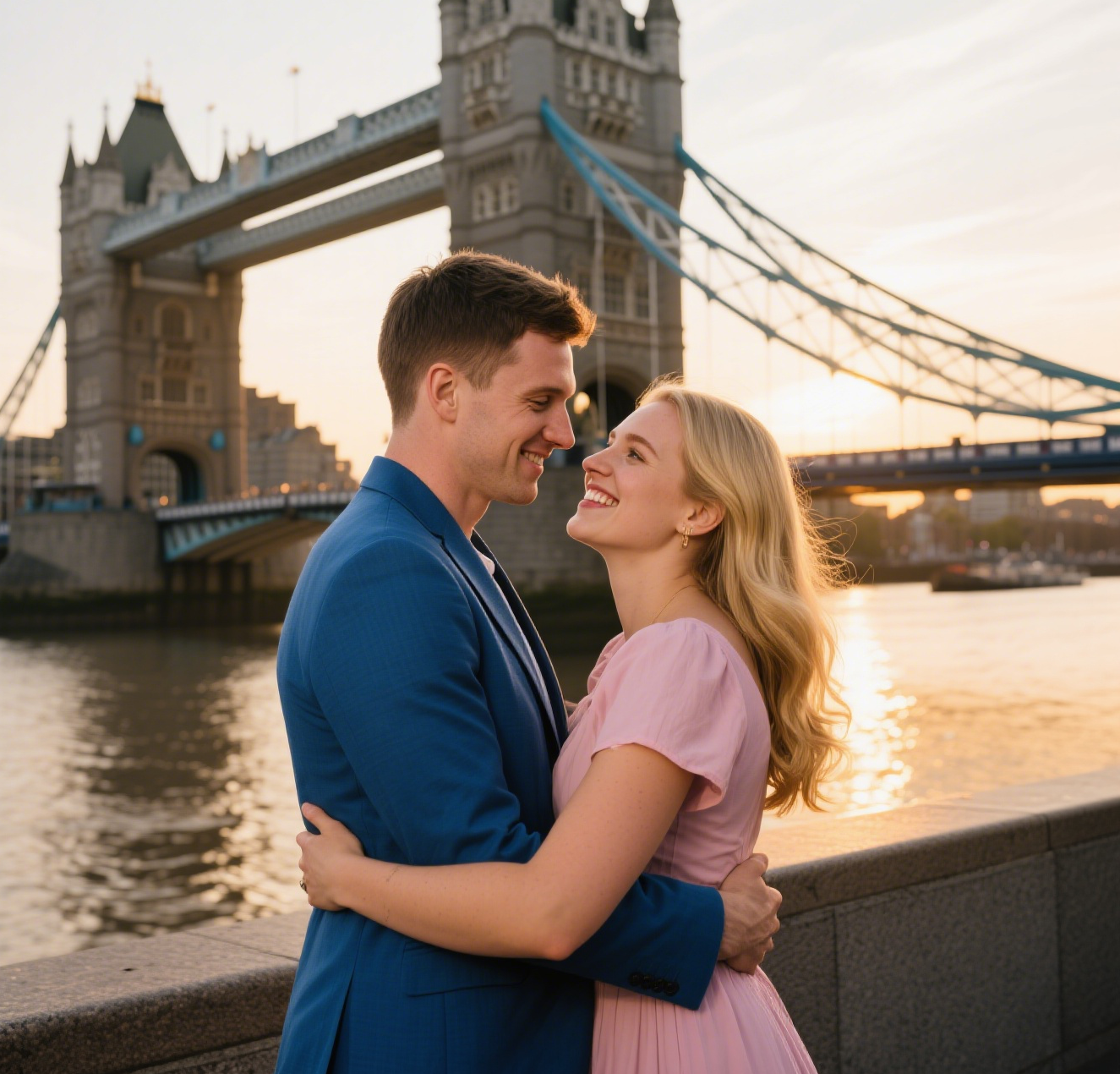
AI Fake Girlfriend
The AI Fake Girlfriend Filter lets you design and generate custom AI girlfriend videos effortlessly. Highlight your ideal scenarios, enjoy creative freedom, and share engaging content. Perfect for fun, unique digital experiences with easy-to-use features.
Try Now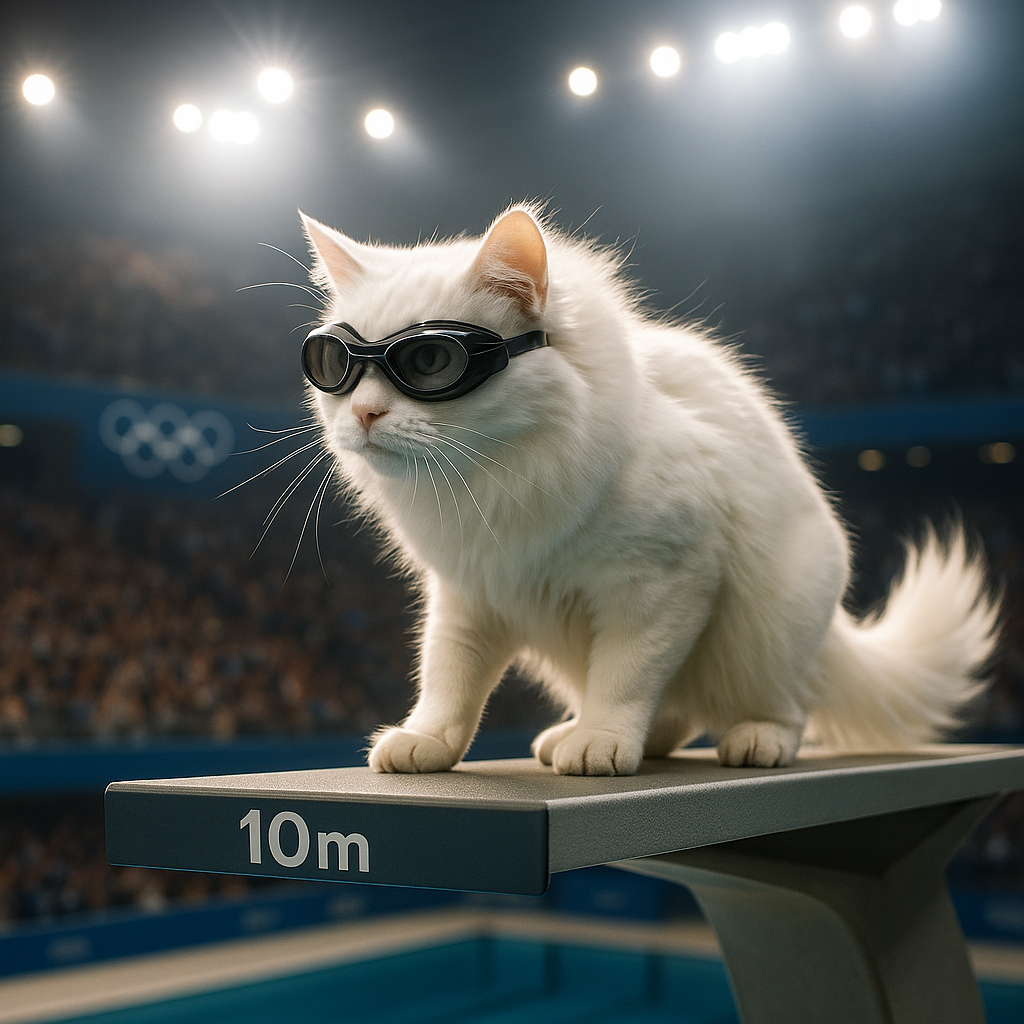
AI Cat Diving Olympics
AI Cat Diving Olympics turns your cat photos into entertaining diving competition videos. Our AI technology automatically generates realistic diving motions and backgrounds. Simply upload photos to create viral-ready content that showcases your pet's athletic potential. Perfect for social media sharing and pet lovers seeking unique entertainment.
Try Now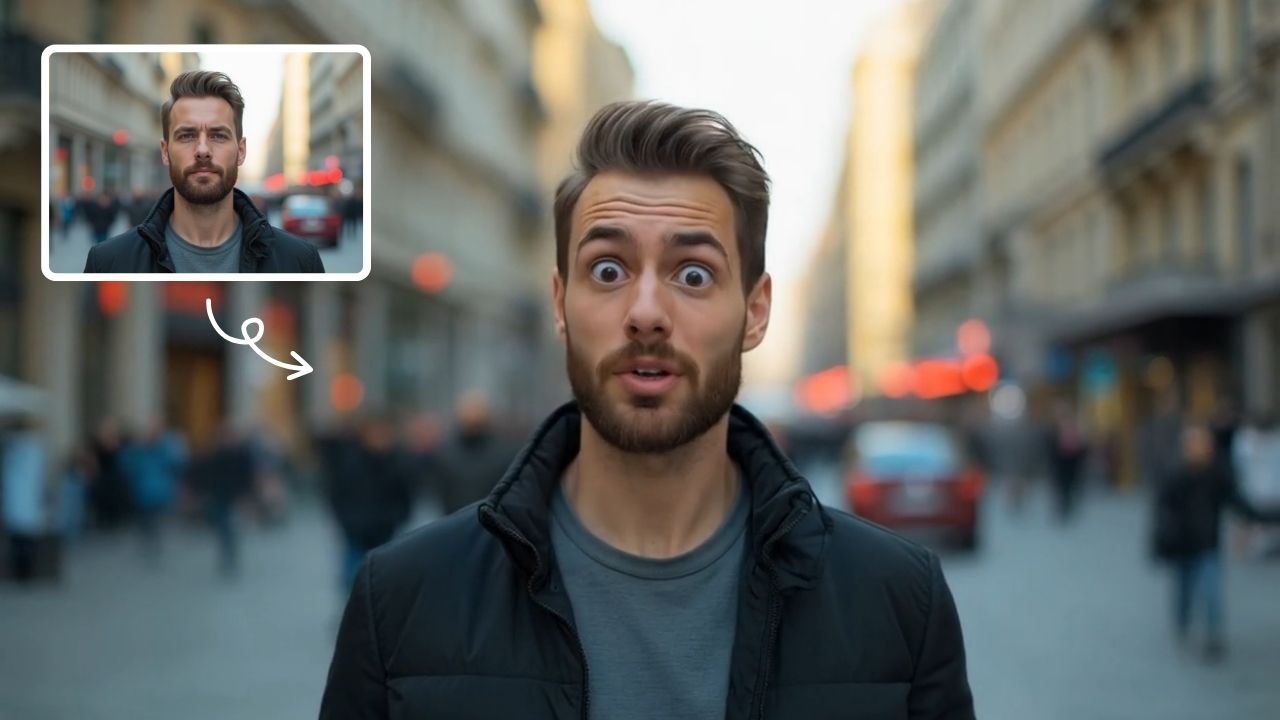
AI Shocked Face
AI Shocked Face uses advanced AI to detect faces in your photos and replace their expressions with realistic shocked looks. Simply upload an image, and our tool automatically generates a surprised version in minute. It's free, easy to use, and great for creating funny content to share with friends or on social platforms. Experience the magic of AI expression transformation today!
Try Now Continue with Google