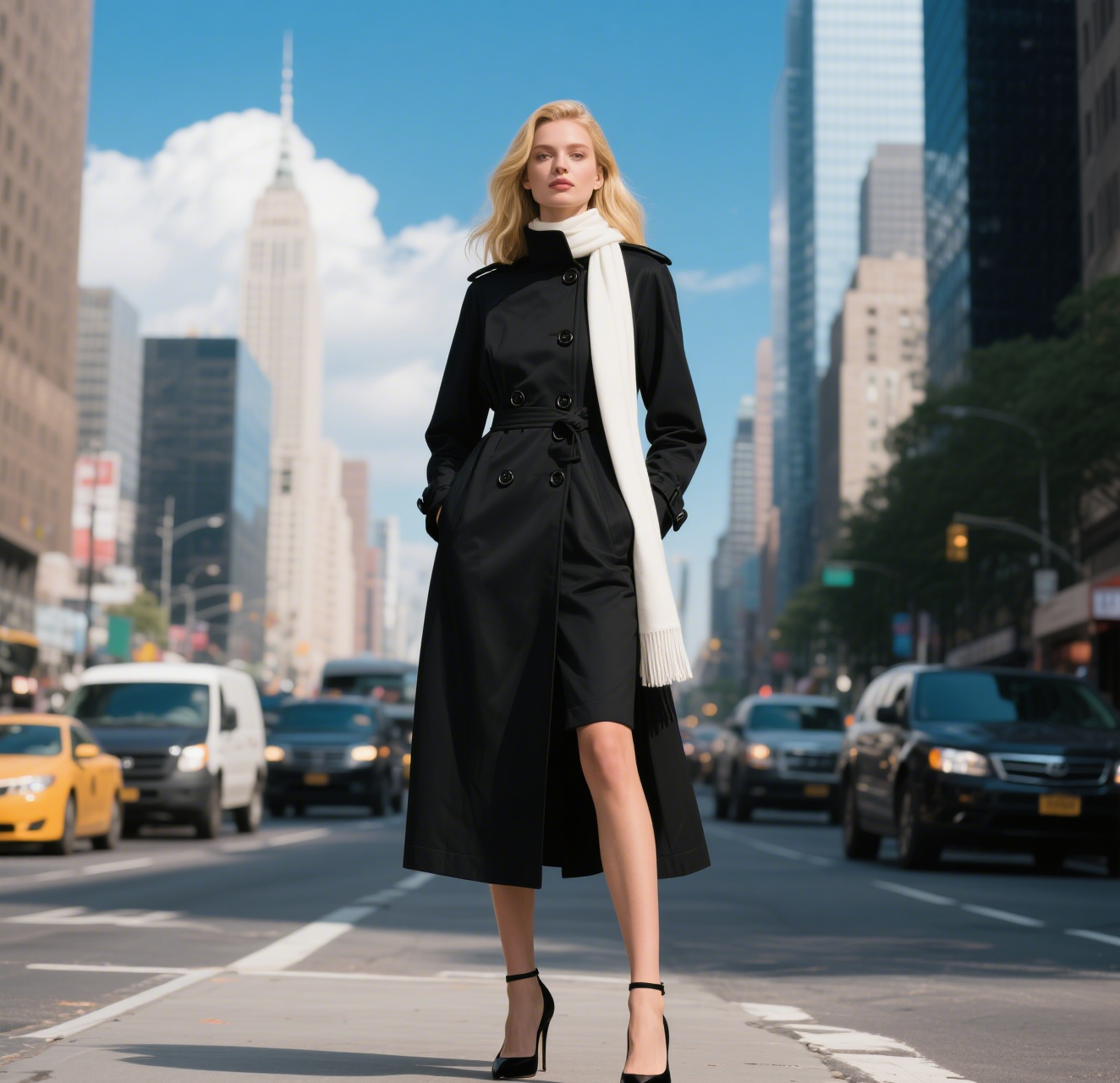
AI Dragon Riding Video Generation
Transform your imagination into breathtaking dragon riding videos. Our AI tool lets you create custom dragon scenes with realistic effects. Experience effortless video creation and share epic content in minutes. Free to use with powerful editing features.
This is an example of what AI can create. Generate your own video now!
Create Epic AI Dragon Riding Videos: Bring Your Fantasy to Life
Imagine soaring through a sky of golden clouds, the wind roaring in your ears as you grip the scales of a magnificent, winged beast. This isn't just a daydream anymore. With the AI Dragon Riding Video Generation tool, you can transform that fantasy into a shareable, high-quality video in just a few minutes. It's a browser-based platform designed to take simple text prompts and turn them into stunning, realistic scenes of dragon flight.
What is the AI Dragon Riding Video Generation Tool?
The AI Dragon Riding Video Generation tool is an online platform that uses advanced artificial intelligence to create short, cinematic videos of dragons and their riders. By simply describing a scene—from the type of dragon to the landscape below—the AI processes your words and renders a complete video. It handles complex visual elements like lighting, texture, and motion, allowing anyone to produce epic content without needing any video editing or 3D animation skills.
How Does AI Dragon Riding Video Generation Work?
The magic happens through a combination of powerful AI models working behind the scenes. Here’s a simple breakdown of the process:
- Your Input: You start by writing a descriptive text prompt. This is where your creativity comes in. You can describe the dragon, the rider, the setting, and the action. For example, you might want a "realistic dragon with emerald scales flying over a misty mountain range at sunset."
- AI Model Selection: The tool offers a choice of different AI models, such as Sora 2 or Veo 3.1, each with its own strengths in style and rendering speed. This gives you control over the final look and feel of your video.
- Scene Rendering: Once you hit generate, the AI gets to work. It interprets your prompt, breaking it down into visual components. It considers physics (like wind interacting with hair and wings), lighting (like sunlight filtering through wing membranes), and composition to build a coherent and believable scene.
- Video After a short rendering process (usually 1-3 minutes), your video is ready. You can then preview, download, and share your AI-generated dragon riding video with the world.
Why Use an AI Tool to Create Dragon Videos?
Manually creating a video with a flying dragon and a rider is an incredibly complex task. It would require 3D modeling, texturing, rigging, animation, and compositing—skills that take years to master. The AI Dragon Riding Video Generation tool bypasses all of that complexity. It solves the problem of accessibility, allowing writers, gamers, content creators, and fantasy enthusiasts to visualize their ideas instantly. Instead of spending weeks on a single shot, you can iterate on dozens of concepts in a single afternoon.
Top Use Cases for Your Generated Dragon Videos
The versatility of this tool opens up a world of possibilities. Here are some common ways users are leveraging this technology:
- Book Trailers & World-Building: Authors can create captivating visual trailers for their fantasy novels, giving readers a glimpse into their world's dragons and landscapes.
- TTRPG Content: Dungeon Masters can generate immersive scene setters for their Dungeons & Dragons campaigns, showing players exactly what their characters see as they approach a dragon's lair.
- Social Media Content: Create stunning, unique shorts for TikTok, Instagram Reels, or YouTube. Epic dragon content is highly engaging and stands out in a sea of ordinary videos.
- Concept Art & Visualization: Filmmakers and game designers can quickly prototype scenes and visualize creatures to communicate ideas with their teams.
- Personal Creative Projects: Simply for fun! Bring your daydreams to life or create a unique digital gift for a friend who loves fantasy.
Key Features of the AI Dragon Riding Video Generator
The platform is packed with features designed to give you maximum creative control while keeping the process simple.
- Text-to-Video Prompts: The core of the tool. You can create scenes from scratch using descriptive language. The reference prompt provided, with details like "dynamic flight pose" and "realistic wind interaction," shows the level of detail the AI can understand and render.
- Aspect Ratio Control: Choose between cinematic 16:9 for a widescreen feel or vertical 9:16 format, which is perfect for mobile-first platforms like TikTok and Instagram Stories.
- Multiple AI Models: Select the engine that powers your creation. Whether you prefer the advanced capabilities of OpenAI's Sora 2 or the efficiency of Google's Veo 3.1, you have the freedom to choose.
- Realistic Visual Effects: The AI is trained to generate highly detailed textures (like cracked scales and scarred wings), realistic lighting (like light penetrating wing membranes), and physical interactions (like clothing fluttering in the wind).
- Fast and Efficient: Most videos are generated in 1-3 minutes, making it a quick and iterative creative process.
From Prompt to Epic: A Workflow Example
Let's see how you might use the tool to create a specific scene, using the details from the reference material.
Your Goal: Create a 10-second video of a heroic figure riding a battle-scarred dragon over a castle.
Your Prompt: "Realistic portrait of a brave warrior in 4:3 ratio. Dynamic flight pose: Poised astride a massive, battle-worn dragon, leaning forward against the wind, hands gripping its spiky scales. Dragon in flight: wings fully extended, showing frayed edges and scarred hide. Golden sunset light penetrating the wing membranes, casting warm shadows on the rider. Below: A sprawling medieval castle with stone walls and a forest nearby. Extremely detailed, realistic wind interaction with hair and cloak."
The Process:
- Copy and paste this detailed prompt into the text box.
- Select your desired aspect ratio (e.g., 16:9 for a cinematic look).
- Choose your preferred AI model (e.g., Sora 2).
- Click "Generate."
- In a few minutes, your custom AI dragon riding video is ready. You can then decide if it's perfect or if you want to tweak the prompt and generate again for a different result.
Is My Data Safe? Privacy and Trust
When using any online tool, privacy is a key concern. Reputable AI video generation platforms process your data securely. It's always good practice to review the privacy policy of the specific tool you are using. Generally, your uploaded content and prompts are handled confidentially and are often deleted after processing to ensure your creative ideas remain your own. The focus is on providing a secure environment for you to experiment and create.
Frequently Asked Questions
What exactly is an AI Dragon Riding Video Generator?
It's a specialized online tool that uses artificial intelligence to convert text descriptions into short video clips featuring dragons and riders. You describe the scene, and the AI generates the visuals, handling all the complex animation and effects for you.
How long does it take to generate a video?
The rendering process is quite fast. Most videos are generated within 1 to 3 minutes, depending on the complexity of the scene and the specific AI model you select.
Do I need any video editing or animation experience to use the AI Dragon Riding Video Generation tool?
Not at all. The tool is designed to be intuitive for everyone. All you need is your imagination and the ability to write a descriptive sentence. The AI handles all the technical aspects of video creation.
Can I control the style and quality of the video?
Yes. You have significant control. You can write detailed prompts to guide the visual style, choose between different AI models (like Sora 2 or Veo 3.1), and select the aspect ratio to suit your needs, whether for a cinematic display or social media.
What can I use these dragon riding videos for?
The possibilities are vast. They are perfect for book trailers, Dungeons & Dragons sessions, unique social media content, creative projects, concept visualization, or simply for personal enjoyment and sharing with friends.
Are there different AI models to choose from?
Yes, the tool typically offers a choice. For instance, you might be able to select from models like Sora 2, known for its advanced detail, or Veo 3.1, which might offer different stylistic strengths and efficiencies. This allows you to experiment and find the best fit for your project.
Is it really free to use?
Many platforms offer a free tier to get started, allowing you to create a certain number of videos. This lets you explore the tool's capabilities. For more advanced features or higher volume, there are often credit-based systems, as seen with models costing different credit amounts.
What kind of results can I expect from the AI Dragon Riding Video Generation tool?
You can expect high-quality, cinematic short videos that realistically depict dragons and their riders. The AI is capable of rendering complex details like textured scales, dynamic lighting, and natural motion, making the final product look far more advanced than simple animation.
Ready to Ride?
The era of bringing your wildest fantasies to life is here. Whether you're a seasoned creator or just someone who loves the world of dragons, the AI Dragon Riding Video Generation tool puts the power of a Hollywood-style effects studio right in your browser. Stop imagining and start creating—your epic adventure is just a prompt away.
Start Creating AI Videos Instantly
Turn simple text prompts into engaging videos using our powerful AI video generator. No editing skills required — just describe your idea and let AI do the work.
Generate Your First AI VideoMore AI Video Tools
Explore more AI-powered video creation tools to expand your creativity
Zoom In Video Effect
Zoom In Video Effect offers free AI video templates to quickly produce professional videos. Key features include one-click creation, support for image and text conversions, and versatile styles. Enhance your content effortlessly, saving time while maximizing impact with user-friendly tools.
Try Now
AI Text to Video Generator
Transform text prompts into stunning videos instantly with our advanced AI Text to Video Generator. Describe your vision in plain English, and create professional-quality videos - no design or video editing skills required.
Try Now
AI Legged Runaway
AI Legged Runaway uses advanced AI to animate any object in your photos, giving them legs and a runaway personality. Simply upload an image, and watch as everyday items transform into escaping characters, providing endless entertainment. Perfect for creating viral content, surprising friends, or adding a twist to your photos. Experience the magic of AI-driven creativity today
Try Now
AI Red Carpet Walk
Red Carpet Walk is an AI video effect tool designed to add celebrity-style glamour to your entrances. It enhances videos with red carpet visuals, lighting, and sparkle effects, ideal for events or social media posts. Stand out effortlessly with professional, attention-grabbing results.
Try Now
AI Haunted House
Transform your photos into terrifying haunted house videos with the Haunted House Video Generator. This AI tool adds monsters, ghosts, and eerie effects to create horror clips in minute. Enjoy easy sharing, instant results, and professional quality—perfect for social media, pranks, or creative projects. Experience fast, free horror video generation today!
Try Now
AI Happy Smile
AI Happy Smile is an online tool that uses advanced AI to add realistic smiles to photos in one click. It works on portraits, selfies, and group images, improving expressions effortlessly.
Try Now
AI Fake Boyfriend
Fake Boyfriend Filter lets you generate a personalized AI boyfriend in videos. Simply upload your photo and detail your desired scenes—like hugging or kissing. The tool crafts realistic interactions for entertainment or content creation, offering unique, engaging experiences powered by advanced AI technology.
Try Now
AI Demon Transform
AI Demon Transform revolutionizes video creation with intuitive AI templates. Convert text or images into engaging videos in one click. Enjoy free access to trending styles, fast processing, and user-friendly tools. Boost your content with unique, high-quality results—perfect for creators and marketers seeking efficiency and innovation.
Try Now
Continue with Google