AI Jiggle Video
AI Jiggle Video uses advanced AI to animate your photos with dynamic wobble effects. Turn static images into entertaining, bopping dance clips effortlessly. Enjoy a user-friendly interface, instant sharing options, and no cost to start. Perfect for creating viral, fun content that stands out and engages audiences.
This is an example of what AI can create. Generate your own video now!
What Is an AI Jiggle Video?
An AI Jiggle Video is a short, animated clip that uses artificial intelligence to add a dynamic, bouncing "wobble" or dance effect to a static image. By processing a single photo, the tool simulates realistic physics to make subjects—whether people, characters, or objects—appear to jiggle and move rhythmically, transforming them into entertaining and shareable content perfect for social media.
Understanding the AI Jiggle Video Tool
In the crowded space of online content creation, standing out often requires a blend of creativity and the latest technology. The AI Jiggle Video tool, featured on text2vid.org, offers a unique way to breathe life into your static pictures. It’s not just about adding a filter; it's about using sophisticated AI to generate a physics-based animation that turns a simple photo into a looping, dancing clip.
At its core, this tool is designed to convert your images into fun, viral-ready videos with minimal effort. You upload a photo, and the AI model takes over, identifying key points on the subject to apply a simulated "jiggle" or bounce. The result is a surreal and often hilarious clip where a person's torso might bob up and down, or an object might wobble as if caught in a rhythmic dance. It’s a perfect example of how AI video generation is making complex animation accessible to everyone.
How AI Breathes Movement into Static Images
The magic behind an AI Jiggle Video lies in its advanced video rendering process. When you upload a photo, the tool doesn't just overlay a preset animation. Instead, it analyzes the image's content to understand its structure. The AI model, drawing on training from countless video prompts and physical simulations, generates a unique movement pattern for your specific image.
This process involves creating a kind of digital puppet from your photo. The AI decides where the "jiggle" should be most prominent—often the torso or head—and then renders a sequence of frames that simulate the effect of bouncing or wobbling. The background remains stable, which makes the animated movement of the subject stand out even more. This client-side processing ensures that the generation is not only fast and efficient but also secure, as your image is processed to create your scene without unnecessary delays.
Why Use an AI Jiggle Video Creator?
You might wonder when you would actually need to generate this type of content. The use cases are broader than you might think, appealing to everyone from social media enthusiasts to digital marketers.
-
Creating Viral Social Media Content: In the fast-paced world of platforms like TikTok, Instagram Reels, and YouTube Shorts, grabbing attention in the first second is crucial. A funny, bopping clip of a friend or a meme character is highly engaging and has a high potential to be shared, helping your content stand out in a crowded feed.
-
Enhancing Digital Marketing Campaigns: Brands looking for a fresh, humorous angle can use these tools to create memorable ads or social posts. Animating a product mascot or adding a playful jiggle to a product image can make a campaign feel more dynamic and relatable, capturing audience attention in a unique way.
-
Personal Entertainment and Messaging: On a simpler level, it's just fun. You can take a photo of a friend and instantly transform it into a hilarious dancing clip to share in a group chat. The tool's user-friendly interface and free-to-start model make it accessible for anyone to create these lighthearted animations.
Key Features of the AI Jiggle Video Generator
The tool is built to be both powerful and simple, ensuring that you can generate high-quality results without a steep learning curve. Here are some of its defining characteristics:
Simple and Intuitive Interface
You don't need any experience in video editing or animation. The process is straightforward: upload your image, choose your settings, and let the AI do the work. The focus is on making the tool browser-based, so you can access it from any device without downloading complicated software.
Advanced AI Models at Your Fingertips
To generate the best possible clip, the tool offers a choice of AI models. For instance, you might have the option to select Sora 2, known for its diverse style capabilities, or Veo 3.1, which excels at processing one or two images to create a seamless video. This choice gives you control over the final look and feel of your animation, ensuring accurate and satisfying results.
Customizable Output Options
To make your video perfect for different platforms, you can adjust the output settings. You can typically select your preferred aspect ratio, choosing between landscape (16:9) for widescreen or portrait (9:16) for mobile-first platforms like TikTok and Instagram Stories. You can also set the duration of your clip, often up to 10 seconds, to keep the content concise and loopable.
A Simple Guide to Creating Your First Video
Ready to make your own AI Jiggle Video? The process is designed to be fast and secure. Here is a simple workflow:
- Upload Your Image: Start by selecting a clear photo from your device. A single, well-lit subject often works best for this effect.
- Configure Your Settings: Choose your preferred AI model (like Sora 2 or Veo 3.1), select the aspect ratio that fits your needs, and set the desired video duration.
- Generate and Process: Click the generate button. The video rendering will begin, typically completing within 1 to 3 minutes. The process is efficient, using client-side processing where possible.
- Preview and Share: Once done, preview your hilarious new clip. If you're happy with it, you can instantly download it and share it across your social networks or with friends.
Frequently Asked Questions
What exactly is an AI Jiggle Video?
An AI Jiggle Video is a short, looping animation generated from a static photo. Using artificial intelligence, it adds a realistic wobble or bouncing effect—often to a person's torso—making it look like the subject is dancing or moving rhythmically. It's a fun and easy way to create engaging content without any manual animation skills.
How does the AI Jiggle Video tool work?
The tool uses an advanced AI model to analyze your uploaded image. It identifies key structural points and then generates a video sequence that simulates a physical "jiggle" or bounce. This process, known as video generation, creates the illusion of movement while keeping the background stable, resulting in a seamless and entertaining clip.
Is it free to create an AI Jiggle Video?
Yes, the tool is designed to be accessible and is free to start. This allows you to experiment with the technology and create fun videos without any initial cost. For more advanced features or higher generation credits with different AI models like Veo 3.1, there may be options available, but the core experience is open for everyone to enjoy.
What kind of images work best?
For the best results, upload a clear, well-lit photo where the subject is facing the camera. The AI works best when it can clearly distinguish the main subject from the background. Images with a single person or character tend to produce the most effective and hilarious jiggle effects.
How long does it take to generate a video?
The video generation process is quite fast. Once you submit your image and settings, the AI typically takes between one to three minutes to render your clip. The exact time can depend on the complexity of the image and the current server load, but it is designed to be an efficient, browser-based experience.
Can I use these videos on social media?
Absolutely! These videos are perfect for social media. You can customize the aspect ratio to 9:16 for platforms like TikTok, Instagram Reels, and YouTube Shorts, or keep it at 16:9 for other platforms. The instant sharing options make it easy to download your creation and post it directly to your feeds.
Is my image data secure when I upload it?
Yes, the tool prioritizes user privacy and data security. The processing is handled securely, and your images are used only to generate your video. The focus on client-side processing and secure servers ensures that your data is handled with care, making the tool trustworthy for personal and creative use.
Why is my AI Jiggle Video not turning out as expected?
If the results aren't perfect, try using a different image with clearer lighting and a more distinct subject. You can also experiment with the different AI models available, such as Sora 2 or Veo 3.1, as each may interpret your image and the video prompts slightly differently to create the scene. A little experimentation is key to getting that perfect, hilarious clip.
Start Creating AI Videos Instantly
Turn simple text prompts into engaging videos using our powerful AI video generator. No editing skills required — just describe your idea and let AI do the work.
Generate Your First AI VideoMore AI Video Tools
Explore more AI-powered video creation tools to expand your creativity
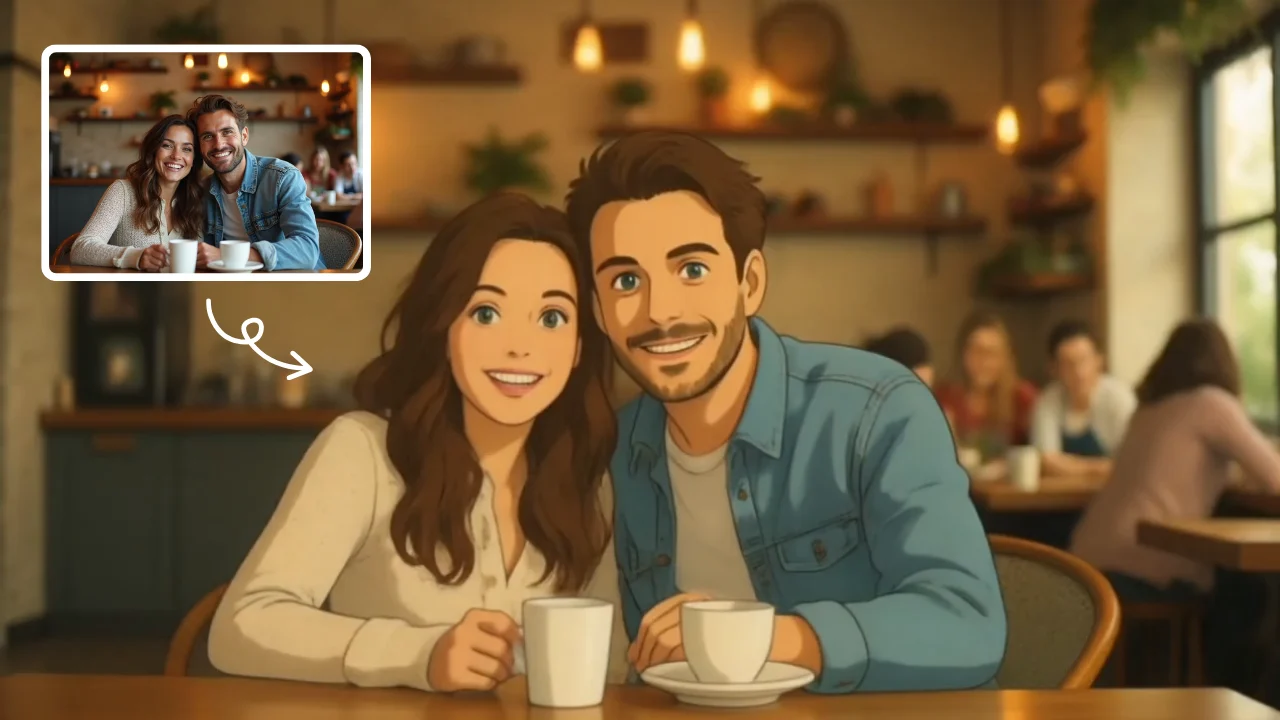
AI Studio Ghibli
AI Studio Ghibli offers a rich library of free AI video templates for effortless content creation. Transform images and text into engaging videos with one click. Its unique variety supports quick, professional results, saving time while boosting creativity—ideal for marketers and creators seeking high-impact visual content.
Try Now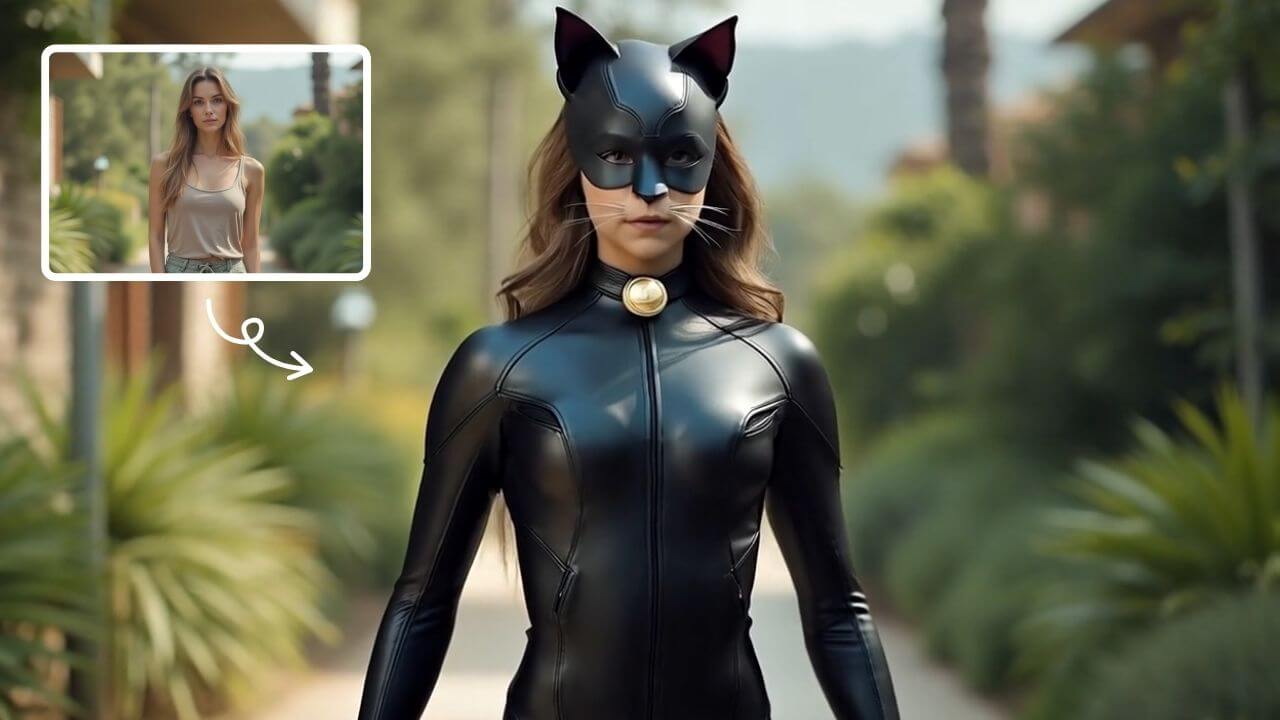
AI Catwoman Transformation
AI Catwoman Transformation lets you embody the legendary character's charm and strength. Simply upload a photo for an instant AI-powered makeover. Showcase your unique feline persona with stunning visual results. Perfect for fans seeking a playful yet powerful digital identity transformation.
Try Now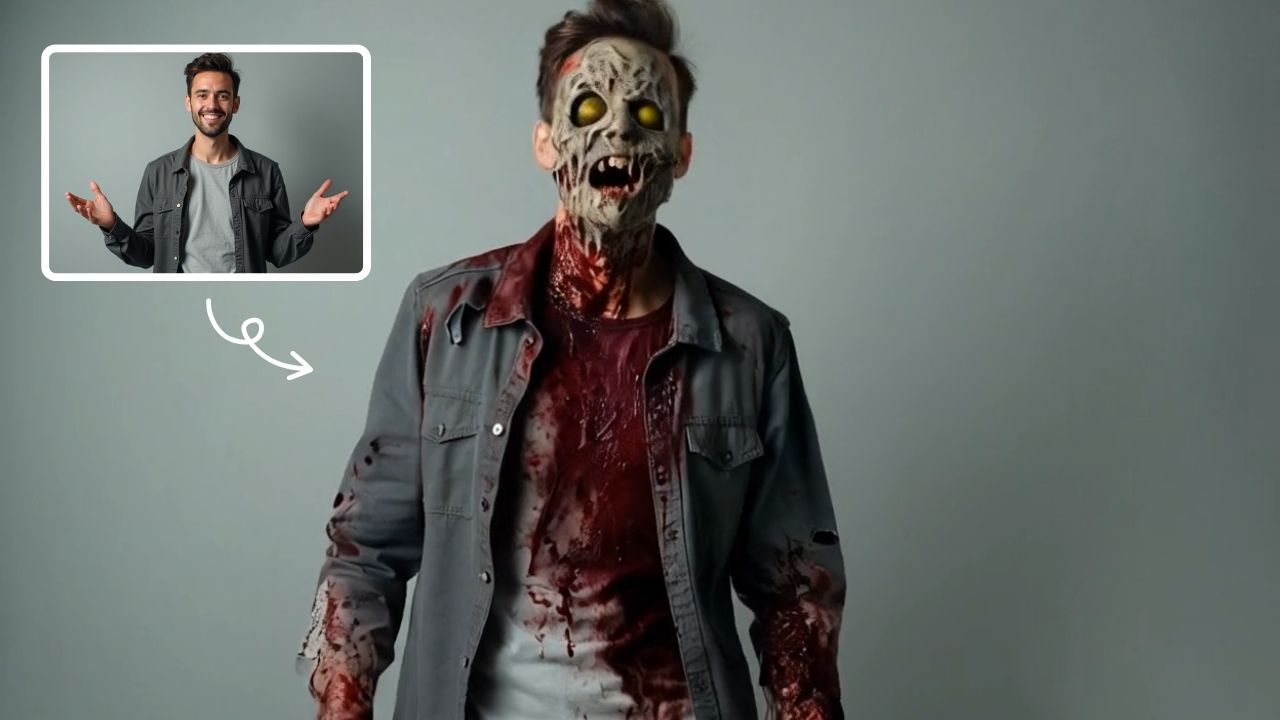
AI Zombie
AI Zombie Transformation uses advanced AI to convert your photos into realistic zombie versions. Simply upload your image, and the tool generates a horrifying undead look with eerie details. It's fun, easy, and perfect for Halloween, parties, or sharing on social media to amaze friends. Try it now for a unique, chilling transformation!
Try Now
Image to Video Converter
AI Image To Video is your smart solution for creating engaging videos from photos. Using advanced AI, it automatically animates your images, adds smooth transitions, and syncs music. Perfect for social media, presentations, or memories. It's fast, free, and requires no editing experience.
Try Now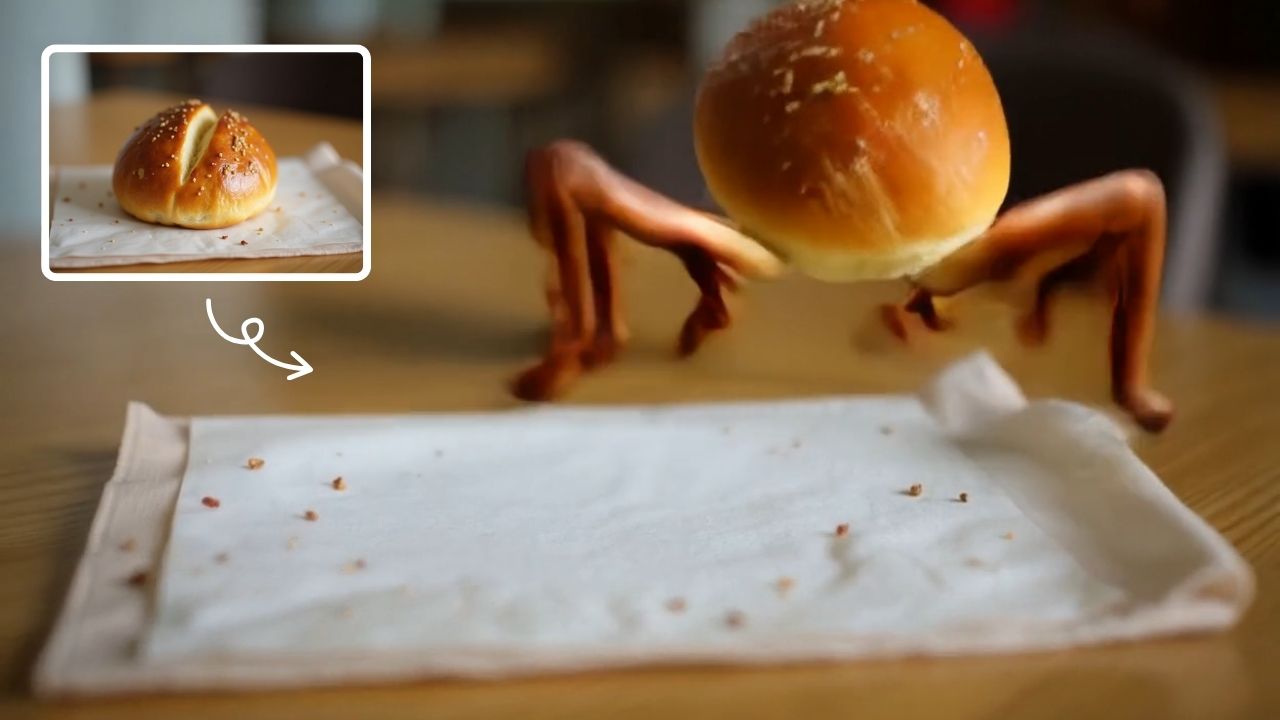
AI Legged Runaway
AI Legged Runaway uses advanced AI to animate any object in your photos, giving them legs and a runaway personality. Simply upload an image, and watch as everyday items transform into escaping characters, providing endless entertainment. Perfect for creating viral content, surprising friends, or adding a twist to your photos. Experience the magic of AI-driven creativity today
Try Now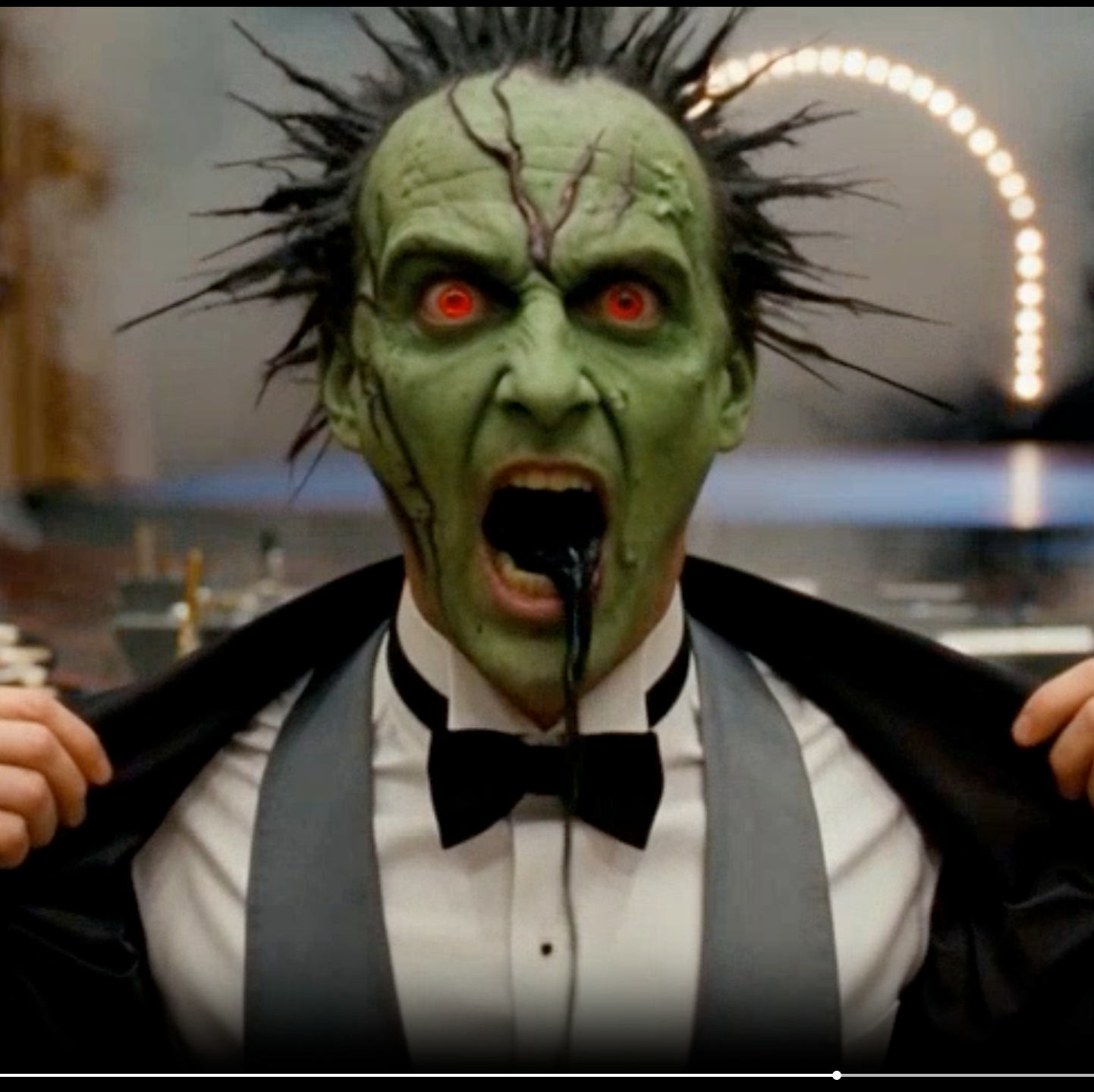
AI Cursed Video
AI Cursed Video by Supermaker AI instantly transforms any portrait into spine-chilling cursed videos. Generate 1080p horror content featuring demonic transformations, green skin, sores, black veins, and realistic head twists with sound effects. Ideal for creating viral horror content effortlessly.
Try Now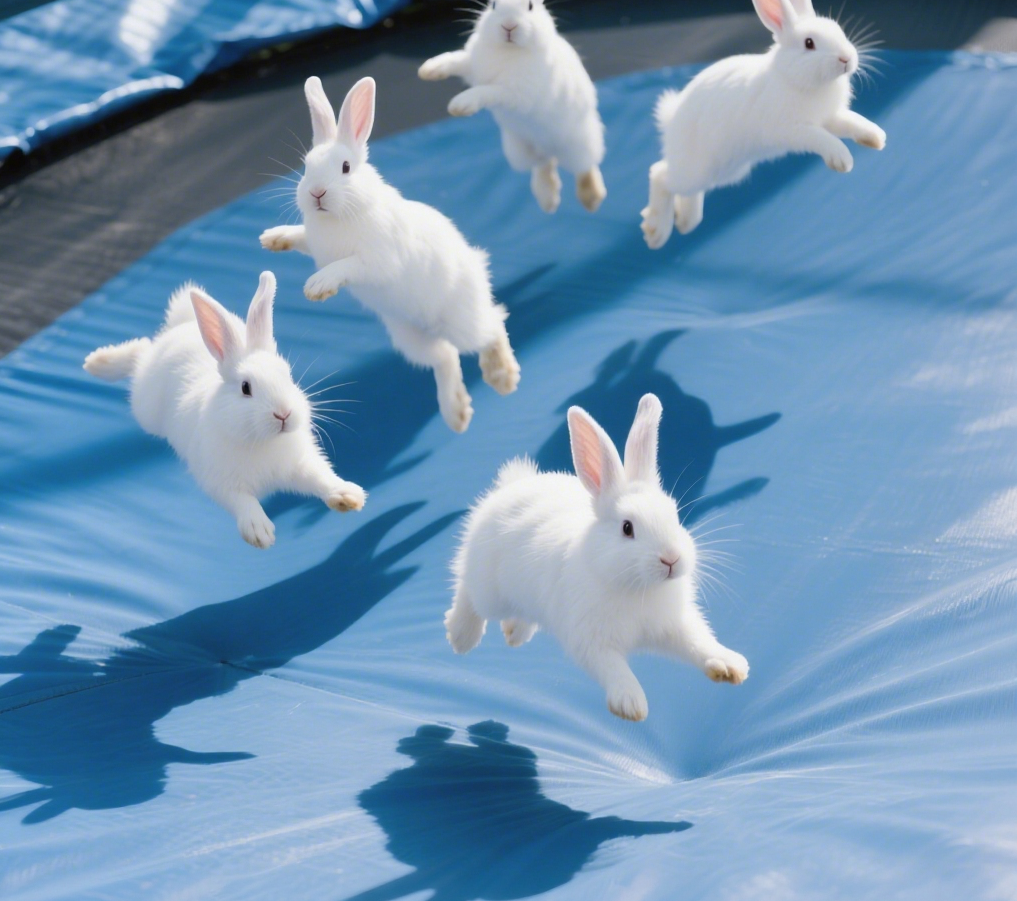
AI Bunnies Trampoline
AI Bunnies Trampoline is a free online tool that instantly creates engaging viral pet videos. Simply input your ideas to generate fun bunny trampoline clips perfect for TikTok, YouTube, and X. No registration required—start producing shareable content in minute, increasing your social media reach effortlessly.
Try Now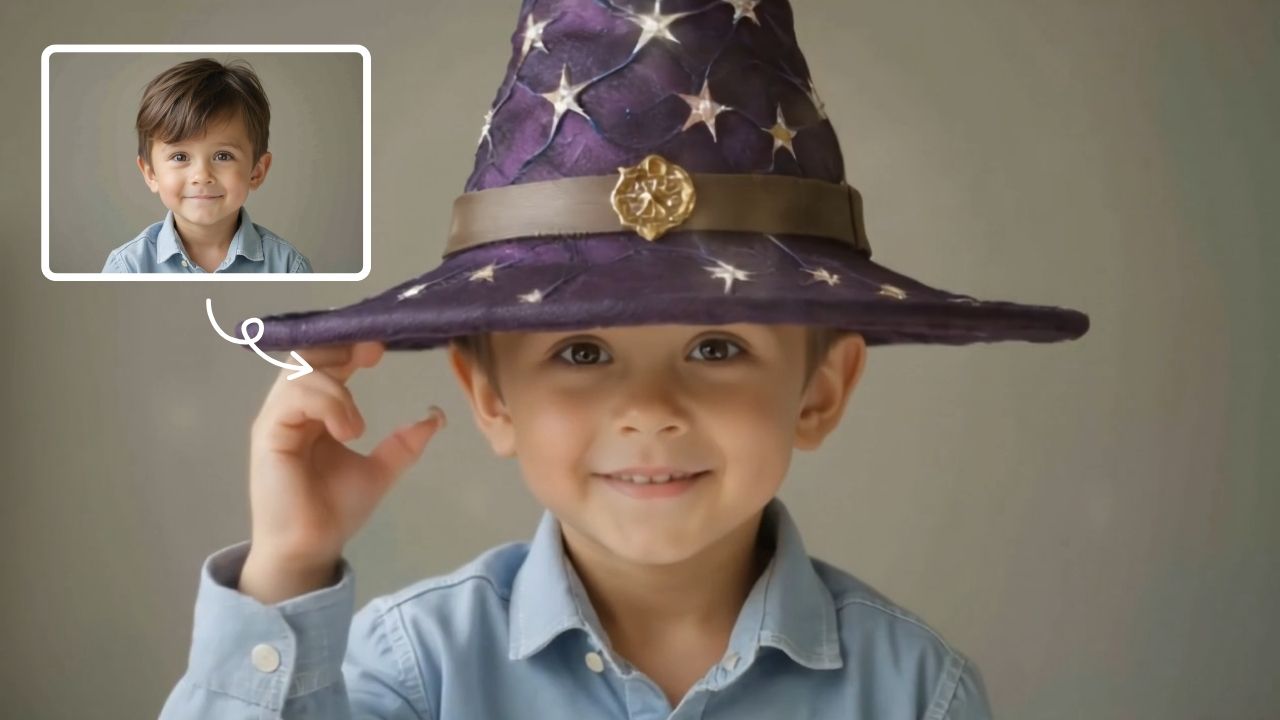
Veo3.1 Video Generator
VEO 3.1 by Google DeepMind is a powerful AI video generator. It turns text prompts, images, and frame sequences into cinematic-quality videos with synchronized audio. This tool empowers creators, marketers, and storytellers to produce high-fidelity content effortlessly, unlocking new possibilities for video creation.
Try Now Continue with Google