AI Hip Shake
Hip Shake is an AI-powered tool that creates engaging hip-twist videos for free. It uses advanced effects to produce captivating dance content, helping users boost social media presence and engagement quickly. Ideal for creators seeking viral potential.
This is an example of what AI can create. Generate your own video now!
Create Viral Dance Videos with AI Hip Shake: The Free Tool for Engaging Hip-Twist Content
AI Hip Shake is a free, browser-based tool that uses advanced AI video generation to transform a simple image into a dynamic, high-energy dance clip focused on rhythmic hip-twist motions. It creates short, loopable videos designed to capture attention and boost engagement on social media platforms like TikTok, Instagram Reels, and YouTube Shorts.
What is AI Hip Shake and How Does It Work?
At its core, AI Hip Shake is a specialized AI video generator that takes a static image—typically of a person—and animates it with fluid, isolated hip movements. Unlike general animation software, this tool uses sophisticated motion synthesis models, such as Sora 2 and Veo 3.1, to interpret the subject in your photo and generate a scene where they perform a precise, fast-paced dance.
The process is straightforward. You upload a clear image of a subject, ideally with their hands on their waist or in a neutral pose, which allows the AI to accurately map the hip area. Then, you select your preferred aspect ratio—either 16:9 for landscape or 9:16 for the vertical format preferred by most social stories and short-form video content. Within minutes, the AI processes your image and renders a 10-second video where the subject comes to life with a captivating, rhythmic hip twist, perfectly synchronized to an implied upbeat tempo. The result is a vivid, AI-powered moment of kinetic energy, turning a static posture into a viral-ready dance loop.
Why Creators Are Turning to AI for Dance Content
Creating high-quality, engaging dance content traditionally requires a significant investment in time, equipment, and expertise. You would need a dancer, a videographer, a suitable location, and editing software. AI Hip Shake bypasses all of these barriers, offering a fast and efficient alternative.
This tool solves a key problem for social media creators: the constant need for fresh, eye-catching content. It allows you to convert a single image into a unique video asset in a matter of minutes. The primary advantage is speed and accessibility. You are not manually animating frame by frame; instead, you are using AI-powered prompts to generate complex motion that would be difficult, if not impossible, to replicate with traditional editing. This rapid content creation cycle is essential for staying relevant and maintaining a strong presence online.
Key Features and Workflow
Understanding the features and how to use them is key to getting the best results from AI Hip Shake.
Simple and Intuitive Process
- Image Upload: The process begins with your input. For optimal scene creation, upload a high-resolution image with good lighting and a clear view of the subject.
- Model Selection: You have a choice of AI models, each offering slightly different styles and capabilities. This allows for flexibility in the final output's aesthetic. These models are designed for fast and accurate video rendering.
- Aspect Ratio Adjustment: Choosing the right format is crucial. The 9:16 ratio is perfect for mobile-first platforms, ensuring your video fills the screen and captures user attention as they scroll.
- Generation: With a single click, the AI begins its work. The video generation time is typically between one and three minutes, making it an incredibly efficient online tool.
More Than Just a Novelty
While incredibly fun, the practical applications for this technology are vast. Marketers can use it to create engaging ads. Musicians can generate visualizers for their tracks. Content creators can add a new layer of dynamism to their social media feeds. The ability to quickly process an image and generate a high-energy video makes it a powerful asset for anyone looking to enhance their digital storytelling.
Practical Use Cases for AI Hip Shake
The versatility of this tool means it can be applied in numerous scenarios to solve creative challenges.
- Boosting Social Media Engagement: A fashion blogger can animate a photo of themselves in a new outfit, making the content more dynamic and likely to stop the scroll. The eye-catching motion directly contributes to higher engagement metrics.
- Creating Memes and Viral Content: The internet loves a good dance. By taking a picture of a pet, a celebrity, or even an inanimate object (with a person-like form) and applying the AI hip twist, you can create humorous and highly shareable content with high viral potential.
- Enhancing Music Promotion: An independent musician can use the tool to create a series of short, visually consistent videos for a new single. By animating different images with the same rhythmic motion, they can build a cohesive and engaging visual identity for their release across various social channels.
- Quick Prototyping for Video Ideas: Before committing to a full-scale video production, a creative director could use AI Hip Shake to quickly generate a visual concept, demonstrating the energy and movement they envision for a final project.
Technical Accuracy and Data Privacy
As a browser-based tool, AI Hip Shake performs all processing securely. While the exact client-side processing details can vary, reputable AI video generators prioritize user privacy. Generally, uploaded images are processed to generate the video and are not stored indefinitely or used to train public models without consent. It is always good practice to review the specific privacy policy of any online tool you use. However, the focus on providing a fast, accurate, and secure experience is a cornerstone of trustworthy AI applications.
Frequently Asked Questions
How do I get the best results with AI Hip Shake?
For optimal video quality, use a well-lit, front-facing image of a single person. The AI performs best when the subject's hips and waist are clearly visible and unobstructed. Images with the subject's hands on their waist often yield the most natural and fluid hip isolations.
Is AI Hip Shake really free to use?
Yes, the core functionality of generating AI hip-twist videos is offered for free. This allows creators to experiment and produce content without any initial investment, making it an accessible tool for everyone.
Can I use AI Hip Shake for commercial purposes?
The generated videos are a powerful asset for boosting social media presence, which often has commercial benefits. However, it's always best to check the specific terms of service on the website to understand the licensing for commercial use, especially concerning the image you upload and the final video you create.
How long does it take to generate a video with AI Hip Shake?
The video rendering process is designed to be fast and efficient. Typically, you can expect the AI to complete your video in about one to three minutes, depending on current server load and the complexity of the chosen model.
What are the differences between the AI models, like Sora 2 and Veo 3.1?
Different models are optimized for various styles and outputs. For instance, one model might excel at creating very natural, lifelike momentum, while another might focus on snappy, stylized precision. The tool offers a choice so you can select the model that best matches the artistic vision for your video. Each generation may consume a certain number of "credits," allowing you to manage your usage.
What aspect ratio should I choose for my video?
If you plan to share your video on platforms like TikTok, Instagram Reels, or as a YouTube Short, select the 9:16 vertical ratio. For widescreen presentations or platforms like standard YouTube videos, the 16:9 landscape ratio is the appropriate choice.
Conclusion
AI Hip Shake represents a significant leap forward in accessible, AI-driven content creation. By removing the technical barriers to producing dynamic dance videos, it empowers creators, marketers, and casual users alike to generate captivating visual content with minimal effort. Its focus on speed, ease of use, and high-energy results makes it an invaluable tool for anyone looking to enhance their online presence. Whether you aim to create the next viral trend or simply add a new dimension to your social media storytelling, AI Hip Shake provides the technology to turn a static image into a moment of pure, rhythmic energy.
Start Creating AI Videos Instantly
Turn simple text prompts into engaging videos using our powerful AI video generator. No editing skills required — just describe your idea and let AI do the work.
Generate Your First AI VideoMore AI Video Tools
Explore more AI-powered video creation tools to expand your creativity
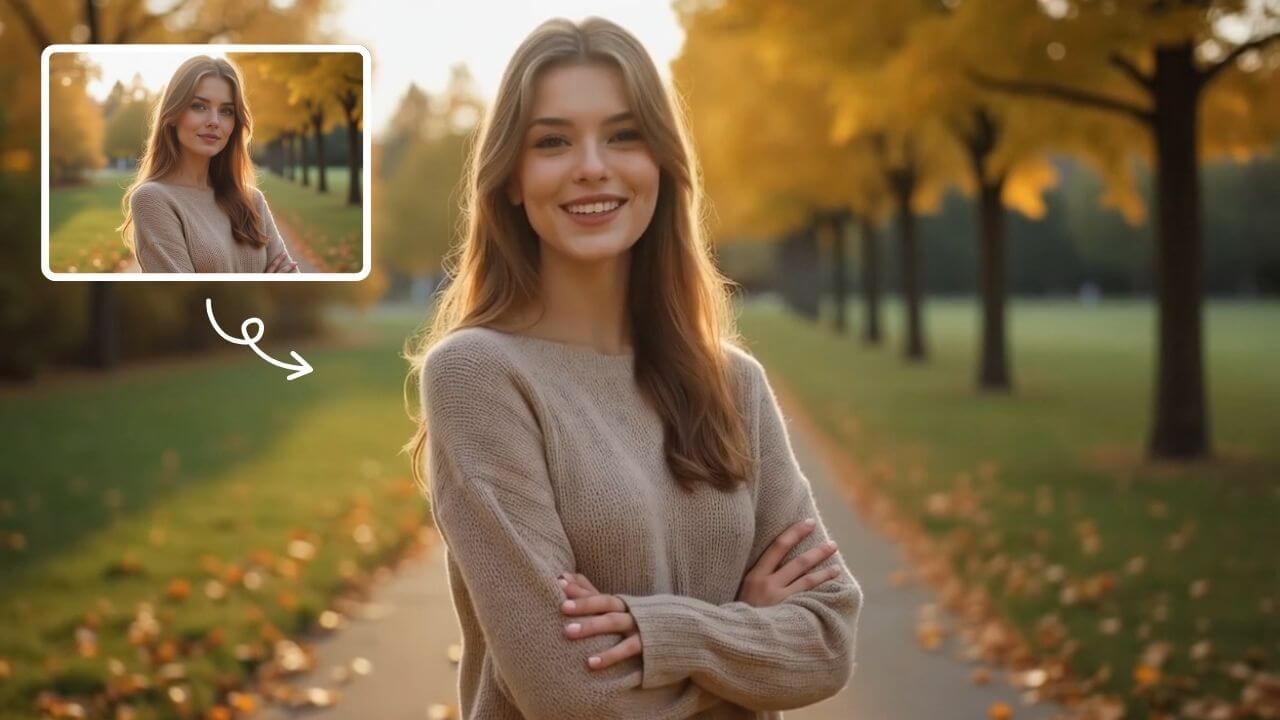
AI Smile Generator
The AI Smile Generator uses advanced artificial intelligence technology to automatically detect faces in photos and add realistic, radiant smiles. Simply upload an image to generate a smiling photo. Beautify portraits, revamp old photos, or share happy pictures online—no editing skills required. Fast, free, and fun, it's easy for anyone to use!
Try Now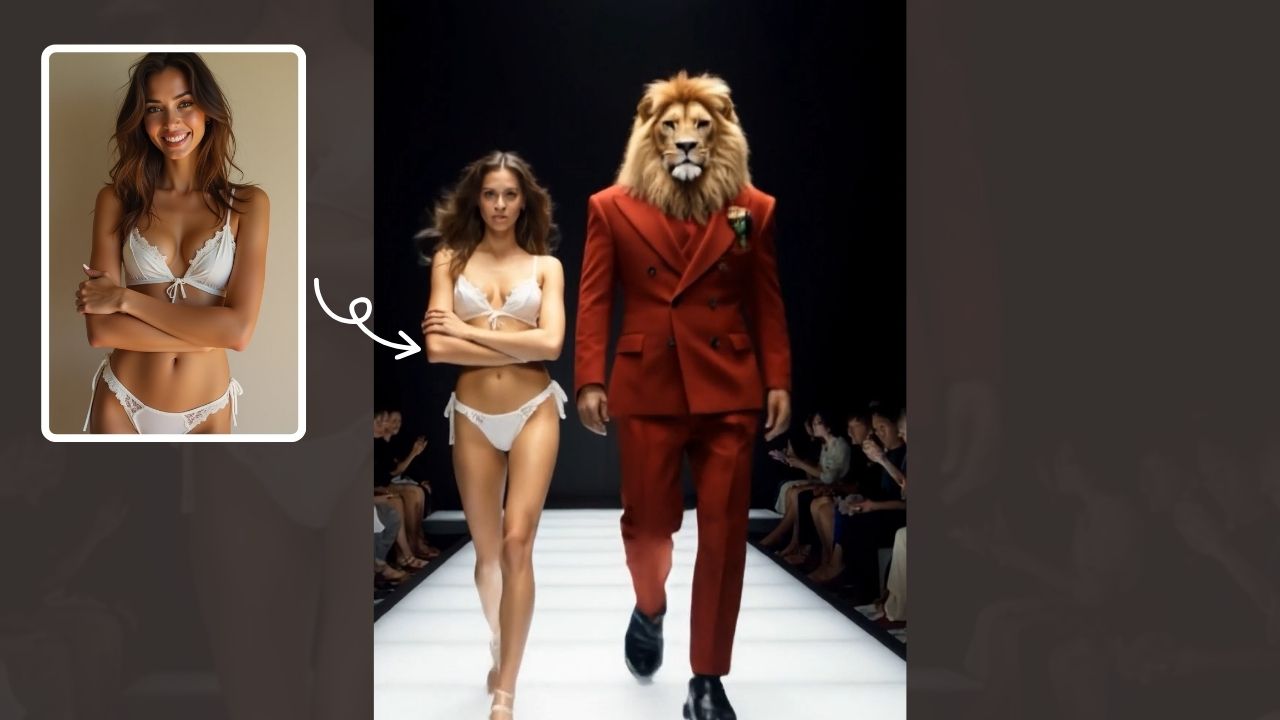
AI Walk With Beast
Walk With Beast transforms your videos with AI-powered fantasy animal companions. Easily generate epic scenes featuring majestic creatures walking beside you. Ideal for social media shorts, it requires no editing skills
Try Now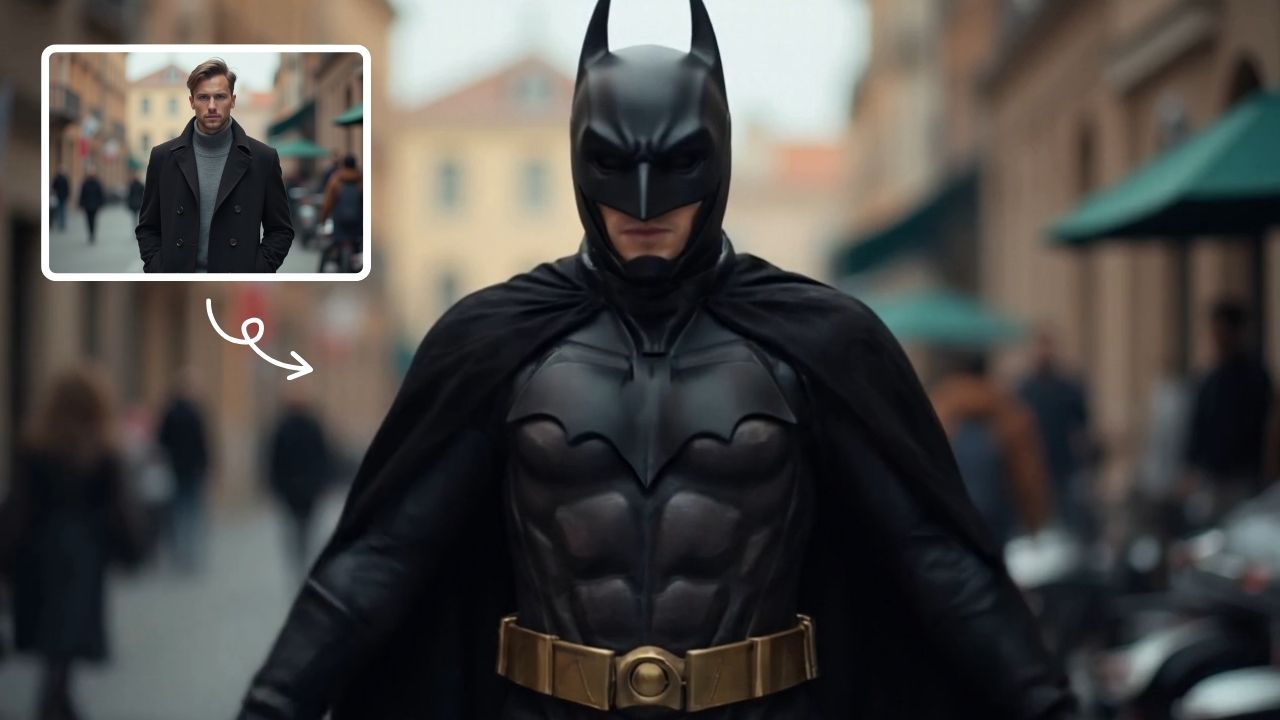
AI Batman
AI Batman Transformation lets you convert any photo into an epic Batman video effortlessly. Using cutting-edge AI, it overlays dynamic costumes and effects, making you the star of your own superhero story. Enjoy quick, high-quality results with no editing required—ideal for fun social media posts or personal entertainment.
Try Now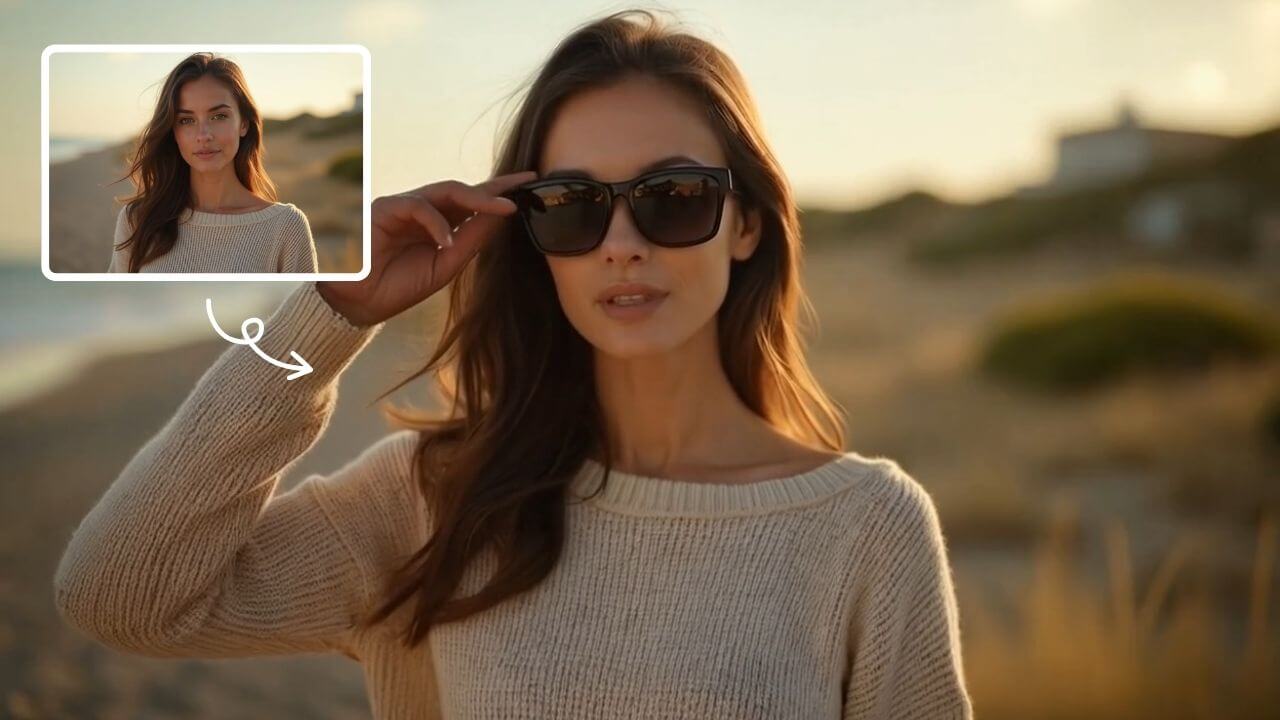
AI Sunglasses
AI Sunglasses is the smart tool that uses artificial intelligence to automatically add realistic sunglasses to any photo. Simply upload your image, choose from trendy styles, and instantly transform your look. Enhance portraits, selfies, or group photos with natural-looking shades that match lighting and facial contours. Perfect for social media, professional profiles, or casual fun – achieve a cool, confident appearance in just one click. Fast, free, and incredibly easy to use!
Try Now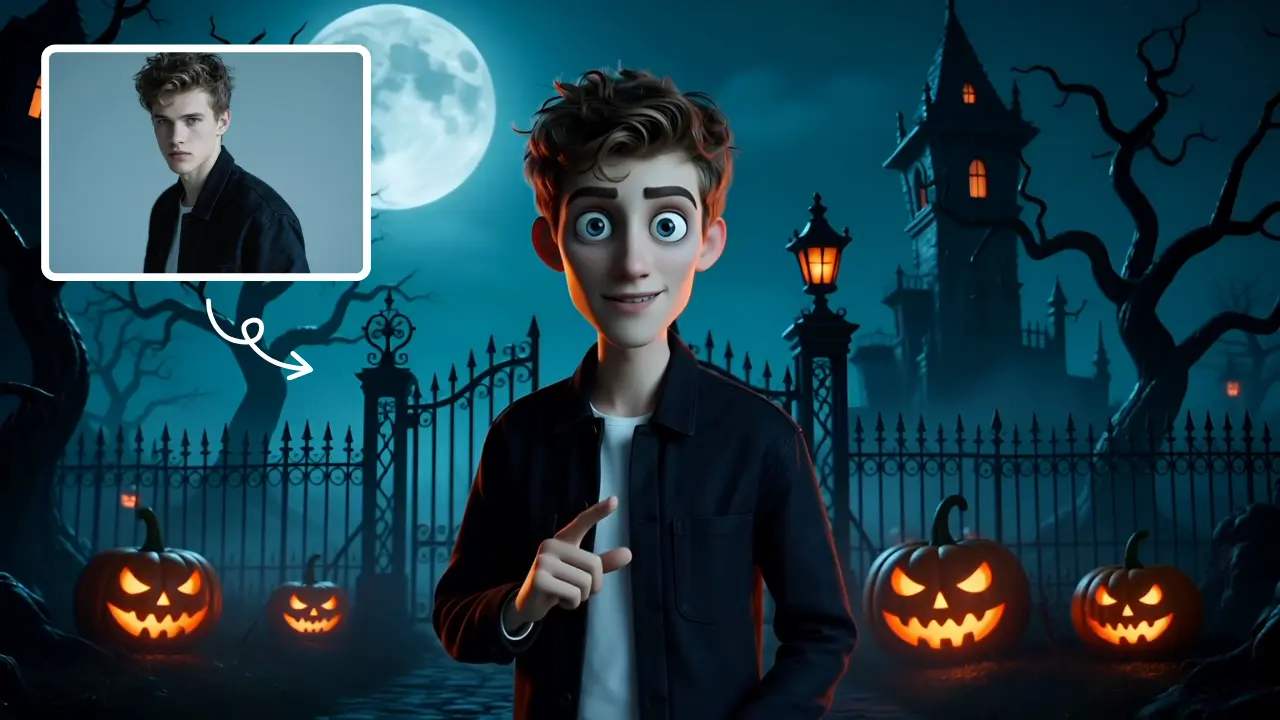
AI Tim Burton Style
Tim Burton Style offers AI video templates to effortlessly convert images and text into captivating videos. Its one-click functionality saves time while providing diverse styles for creative projects. Enjoy easy customization and high-quality results, making professional videos accessible to all.
Try Now
AI Haunted House
Transform your photos into terrifying haunted house videos with the Haunted House Video Generator. This AI tool adds monsters, ghosts, and eerie effects to create horror clips in minute. Enjoy easy sharing, instant results, and professional quality—perfect for social media, pranks, or creative projects. Experience fast, free horror video generation today!
Try Now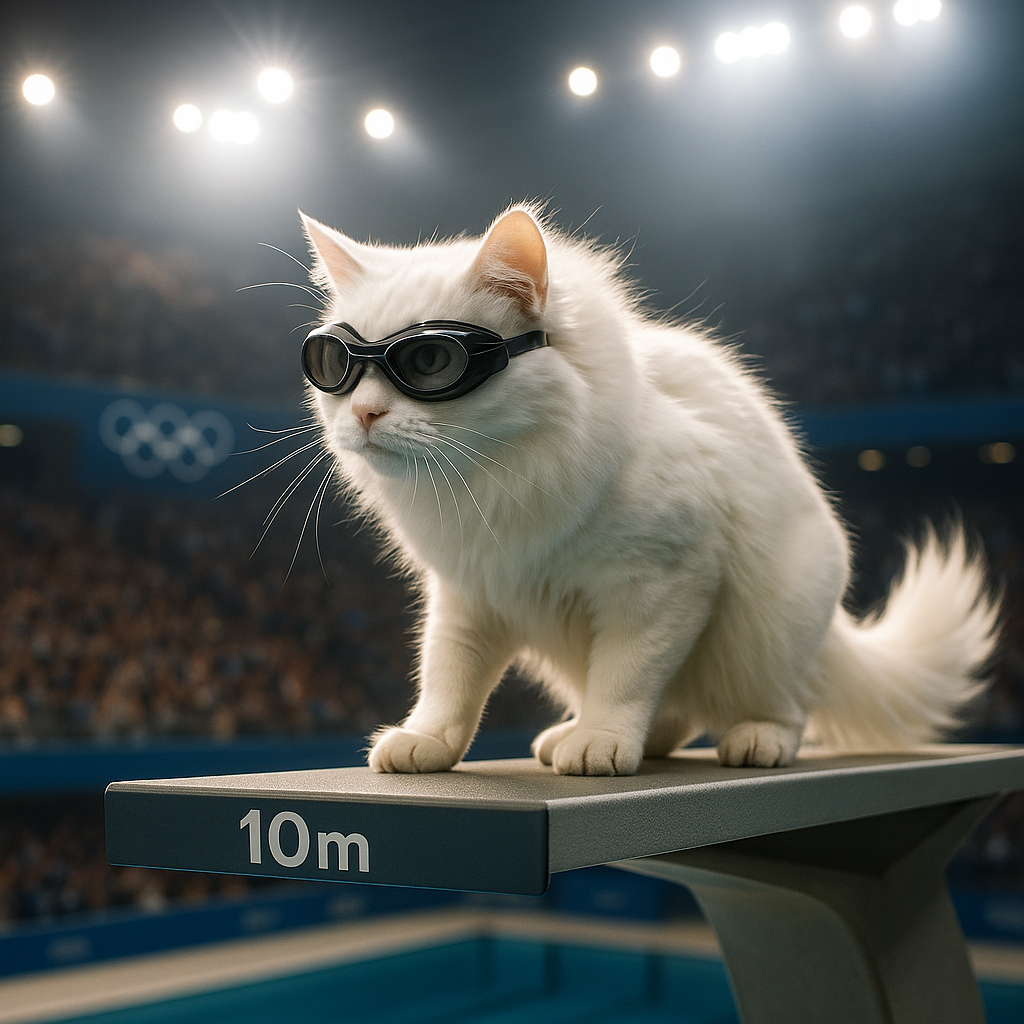
AI Cat Diving Olympics
AI Cat Diving Olympics turns your cat photos into entertaining diving competition videos. Our AI technology automatically generates realistic diving motions and backgrounds. Simply upload photos to create viral-ready content that showcases your pet's athletic potential. Perfect for social media sharing and pet lovers seeking unique entertainment.
Try Now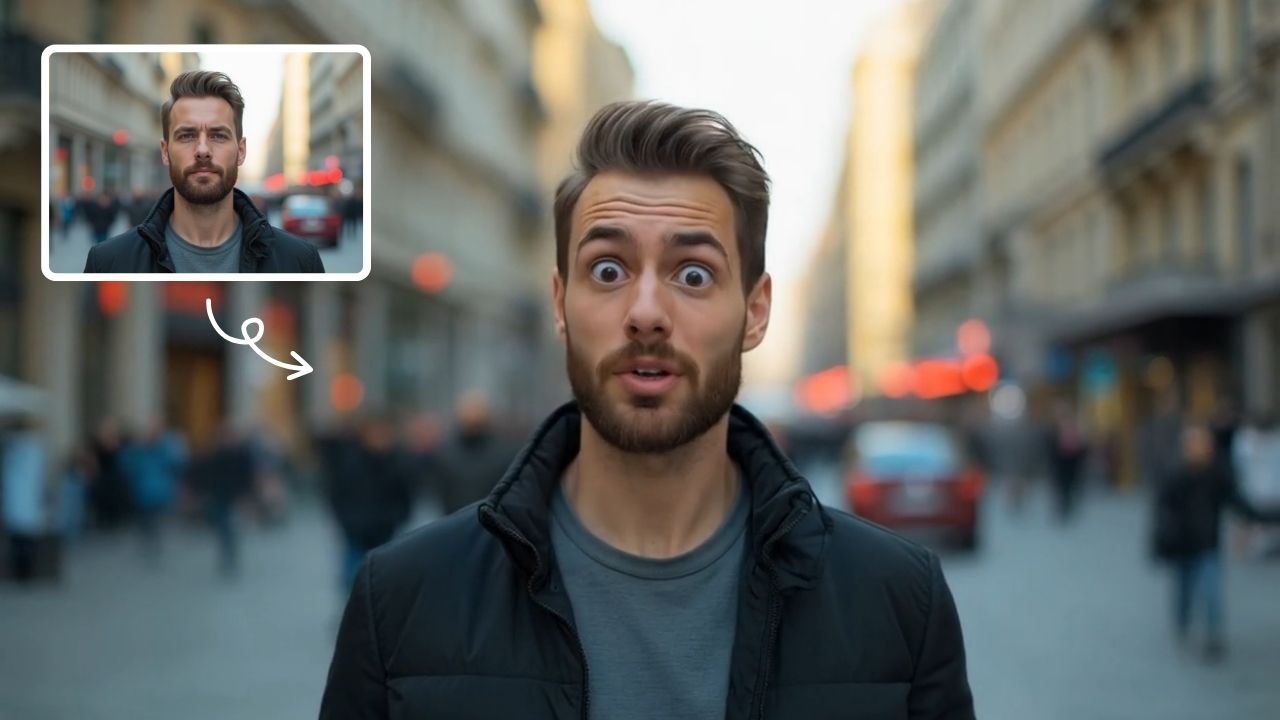
AI Shocked Face
AI Shocked Face uses advanced AI to detect faces in your photos and replace their expressions with realistic shocked looks. Simply upload an image, and our tool automatically generates a surprised version in minute. It's free, easy to use, and great for creating funny content to share with friends or on social platforms. Experience the magic of AI expression transformation today!
Try Now Continue with Google