AI Catwalk Generator
Transform any photo into a professional AI fashion walk video in minute. AI Catwalk Generator uses advanced AI to animate people or pets in slow-motion, offering a unique, easy-to-use tool for creating engaging content. Enjoy free, realistic results that showcase confidence and style effortlessly.
This is an example of what AI can create. Generate your own video now!
Why Choose This AI Video Tool?
Advanced AI Models
Powered by cutting-edge AI including Sora, Kling, VEO for superior video quality.
Easy to Use
No technical skills needed. Simply describe your vision and let AI create magic.
Custom Styles
Choose from multiple art styles and aspect ratios to match your creative vision.
Fast Processing
Generate high-quality videos in minutes with our optimized AI pipeline.
AI Catwalk Generator: Free AI Fashion Walk Videos
Transform a static photo into a stunning, slow-motion fashion walk video. The AI Catwalk Generator is an online tool that uses advanced AI to animate people or even pets, placing them on a virtual runway with professional poise and confidence.
What is an AI Catwalk Generator?
An AI Catwalk Generator is a browser-based tool that automatically animates a subject from a single photograph, simulating the movement and style of a professional fashion model. By analyzing the image, the AI generates a realistic video where the subject appears to walk, pose, and exude confidence on a catwalk, complete with dynamic backgrounds and lighting. This technology removes the need for any video editing skills, complex software, or actual filming.
How Does the AI Catwalk Generator Work?
The process is simple and mimics professional AI video generation workflows It involves three main steps: upload, prompt, and generate.
- Image Upload: You start by uploading a clear photo of a person or pet. The tool accepts standard formats like PNG, JPG, and WEBP.
- AI Processing & Prompting: The AI analyzes the subject's appearance—facial features, hairstyle, and clothing—to ensure they remain consistent. You can enhance the scene with a video prompt, such as "walking a confident catwalk on a glamorous red carpet with bright stage lights."
- Video Rendering: The AI model, like Sora 2 or Veo 3.1, then generates the video. The rendering process is fast, typically completing in 1-3 minutes The final output is a smooth, high-quality video in your chosen aspect ratio (like 16:9 or 9:16) and duration.
When and Why You'd Use an AI Catwalk Generator
This tool solves the problem of creating high-energy, professional-looking video content without a physical studio, models, or a film crew. It's perfect for a variety of scenarios where you need engaging visual content quickly.
- Social Media Content Creation: Generate eye-catching reels for Instagram, TikTok, or YouTube Shorts. A short, dynamic catwalk video is far more engaging than a static image.
- Fashion and E-commerce: Small brands and online sellers can showcase their clothing on a virtual model walking a runway, giving potential customers a better feel for the garment's movement and style.
- Personal and Pet Projects: Create fun, shareable videos of friends or pets striking a pose and walking with attitude. It's a unique way to celebrate a special outfit or just create a memorable moment.
- Marketing and Advertising: Produce quick, stylish video assets for digital ad campaigns without the high cost and lead time of a professional shoot.
Key Features of the AI Catwalk Generator
The tool is designed for both ease of use and creative control, leveraging the latest in AI video technology .
Advanced AI Models for Realistic Motion
You can choose between different AI models to power your video generation. For instance, you might use Sora 2 for general high-quality animation or Veo 3.1 for specific multi-image support. These models ensure the generated walk is smooth, natural, and maintains the original photo's likeness, from facial features to clothing details.
Customizable Output
Users have granular control over the final video. You can select the aspect ratio (16:9 for landscape or 9:16 for portrait stories), choose the duration (typically up to 10 seconds), and use detailed prompts to direct the scene, lighting, and atmosphere.
Free and Fast Generation
The tool offers a free tier, making it accessible for experimentation. The entire process, from upload to download, is designed for speed, with most videos rendering in just a couple of minutes.
Browser-Based Convenience
As an online tool, there is no software to install. It works directly in your browser, with processing happening on secure servers, making it accessible from any device.
Practical Use Cases and Benefits
The primary benefit of this tool is its ability to transform a simple idea into a professional video in minutes. It democratizes video production, putting the power of a studio in the hands of anyone with a photo and an idea.
- For Real Estate and Lifestyle: Imagine creating a video where a property is "walked through" by a virtual host, adding a dynamic layer to a standard photo tour.
- For Entertainment and Fun: Users can create content for personal enjoyment, like making a pet "walk the runway" in a humorous video to share with friends.
- For Content Diversification: Social media managers can quickly repurpose existing image assets into video content, keeping feeds fresh and engaging with minimal effort. This aligns with the modern trend of "content is the new storefront"
Frequently Asked Questions
What is an AI Catwalk Generator?
An AI Catwalk Generator is an online tool that transforms a static photograph into a dynamic video of a person or pet walking on a virtual runway. It uses artificial intelligence to animate the subject with realistic, slow-motion movements, simulating the style and confidence of a professional fashion model.
How long does it take to generate a video with the AI Catwalk Generator?
The video generation process is designed to be fast. Typically, it takes between 1 to 3 minutes to create your AI fashion walk video. The exact time may depend on the complexity of the scene and the selected AI model (e.g., Fast vs. Max models).
What kind of photos work best with the AI Catwalk Generator?
For optimal results, use a clear, high-resolution photo with good lighting. Images where the subject is facing forward or in a simple pose allow the AI to better capture and animate facial features, hairstyle, and clothing details. The tool works well for both people and pets.
Do I need video editing skills to use this tool?
No, you do not need any video editing or design skills. The AI Catwalk Generator automates the entire process. You only need to upload a photo and, optionally, write a simple text prompt describing the desired scene. The AI handles all the complex video generation.
Can I control the look of the final video?
Yes, the tool offers several customization options. You can choose the aspect ratio (like 9:16 for vertical videos or 16:9 for widescreen), the duration, and use text prompts to describe the setting, lighting, and mood. You can also select between different AI models, such as Sora 2 or Veo 3.1, for varied processing styles.
Is it safe to upload my photos?
The platform prioritizes user privacy and data security. Uploaded images are typically encrypted and automatically deleted from servers after a short processing period (often within a few hours) to ensure your content remains private.
Can I use the generated videos for commercial purposes?
Yes, videos created with the AI Catwalk Generator can generally be used for commercial projects. Users typically retain the rights to their generated content, making it suitable for business marketing, social media advertising, and other professional applications.
What if I don't get the result I wanted?
If the first video isn't perfect, you can easily try again. Refining your text prompt with more specific details about the walk, the background, or the lighting can significantly improve the output. The tool is designed for iterative creation, allowing you to experiment until you achieve the desired effect.
The AI Catwalk Generator offers a unique and accessible way to create professional-grade fashion walk videos. By combining advanced AI with a simple, free-to-use interface, it empowers anyone to generate engaging, high-quality content in minutes, turning a simple photo into a striking statement of style.
Start Creating AI Videos Instantly
Turn simple text prompts into engaging videos using our powerful AI video generator. No editing skills required — just describe your idea and let AI do the work.
Generate Your First AI VideoMore AI Video Tools
Explore more AI-powered video creation tools to expand your creativity
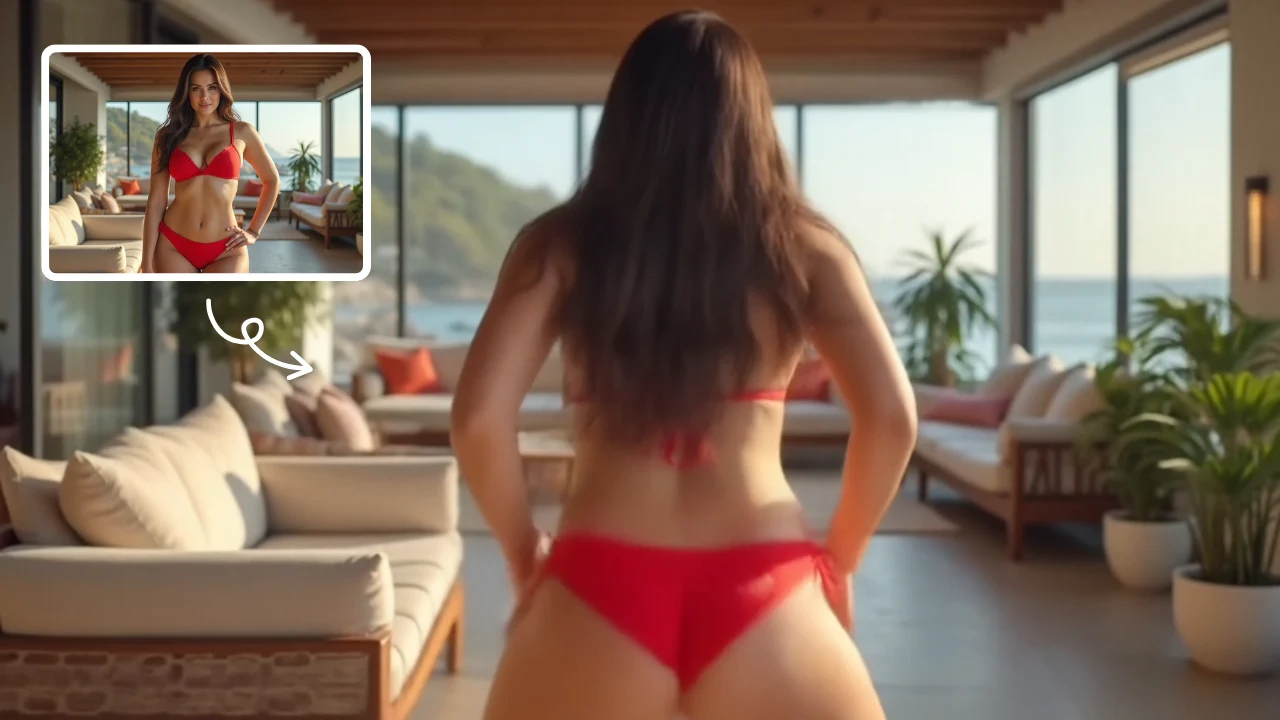
AI Twerk Video Generator
AI Twerk Video Generator instantly animates any face into a dancing sensation. With one click, turn photos into funny twerk videos for social media, memes, or pranks. No skills needed—just upload, generate, and share to entertain friends and followers effortlessly.
Try Now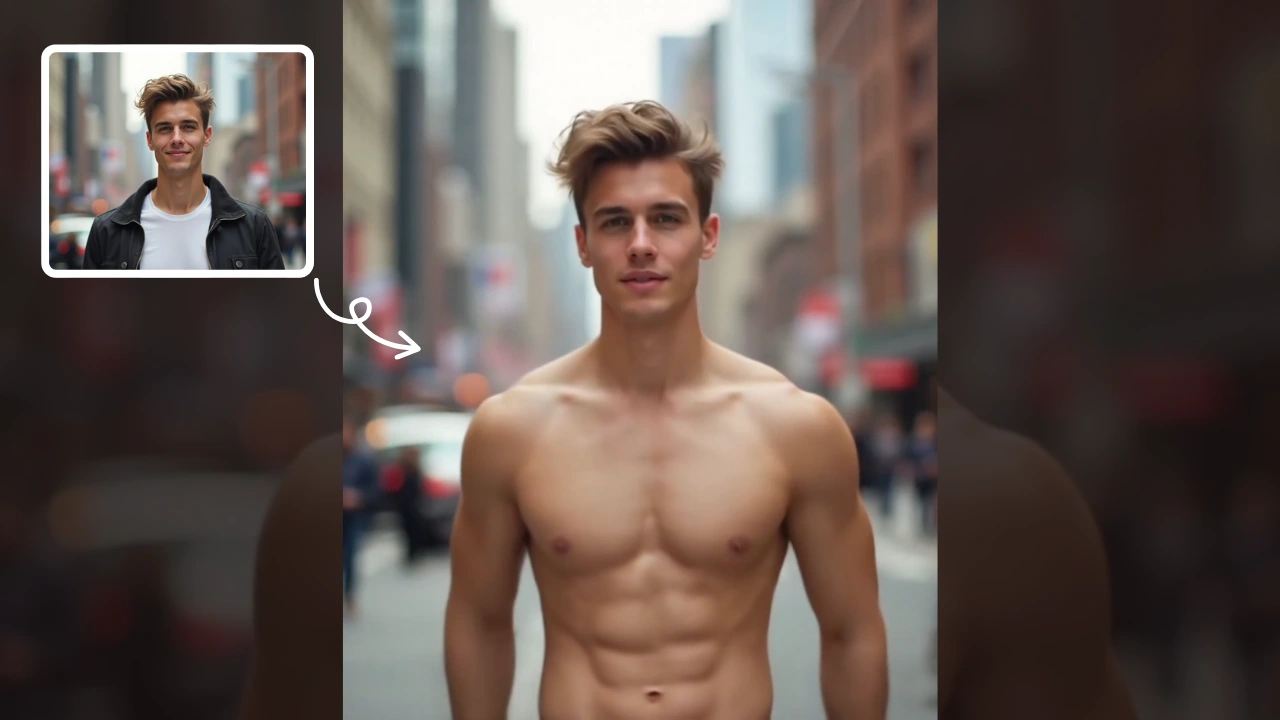
AI Muscle Generator
AI Muscle Generator lets you visualize muscle growth instantly by uploading a photo. It upgrades your physique digitally in minute, offering a fun, gym-free way to see potential results. Ideal for motivation or entertainment, it provides quick, impressive transformations without any workout.
Try Now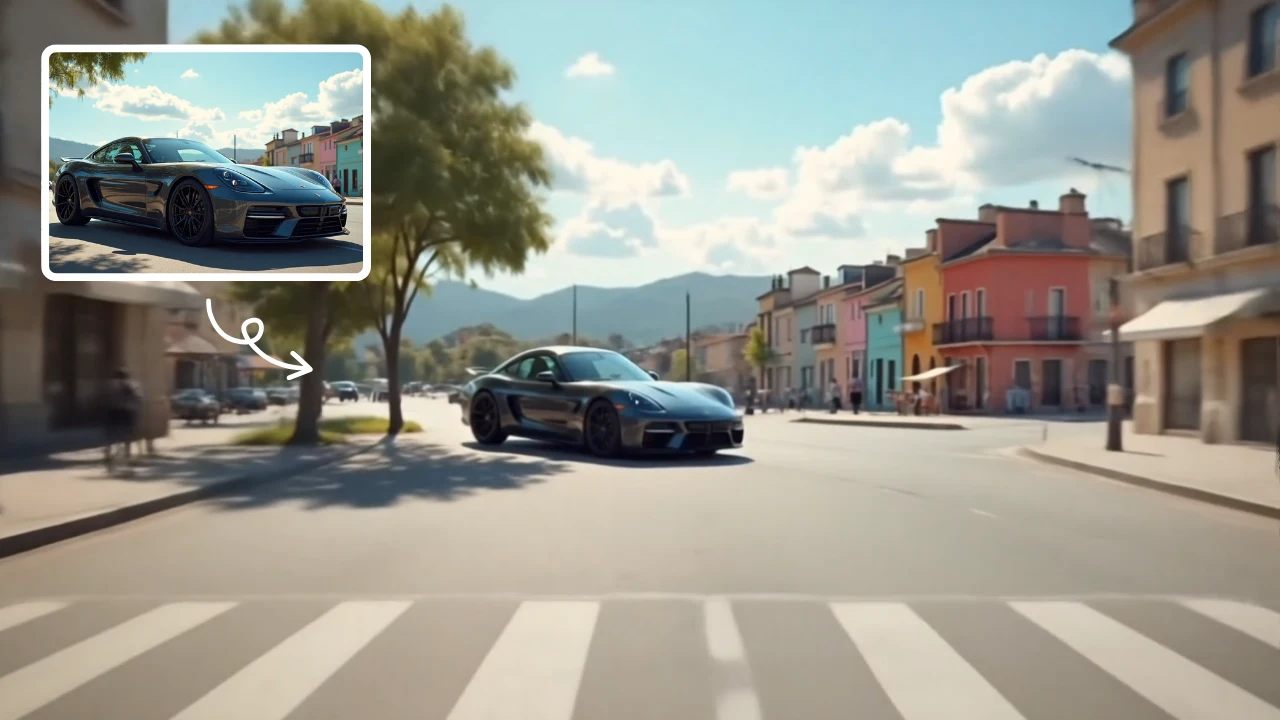
Zoom Out Video Effect
Zoom Out Video Effect offers intuitive AI templates for instant video creation. Easily transform images/text into dynamic videos with zoom effects. Save time with one-click editing while enhancing visual storytelling. Perfect for marketers and creators seeking professional results without complexity.
Try Now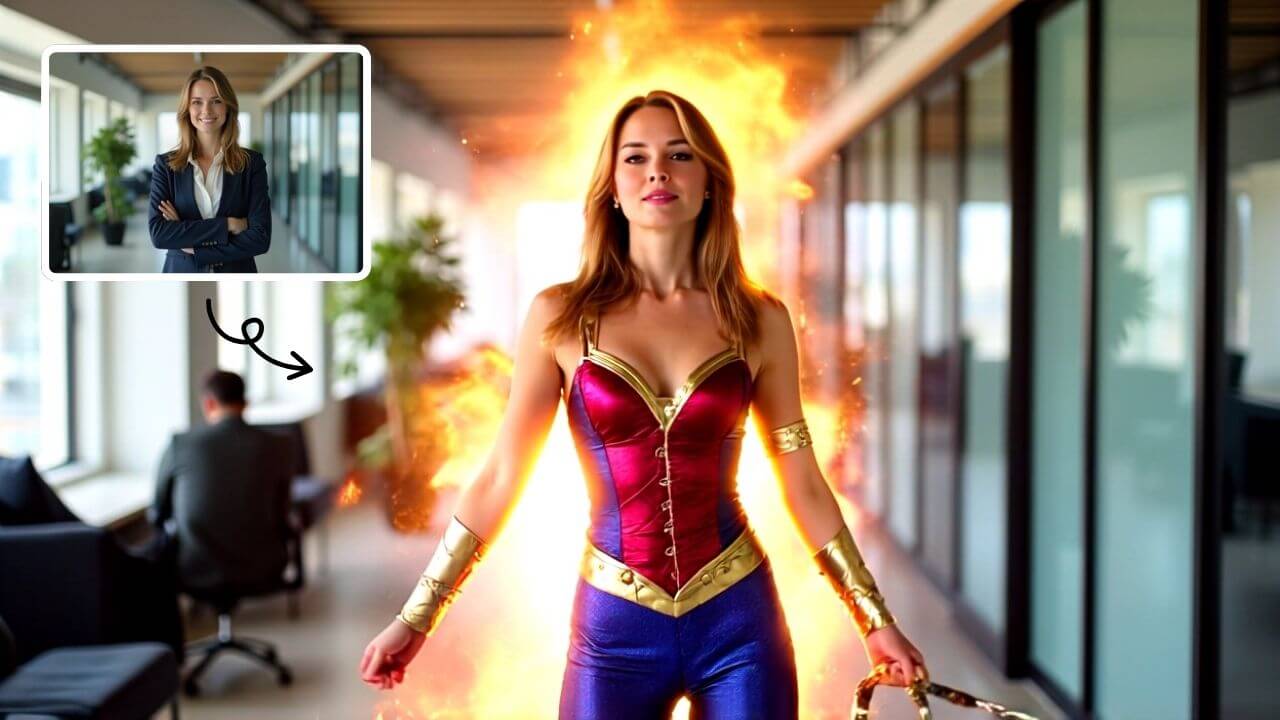
AI Wonder Woman
AI Wonder Woman Transformation instantly converts your photos into dynamic Wonder Woman videos. Simply upload your picture and watch AI generate a powerful superhero transformation. Experience unique customization, realistic effects, and instant shareable content. Perfect for social media, cosplay inspiration, or unleashing your inner hero effortlessly.
Try Now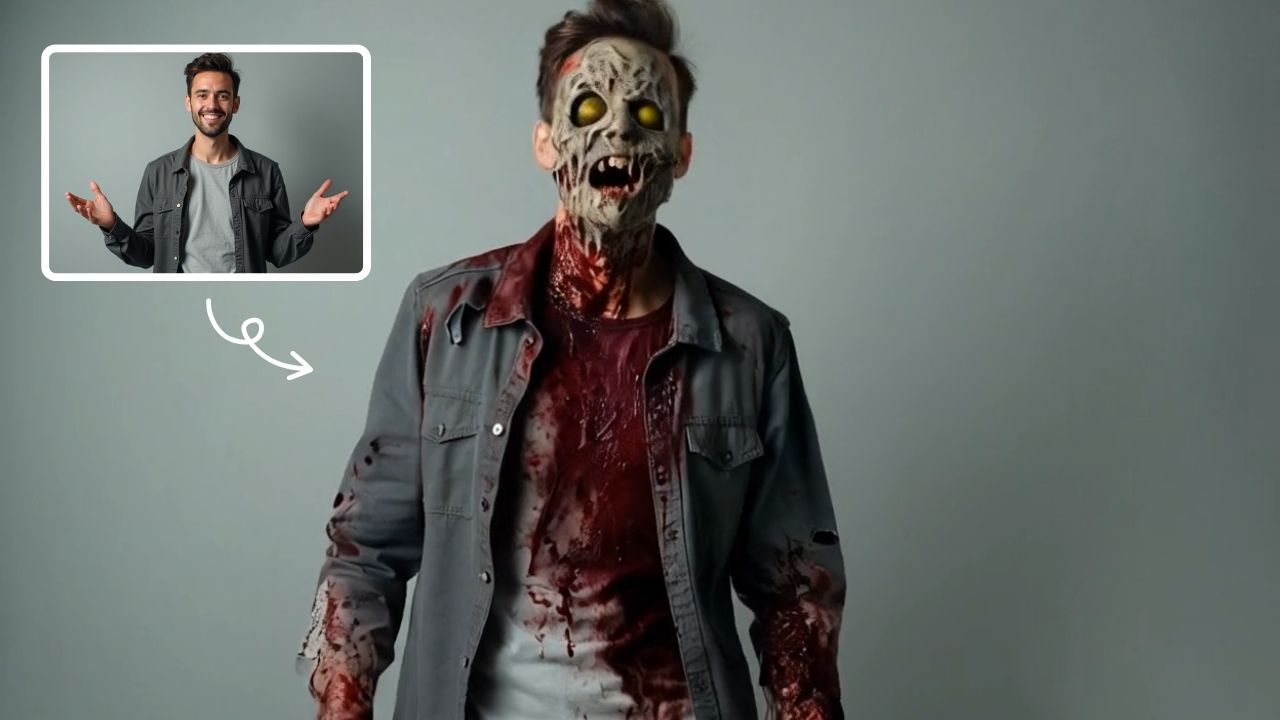
AI Zombie
AI Zombie Transformation uses advanced AI to convert your photos into realistic zombie versions. Simply upload your image, and the tool generates a horrifying undead look with eerie details. It's fun, easy, and perfect for Halloween, parties, or sharing on social media to amaze friends. Try it now for a unique, chilling transformation!
Try Now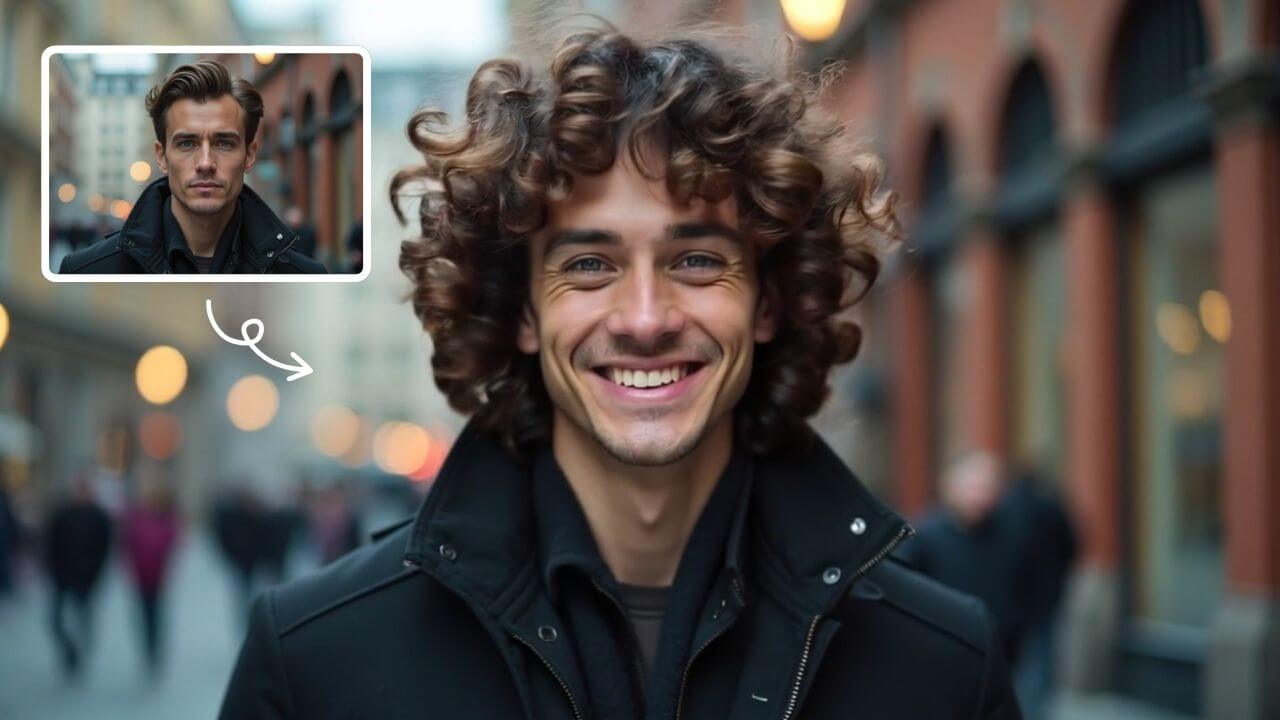
AI Curly Hair
AI Curly Hair allows you to add beautiful, natural-looking curls to any photo instantly. Powered by advanced AI, it offers multiple curly styles to match your preferences, helping you preview and choose the perfect hairstyle without commitment. Experience quick, realistic results and boost your confidence with a fresh, curly appearance.
Try Now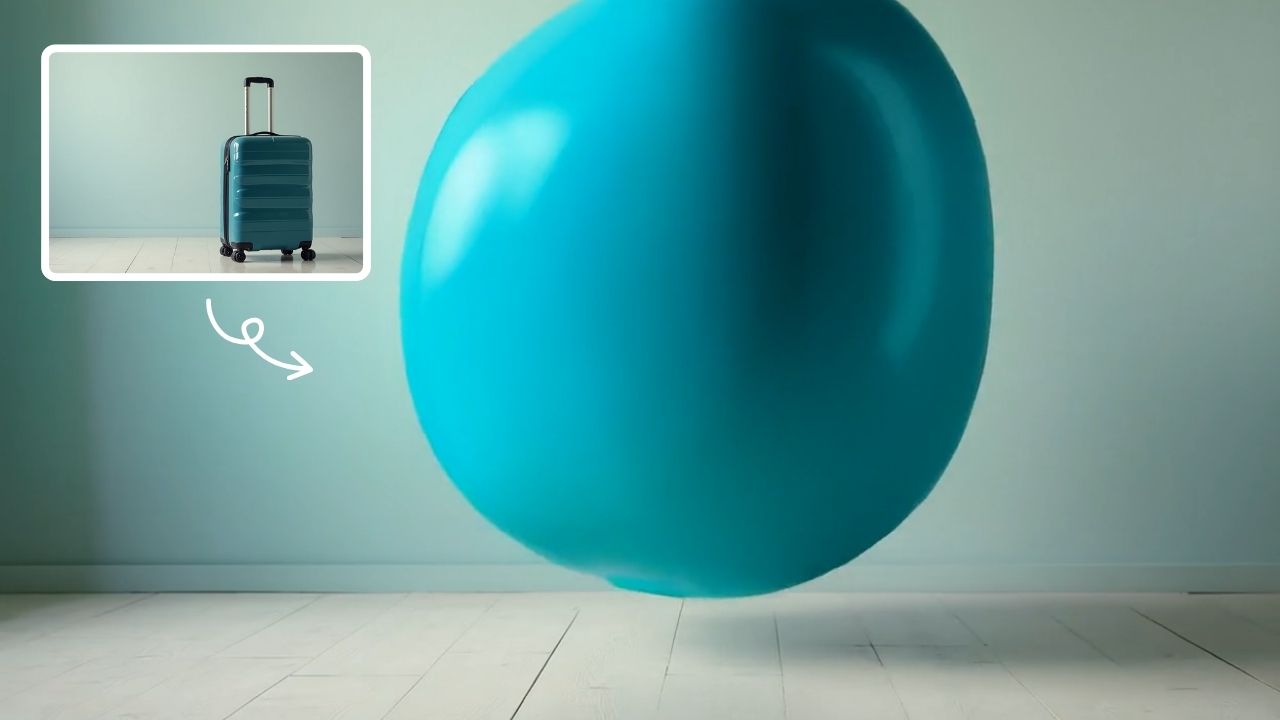
AI Inflate Effect
AI Inflate Effect instantly transforms ordinary photos by adding playful inflatable effects to any object. Simply upload your image, and our advanced AI automatically detects and inflates items with realistic balloon-like textures. Perfect for creating eye-catching social media content, unique memes, or creative presentations. Experience instant transformation with zero editing skills required - your inflated creations are ready in minute!
Try Now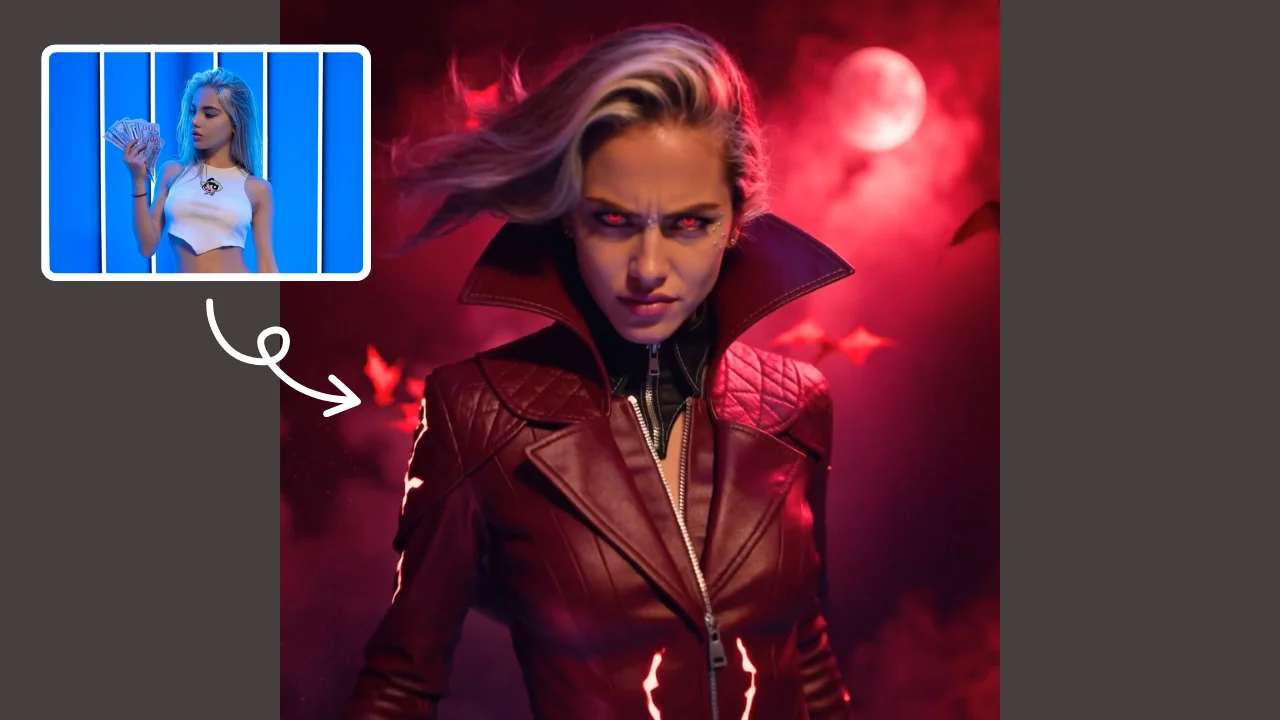
AI Demon Transform
AI Demon Transform revolutionizes video creation with intuitive AI templates. Convert text or images into engaging videos in one click. Enjoy free access to trending styles, fast processing, and user-friendly tools. Boost your content with unique, high-quality results—perfect for creators and marketers seeking efficiency and innovation.
Try Now Continue with Google