La Tormenta De Arena AI Generator
Upload one photo and turn it into a dramatic club spotlight video with amber beams, swirling dust and sandstorm-inspired motion.
Motion Prompt
Why Choose This AI Video Tool?
Text2Vid is an independent platform. Model names are shown for reference only and do not imply affiliation with or endorsement by Google, OpenAI, Runway, xAI, or other model providers.
More AI Video Tools
La Tormenta De Arena AI Generator
Upload one photo and turn it into a dramatic club spotlight video featuring amber beams, swirling dust, and sandstorm-inspired motion. This tool generates a short, muted vertical clip from a single input image. You can add audio later using permitted sources on platforms like TikTok or Reels.
Disclaimer: This generator is inspired by viral effect trends. It is not affiliated with TikTok, song rights holders, or the original creators of the trend.
Input Requirements and Photo Best Practices
For the best results, use one clear photo featuring a recognizable face, readable clothing, and a simple silhouette. Portrait or standing photos work better than crowded or heavily blurred frames. The image must be a JPG or PNG file up to 10 MB.
- File Constraints: One image maximum, JPG or PNG format, 10 MB limit.
- Subject Focus: The photo must contain the specific person, pet, or object required by this effect.
- Safety & Permissions: Use only a photo you own or are explicitly authorized to use. Do not upload images of minors, celebrities, or private individuals without permission.
Motion Behavior and Output Characteristics
The clip creates an original club spotlight effect around the subject, incorporating warm light beams, suspended dust particles, and a short reveal-to-finish camera progression. The generated video is always muted.
Note: AI motion can vary between runs. Always review faces, hands, bodies, pets, objects, and backgrounds for accuracy before downloading or sharing your clip.
Operational Workflow and Credit Information
- Upload: Select one authorized photo.
- Review: Check the built-in motion prompt.
- Generate: Submit the request. The live generator calculates credits based on the selected model, duration, and resolution. Always check the Generate control before submitting.
- Refine: Download the muted clip and add audio via a platform where you hold the necessary rights.
Start Creating AI Videos Instantly
Turn simple text prompts into engaging videos using our powerful AI video generator. No editing skills required — just describe your idea and let AI do the work.
Generate Your First AI VideoMore AI Video Tools
Explore more AI-powered video creation tools to expand your creativity
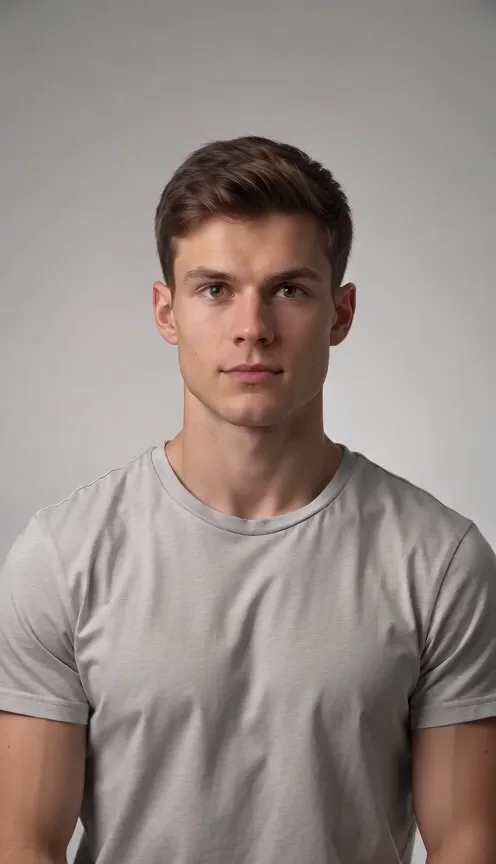
AI Cheek Pinch Generator
Upload one photo of one person or pet and turn it into an AI cheek pinch video. A hand gently pinches the cheek and the subject reacts playfully.
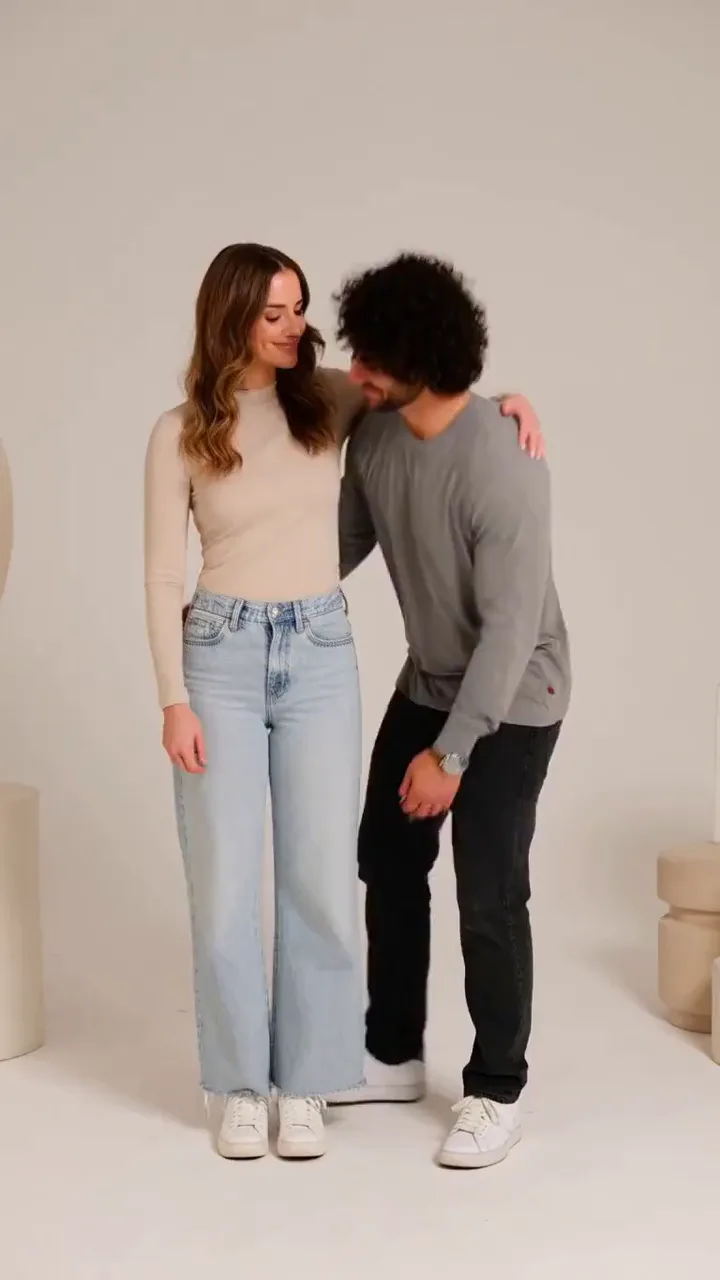
AI Bridal Carry Generator
Upload one photo of two people and turn it into an AI bridal carry video. One person lifts the other and walks forward.
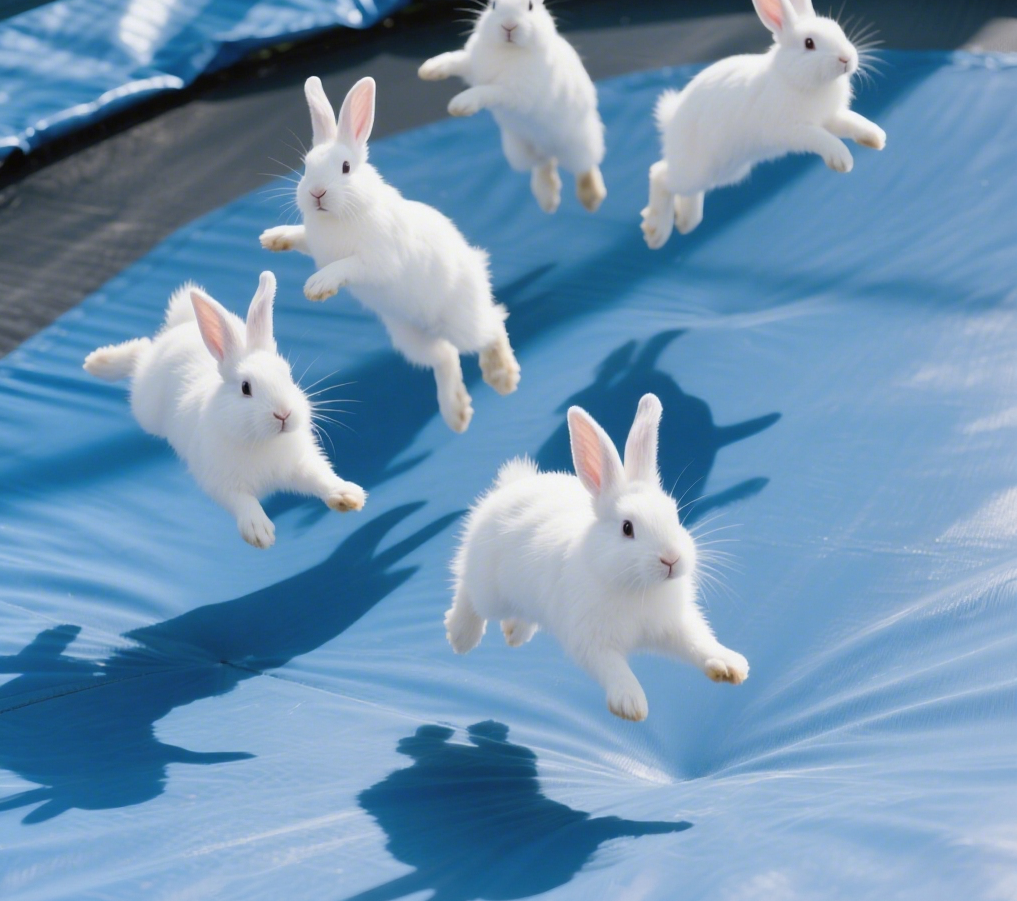
AI Bunnies Trampoline
AI Bunnies Trampoline is a free online tool that instantly creates engaging viral pet videos. Simply input your ideas to generate fun bunny trampoline clips perfect for TikTok, YouTube, and X. No registration required—start producing shareable content in minute, increasing your social media reach effortlessly.
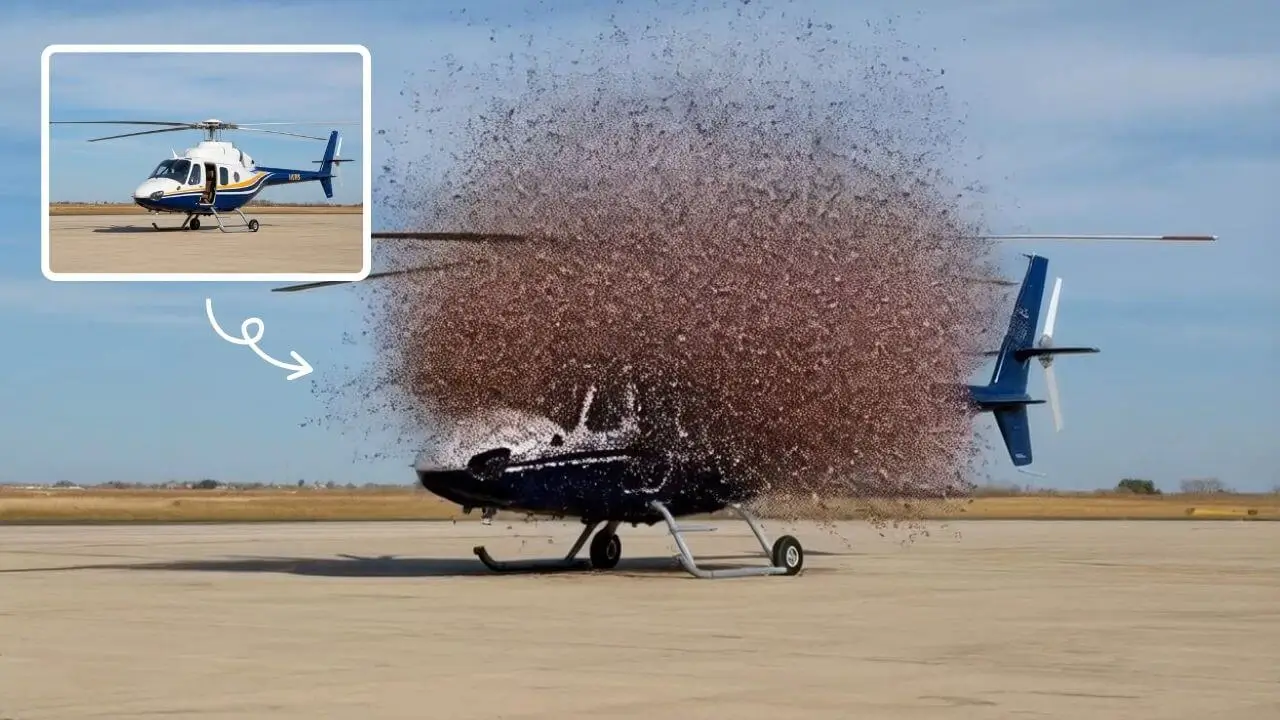
AI Explode Effect
AI Explode Effect uses advanced AI to convert your photos into dynamic explosion artwork. Simply upload an image to generate vibrant energy bursts, emphasizing creativity and visual impact. Perfect for social media, digital art, or personal projects, it offers quick, stunning results with no design skills needed. Unleash your creativity and turn ordinary moments into explosive art!
 Continue with Google