AI Cheek Pinch Generator
Upload one photo of one person or pet and turn it into an AI cheek pinch video. A hand gently pinches the cheek and the subject reacts playfully.
Motion Prompt
Why Choose This AI Video Tool?
Text2Vid is an independent platform. Model names are shown for reference only and do not imply affiliation with or endorsement by Google, OpenAI, Runway, xAI, or other model providers.
More AI Video Tools
AI Cheek Pinch Generator
This tool animates a specific playful interaction: a hand enters the frame, gently pinches the subject's cheek, and releases. The input is a single static photo of a person or pet, and the output is a short, muted video clip suitable for vertical feeds.
The Motion Mechanism
The generator uses a built-in motion prompt to define the camera and physical interaction. The motion is not generic panning; it is a scripted event where a hand approaches the cheek from the side. The subject’s reaction is intended to be subtle and playful, without distortion that suggests pain or aggression.
- Input Constraint: The source image must be a clear, front-facing shot of one individual or one pet.
- Motion Consistency: AI motion can vary between runs. The hand placement and the subject's facial reaction are the most common areas for artifacts.
Best Input Conditions
To ensure the generated hand interacts realistically with the face, the source photo must meet specific compositional requirements.
- Subject Visibility: The face must be unobstructed and clearly visible.
- Background Clutter: A uncluttered background helps the model distinguish between the hand and the subject's features.
- File Specs: JPG or PNG format, maximum 10 MB.
Output and Audio Handling
The generated video file does not include audio. The output is a silent, vertical clip designed to be paired with licensed music or sound effects.
- Sound Rights: You are responsible for adding audio. Only use music or sounds for which you hold the necessary distribution rights.
- Credit Calculation: The generation cost is determined by the selected model, duration, and resolution. Verify the cost at the Generate control before submitting the request.
Practical Use Cases
- Content Creation: Producing a quick, playful clip for social media by adding your own licensed audio track to the muted video.
- Pet Interaction: Animating a photo of a pet to create a reaction clip for sharing.
Start Creating AI Videos Instantly
Turn simple text prompts into engaging videos using our powerful AI video generator. No editing skills required — just describe your idea and let AI do the work.
Generate Your First AI VideoMore AI Video Tools
Explore more AI-powered video creation tools to expand your creativity
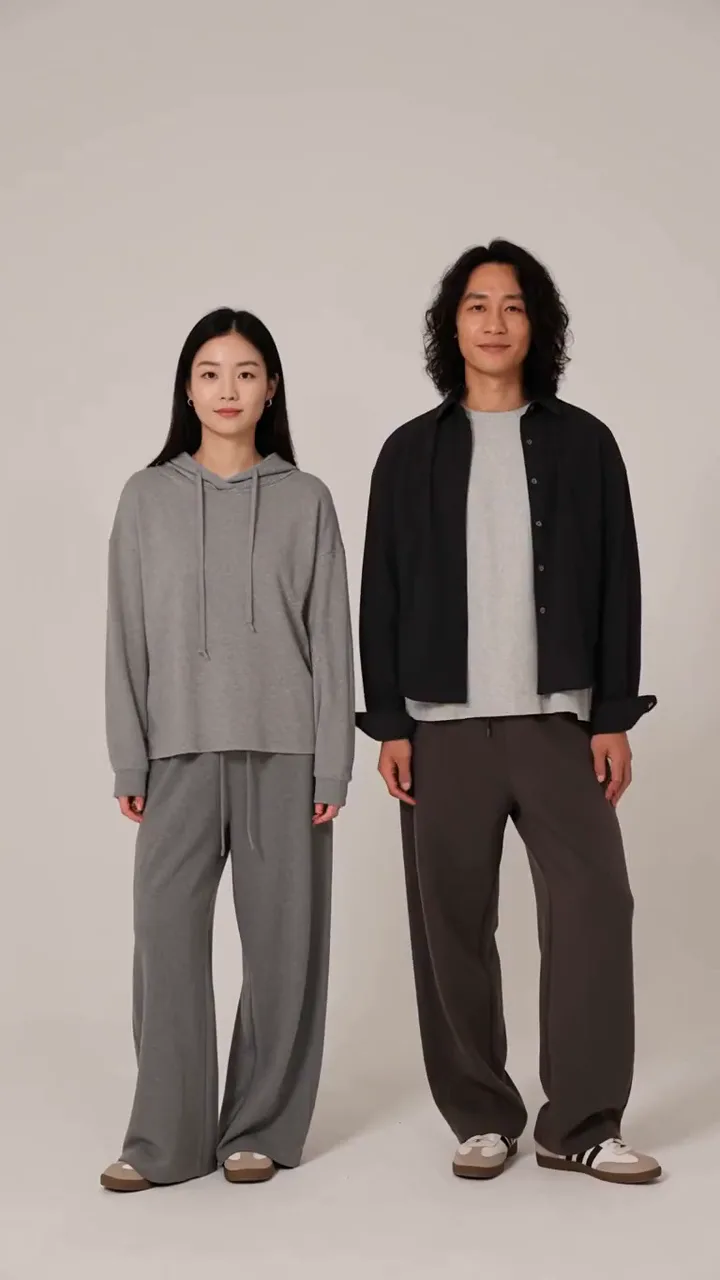
AI Hand Heart Generator
Upload one photo of two people and turn it into an AI hand heart video. The two people join hands to form a heart.
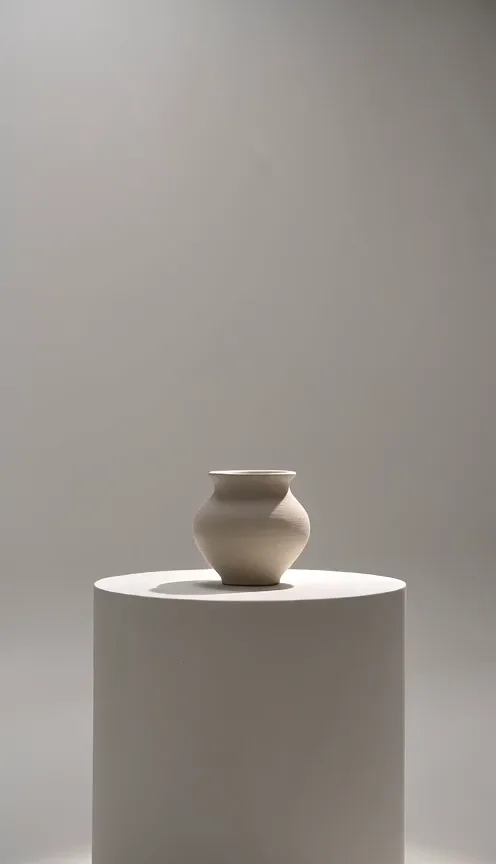
AI Camera Orbit Generator
Upload one photo of a single object and turn it into a camera orbit video. The camera smoothly circles around your object.
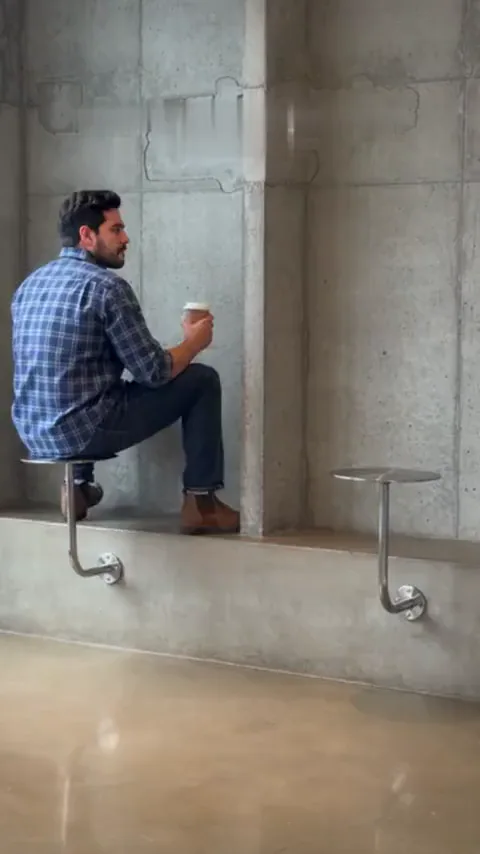
Fancy Cafe AI Generator
Upload one photo and turn it into a fancy cafe video. Sit on a tiny cafe table like a stool, watch a regular show you how it works, then climb down and sit on the bench.
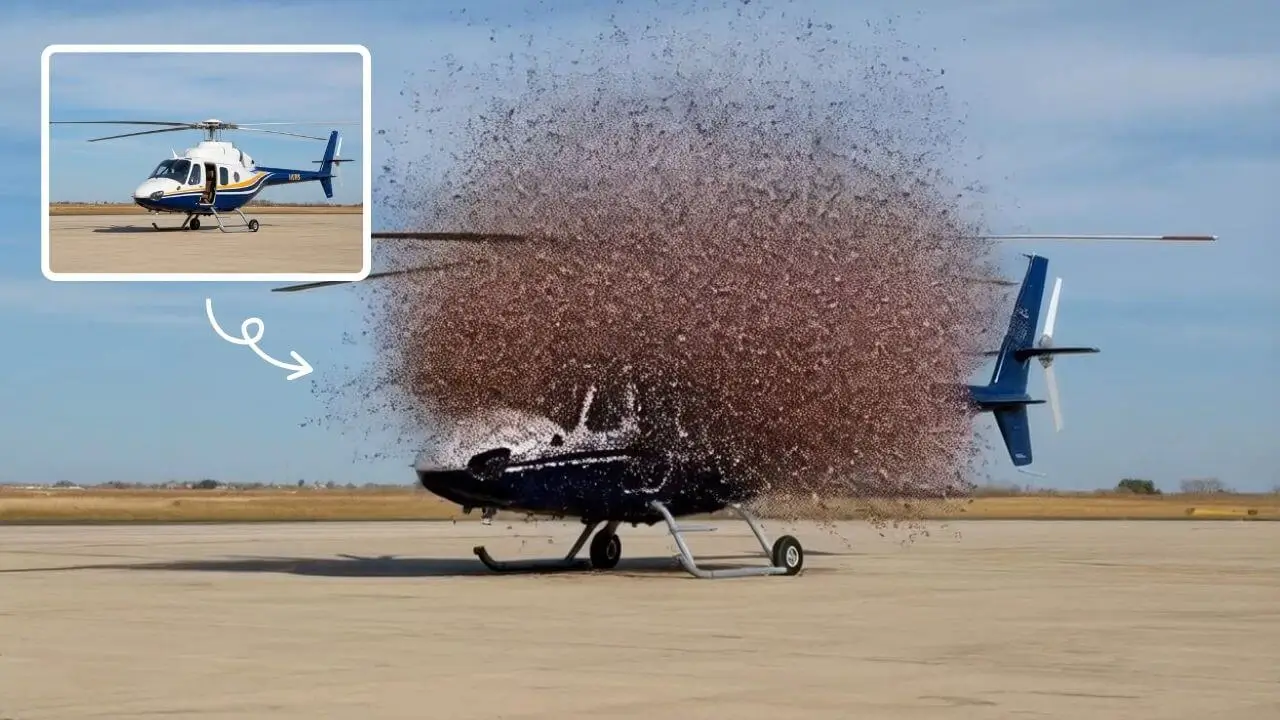
AI Explode Effect
AI Explode Effect uses advanced AI to convert your photos into dynamic explosion artwork. Simply upload an image to generate vibrant energy bursts, emphasizing creativity and visual impact. Perfect for social media, digital art, or personal projects, it offers quick, stunning results with no design skills needed. Unleash your creativity and turn ordinary moments into explosive art!
 Continue with Google