Fancy Cafe AI Generator
Upload one photo and turn it into a fancy cafe video. Sit on a tiny cafe table like a stool, watch a regular show you how it works, then climb down and sit on the bench.
Motion Prompt
Why Choose This AI Video Tool?
Text2Vid is an independent platform. Model names are shown for reference only and do not imply affiliation with or endorsement by Google, OpenAI, Runway, xAI, or other model providers.
More AI Video Tools
Fancy Cafe AI Generator
Turn a single photo into a short fancy cafe ai clip where you sit on a tiny round cafe table like a stool, holding a cup of coffee. A regular walks in, sits on the bench, and places their cup correctly, making you realize your mistake. You climb down, sit on the bench like everyone else, and pretend nothing happened. The generated video is muted; add your own sound in TikTok or Reels when you have the rights.
This tool follows a viral trend concept. It is not affiliated with TikTok, the song's rights holders, or the original creators.
Note: This page currently displays a temporary example pending replacement with an authorized Text2Vid render. Source: RapVideo https://rapvideo.ai/fancy-cafe-ai. The stored media is a muted 5-second speed-compressed copy of the source clip, with a matching first-frame poster.
The Motion Sequence
The animation plays out a specific beat: the subject sits on the miniature cafe table, watches a generated regular use the bench and table correctly, and then performs the climb-down action to sit on the proper bench. The entire sequence is designed to look like a quick, silent reaction video.
- Input: One clear, full-body photo of an authorized adult.
- **** A short, muted, vertical video clip.
- Motion Variance: The AI can slightly shift the movement or timing of the climb-down between different runs.
Photo Requirements
To get a clean result, the photo needs to show the whole body so the animation can correctly map the movements of your hands, legs, and shoes.
- Use one image in JPG or PNG format, up to 10 MB.
- Ensure the full body is facing the camera and is clearly visible.
- The second person in the cafe is generated by the model, so do not upload a second reference image.
- Only use a photo you own or are explicitly authorized to use. Never upload celebrity or child images.
Workflow
- Upload: Provide one authorized photo.
- Review: Check the built-in motion prompt.
- Generate: Create the short vertical clip.
- Post-process: Add your own permitted audio in TikTok or Reels since the export is muted.
Start Creating AI Videos Instantly
Turn simple text prompts into engaging videos using our powerful AI video generator. No editing skills required — just describe your idea and let AI do the work.
Generate Your First AI VideoMore AI Video Tools
Explore more AI-powered video creation tools to expand your creativity
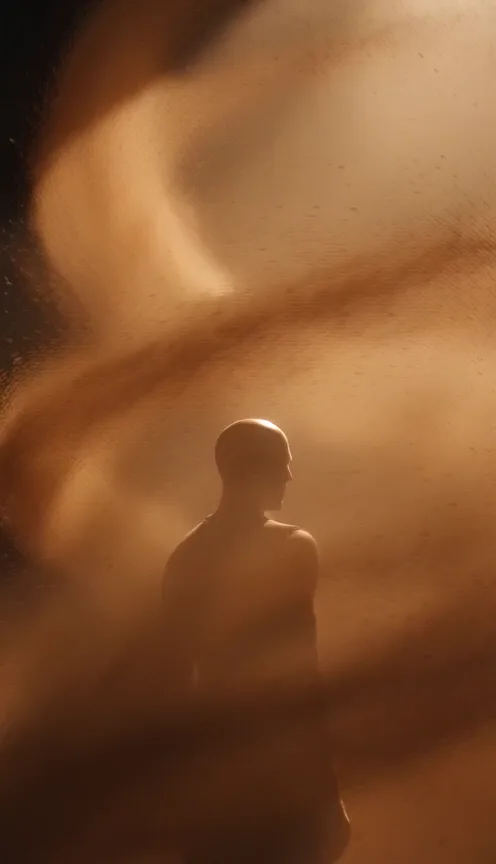
La Tormenta De Arena AI Generator
Upload one photo and turn it into a dramatic club spotlight video with amber beams, swirling dust and sandstorm-inspired motion.
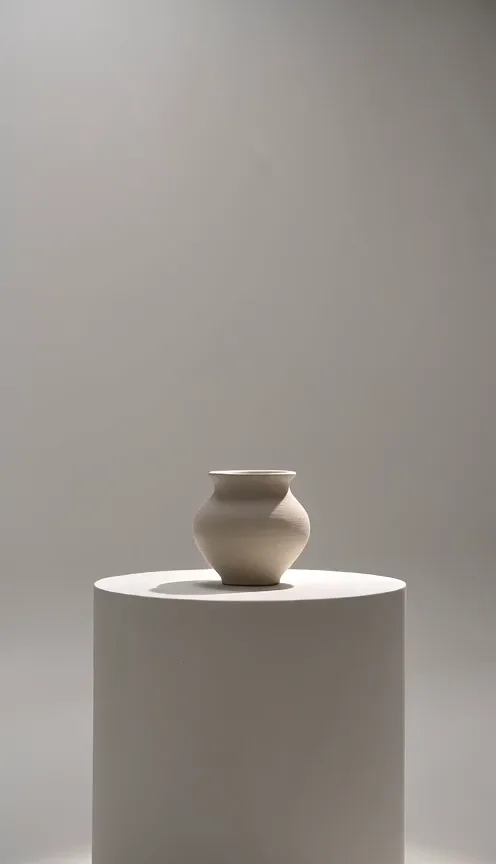
AI Camera Orbit Generator
Upload one photo of a single object and turn it into a camera orbit video. The camera smoothly circles around your object.
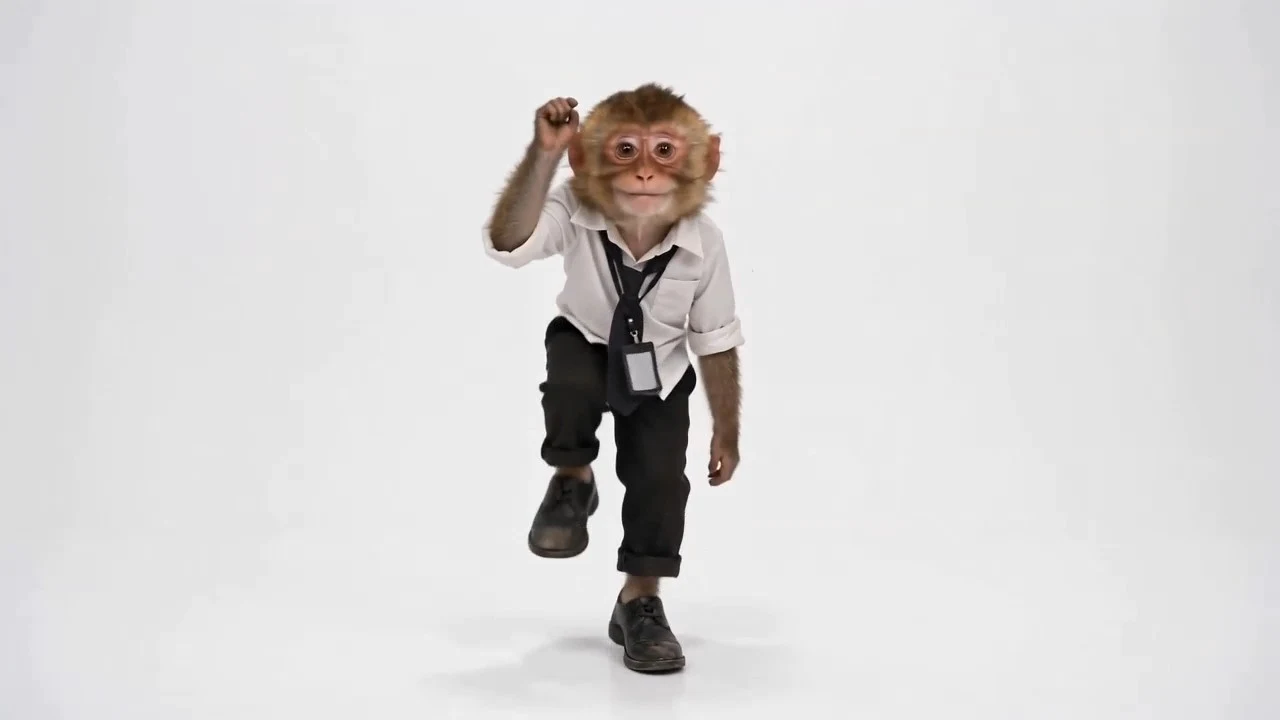
Toc Toc AI Dance
Upload one full-body photo and turn it into a Toc Toc knock-knock dance video with one-foot hops, raised knees, and playful door-knock moves. No dance skills needed.
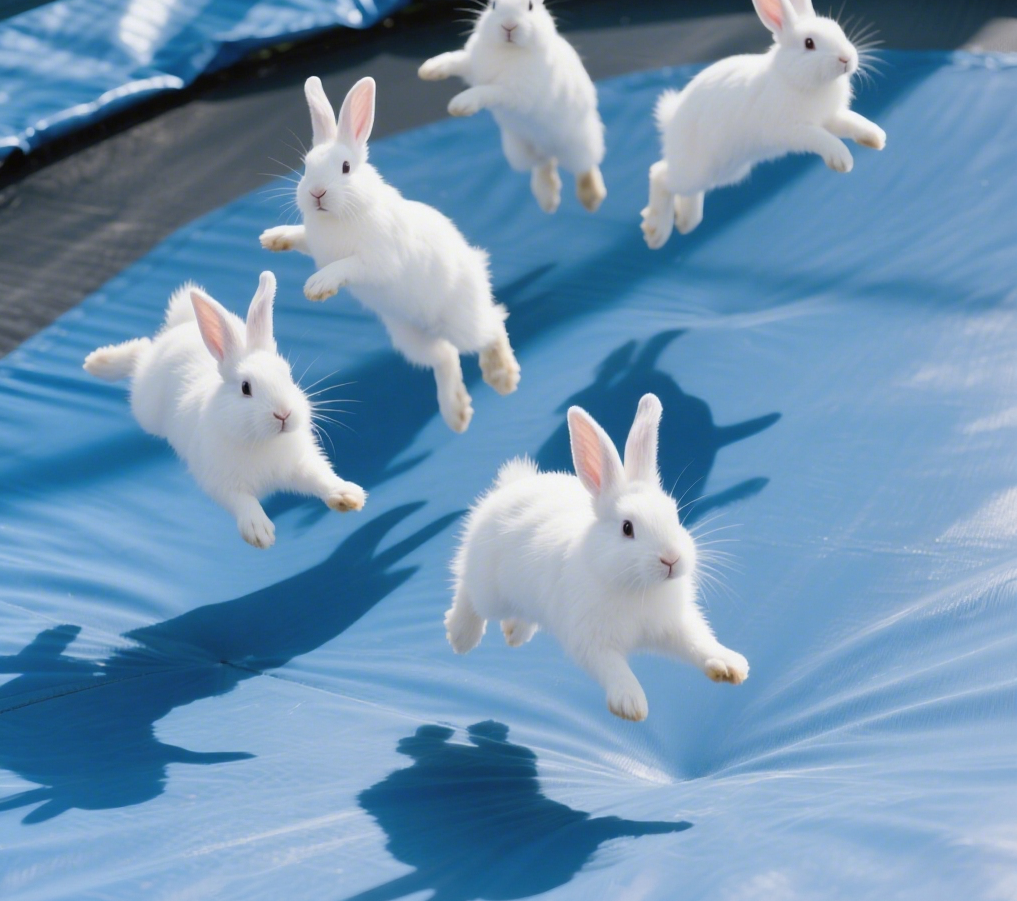
AI Bunnies Trampoline
AI Bunnies Trampoline is a free online tool that instantly creates engaging viral pet videos. Simply input your ideas to generate fun bunny trampoline clips perfect for TikTok, YouTube, and X. No registration required—start producing shareable content in minute, increasing your social media reach effortlessly.
 Continue with Google