Wireframe Effect Generator
Upload one photo of any subject and turn it into a wireframe video. Your photo transforms into a glowing wireframe hologram.
Motion Prompt
Why Choose This AI Video Tool?
Text2Vid is an independent platform. Model names are shown for reference only and do not imply affiliation with or endorsement by Google, OpenAI, Runway, xAI, or other model providers.
More AI Video Tools
Wireframe Effect Generator
Upload one photo of a person, animal, or object and generate a short, vertical video where the subject transforms into a glowing wireframe hologram. This route is designed for users who specifically need this motion effect rather than a general-purpose video generator.
The tool takes a single static image and applies AI-driven motion to create a continuous loop of rotating, luminous lines that trace the subject's contours. The resulting clip is muted by design, intended for users to add their own licensed audio in post-production platforms like TikTok or Reels.
Motion Behavior and Input Conditions
The core of this workflow is the transformation from a 2D silhouette to a 3D-rotating wireframe. The subject maintains its original pose while the perspective shifts slightly, creating the illusion of a digital hologram.
To get readable and accurate results, your input image must meet specific conditions:
- Single Subject: The image should contain one complete person, animal, or object. Complex scenes with multiple overlapping subjects often result in distorted lines.
- Clear Silhouette: High contrast between the subject and the background helps the AI trace the edges accurately.
- Simple Background: Plain or uncluttered backgrounds reduce the risk of the wireframe effect "bleeding" into the background noise.
Output Specifications and Review Process
The generated output is a short, vertical video clip suitable for social media formats. Because AI motion generation involves probabilistic processing, the result can vary between runs.
Always inspect the frame-by-frame output before finalizing your content. Pay close attention to:
- Facial Features: Check for warping or flickering in the eyes and mouth.
- Limb Integrity: Ensure hands and feet do not merge or detach from the body during the rotation.
- Background Stability: Verify that the wireframe lines do not extend into the background area unless intended.
Usage Rights and Privacy
This is an independent feature of Text2Vid and is not affiliated with TikTok, specific music rights holders, or the creators of viral trends.
- Image Rights: You must own the photo you upload or have explicit permission to use it. Do not upload images of minors, celebrities, or private individuals without authorization.
- Audio Rights: The video is muted. Any audio you add must be sourced from a platform where you have the legal right to use the content.
Start Creating AI Videos Instantly
Turn simple text prompts into engaging videos using our powerful AI video generator. No editing skills required — just describe your idea and let AI do the work.
Generate Your First AI VideoMore AI Video Tools
Explore more AI-powered video creation tools to expand your creativity
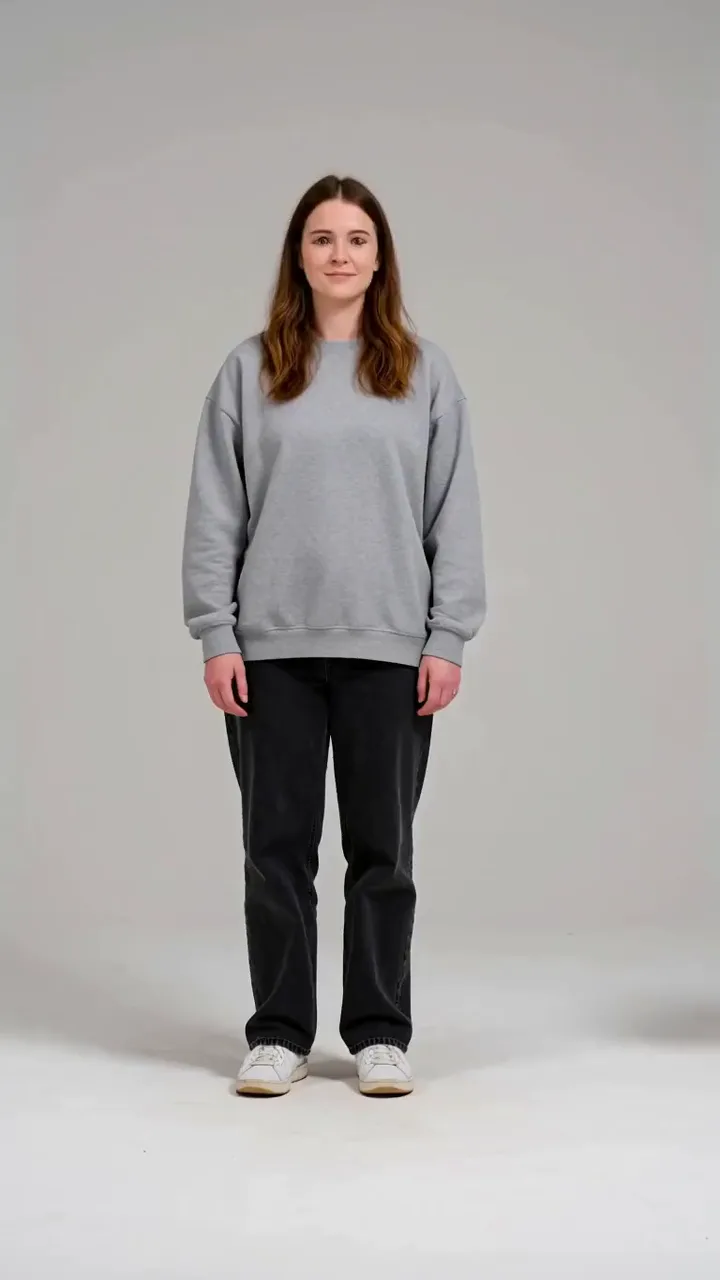
AI Tiger Hug Generator
Upload one photo of one person and turn it into an AI tiger hug video. A friendly tiger walks up and gives you a gentle hug.
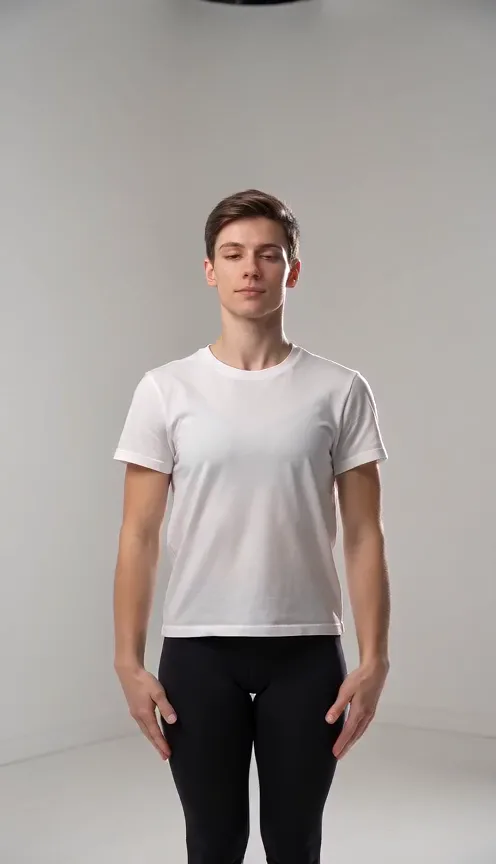
Puerto Rican Mami Dance Generator
Upload one full-body photo of one or two people and turn it into a playful dance video with raised arms, side sways and a hands-on-knees finish.
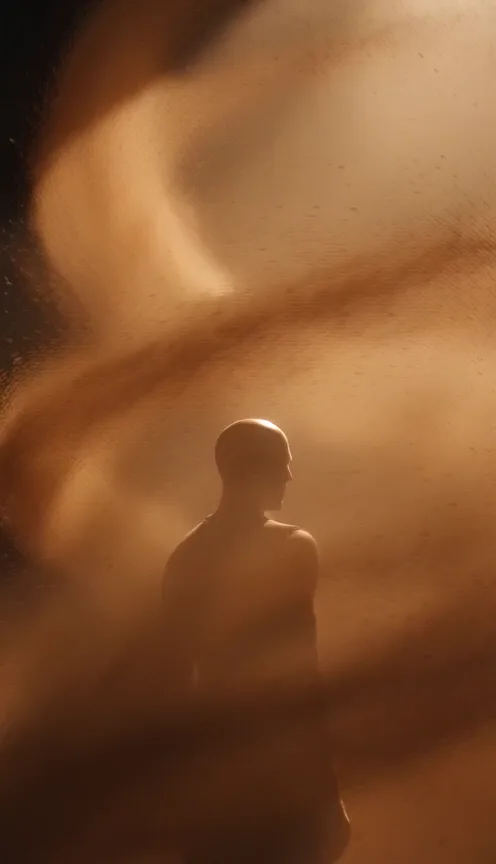
La Tormenta De Arena AI Generator
Upload one photo and turn it into a dramatic club spotlight video with amber beams, swirling dust and sandstorm-inspired motion.
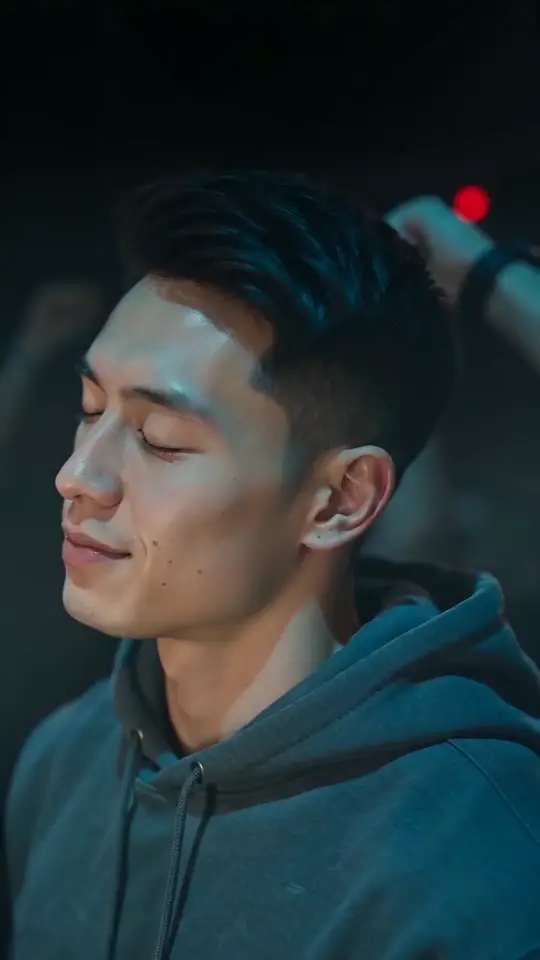
Turn the Lights Off AI Generator
Upload one photo of one person and turn it into a club sway video. Close your eyes and sway slowly in a packed, blue-lit club while the crowd raises its arms.
 Continue with Google