AI Camera Orbit Generator
Upload one photo of a single object and turn it into a camera orbit video. The camera smoothly circles around your object.
Motion Prompt
Why Choose This AI Video Tool?
Text2Vid is an independent platform. Model names are shown for reference only and do not imply affiliation with or endorsement by Google, OpenAI, Runway, xAI, or other model providers.
More AI Video Tools
AI Camera Orbit Generator
Transform a single static image into a dynamic 3D viewing experience. This tool generates a short video where a virtual camera smoothly orbits around your subject. The object remains stationary and centered while the perspective shifts, simulating a stable camera movement around a physical item. The resulting clip is vertical and silent, providing a raw visual asset that you can enhance with licensed music in post-production for social media or product showcases.
The camera movement and source composition
The motion is a continuous, steady orbit at a consistent distance. To make the AI motion readable and artifact-free, the source image is critical. The subject must be a single, complete object, person, or pet with a clean background. Centering the subject ensures the orbit radius remains stable. Avoid multiple products, cropped edges, or reflective clutter, as these confuse the model’s spatial understanding and cause visual breakdowns during the rotation.
Input requirements and workflow steps
The process requires one authorized photo in JPG or PNG format, up to 10 MB. Before generating, verify that you own the image or have explicit permission to use it. Do not upload photos of minors, celebrities, or private individuals without consent.
- Upload: Select one high-quality photo of a single subject.
- Review: Inspect the built-in motion prompt and confirm the object is placed correctly within the frame.
- Generate: Create the preview. Note that credit costs vary based on the selected model, video duration, and resolution, so check the cost indicator before submitting the job.
Verifying the output and artifact checks
AI motion generation is not deterministic; results can vary between runs. The output video is muted, meaning you must source and add audio through platforms where you hold the necessary rights. Before downloading, inspect the clip frame-by-frame. Pay close attention to faces, hands, bodies, and backgrounds for distortion, morphing, or unnatural texture shifts that occur as the angle changes. If artifacts appear, re-generate with a cleaner source image or a more centered composition.
When to use this specific workflow
- Product Visualization: Create 3D-style turntable views of a single product without a 3D model.
- Social Media Content: Generate vertical clips for TikTok or Reels that can be synced with trending audio.
- Portfolio Pieces: Add movement to static portrait or photography shots for a dynamic presentation.
Start Creating AI Videos Instantly
Turn simple text prompts into engaging videos using our powerful AI video generator. No editing skills required — just describe your idea and let AI do the work.
Generate Your First AI VideoMore AI Video Tools
Explore more AI-powered video creation tools to expand your creativity
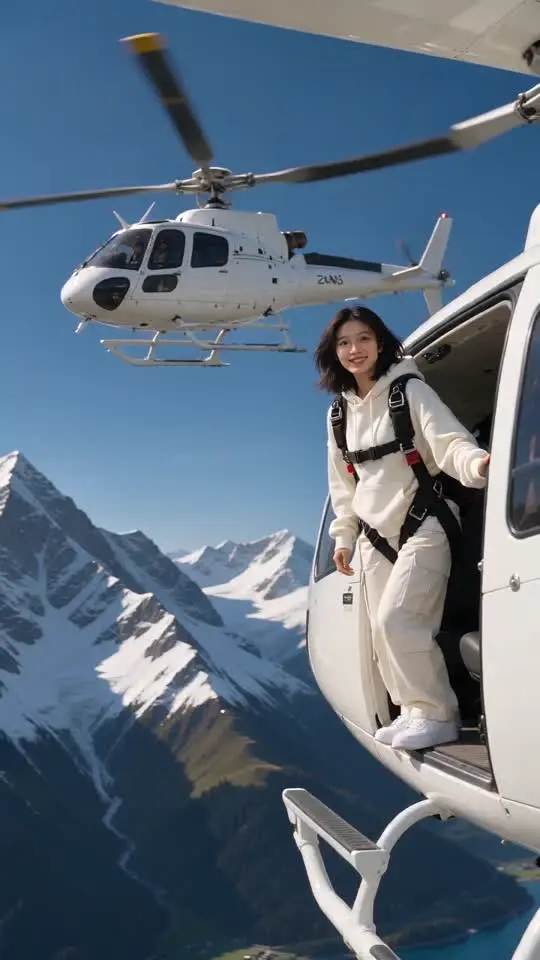
Skydiving AI Generator
Upload one photo of one person and turn it into a skydiving video. Jump from a helicopter over snowy mountains, open a rainbow parachute and land on a grassy hill.
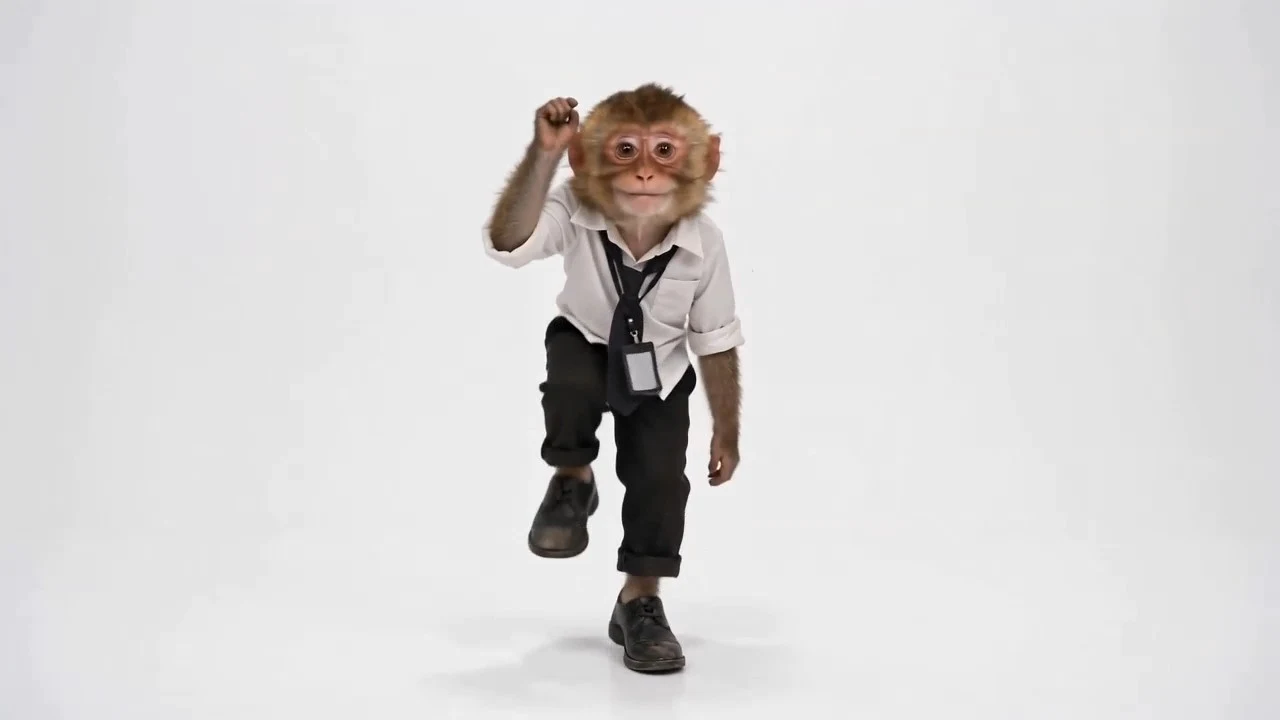
Toc Toc AI Dance
Upload one full-body photo and turn it into a Toc Toc knock-knock dance video with one-foot hops, raised knees, and playful door-knock moves. No dance skills needed.
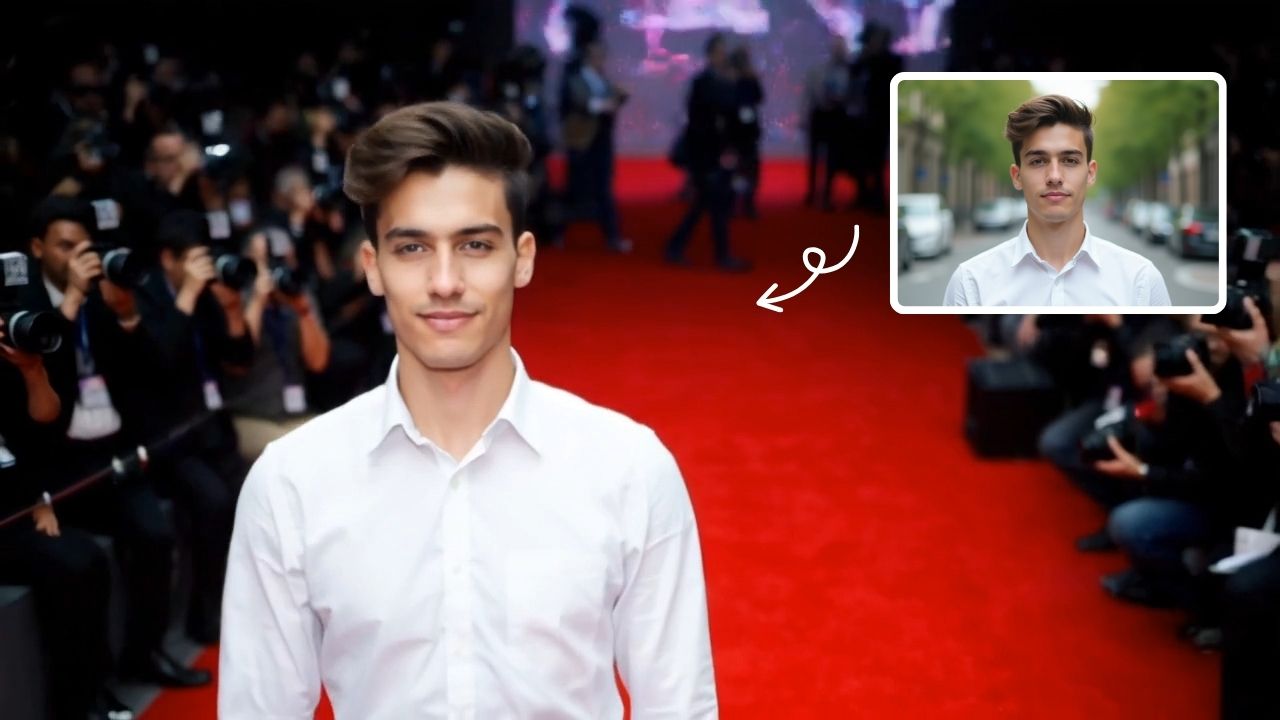
AI Red Carpet Walk Video Generator
Turn a photo into an AI red carpet walk video online. Add runway movement, camera flashes, and event-style lighting for social clips and visual concepts.
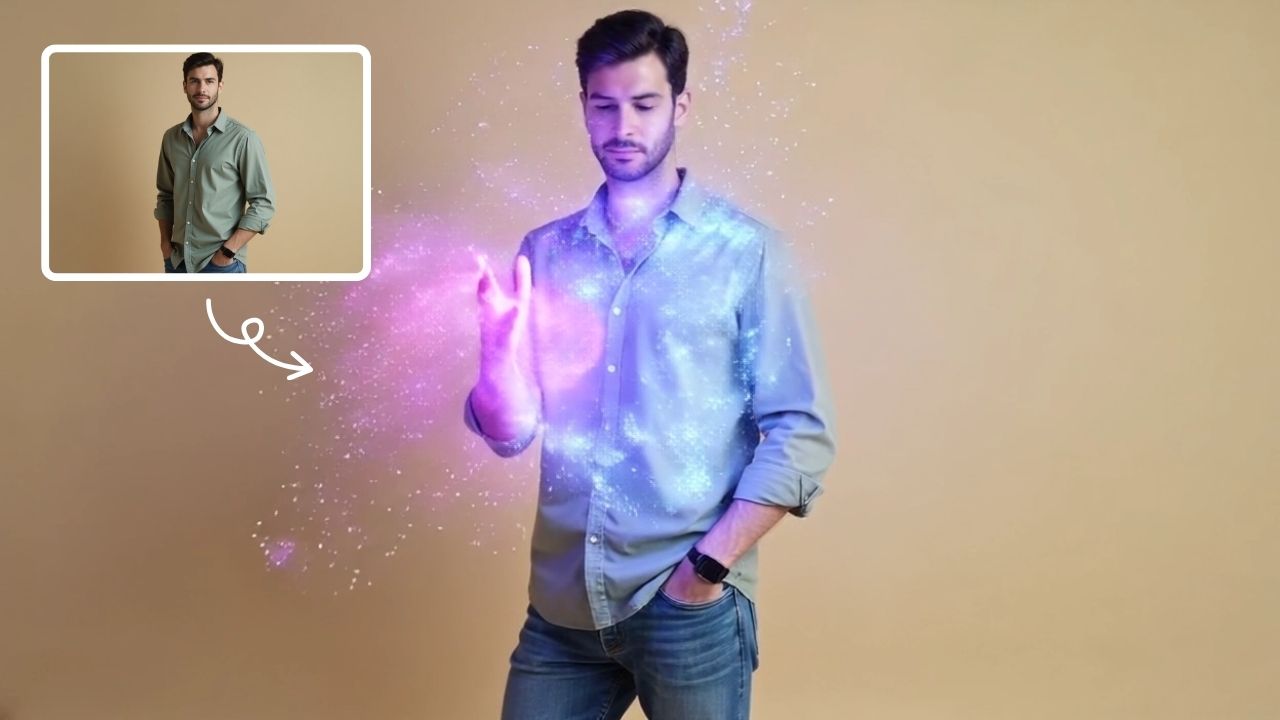
AI Magic
AI Magic instantly converts your photos into sorcerer images with a burst of light and energy. Highlighting unique powers and visual appeal, it offers quick, enchanting transformations for social media or personal use, making magic accessible to all.
 Continue with Google