AI Bridal Carry Generator
Upload one photo of two people and turn it into an AI bridal carry video. One person lifts the other and walks forward.
Motion Prompt
Why Choose This AI Video Tool?
Text2Vid is an independent platform. Model names are shown for reference only and do not imply affiliation with or endorsement by Google, OpenAI, Runway, xAI, or other model providers.
More AI Video Tools
AI Bridal Carry Generator
This tool turns a single photo of two people into a short AI bridal carry video. The workflow is specific: one person lifts the other and walks forward. Upload a high-quality image where both full bodies are visible, and the generator produces a muted, vertical video clip. Because the AI motion is procedural, the resulting animation can vary slightly between generations. The output is a preview file intended for personal review and subsequent editing in platforms like TikTok or Instagram Reels.
Subject Visibility and Motion Constraints
The input requirements are strict to ensure the AI can track the subjects accurately.
- Input: One JPG or PNG file, up to 10 MB. The image must feature exactly two authorized adults.
- Framing: Both full bodies, including feet and thighs, must be clearly visible. Group photos, separate images, minors, or celebrities are not accepted.
- Motion: The system applies a built-in prompt for the "lift-and-walk" action. The camera remains fixed while the subjects move forward a few steps.
- Variability: Since this is generative AI, the animation is not deterministic. Hands, faces, and background details may shift or distort between runs.
Output Format and Post-Production
The generated file is a short, vertical video preview that is completely muted. It does not include audio, song, or sound effects. To use the clip for social media, you must add your own music or audio effects using external editing tools. Ensure you have the rights to any audio source you choose to pair with the video.
Permissions and Image Rights
Before uploading, you must verify your rights to the image. Uploading private images of minors, celebrities, or acquaintances without explicit authorization is strictly prohibited. This may violate privacy laws or terms of service. You are responsible for confirming that you have permission to use the photo of every individual depicted.
Start Creating AI Videos Instantly
Turn simple text prompts into engaging videos using our powerful AI video generator. No editing skills required — just describe your idea and let AI do the work.
Generate Your First AI VideoMore AI Video Tools
Explore more AI-powered video creation tools to expand your creativity
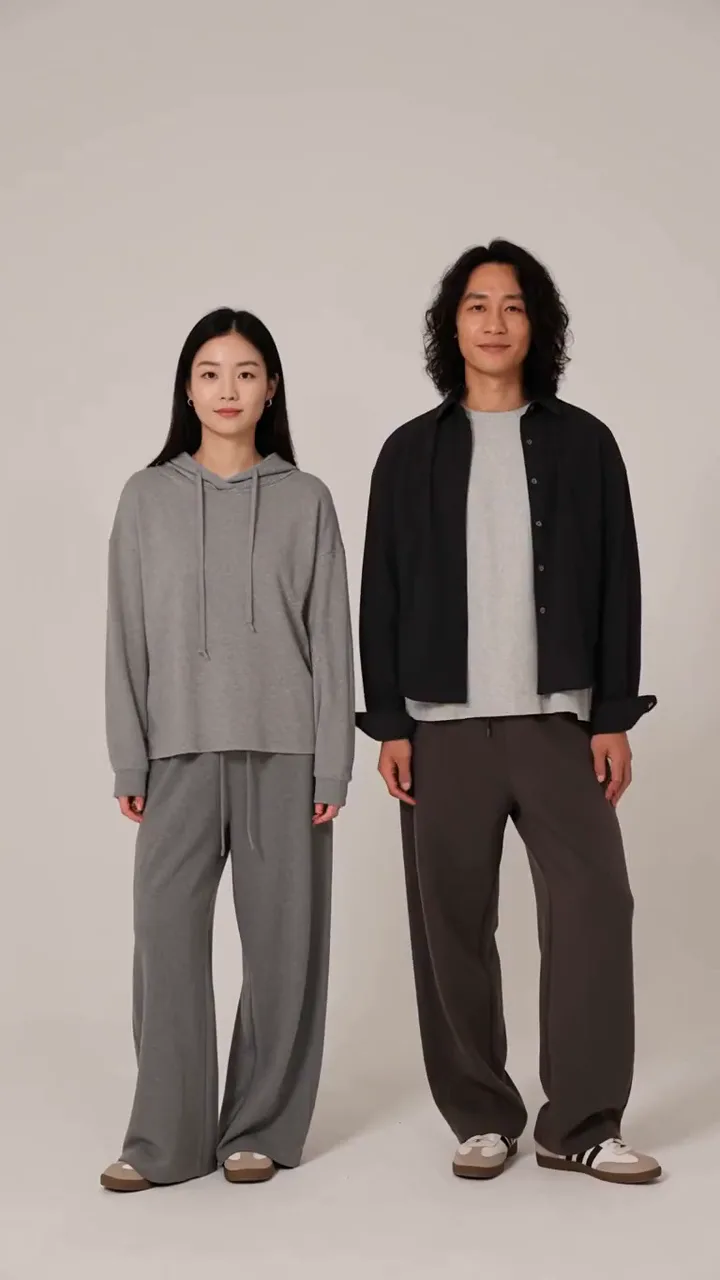
AI Hand Heart Generator
Upload one photo of two people and turn it into an AI hand heart video. The two people join hands to form a heart.
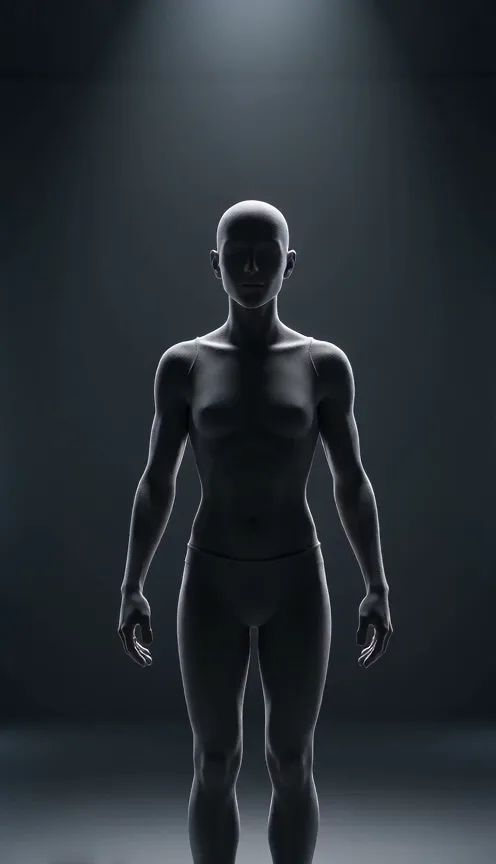
Wireframe Effect Generator
Upload one photo of any subject and turn it into a wireframe video. Your photo transforms into a glowing wireframe hologram.
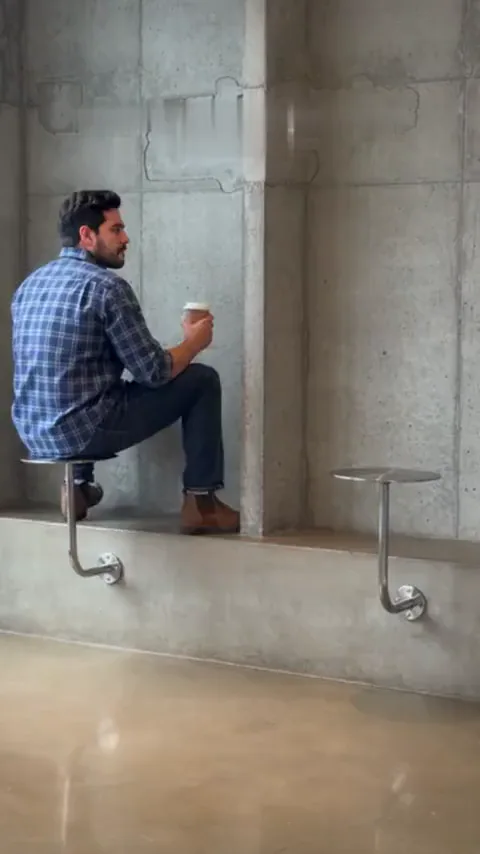
Fancy Cafe AI Generator
Upload one photo and turn it into a fancy cafe video. Sit on a tiny cafe table like a stool, watch a regular show you how it works, then climb down and sit on the bench.
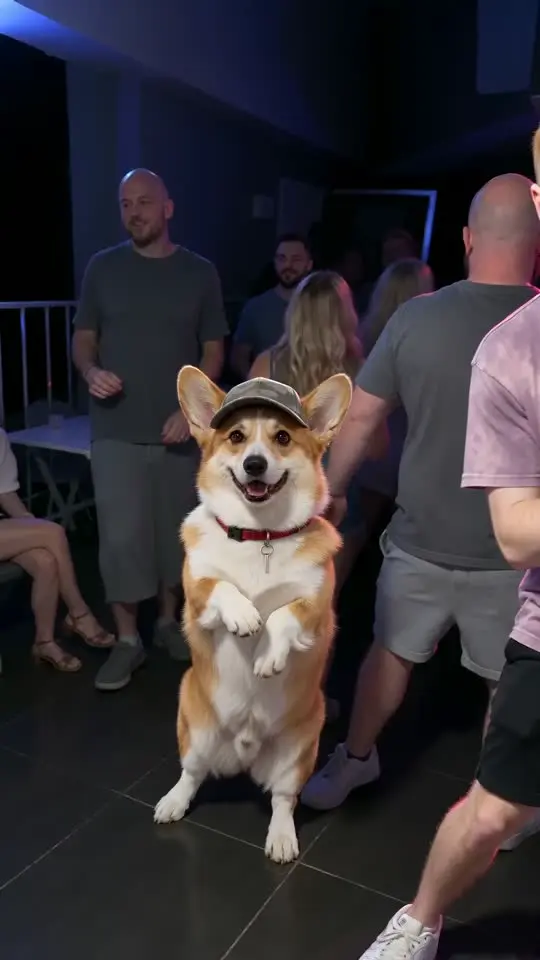
That'S My Dawg AI Generator
Upload one photo of your dog or cat and turn it into a club dance video. Your pet stands up in a cap and sways on the dance floor next to a dancing man.
 Continue with Google