Hug From Behind Generator
Upload one photo of two people and turn it into a hug from behind video. One person warmly hugs the other from behind.
Motion Prompt
Why Choose This AI Video Tool?
Text2Vid is an independent platform. Model names are shown for reference only and do not imply affiliation with or endorsement by Google, OpenAI, Runway, xAI, or other model providers.
More AI Video Tools
Hug From Behind Generator
This tool generates a short, vertical video where one person gently hugs another from behind, based on a single uploaded photo of two people. The workflow is designed to create a warm, affectionate embrace without requiring complex motion prompts or multi-step editing. Since the output is always a muted video file, you must source your own licensed music or sound effects if you plan to share the clip on social platforms. This is an independent workflow within Text2Vid, not an official tool from TikTok or any specific viral trend creator.
The Subject-to-Subject Motion Logic
The core action involves two distinct subjects: the "rear" subject and the "front" subject. The rear subject wraps their arms around the front subject, who remains relatively still but relaxed. The tool does not infer a specific relationship (such as romantic, familial, or friendship) between the two individuals; it strictly animates the physical gesture of the embrace.
Because AI motion synthesis is non-deterministic, the quality of the hug—such as how naturally the arms wrap around the back or how stable the heads remain—can vary between generation runs. There is no guaranteed consistency in facial expressions or hand positioning across multiple attempts. You should treat each generated clip as a unique preview that requires manual review before it is considered final.
Input Requirements and Permissions
To get a usable result, the input photo must meet specific compositional and legal standards:
- Composition: The photo must be a single JPG or PNG file, no larger than 10 MB. It must clearly show two authorized adults. Both faces and upper bodies need to be readable and unobstructed by objects or heavy shadows.
- Distinction: This "Hug From Behind" effect is a specific angle variation. It is not the same as the standard "AI Hug" effect (which may face forward). Do not expect the visual outcome of a front-facing hug when using this route.
- Rights and Consent: You must own the photo or have explicit written permission from the subjects to use their image. Never upload images of minors, public figures, or private individuals without their direct authorization. The tool does not verify your rights; the responsibility lies entirely with the user.
What You Receive
The output is a short, vertical video clip intended for mobile-first platforms. Key characteristics of the artifact include:
- No Audio: The video track is silent. Any music, voiceovers, or sound effects must be added during post-production using assets you have the legal right to use.
- Variable Motion Quality: Since the engine animates complex human interaction, artifacts such as distorted hands, blurred faces, or unnatural body angles can occur.
- Review Necessity: Before downloading or sharing, you must inspect the final frames for any visual glitches in the subjects' faces, hands, or background elements. The tool does not guarantee that the output will be free of AI-generation artifacts.
When to Use This Specific Route
Use this page when your creative brief specifically requires the hug from behind perspective. If you are looking for a general hug animation where both subjects face the camera, this route is not the correct choice. This tool is a focused utility for that specific camera angle and interaction type, not a general-purpose video generator or a comparison tool for different AI models.
Start Creating AI Videos Instantly
Turn simple text prompts into engaging videos using our powerful AI video generator. No editing skills required — just describe your idea and let AI do the work.
Generate Your First AI VideoMore AI Video Tools
Explore more AI-powered video creation tools to expand your creativity
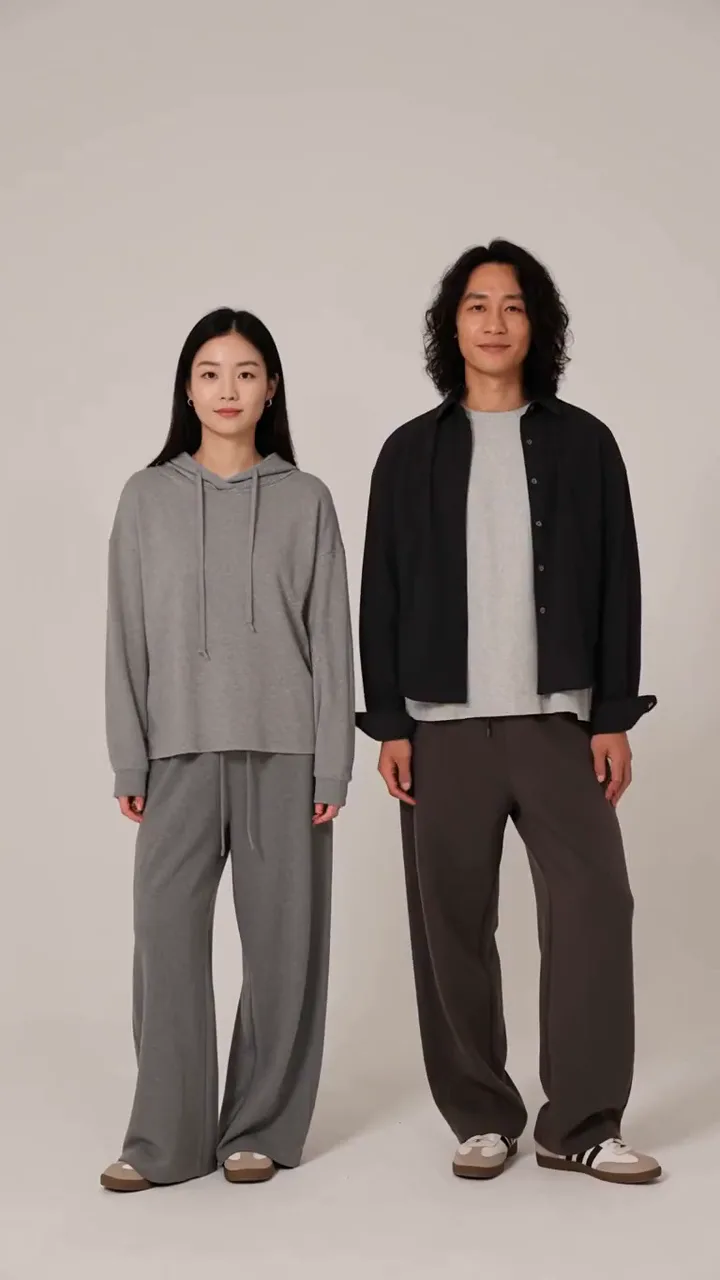
AI Hand Heart Generator
Upload one photo of two people and turn it into an AI hand heart video. The two people join hands to form a heart.
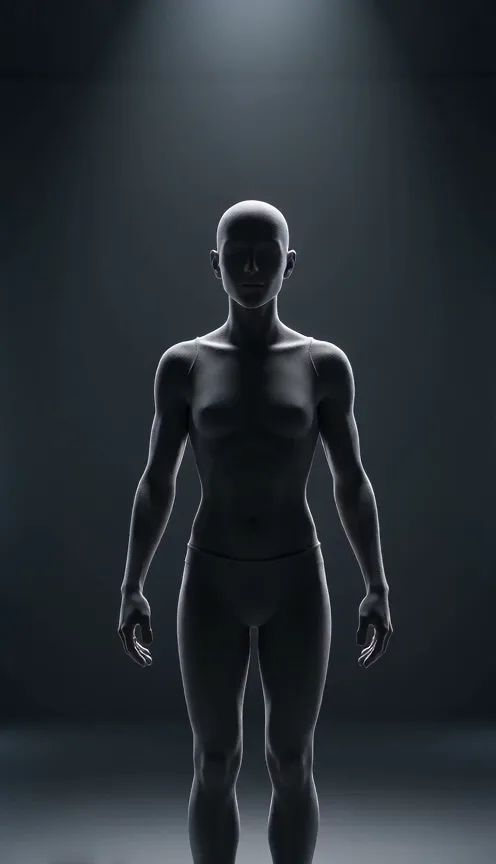
Wireframe Effect Generator
Upload one photo of any subject and turn it into a wireframe video. Your photo transforms into a glowing wireframe hologram.
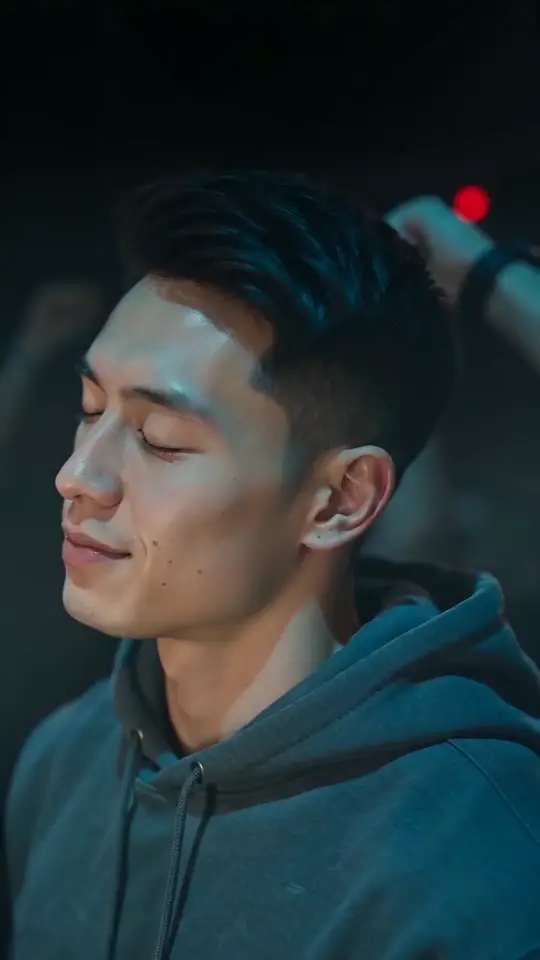
Turn the Lights Off AI Generator
Upload one photo of one person and turn it into a club sway video. Close your eyes and sway slowly in a packed, blue-lit club while the crowd raises its arms.
AI Talking Photo Video Generator
Turn a portrait into a talking photo video with AI. Use one image to create short concepts for greetings, explainers, avatar ideas, and social clips.
 Continue with Google