AI Hand Heart Generator
Upload one photo of two people and turn it into an AI hand heart video. The two people join hands to form a heart.
Motion Prompt
Why Choose This AI Video Tool?
Text2Vid is an independent platform. Model names are shown for reference only and do not imply affiliation with or endorsement by Google, OpenAI, Runway, xAI, or other model providers.
More AI Video Tools
AI Hand Heart Generator
This tool converts a single photo of two people into a short, vertical AI video where they join hands to form a heart. It is a focused workflow for users who want to recreate this specific motion without manual video editing. After generation, you receive a muted clip. You can then customize the final result with your own audio tracks on platforms like TikTok or Instagram Reels, provided you hold the necessary rights to the source material and music.
Please note: This service is an independent workflow by Text2Vid. It is not affiliated with TikTok, the original song’s rights holders, or the creators of the viral trend. Use this page when your idea depends on the focused AI hand heart video generator workflow rather than a general model comparison.
The Operation Process
The generation follows a distinct four-step sequence to ensure the motion aligns with the "AI hand heart" style:
- Upload: Submit one authorized photo. The system accepts a single image containing two people.
- Review: The system applies a built-in motion prompt to guide the animation. This prompt dictates how the hands move to form the heart shape.
- Generate: Create a short vertical clip tailored to the "AI hand heart" style. The output is a preview of the motion.
- Export & Edit: Download the muted video and add your own audio tracks where you have the required usage rights.
Input Requirements and Motion Behavior
To get the best results, the input photo must meet specific compositional and safety criteria. The animation is not perfectly consistent; it varies between generations, so review is essential.
- Composition: Use a single image where two adults are clearly visible, with enough space around their arms and hands to allow natural motion. Crowded backgrounds or obscured hands reduce success rates.
- File Format: The tool accepts one combined JPG or PNG file up to 10 MB.
- Authorization: Only upload photos you own or have explicit permission to use. Do not upload images of minors, celebrities, or private individuals without consent.
The generated animation typically shows the two subjects raising their hands, forming a heart shape, holding the pose briefly, and smiling at the camera. Always review faces, hands, bodies, and backgrounds for artifacts before downloading or sharing your final clip. AI motion can distort anatomy if the source image does not provide clear reference points for the hands.
Start Creating AI Videos Instantly
Turn simple text prompts into engaging videos using our powerful AI video generator. No editing skills required — just describe your idea and let AI do the work.
Generate Your First AI VideoMore AI Video Tools
Explore more AI-powered video creation tools to expand your creativity
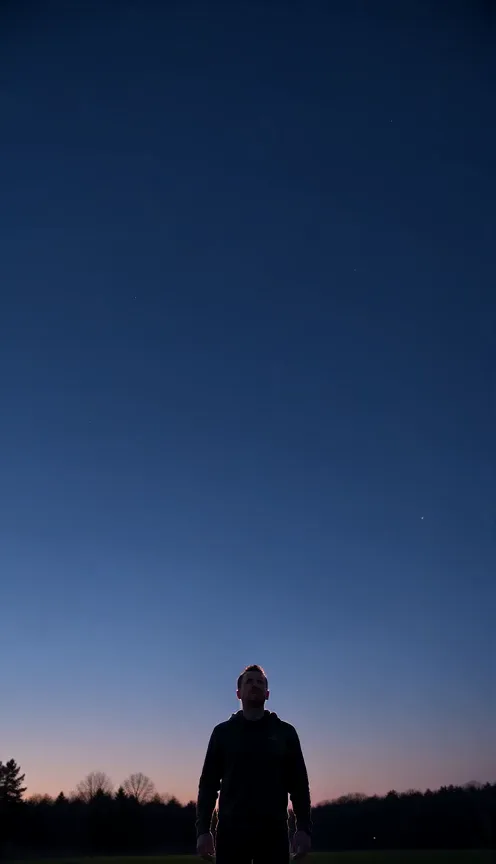
Fireworks Video Effect Generator
Upload one photo and turn it into a fireworks celebration video. Rising trails, colourful bursts and fading sparks animate the scene.
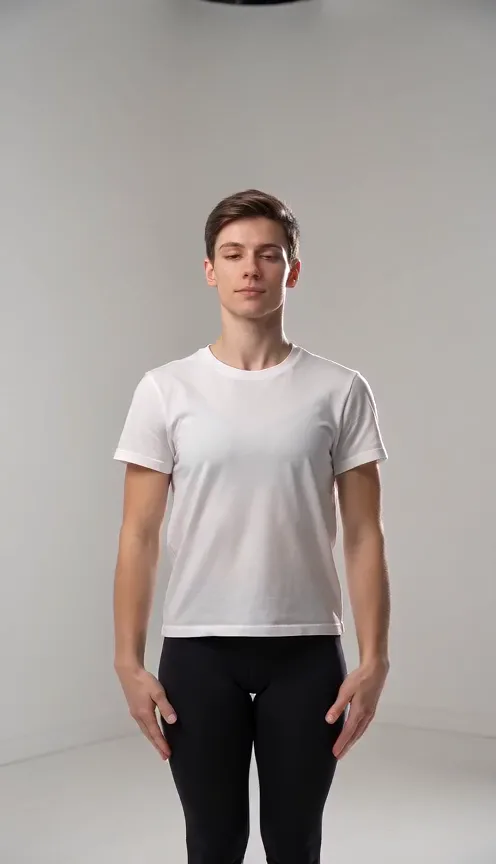
Puerto Rican Mami Dance Generator
Upload one full-body photo of one or two people and turn it into a playful dance video with raised arms, side sways and a hands-on-knees finish.
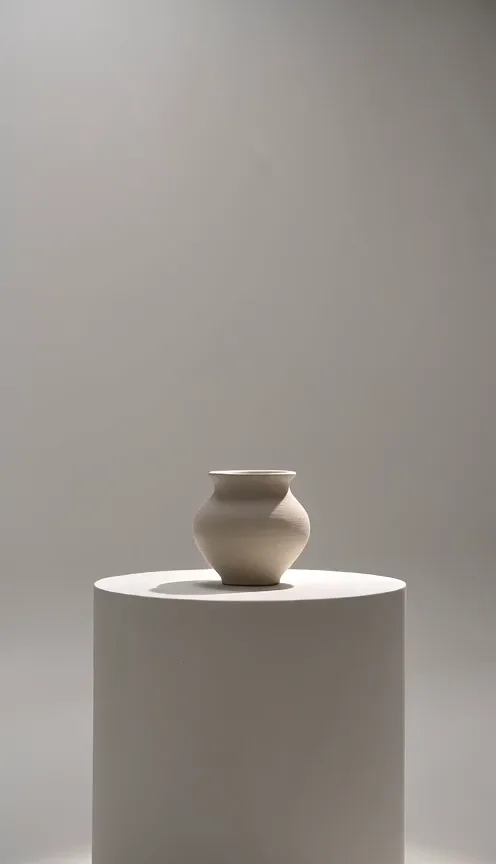
AI Camera Orbit Generator
Upload one photo of a single object and turn it into a camera orbit video. The camera smoothly circles around your object.
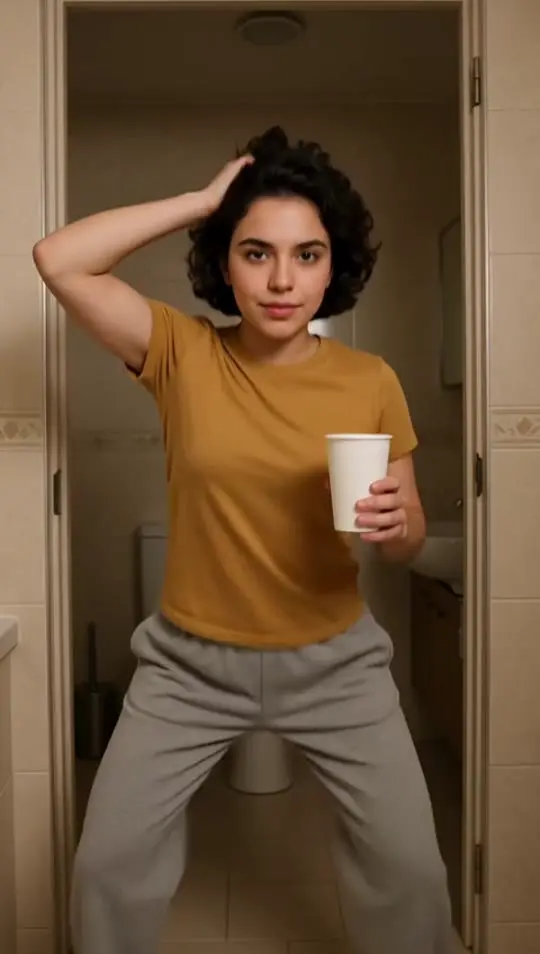
Jawn Dance AI Generator
Upload one full-body photo and turn it into a Jawn dance video. Sway your hips, swing an arm into a half spin and bounce on bent knees in a sunlit doorway.
 Continue with Google