Turn The Lights Off AI Generator
Upload one photo of one person and turn it into a club sway video. Close your eyes and sway slowly in a packed, blue-lit club while the crowd raises its arms.
Motion Prompt
More AI Video Tools
Turn The Lights Off AI Generator
Transform a single portrait into a vertical club sway video with the Turn the Lights Off AI workflow. This tool converts your photo into a scene where you close your eyes and sway slowly in a packed, blue-lit nightclub while the surrounding crowd raises their arms. The output is a muted video clip, designed for you to add your own audio in TikTok or Reels if you hold the necessary rights.
This generator is an independent Text2Vid tool inspired by viral effect trends. It is not affiliated with TikTok, the song’s rights holders, or the original creators. Note that the on-page example is a temporary reference preview pending replacement with a Text2Vid-owned version; the player remains muted, and the tool does not copy source soundtracks.
How it works
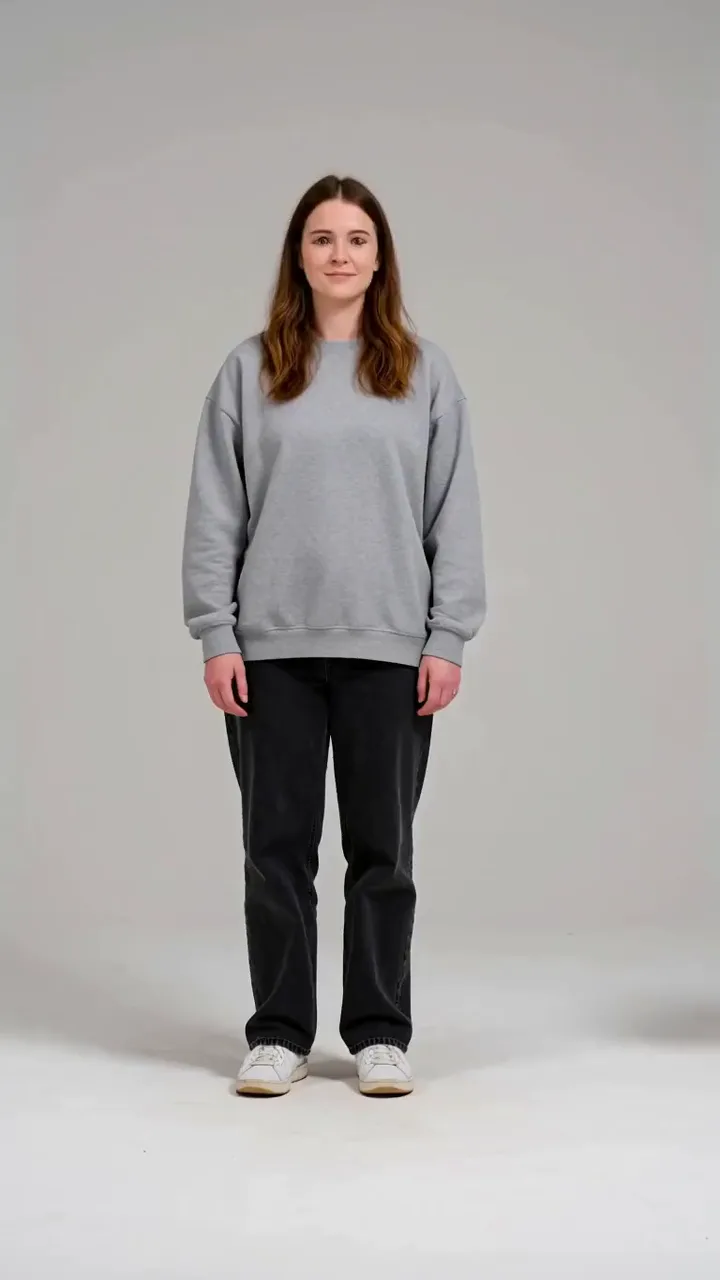
- Upload: Provide one authorized image of a single adult.
- Configure: Keep the built-in motion prompt or edit it to adjust the sway intensity and style.
- Review: Watch the generated vertical clip before sharing.
- Share: Since the result is muted, you can add audio within TikTok or Reels only when you have the required rights.
Photo tips
- Lighting: Use a bright, evenly lit, front-facing head-and-shoulders photo. Although the final club scene is dark, a well-lit input helps the AI preserve facial detail during the lighting transition.
- Attire: Do not use sunglasses, as they obscure facial features needed for the effect.
- Permissions: Only upload your own photo or an image you are explicitly authorized to use. Do not upload images of minors, celebrities, or private individuals without permission.
What the video looks like
The scene shifts into a blue-lit club environment with a close handheld camera angle focused on the face. The main subject closes their eyes and sways slowly, while the surrounding crowd is entirely fictional and generated by the AI. Because the motion is an AI-generated interpretation, results may vary between runs. Always check the complete result for consistency in the face, hands, body, pets, and background before downloading or publishing.
Start Creating AI Videos Instantly
Turn simple text prompts into engaging videos using our powerful AI video generator. No editing skills required — just describe your idea and let AI do the work.
Generate Your First AI VideoMore AI Video Tools
Explore more AI-powered video creation tools to expand your creativity
AI Tiger Hug Generator
Upload one photo of one person and turn it into an AI tiger hug video. A friendly tiger walks up and gives you a gentle hug.
Zoom in Video Effect
Zoom In Video Effect offers free AI video templates to quickly produce professional videos. Key features include one-click creation, support for image and text conversions, and versatile styles. Enhance your content effortlessly, saving time while maximizing impact with user-friendly tools.
AI Bunnies Trampoline
AI Bunnies Trampoline is a free online tool that instantly creates engaging viral pet videos. Simply input your ideas to generate fun bunny trampoline clips perfect for TikTok, YouTube, and X. No registration required—start producing shareable content in minute, increasing your social media reach effortlessly.
AI Talking Photo Video Generator
Turn a portrait into a talking photo video with AI. Use one image to create short concepts for greetings, explainers, avatar ideas, and social clips.
 Continue with Google