AI Tongue Out Face Video Maker
Create playful AI tongue-out face videos from a photo or text prompt online. Add a funny facial expression and short-form motion for social posts, memes, and creative experiments.
More AI Video Tools
What is the AI Tongue Out Face Tool?
The AI Tongue Out Face tool is a free, browser-based video generator that transforms a static portrait into a short, dynamic clip where the subject playfully sticks out their tongue. By combining an uploaded image with a simple text prompt, the AI automatically animates the facial expression, creating a realistic and shareable video in about one to three minutes—with no manual editing required .
What Are AI Tongue Out Face Video Templates?
AI Tongue Out Face video templates are pre-configured workflows that allow you to generate fun, expressive videos with a single click. Instead of describing the animation from scratch, you select a template designed to produce a specific outcome: a person or character sticking their tongue out in a cheeky, humorous way.
On platforms like text2vid.org, these templates are powered by advanced AI video generation models. You simply provide a reference image, and the system handles the complex process of motion synthesis, facial landmark detection, and video rendering automatically . The result is a seamless loop or short clip where the expression looks natural, maintaining the original subject's identity while adding the playful gesture.
This approach lowers the barrier to entry for video creation. Whether you're working with a photo of a person, a pet, or even a stylized avatar, the AI Tongue Out Face tool interprets the facial structure and applies the animation smoothly, making it look like the subject is deliberately making a funny face.
How Does the AI Tongue Out Face Generator Work?
While the interface is simple, the technology behind an AI Tongue Out Face generator is quite sophisticated. It leverages several key AI techniques:
-
Face Detection and Landmarking: First, the AI scans your uploaded image to detect a face. It then identifies key landmarks—the position of the eyes, the shape of the mouth, the jawline, and the tip of the nose. This creates a digital map of the facial structure .
-
Motion Synthesis: The core of the process is motion synthesis. The AI has been trained on thousands of videos of people making various expressions, including tongue-out gestures. It learns the natural movement of the tongue, the way the mouth stretches, and how the cheeks and chin adjust. When you select the "tongue out" template, the AI applies this learned motion to your specific facial map .
-
Video Rendering: Finally, the system renders these movements into a coherent video. This involves generating new frames that seamlessly blend the animated expression onto the original image, maintaining consistent lighting, skin texture, and background integrity. On text2vid.org, this entire pipeline is optimized to complete in 1-3 minutes, balancing speed with high-quality output.
When and Why Would You Use This Tool?
The applications for a AI Tongue Out Face video generator are vast, driven by the demand for quick, engaging, and personalized content.
-
Social Media Content: This is the primary use case. A tongue-out face is universally understood as playful, silly, or surprised—perfect for TikTok challenges, Instagram Reels, or YouTube Shorts. Creators use it to react to trends, create memes, or add a punchline to a video .
-
Personalized Greetings: Imagine sending a birthday message where a photo of the guest of honor playfully sticks out their tongue, or a "get well" card with a funny, animated face. It adds a layer of personalization that a standard image or text can't match .
-
Marketing and Advertising: Brands are always looking for thumb-stopping visuals. An AI Tongue Out Face video can be used in UGC-style ads to simulate an authentic, over-the-top reaction to a product or offer. It’s a low-cost way to create eye-catching video creatives without a full production shoot .
-
Entertainment and Memes: From animating celebrity photos for a joke to creating a recurring "chaos version" of a character for a streaming channel, the tool is a fast track to creating viral-ready, humorous content .
Key Features That Enhance Creativity
The AI Tongue Out Face tool isn't just about one expression. Its strength lies in the features that give you control over the final output.
-
Text-to-Video Prompts: While the template provides the core action, you can often refine it. Entering a prompt like "sticking tongue out playfully, cinematic vlog style" or "extreme close-up, goofy tongue out face, meme-ready" can influence the intensity and style of the animation .
-
Multiple Aspect Ratios: The tool supports various formats like 16:9 for widescreen and 9:16 for vertical videos, ensuring your creation is perfectly formatted for platforms like YouTube, TikTok, or Instagram Stories.
-
Flexible Duration: You can generate clips optimized for short-form content, typically around 10 seconds—the ideal length for capturing attention on social feeds .
-
Choice of AI Models: Advanced platforms let you choose between different AI backends. For example, you might select a Fast model for quicker turnaround or a Max model (like those powered by advanced systems such as Sora 2 or Veo 3.1 concepts) for enhanced detail and 4K output quality. This flexibility lets you balance speed and quality based on your project's needs.
From Still Image to Expressive Video: A Simple Workflow
Creating your own video is a straightforward three-step process, demonstrating the "no skills needed" promise of the tool.
-
Upload Your Image: Start by uploading a clear, front-facing photo. The tool on text2vid.org supports common formats like PNG, JPG, and WEBP. For best results, use a high-resolution image with good lighting where the face is unobstructed .
-
Select and Customize the Prompt: Choose the AI Tongue Out Face template. To fine-tune the result, you can use the text prompt box. Instead of just "tongue out," try something descriptive. For instance, you could use a prompt structure like:
"{person} sticking tongue out playfully, with a cheeky smile and a slight head tilt". -
Generate and Download: Click the generate button. The AI will process your image and prompt, creating a sequence where the face comes to life. In just a few minutes, your new video will be ready to preview and download, primed for sharing across your social channels.
Why Use an Online AI Video Generator?
Choosing a browser-based tool like the one on text2vid.org offers significant advantages over traditional methods.
- Time-Saving: Manual animation or even basic video editing can take hours. An AI generator transforms a photo into a video in minutes .
- Cost-Effective: It eliminates the need for expensive software subscriptions or hiring professional animators for simple effects.
- Accessibility: Because it's online, it works across devices—PC, Mac, or even mobile browsers—without any installations .
- Creative Exploration: The speed and ease of use allow for rapid experimentation. You can try different prompts or variations of an expression to see what works best, iterating quickly to find the perfect clip .
Start Creating Expressive Content Today
The AI Tongue Out Face tool represents a new wave of creative software where complex animations are reduced to a simple, intuitive process. It empowers anyone—from social media enthusiasts to professional marketers—to inject humor and personality into their visual content without a steep learning curve. By handling the intricate work of facial animation, it frees you up to focus on the fun part: dreaming up the next funny face, reaction, or viral video idea.
Ready to turn a static selfie into a dynamic, tongue-out moment? Visit text2vid.org and start experimenting with the AI Tongue Out Face templates today. In just a few minutes, you can create a custom, engaging video ready to stand out on any social feed.
Start Creating AI Videos Instantly
Turn simple text prompts into engaging videos using our powerful AI video generator. No editing skills required — just describe your idea and let AI do the work.
Generate Your First AI VideoMore AI Video Tools
Explore more AI-powered video creation tools to expand your creativity
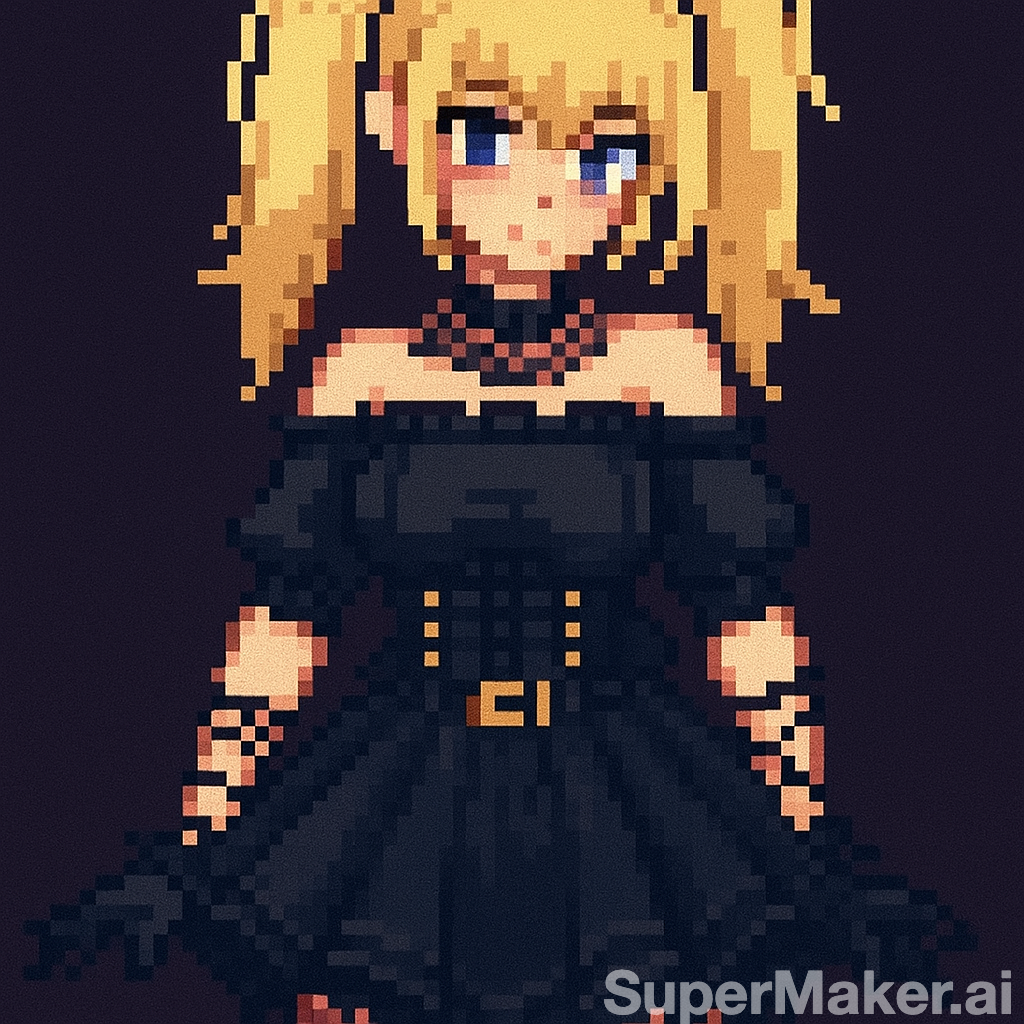
AI Pixel Video Generator
AI Pixel Video Generator instantly converts your images into smooth, expressive pixel art videos. Enjoy easy customization, realistic motion, and seamless sharing—boost your content with unique retro visuals effortlessly.
Try Now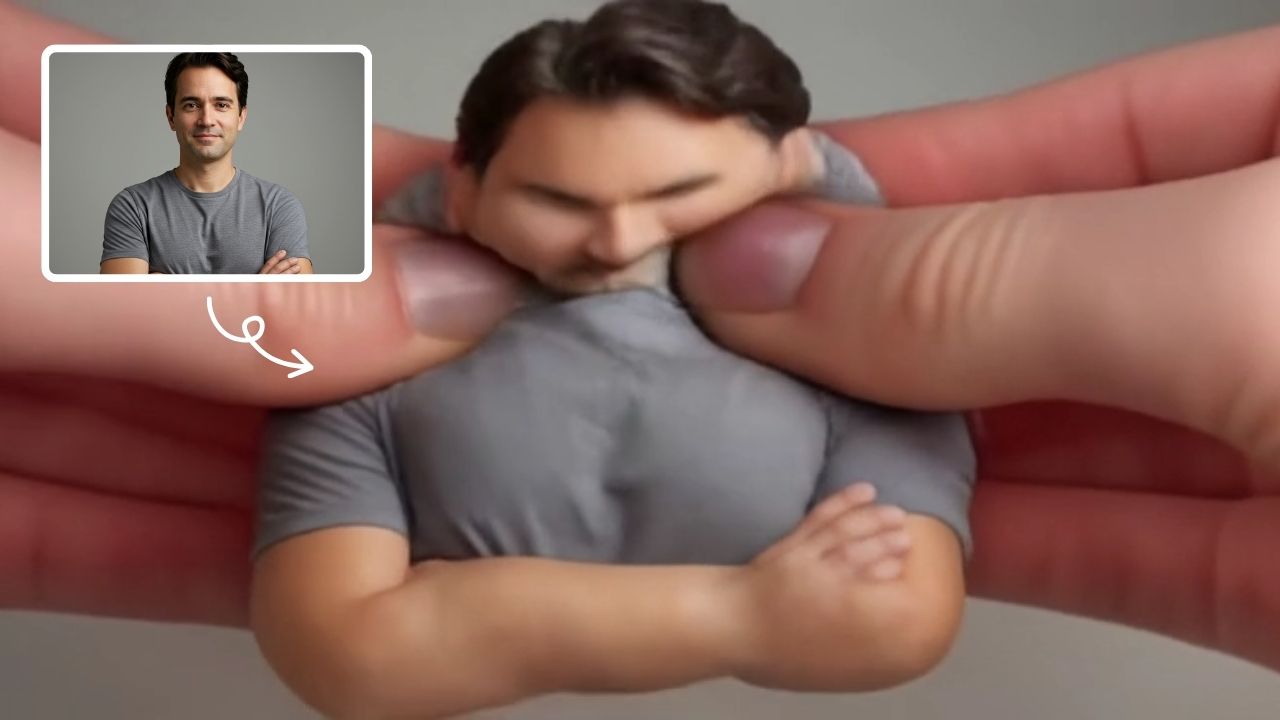
AI Squish Effect
Transform any image into a lively, bouncing masterpiece with AI Squish Effect by Remaker. This free online tool instantly applies dynamic squish effects, making photos fun and engaging. No downloads needed – just upload, generate, and share hilarious videos effortlessly. Perfect for social media, memes, and creative projects, it offers quick, user-friendly entertainment for everyone.
Try Now
AI Talking Photo Video Generator
Turn a portrait into a talking photo video with AI. Use one image to create short concepts for greetings, explainers, avatar ideas, and social clips.
Try Now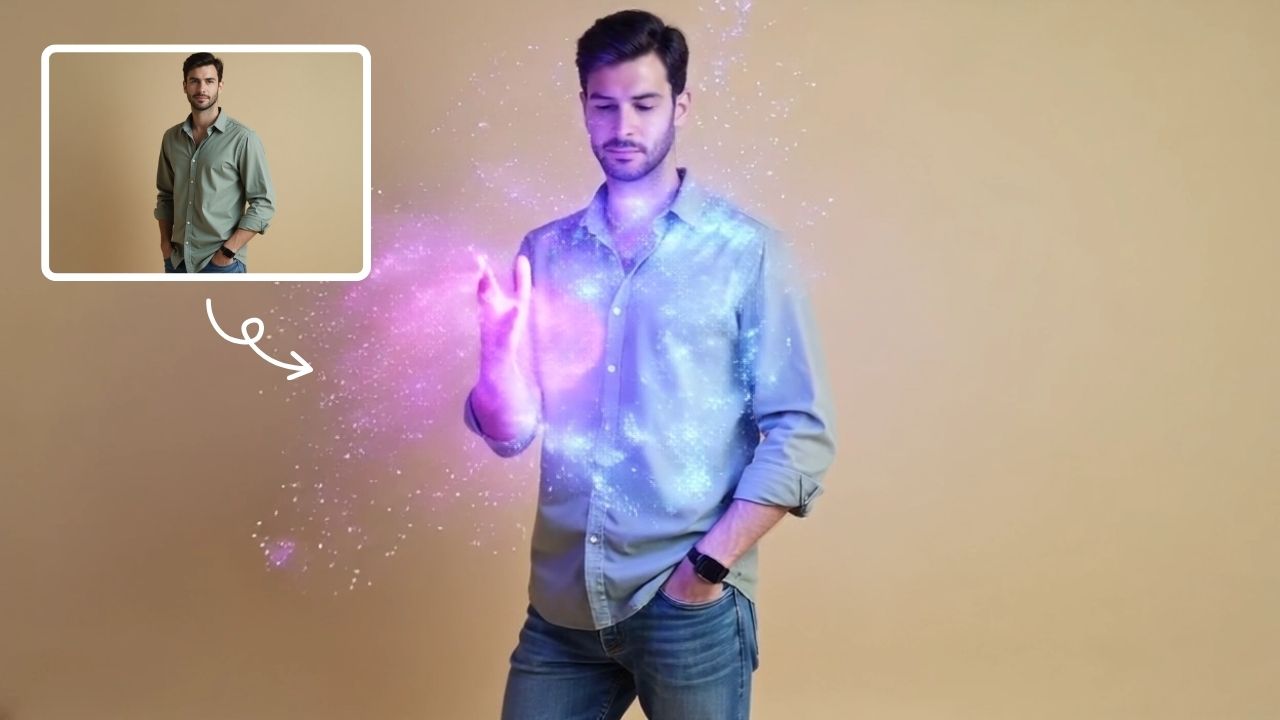
AI Magic
AI Magic instantly converts your photos into sorcerer images with a burst of light and energy. Highlighting unique powers and visual appeal, it offers quick, enchanting transformations for social media or personal use, making magic accessible to all.
Try Now
AI Haunted House
Transform your photos into terrifying haunted house videos with the Haunted House Video Generator. This AI tool adds monsters, ghosts, and eerie effects to create horror clips in minute. Enjoy easy sharing, instant results, and professional quality—perfect for social media, pranks, or creative projects. Experience fast, free horror video generation today!
Try Now
AI Surf Video
AI Surf Video by Supermaker AI transforms your ideas into high-energy surfing videos. Using advanced AI, it produces realistic surfing actions, seamless motion, and consistent characters with dynamic waves. Experience quick, professional-quality videos that highlight your skills or creative vision, making it perfect for content creators and surf enthusiasts.
Try Now
AI Vampire
AI Vampire Generator uses advanced AI to transform any selfie into realistic vampire makeup instantly. Perfect for Halloween, costume parties, or spooky social media content—no editing skills needed. Download your vampire makeover for free and stand out with eerie, professional-looking results!
Try Now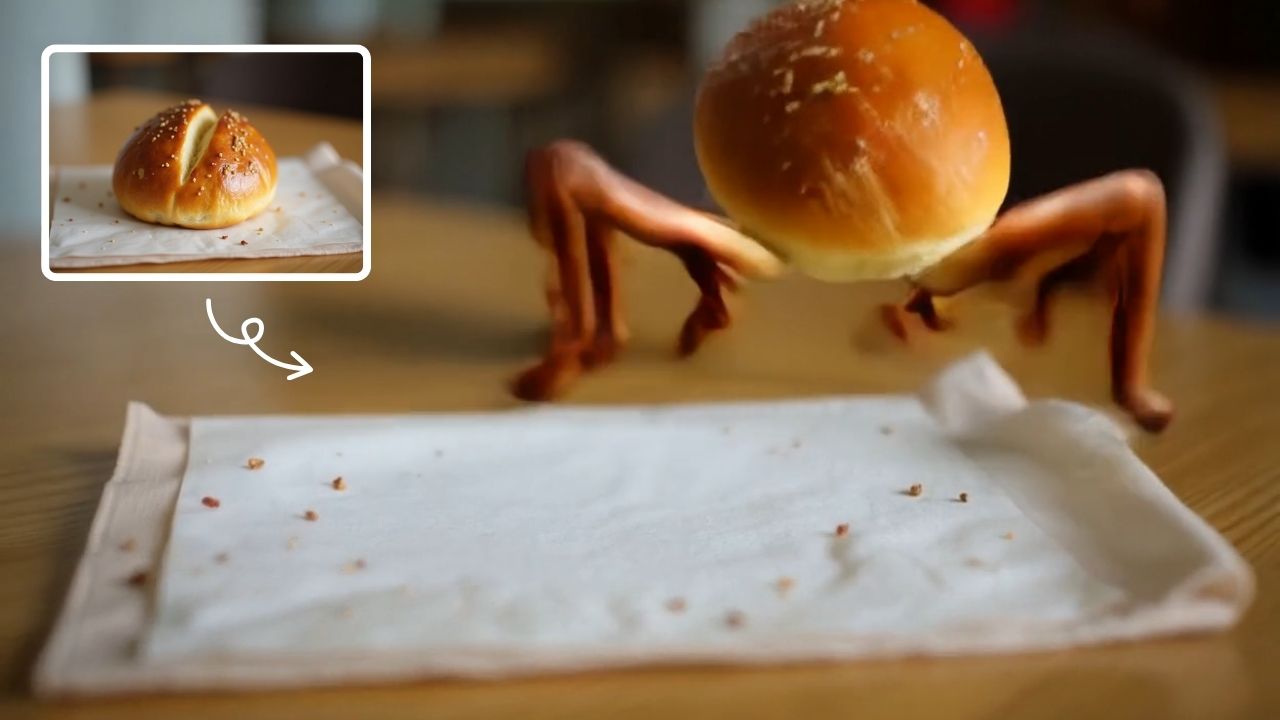
AI Legged Runaway
AI Legged Runaway uses advanced AI to animate any object in your photos, giving them legs and a runaway personality. Simply upload an image, and watch as everyday items transform into escaping characters, providing endless entertainment. Perfect for creating viral content, surprising friends, or adding a twist to your photos. Experience the magic of AI-driven creativity today
Try Now Continue with Google