Hair Color Change
Hair Color Change by Supermaker AI lets you experiment with virtual hair colors instantly using AI video effects. Safely test limitless shades from natural to bold, see how they suit you in real-time, and share results. It's free, easy, and risk-free—perfect for style inspiration without real dye.
More AI Video Tools
AI Hair Color Change: Try Virtual Hair Dye Instantly
Experimenting with a new look used to mean commitment. With Hair Color Change by Supermaker AI, you can instantly visualize any hair color on yourself using advanced AI video effects. This free, online tool allows you to test limitless shades—from subtle naturals to bold fantasies—in real-time video, providing a risk-free way to find your next style before you even buy a bottle of dye.
What is the AI Hair Color Change Tool?
The Hair Color Change tool is a browser-based AI application that transforms hair color in existing videos or with live camera input. Unlike basic photo filters that apply a flat color overlay, this tool intelligently tracks individual strands of hair. It analyzes the video, separating the hair from the background and the subject's skin, then applies a new, realistic color that moves and reacts naturally as the person turns or runs their fingers through their hair. The result is a high-fidelity preview that mimics the look of actual hair dye in different lighting conditions.
How Does Virtual Hair Color Transformation Work?
The process behind this AI video generation is more complex than it appears. When you upload a video, the tool begins a process of scene creation and analysis.
The Technology: AI-Powered Video Prompts
First, the AI identifies the subject and maps their hair in three dimensions. It uses sophisticated models, similar to those powering platforms like Sora 2 or Veo 3.1, but optimized for this specific task. It understands concepts like depth, movement, and texture. When you choose a new color—say, a silver blonde or a deep burgundy—the AI doesn't just recolor pixels. It re-renders each strand, applying the new hue with realistic highlights and shadows.
For example, if the original video shows the subject touching their hair, the AI simulates how the new color would shift and ripple outward from that point of contact, creating an incredibly lifelike preview. The entire video rendering process is designed to be fast and efficient, typically completing within one to three minutes, depending on the video length and complexity.
Getting Started with Your Free Online Tool
Using the tool is straightforward:
- Upload: You can upload a short video clip (10-15 seconds is ideal) directly from your device. The platform is entirely browser-based, meaning all processing happens on secure servers.
- Choose Your Shade: Browse a wide palette of colors. You can opt for natural shades like chestnut brown or jet black, or experiment with vibrant fantasy colors like electric blue, rose gold, or lavender.
- Process and Preview: Click generate. The AI processes the video, applying the hair color change frame by frame. You'll receive a new video showcasing your virtual makeover.
- Download and Share: Once you're happy with the result, you can download the video in high resolution to share with friends or on social media for instant feedback.
Why Use an AI Hair Color Changer?
The primary advantage of this technology is the elimination of guesswork. Traditional methods involve holding up a swatch or using static photos, which fail to capture how a color moves and catches light. This tool solves that problem by providing a dynamic preview.
- Risk-Free Experimentation: You can try colors you would never dare to apply with permanent dye. This freedom allows for true style inspiration without the fear of a costly or damaging mistake.
- Save Time and Money: Instead of buying multiple boxes of dye to test at home, you can narrow down your choices virtually. This makes the decision-making process accurate and far less expensive.
- See It in Motion: Hair color looks different in still photos versus real life. Seeing how the shade reacts to movement, light, and different angles in a video gives you the most realistic expectation possible. The tool accurately processes a simple gesture, like a flick of the finger through the hair, to show the new color in fluid motion.
- Perfect for Stylists and Colorists: Professionals can use this tool to show clients potential results. By using a video of the client, they can create a compelling visual proposal, ensuring both parties are aligned on the desired outcome before any product is mixed.
Practical Use Cases and Scenarios
The versatility of this video generation tool extends beyond simple curiosity.
The "Big Change" Decision
Are you considering a drastic shift from brunette to platinum blonde but are nervous about the upkeep and damage? This tool lets you live with that decision for a few minutes. Upload a video of yourself in various lighting conditions—natural daylight, office lighting, evening dimness—and see how the platinum tone works in each environment. This secure and private trial run builds confidence.
Fantasy and Creative Looks
For cosplay, events, or just for fun, you can generate looks that would be impossible to achieve permanently. Want to match your hair to a character's iconic blue? Or see if a unicorn pastel rainbow suits your style? The tool makes these complex, multi-tonal applications possible with a single click.
Seasonal Style Updates
Fashion changes with the seasons, and hair color is a big part of that. In summer, you might want to convert your look to sun-kissed caramel highlights. In fall, a rich auburn might be more appealing. The AI tool allows you to process these seasonal updates quickly, helping you stay on-trend.
Key Features and User Benefits
This Hair Color Change tool stands out due to its focus on quality and user experience.
- Real-Time Strand Tracking: The AI's ability to follow individual hairs ensures the color stays where it should, even with significant movement.
- Vast Color Palette: From natural brunettes and blondes to vibrant reds, greens, purples, and silvers, the options are nearly endless.
- Lighting Accuracy: The final video accurately reflects how the new color would look under the same lighting conditions as the original footage.
- Speed and Efficiency: The client-side processing infrastructure is built for speed, with most videos ready in just a few minutes.
- Privacy First: Your uploaded videos are processed securely and are not used for any other purposes without your explicit consent, ensuring your personal data remains secure.
In conclusion, the Hair Color Change tool by Supermaker AI represents a significant leap forward in personal style visualization. By harnessing the power of AI video generation, it removes the fear and uncertainty from choosing a new hair color. Whether you're a cautious experimenter or a bold trendsetter, this online tool provides a fast, secure, and incredibly accurate way to preview your next look, ensuring that when you do decide to make a change, you do so with total confidence.
Start Creating AI Videos Instantly
Turn simple text prompts into engaging videos using our powerful AI video generator. No editing skills required — just describe your idea and let AI do the work.
Generate Your First AI VideoMore AI Video Tools
Explore more AI-powered video creation tools to expand your creativity
AI Crying Effect Video Generator
Create a subtle crying expression effect from an authorized portrait. Avoid injury or distress imagery and review the result before sharing.
Try Now
Zoom in Video Effect
Zoom In Video Effect offers free AI video templates to quickly produce professional videos. Key features include one-click creation, support for image and text conversions, and versatile styles. Enhance your content effortlessly, saving time while maximizing impact with user-friendly tools.
Try Now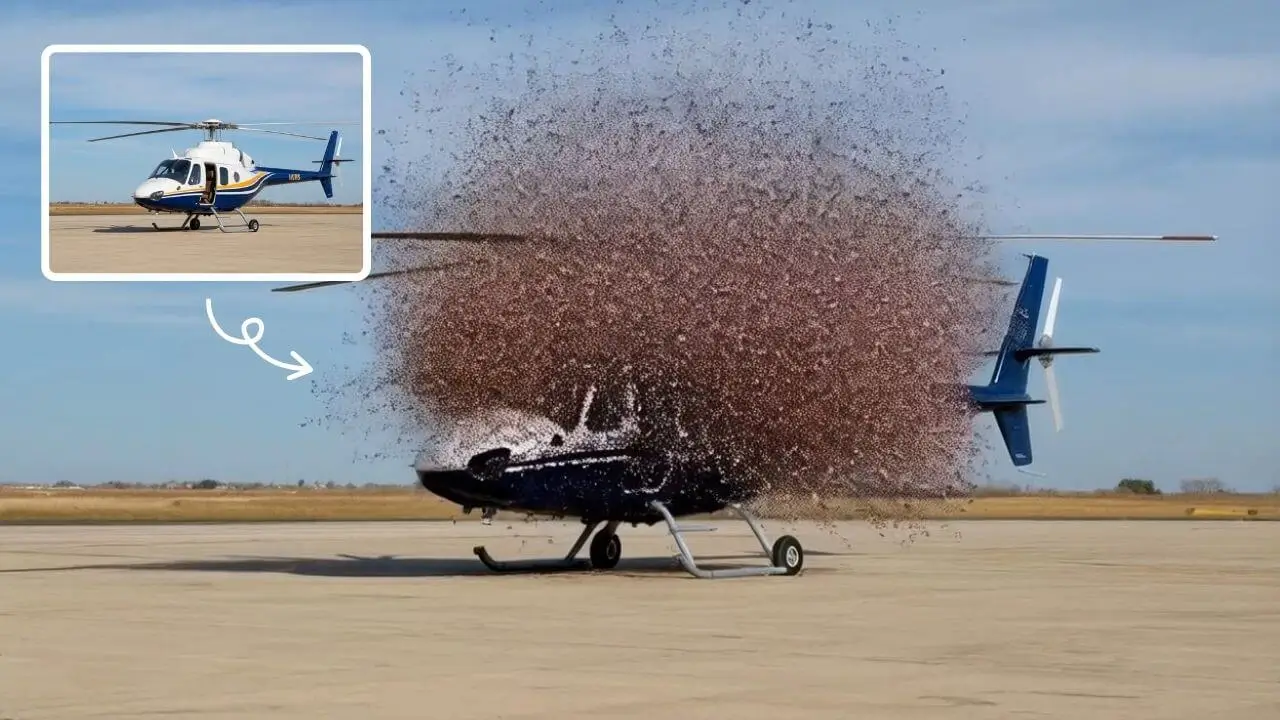
AI Explode Effect
AI Explode Effect uses advanced AI to convert your photos into dynamic explosion artwork. Simply upload an image to generate vibrant energy bursts, emphasizing creativity and visual impact. Perfect for social media, digital art, or personal projects, it offers quick, stunning results with no design skills needed. Unleash your creativity and turn ordinary moments into explosive art!
Try Now
AI Hug
AI Hug is an AI-powered video generator that turns your photos into lifelike hugging videos. It's easy to use, requiring just a few clicks to create emotional content. Perfect for preserving memories, enhancing social media engagement, and professional branding, it saves time while delivering high-quality, shareable results.
Try Now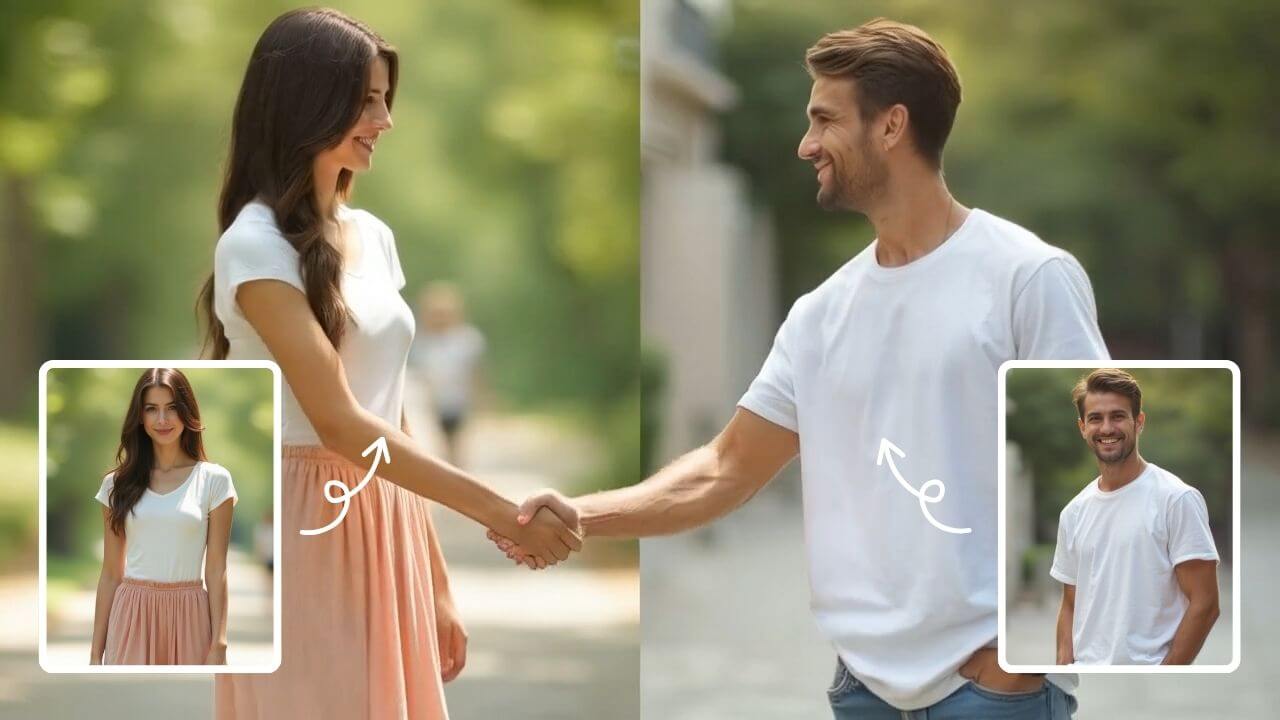
AI Handshake
AI Handshake revolutionizes digital communication with smart, adaptive connectivity. It delivers tailored experiences through AI-driven personalization, ensuring faster, more intuitive online interactions. Boost efficiency and engagement effortlessly with cutting-edge technology designed for modern users.
Try Now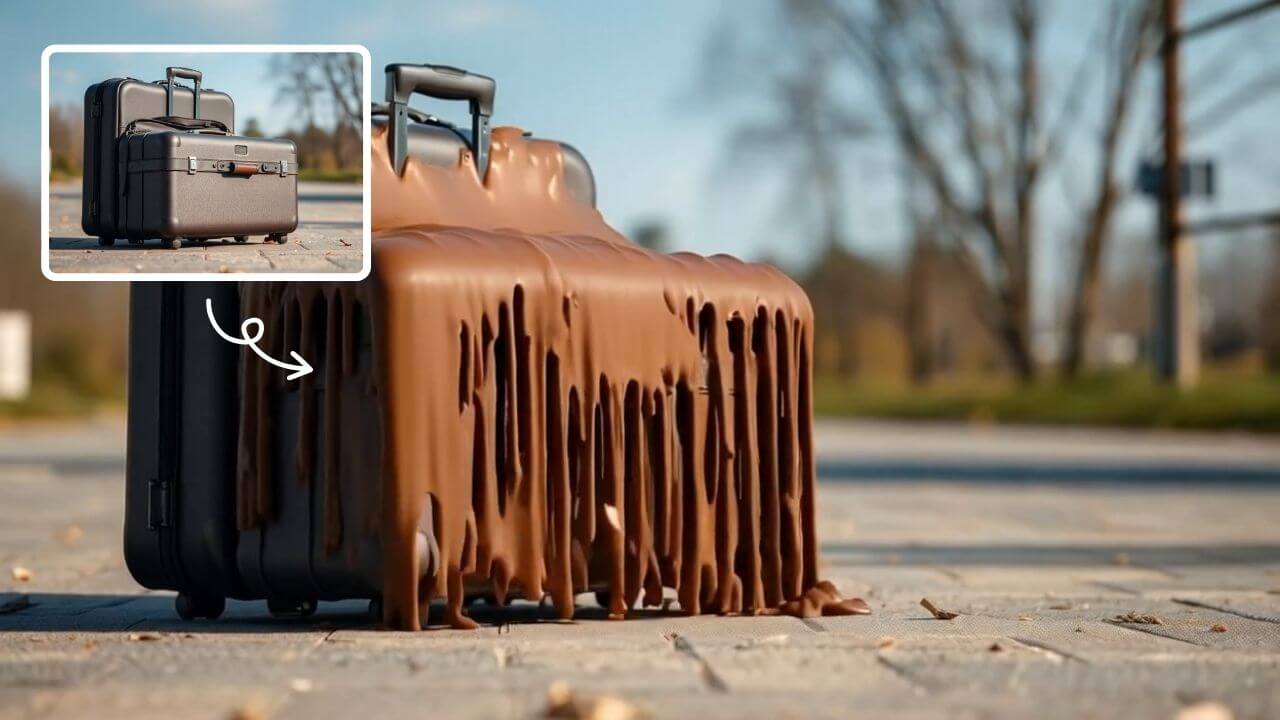
AI Melt Effect
AI Melt Effect uses advanced AI to instantly create mesmerizing melting effect videos from your images. Enjoy powerful features, fast processing, and a free platform. Turn ordinary photos into extraordinary art effortlessly.
Try Now
AI Dragon Riding Video Generation
Transform your imagination into breathtaking dragon riding videos. Our AI tool lets you create custom dragon scenes with realistic effects. Experience effortless video creation and share epic content in minutes. Free to use with powerful editing features.
Try Now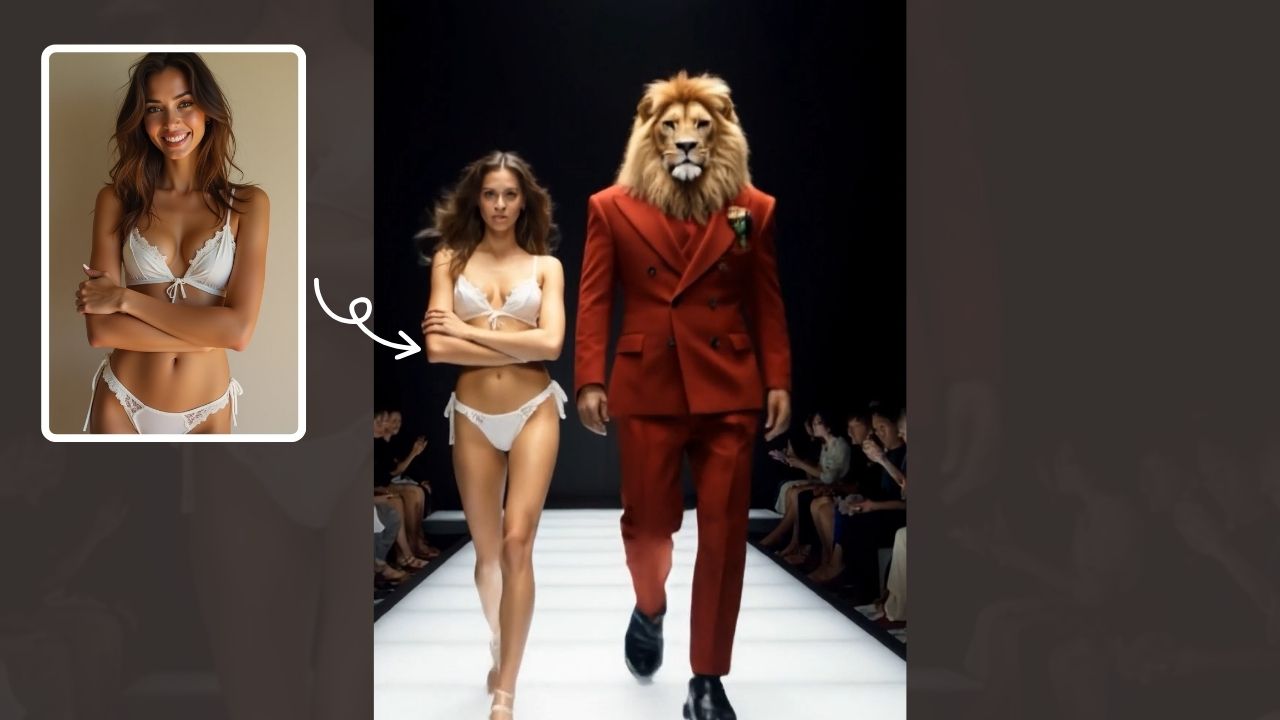
AI Walk with Beast
Walk With Beast transforms your videos with AI-powered fantasy animal companions. Easily generate epic scenes featuring majestic creatures walking beside you. Ideal for social media shorts, it requires no editing skills
Try Now Continue with Google