AI Tiger Hug Generator
Upload one photo of one person and turn it into an AI tiger hug video. A friendly tiger walks up and gives you a gentle hug.
Motion Prompt
Why Choose This AI Video Tool?
Text2Vid is an independent platform. Model names are shown for reference only and do not imply affiliation with or endorsement by Google, OpenAI, Runway, xAI, or other model providers.
More AI Video Tools
Create an AI Tiger Hug Video from One Photo
Turn a single clear portrait into a short, vertical video where an AI tiger walks up and gives the subject a gentle hug. This route is designed for users who want to test the specific "AI tiger hug" motion without configuring complex multi-subject interactions or custom camera paths. You upload one authorized image, review the fixed motion prompt, and generate a muted clip that serves as a base for social media posts.
The Visual Action and Motion Limits
The tool focuses on a single, defined interaction: a friendly tiger enters the frame from the side, stands beside the subject, and hugs them while the subject smiles. The camera angle remains fixed throughout the sequence; there are no panning shots, zooms, or perspective shifts. The tiger’s demeanor is calm, and the physical contact is gentle rather than aggressive.
Because this is an AI-generated motion preview, the output is consistent in structure but variable in detail. You should expect slight differences in facial expressions, hand positions, or background rendering between different runs. The video does not include dynamic camera movements; if you need a changing viewpoint, this route is not suitable.
Photo Input Standards and Permissions
To produce a coherent result, the input photo must meet specific visual and legal criteria. The subject should be a single authorized adult, with the face and upper body (or full body) clearly visible against an uncluttered background. Occlusion, heavy shadows, or complex backgrounds can confuse the motion model and result in artifacts.
- Ownership: You must own the photo or have explicit authorization to use it.
- Restrictions: Do not upload photos of children, celebrities, or other people’s private images unless you have written permission. Unauthorized use of another person’s likeness is prohibited.
- Format: The tool accepts one JPG or PNG file, up to 10 MB in size.
Handling Audio and Output Review
The generated video is completely muted. The tool does not generate sound, music, or voiceover. If you plan to post this on platforms like TikTok or Reels, you must add your own licensed audio track separately using editing software. Ensure you hold the necessary rights to any music you add, as the tool itself provides no audio track.
After generation, do not download or share the clip immediately. Review the output for common AI artifacts: check face consistency, hand alignment during the hug, and background details. Because AI motion generation is not deterministic, you may need to review a few generations to find one where the physical interaction looks natural and clean.
Route-Specific Use Cases and Limits
This route is best for creating a static, loopable visual for personal profiles or lighthearted social content. It is not a general-purpose video editor; you cannot customize the tiger’s behavior, change the background to a different location, or edit the duration significantly. It is a focused workflow for the "tiger hug" effect specifically.
- Practical Use Case: A user wants a playful profile video. They upload a clear selfie, generate the muted clip, add a trending audio track in their editing app, and post the result.
- Limitation Check: If your goal is to create a narrative video with multiple scenes or professional-grade motion control, this tool’s fixed camera and single-action limit will be insufficient.
Start Creating AI Videos Instantly
Turn simple text prompts into engaging videos using our powerful AI video generator. No editing skills required — just describe your idea and let AI do the work.
Generate Your First AI VideoMore AI Video Tools
Explore more AI-powered video creation tools to expand your creativity
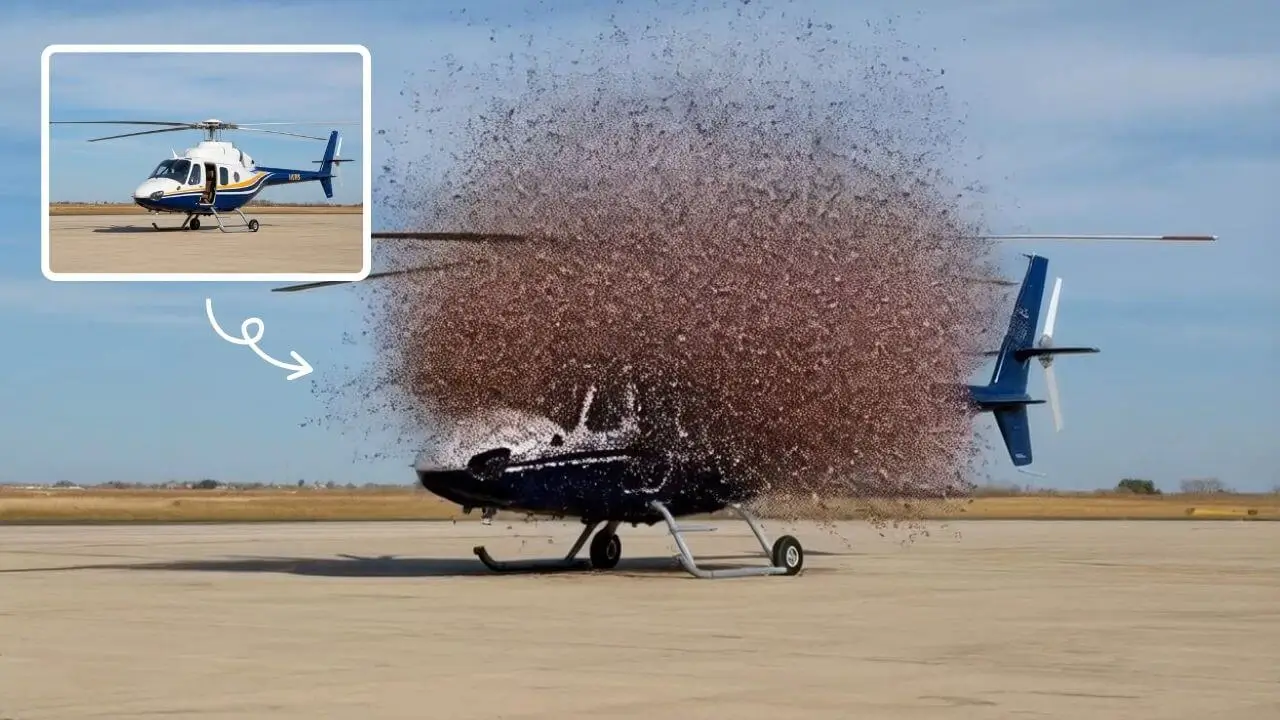
AI Explode Effect
AI Explode Effect uses advanced AI to convert your photos into dynamic explosion artwork. Simply upload an image to generate vibrant energy bursts, emphasizing creativity and visual impact. Perfect for social media, digital art, or personal projects, it offers quick, stunning results with no design skills needed. Unleash your creativity and turn ordinary moments into explosive art!
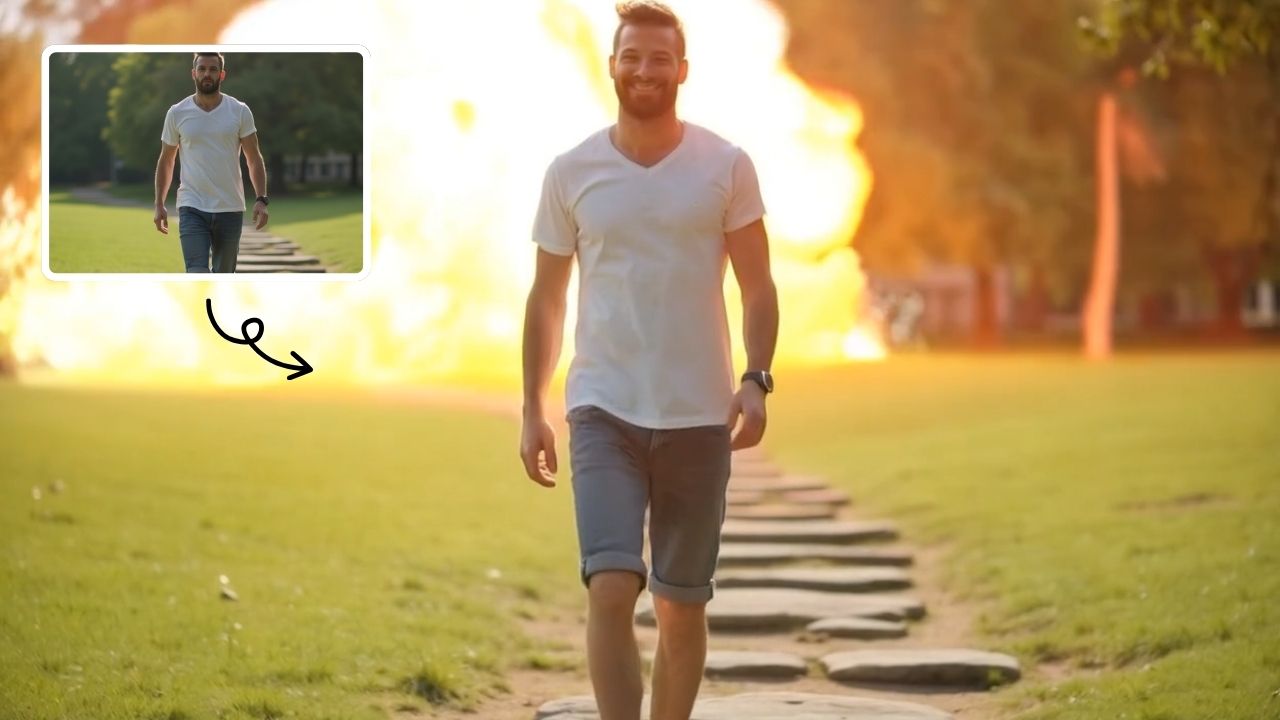
Boom AI Video Generator
AI Boom uses advanced AI to add stunning explosion effects to your photos, turning ordinary moments into cinematic masterpieces. Simply upload a picture, and watch as dynamic blasts appear behind you while you walk away effortlessly. Perfect for social media, this tool requires no technical expertise—just creativity. Stand out with viral-ready videos that showcase your fearless style and make every post unforgettable.
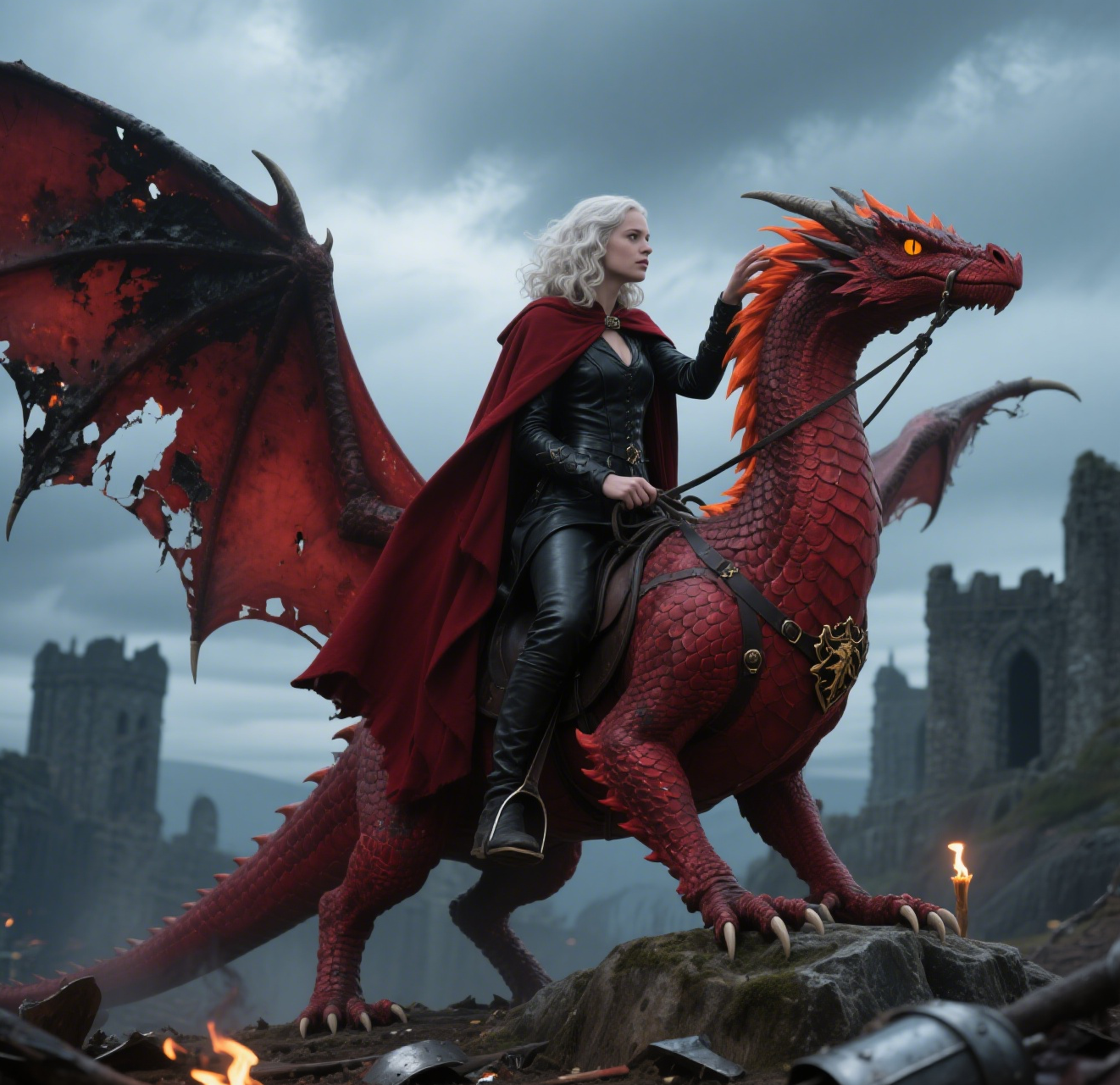
AI Dragon Riding Video Generation
Transform your imagination into breathtaking dragon riding videos. Our AI tool lets you create custom dragon scenes with realistic effects. Experience effortless video creation and share epic content in minutes. Free to use with powerful editing features.
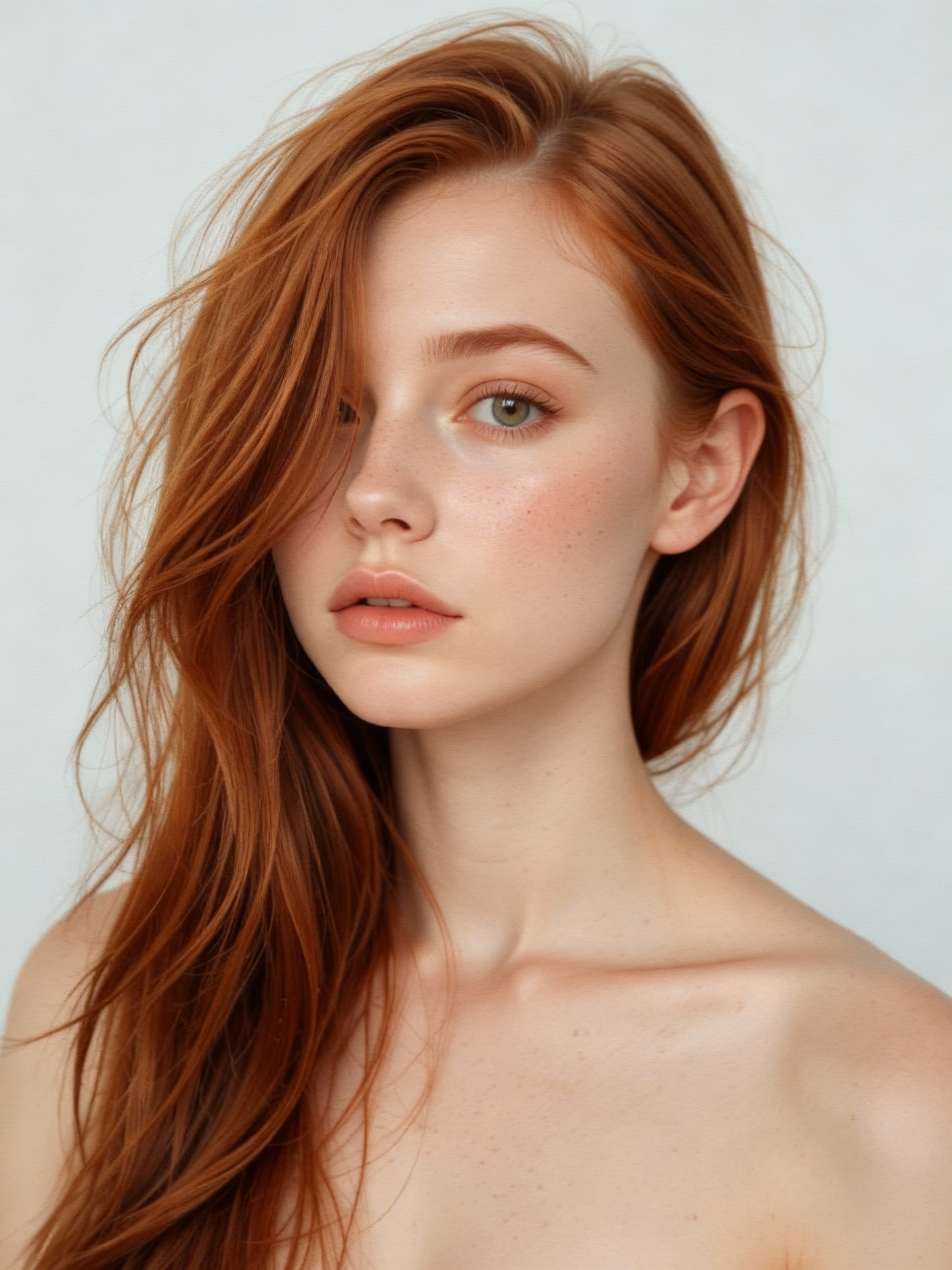
AI Vampire
AI Vampire Generator uses advanced AI to transform any selfie into realistic vampire makeup instantly. Perfect for Halloween, costume parties, or spooky social media content—no editing skills needed. Download your vampire makeover for free and stand out with eerie, professional-looking results!
 Continue with Google